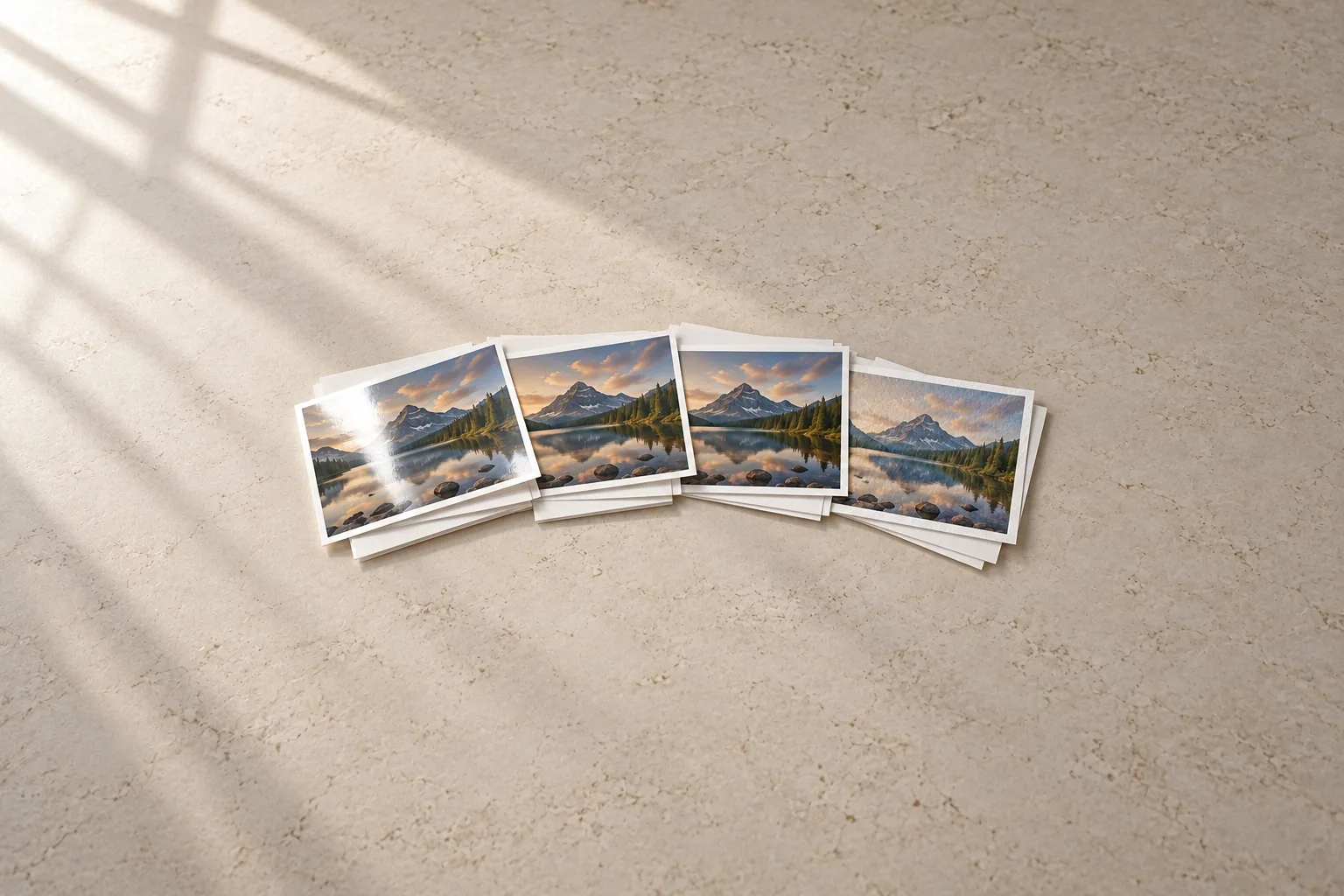
The same photo can look punchy, soft, moody or gallery-ready depending on the paper it lands on. The finish changes how deep the blacks look, how much glare you’ll fight on the wall, and how well a print survives being handed around. Here’s how the main finishes compare, what they cost per sheet, and which ones suit the printer you have.
The short version
- Glossy for small prints that get passed around or go in albums, and for the most vivid color.
- Luster (also sold as satin, semi-gloss or pearl) as the all-rounder, especially for anything you’ll frame.
- Matte for prints on bright walls, cards and art prints, where glare matters more than maximum punch.
- Fine-art cotton and baryta for gallery-style prints and black-and-white, if your printer can take thick paper and you’re happy paying several dollars a sheet.
The finishes, compared
| Finish | How it looks | Best for | Watch out for |
|---|---|---|---|
| Glossy | High shine, the most saturated color and the deepest-looking blacks | Albums, prints people handle, vivid color | Glare and fingerprints; pigment inks can show bronzing on it |
| Luster, satin, pearl | Mid sheen with a fine texture that breaks up reflections | Framed prints, portraits, portfolios | A little less “pop” than glossy |
| Matte | No sheen at all | Bright rooms, art prints, cards | Lower black density and a smaller color range |
| Fine-art cotton (matte) | Soft, textured, usually without brighteners | Art reproduction, limited editions | Thick, expensive, often needs a manual feed |
| Baryta (fibre gloss) | Copies the look of darkroom fibre paper, with satin to high sheen | Black-and-white, premium framed color | The priciest option; often warmer in tone |
Brands use “luster,” “satin” and “semi-gloss” for overlapping surfaces, so don’t read too much into the name. Epson, for example, publishes a measured gloss value for its luster papers. Hahnemühle lays its glossy fine-art range out as a simple scale from satin to pearl to baryta, which is a handy way to think about the whole category.
Weight and thickness
Most photo papers sold for home printers are resin-coated (RC): a paper core sealed in plastic, with an ink-receiving coating on top. They dry almost instantly and resist water. Epson’s Premium Glossy is 252 gsm and about 10 mil (0.25 mm) thick, and most everyday photo papers sit around there.
Fine-art papers skip the plastic layer and use cotton or alpha-cellulose instead. They’re heavier and thicker: Red River’s Palo Duro Etching is 20 mil (about 0.5 mm), twice the thickness of a typical RC sheet.
Thickness is where printers draw the line:
- Epson EcoTank Photo ET-8550: Epson lists photo paper from 102 to 300 gsm, and a rear straight-through slot for single sheets up to 1.3 mm thick.
- Canon imagePROGRAF PRO-310: a manual feed slot takes 0.1–0.6 mm media.
- Canon imagePROGRAF PRO-1100: the top tray takes up to 0.3 mm; thicker fine-art sheets go through the 0.1–0.7 mm manual slot.
- Canon PIXMA G620: tops out at letter and legal width, so no 13x19 prints, and Canon’s compatibility list covers its glossy, semi-gloss, luster and matte papers.
Dye or pigment ink changes the best paper
Your printer’s ink type matters as much as the paper.
Dye-ink printers such as the Epson ET-8550 and Canon PIXMA G620 soak ink into the paper’s coating. Glossy and luster papers both look rich, and there’s no bronzing. The ET-8550 photo inks are dye-based (its one pigment black is for documents), so it has no matte black ink for fine-art matte papers. They’ll print, but blacks look weaker.
Pigment-ink printers such as Canon’s PRO-310 and PRO-1100 lay ink on top of the coating. That makes them the printers that get the most out of fine-art cotton and baryta, but it has two side effects on glossy paper:
- Bronzing: dark areas take on a metallic sheen at an angle.
- Gloss differential: heavily inked areas shine differently from light ones.
Canon’s answer is a clear Chroma Optimizer coat, which it says reduces bronzing on glossy and semi-gloss papers. Even so, luster is the safe default on a pigment printer. These printers also carry two blacks: Photo Black for glossy, luster and baryta, and Matte Black for matte and cotton papers, which Canon says gives deeper blacks and smoother shadows on fine-art paper.
Dye-sublimation printers like the Canon SELPHY CP1500 don’t give you a choice at all: paper and ink ribbon come together in Canon’s kits, and the last pass adds a clear protective coat. See our best photo printers guide for how that compares.
What it costs per sheet
Prices from the paper makers’ own US stores in October 2026, at regular (not sale) prices. Per-sheet costs are our math.
| Paper | Pack | Price | Per sheet |
|---|---|---|---|
| Epson Premium Photo Paper Glossy | 4x6, 100 sheets | $19.79 | $0.20 |
| Canon Photo Paper Plus Glossy II | 4x6, 100 sheets | $24.99 | $0.25 |
| HP Advanced Photo Paper Glossy | 4x6, 100 sheets | $17.99 | $0.18 |
| Epson Premium Photo Paper Glossy | Letter, 50 sheets | $38.49 | $0.77 |
| Canon Photo Paper Pro Luster | Letter, 50 sheets | $39.99 | $0.80 |
| Epson Ultra Premium Photo Paper Luster | Letter, 50 sheets | $59.00 | $1.18 |
| Red River UltraPro Satin 270 | Letter, 100 sheets | $53.00 | $0.53 |
| Red River Big Bend Baryta 310 | Letter, 25 sheets | $37.90 | $1.52 |
| Epson Ultra Premium Photo Paper Luster | 13x19, 50 sheets | $177.00 | $3.54 |
| Canon Photo Paper Pro Luster | 13x19, 50 sheets | $112.99 | $2.26 |
| Moab Juniper Baryta Rag 305 | 13x19, 25 sheets | $109.53 | $4.38 |
Two things stand out. At 4x6, the big brands’ glossy papers all cost about 20 to 25 cents a sheet. At letter size, third-party RC papers from specialists like Red River undercut the printer makers’ luster papers by a wide margin. Paper makers run frequent sales, so check before you stock up. For what a whole print costs once you add ink, see what a photo print really costs.
Use the right color profile
An ICC profile tells your editing software how a specific printer, ink and paper reproduce color, so the print matches what you saw on screen. Every printer and paper pairing behaves differently, so use the profile made for your printer and that paper, and pick the matching paper type in the print driver.
- The printer maker’s own papers: Epson’s papers are profiled in its standard driver, so there’s nothing extra to install.
- Third-party papers: download the profile from the paper maker. Red River, Moab, Hahnemühle and Canson all publish profiles by printer model, including the ET-8550, G620, PRO-310 and PRO-1100. Moab has clear install steps for Mac and Windows.
A profile can’t fix an uncalibrated monitor, so if prints consistently come out darker than your screen, check your display brightness first.
How long prints last
Lab predictions vary hugely with the ink, the paper and where the print lives. Wilhelm Imaging Research’s 2025 tests of the Epson ET-8550’s dye inks give a sense of the range:
| ET-8550 print | Under glass | Under UV-filtering glass | Unframed |
|---|---|---|---|
| Color on Ultra Premium Glossy | 90 years | 163 years | 28 years |
| Color on Ultra Premium Luster | 89 years | 162 years | 26 years |
The same lab’s 2020 report on Canson papers showed that changing the ink set alone can change predicted life two- to threefold on the same paper. So treat longevity figures as a comparison between setups, not a promise.
The practical advice is consistent:
- Frame displayed prints under glass or acrylic, ideally UV-filtering. Wilhelm stresses this especially for dye prints, which are vulnerable to airborne ozone when left exposed.
- Let inkjet prints cure for about 24 hours before framing, stacking or sleeving them. They’re dry to the touch at once, but framing too early can haze the glass.
- Keep stored prints out of open air, in closed boxes or sleeved albums, at normal room humidity.
- Expect brighter papers to mellow. Optical brighteners lose strength in light, which can look like slight yellowing over time.
Which paper should you buy?
- Dye ink-tank printer (Epson ET-8550, Canon G620): your printer maker’s glossy for 4x6s, and its luster for anything you’ll frame. Try a third-party satin like Red River’s for cheaper letter-size prints, with its profile.
- Pigment pro printer (Canon PRO-310, PRO-1100): luster as the everyday paper, then sample packs of a cotton rag and a baryta. Red River sells two-sheet samples for a few dollars, which is the cheapest way to find your favorite.
- SELPHY or another dye-sub printer: buy the maker’s ink-and-paper kits; there’s nothing else to choose.
Still choosing a printer? Our guide to the best photo printers matches printers to the kind of prints you want to make.
Sources
- Epson EcoTank Photo ET-8500 and ET-8550 print permanence report (PDF), Wilhelm Imaging Research
- Canson fine art and photo papers permanence report (PDF), Wilhelm Imaging Research
- Premium Photo Paper Glossy, 8.5x11 in., 50 sheets, Epson
- Ultra Premium Photo Paper Luster, 8.5x11 in., 50 sheets, Epson
- EcoTank Photo ET-8550 product page, Epson
- Printer paper, Canon
- imagePROGRAF PRO-310 product page, Canon
- imagePROGRAF PRO-1100 product page, Canon
- PIXMA G620 product page, Canon
- SELPHY CP1500 product page, Canon
- HP Advanced Glossy Photo Paper, 4x6 in., 100 sheets, HP
- UltraPro Satin photo paper, Red River Paper
- Big Bend Baryta 310 photo paper, Red River Paper
- Inkjet printer ICC profiles, Red River Paper
- Profile use and installation, Moab
- Glossy FineArt papers, Hahnemühle
- ICC profiles and printer settings, Canson Infinity
Keep exploring
Buying guide
The best photo printers for your home
From 4x6 snapshots to 17-inch prints for the wall: the photo printers worth buying, and what their prints really cost.
Read story
Buying guide
The best portable photo printers
Small prints, straight from your phone: the pocket printers worth carrying, from dye-sub to instant film.
Read story