Printers in this guide
How do I clean an ID card printer?
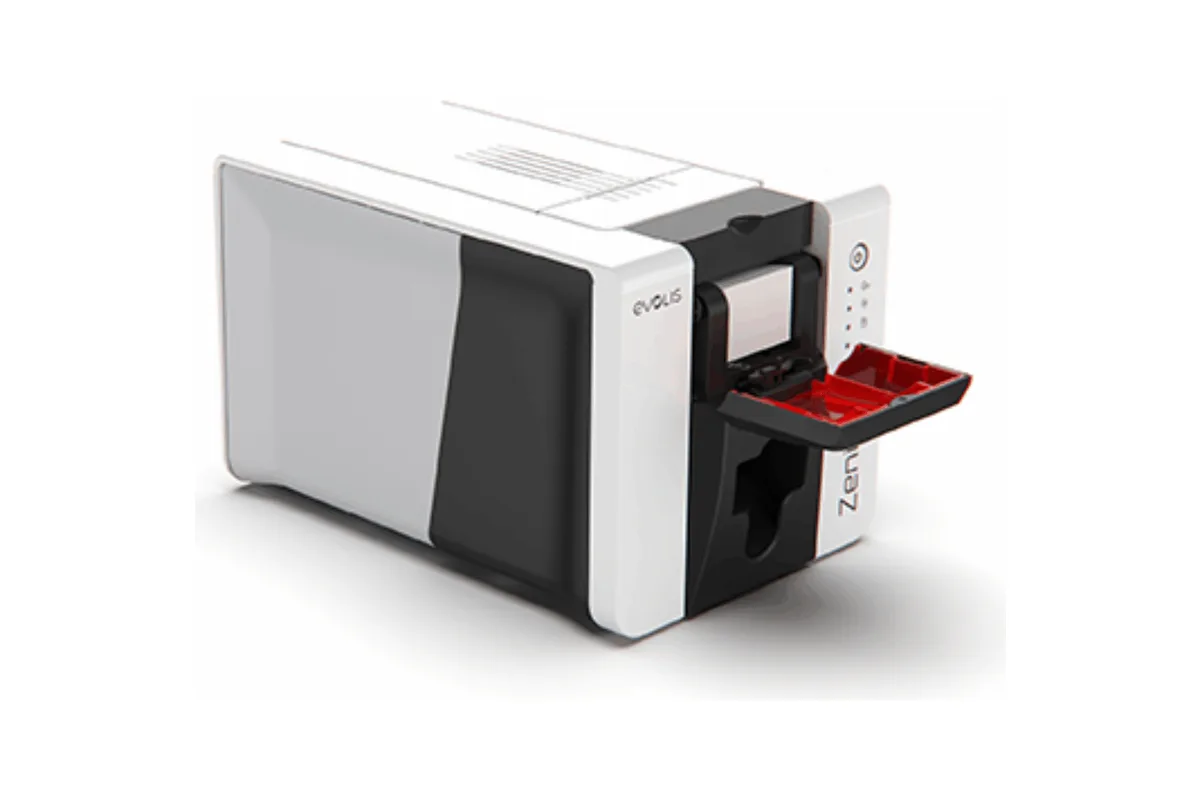
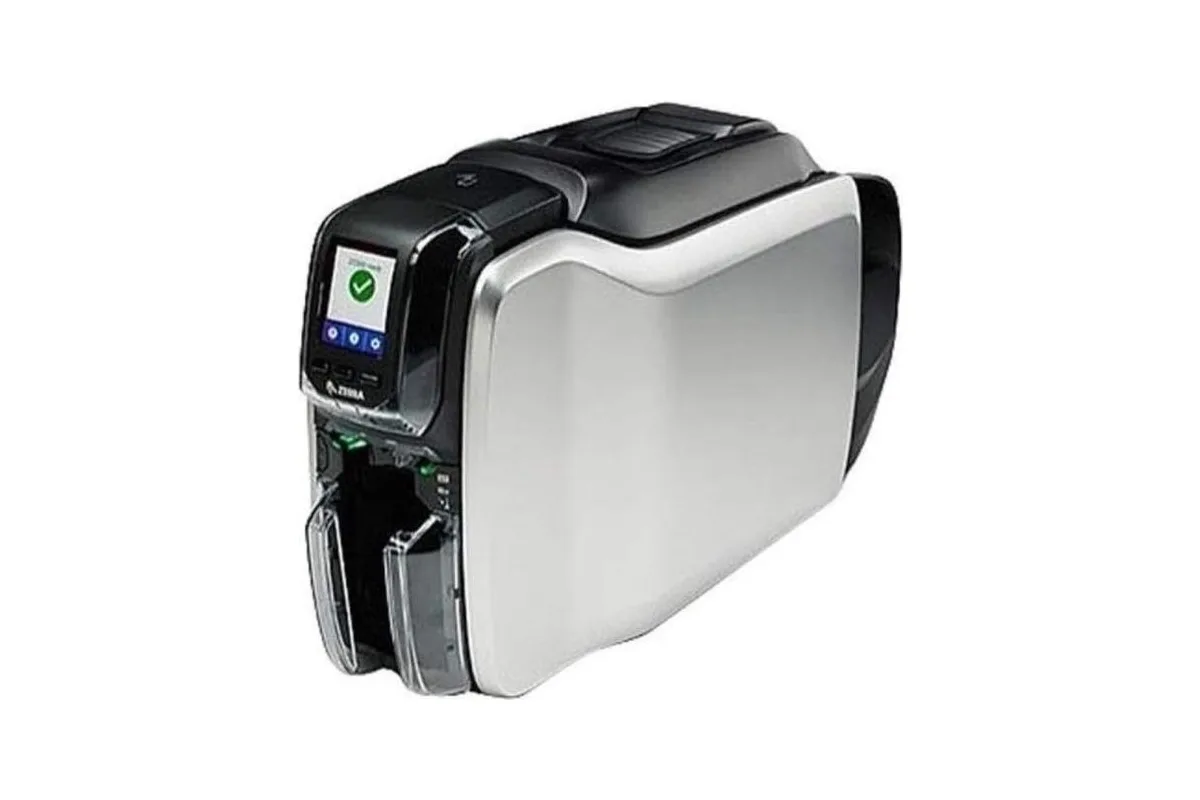
Clean it every time you change the ribbon, and whenever the printer asks. That’s HID’s advice for the Fargo DTC1500 and Evolis’s for its Primacy and Zenius printers, and Zebra, HID and Magicard put a fresh cleaning roller in every ribbon. With the 200- and 300-print ribbons on printers like the Evolis Zenius 2 and Zebra ZC300, that’s a cleaning pass every 200 or 300 cards. It takes a cleaning card that costs a few dollars, and it protects a printhead that can’t be repaired once dirt scratches it.
Steps that work on most card printers:
- Fit the new ribbon. On Zebra, HID and Magicard printers the cartridge or ribbon comes with a new cleaning roller, which picks up dust from each card on the way in. Magicard says its blue roller “stores” the dirt until you replace it.
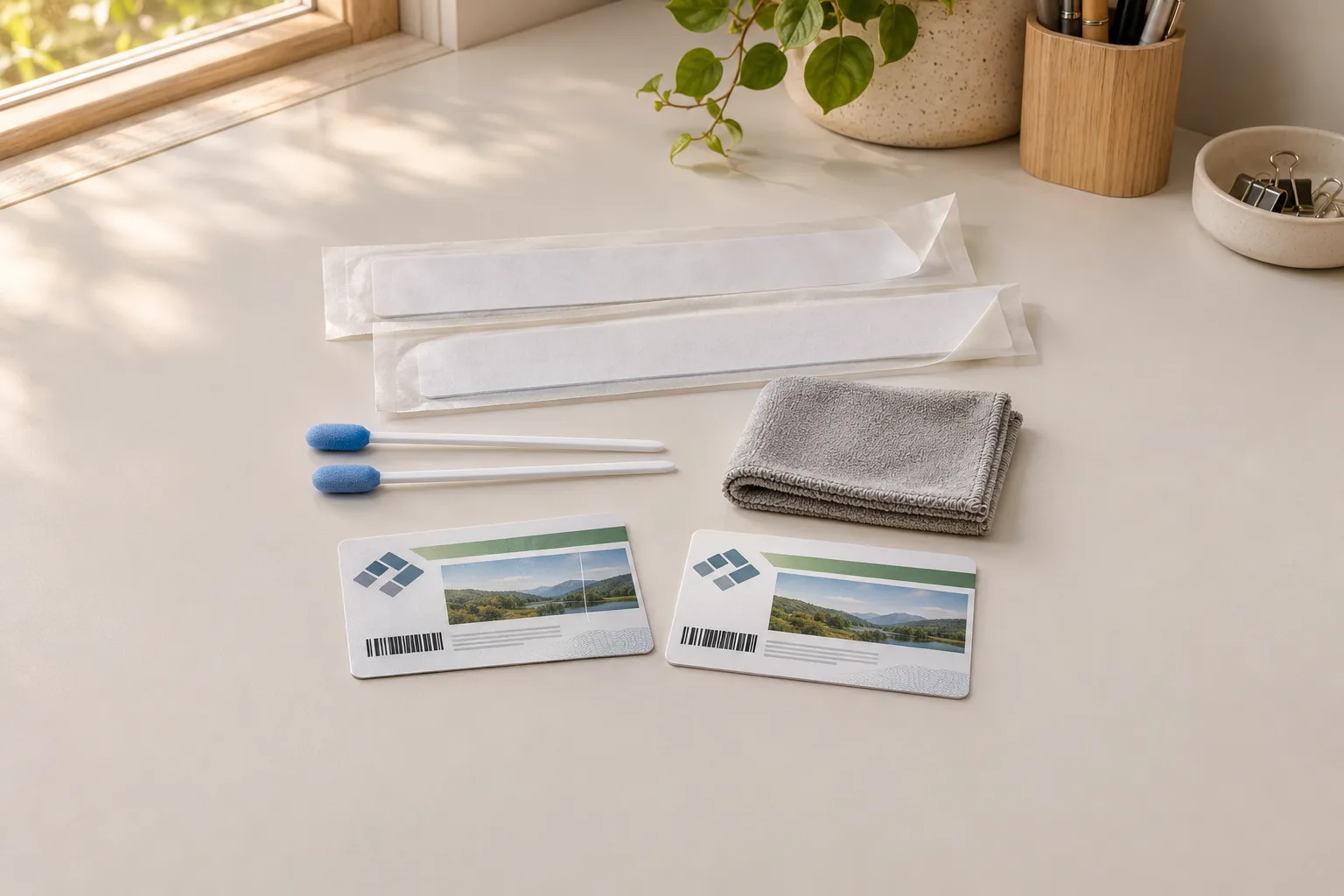
- Run a cleaning card. Use your maker’s isopropyl alcohol cleaning card and start the cleaning cycle as your printer’s manual describes. Zebra rates its cleaning cards at 1,000 images each; Evolis sells packs of ten.
- Wipe the printhead if marks remain. Use the maker’s printhead swab or cleaning pen (HID’s kit includes four swabs; Evolis sells pens in threes). Don’t touch the printhead with your fingers, as Evolis warns.
- Reload clean cards. Take cards from a closed pack and hold them by the edges. Entrust says oils from your fingers reduce print quality.
- Print a test card before you print a batch.
- Clean sooner when the printer warns you, or in a dusty room. Badgy recommends cleaning once a year, and more often with heavy use or dust.
How often each maker says to clean:
| Printer | Maker’s guidance |
|---|---|
| HID Fargo DTC1500 | With each ribbon change; the cleaning roller is replaced with every ribbon |
| HID Fargo HDP6600 (retransfer) | Every 1,000 cards |
| Zebra ZC100, ZC300 | Cleaning roller included with each ribbon; no fixed interval published that we found |
| Evolis Primacy, Zenius | Recommended at every ribbon change; mandatory when the cleaning warning appears (1,000 cards on the original models) |
| Evolis Badgy | Once a year, more often if dusty or busy |
| Magicard | New roller with every dye film; clean first whenever a print problem appears |
Evolis’s figures come from its manual for the original Primacy and Zenius; we didn’t find the same numbers in a Primacy 2 or Zenius 2 document.
Don’t skip a cleaning on an Evolis. Its printhead warranty runs 3 years with unlimited passes, but the original Primacy and Zenius manual says the head warranty ends after 1,200 cards without cleaning.
What cleaning supplies cost in November 2026:
| Kit | For | Price at ID Wholesaler |
|---|---|---|
| Zebra 105999-311-01, 5 cleaning cards | ZC100, ZC300 | $26.50 |
| Zebra 2-card kit (DuraClean 105999-310) | ZC100, ZC300 | $11.99 |
| HID Fargo 86177, 4 printhead swabs and 10 cleaning cards | Fargo DTC printers | $60.99 |
| HID Fargo 89200 cleaning kit | Fargo HDP printers | $60.99 |
| HID Fargo 86004 cleaning rollers, 10 | Fargo HDP printers | $50.99 |
| Evolis ACL004, 10 cleaning cards | Evolis printers | $53.99 |
| Evolis ACL005 printhead cleaning pens, 3 | Evolis printers | $9.99 |
Third-party DuraClean versions cost less ($21.99 for Zebra’s five-card kit, $34.57 for HID’s 86177 and $35.99 for Evolis’s ACL004). HID says its warranties are void, where the law allows, when non-HID consumables are used, so check before using a third-party kit on a Fargo under warranty. Cleaning supplies add about 1–3¢ a card, by our estimate.
Why do my ID cards have white spots or lines?
Random white spots are usually dust or fingerprints on the card or in the printer. A straight white line running the long way across every card, in the same place, usually means a damaged printhead. Clean first: spots from dust usually clear. A line that survives cleaning won’t.
| What you see | Likely cause | What to do |
|---|---|---|
| White specks in different places on each card | Dust on the cards or rollers; Magicard says cards left lying on a desk or in a drawer are a common source | Run a cleaning card, fit a fresh roller, use cards from a closed pack |
| Patchy, poor-quality areas where cards were handled | Oils from fingers on the print surface | Handle cards by the edges only |
| A thin white line along the card, same spot every time | Debris dragged between the printhead and card has damaged a heating element | Clean the printhead; if the line stays, the printhead needs replacing |
| A white edge or strip of white space | The color panels didn’t line up (misregistration) | Reload the ribbon and print a test card; contact support if it repeats |
| Uneven color, warped cards, torn ribbon | Poor-quality cards or non-genuine ribbon | Switch to the maker’s supplies |
Magicard is blunt about the white line: debris forced between the printhead and the card “permanently damages the printhead surface,” a damaged printhead can’t be repaired, and cleaning won’t fix it. That’s why cleaning before damage happens matters more than cleaning after.
To fix white spots:
- Run a cleaning card through the printer’s cleaning cycle.
- Replace the cleaning roller if it’s been through a full ribbon or looks dirty.
- Open a fresh pack of cards and load them by the edges.
- Check the ribbon sits flat and is the right one for your printer.
- Print a test card. If a line remains in the same spot after cleaning, contact the maker about the printhead while you’re in warranty.
How long does an ID card printer printhead last?
Makers don’t publish a typical lifespan for direct-to-card printheads; they publish warranties. Most cover the printhead for 3 years. Evolis covers unlimited cards in that time, the Magicard 300 caps it at 50,000 cards, and HID’s retransfer printers cover the head for life. Whatever the warranty, dirt dragged under the head can ruin it.
| Printer | Printhead warranty | Conditions |
|---|---|---|
| Evolis Zenius 2, Primacy 2 | 3 years, unlimited passes | Evolis High Trust ribbons; clean when prompted |
| Evolis Badgy100, Badgy200 | 2 years | |
| Zebra ZC100, ZC300, ZC350 | 3 years | Zebra genuine ribbons only |
| HID Fargo DTC1250e, DTC1500 | 3 years, unlimited passes | Unlimited passes with HID UltraCard cards; HID consumables |
| HID Fargo HDP5000e | Lifetime | Registration required (HID’s older HDP5000 sheet gives 2 years without it) |
| HID Fargo HDP6600 | Lifetime | Printer warranty is 4 years for units bought from August 1, 2024 |
| Magicard 300 | 3 years, up to 50,000 cards or 250,000 panels | North America, EU and selected territories |
| Magicard 600 | 3 years, MagiCover Plus with printhead replacement and a loan printer | |
| Entrust Datacard DS3 | 36 months, printer and printhead | |
| IDP SMART-31 | 3-year advance exchange |
Magicard’s two limits agree for one-sided color cards: a YMCKO card uses five panels, so 250,000 panels is 50,000 cards (our arithmetic). Black-only cards use fewer panels each.
What shortens printhead life:
- Dust and debris, the cause of permanent white lines
- Skipping cleanings, which can also cost you the warranty on an Evolis
- Poor supplies: Zebra says uneven card surfaces and non-uniform ribbon cause uneven color, warping, jams and torn ribbon
- Touching the printhead with your fingers
We didn’t find published replacement printhead prices from the makers, so ask your dealer before the warranty ends.
Can I design ID cards in Canva and print them on a card printer?
Yes. A card printer installs as an ordinary printer, so anything Canva downloads, you can print through the card printer’s driver. The catch is size: if you export with Canva’s print bleed, the file comes out 3.625 x 2.375 in, bigger than the card. Design at card size and let the printer driver handle edge-to-edge printing.
- Create a custom-size design at 3.375 x 2.125 in (or 2.125 x 3.375 in for a vertical badge). In pixels, that’s about 1012 x 638 at 300 dpi, by our estimate.
- Run your background color or image right to the edge. The printer driver handles the overprint: HID’s manual for its Fargo C50, for example, describes a print area 1 mm (0.04 in) larger than the card so images appear edge to edge.
- Keep text and logos about 1/8 in inside the edge, so nothing important gets trimmed by the near-edge print area.
- Download as PNG, or as PDF without crop marks and bleed. Canva says its 0.125 in bleed is fixed and can’t be adjusted, which is why exporting with bleed gives you an oversized 3.625 x 2.375 in file (our arithmetic).
- Open the file and print to the card printer at 100% scale, with the card size (CR80) and orientation set in the driver.
- For a back side, make a second page and print it on the card’s reverse: automatically on a dual-sided printer, or by feeding the card through again on a single-sided one.
These steps are our synthesis of Canva’s and the card makers’ documentation, not a procedure either publishes.
What Canva won’t do: merge a database of names and photos into separate cards, or encode a magnetic stripe or chip. For that you need badge software; see the software section of our cost guide.
On a Mac, the printer needs a Mac driver for this to work. Evolis (macOS 14–26) and Magicard (macOS 10.15–26) have one; HID Fargo and Entrust don’t.
Does an ID card printer work with Windows 11?
Yes, every current mainstream model we checked has a Windows 11 driver, though Zebra’s US spec page for the ZC300 doesn’t list it. Check the driver page for your exact model, and check your badge software too. One exception we found: Evolis’s driver chart lists its Avansia retransfer printer for Windows 10 only.
| Printer | Windows 11 | Mac | Notes |
|---|---|---|---|
| Zebra ZC100, ZC350 | Yes, on the spec pages | 2024 driver; versions not listed | Spec sheets also list Windows Server through 2025 |
| Zebra ZC300 | Yes, in the April 2024 driver (DZCG.01.11.00); not on the US spec page | Same 2024 driver | Check Zebra’s driver page |
| HID Fargo DTC1500 | Yes, driver 5.6.0.8 (December 1, 2025) | No | Linux driver available |
| HID Fargo DTC1250e | Yes, driver 6.0.0.13 (October 6, 2026) | 2015 driver for OS X 10.6–10.9 only | |
| HID Fargo HDP6600 | Yes, driver 1.2.0.26 (July 15, 2026) | No | |
| Evolis Zenius 2, Primacy 2, Badgy | Yes, Windows 11 23H2 and later | macOS 14–26, Intel and Apple Silicon | Evolis chart updated October 28, 2026 |
| Magicard 300, 600 | Yes | macOS 10.15–26 | Magicard says its Mac network setup steps work only up to macOS 26 |
| Entrust Datacard DS1, DS2, DS3 | Yes | No | Linux (Ubuntu 20.04, Kylin 10) |
| IDP SMART-31, SMART-51 | Yes, 64-bit | macOS 11+ |
Driver versions and dates from the makers’ download pages in November 2026. We didn’t check drivers for discontinued printers such as Zebra’s ZXP Series 7 and 9 or Datacard’s SD260 and SD360; if you’re upgrading an older PC to Windows 11, look up your printer’s driver before you do.
The software matters as much as the driver. HID Asure ID and Zebra CardStudio 2.0 list Windows 10 and 11. CardExchange Producer’s 2025 brochure lists Windows 7, 8 and 10, not 11, so confirm with CardExchange before upgrading a CardExchange PC.
To set up a card printer on Windows 11:
- Find your exact model on the maker’s driver page (Zebra, HID, Evolis, Magicard, Entrust or IDP) and confirm Windows 11 is listed.
- Download and install the current driver for your model and Windows version.
- Connect the printer by USB, or by Ethernet if your model has it, following the maker’s setup guide.
- Check your badge software lists Windows 11, especially if it encodes stripes or chips.
- Print a test card at CR80 size.
Questions people ask
How often should I clean my ID card printer?
At every ribbon change for most printers, which is every 200–700 cards depending on the ribbon, and whenever the printer shows a cleaning warning. HID recommends every 1,000 cards on its HDP6600 retransfer printer, and Badgy says once a year for light use.
Can I use alcohol wipes to clean a card printer?
Use the maker’s cleaning cards, swabs or pens instead. Zebra’s cleaning cards, for example, are isopropyl alcohol cards rated for 1,000 images each. Don’t touch the printhead with your fingers.
Why is there a line on my ID cards?
A straight white line in the same place on every card usually means debris has damaged a printhead element. Clean the printhead first; if the line stays, the printhead needs replacing, which Magicard says can’t be repaired.
Does Canva have an ID card template size?
Make a custom design at 3.375 x 2.125 in, the CR80 card size. Download it without bleed or crop marks so the file stays card-sized.
Do Zebra card printers work with Windows 11?
Yes. The ZC100 and ZC350 spec pages list Windows 11, and Zebra’s April 2024 ZC300 driver supports it, though the ZC300’s US spec page hasn’t been updated.
Do ID card printers work on a Mac?
Some do. Evolis and Badgy (macOS 14–26), Magicard (macOS 10.15–26) and IDP (macOS 11+) have Mac drivers. HID Fargo has no current Mac driver, and Entrust has none. See Zebra vs Fargo vs Evolis for more on each brand.
Sources
- HID FARGO DTC1500 datasheet (2026), hidglobal.com
- HID FARGO DTC1500 consumables specification, hidglobal.com
- HID FARGO HDP6600, hidglobal.com
- HID FARGO HDP5000e specification sheet, hidglobal.com
- HID drivers and downloads, hidglobal.com
- HID FARGO C50 user guide, print area (ManualsLib), manualslib.com
- Zebra ZC100 specification sheet, zebra.com
- Zebra ZC300 series specification sheet, zebra.com
- Zebra ZC350 specification sheet, zebra.com
- Zebra ZC300 support and downloads, zebra.com
- Zebra CardStudio 2.0 fact sheet, zebra.com
- Card print quality white paper (Zebra), zebra.com
- Evolis Zenius 2 specification sheet, us.evolis.com
- Evolis Primacy 2 specification sheet, us.evolis.com
- Evolis drivers compatibility chart, us.evolis.com
- Cleaning the Primacy, Evolis manual excerpt (PB Tech), pbtech.co.nz
- Badgy consumables and accessories, us.badgy.com
- Magicard cleaning rollers, support.magicard.com
- Magicard: straight white line in my print, support.magicard.com
- Magicard support solutions, support.magicard.com
- Magicard Mac OS printer driver, support.magicard.com
- Magicard 300, magicard.com
- Entrust Datacard DS2 datasheet, entrust.com
- IDP SMART-31S, idpamericas.com
- HID Asure ID Solo, hidglobal.com
- CardExchange Producer brochure (2025), cardexchangeid.com
- Margins, bleed and crop marks (Canva Help Center), canva.com
- Zebra ZC300 ribbons and cleaning kits (ID Wholesaler), idwholesaler.com
- Fargo cleaning kits (ID Wholesaler), idwholesaler.com
- Fargo HDP5000 cleaning supplies (ID Wholesaler), idwholesaler.com
- Evolis and Badgy cleaning supplies (ID Wholesaler), idwholesaler.com
Keep exploring

Buying guide
The best barcode label printers
The Zebra ZD421 is the best barcode label printer for most businesses: 4-inch labels at 6 inches a second, any brand of label roll and a 24-month warranty, for about $480 to $526 in November 2026. Get the Brother QL-820NWBc ($229.99) for an office or shop counter, and a thermal transfer model for inventory labels that have to last.
Read story
Buying guide
The best check printers for a small business
The TROY 3001dw ($509.15 at TROY, $530 at Amazon in November 2026) is the best check printer for a small business: a 35 ppm Wi-Fi laser with MICR toner, rated for 350 to 2,500 checks a month, at about 5¢ to 7¢ per check three to a page by our estimate. Get the TROY 4001dn for a locking tray, or the VersaCheck M15 MXD ($399.99) for software in the box.
Read story