
Buying guide

The best tattoo stencil printers

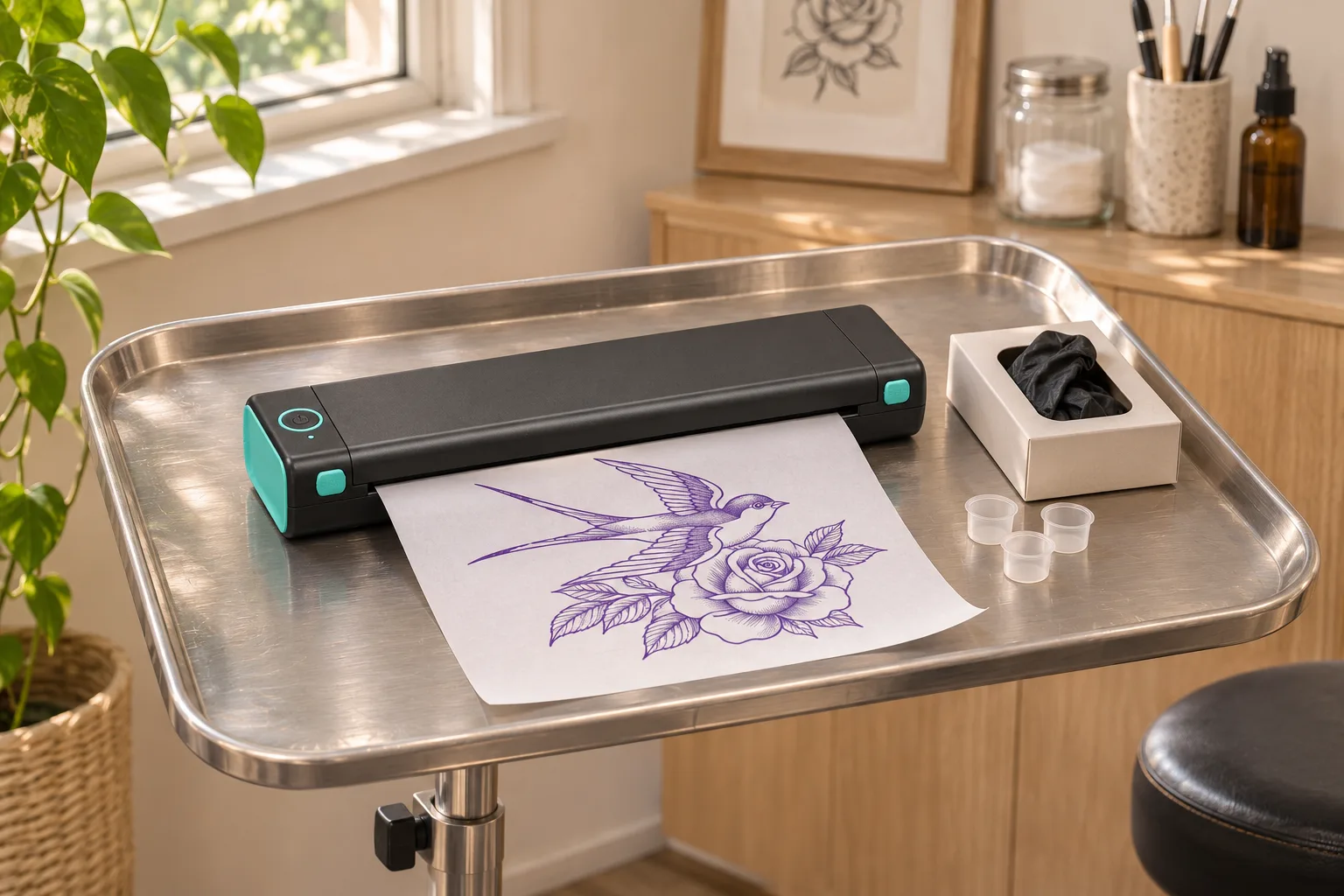
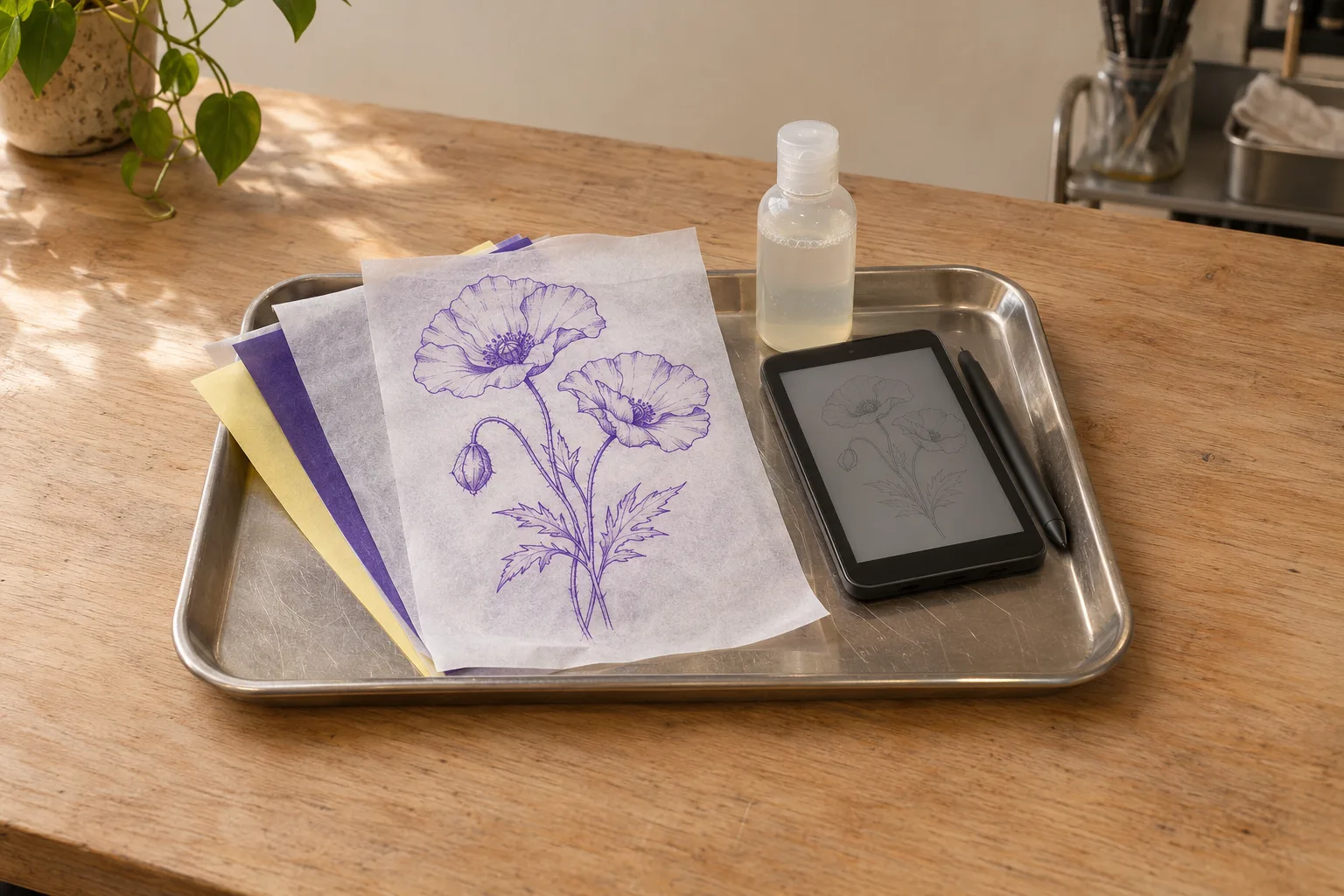
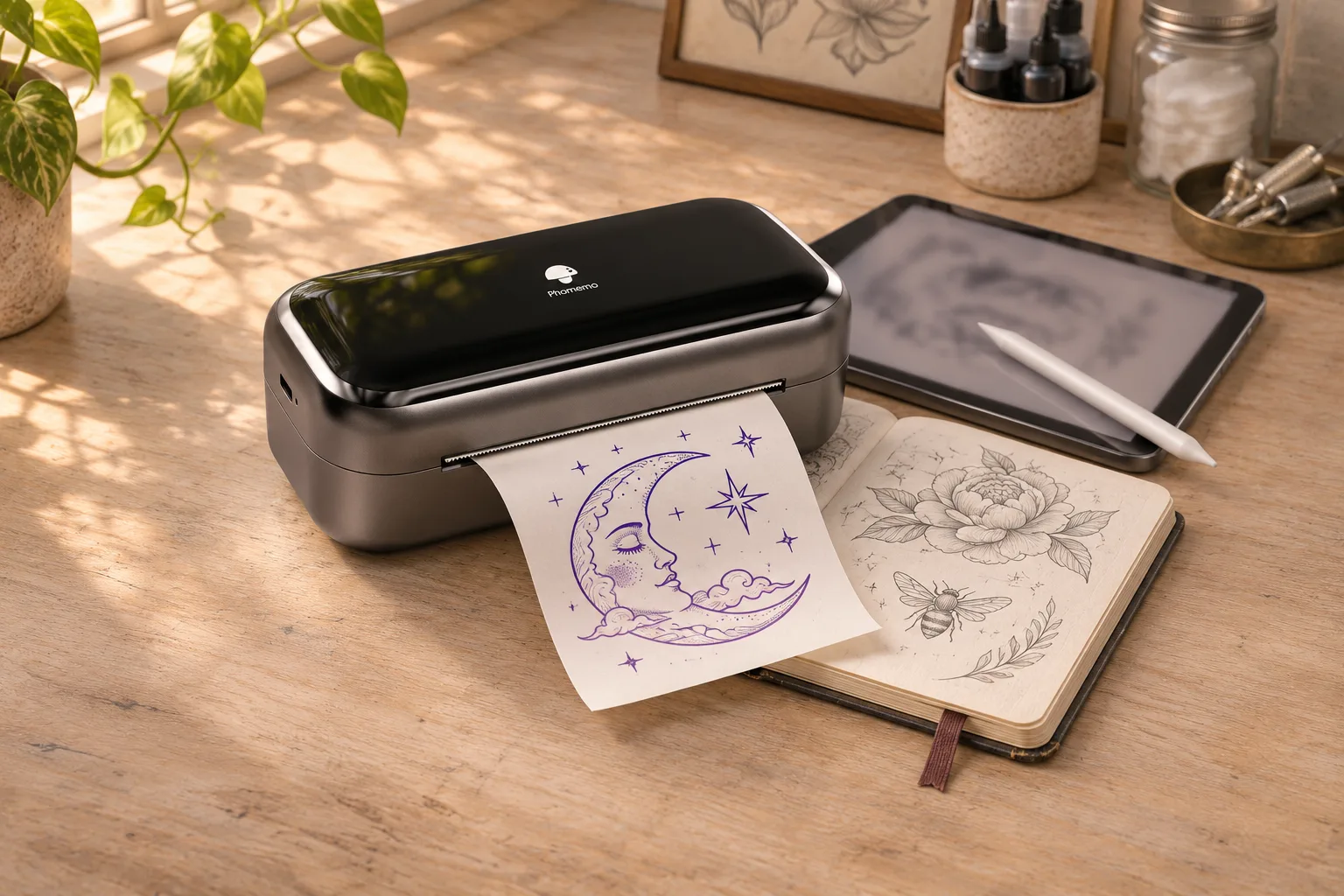
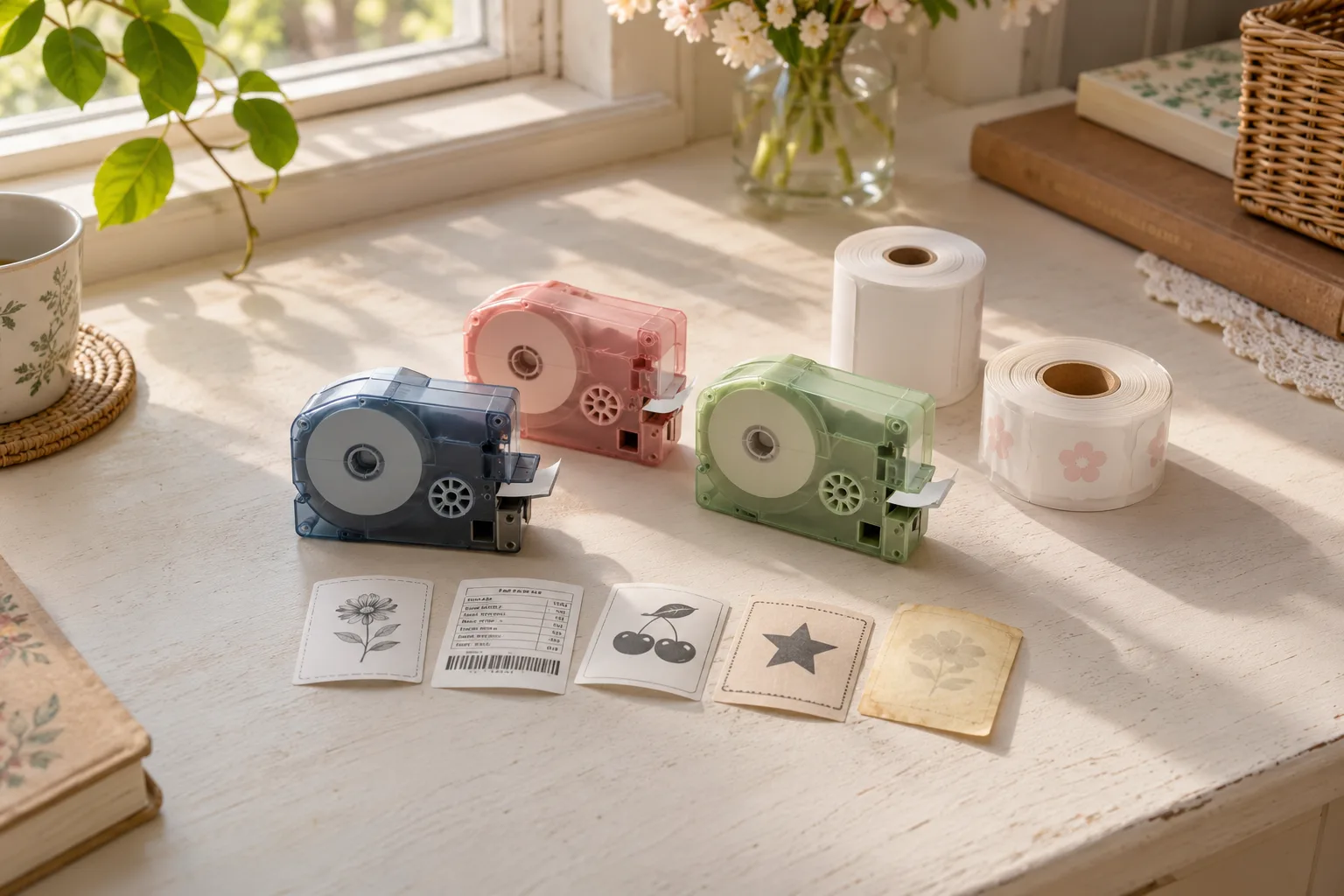
The Phomemo M08F is the best tattoo stencil printer for most artists: full letter-size stencils at 203 dpi, up to 140 a charge, from a phone, tablet or computer, for $105.98 at Phomemo in November 2026, with Phomemo paper at about 25¢ to 29¢ a stencil by our estimate. For small pieces, the Phomemo TP31 ($55.99) prints 3-inch stencils for about 21¢.

Read story

Review

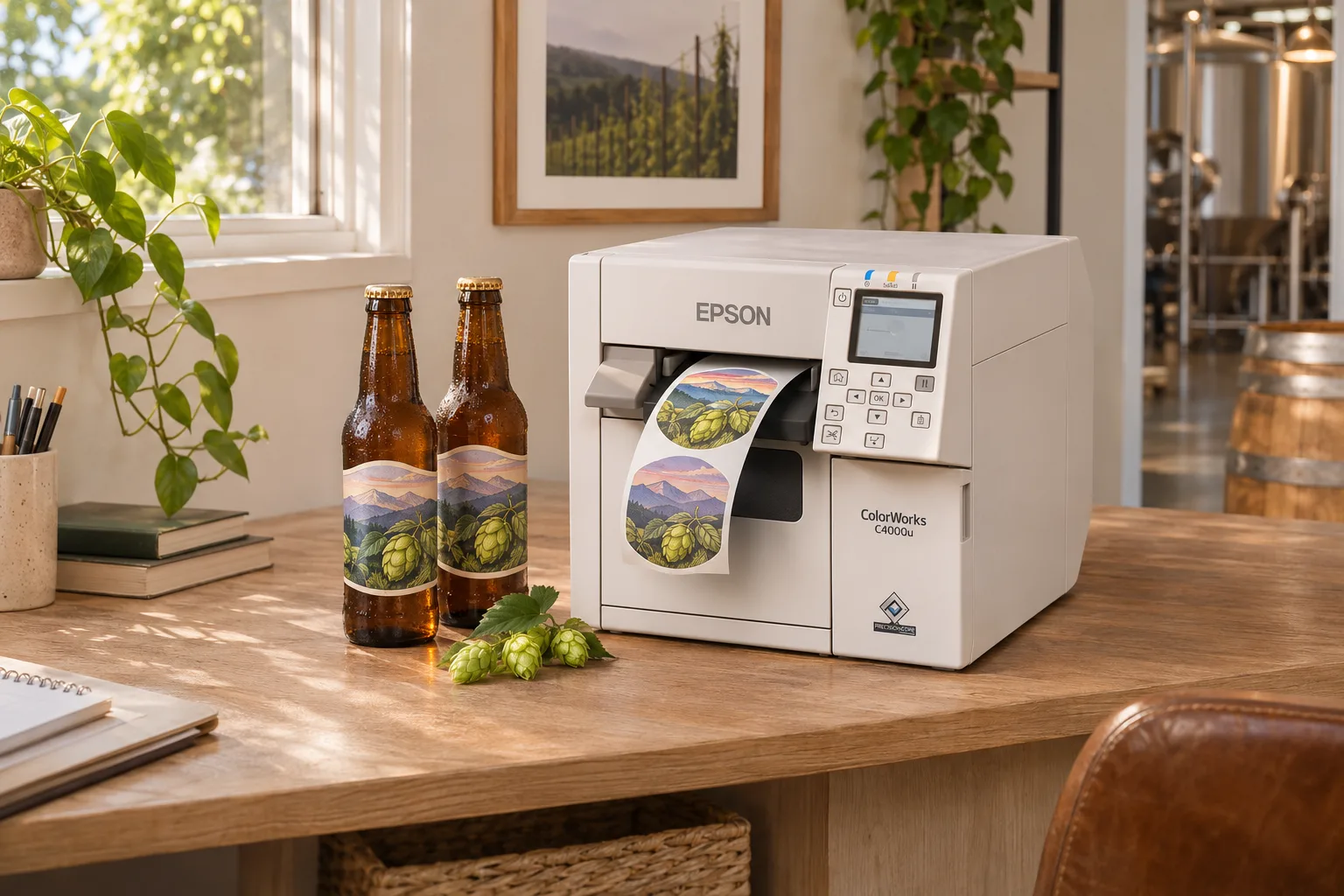
Epson ColorWorks CW-C4000 review

Yes, if you print thousands of color product labels and change designs often: the Epson ColorWorks C4000 prints pigment CMYK ink at up to 1200 dpi on 4.25-inch rolls at 4 inches a second, with BS 5609 durability on Kimdura poly, for $2,499 at CDW in November 2026. Epson publishes no cost per label, and the warranty is one year.

Read review

How to

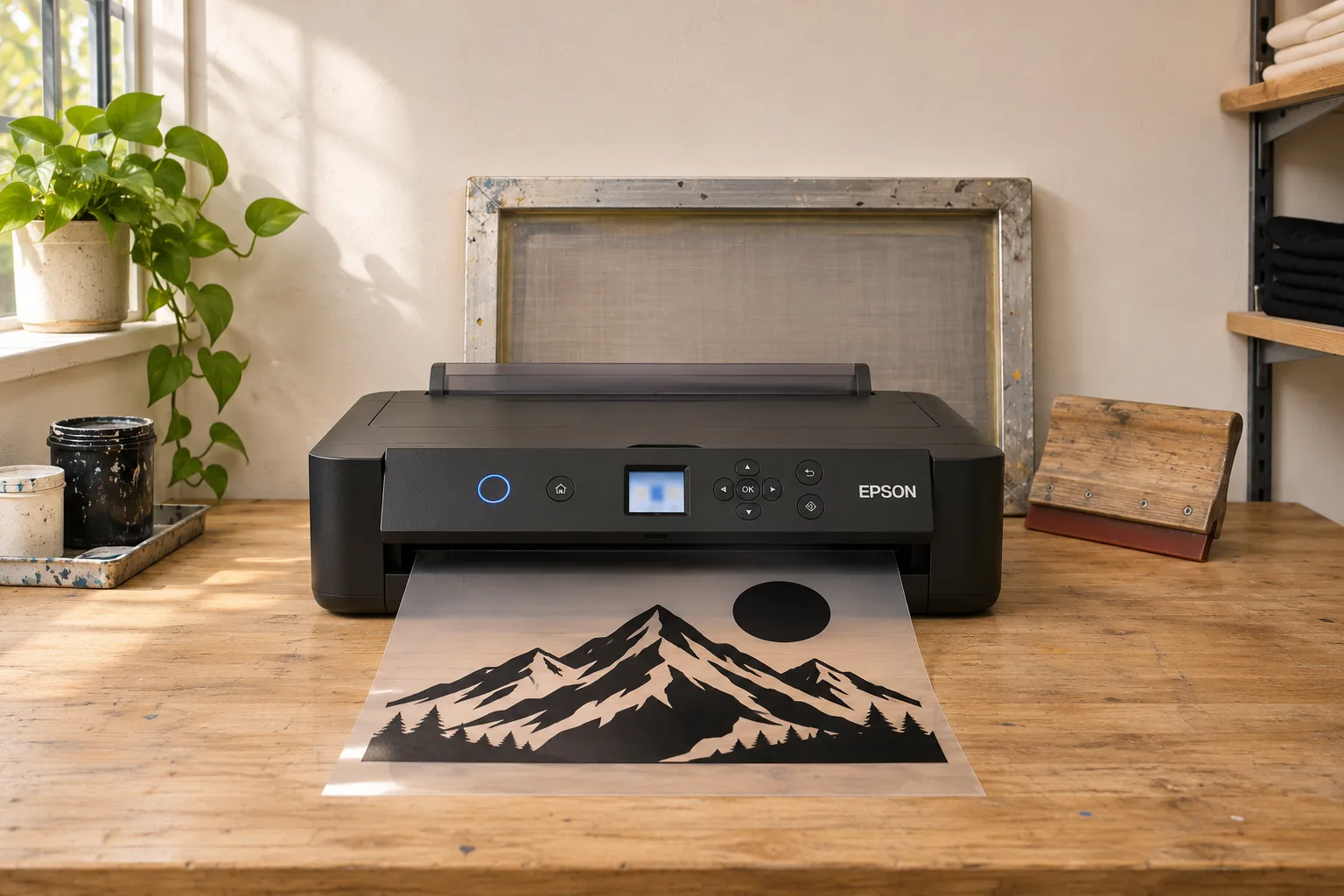
How to print tattoo stencils: paper, regular printers and iPads

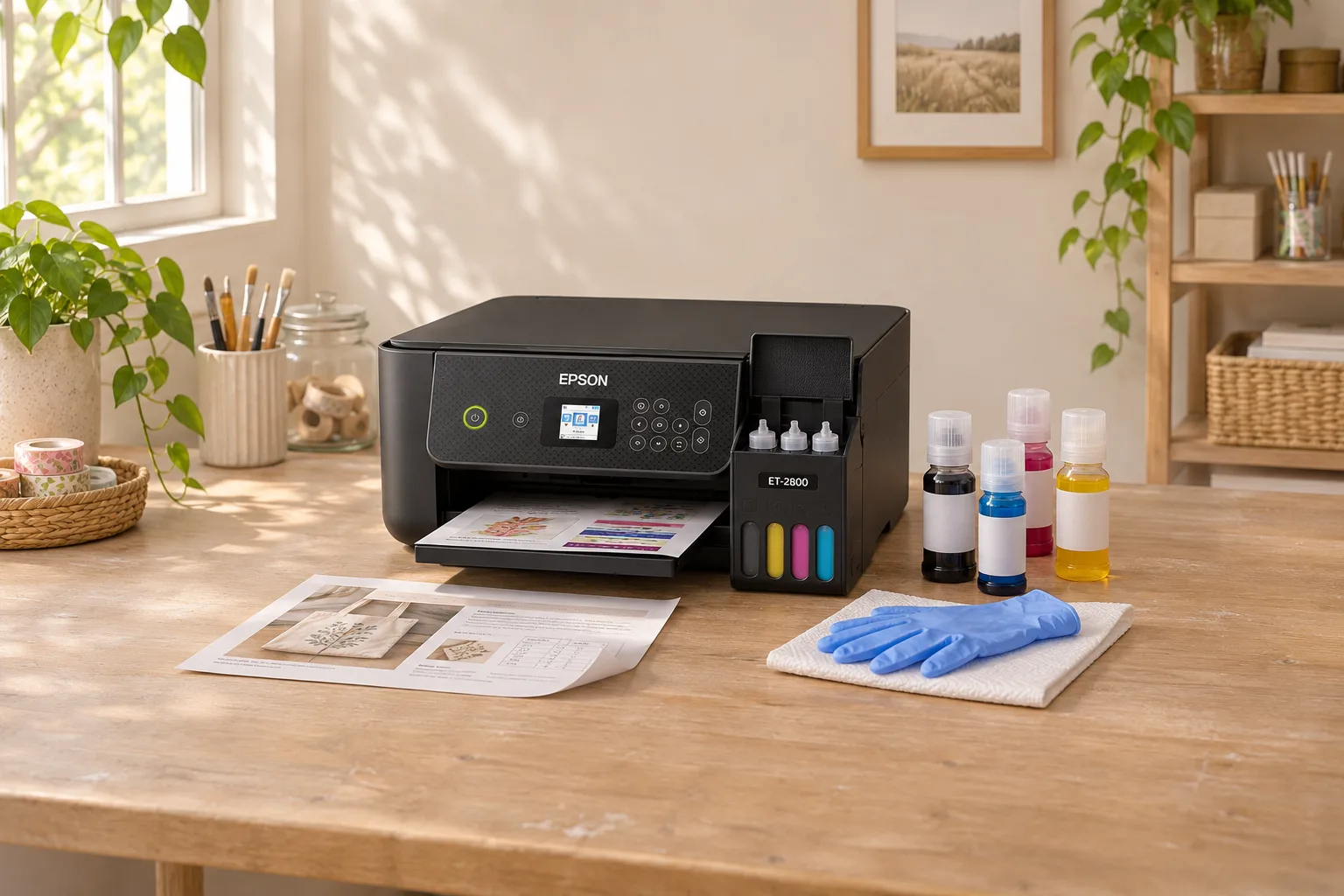
To print a tattoo stencil, send your design to a thermal stencil printer such as the Phomemo M08F ($105.98 in November 2026), which prints on stencil paper for about 25¢ to 29¢ a sheet. A regular printer works only as an Epson EcoTank filled with stencil ink, at about 12¢ to 13¢ a stencil by our estimate. From an iPad, export a PNG from Procreate and print through the Phomemo app or AirPrint.

Read story
Review

Phomemo TP31 review

Yes for small tattoos printed from a phone or tablet: the Phomemo TP31 is $48.81 at Amazon in November 2026, prints 80 mm (about 3-inch) thermal stencils for about 21¢ each on sale paper, and runs up to 330 stencils a charge. It can't print from a computer and takes only Phomemo paper; for anything larger, get the M08F.

Read review

Comparison

Primera's label cutter against Epson's pigment workhorse

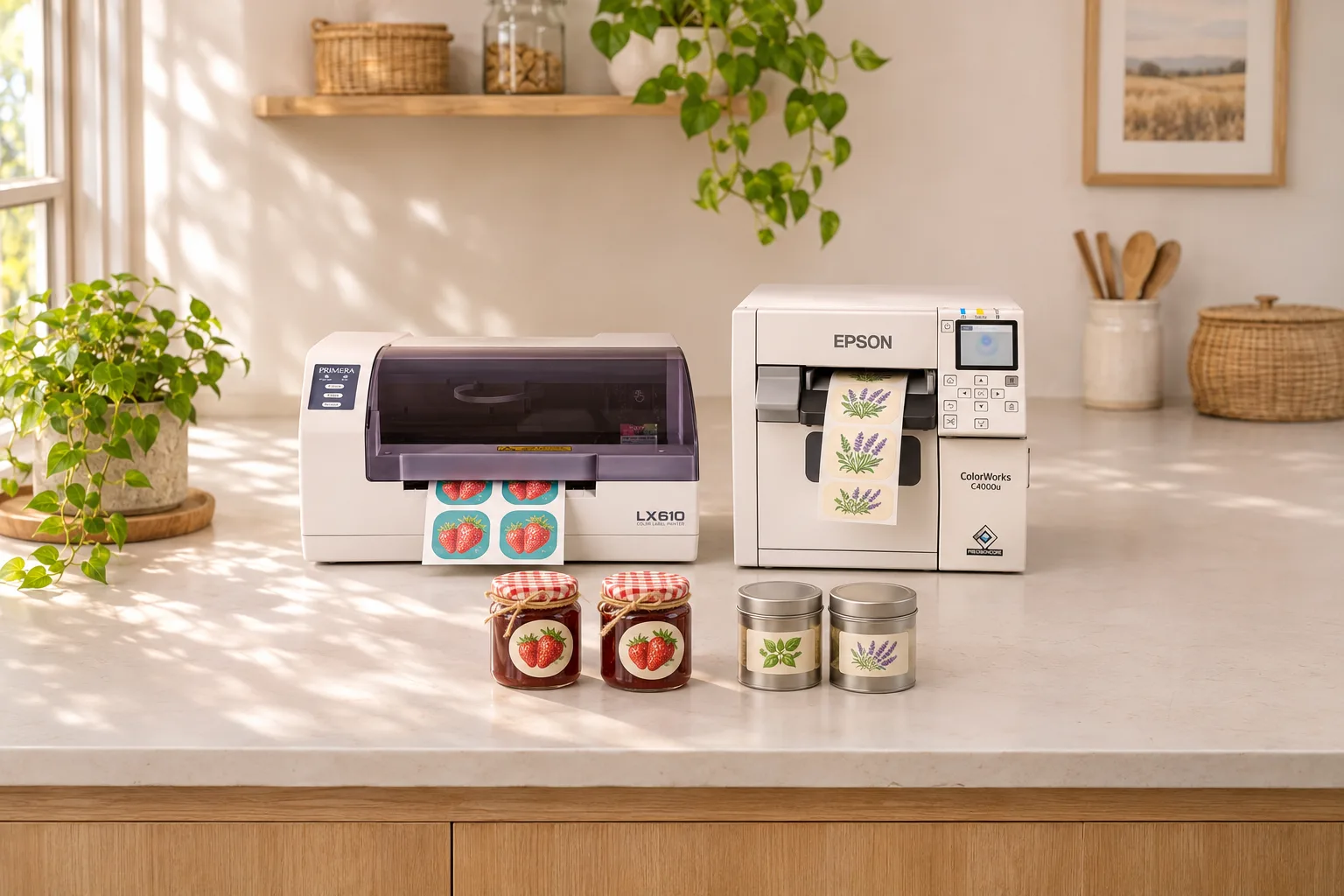
The Primera LX610 is better if your labels aren't rectangles: it prints and die-cuts any shape for $2,695, and Primera puts its ink at 3¢–7¢ per 4 x 3-inch label. The Epson ColorWorks C4000 is better for durable, high-volume labels: separate pigment CMYK cartridges, Ethernet, ZPL II and BS 5609 certification with Kimdura poly, for $2,499 at CDW in November 2026.

Read story
How to

Print product labels yourself or use a print service? Cost per label and break-even

A print service is cheaper until you print tens of thousands of labels. A 2 x 3-inch color label costs about 6¢–8¢ in ink and paper on a Primera LX610 by our estimate, against 15¢–22¢ each for 1,000 from UPrinting, OnlineLabels or Sticker Mule in November 2026. The $2,695 printer pays off after roughly 17,000–34,000 labels, or about 3,600 if you'd otherwise order 100 of each design.

Read story
How to

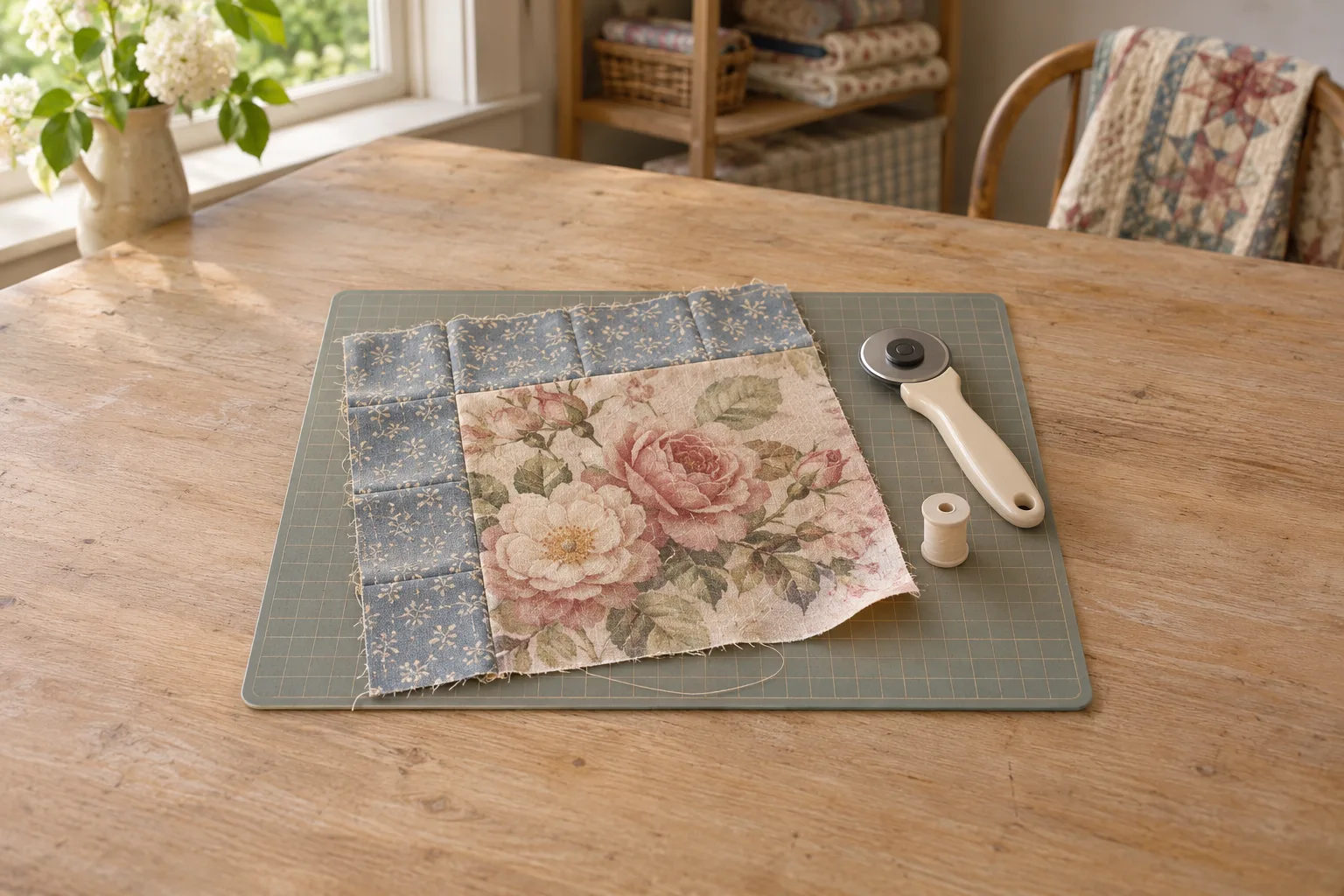
The best printer for fabric sheets and quilting

The Epson WorkForce Pro WF-7840 is the best printer for quilting on fabric sheets: pigment ink in every color, a 50-sheet rear tray and quilt blocks up to 13 x 19 inches, for $199.99 in November 2026. Printable cotton sheets cost about $1.77 to $9.99 each, and Electric Quilt says to soak each print for 10 minutes to set the ink.

Read story
Buying guide

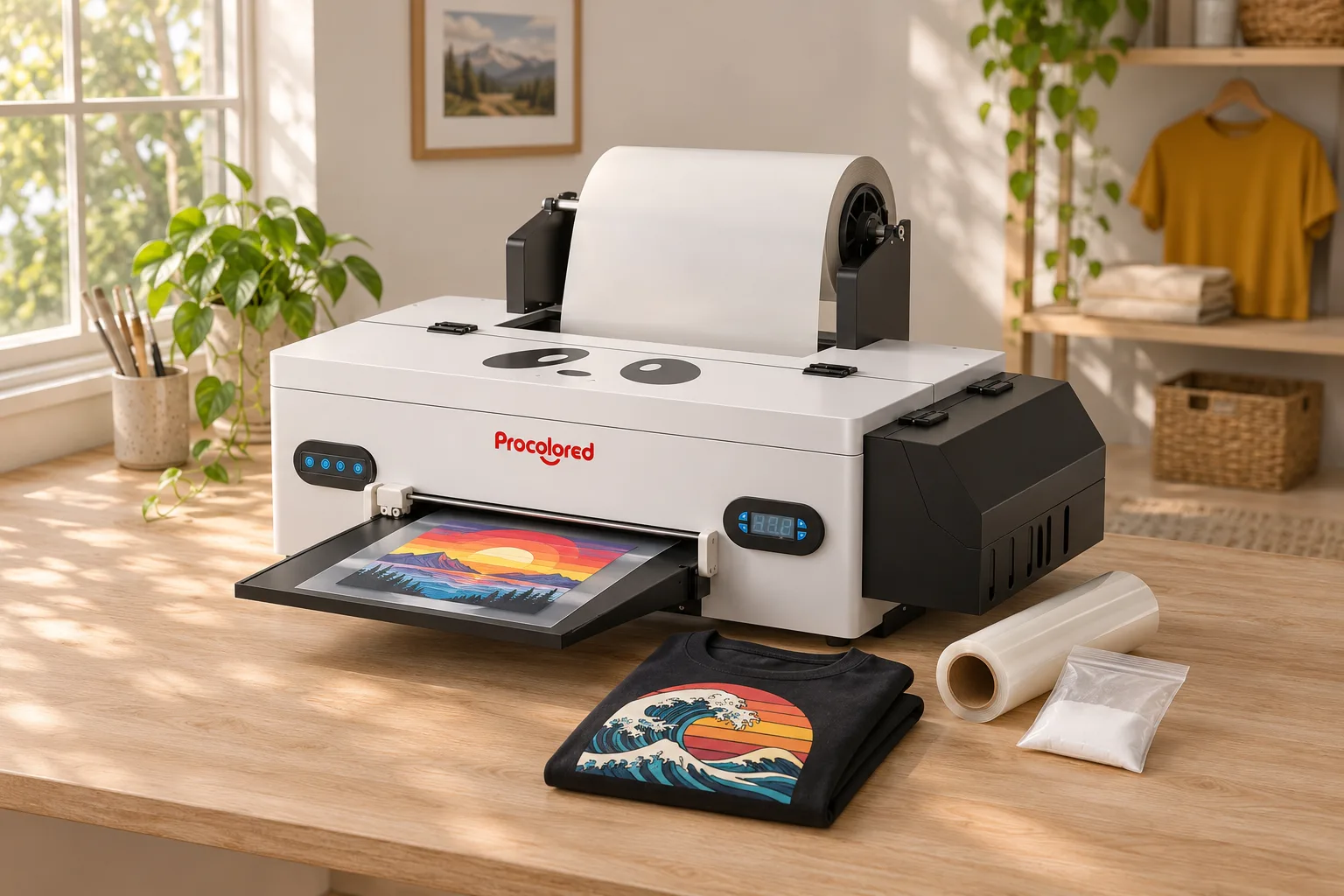
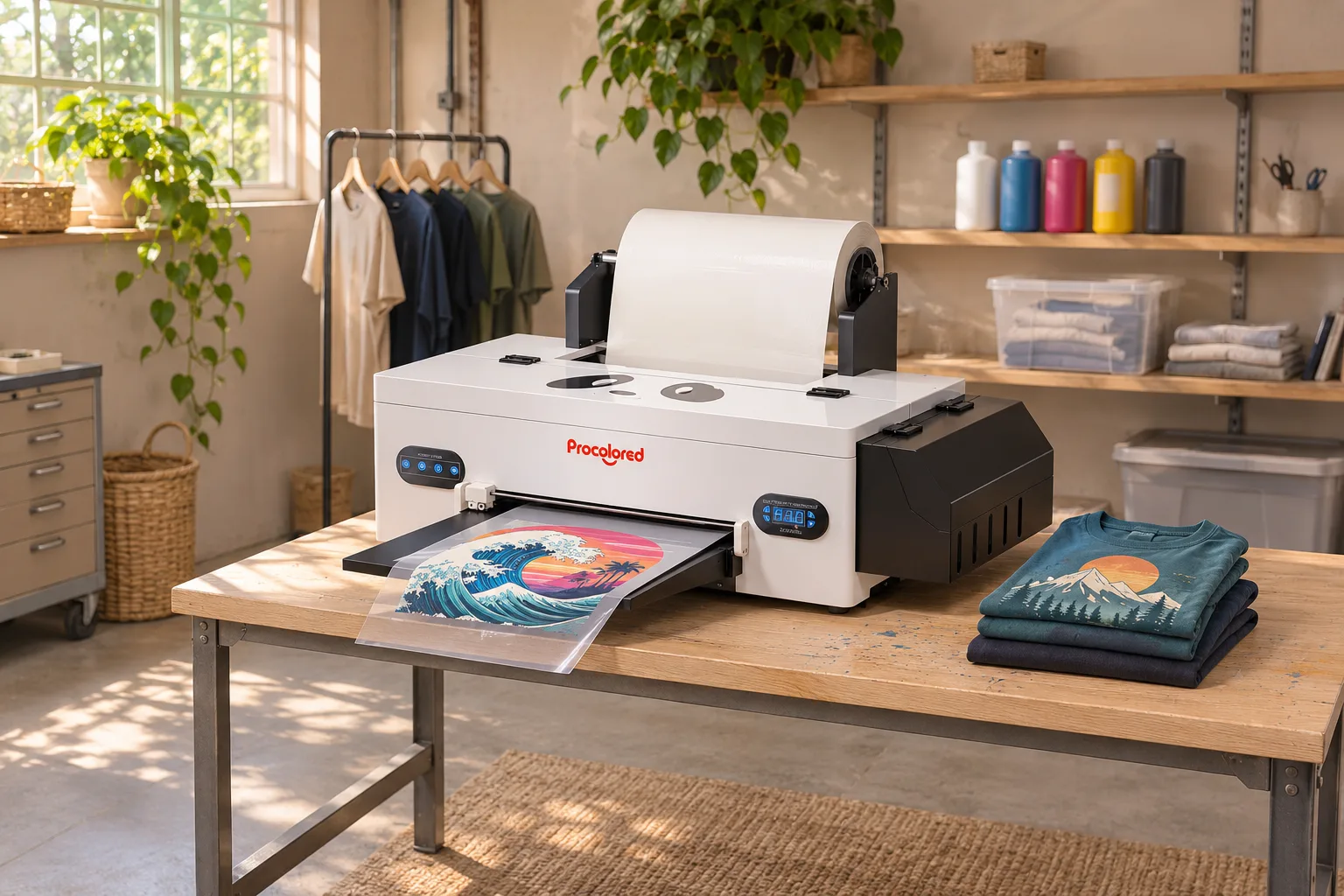
The best DTF printers

The Procolored F13 Panda is the best DTF printer for most people: 13-inch film, circulating white ink, about six letter-size transfers an hour and about 91¢ of ink, film and powder per print, for $2,299 ($2,699 with an oven) in November 2026. Get the K13 Lite ($1,599) on a budget and the xTool Apparel Printer Plus ($4,699) for automation and Mac software.

Read story
Buying guide

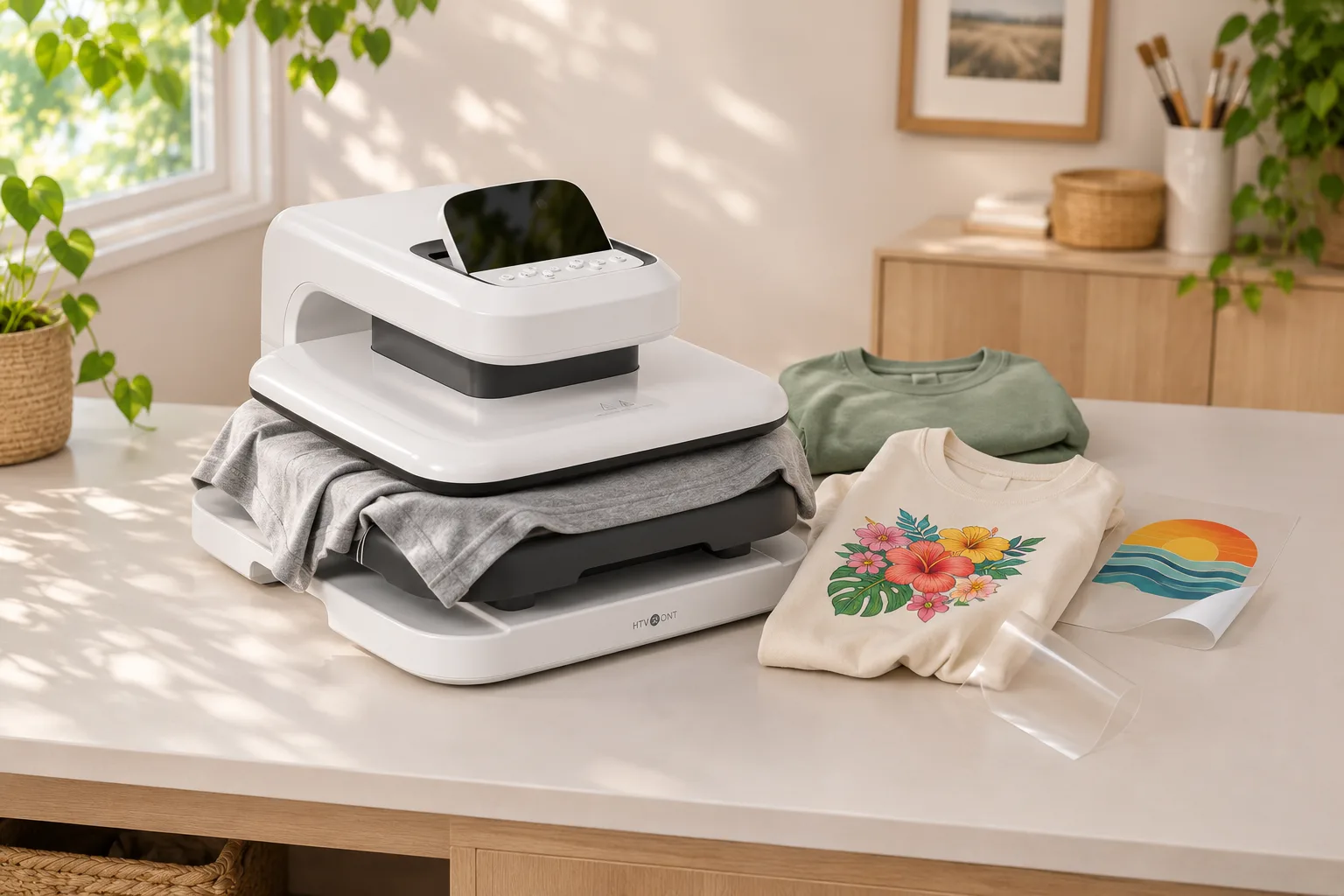
The best heat presses for DTF transfers and T-shirts

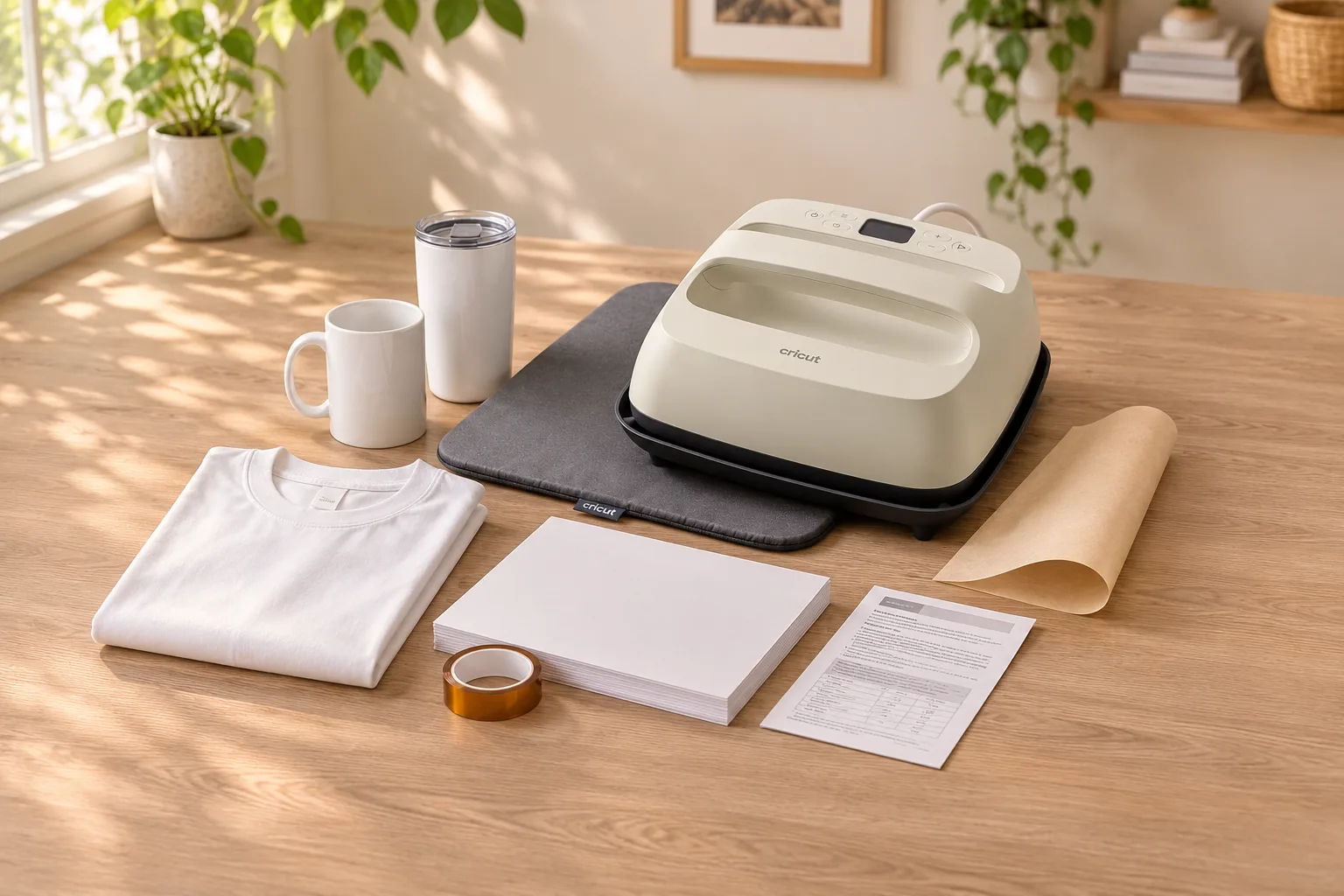
The HTVRONT Auto Heat Press 2 is the best heat press for DTF transfers and T-shirts at home: a 15 x 15-inch plate that covers a full-front design in one press, automatic pressing and release, and 20–80 kg of pressure shown on screen, for $279.99 in November 2026. The Cricut AutoPress 2 ($297) presses harder, up to 220 lb, and the Hotronix Auto Open Clam ($1,700) is the commercial pick.

Read story
Buying guide

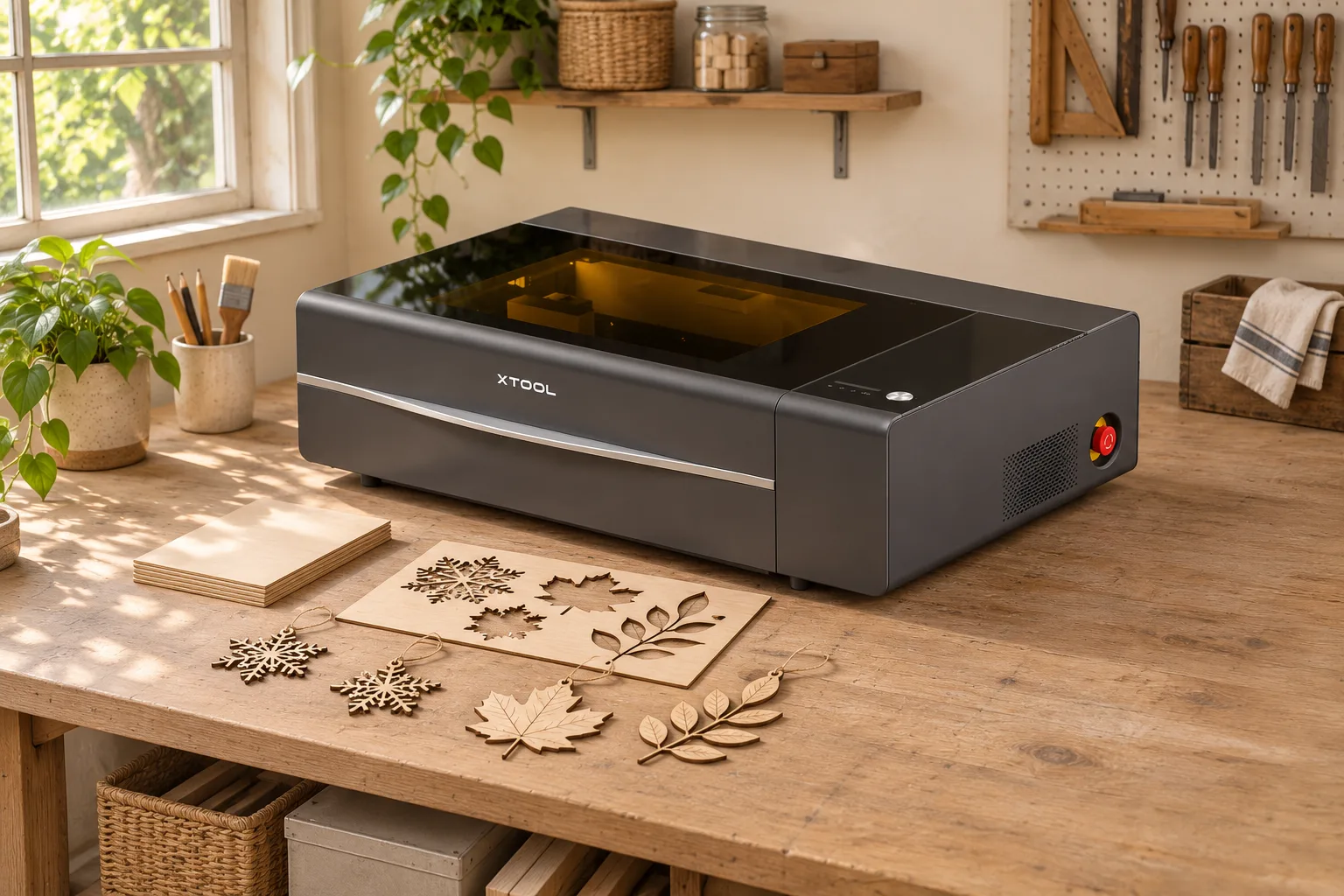
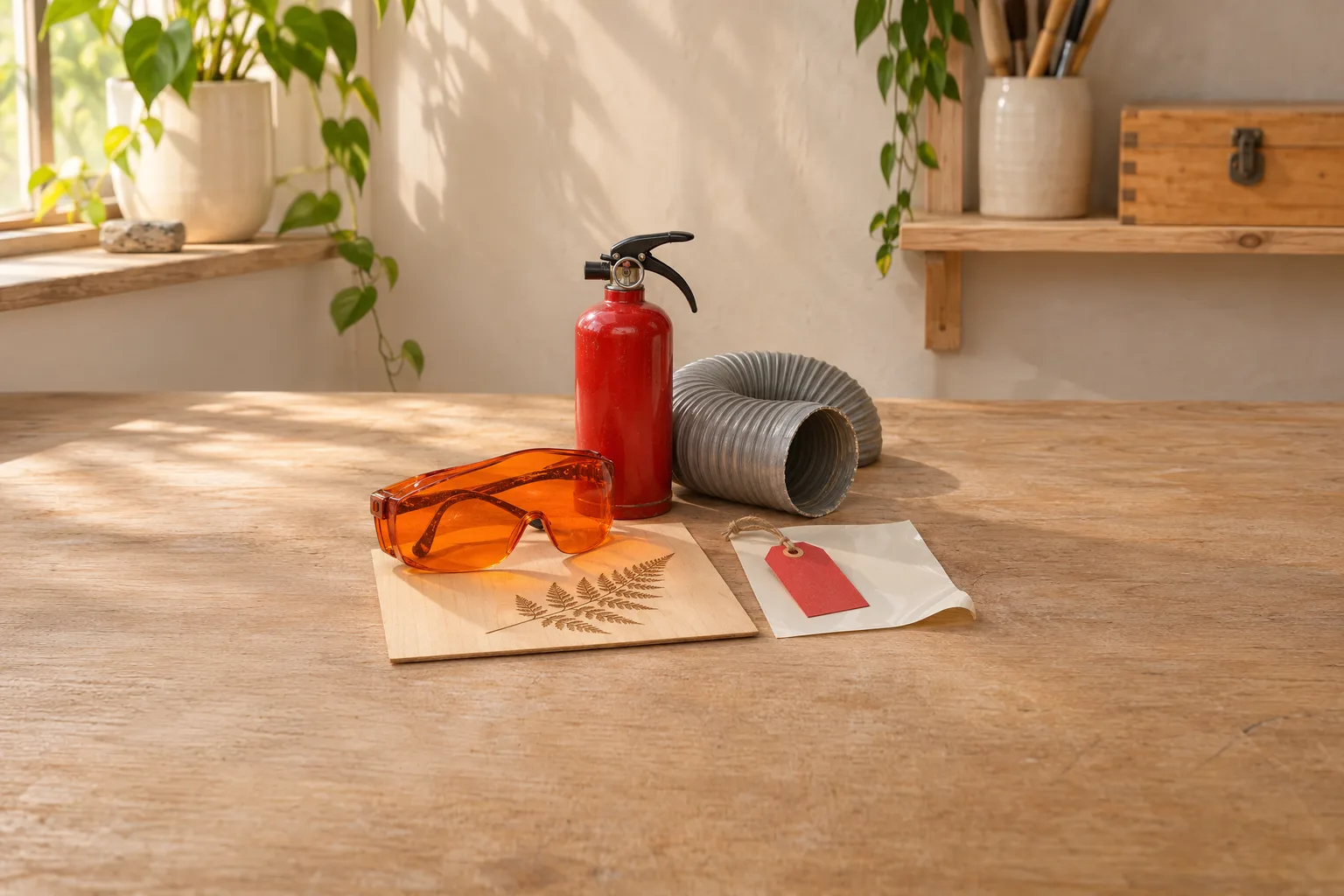
The best laser cutters for wood

The xTool P2S is the best laser cutter for wood for most people: a 55W CO2 laser that cuts 18 mm (0.71-inch) basswood in one pass by xTool's rating, with a 600 x 305 mm bed and a 118-inch passthrough, for $2,999 in November 2026. For production, the 80W xTool P3 ($5,899) cuts 20 mm; for under $1,300, the 40W xTool M2 cuts 15 mm.

Read story
Buying guide

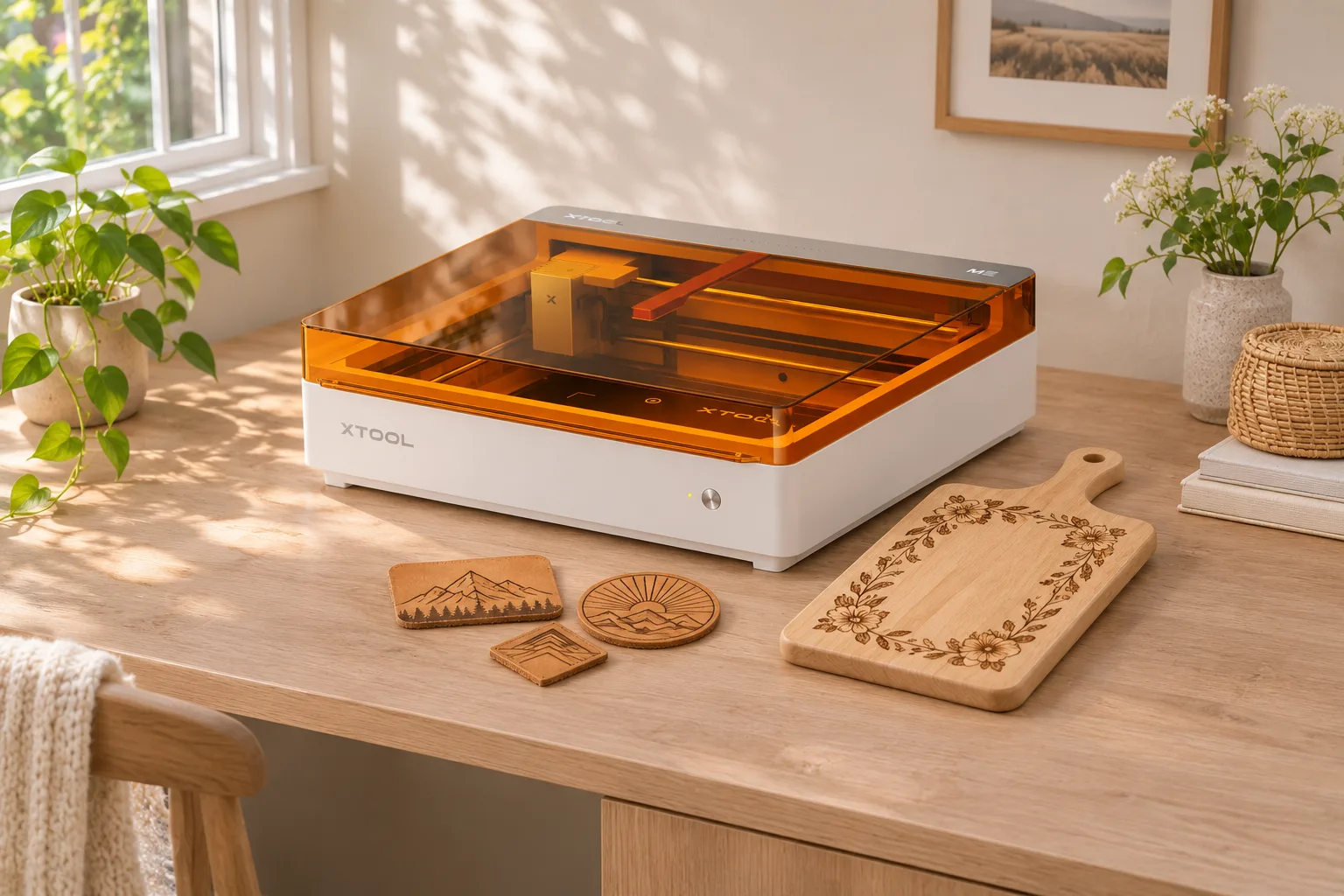
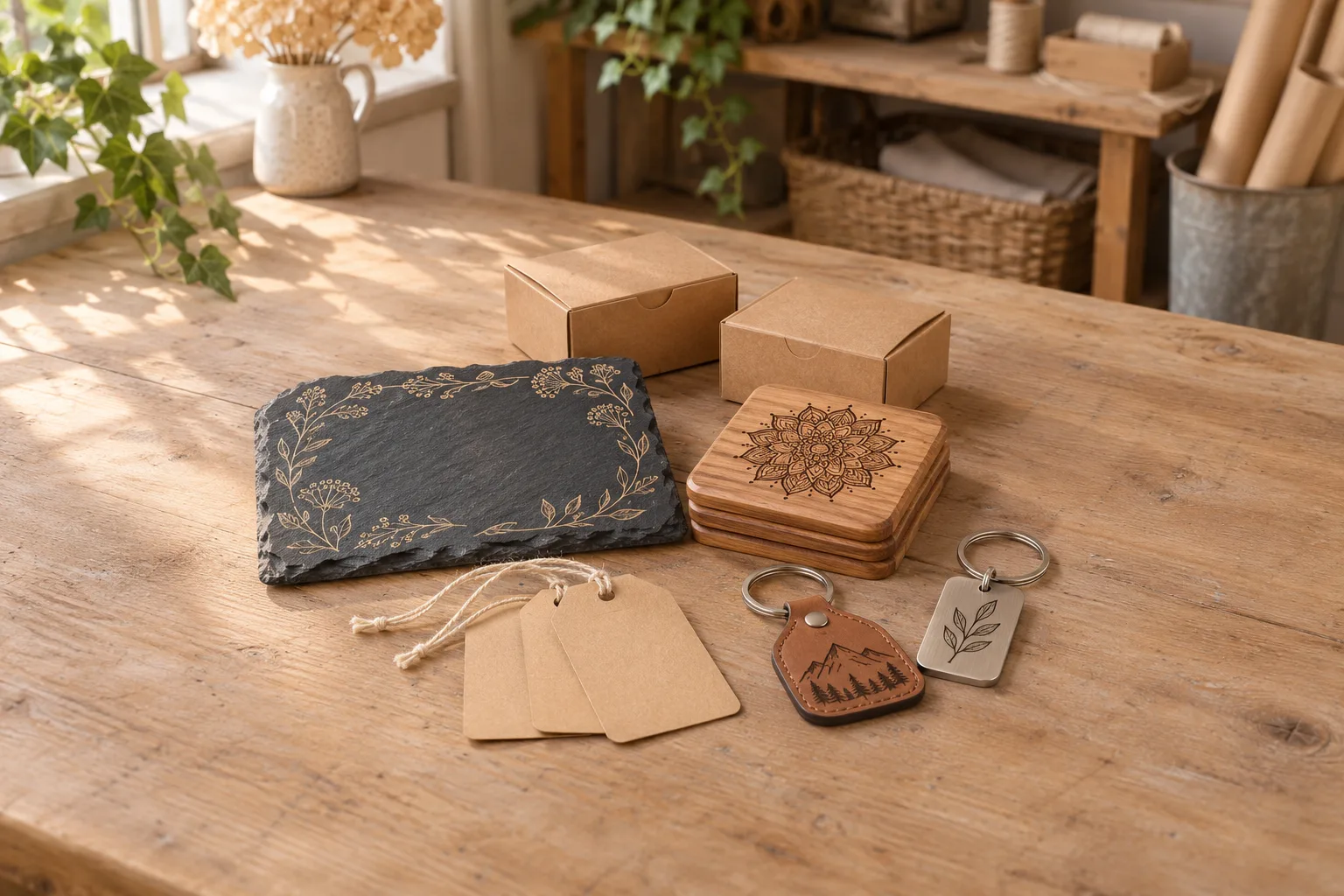
The best laser engravers for beginners, small businesses and every budget

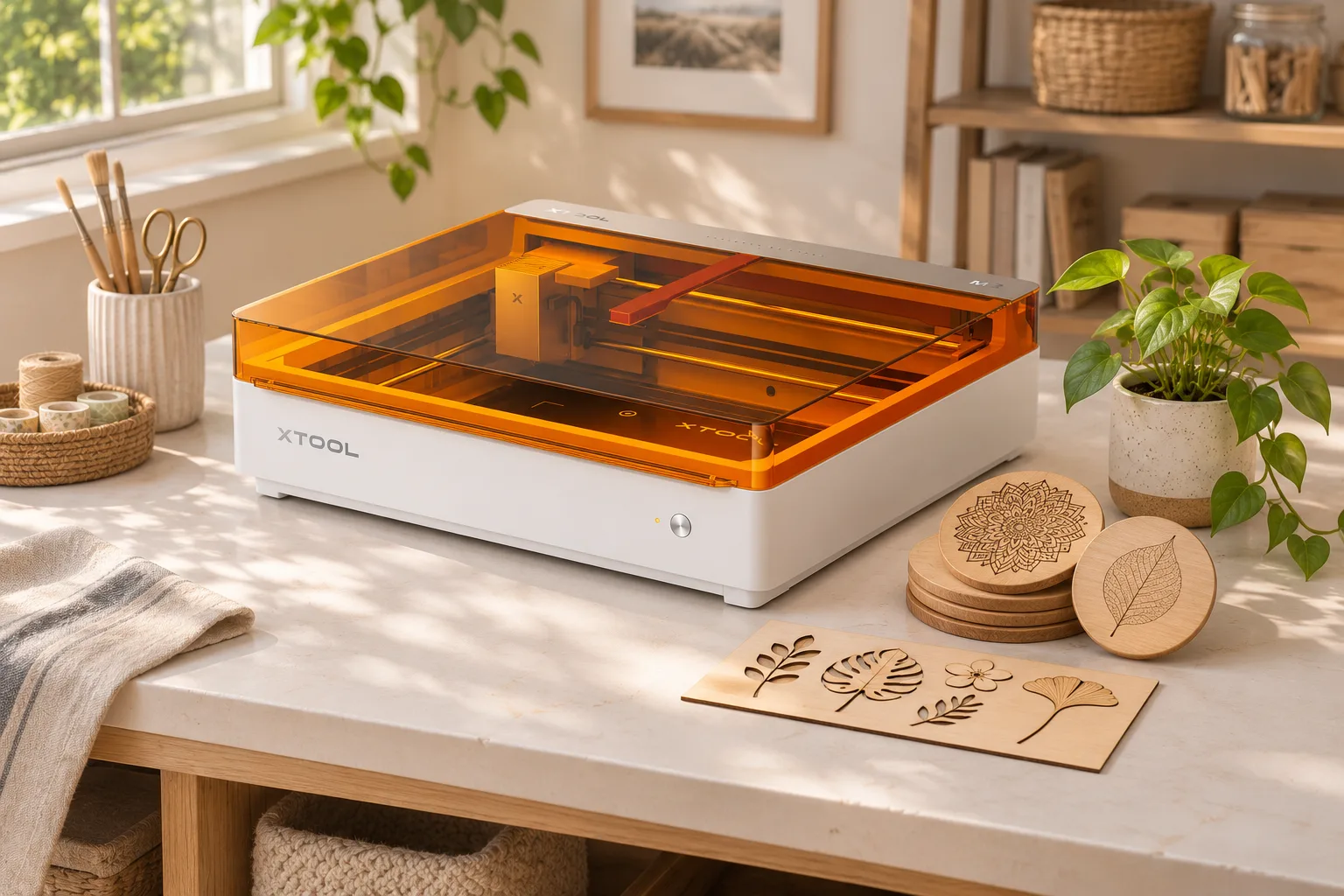
The xTool M2 is the best laser engraver for most people: an enclosed Class 1 diode laser with two cameras and autofocus whose 20W version cuts 10 mm basswood in one pass, for $899 at xTool or $829 at Amazon in November 2026. The Creality Falcon A1 ($439) is the cheapest good one, and the xTool P2S 55W CO2 ($2,999) is the small-business pick.

Read story
Buying guide

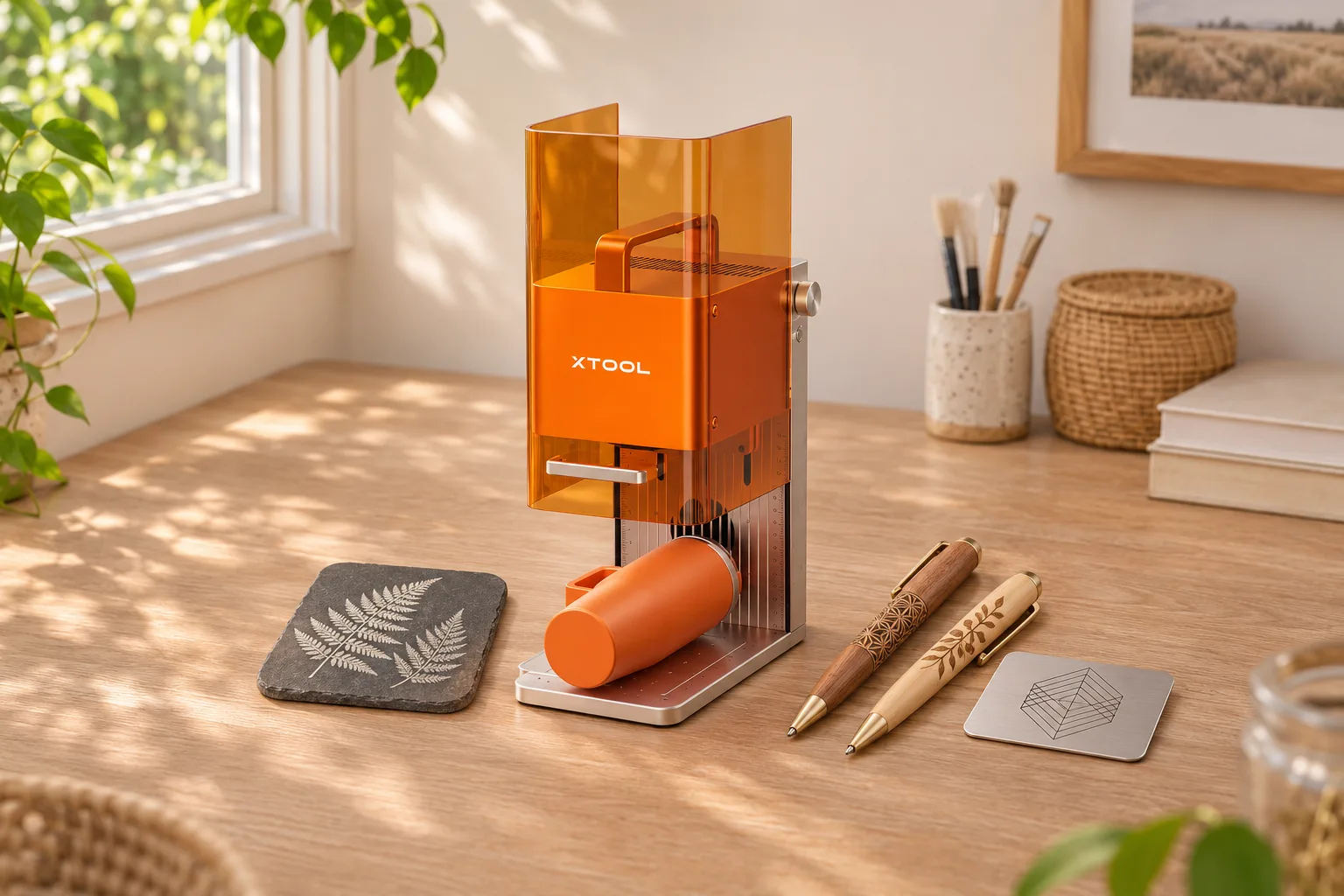
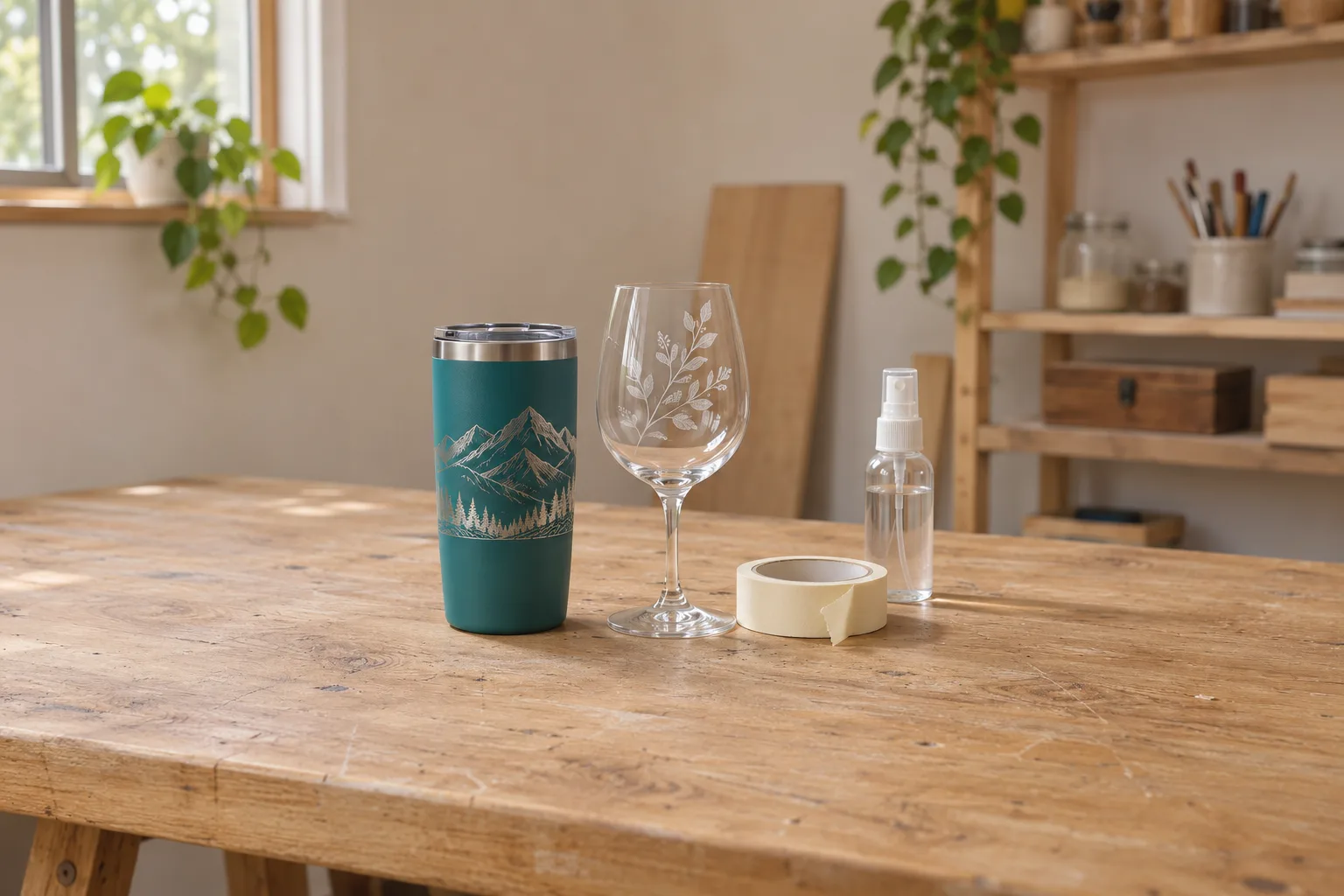
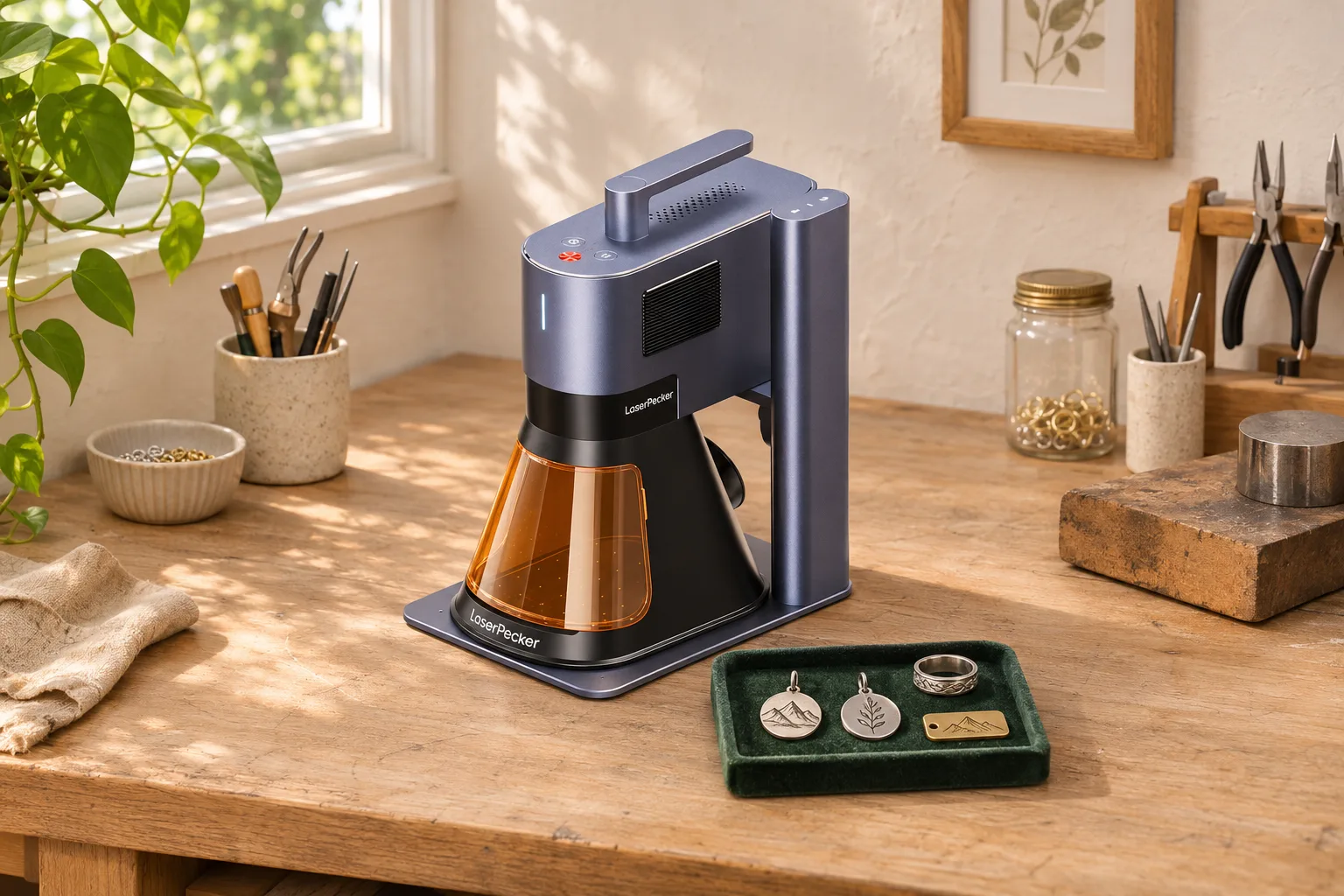
The best laser engravers for metal, jewelry and tumblers

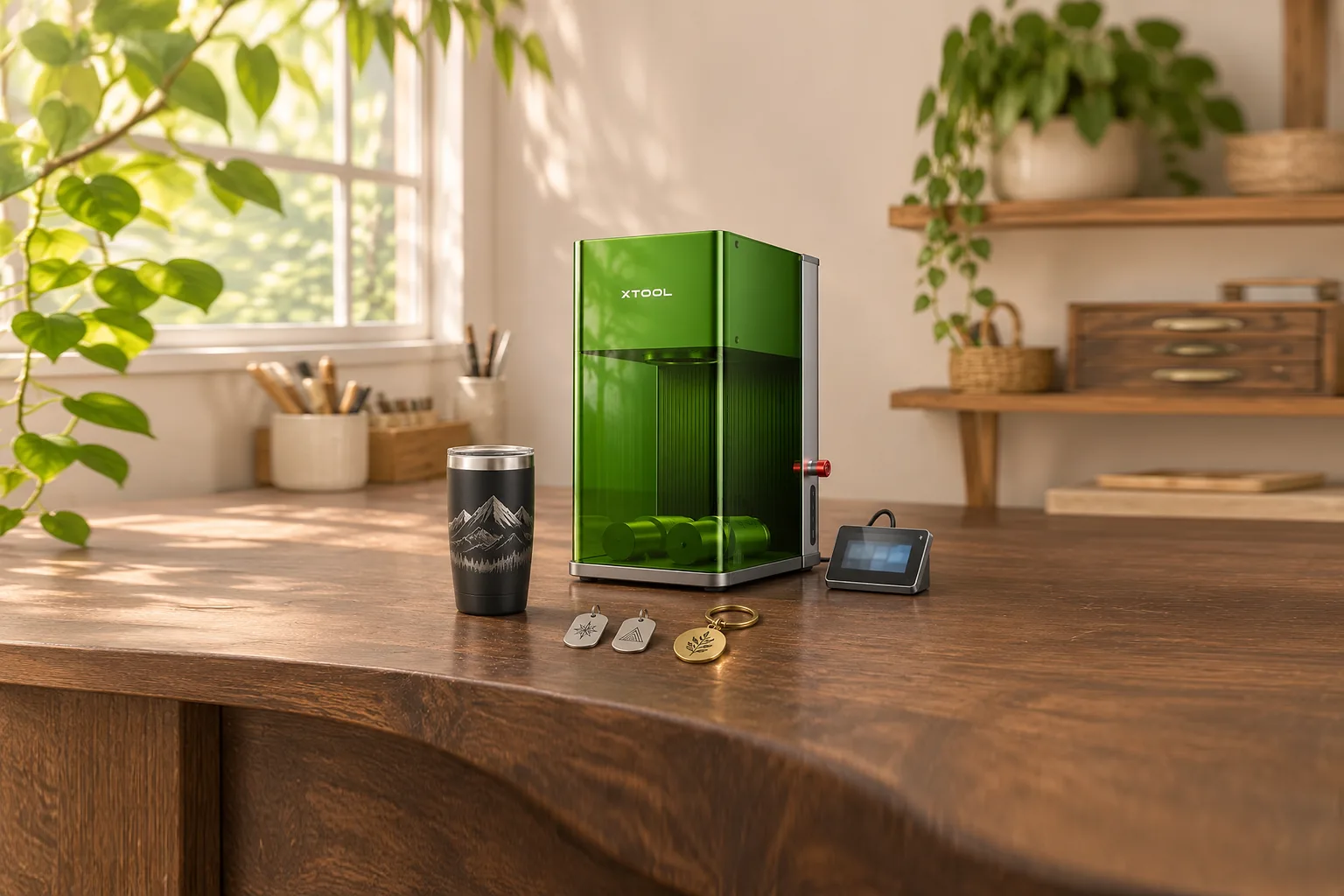
The xTool F1 Ultra is the best laser engraver for metal for most people: a 20W fiber laser that marks bare stainless, brass and aluminum and cuts 0.3 mm stainless, plus a 20W diode for wood, for $2,299 at xTool or $2,173 at Amazon in November 2026. For color on steel and 2 mm cuts, get the 60W MOPA xTool F2 Ultra ($4,799).

Read story
Buying guide

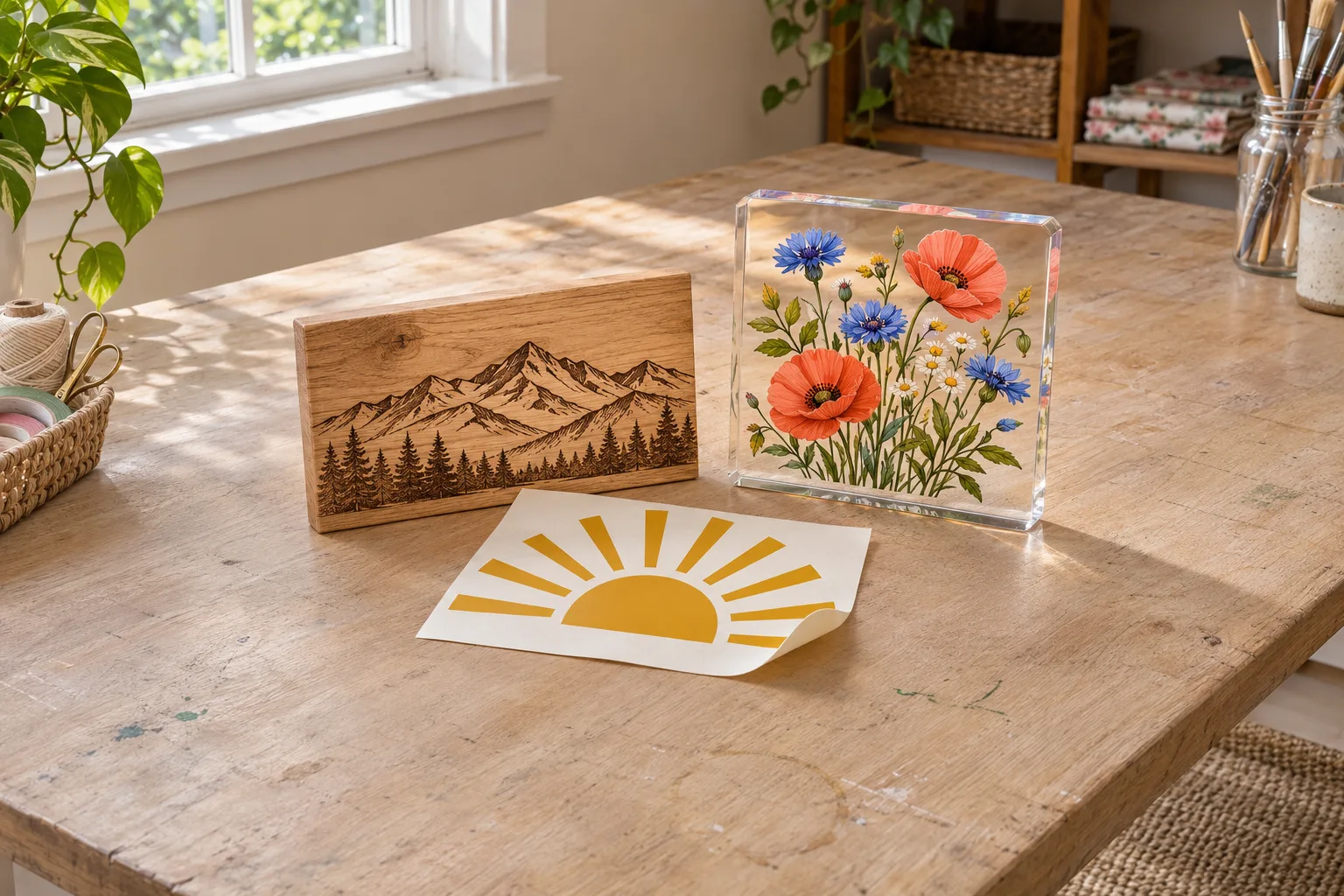
The best UV printers

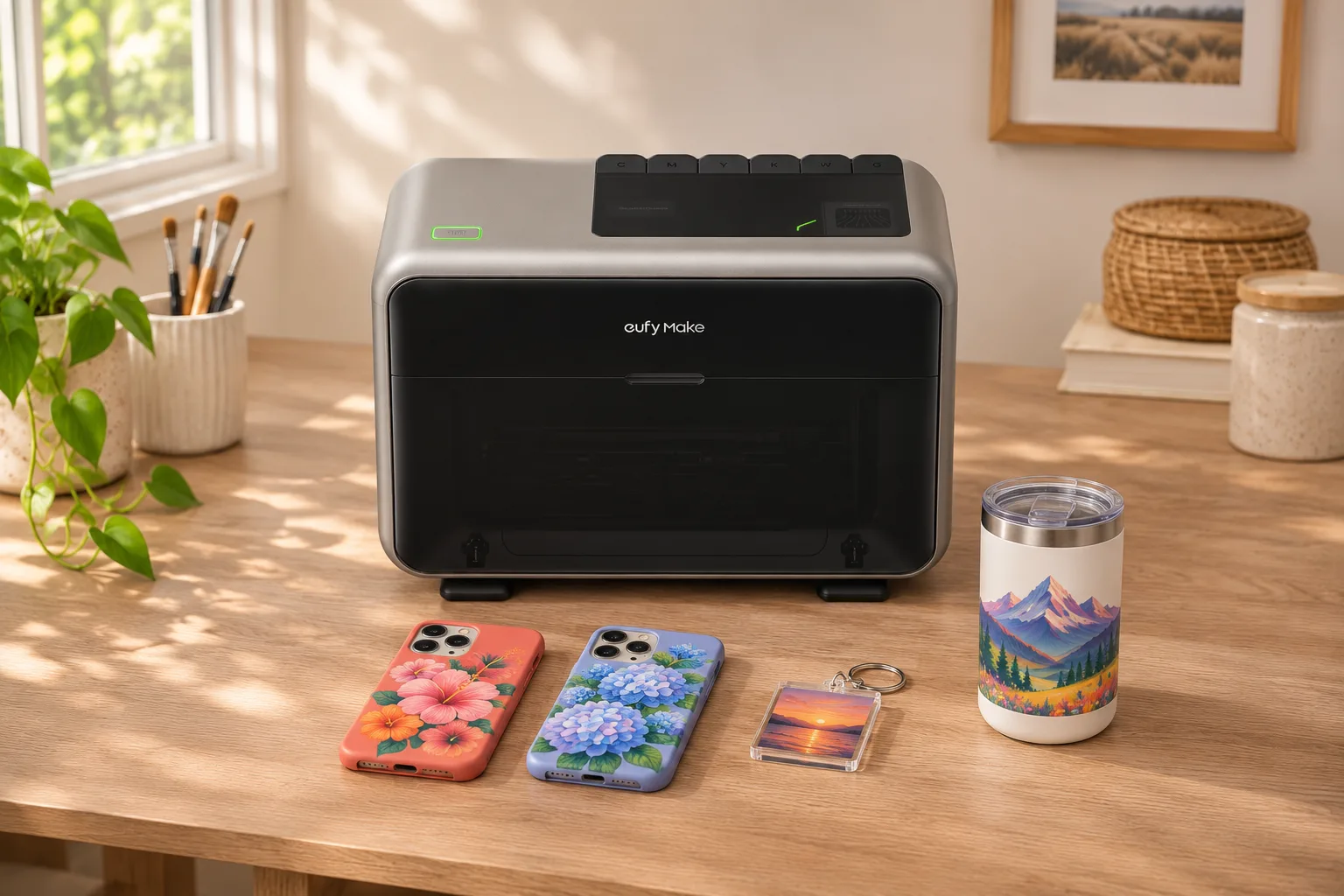
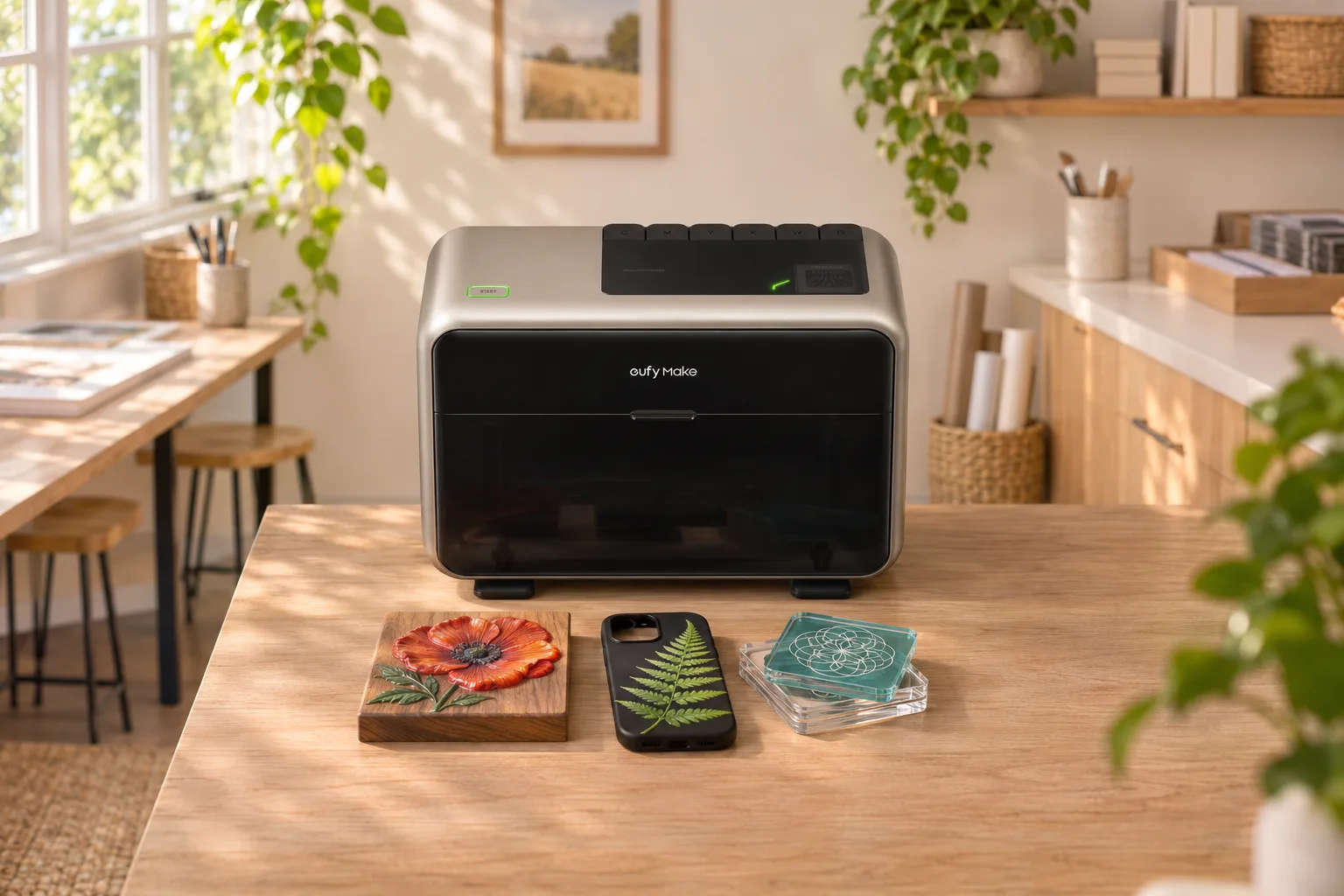
The eufyMake E1 is the best UV printer for most people: a 13 x 16.5-inch bed, CMYK plus white and gloss, textures up to 5 mm and 16¢–63¢ of ink per flat item by eufyMake's figures, for $1,799 with ink in November 2026. For a small business, the Procolored V11 Pro ($5,299) prints A3 with two heads and ink at about 12¢ a milliliter.

Read story
Buying guide

The best vinyl cutters for making T-shirts

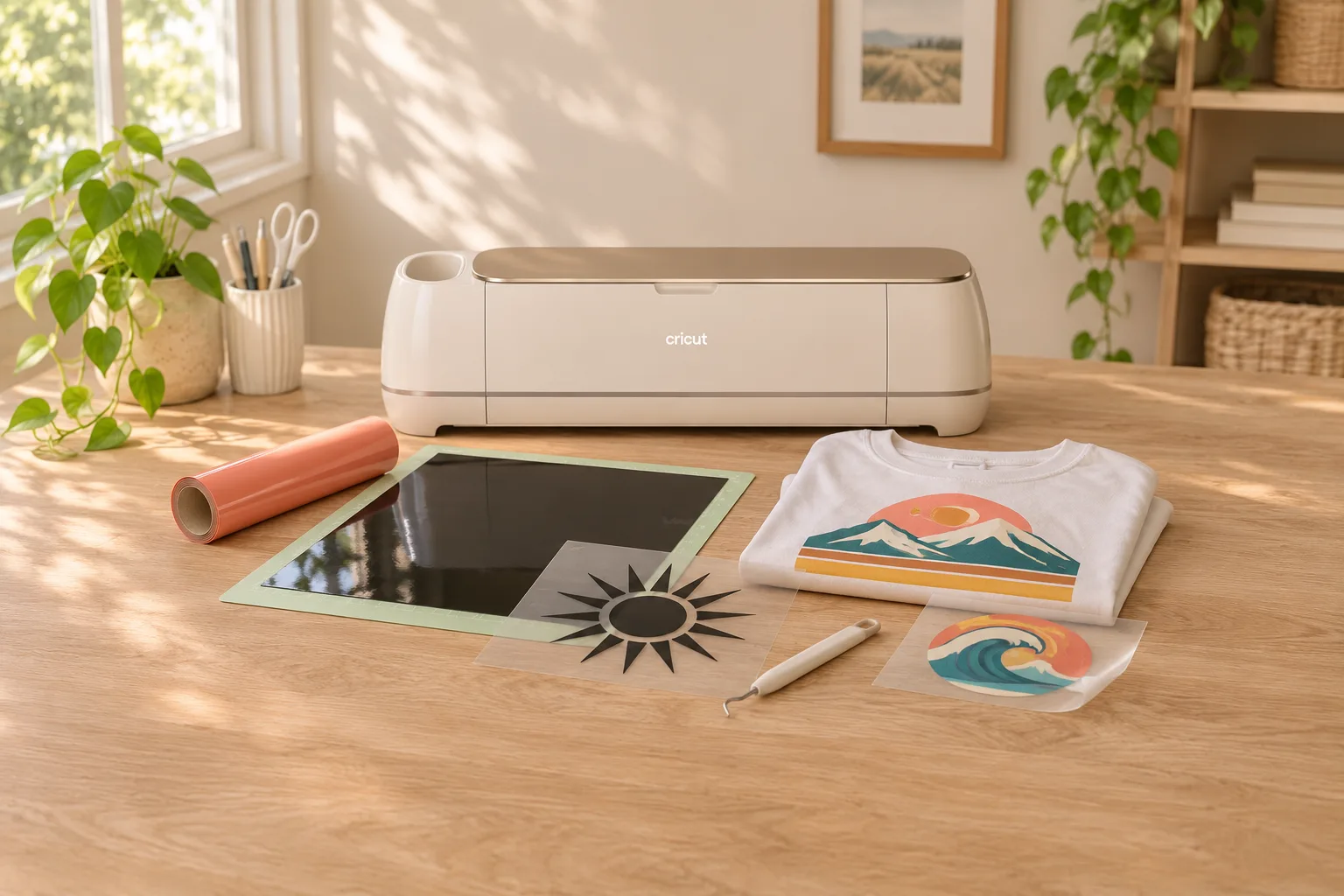
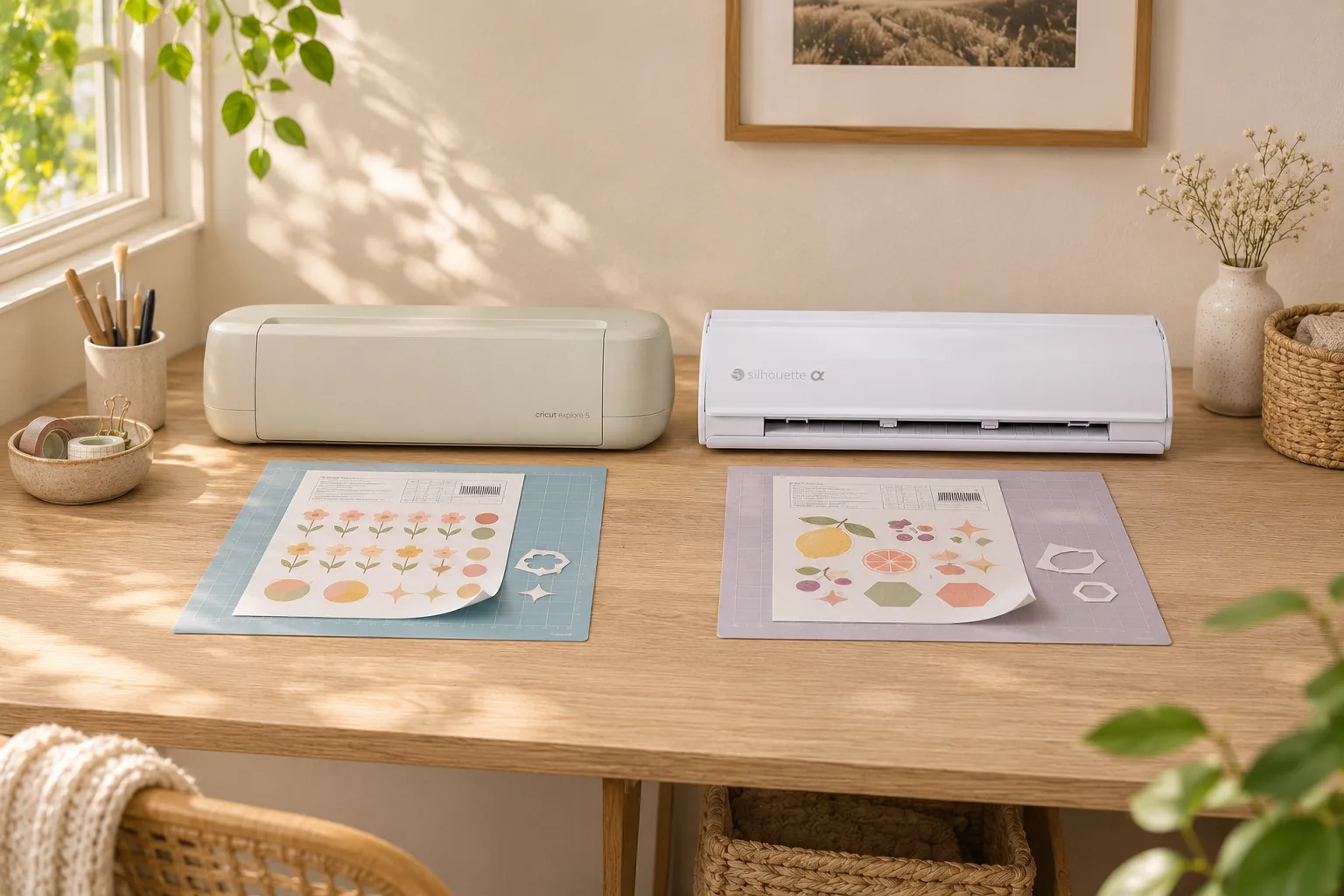
The Cricut Maker 4 is the best vinyl cutter for making T-shirts: it cuts heat transfer vinyl about 11.5 inches wide on a mat, enough for an 11-inch adult full-front design, at up to 14.1 inches a second, with free software, for $349 in November 2026. The Cricut Explore 5 ($199) cuts the same width for less, and the 24-inch Siser Romeo is the pick for a shirt business.

Read story
How to

Should you buy DTF transfers or your own DTF printer?

Buy transfers unless you press well over 100 shirts a month. By our estimate, a $1,999 Procolored K13 Lite with oven pays for itself in a year at about 58 shirts a month against $5 transfers, but needs about 907 a month against $1.29 gang-sheet transfers, more than it can print.

Read story
How to

DTF vs DTG: which is better for T-shirts?

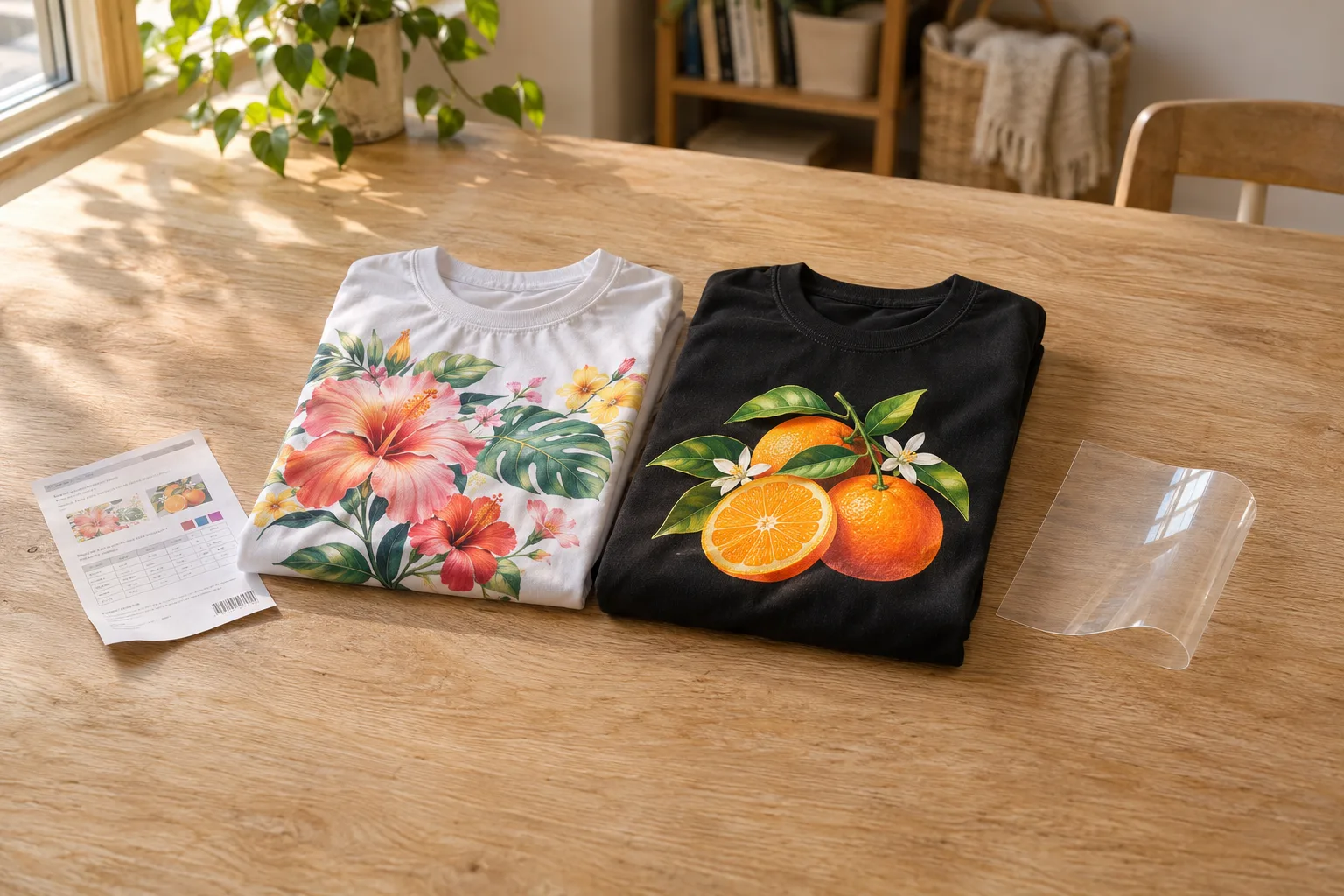
DTF is better for most small shirt businesses: it prints on cotton, polyester and dark shirts with no pretreatment, and bought transfers cost $1.29–$7.26 per shirt front. DTG gives the softest print on cotton, but Epson's cheapest DTG printer, the SureColor F1070, is $4,995.

Read story
How to

DTF vs heat transfer vinyl: which is better?

DTF is better for full-color art and any design with more than one or two colors; heat transfer vinyl is better for names, numbers, one-color text and glitter or puff finishes. A one-color 11 x 11-inch HTV design uses about $3 of Siser EasyWeed; a DTF transfer that size costs $1.29–$7.26.

Read story

Review

Epson SureColor F1070 review

Worth it only if you want DTG and DTF from one printer: the Epson SureColor F1070 prints on shirts or on film with Epson ink, Mac software and a one-year warranty for $4,995, down from $7,495 at launch. For DTF alone, a $2,699 Procolored F13 Panda with an oven does more.

Read review

Review

eufyMake E1 review

Worth it for a hobbyist or small seller who prints every week: the eufyMake E1 prints full color, white, gloss and 5 mm textures on a 13 x 16.5-inch bed for $1,799 with ink. The catches are chipped $29.99 cartridges (30¢ a milliliter) and a 3-month warranty on its $599 printhead.

Read review

Review

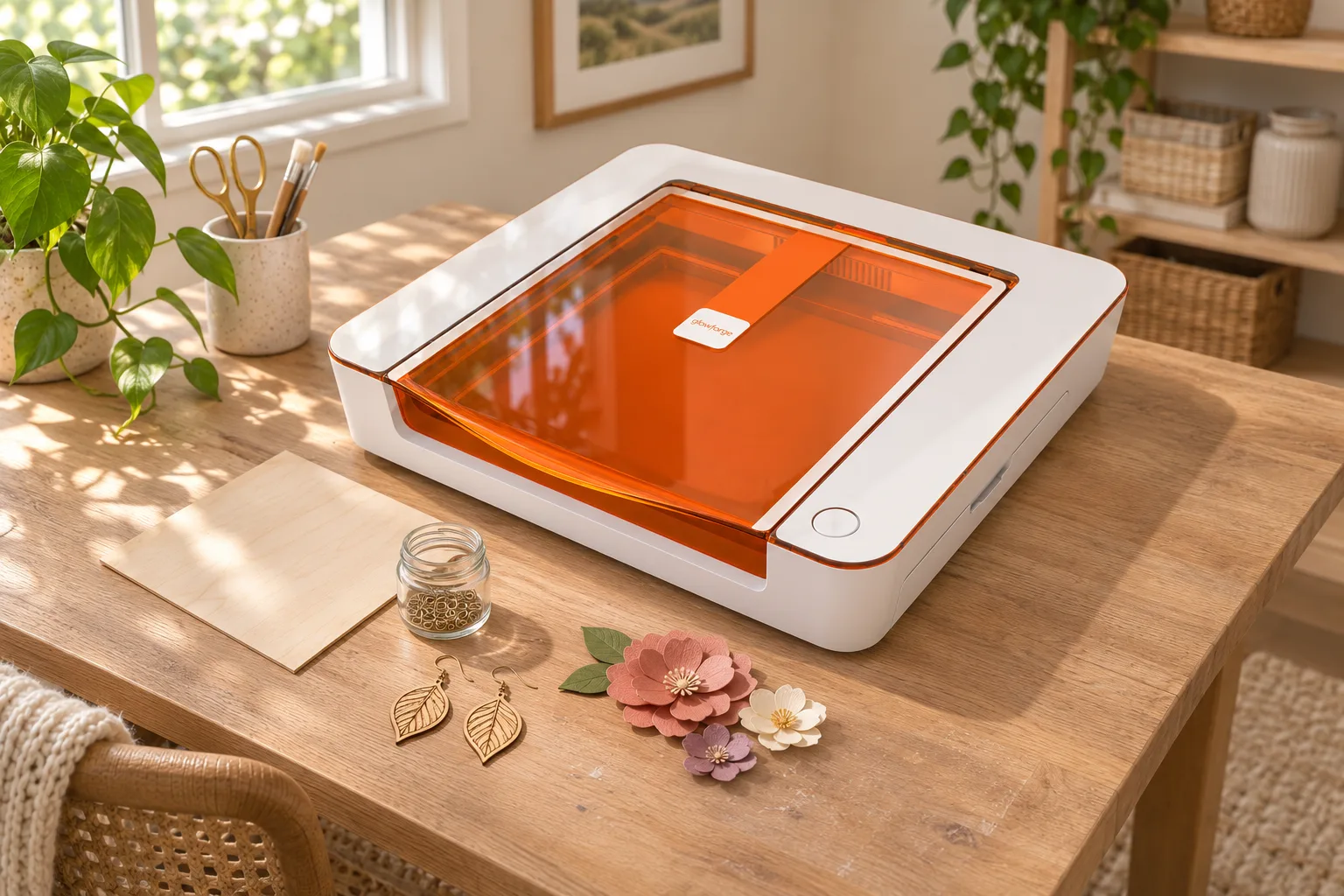
Glowforge Aura review

Worth it at $699 for a beginner who wants the simplest Class 1 craft laser: the Glowforge Aura is $699 for Black Friday (regularly $1,199) with its $399 filter free. Its 6W diode cuts only up to 1/4 inch, its warranty covers household use only, and Glowforge's $6,999–$7,999 HD lasers cost two to three times an xTool CO2.

Read review

Comparison

Glowforge's craft laser against xTool's color-craft diode

For most people, the xTool M2: $474 for the 10W at Amazon ($499 at xTool), a 426 x 320 mm bed against the Aura's 12 x 12 inches, and 8 mm basswood cut in one pass against a 1/4-inch maximum. The Glowforge Aura, $699 for Black Friday, is simpler: it runs in a web browser and has a passthrough slot.

Read story

How to

How UV printing works: materials, durability, safety and UV DTF

A UV printer sprays liquid ink made of resin, pigment and photoinitiators onto an object, usually white first, and a UV lamp hardens it almost instantly. A desktop model like the eufyMake E1 prints on wood, metal, acrylic, glass and leather up to 100 mm tall, with raised texture up to 5 mm, but no maker calls the prints dishwasher-safe.

Read story

Review

LaserPecker LP5 review

Only if portability matters most: the LaserPecker LP5 fits a 20W fiber and a 20W diode laser into a 6 kg unit at 10,000 mm/s, $2,127 at Amazon or $2,429.10 at LaserPecker in November 2026. But a 100 x 100 mm area, no camera and a $559–$599 enclosure needed for Class 1 make the xTool F1 Ultra ($2,173) the better buy for most.

Read review

Review

Procolored F13 Panda review

Yes for a Windows home or side business: the Procolored F13 Panda prints 13-inch DTF transfers with circulating white ink for $2,299, or $2,699 with an oven, at about 91¢ in supplies per letter-size print by Procolored's figures. It's slow, at 6 prints an hour.

Read review

Comparison

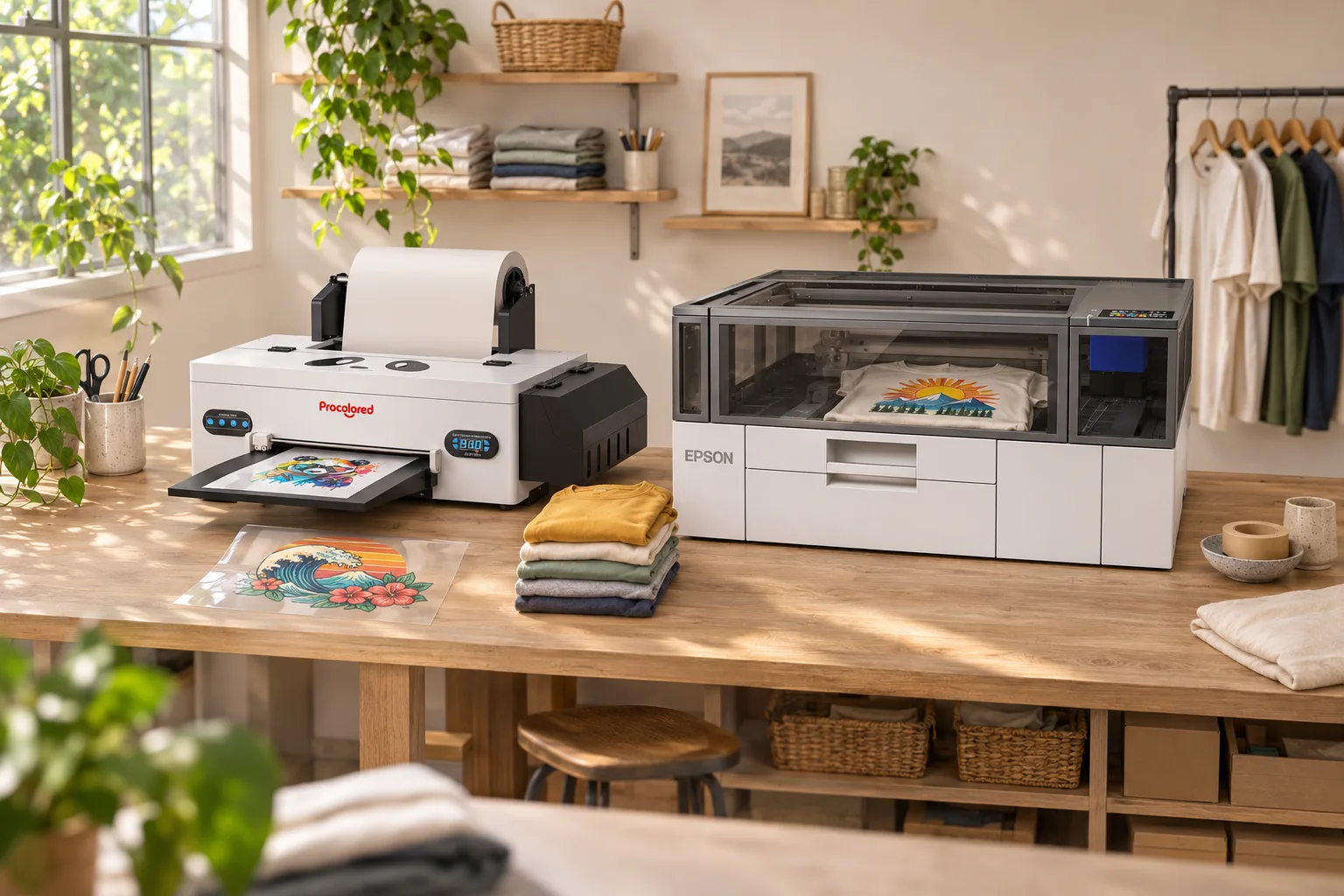
Procolored's 13-inch roll against Epson's hybrid

For DTF, the Procolored F13 Panda is better: $2,699 with an oven against $4,995, 13-inch roll film against a 10 x 12-inch platen, and about 91¢ in supplies per letter-size print. The Epson SureColor F1070 is better if you also want to print directly on shirts, use a Mac or want Epson's warranty.

Read story

How to

How much does a UV printer cost to buy and run?

Desktop UV printers cost about $1,599 to $5,299 in November 2026, from the eufyMake E1 ($1,598.99 printer only at Best Buy, $1,799 with ink at eufyMake) to the Procolored V11 Pro. Ink runs 8¢ to 49¢ a milliliter, and eufyMake puts the ink for a flat print at 16¢ to 63¢, or up to $2.45 with raised texture.

Read story

Review

xTool Apparel Printer Plus review

Worth it for a small business with steady orders: the xTool Apparel Printer Plus is rated at up to 50 sq ft an hour, maintains its own white ink and runs on a Mac, at about 80¢ in supplies per A3 sheet by xTool's figures. It's $4,699 for Black Friday, or $7,199 with the shaker oven it needs for one-click printing.

Read review

Review

xTool F2 review

Yes for small engraved goods: the xTool F2 pairs a 15W diode with a 5W infrared laser at 6,000 mm/s with a 50MP camera, $1,149 at xTool or $1,091 at Amazon in November 2026. The xTool F1 is discontinued, and the F2 replaces it with 50% more diode power and a camera the F1 never had.

Read review

Review

xTool M2 review

Yes for most beginners: the xTool M2 is an enclosed Class 1 diode laser with two cameras and autofocus, $499 (10W) to $1,299 (40W) at xTool for Black Friday, and the 20W cuts 10 mm basswood in one pass. The xTool S1 is no longer sold new; the M2 replaces it as xTool's enclosed diode.

Read review

Comparison

xTool's M2 against Creality's Falcon A1

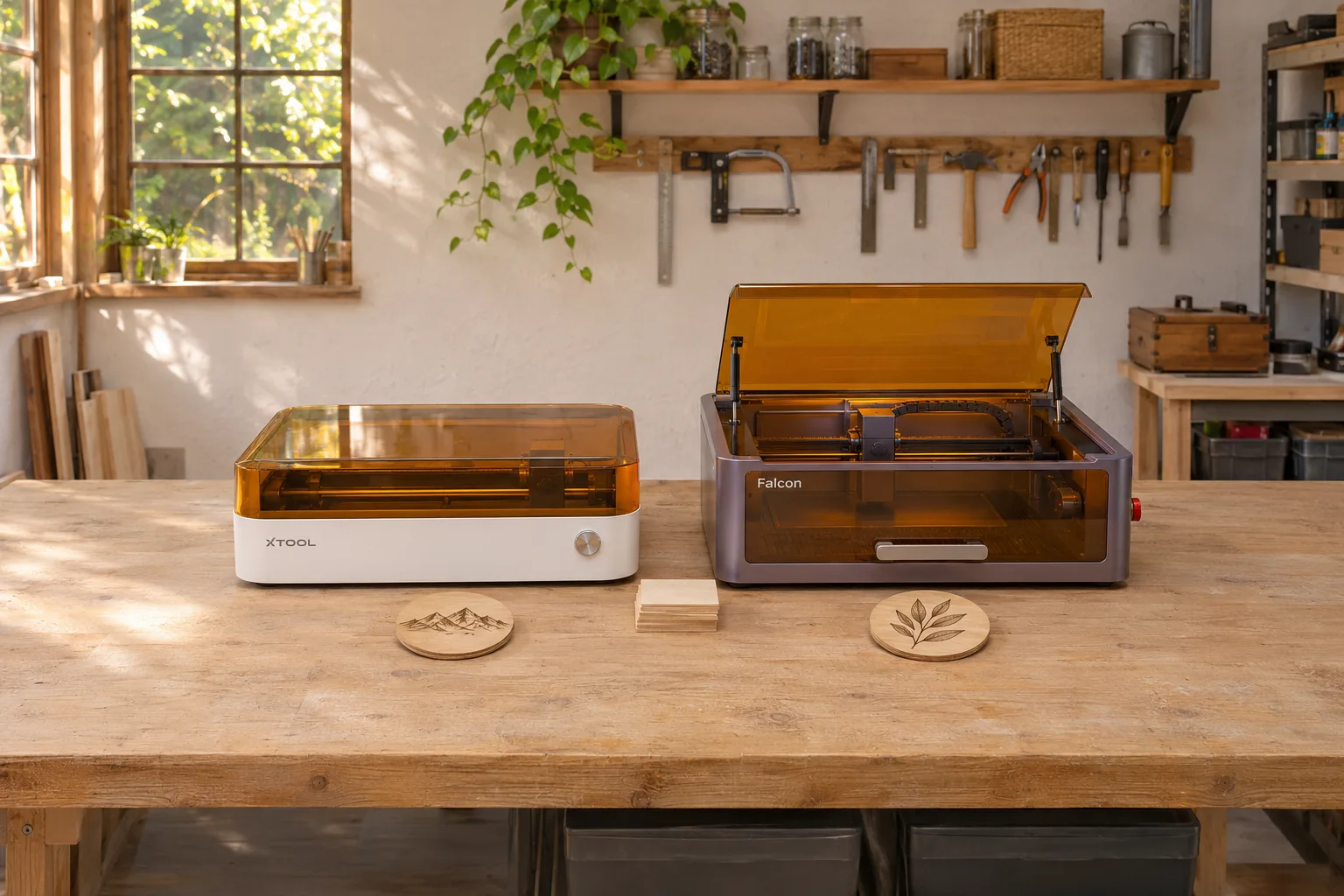
The xTool M2 is the better enclosed laser for $35 more: $474 for the 10W at Amazon against $439 for the Creality Falcon A1, with a 426 x 320 mm bed, a rated 8 mm basswood cut in one pass, autofocus, and 20W and 40W versions. The Falcon A1 wins on price and runs LightBurn and LaserGRBL as well as Creality's software.

Read story

Review

xTool P2S review

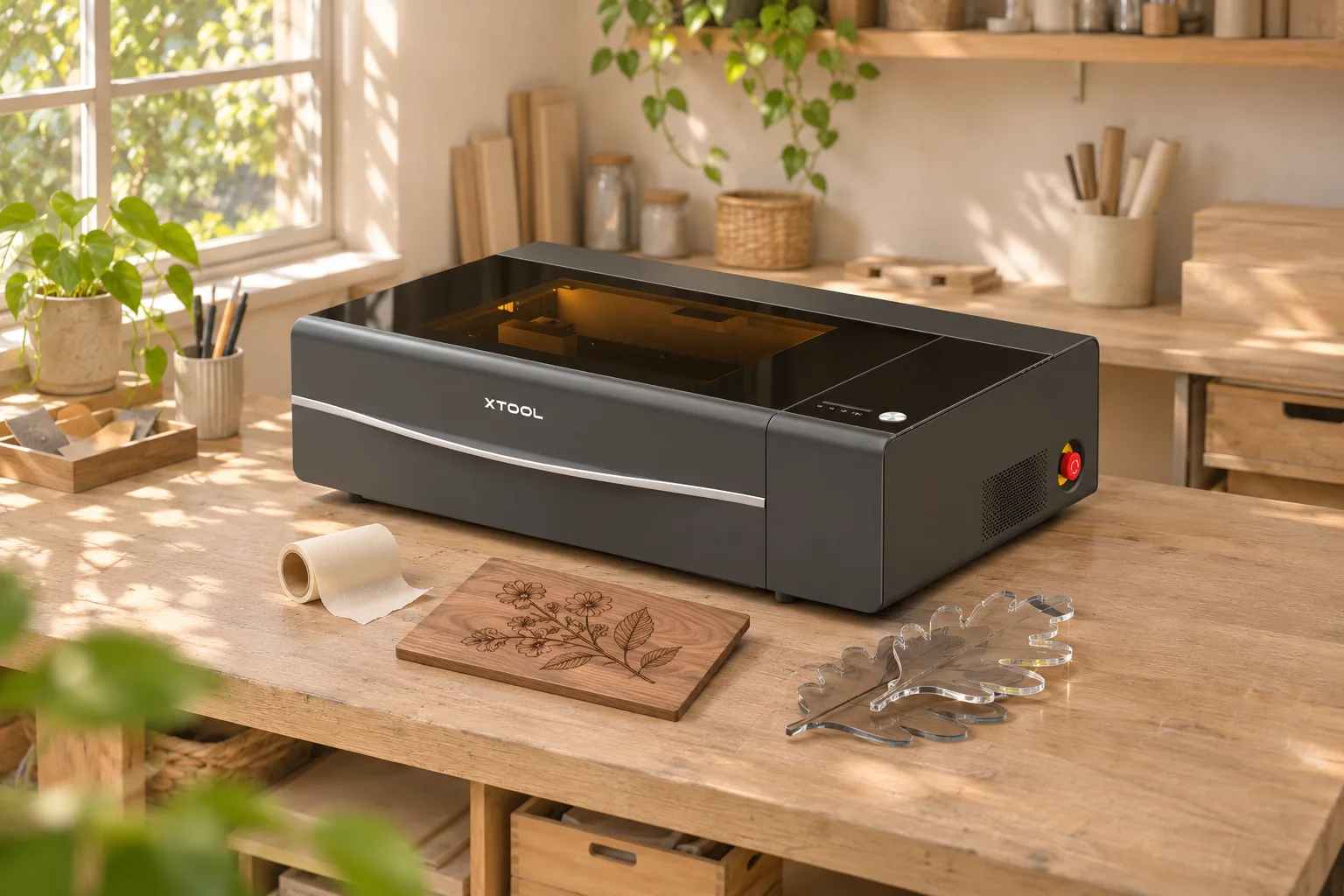
Worth it at $2,999 for a small business or serious hobbyist who cuts wood and acrylic: the xTool P2S is a 55W CO2 laser that xTool rates at 18 mm of basswood and 20 mm of acrylic, clear included, in one pass. Budget about $3,850 with the riser and rotary, and note it's Class 4 with a 6-month tube warranty.

Read review

Review

Brother P-touch Cube review

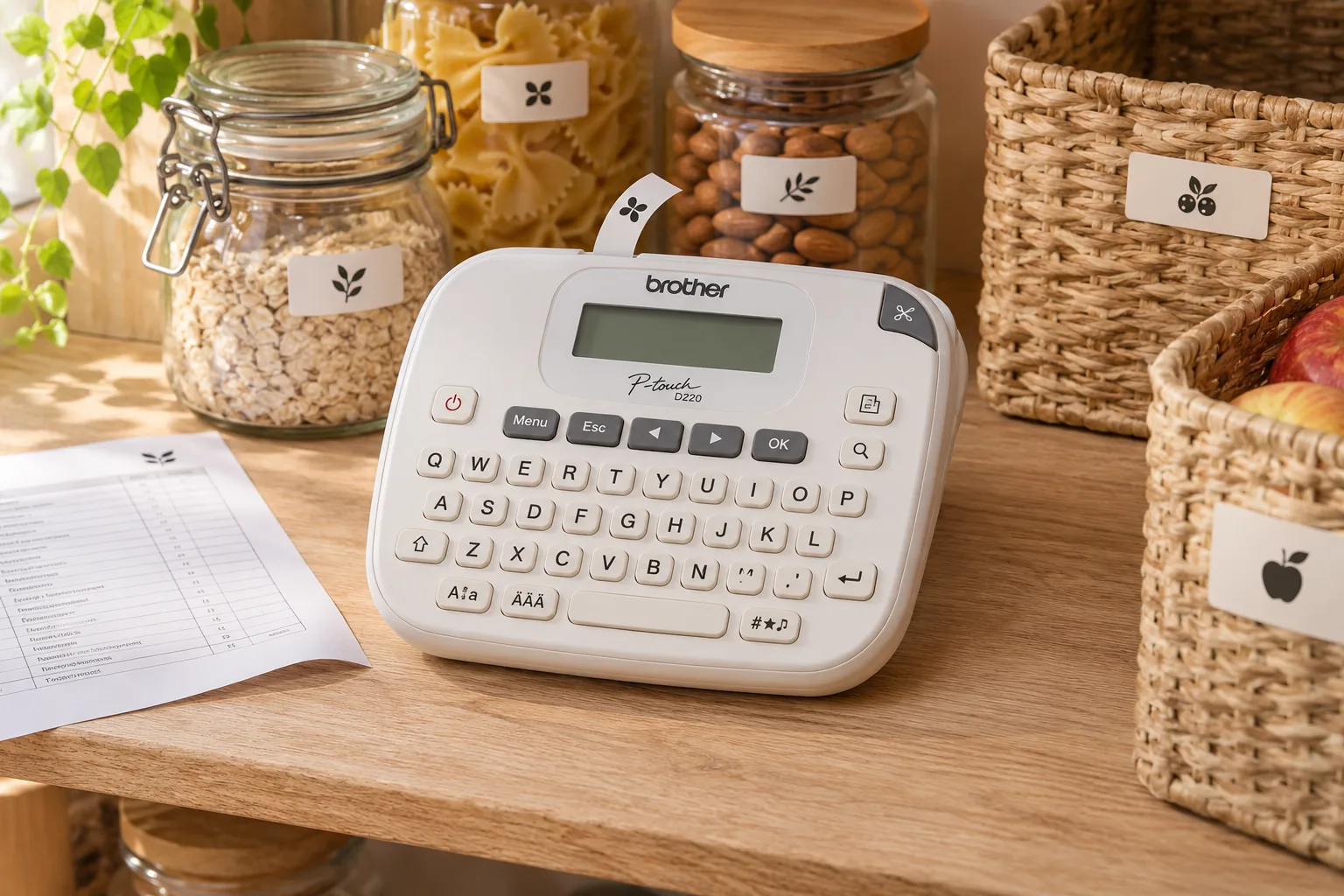
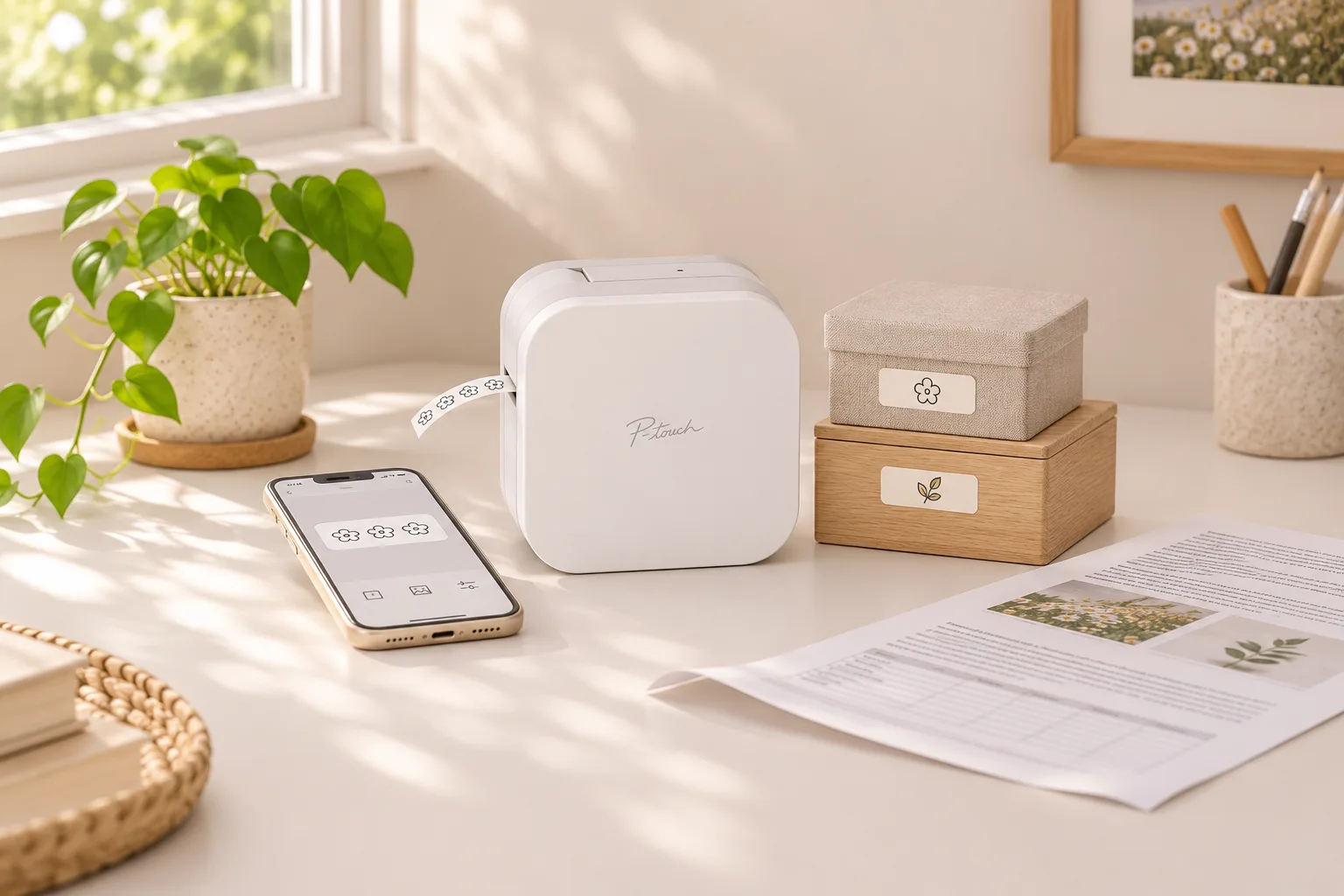
The P-touch Cube prints Brother's durable laminated TZe labels from your phone, but at $69.99 it costs $40 more than the keyboard PT-D220 for the same 12 mm tape. The Cube Plus is the Cube worth buying.

Read review

Review

Cricut Joy Xtra review

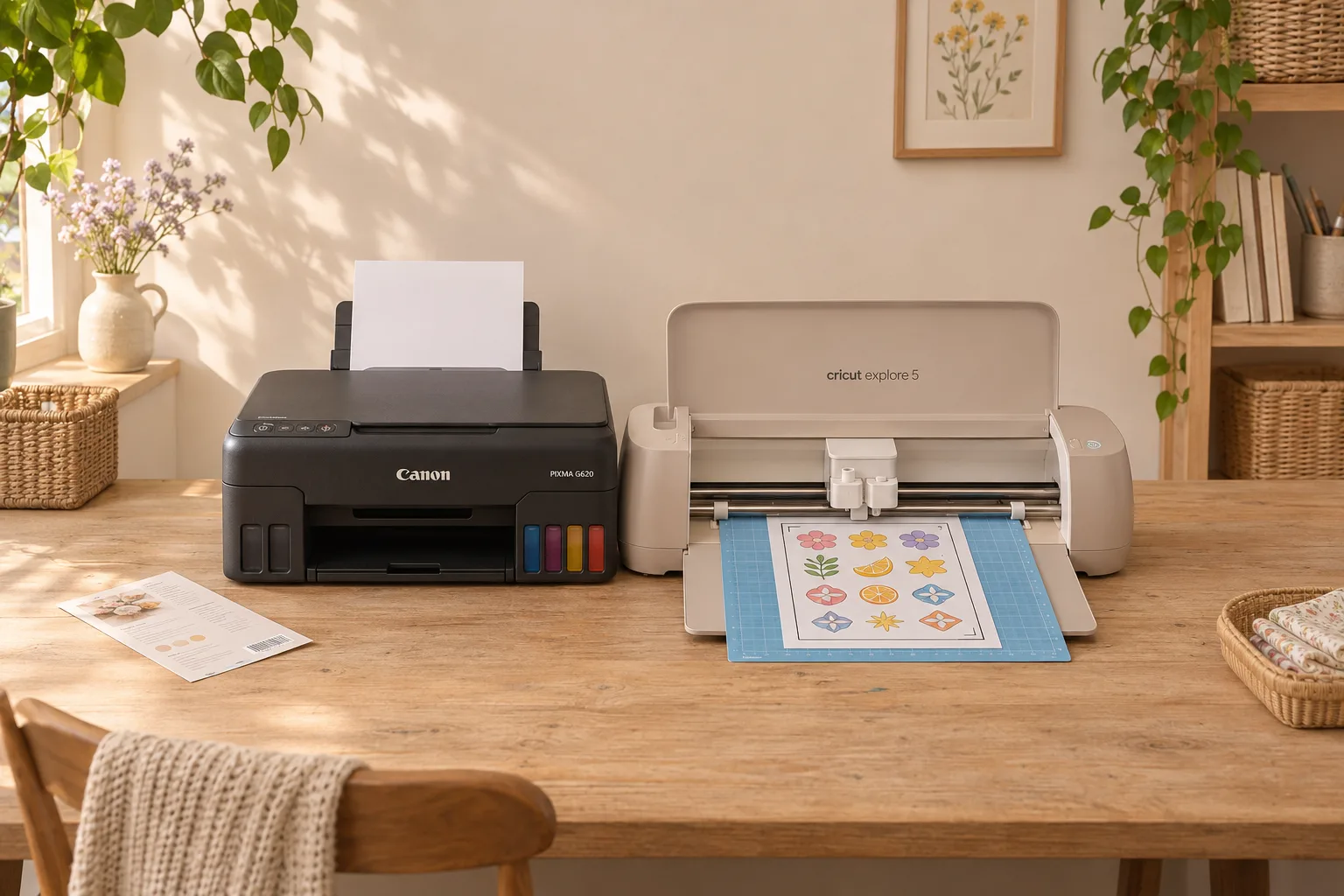
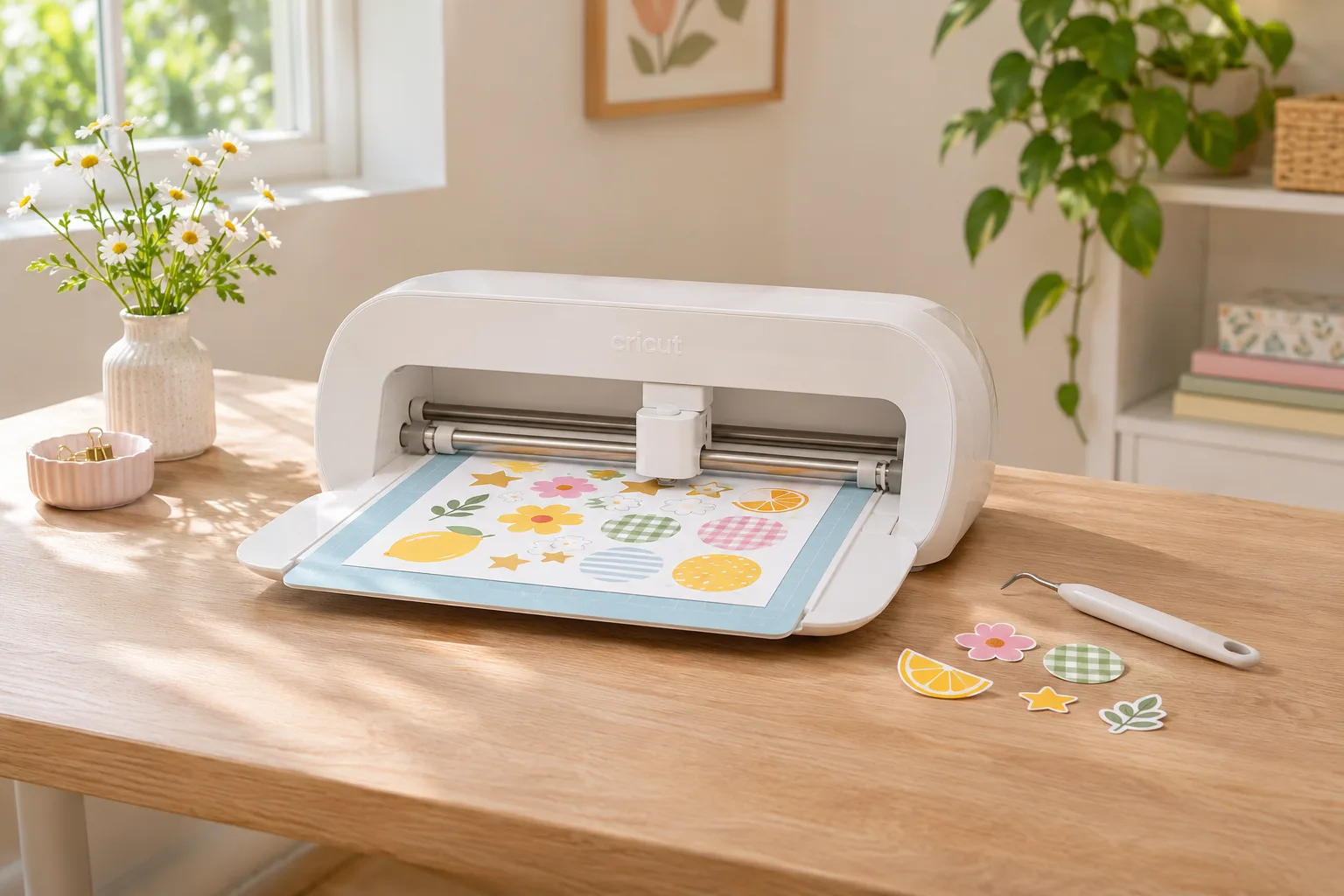
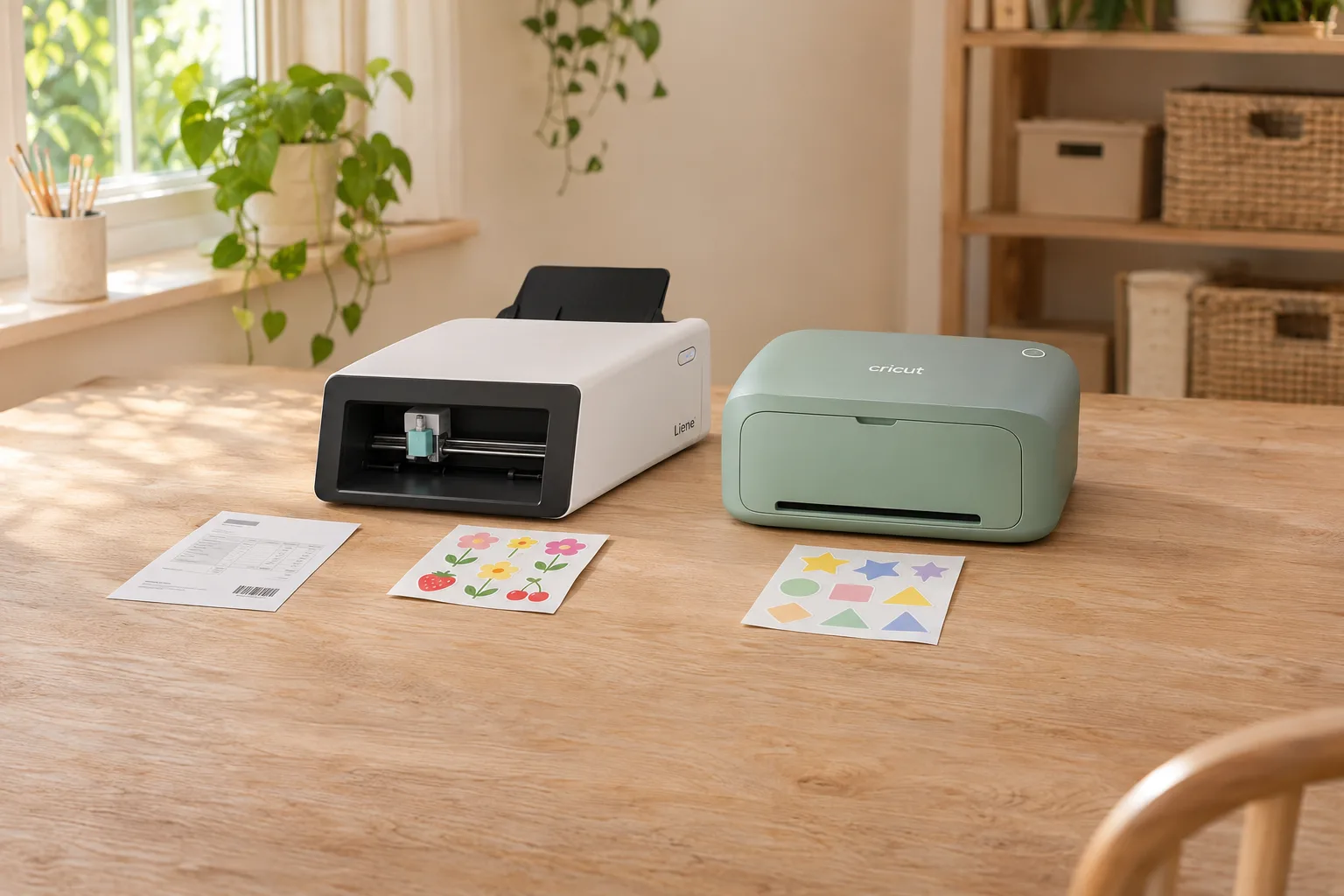
A compact Cricut that cuts letter-size sticker sheets from your own inkjet, at $129 on sale. For $70 more, the Explore 5 adds tabloid sheets and 12-inch materials.

Read review

Review

Dymo LetraTag 200B review

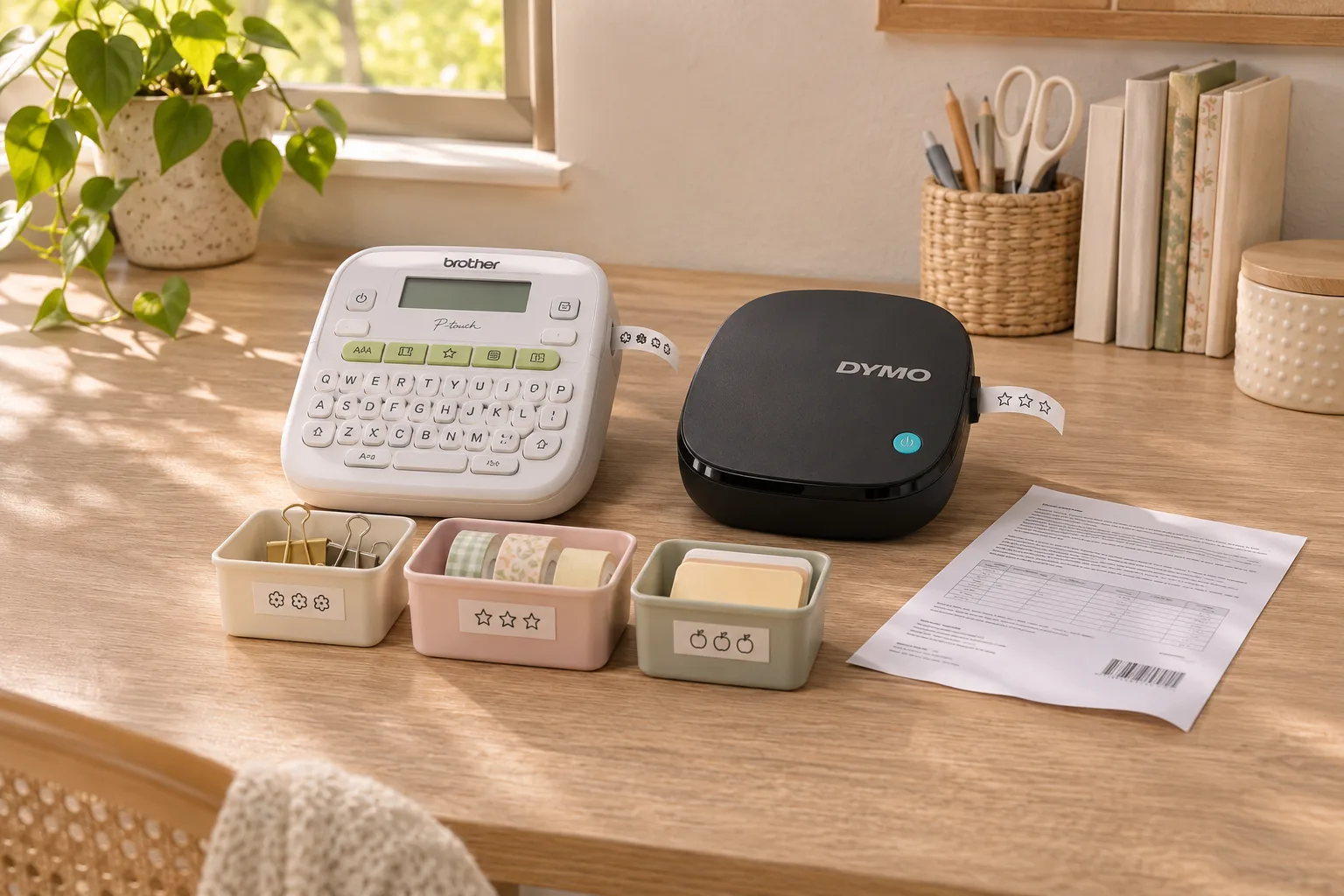
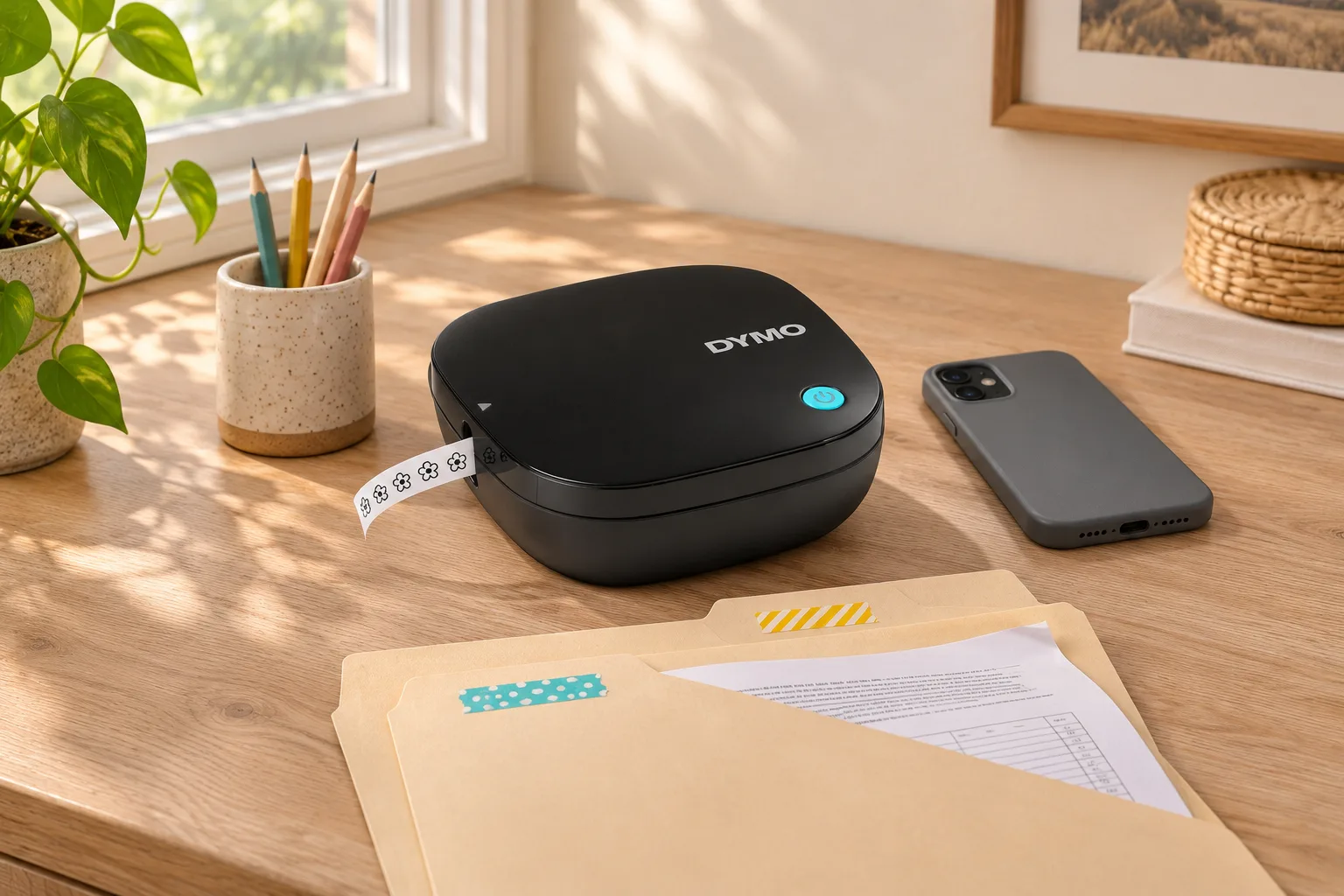
The LetraTag 200B is a cheap, private Bluetooth label maker with the cheapest tape we priced, about 27¢ a foot. Its paper labels and 160 dpi print are the trade-off against Brother's laminated tape.

Read review

Review

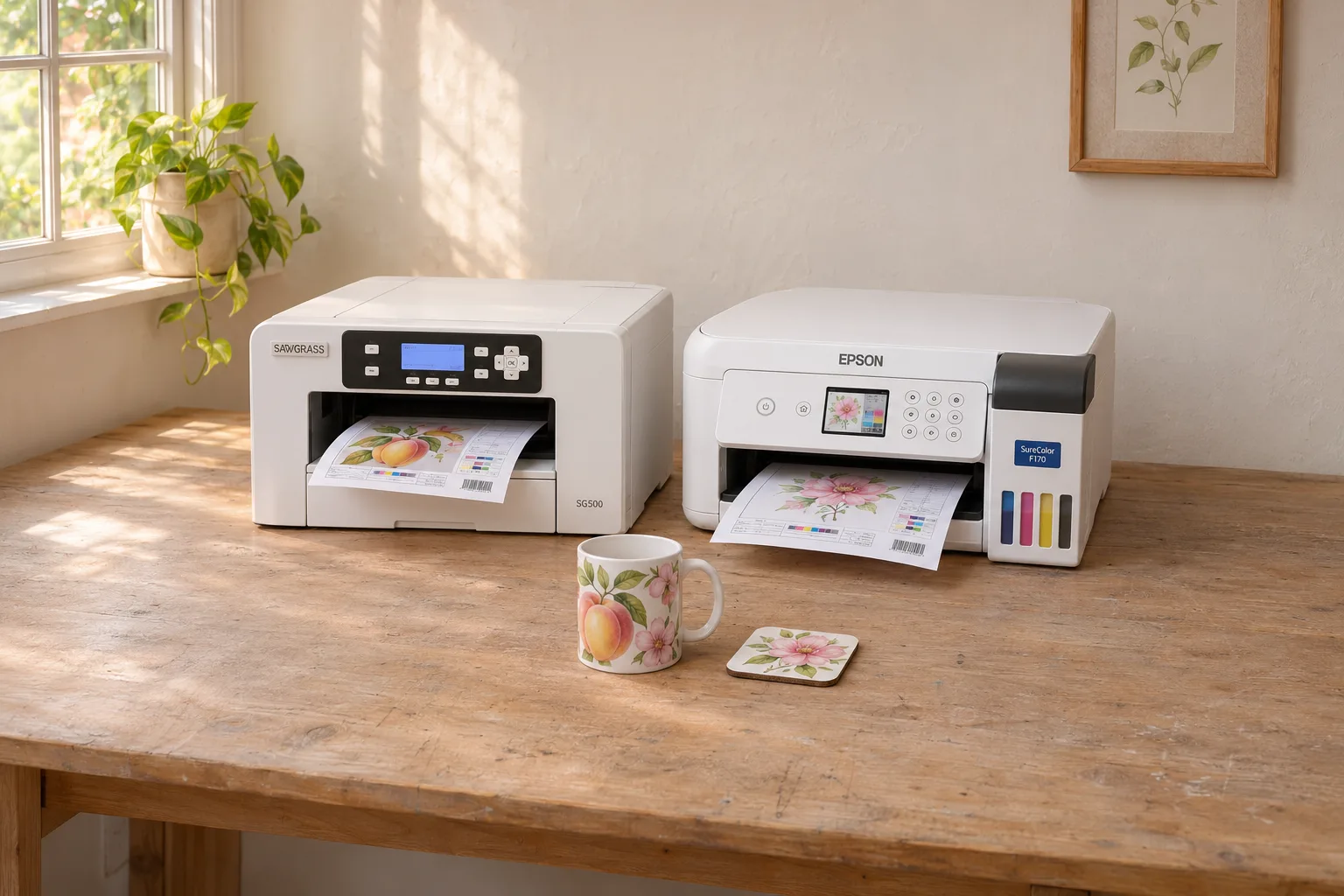
Epson SureColor F170 review

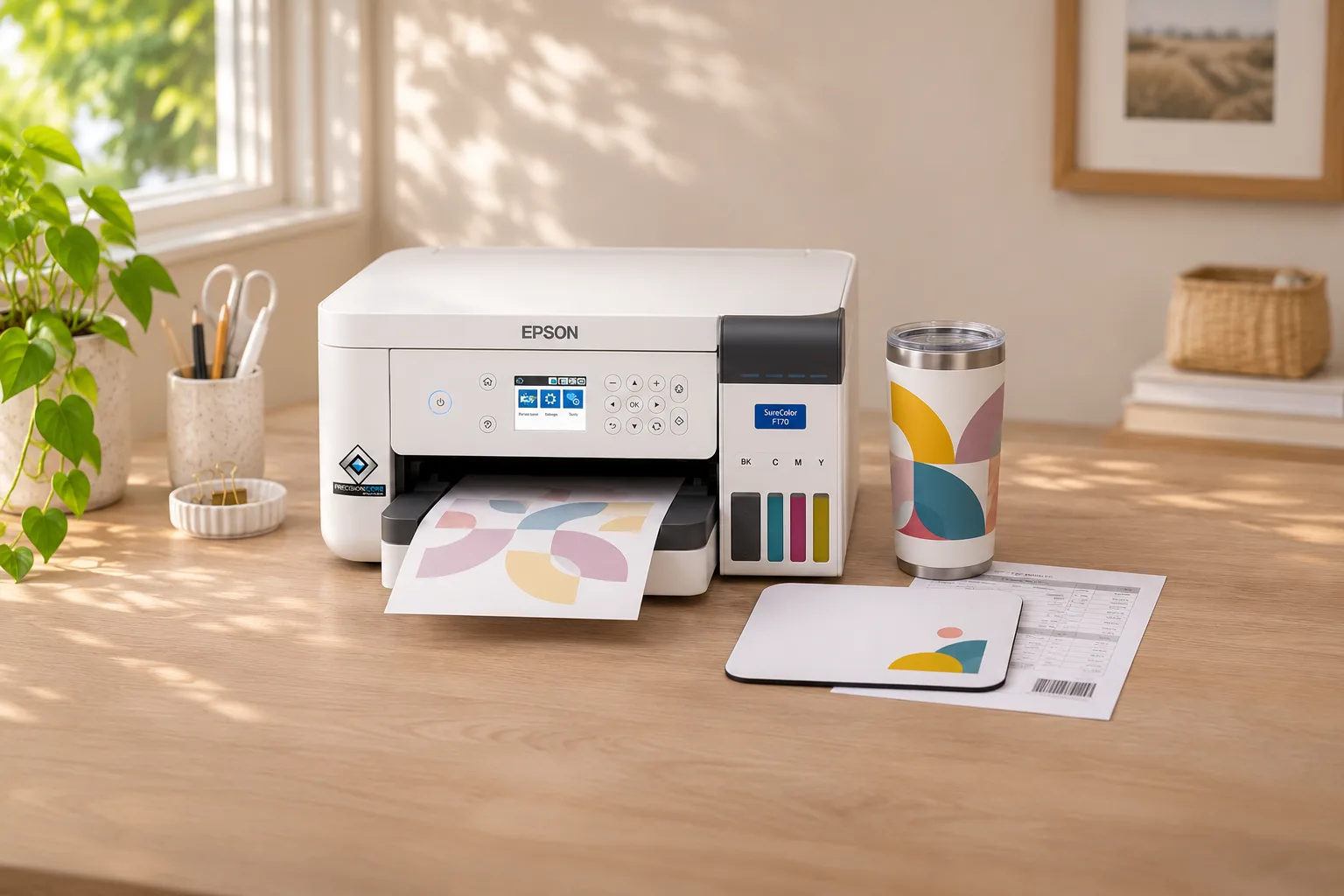
The F170 is the cheapest sublimation printer to run, with genuine Epson ink at about $18 per 100 ml. It's limited to letter width, has a 1-year warranty, and was hard to find in stock in November 2026.

Read review

Review

Liene PixCut S1 review

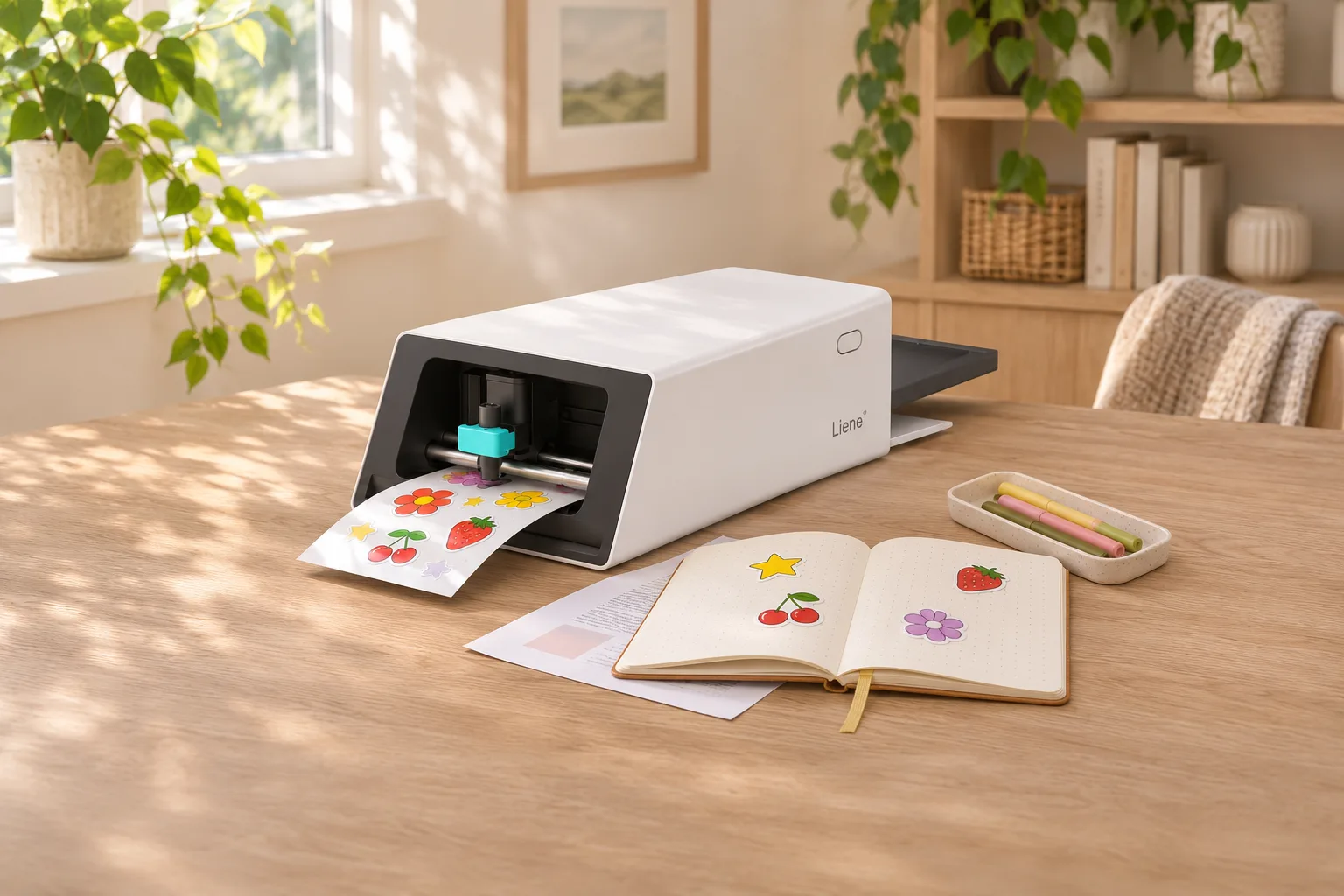
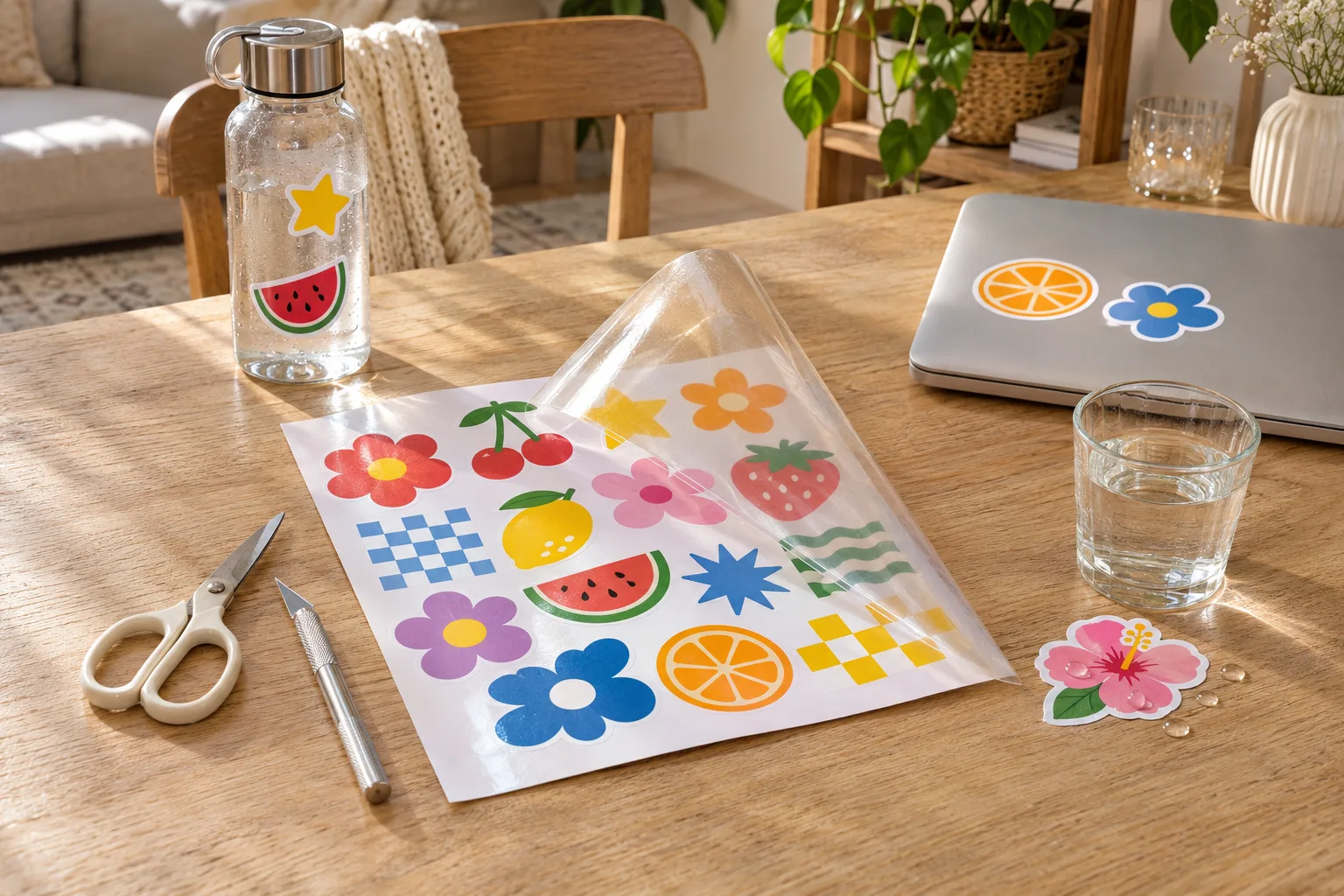
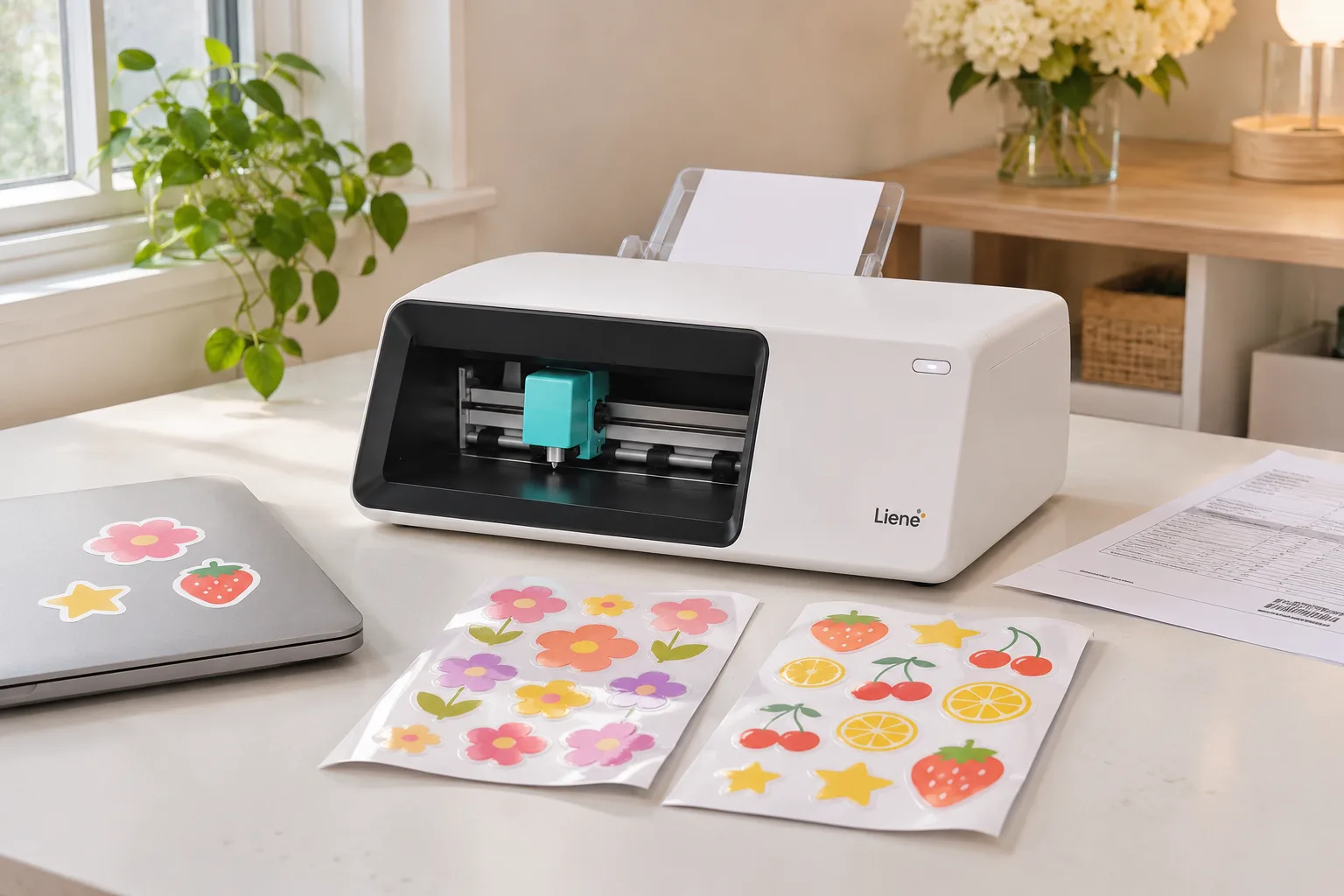
The easiest way to make custom stickers at home: one machine prints, laminates and cuts 4x7-inch sheets, with a subscription-free app and refills at about 60¢ a sheet.

Read review

Review

Niimbot B1 review

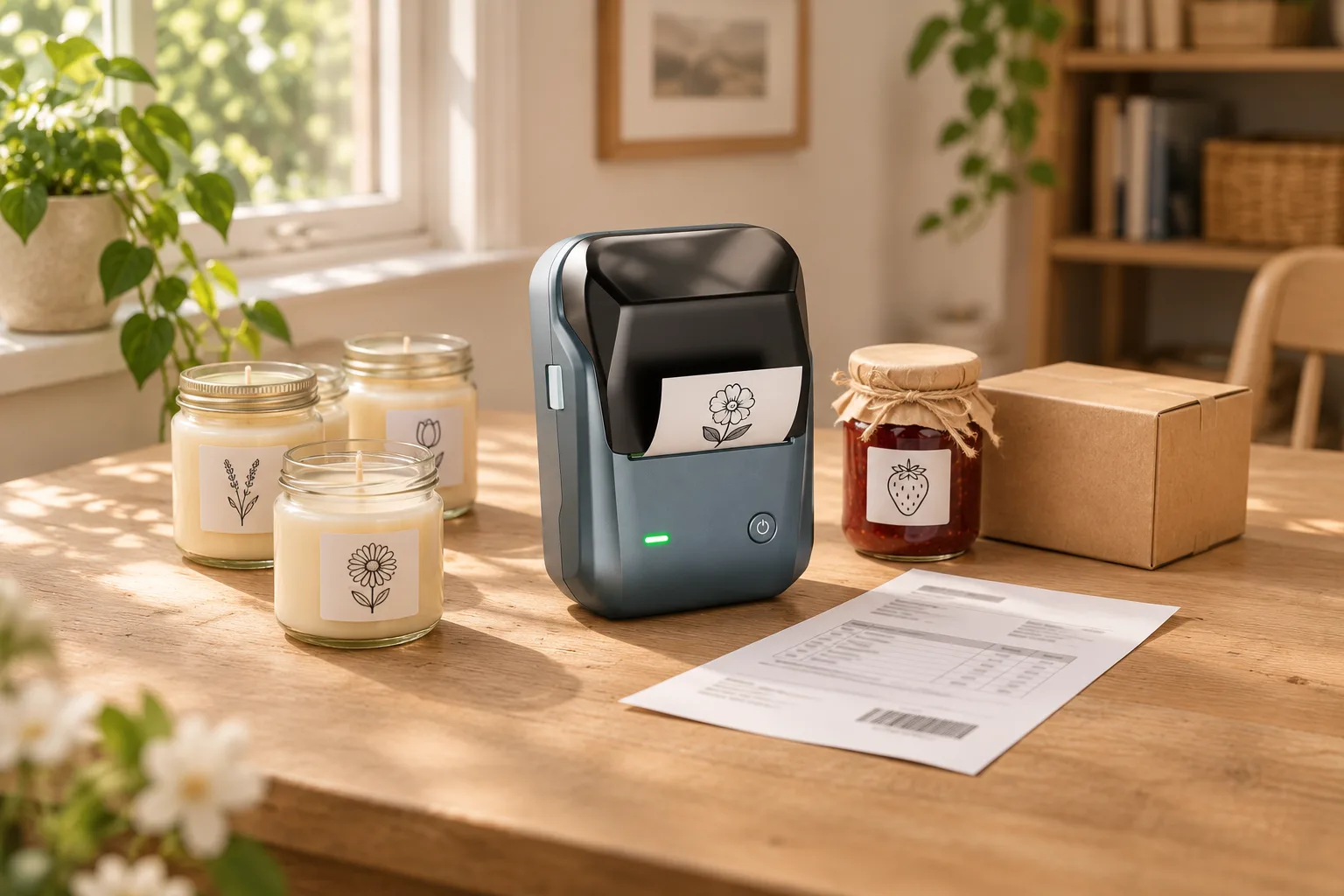
The Niimbot B1 ($23.99) is the cheapest way to print 2-inch labels, from a phone or a computer, at about 4¢ a label. Its thermal labels fade, so it's for price tags, bins and short-life food labels.

Read review

Review

Niimbot D11 review

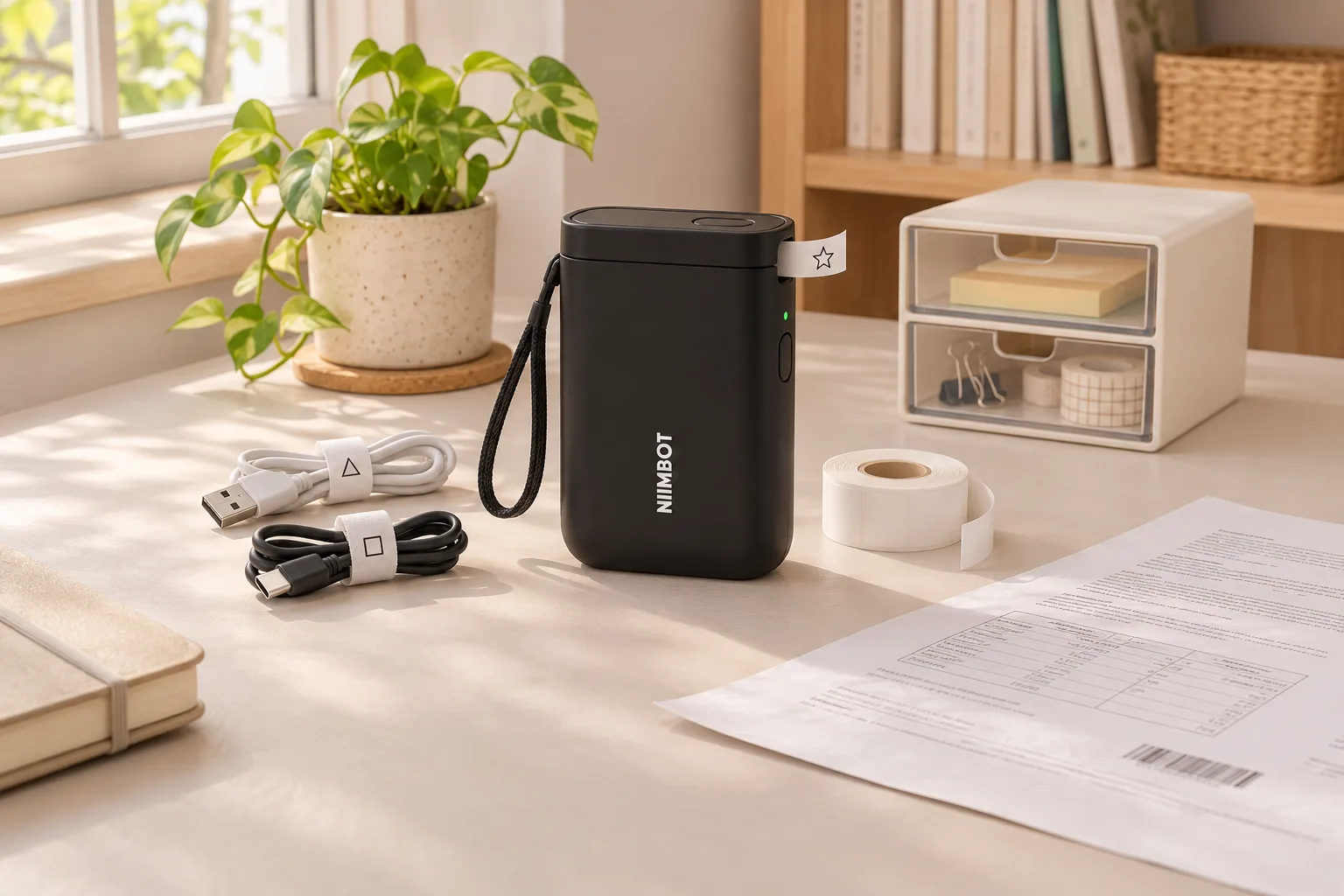
The Niimbot D11, now sold as the 300 dpi D11_H for $24.99, is the sharpest pocket label maker at its price. It only works from a phone and only with Niimbot's chipped label rolls.

Read review

Review

Phomemo D30 review

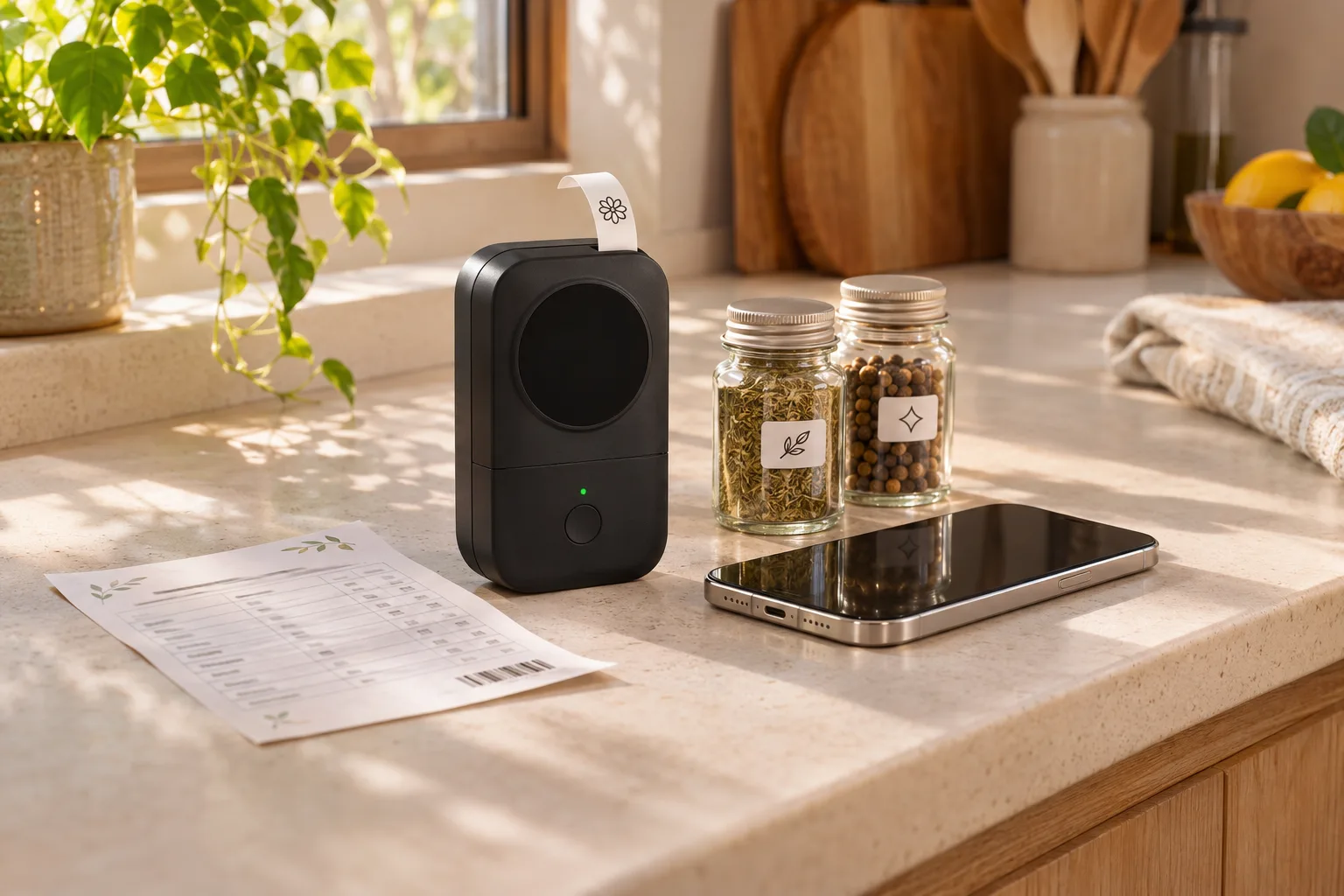
The Phomemo D30 is a pocket label maker for under $30 with labels at about 3¢ each. Its phone-only app sells subscriptions and lists personal data linked to you, and its thermal labels fade.

Read review

Review

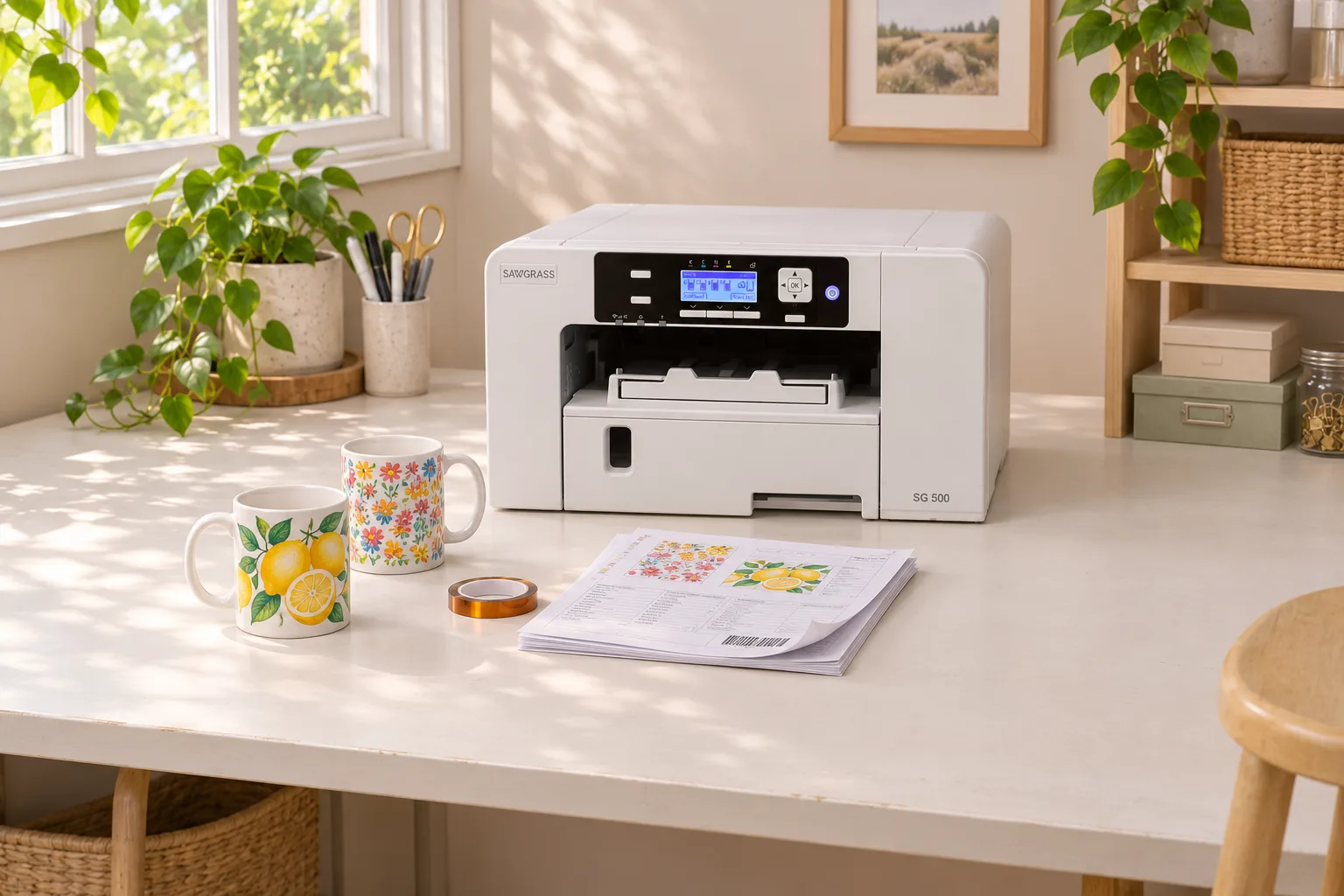
Sawgrass SG500 review

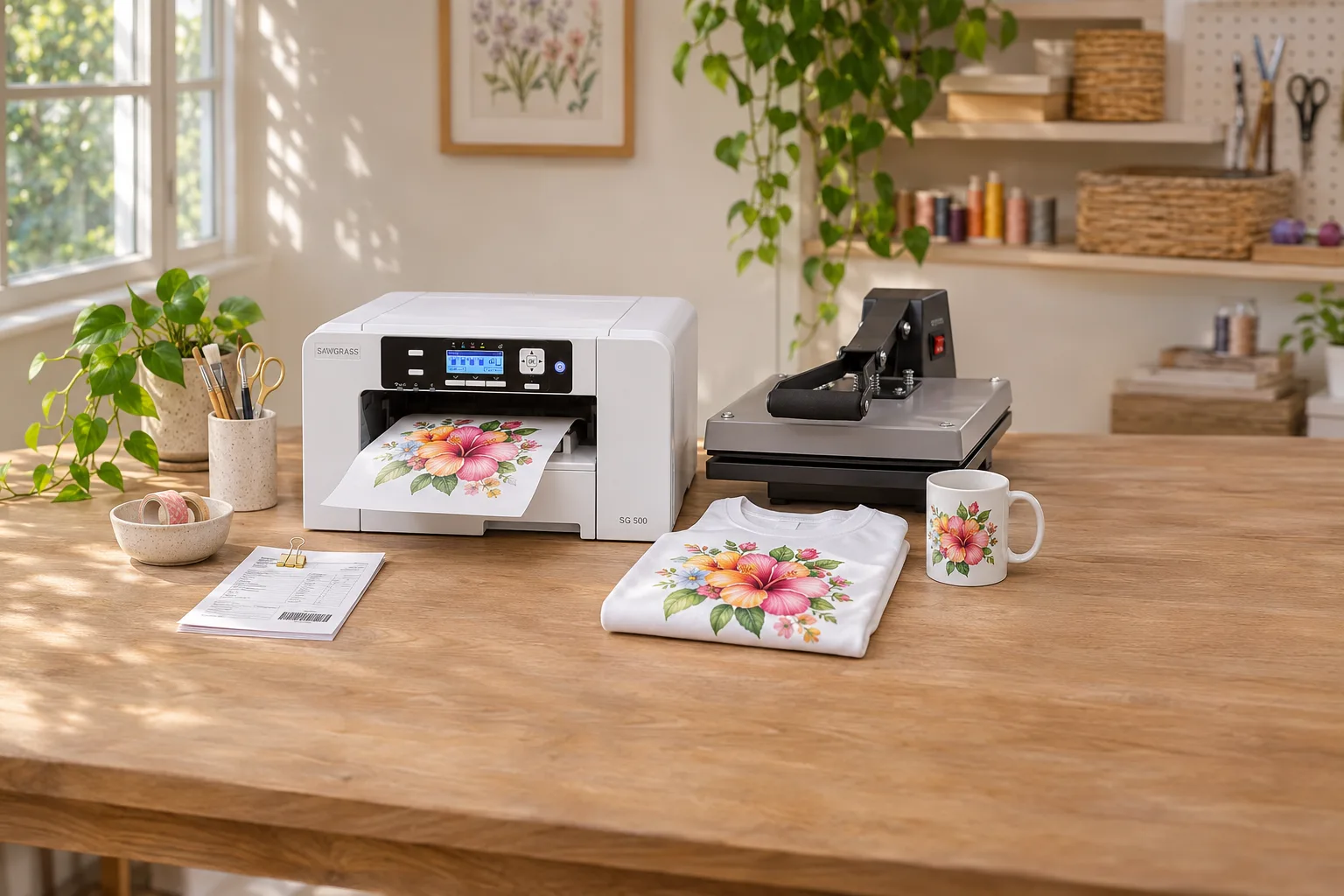
The SG500 is the easiest sublimation printer to own: it maintains itself, comes with software and has a 3-year warranty. Its ink costs about 15 times as much as Epson's, and its VersiFlex option prints on cotton.

Read review

A little more perspective

Stickers, labels and things you make.

Sticker printers, label makers and sublimation setups, and what the supplies really cost.

Our guides make room for the details: the paper, the space, the upkeep, and the way you actually use your printer.

How we approach our coverage →