Printers in this guide
Can you print your own checks?
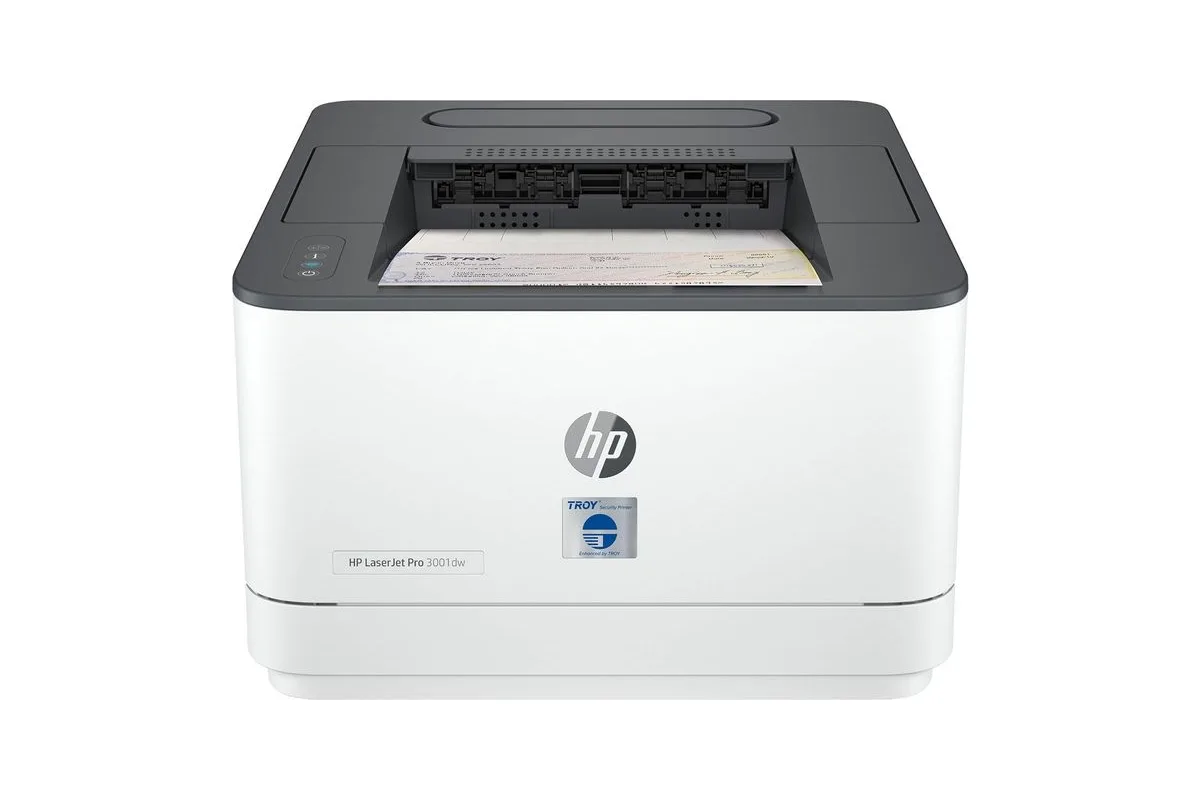
Yes, two ways. On preprinted checks, where your bank details are already printed at the bottom in magnetic ink, any laser or inkjet fills in the payee, date and amount. On blank check stock you print everything, so you also need MICR toner or ink for the routing and account numbers (a MICR printer such as the $509.15 TROY 3001dw), software that prints that line, and your bank’s specification. By our estimate a self-printed check costs about 5¢ three to a page, against 10.5¢ to 37¢ for ordered business checks.
This page records what Regulation CC, the Federal Reserve, two big banks and the software makers say. It isn’t legal or banking advice.
Can you print checks on a regular printer?
Yes, on preprinted checks, or on blank stock if the printer has MICR toner or ink in it.
| What you’re printing | Printer | MICR toner or ink? |
|---|---|---|
| Payee, date, amount and memo on preprinted checks | Any laser or inkjet | No; the MICR line is already printed |
| Whole check on blank security stock | A MICR laser or a MICR inkjet bundle | Yes, for the line at the bottom |
| Whole check on plain paper | Some services allow it | See your bank’s rules below |
Preprinted checks are made for ordinary printers. Sam’s Club and Walmart sell their laser checks for “laser or inkjet” printers and say they work with Quicken, QuickBooks, Xero and NetSuite. Any cheap laser printer handles them.
A regular printer can print the whole check only with MICR supplies in it. VersaCheck sells HP DeskJet and Smart Tank bundles with MICR ink, from $79.99 for a DeskJet 4255 bundle on sale (was $199.99) to $479.99 for a Smart Tank 6001. TROY’s new T6020 ($855) is a Canon MegaTank inkjet with TROY’s MICR ink for color checks. For lasers, see the best check printers.
Do you need MICR toner to print checks?
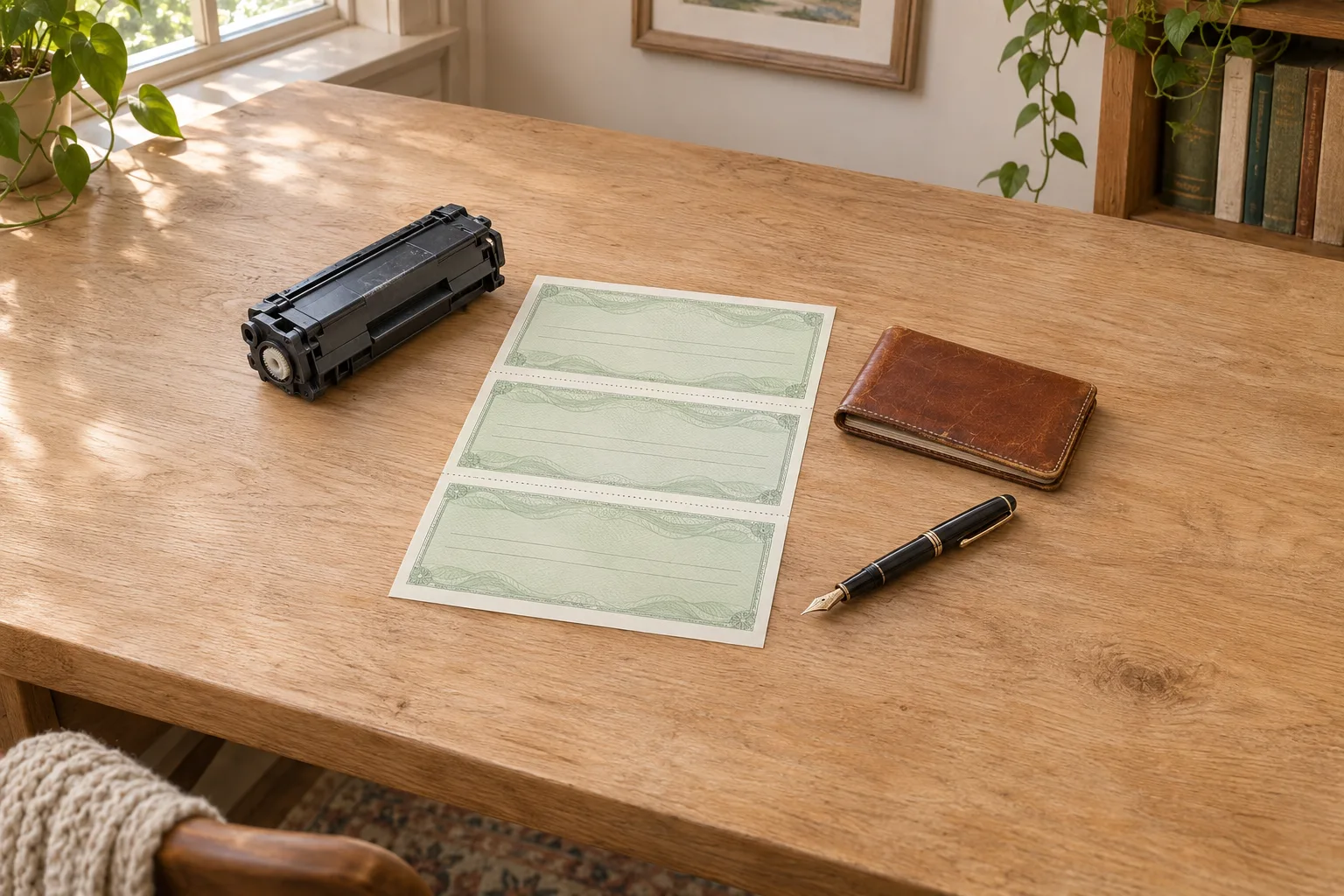
On blank stock, yes, by every source we read. On preprinted checks, no. MICR (magnetic ink character recognition) is the line of numbers at the bottom of a check. Regulation CC, the Federal Reserve rule for check collection, defines it as the numbers, which may include the routing number, account number, check number and amount, “printed near the bottom of a check in magnetic ink” to ANSI standard X9.13. The characters use the E-13B font; ANSI’s X9.100-20 standard sets their shapes, sizes and magnetic signal level, and X9.100-160-1, the successor to X9.13, sets where they go.
What the rules and banks say about checks without it:
- Regulation CC counts as a noncash item one that “has not been preprinted or post-encoded in magnetic ink with the routing number of the paying bank.” Noncash items fall outside Reg CC’s funds availability rules.
- The Federal Reserve turns paper checks into image files that carry the MICR line data, and its Check 21 FAQ says it may reject items that fail its image quality standards, carry invalid routing numbers or aren’t eligible for image clearing.
- Bank of America’s deposit agreement makes you bear the risk of loss for check stock with defects such as faulty magnetic ink or faulty encoding.
- Intuit says banks have become stricter about enforcing MICR standards, and recommends MICR toner whenever you print on blank check stock.
We found no Federal Reserve or bank fee published for a check printed without magnetic ink, and no bank page that says outright it will or won’t accept one.
Where to get MICR toner. HP doesn’t make MICR toner of its own; for HP LaserJets it comes from TROY and from VersaCheck’s VersaToner. TROY’s 3001dw MICR toner is $179 for about 1,500 pages or $279 for about 4,000 (dealer-listed yields). VersaToner 134A, for the HP M209 and M234 families, is $199.99 for up to 1,100 pages, which VersaCheck counts as 3,300 checks at three per page.
Is it legal to print your own checks?
We found nothing in the federal check rules that says who has to print a check. The Uniform Commercial Code (section 3-104) defines a check as a draft payable on demand and drawn on a bank; the definition says nothing about who prints the form or what ink it uses. Regulation CC uses magnetic ink to define the MICR line, and we found no Federal Reserve, Regulation CC or bank text that says a check without magnetic ink is void or illegal.
Your bank’s account agreement is what sets the terms. Two examples:
| Bank | What its agreement says |
|---|---|
| Chase (effective November 15, 2026) | Checks must be on forms “obtained through or approved by us,” and Chase isn’t responsible for losses or delays from improper printing on forms it didn’t supply or approve. Chase may disregard everything on a check except the paying bank, payee, amount and MICR-encoded information |
| Bank of America (effective May 15, 2026) | You bear the risk of loss if you have your checks printed by a vendor it hasn’t approved, use check stock with faulty magnetic ink or encoding, or use security features or light ink that make critical data disappear when the check is imaged |
Neither agreement bans printing your own checks. Both put the risk on you if the printing goes wrong, and Chase asks that your forms be approved. Before you switch to blank stock, ask your bank for its check and MICR specification and whether it needs to approve your stock.
What software do you need to print checks?
Software that prints the MICR line in the right place, if you’re using blank stock. Intuit says QuickBooks Online doesn’t directly support printing checks on blank stock, and names MultiCHAX, VersaCheck Gold and PrintBoss as options.
| Software | Price (Nov 2026) | Prints MICR on blank stock? | Notes |
|---|---|---|---|
| QuickBooks Online | Subscription | No | Prints onto preprinted checks; Intuit sells QuickBooks checks |
| VersaCheck X1 2026 for QuickBooks | $129.99, 1 user | Yes | Includes a year of VersaCheck ONLINE Gold |
| VersaCheck X9 Gold 2026 | $179.99, 3 users | Yes | Business and personal checks |
| VersaCheck X9 2026 for QuickBooks | $199.99, 5 users | Yes | |
| VersaCheck ONLINE (cloud) | $89.88 to $299.88 a year | Yes | 50 to 250 print credits by tier |
| Checkeeper | $14.99 a month, 14-day trial | Yes | Prints on check stock or blank paper; connects to QuickBooks Online, FreshBooks and Xero; mails checks for $1.50 each |
| OnlineCheckWriter | Pay as you go, $30 minimum | Yes | Lists check printing at $1.00 and mailed checks at $1.25; we couldn’t confirm exactly what the $1.00 covers |
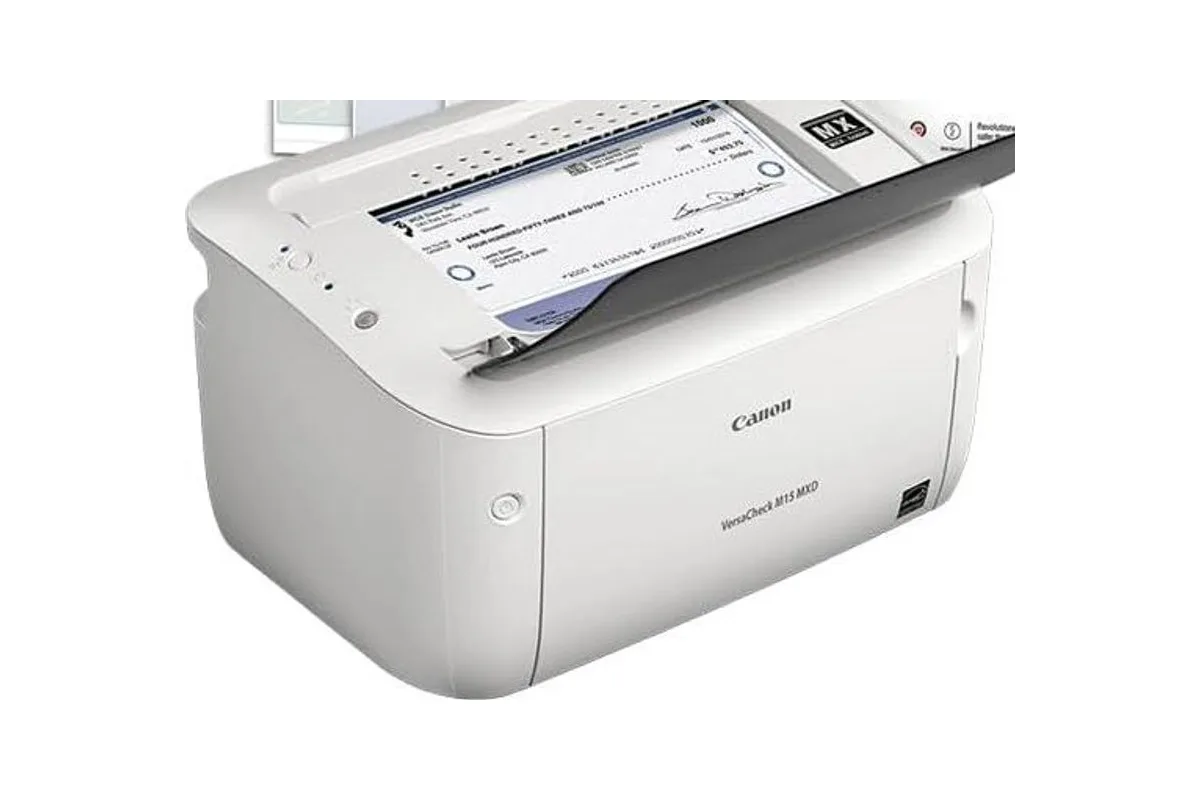
VersaCheck’s MICR laser bundles include its software: the VersaCheck M15 MXD ($399.99) comes with X1 Platinum.
Is printing your own checks cheaper than ordering them?
Per check, yes, three to a page with high-yield toner. Counting the printer, only at volume. Our estimate of supplies per check, using toner and paper prices on November 27, 2026:
| Setup | One check per sheet (voucher) | Three per page |
|---|---|---|
| TROY 3001dw, standard toner ($179 for 1,500 pages), TROY paper ($43 for 500) | 21¢ | 6.8¢ |
| TROY 3001dw, high-yield toner ($279 for 4,000 pages), TROY paper | 16¢ | 5.2¢ |
| TROY 4001dn, high-yield toner ($449 for 9,500 pages), TROY paper | 13¢ | 4.4¢ |
| VersaCheck HP M209 MXE, VersaToner 134A ($199.99 for 1,100 pages), VersaCheck paper ($59.99 for 500) | 30¢ | 10¢ |
| TROY T6020, MICR ink ($170.45 for 6,000 pages), TROY paper; color ink not counted | 11¢ | 3.8¢ |
That’s toner per page plus paper per sheet, divided by checks per sheet. TROY’s yields are from dealer listings at about 5% coverage, and a check page may use more or less toner. It leaves out the printer, software, envelopes and misprints.
Ordered checks, at the same date (read signed out; member prices may differ):
| Ordered checks | Price | Per check |
|---|---|---|
| Intuit Basic Standard Business Checks, 3 per page | $185.99 for 500 | 37¢ |
| Intuit Basic Voucher Checks | $224.99 for 500 | 45¢ |
| Walmart Business Laser 3 to a Page | $108.03 for 800, plus shipping | 13.5¢ |
| Sam’s Club Laser 3-Per-Page | $91.08 for 800 | 11.4¢ |
| Costco Checks Laser Multi-Purpose Check Top | $84.29 for 800 | 10.5¢ |
| Deluxe Laser Top Checks | From $191.99 for 100 | $1.92 |
| Walmart personal Blue Secure Checks | $12.75 for 100 | 12.8¢ |
| Costco personal Blue Safety Checks | $30.69 for 320 | 9.6¢ |
| Sam’s Club personal checks | $22.00 for 320 | 6.9¢ |
Break-even (our estimate). The MICR printer is the extra cost, since ordered checks print on any printer. With a $509.15 TROY 3001dw at 5.2¢ a check:
- Against Intuit’s checks (37¢), you save about 32¢ a check and repay the printer after about 1,600 checks, or about 2,150 counting $179.99 of software.
- Against Costco or Sam’s Club laser checks (10.5¢ to 11.4¢), you save 5¢ to 6¢ a check and need about 8,200 to 9,600 checks.
- In voucher format, self-printing (16¢) costs more per check than Costco’s ordered laser checks.
- For personal checks, Sam’s Club’s 6.9¢ is so close to self-printed that the printer would take about 30,000 checks to pay off.
So printing your own pays when you write thousands of checks, and especially when you’d otherwise buy from Intuit or a bank. VersaCheck advertises savings of 50% to 80% against bank and mail-order checks; against discount laser checks, our estimate says the savings are much smaller.
What check paper should you use?
Blank security check stock, in the layout your software expects (check on top, middle or bottom, or three to a page).
| Paper | Pack | Price | Per sheet | Security features (seller) |
|---|---|---|---|---|
| TROY Security Check Paper | 500 | $43.00 | 8.6¢ | VOID pantograph, microtext backer |
| TROY Security Plus | 500 | $46.00 | 9.2¢ | Adds chemical sensitivity, fluorescent fibers, toner adherence |
| TROY Fortress | 500 | $83.00 | 16.6¢ | 20 features, sold only through controlled channels |
| VersaCheck check paper (Form 1000 and others) | 500 | $59.99 | 12¢ | UV security, several designs |
Per sheet is our arithmetic. VersaCheck’s 1,000-sheet pack ($129.99) cost more per sheet than its 500-sheet pack on November 27. Bank of America’s agreement warns against security features that make critical data disappear when the check is imaged, so pick stock made for image clearing; TROY describes its Fortress paper as Check 21 image survivable.
Questions people ask
Can you print checks on plain paper?
Some software allows it: Checkeeper says it prints on check stock or blank paper. Chase’s agreement says checks must be on forms it supplied or approved, and Bank of America puts the risk of loss on you for faulty printing. Ask your bank before you print on plain paper.
Can you print checks from QuickBooks?
Onto preprinted checks, yes. Intuit says QuickBooks Online doesn’t directly print checks on blank stock; for that, add software such as VersaCheck X1 for QuickBooks ($129.99) or Checkeeper ($14.99 a month).
Can you print checks with an inkjet printer?
Onto preprinted checks, yes. On blank stock, only with MICR ink: VersaCheck’s HP DeskJet and Smart Tank bundles ($79.99 to $479.99) and the TROY T6020 ($855) ship with it.
What’s on the MICR line?
The routing number, account number and check number, and sometimes the amount, printed in the E-13B font in magnetic ink near the bottom of the check, as Regulation CC defines it.
Do you need a special printer to print checks?
Not for preprinted checks. For blank stock, you need a printer with MICR toner or ink, such as the TROY 3001dw ($509.15 at TROY, $530 at Amazon) or a VersaCheck bundle.
Does Bank of America accept checks you print yourself?
Its deposit agreement doesn’t ban them, but you bear the risk of loss if your checks come from a check printing vendor it hasn’t approved, have faulty magnetic ink or encoding, or features that obscure data when the check is imaged. Ask your branch for its check specification.
Sources
- 12 CFR 229.2, Regulation CC definitions, law.cornell.edu
- UCC 3-104, negotiable instrument and check, law.cornell.edu
- Federal Reserve Financial Services: Check 21 FAQ, frbservices.org
- ANSI: MICR specifications for checks and the ASC X9 standards, blog.ansi.org
- Chase Deposit Account Agreement (effective 11/15/2026), chase.com
- Bank of America deposit agreements (effective May 15, 2026), bankofamerica.com
- Intuit: print checks on blank check stock, quickbooks.intuit.com
- Intuit: MICR toner for blank check stock, static.onlinepayroll.intuit.com
- Intuit standard checks, intuitmarket.intuit.com
- Intuit Basic Standard Business Checks, intuitmarket.intuit.com
- Intuit Basic Voucher Checks, intuitmarket.intuit.com
- TROY Group store (MICR printers, toner, check paper), shop.troygroup.com
- VersaCheck check printers, versacheckstore.com
- VersaCheck ink and toner, versacheckstore.com
- VersaCheck check paper, versacheckstore.com
- VersaCheck software, versacheckstore.com
- VersaCheck ONLINE, versacheckonline.com
- Checkeeper pricing, checkeeper.com
- OnlineCheckWriter pricing, onlinecheckwriter.com
- Costco Checks: Laser Multi-Purpose Check Top, costcochecks.com
- Costco Checks: Blue Safety Checks, costcochecks.com
- Sam's Club Checks: Laser 3-Per-Page Check, samsclubchecks.com
- Sam's Club Checks: personal checks, samsclubchecks.com
- Walmart Business Checks: Laser 3 to a Page, walmartbusinesschecks.com
- Walmart Checks: Blue Secure Checks, walmartchecks.com
- TROY 3001dw MICR (Amazon), amazon.com
- VersaCheck M15 MXD (Amazon), amazon.com
Keep exploring

Buying guide
The best barcode label printers
The Zebra ZD421 is the best barcode label printer for most businesses: 4-inch labels at 6 inches a second, any brand of label roll and a 24-month warranty, for about $480 to $526 in November 2026. Get the Brother QL-820NWBc ($229.99) for an office or shop counter, and a thermal transfer model for inventory labels that have to last.
Read story
Buying guide
The best check printers for a small business
The TROY 3001dw ($509.15 at TROY, $530 at Amazon in November 2026) is the best check printer for a small business: a 35 ppm Wi-Fi laser with MICR toner, rated for 350 to 2,500 checks a month, at about 5¢ to 7¢ per check three to a page by our estimate. Get the TROY 4001dn for a locking tray, or the VersaCheck M15 MXD ($399.99) for software in the box.
Read story