How it scores
- Output quality25%6.0
203 dpi on labels up to 50 mm wide (300 dpi on the B1 Pro); direct thermal labels fade with heat and sun.
- Supply costs20%8.0
About 3.9¢ per 50 x 30 mm label from Niimbot's US store.
- Ease of use and software20%7.0
Phone app over Bluetooth or Niimbot's PC software over USB; one Bluetooth device at a time.
- Features and media15%7.0
Labels 20 to 50 mm wide, USB and Bluetooth, USB-C charging; no 4x6 shipping labels.
- Reliability and lock-ins20%6.5
Two-year warranty, but an app with paid tiers and Niimbot labels as the safe choice.
Overall 6.9/10, the weighted average.How we score →
Is the Niimbot B1 worth it?
Yes, if you want cheap 2-inch labels and don’t need them to last. The B1 was $23.99 at Niimbot’s US store in November 2026 (list $35.99), the lowest price we found for a printer that takes labels up to 50 mm (2 inches) wide. It prints over Bluetooth from a phone or over USB from a computer, and Niimbot’s 50 x 30 mm labels cost about 3.9¢ each.
The labels are direct thermal, so heat, sun and rubbing fade them. That’s fine for price tags, bin and shelf labels, mailing labels for a few days in transit, and food-date labels in the fridge. For a busier small business, the Brother QL-800 ($124.99) prints wider, faster and sharper.
| Spec | Niimbot B1 |
|---|---|
| Price (Niimbot US, Nov 2026) | $23.99 (list $35.99); code NEW10 for 10% off |
| Labels | Niimbot B-series, 20 to 50 mm wide (48 mm print width) |
| Printing | Direct thermal, 203 dpi (B1 Pro: 300 dpi, red and black) |
| Connection | Bluetooth (app) and USB (Niimbot PC software) |
| Battery | 1,500 mAh, USB-C |
| Warranty | 2 years from Niimbot’s US store |
Source: Niimbot’s US store, read November 25, 2026.
What is the B1 good for?
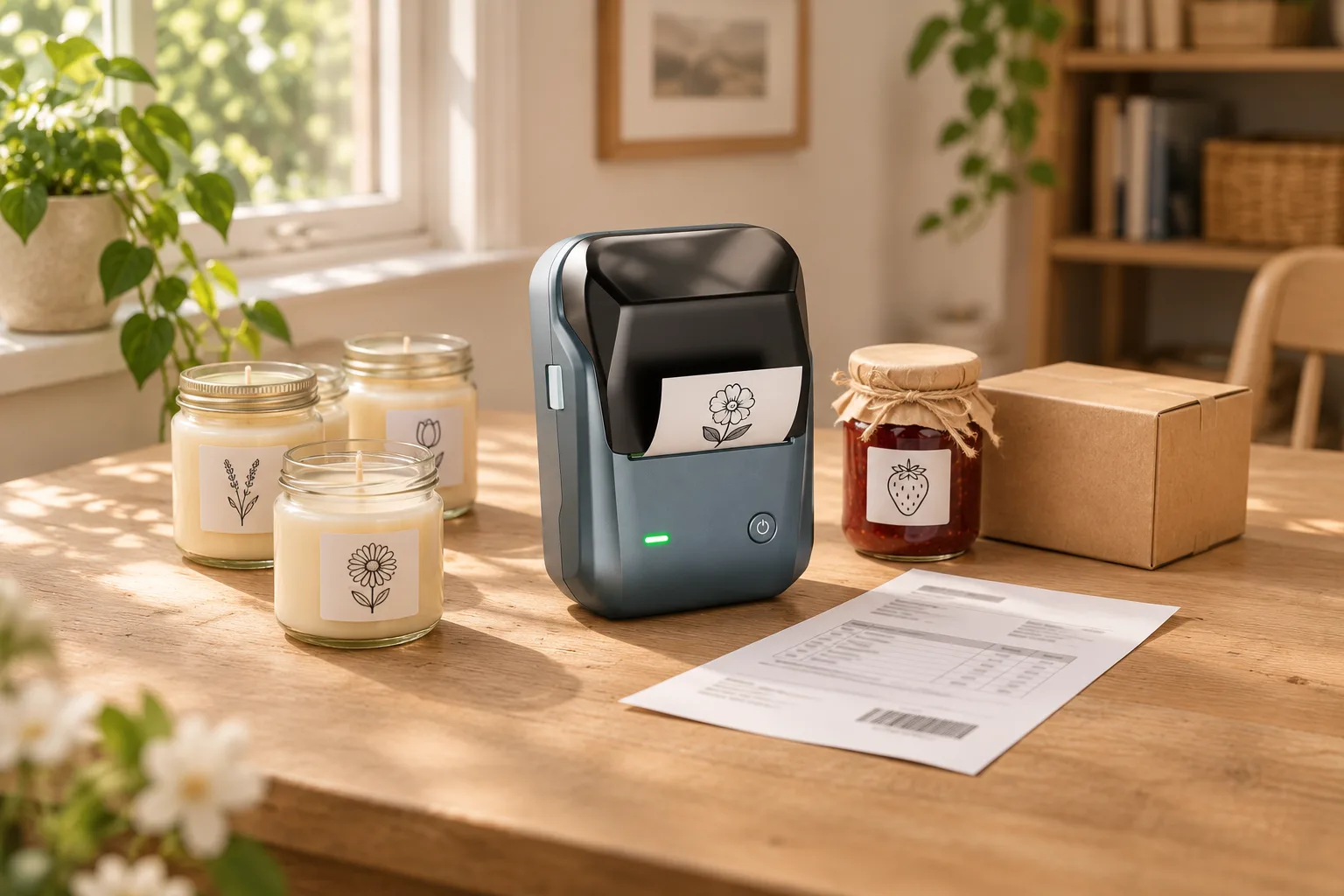
Labels a pocket printer can’t fit. At up to 50 mm wide, the B1 prints price tags with a barcode or QR code, storage-bin and shelf labels you can read from a step back, jar and gift labels, and small product labels for craft fairs. Niimbot sells white, clear, colored, cable and jewelry label rolls for the B series.
It isn’t a shipping label printer. It tops out at 2-inch labels, so for 4x6 labels you need a shipping label printer.
How much do labels cost?
The default single roll of 230 white 50 x 30 mm labels was $8.99 at Niimbot’s US store in November 2026 (list $17.99), about 3.9¢ a label. Multi-roll sets cost more up front. That’s close to Brother’s DK-1201 address labels for the QL-800 (about 3.5¢) and Phomemo’s 40 x 30 mm labels for its M110 and M220 printers (about 3.1¢).
Niimbot chips the rolls for its D-series pocket printers and uses RFID on the B21. We couldn’t find a Niimbot statement on whether the B1 accepts other brands’ rolls, so plan on buying Niimbot labels.
Can it print from a computer?
Yes, which sets it apart from Niimbot’s pocket printers. Niimbot’s FAQ points to PC software on its download page, and the B1 connects over USB. Over Bluetooth it pairs with one device at a time. On a phone you use Niimbot’s NIIMBOT app, whose App Store listing sells VIP tiers from $5.49 to $49.99 and whose privacy label lists data such as coarse location, phone number and device ID, marked “Not Linked to You”.
Are cheap label makers like Phomemo and Niimbot good?
Yes, for indoor labels that don’t need to last. Printers like the B1, the Niimbot D11 and the Phomemo D30 cost $16 to $30 and print labels for 3¢ to 6¢ each, far less than laminated tape. The trade-offs show up on the makers’ own pages and app listings:
- Labels fade. They’re all direct thermal, printed by heat on coated paper with no ink or laminate. They can last years in a cool, dark place, but heat, sun and friction fade them, sometimes in weeks.
- You’re steered to the maker’s labels. Niimbot’s D11 and D110 rolls carry a chip, and Niimbot says third-party labels don’t work. Phomemo tells you to use only its paper.
- Apps sell subscriptions. Phomemo’s Print Master and Niimbot’s app both list paid tiers on the App Store.
- Apps collect more. Phomemo’s privacy label lists data linked to you, including email address and phone number. Brother’s Design&Print 2 lists only analytics not linked to you, and Dymo’s LetraTag Connect lists no data collected.
For labels on things that get washed, frozen or handled, a laminated tape label maker like the Brother PT-D220 ($29.99) is worth the higher tape cost.
Niimbot B1 vs Brother QL-800
The QL-800 costs about five times as much, but prints wider 62 mm labels at 300 dpi, adds red on Brother’s two-color rolls, and Brother rates it at 93 address labels a minute. Its DK labels have no chip or subscription. Buy the B1 for occasional labels at a craft table or in a home office; buy the QL-800 if labels are part of running a business.
Should you buy the Niimbot B1?
Buy it if you want the cheapest 2-inch labels for price tags, bins, shelves or food dates, from a phone or a computer. Skip it for labels that must last outdoors or through washing, and for 4x6 shipping labels. See the best label makers.
Questions people ask
Is the Niimbot B1 worth it?
Yes, for cheap 2-inch labels. It’s $23.99, labels cost about 3.9¢ each, and it prints from a phone or a computer. Its thermal labels fade with heat and sun.
Are cheap label makers like Phomemo and Niimbot good?
For indoor, short-life labels, yes. Their labels are cheap but fade, Niimbot’s D-series rolls are chipped, and both brands’ apps sell subscriptions.
Can the Niimbot B1 print shipping labels?
Not 4x6 shipping labels. It takes labels up to 50 mm (2 inches) wide. Use a 4x6 shipping label printer instead.
Does the Niimbot B1 work with a computer?
Yes. It connects over USB, and Niimbot offers PC software on its download page.
Does the Niimbot B1 need ink?
No. It’s a direct thermal printer, so the label roll is the only supply.
What’s the difference between the Niimbot B1 and B1 Pro?
The B1 Pro prints at 300 dpi instead of 203 dpi and can print red and black on compatible labels.
Key specifications
| Feature | Niimbot B1 | BrotherQL-800 | Phomemo D30 | Niimbot D11 |
|---|---|---|---|---|
| Type | Thermal label printer | Thermal label printer | Thermal label maker | Thermal label maker |
| Media | Niimbot B-series labels | Brother DK rolls | Phomemo D30 thermal labels | Niimbot D-series labels |
| Max size | 50 mm labels | 62 mm labels | 15 mm labels | 15 mm labels |
| Connection | Bluetooth, USB | USB | Bluetooth | Bluetooth |
| Where to buy | Check price at Amazon | Check price at Amazon | Check price at Amazon | Check price at Amazon |
Niimbot B1
- Type
- Thermal label printer
- Media
- Niimbot B-series labels
- Max size
- 50 mm labels
- Connection
- Bluetooth, USB
Brother QL-800
- Type
- Thermal label printer
- Media
- Brother DK rolls
- Max size
- 62 mm labels
- Connection
- USB
Phomemo D30
- Type
- Thermal label maker
- Media
- Phomemo D30 thermal labels
- Max size
- 15 mm labels
- Connection
- Bluetooth
Niimbot D11
- Type
- Thermal label maker
- Media
- Niimbot D-series labels
- Max size
- 15 mm labels
- Connection
- Bluetooth
Sources
- Niimbot B1 2-inch thermal label printer, niimbot.com
- Niimbot B-series white labels, niimbot.com
- Niimbot B21 thermal label printer, niimbot.com
- Phomemo D30 portable Bluetooth label maker, phomemo.com
- Print Master on the App Store, apps.apple.com
- NIIMBOT app on the App Store, apps.apple.com
- Brother QL-800, Brother
Keep exploring

Buying guide
The best color label printers for product labels
The Epson ColorWorks CW-C4000 is the best color label printer for product labels: pigment CMYK ink at up to 1200 dpi, rolls up to 4.25 inches wide, 4 inches a second and BS 5609 certification on Kimdura poly, for $2,499 at CDW in November 2026. Get the Primera LX610 ($2,695) to print and cut custom shapes, or the Primera LX500 ($1,549) on a budget.
Read story
Buying guide
The best edible printers for cakes and cookies
The best edible printer for cakes is a new Canon PIXMA TS702a bought in an edible ink bundle: $295 to $299 in November 2026, for letter and legal-size frosting sheets at about $1 to $3 a cake topper. For printing straight onto cookies, the Primera Eddie is $2,995 and uses about 6¢ of ink per cookie.
Read story