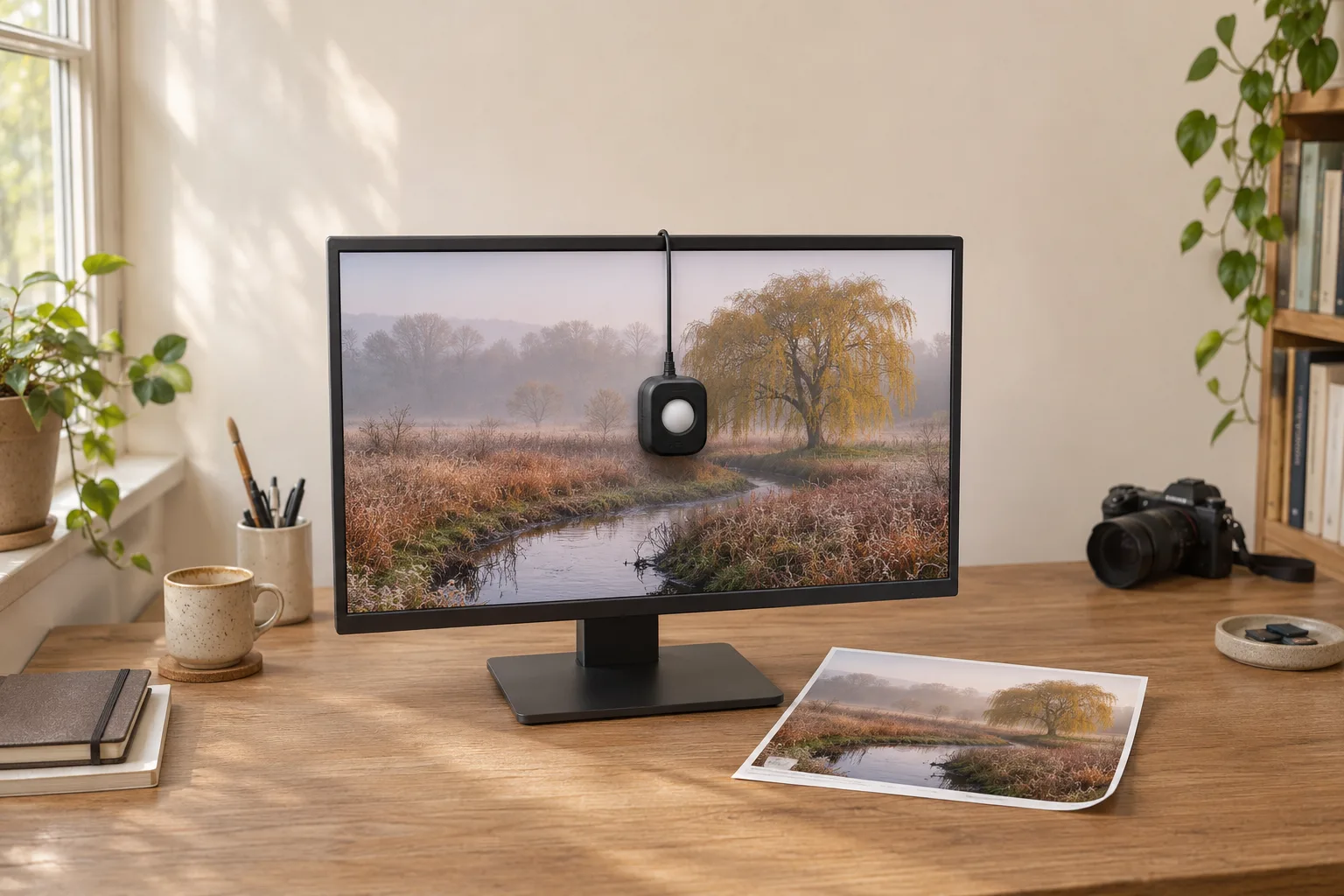
The quick answer
The Calibrite Display Pro HL ($199) is the best monitor calibrator for photo printing: it sets the brightness and white point targets prints need, and measures your room light to pick the screen brightness for comparing prints. The Datacolor Spyder ($129) is the cheapest one worth buying.
For printing, calibrate to about 120 cd/m², a D50 white point and gamma 2.2, the targets Canon publishes for matching prints. Prices are Amazon's on November 25, 2026.
Our quick picks
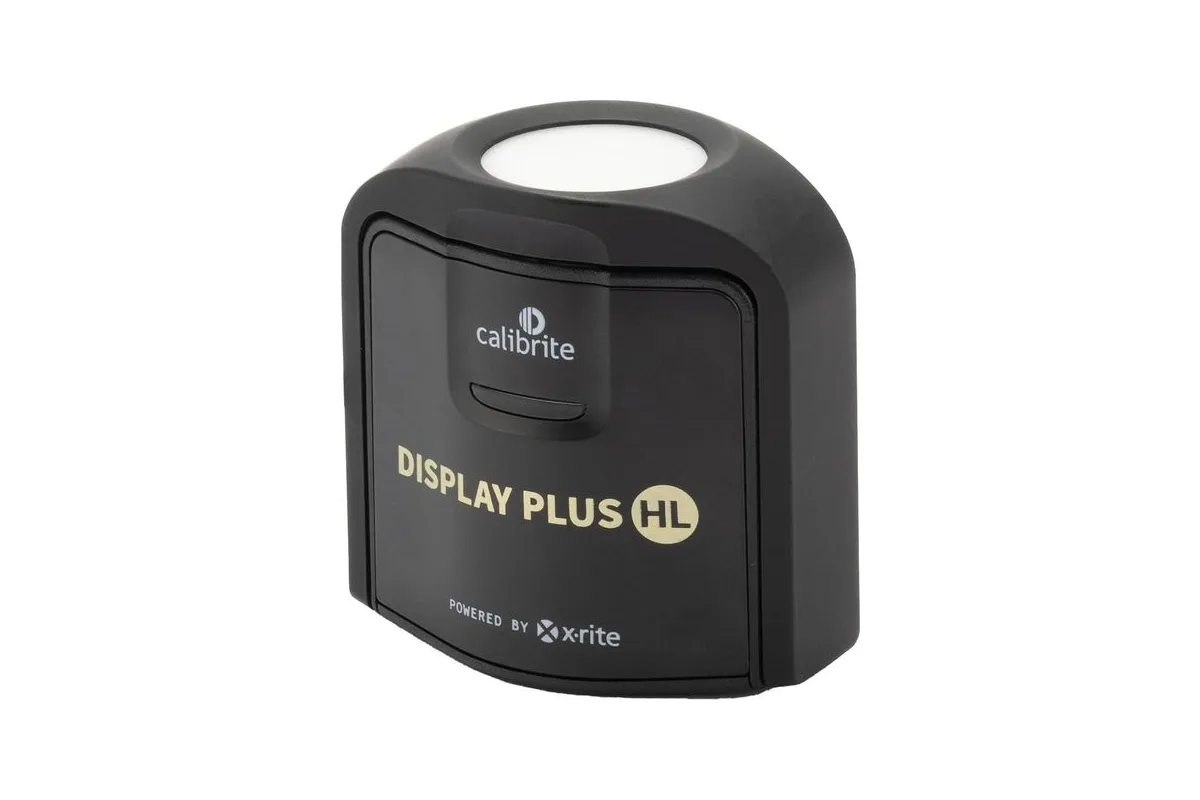
Compare the picks
| Feature | Best for photo printingCalibrite Display Pro HL | Cheapest worth buyingDatacolor Spyder | Best DatacolorDatacolor SpyderPro | Best for very bright screensCalibrite Display Plus HL |
|---|---|---|---|---|
| Type | Monitor calibrator | Monitor calibrator | Monitor calibrator | Monitor calibrator |
| Max print size | — | — | — | — |
| Scanner | — | — | — | — |
| Ink system | — | — | — | — |
| Where to buy | Check price at Amazon | Check price at Amazon | Check price at Amazon | Check price at Amazon |
Best for photo printing
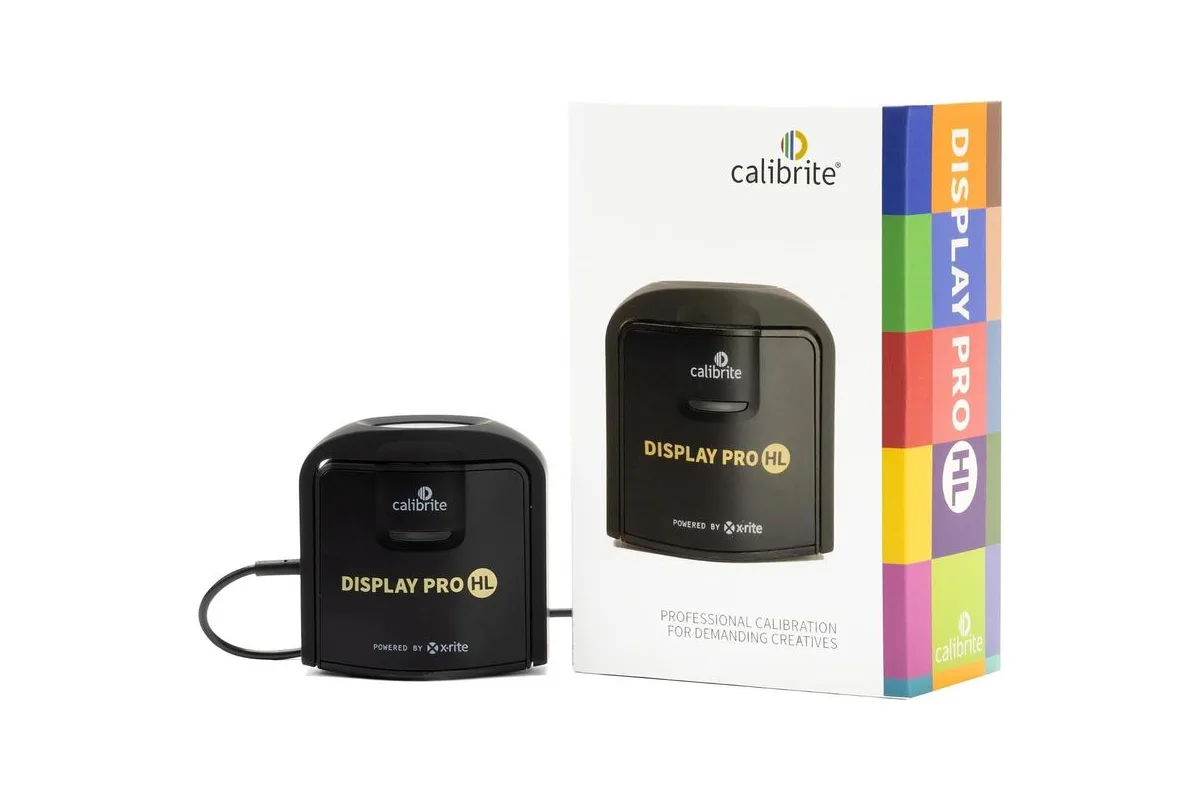
Calibrite Display Pro HL
- Type
- Monitor calibrator
- Max print size
- —
- Scanner
- —
- Ink system
- —
Cheapest worth buying
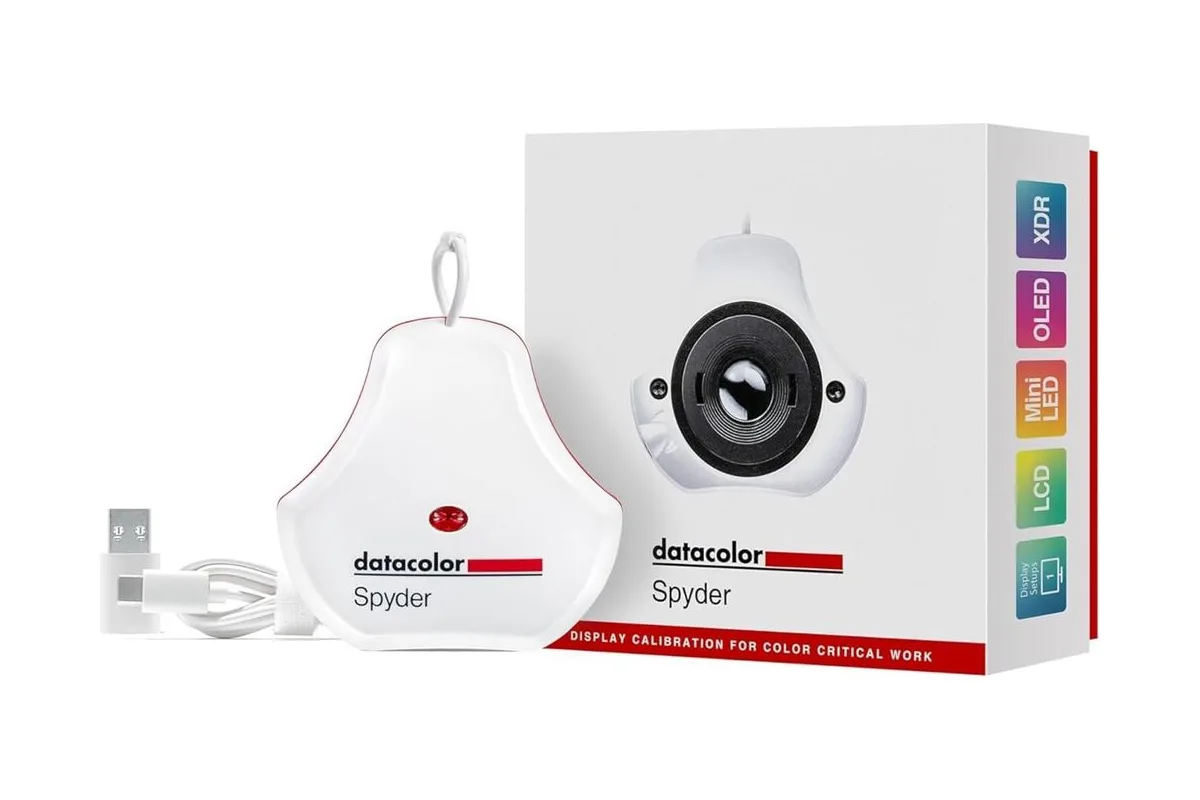
Datacolor Spyder
- Type
- Monitor calibrator
- Max print size
- —
- Scanner
- —
- Ink system
- —
Best Datacolor
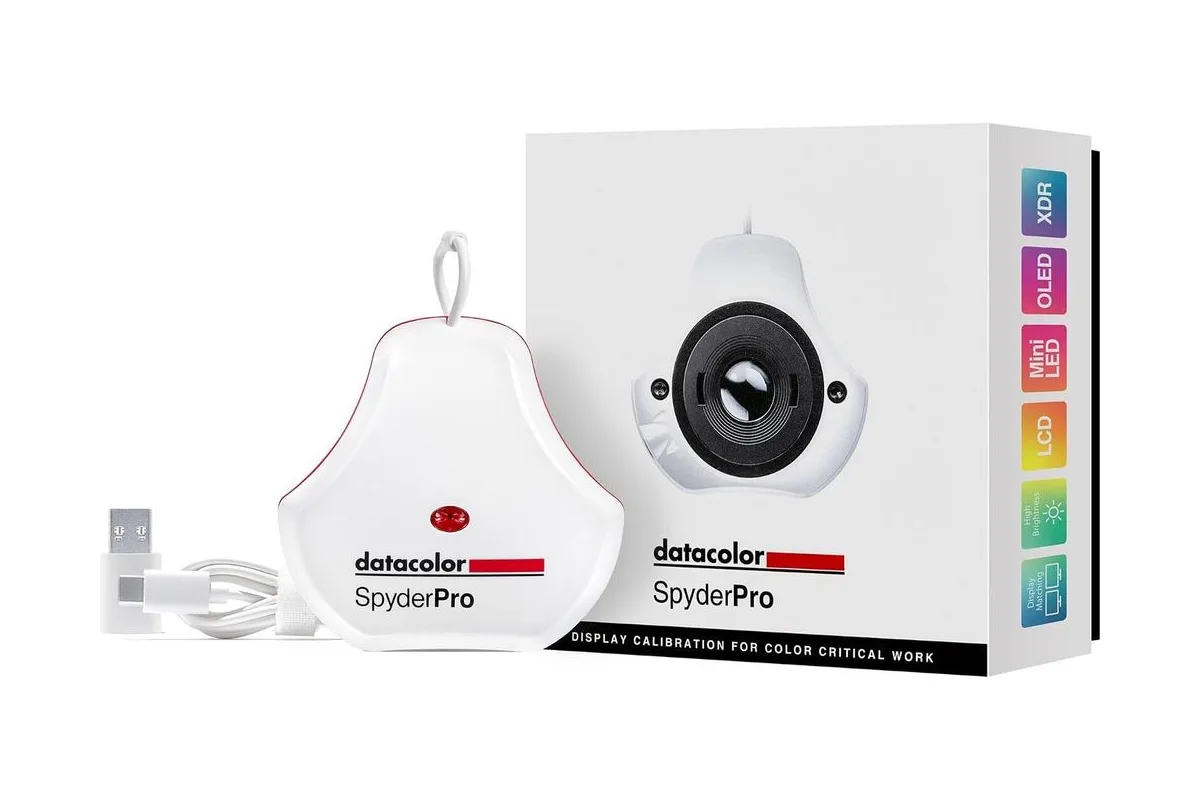
Datacolor SpyderPro
- Type
- Monitor calibrator
- Max print size
- —
- Scanner
- —
- Ink system
- —
Best for very bright screens
Calibrite Display Plus HL
- Type
- Monitor calibrator
- Max print size
- —
- Scanner
- —
- Ink system
- —
01Best for photo printing
Calibrite Display Pro HL
A monitor colorimeter for LCD, Mini LED and OLED screens, Calibrite's standard model for photographers.
The best monitor calibrator for photo printing: $199 on Amazon in November 2026 (list $279). Its PROFILER software sets white point, brightness, contrast and gamma targets, and Calibrite says its ambient light measurement "sets the optimum display luminance" for comparing prints with the screen. That's the print-matching job in one step.
It also has flare correction, a validation check and a screen uniformity check, and it connects over USB-C. Calibrite rates its sensor to 3,000 nits, far more than any print-matching setup needs.
Good for
- Calibrates LCD, Mini LED and OLED displays, according to Calibrite
- Lets you set the brightness and white point targets used for matching prints
- $199 in November 2026 (list $279)
Consider
- You still need paper ICC profiles to match prints
- Doesn't profile printers or paper
02Cheapest worth buying
Datacolor Spyder
Datacolor's standard calibrator, enough for a photographer who wants a screen that matches prints more closely.
The cheapest calibrator worth buying for printing, at $129 on Amazon (sold by Datacolor) in November 2026. It sets the white point, brightness and gamma targets you need to bring the screen close to paper.
It has fewer advanced options than the SpyderPro, but nothing on that list is essential for matching prints.
Good for
- $129 on Amazon in November 2026, sold by Datacolor
- Sets white point, brightness and gamma targets
Consider
- Fewer advanced options than the SpyderPro
03Best Datacolor
Datacolor SpyderPro
Datacolor's mid-range monitor calibrator for photographers, including OLED and LED screens.
Datacolor's higher model, $189.05 on Amazon (sold by Datacolor) in November 2026. Datacolor says it calibrates in about 90 seconds, exports 3D LUTs for video work and measures screens up to 12,000 cd/m².
The feature that matters for printing is Device Preview Plus, which Datacolor says simulates how a print will look from its ink and paper. It costs within $10 of the Display Pro HL, so choose between them on software preference.
Good for
- Calibrates OLED and LED screens, according to Datacolor
- Sold by Datacolor on Amazon at $189.05 in November 2026
Consider
- Costs about the same as the Calibrite Display Pro HL
- More than most photographers need just to match prints
04Best for very bright screens
Calibrite Display Plus HL
Calibrite's higher-end colorimeter for very bright displays, with the same print-matching controls as the Display Pro HL.
The same software and print-matching controls as the Display Pro HL, with a sensor Calibrite rates to 10,000 nits for HDR and Mini LED displays. $259 on Amazon in November 2026 (list $339).
For printing it's $60 you don't need to spend: print matching means turning the screen down, not up. Buy it only if you also grade HDR on a very bright display.
Good for
- Made for very bright Mini LED and OLED screens
- Same calibration software and print-matching targets as the Display Pro HL
Consider
- $259 in November 2026 (list $339), $60 more than the Display Pro HL
- Its extra brightness range doesn't help print matching
How to choose
Print sizes
Start with the largest print you expect to make, from 4x6 snapshots to 13x19 inches or larger.
Running costs
Compare cost per print across ink tanks, cartridges, dye-sub sets, and instant film.
How often you print
Inkjets that sit unused can clog. Dye-sub and Zink printers suit occasional printing.
Monitor calibrators for printing compared
| Calibrator | Price (Nov 2026) | Brightest screen it measures (maker) | What helps with prints | Best for |
|---|---|---|---|---|
| Calibrite Display Pro HL | $199 (list $279) | 3,000 nits | Ambient light measurement sets screen brightness for comparing prints | Most photographers who print |
| Datacolor Spyder | $129 | Not stated | White point, brightness and gamma targets | The lowest price |
| Datacolor SpyderPro | $189.05 | 12,000 cd/m² | Device Preview Plus simulates prints from ink and paper | Datacolor fans, video work |
| Calibrite Display Plus HL | $259 (list $339) | 10,000 nits | Same software as the Display Pro HL | HDR and very bright screens |
Prices are Amazon’s on November 25, 2026. Both Calibrites were on Black Friday sale; both Datacolors were sold by Datacolor.
What is the best monitor calibrator for photo printing?
The Calibrite Display Pro HL ($199). It does the two things print matching needs. It lets you set the brightness, white point and gamma targets yourself, so you can turn the screen down to paper brightness. And it measures the light in your room to set that brightness for comparing prints with the screen.
It also includes validation and a uniformity check, so you can see how accurate the screen is after calibration and whether its corners match its center. At $199 it costs $70 more than the Datacolor Spyder and about $10 more than the SpyderPro.
What is the cheapest monitor calibrator worth buying?
The Datacolor Spyder ($129). It sets the white point, brightness and gamma targets that bring a screen close to paper, and that’s what fixes most “prints too dark” problems. Datacolor’s current line runs SpyderExpress, Spyder and SpyderPro; the older SpyderX names now survive only as upgrade paths.
Datacolor’s entry SpyderExpress launched at $119 in 2025, which is too close to the Spyder’s price to be worth the step down. We couldn’t confirm its current price.
Are the SpyderPro and Display Plus HL worth the extra?
Not for printing alone. Their extra brightness range is for HDR and Mini LED screens. Printing asks for the opposite: a dim screen, about 120 cd/m².
The SpyderPro’s one print-specific extra is Device Preview Plus, which Datacolor says previews how an image will look printed with a given ink and paper. Photoshop and Lightroom already do that with soft proofing, free, using the paper maker’s profile. See ICC profiles and soft proofing.
How do you calibrate a monitor for photo printing?
Set the calibrator to about 120 cd/m² brightness, a D50 white point and gamma 2.2, then check a white sheet of your paper against the screen under the light you’ll judge prints in. Those are the targets in Canon’s Print Studio Pro guide, chosen to bring the monitor’s white closer to paper white.
- Install the calibrator’s software and choose custom targets. Canon’s guide gives gamma 2.2, D50 (5000 K) and 120 cd/m². Another Canon page gives a 100–120 cd/m² range and says D50 to D65 is generally recommended.
- Run the calibration with the sensor flat on the screen. The software builds a display profile and sets it as the system default.
- Compare with paper. Hold a blank sheet of your printing paper next to the screen, under your viewing light. If the screen white glows brighter than the sheet, lower the brightness target and calibrate again. The Calibrite Display Pro HL can set this from its room light reading.
- Print with the paper’s ICC profile and soft proof before you print. A calibrated screen shows the file accurately; only the paper profile shows what the paper can reproduce.
Canon is the only printer maker we found that publishes numbers. Epson tells owners to calibrate the monitor, use the right ICC profile for the paper and compare prints in good light, without a brightness or white point figure. Calibrite and Datacolor don’t publish a fixed print target either, and we found no official Adobe target.
Why do my prints come out darker than my screen?
Almost always because the monitor is too bright. Screens ship far brighter than the 100–120 cd/m² that matches a print on the wall, so prints look dull and dark beside them. Calibrating to about 120 cd/m² fixes most of it.
If prints are also off in color, check that color is managed in one place only. When Photoshop or Lightroom applies the paper profile and the printer driver adjusts color too, the image gets converted twice. Our ICC profile guide has the driver settings for Canon and Epson.
D50 or D65 for printing?
D50 if you want the screen to look like paper under warm light; D65 if you also edit for screens. Canon’s own guide uses D50 to bring monitor and paper whites closer, and another Canon page calls the whole D50–D65 range generally recommended. D50 looks warm at first. Pick one, then judge prints under the same light every time.
Does a monitor calibrator profile my printer?
No. These four calibrate and profile screens only. For the printer, use the ICC profile the paper maker publishes for your printer and paper. Hahnemühle, Canson, Moab and Red River all publish them free. See our fine art paper guide for papers.
How we chose
We compared the current monitor calibrators from Calibrite and Datacolor, the two main makers, using their product pages, Amazon prices on November 25, 2026, and the print-matching targets printer makers publish. We weighted what helps match prints to the screen: custom brightness and white point targets, room-light measurement and price. We haven’t tested these calibrators hands-on.
Still choosing a printer? See the best printers for photographers.
Questions people ask
What is the best monitor calibrator for photo printing?
The Calibrite Display Pro HL, $199 in November 2026. It sets custom brightness and white point targets and measures room light to set screen brightness for comparing prints. The Datacolor Spyder at $129 is the cheapest good option.
Do I need a monitor calibrator to print photos?
Not for snapshots, but yes if you print on fine art paper or sell prints. Without one you can’t set the screen to a known brightness and white point, so you can’t trust it to predict the print.
What brightness should my monitor be for printing?
About 100–120 cd/m². Canon’s Print Studio Pro guide uses 120 cd/m², with a D50 white point and gamma 2.2. Then fine-tune until a white sheet of your paper under your viewing light matches the screen’s white.
What white point should I use to match prints?
D50 (5000 K) is Canon’s printing target, and Canon calls D50 to D65 generally recommended. Use D50 if printing is your main output.
How do I calibrate my monitor for printing?
Set the calibrator’s targets to about 120 cd/m², D50 and gamma 2.2, run the calibration, then compare a blank sheet of your paper with the screen’s white and lower the brightness if the screen looks brighter. Print with the paper’s ICC profile and soft proof first.
Is Calibrite or Datacolor better for printing?
Either works. The Calibrite Display Pro HL has room-light measurement aimed at comparing prints with the screen; the Datacolor Spyder is $70 cheaper and covers the basic targets. The SpyderPro and Display Pro HL cost about the same.
Why are my prints darker than my monitor?
Your monitor is probably too bright for printing. Calibrate it to about 120 cd/m², and make sure the printer driver isn’t adjusting color on top of your editing app.
Sources
- Calibrite Display Pro HL, calibrite.com
- Calibrite Display Plus HL, calibrite.com
- Datacolor SpyderPro, datacolor.com
- Monitor adjustment using a measuring instrument (Canon Print Studio Pro guide), ij.manual.canon
- Epson SureColor FAQ: prints don't match the monitor, Epson
- Calibrite Display Pro HL on Amazon, amazon.com
Keep exploring
Buying guide
The best photo booth printers
The DNP DS620A is the best photo booth printer: a 4x6 in about 8.3 seconds, 400 prints per roll, 2x6 strips at about 8¢ each in media and a 3-year exchange warranty, for $995 on Black Friday sale in November 2026. The HiTi P525L ($649) costs least to run, at about 11¢ per 4x6.
Read story
Review
DNP DS-RX1HS review
Not as a new buy: the DNP DS-RX1HS still runs cheaply, at 12.4 seconds per 4x6, 700 prints per roll and about 14¢ of media per 4x6, but new units were unavailable or backordered at $695 in November 2026, and DNP now lists the DP-RX2 ($795) with the same speed and roll size and a 3-year warranty in its place.
Read review