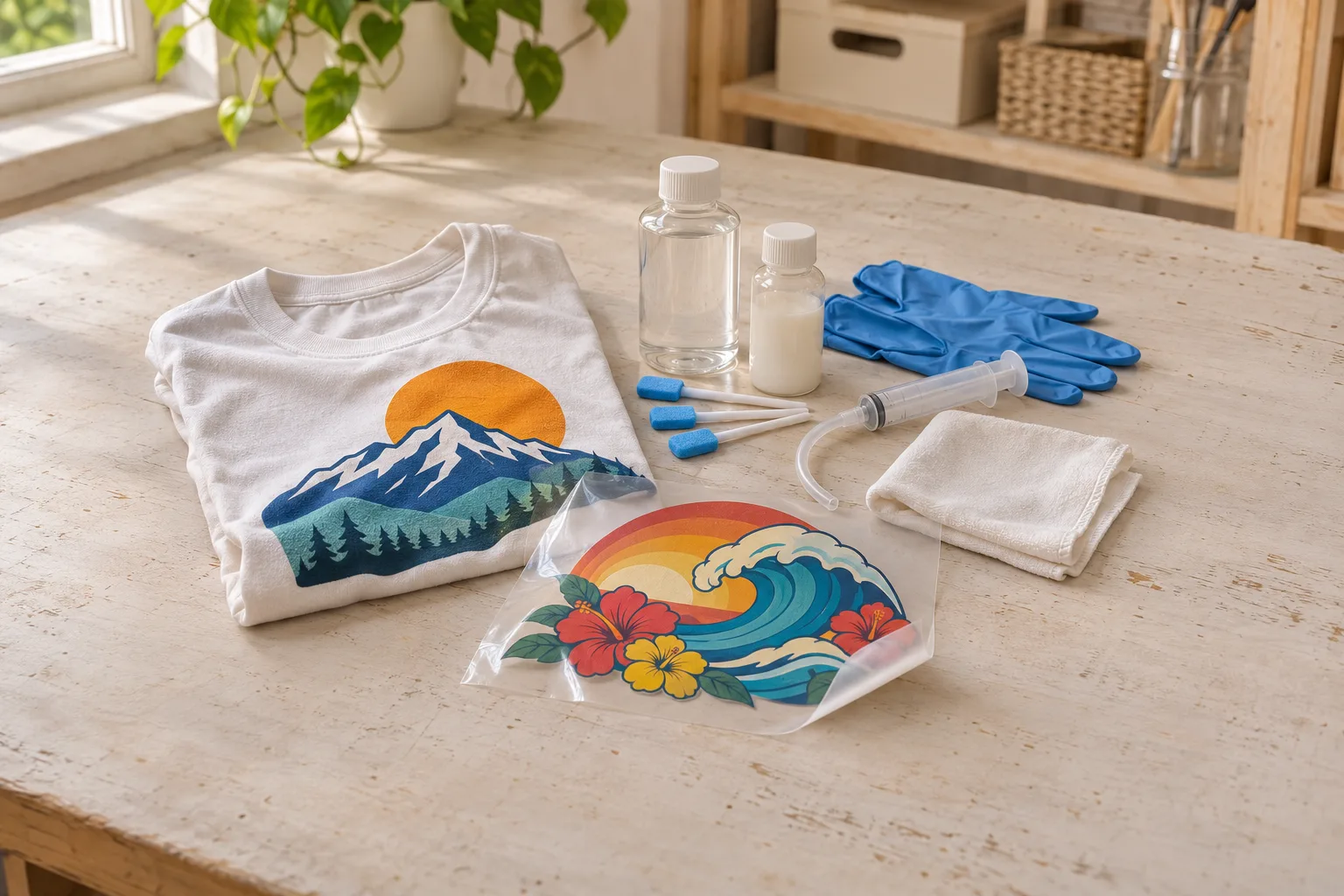
Printers in this guide
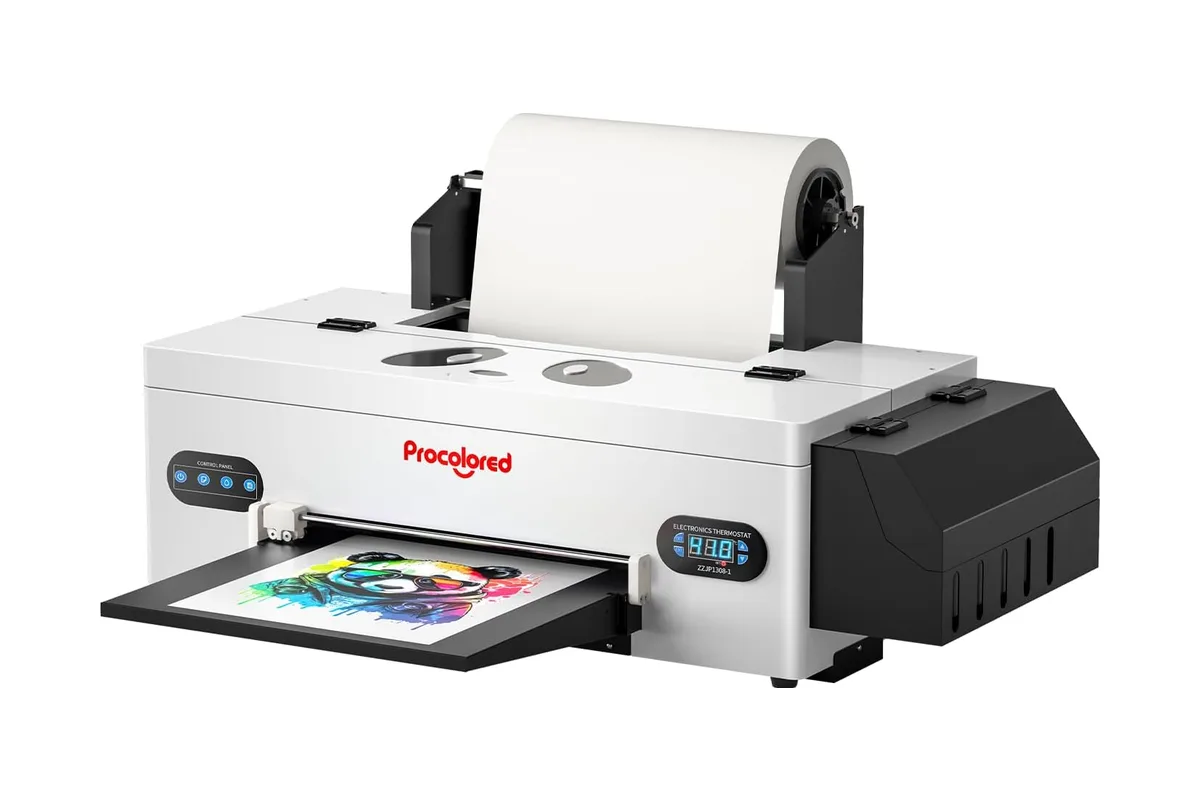
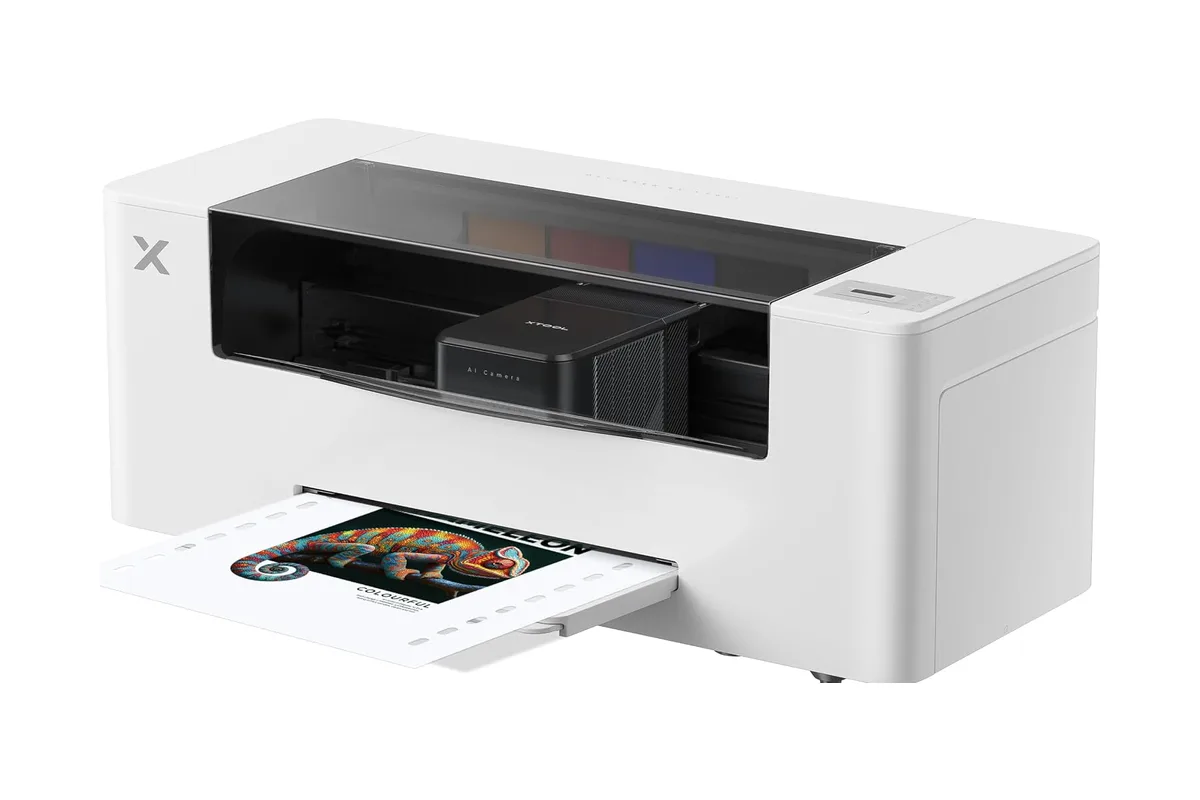
How do I keep DTF white ink from clogging?
Keep the white ink moving and the printhead wet. Shake the white ink every day, or leave a printer that circulates its white switched on. Run a nozzle check before each session, clean the capping station and wiper at the end of the day, and print at least every 3–4 days (Procolored) or power on at least every 7 days (Epson).
White ink clogs because its pigment, titanium dioxide, settles. Epson’s F1070 guide says white ink particles can settle in the ink system, which must be maintained. Here’s what each maker tells owners to do:
| Procolored (K13 Lite manual) | Epson SureColor F1070 | xTool Apparel Printer | Prestige A4 (DTF Station) | |
|---|---|---|---|---|
| Daily, at start | Shake the white ink bottle; nozzle check; head cleaning if fewer than 90% of nozzles fire | Remove and shake white ink packs every 24 hours (colors once a month); nozzle check each time you print | Leave it powered on: a pump circulates the white and it cleans itself about every 3 days | Shake white bottles; head cleaning; nozzle check |
| End of day | Clean around the head, wiper blade and capping station, flush the cap with cleaning solution (“DO NOT USE ALCOHOL”); empty the waste tank; park the head on the cap | Clean the suction cap and sensor cover when the screen prompts | — | Clean around the head, wipers and capping station, then wet-cap without overflowing; leave it on to auto-clean every 6 hours |
| Weekly | Clean the pinch rollers and encoder strip; grease the rail if it squeaks | — | — | Clean pinch rollers; grease the rail |
| Room | Above 71°F (22°C) and above 50% humidity | 50–95°F, 20–80% humidity | 59–89°F, 30–80% humidity (50–80% recommended) | AA Print Supply: 70–75°F, 35–45% humidity |
Printers that circulate the white do part of this for you. Procolored says the F13 Panda stirs, circulates and filters its white and cleans its head every 10 hours when left on, using about 1 ml of ink a day. The K13 Lite circulates every 30 minutes, and the new F13X every 20 minutes with a stirring motor. The xTool Apparel Printer Plus adds a humidifier and wet capping and is designed to stay powered at all times; it draws 23.5 W asleep, about 0.5 kWh a day by xTool’s figure.
Automatic care still costs ink. xTool’s printer uses about 3 ml of color and 3 ml of white per automatic cleaning, about 60 ml a month in all, or about $4.70 a month at xTool’s ink price (our estimate). Epson says white ink is used during maintenance even if you only print color.
How often should I use a DTF printer to avoid clogs?
At least every 3–4 days, by Procolored’s advice, or power it on at least once a week, by Epson’s. Past about two weeks idle, follow the maker’s storage procedure.
| Maker | How often | If it sits idle |
|---|---|---|
| Procolored | “Try to use the printer at least every 3 - 4 days” | Idle more than half an hour: run a head cleaning before printing. More than 2 weeks can dry the ink and clog the head; at least print a test strip |
| Epson F1070 | Turn it on at least once every 7 days | 2 weeks to a month: switch to Color ink mode. More than 2 weeks with white loaded: use a cleaning ink pack and long-term storage maintenance, or the head “may become impossible to unclog” |
| xTool | Keep it powered on all the time | Up to a week: fill the pad with moisturizing liquid and soak the head for 30 minutes, no more than an hour. Half a month or more: a full manual deep clean. Long storage: extract the ink and flush the white circuit |
| Prestige (DTF Station) | Leave it on to auto-clean every 6 hours | — |
If you print only a few shirts a month, the upkeep may outweigh the savings. Bought transfers need none of it; see DTF transfers vs your own printer.
How do I clean a DTF printhead?
Start with the printer’s own nozzle check and head cleaning, and go further only if channels are still missing. In order, from Procolored’s K13 Lite manual and DTF Station’s Prestige chart:
- Nozzle check. Procolored says to keep printing if at least 90% of each channel’s nozzles fire.
- Head cleaning from the printer or RIP. Procolored: run one if fewer than 90% fire, and before printing after more than half an hour idle.
- Clean around the head, the wiper blade and the capping station with the maker’s cleaning solution and a swab. Procolored says not to use alcohol on these parts; its DTF Cleaner is $69 for 500 ml. Wet-cap the head on the cleaned station, but don’t overflow it: DTF Station warns overflow can kill the capping motor.
- Pull ink from the waste line when the nozzle check shows 5 or more breaks per channel (Prestige).
- Power ink flush when more than 50% of channels are missing (Procolored): draw 5 ml from the ink sac and 10–20 ml from the waste tube with a syringe. Procolored says not to flush the printhead itself with a syringe.
- Soak, on an xTool: moisturizing liquid in the pad, head parked on it for 30 minutes, never more than an hour.
Epson tells F1070 owners to wear protective eyewear, gloves and a mask for any maintenance.
A dead head is the expensive part. Procolored budgets two $320 printheads a year in its own cost model, and xTool’s replacement head is $999. Procolored’s warranty gives single-head printers like the F13 Panda one free printhead and one free motherboard within 6 months, but only if you register and use Procolored ink; ink-contact parts such as pumps and dampers aren’t covered. Two-head models get one free head only. See how much DTF printing costs for every maker’s warranty terms.
Why are my DTF transfers peeling after washing?
Usually the powder was under-cured or the transfer was under-pressed. AA Print Supply, a dealer for DTF Station’s Prestige printers, says peeling after washing is “almost always” one of those two. In tests it reports, powder cured at 90°C (194°F) washed off, while 120°C (248°F) and up held.
| Cause | Fix |
|---|---|
| Powder under-cured | Cure until the surface is glossy with an “orange peel” texture; AA suggests 120–125°C (248–257°F) |
| Too little pressure | Use medium to firm pressure. DTF Transfers Now calls insufficient pressure the number one cause, and says on a clamshell you should feel real resistance when you close it |
| Press running cool | Check the platen with an infrared thermometer (AA); DTF Transfers Now warns presses can run 10–15°F off the dial |
| Skipped second press | Ninja calls its final press under parchment “imperative” |
| Cold-peel film peeled hot | Wait until it’s fully cool; xTool warns that peeling too soon lifts edges |
| Old or damp powder | Use fresh powder (AA), stored sealed and dry |
| Washed too soon or too hot | Wait 24 hours; wash cold, no fabric softener, no hot dryer |
If you buy transfers rather than print them, the curing is the seller’s job, so start with pressure, temperature and the second press. A handheld press like a Cricut EasyPress relies on your weight; a 15 x 15 auto press sets the pressure for you. See the best heat presses.
Why is my DTF print cracking?
Most often, standard powder on stretchy fabric, or no white ink under dark colors. The fixes:
- Stretch fabric: AA Print Supply recommends a flex powder.
- No white underbase: check the RIP is printing white under the color (AA).
- Uneven pressure or too little powder: Procolored lists both among its common DTF mistakes.
- Over-curing: AA found a 160°C (320°F) cure forced a cold peel and bubbled large solid areas, and a 190°C (374°F) press left ink on the film. Cure at 120–125°C and let the transfer cool 5–10 seconds before pressing.
- Hot drying: tumble low or hang dry, as every seller’s care card says (below).
Why do my DTF transfers have powder residue or a halo?
Too much powder, static or the wrong humidity, or semi-transparent pixels in the design.
| Cause | Fix | Source |
|---|---|---|
| Excess powder | Shake off the excess; raise the shaker preheat to 50–80°C; warm the film about 1 second before powdering | AA Print Supply |
| Humidity | Keep the room at 40–60% humidity | AA Print Supply |
| Static | Causes stray dots; brush them off once the film is cool | xTool; ColDesi’s powder data sheet says to avoid electrostatic charges |
| Semi-transparent pixels in the file | A border of powder follows faint pixels around the art; clean up the edges in the design | xTool |
| Shaker setup | Duster speed too slow, or film not touching the dusting bar | Ricoma |
| White-channel errors in the file | Check the white layer in the RIP | Ricoma |
Store powder sealed with a desiccant at 35% humidity or lower, AA says; it lasts about a year unopened and six months opened. Sift reused powder through a 60-mesh screen.
How do I wash DTF printed shirts?
Wait 24 hours, then wash inside out in cold water, skip bleach and fabric softener, tumble low or hang dry, and never iron the print. The sellers’ care cards:
| Seller | Care instructions | Wash claim |
|---|---|---|
| Ninja Transfers | Inside out, cold, gentle cycle, no bleach or harsh detergent, air dry or tumble low | 100+ |
| Bear Transfers | Wait 24 hours; inside out at 30°C (86°F); no bleach; no tumble drying; don’t iron the design | 100+ |
| Pearl DTF | Cold, inside out, no fabric softener, don’t tumble dry | 75+ |
| Monkey Transfers | Wait 24 hours; inside out, cold or up to 86°F, gentle; no bleach; hang dry; never iron the design | — |
| Jiffy | Inside out, cold, tumble low or air dry, no bleach or softener | 50+ |
| Transfer Express / Stahls | Machine wash cold, tumble low or hang dry | 50+ |
| Cricut (its DTF transfers) | Wait 24 hours; wash cold, tumble dry low | Up to 75 |
| Epson (DTF on its printers) | Wash inside out in cold water and follow the care guidelines | — |
Wash counts are each seller’s claim; none names a test standard. Jiffy says unused transfers keep 6–12 months. For press settings and fabrics, see how DTF printing works.
Questions people ask
Should I leave my DTF printer on?
If the maker says so. xTool designs its printer to stay powered so it can circulate white ink and clean itself, DTF Station says to leave the Prestige on to auto-clean every 6 hours, and Procolored’s F13 Panda cleans itself every 10 hours when on. Epson instead asks you to power the F1070 on at least every 7 days.
Can I use alcohol to clean a DTF printhead?
Not on the head, wiper or capping station, Procolored says: its manual says “DO NOT USE ALCOHOL” for each. It allows isopropyl alcohol on the encoder strip.
How often should I shake DTF white ink?
Every day. Procolored, Epson and DTF Station all say daily; Epson says every 24 hours for white and once a month for color.
Why does my DTF film stick to the shirt?
You may be peeling the wrong way for the film, or pressing too hot. AA Print Supply found a 190°C press left ink on the film. Check your film’s peel type and temperature in how DTF printing works.
How long does a DTF printhead last?
We couldn’t find a maker’s rated printhead life in hours or prints. Procolored budgets two replacement heads a year in its own cost model for a shop printing 50 shirts a week.
Does a DTF printer use ink when it’s not printing?
Yes. Automatic cleaning on xTool’s printer uses about 60 ml a month, and Procolored’s F13 Panda about 1 ml a day. Epson says the F1070 uses white during maintenance even if you print only color.
Sources
- Procolored K13 Lite user manual (PDF), cdn.shopify.com
- Procolored F13 Panda DTF printer, procolored.com
- Procolored K13 DTF printer, procolored.com
- Procolored F13X DTF printer, procolored.com
- Procolored DTF Cleaner, 500 ml, procolored.com
- Procolored warranty policy, procolored.com
- Procolored: how to estimate and reduce DTF printing cost, procolored.com
- Procolored: top 5 DTF printing mistakes, procolored.com
- Epson SureColor F1070 User's Guide (PDF), Epson
- Epson F1070 User's Guide: handling white ink packs, Epson
- Epson: DTG and DTF printers for small businesses, Epson
- xTool Apparel Printer FAQs, support.xtool.com
- xTool Apparel Printer Plus, xtool.com
- xTool: DTF printing costs, xtool.com
- xTool support: powder in blank areas, support.xtool.com
- xTool support: when to remove the film, support.xtool.com
- DTF Station Prestige A4 maintenance chart (PDF), cdn.shopify.com
- AA Print Supply: DTF transfers peeling or cracking after washing, aaprintsupplyco.com
- AA Print Supply: DTF powder sticking to film, aaprintsupplyco.com
- AA Print Supply: DTF film not releasing, aaprintsupplyco.com
- AA Print Supply: DTF powder clumping and storage, aaprintsupplyco.com
- AA Print Supply: Prestige room temperature and humidity, aaprintsupplyco.com
- Ricoma: DTF adhesive stuck around the image, support.ricoma.com
- ColDesi hot melt powder safety data sheet (PDF), shop.coldesi.com
- Ninja Transfers heat press instructions and care, ninjatransfers.com
- DTF Transfers Now pressing instructions, dtftransfersnow.com
- Bear Transfers gang sheets and care guide, beartransfers.com
- Pearl DTF: how to apply DTF transfers, pearldtf.com
- Monkey Transfers gang sheets and application guide, monkeytransfers.com
- Jiffy DTF transfers, jiffy.com
- Transfer Express UltraColor Max, transferexpress.com
- Cricut: direct-to-film transfers, help.cricut.com
Keep exploring

Buying guide
The best color label printers for product labels
The Epson ColorWorks CW-C4000 is the best color label printer for product labels: pigment CMYK ink at up to 1200 dpi, rolls up to 4.25 inches wide, 4 inches a second and BS 5609 certification on Kimdura poly, for $2,499 at CDW in November 2026. Get the Primera LX610 ($2,695) to print and cut custom shapes, or the Primera LX500 ($1,549) on a budget.
Read story
Buying guide
The best edible printers for cakes and cookies
The best edible printer for cakes is a new Canon PIXMA TS702a bought in an edible ink bundle: $295 to $299 in November 2026, for letter and legal-size frosting sheets at about $1 to $3 a cake topper. For printing straight onto cookies, the Primera Eddie is $2,995 and uses about 6¢ of ink per cookie.
Read story