Printers in this guide
Why is my laser printer leaving smudges or toner streaks?
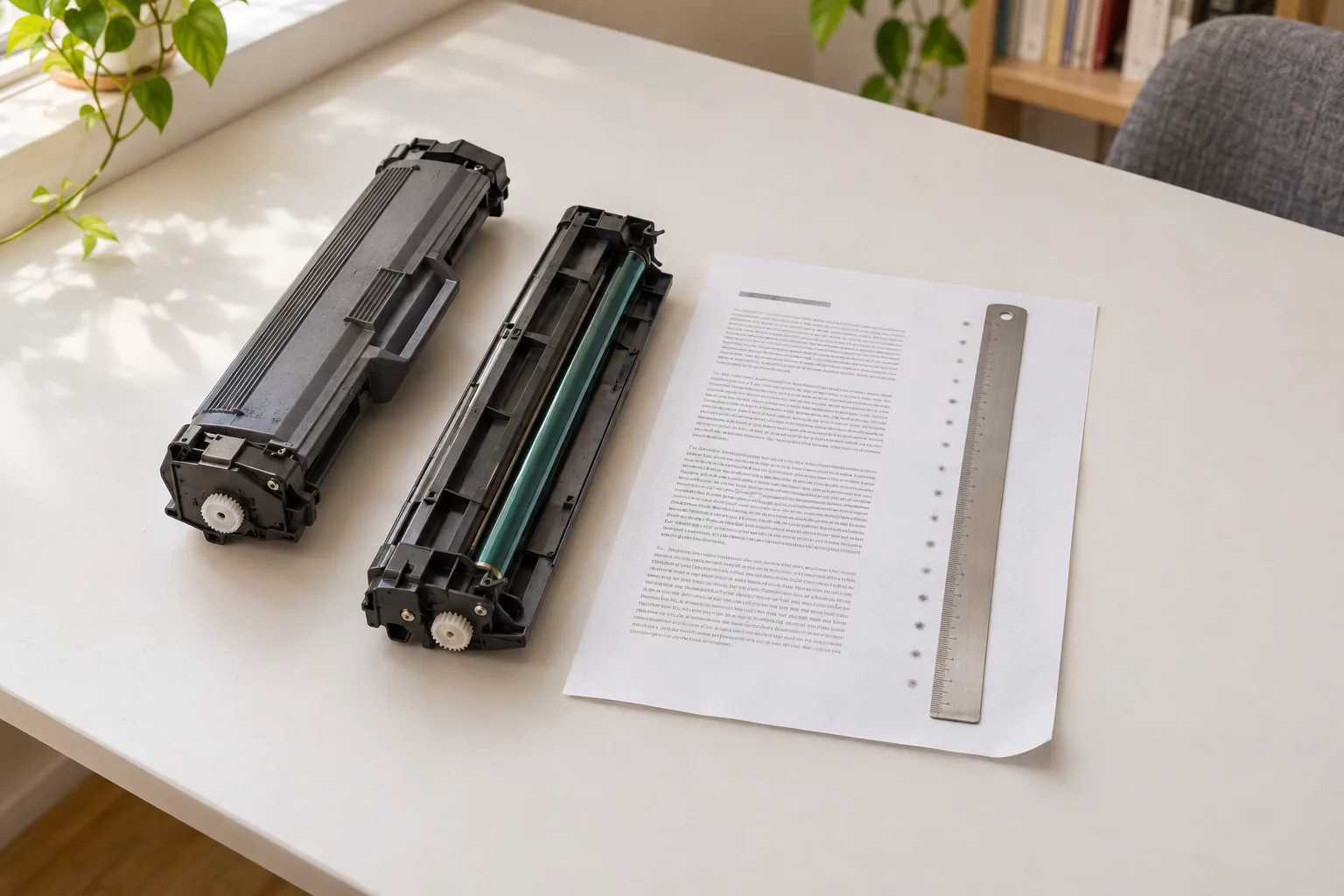
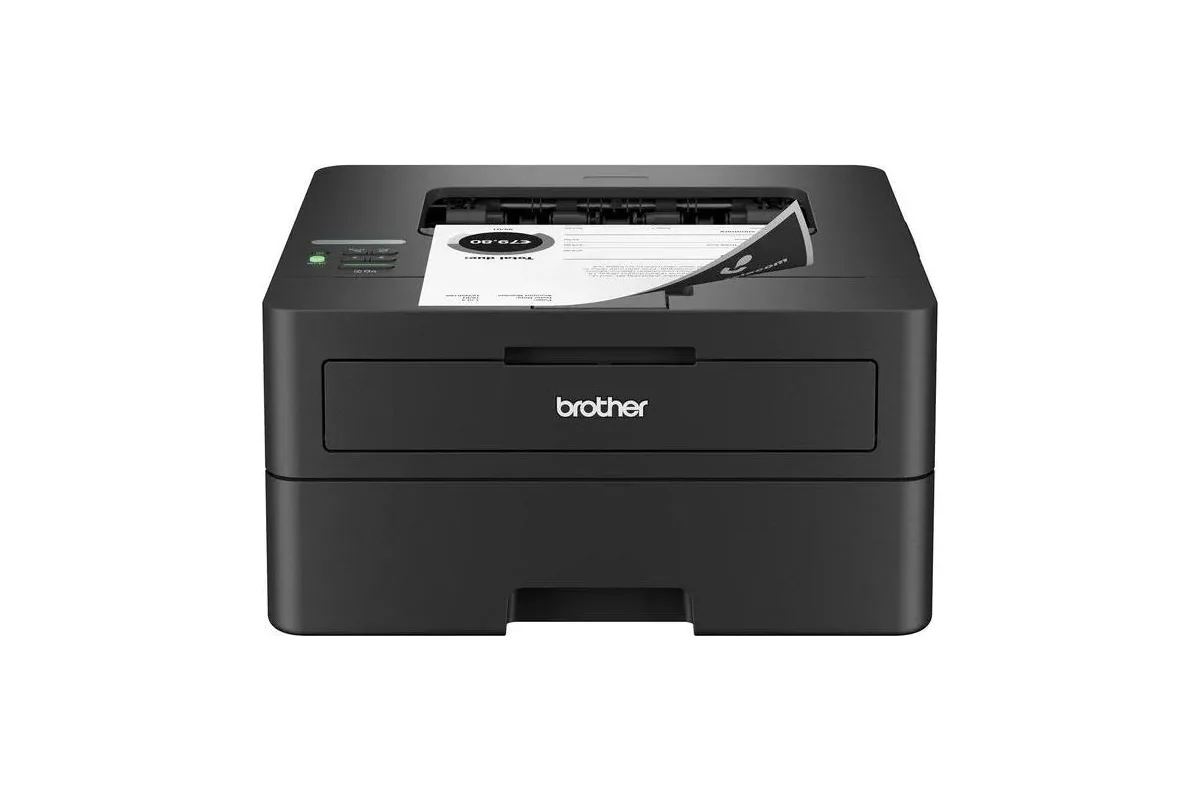
Usually because of a dirty drum, a dirty corona wire, a toner cartridge near the end of its life, or toner stuck to the fuser. The quickest way to tell which is to measure the gap between repeating marks: on a Brother HL-L2460DW, Brother says dots or marks every 94 mm (3.7 in) mean something is stuck to the drum.
Work through the cheap fixes first, in this order:
- Check the paper and the paper-type setting. All three makers list wrong or unsuitable paper first. Use laser paper, and set the type in the driver to match what’s in the tray.
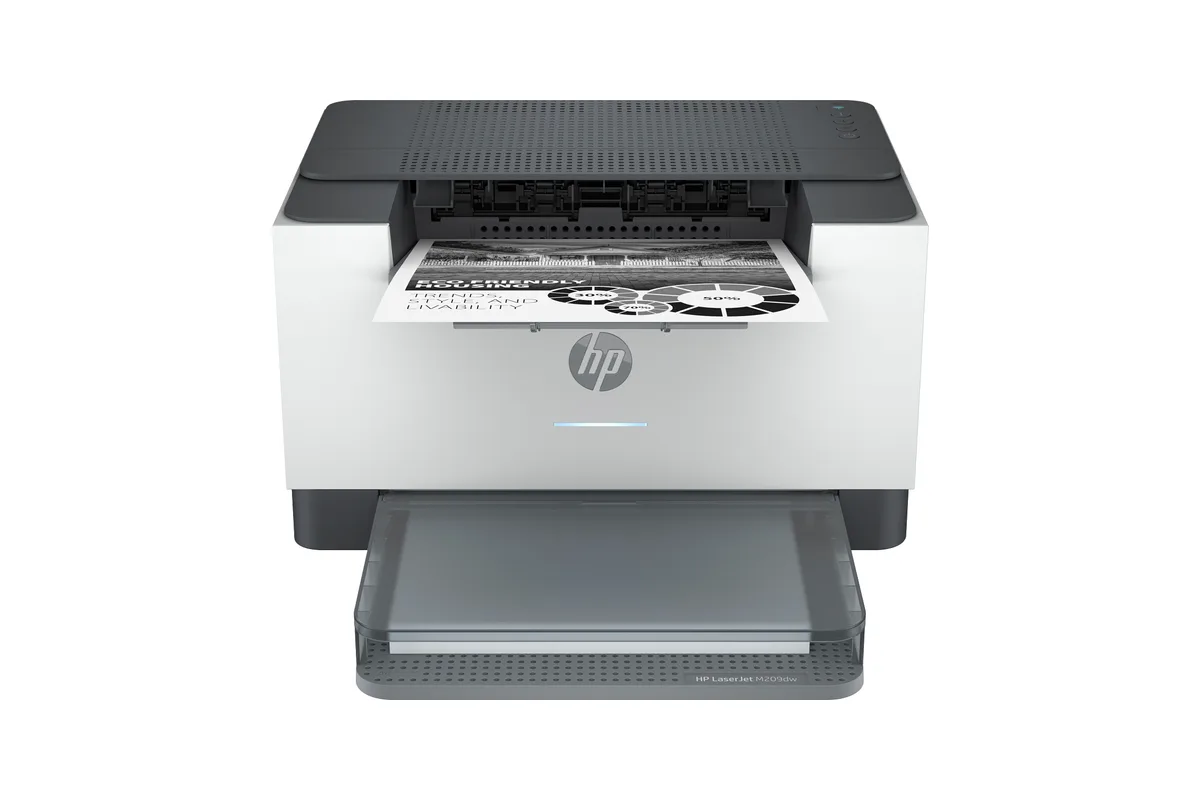
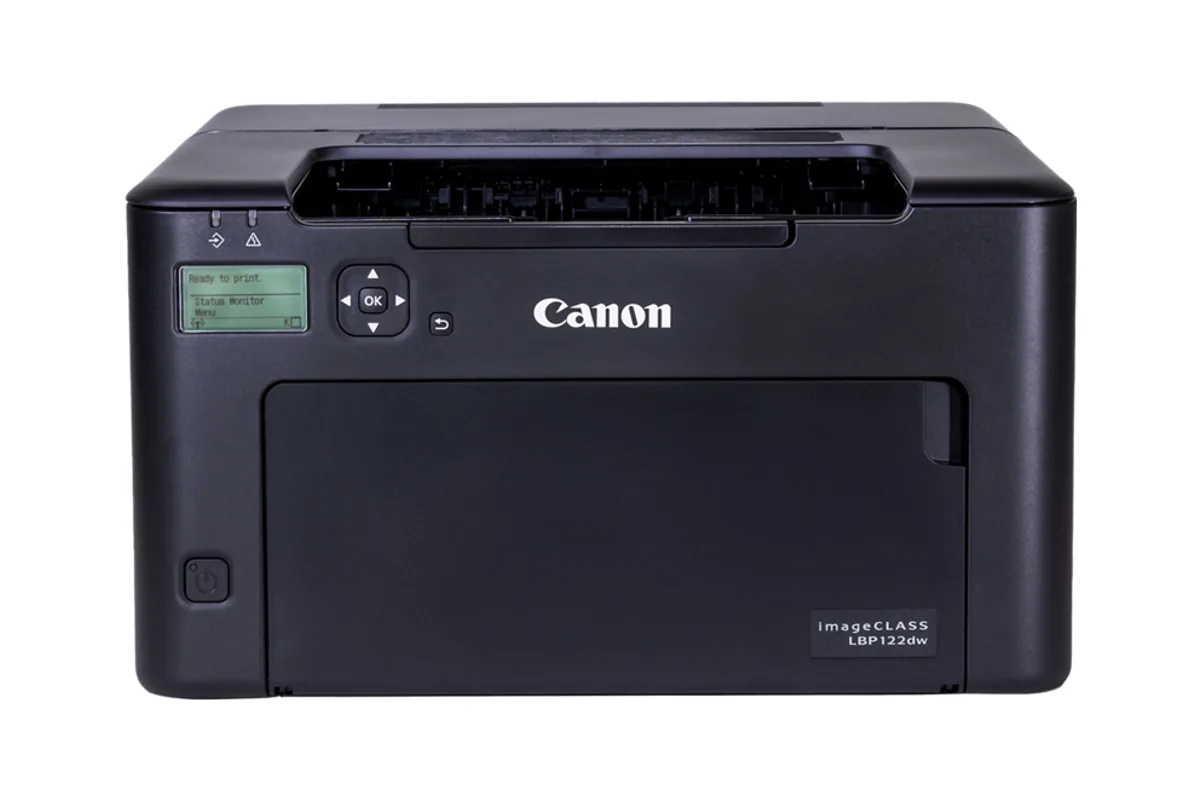
- Run the printer’s own cleaning. HP’s LaserJet M209dw has a Cartridge Cleaning Mode and a Fuser Cleaning mode under System > Service in its web page (EWS). Canon’s LBP122dw has Clean Fixing Assembly and Clean Drum under Menu > Adjustment/Maintenance > Maintenance. Canon says the fixing-assembly clean won’t run if the cartridge has reached the end of its life.
- Clean the corona wire on a Brother. Take the toner and drum out together, then slide the green tab on the drum from side to side several times. Put it back in its home position (▲), or you’ll get a vertical stripe down every page.
- Shake the toner. HP says to rock the cartridge gently back and forth, and Canon to shake it five or six times. Either can clear streaks and faint patches from a cartridge that’s nearly empty.
- Replace the part the marks point to, using the table below.
Why do my laser prints have faint repeating marks?
Because one of the rollers the paper passes is dirty or damaged, and it leaves a mark once per turn. The gap between marks equals the roller’s circumference, so a ruler tells you which part it is.
| Printer | Gap between marks | Part | Fix and price (November 2026) |
|---|---|---|---|
| Brother HL-L2405W, HL-L2420DW, HL-L2460DW | 94 mm (3.7 in) | Drum (DR830) | Clean the drum, or replace it: DR830 $157.99 at Brother |
| Brother HL-L3220CDW, HL-L3280CDW, HL-L3295CDW | 75 mm (3.0 in) | Drum (DR229CL) | Clean the drum, or replace it: DR229CL $187.99 at Brother |
| HP LaserJet M209dw and M110w | Not published by HP | Drum is inside the toner cartridge | Replace the cartridge: 134A $64.99, 134X $104.99, 141A $61.99 at HP |
| Canon imageCLASS LBP122dw | Not published by Canon | Drum is on the toner cartridge | Replace the cartridge: 071 $68.99, 071H $106.99 at Canon |
Brother’s fix for drum marks is to print a Drum Dot Check Sheet (Print Reports > Drum Dot Print), turn the printer off, separate the toner from the drum, and find the mark using the numbered strip beside the drum. Wipe it gently with a dry cotton swab. Turn the drum by its gear, never touch its surface, and never use liquid or anything sharp. Brother says label glue is a common cause, and paper with clips or staples can scratch the drum. If marks come back after a few pages, replace the drum.
HP and Canon don’t publish defect spacings for these home lasers, and they don’t sell a separate drum: HP says the photosensitive drum sits inside the toner cartridge, and Canon’s manual warns you not to touch the drum surface on the cartridge’s underside. So a new cartridge replaces the drum too. HP’s guide for the M209dw lists repeating bands under “replace the toner cartridge.” Canon recommends a new cartridge for ghost images or fading “regardless of the remaining amount of toner,” because parts inside it wear out.
For scale, HP does publish a chart for its business color lasers. On the Color LaserJet Enterprise M855, marks every 41 mm come from the charge roller, 47 mm from the developer roller, 75 mm from the fuser sleeve, and 94 mm from either the drum or the fuser’s pressure roller. Shorter gaps mean smaller rollers. If a new cartridge doesn’t stop marks on a home laser, the fuser is the likely cause. On these models that’s a service part, not one you replace yourself.
Why does toner rub off the page after printing?
Because the fuser isn’t melting it into the paper, almost always because the paper-type setting is too light for the paper. The fuser heats toner onto the sheet. A heavier paper setting gives it more heat.
- Brother HL-L2460DW: make sure the two green levers inside the back cover are pushed up. Then turn on Improve Toner Fixing in the printer driver. If that isn’t enough, pick a thicker media type, or Env. Thick for envelopes.
- HP LaserJet M209dw: HP calls this poor fusing, with toner rubbing off at the edges of heavily covered pages. Set the paper type to match the tray and, if needed, choose a heavier type.
- Canon LBP122dw: set the paper size and type correctly. If toner still flakes, set Reduce Toner Flaking to Mode 1, then Mode 2 (Menu > Adjustment/Maintenance > Adjust Image Quality > Special Processing). Canon warns this can cause ghost images on blank areas.
If toner rubs off on every paper type and setting, the fuser needs service. On the Brother, the guide sends you to Brother customer service.
Can I keep printing after the toner low warning?
Yes. “Toner low” is an early warning, and every maker lets you keep printing. What happens at the next warning varies:
| Maker | First warning | Final warning | How to keep printing |
|---|---|---|---|
| Brother (HL-L2460DW) | Toner Low: “you can still print” | Replace Toner: printing stops | Turn on Continue Mode: General Setup > Replace Toner > Continue. It prints until “Toner Ended” |
| HP (M209dw) | Cartridge low | Cartridge very low | Very Low Setting in the EWS (System > Supply Settings): choose Continue or Stop |
| Canon (LBP122dw) | Prepare a cartridge / Low Cartridge Level | End of Cart. Lifetime | Press Continue Printing at the low warning |
Each maker adds a caveat. Brother “cannot guarantee the print quality” in Continue Mode, which resets to Stop when you fit a new cartridge. HP’s Premium Protection Warranty on a cartridge ends once it reaches Very Low. Canon says print quality may suffer, and suggests a new cartridge before a big job. Keep a spare in its sealed bag: HP says opening the packaging early can “dramatically shorten” a cartridge’s life, and light harms the drum. For the full toner-and-drum picture, see toner vs drum.
When is it time to replace the printer instead?
When the fault is the fuser or laser unit and the printer is out of warranty. A new Brother HL-L2405W was $139.99 at Brother in November 2026, less than its own DR830 drum. What printer repair costs works through the math. For a replacement, see the best cheap laser printers.
Questions people ask
What causes vertical lines down every page on a laser printer?
On a Brother, usually a dirty corona wire, or the green cleaning tab left out of its home position. Slide the tab side to side and return it to ▲. On an HP M209dw, HP’s fix is to shake the cartridge and print a cleaning page. On a Canon LBP122dw, check the paper and toner, then clean the fixing assembly.
How do I clean the drum on a Brother laser printer?
Print the Drum Dot Check Sheet from Print Reports, find the mark with the numbered strip, and wipe it off with a dry cotton swab. Turn the drum only by its gear, and don’t use liquid.
Why are there smudges on the back of my laser prints?
Toner on the rollers or fixing assembly. Canon’s fix on the LBP122dw is Clean Fixing Assembly. HP’s is the Fuser Cleaning mode, which prints a cleaning page.
Does a new toner cartridge fix print quality on an HP or Canon laser?
Often, yes, because the drum is part of the cartridge on the HP M209dw, M110w and Canon LBP122dw. On a Brother, the drum is separate (the $157.99 DR830), so new toner won’t fix drum marks.
Is it bad to print with low toner?
It won’t harm the printer, but pages can come out faint. Brother says Continue Mode prints may look faint, and HP’s cartridge warranty ends at Very Low.
Sources
- Brother HL-L2400 series Online User's Guide: Improve the Print Quality, support.brother.com
- Brother HL-L2400 series Online User's Guide: Clean the Drum Unit, support.brother.com
- Brother HL-L2400 series Online User's Guide: Replace the Toner Cartridge (corona wire), support.brother.com
- Brother HL-L2400 series Online User's Guide: Set the Continue Mode, support.brother.com
- Brother HL-L3220CDW/L3280CDW/L3295CDW Online User's Guide: Clean the Drum Units, support.brother.com
- Brother DR830 drum unit, Brother
- Brother DR229CL drum unit, Brother
- Brother HL-L2405W product page, Brother
- HP LaserJet M207-M212 series support and User Guide, HP
- HP Color LaserJet Enterprise M855: lines or spots repeating at various intervals, HP
- HP Supplies: storage and care of HP LaserJet toner cartridges, support.hp.com
- HP 134A toner cartridge, HP
- HP 134X toner cartridge, HP
- Canon imageCLASS LBP122dw User's Guide: Problems with Printing Results, oip.manual.canon
- Canon imageCLASS LBP122dw User's Guide: Toner Smudges and Splatters Appear, oip.manual.canon
- Canon imageCLASS LBP122dw User's Guide: Printouts Are Faded, oip.manual.canon
- Canon imageCLASS LBP122dw User's Guide: Replacing the Toner Cartridge, oip.manual.canon
- Canon imageCLASS LBP122dw User's Guide: A Message Appears, oip.manual.canon
- Canon 071 / 071H toner cartridges, Canon
Keep exploring

Buying guide
The best barcode label printers
The Zebra ZD421 is the best barcode label printer for most businesses: 4-inch labels at 6 inches a second, any brand of label roll and a 24-month warranty, for about $480 to $526 in November 2026. Get the Brother QL-820NWBc ($229.99) for an office or shop counter, and a thermal transfer model for inventory labels that have to last.
Read story
Buying guide
The best check printers for a small business
The TROY 3001dw ($509.15 at TROY, $530 at Amazon in November 2026) is the best check printer for a small business: a 35 ppm Wi-Fi laser with MICR toner, rated for 350 to 2,500 checks a month, at about 5¢ to 7¢ per check three to a page by our estimate. Get the TROY 4001dn for a locking tray, or the VersaCheck M15 MXD ($399.99) for software in the box.
Read story