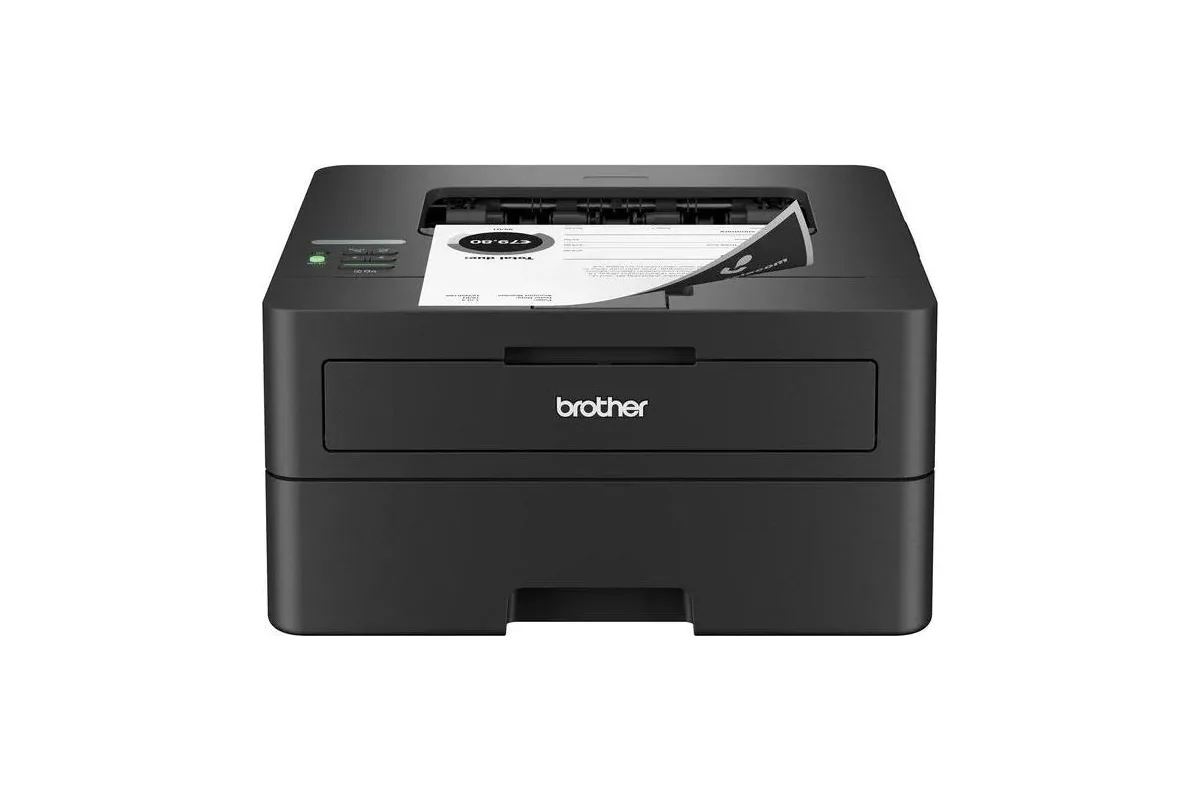
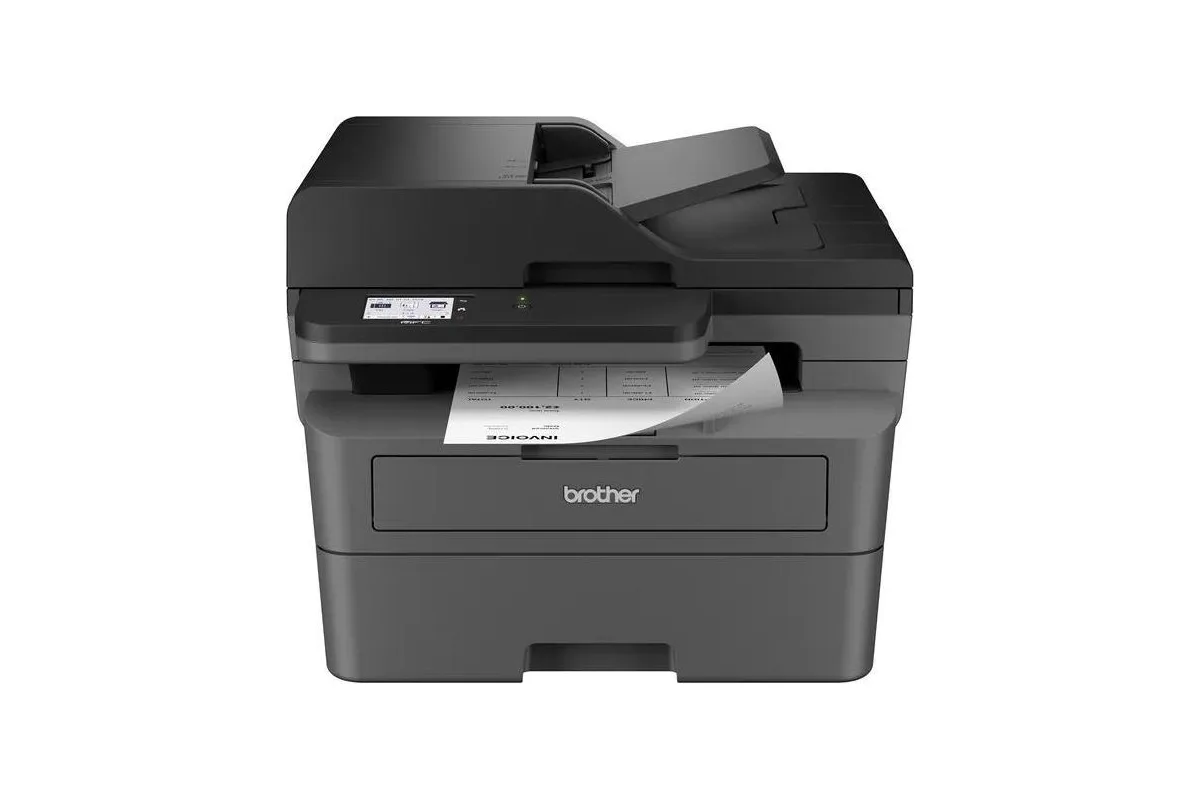
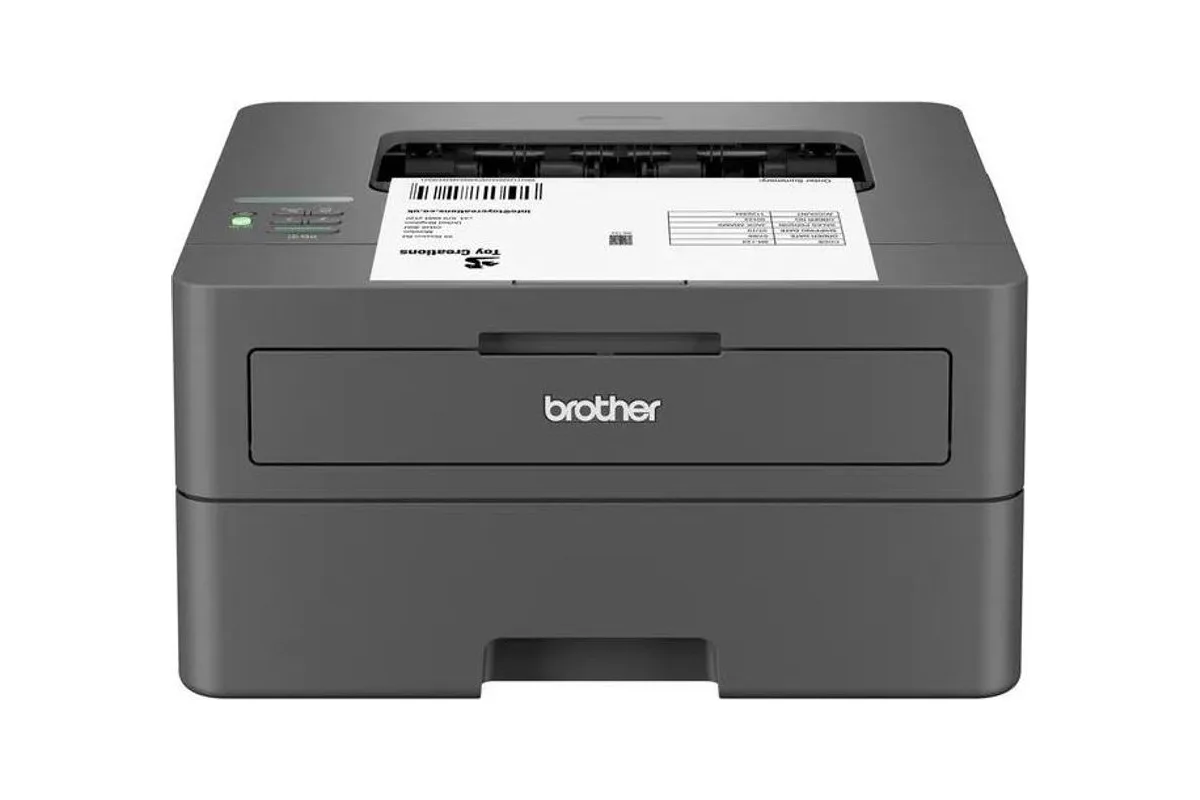
Printers in this guide
What is the difference between a toner cartridge and a drum?
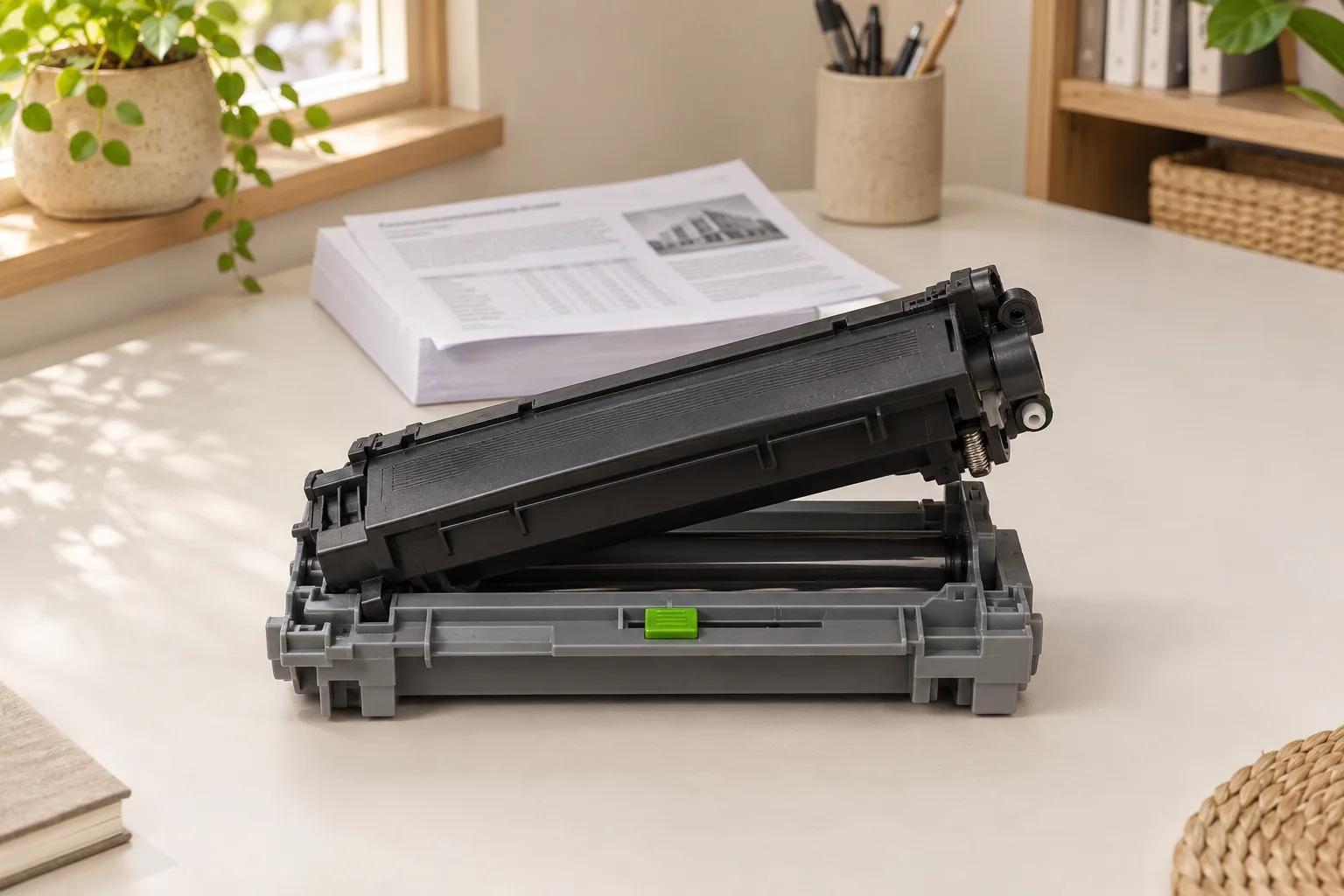
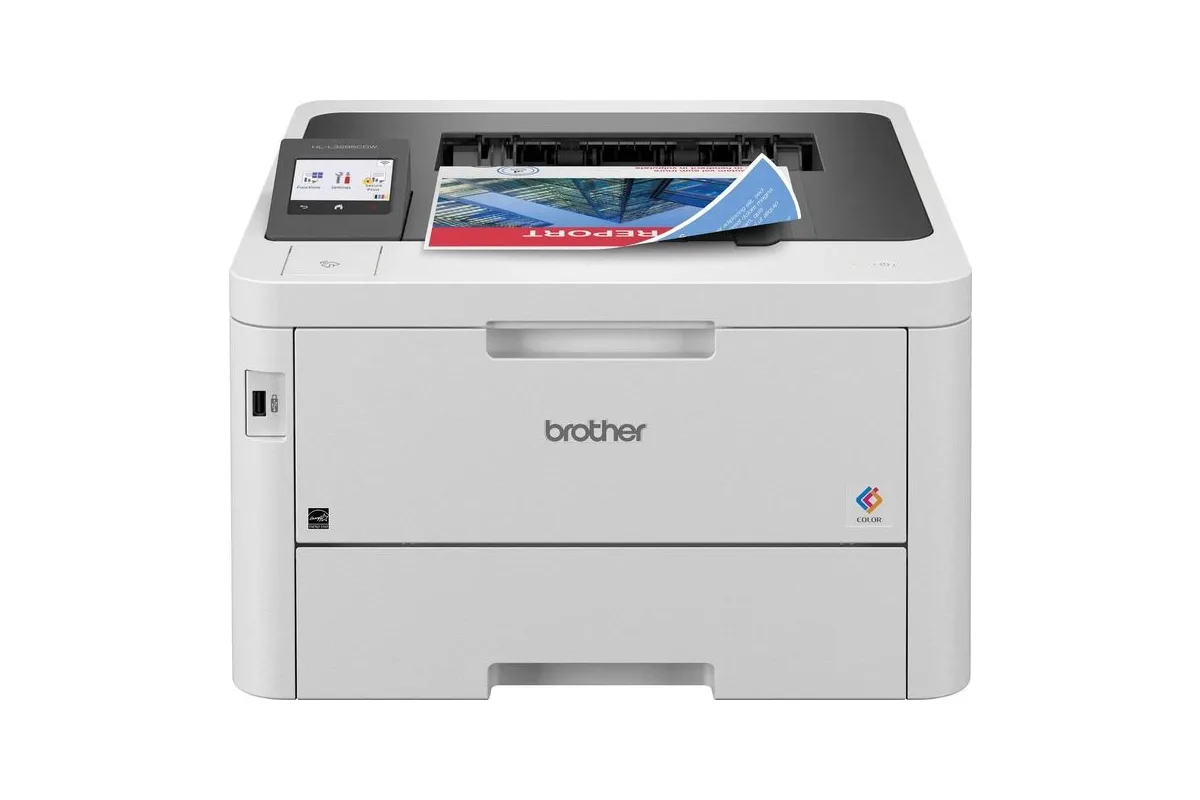
The toner cartridge holds the powder; the drum is the light-sensitive roller that picks the powder up and lays it on the paper. On Brother’s home lasers they’re separate parts: a DR830 drum costs $157.99 and lasts about 15,000 pages, the same as five 3,000-page TN830XL cartridges.
How the three big makers split them:
- Brother sells toner and drum separately. You lift the toner out of the drum with a green lock lever, and the drum outlasts several cartridges.
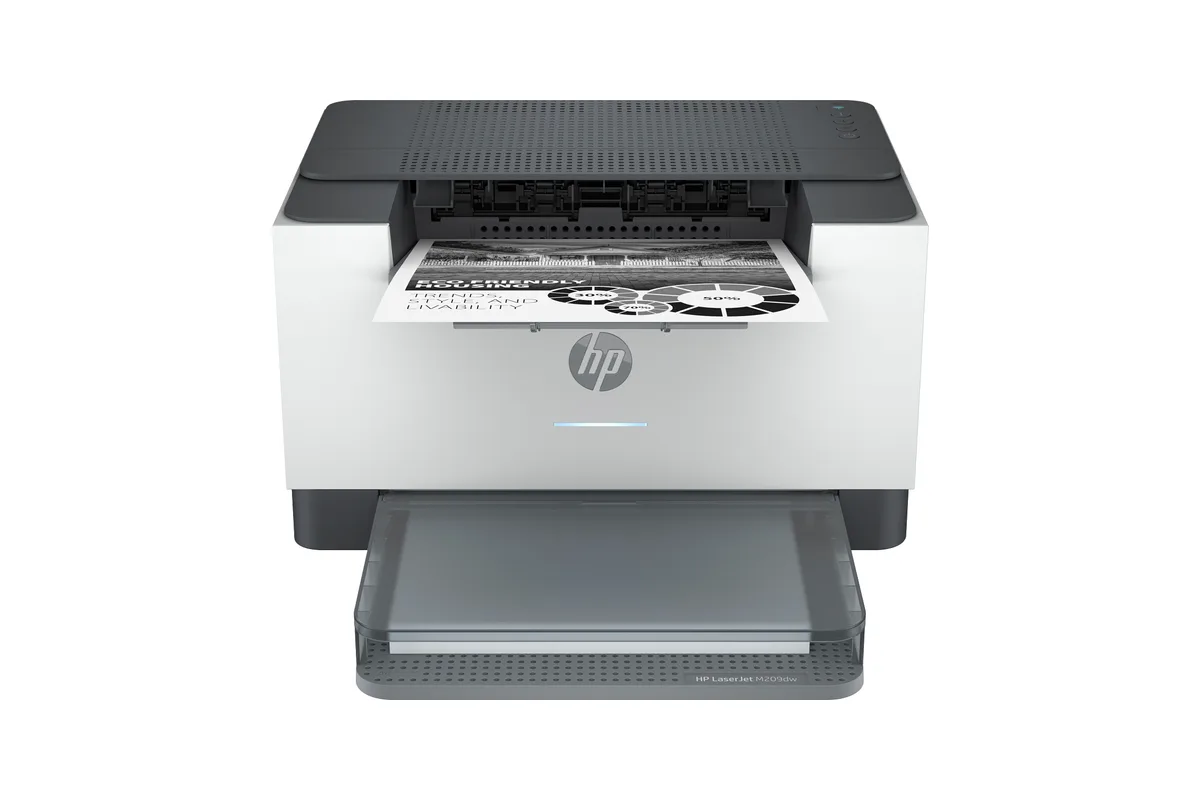
- HP builds the drum into the toner cartridge. HP says light “can degrade the photosensitive drum inside the toner cartridge.” On the LaserJet M209dw, a new 134A or 134X cartridge brings a new drum with it.
- Canon does the same on the imageCLASS LBP122dw. Its manual warns you not to touch the drum surface on the underside of the 071 cartridge, and Canon lists no separate drum.
A separate drum isn’t more expensive per page, because it lasts so long. On the Brother HL-L2460DW, the drum adds about 1¢ to each page, and the total comes to about 4¢ with an XL twin pack. That’s close to HP’s 4.4¢ with the 134X.
How long do Brother toner and drums last, and what do they cost?
Brother’s prices in November 2026 (DR830, TN830 and TN830XL checked November 26; the rest November 23–24). Toner yields are ISO pages. Drum yields are Brother’s estimates at one page per job.
| Printers | Part | Price | Pages | Cost per page |
|---|---|---|---|---|
| HL-L2405W, HL-L2420DW, HL-L2460DW, DCP-L2640DW, MFC-L2820DW | TN830 toner | $60.99 | 1,200 | 5.1¢ |
| same | TN830XL toner | $98.29 | 3,000 | 3.3¢ |
| same | TN830XL twin pack | $176.49 | 6,000 | 2.9¢ |
| same | DR830 drum | $157.99 | about 15,000 | 1.05¢ |
| HL-L3220CDW, HL-L3295CDW, MFC-L3780CDW | TN229XL black | $96.29 | 3,000 | 3.2¢ |
| HL-L3295CDW, MFC-L3780CDW only | TN229XXL black | $128.29 | 4,500 | 2.9¢ |
| HL-L3220CDW, HL-L3295CDW, MFC-L3780CDW | DR229CL drum | $187.99 | about 20,000 (30,000 at 3 pages per job) | 0.94¢ |
| HL-L2350DW, DCP-L2550DW (older) | TN760 toner | $98.29 | 3,000 | 3.3¢ |
| same | DR730 drum | $129.49 | about 12,000 | 1.08¢ |
The HL-L2405W, HL-L2460DW and DCP-L2640DW ship with a 700-page starter cartridge and a DR830 drum, so at 200 pages a month the first drum lasts about six years. Brother says real drum life depends on temperature, humidity, paper and toner, and it won’t guarantee a minimum. A new DR830 ($157.99) costs more than a new HL-L2405W ($139.99 at Brother in November 2026); what printer repair costs shows when to buy one and when to replace the printer.
How do I know when to replace the drum on a Brother laser printer?
When the printer says Replace Drum, or when marks repeat every 94 mm (3.7 in) and cleaning doesn’t remove them. Brother’s messages come in two steps:
- Drum End Soon: order a drum now.
- Replace Drum: the drum has reached its rated life. Brother counts drum rotations, not pages. The printer keeps printing after this message, but Brother says quality “may not be optimal.”
Before buying a drum for print problems, clean it and the corona wire. The steps are in laser printer print problems.
To fit a new drum: open the front cover, lift out the toner and drum together, and push the green lever to free the toner. Click the toner into the new drum, slide the assembly back in, and close the cover. Keep the new drum out of sunlight: Brother says light can damage an unpacked drum.
How do I reset the drum counter on a Brother printer?
Only after fitting a new drum. Brother: “DO NOT reset the drum counter unless you are replacing the drum unit.” On the HL-L2405W, HL-L2420DW and HL-L2460DW:
- Turn the printer on and make sure the front cover is closed.
- Press OK and ▲ at the same time.
- Press OK to select Drum.
- Select Reset.
On the HL-L2400D, which has no screen, open the front cover and hold Go for about four seconds, until all four lights come on. Release it, close the cover, and check that the Drum light is off. If Replace Drum still shows after a new drum, the counter wasn’t reset.
How do I reset the toner counter on a Brother printer?
You don’t need to. Brother’s guide for these printers has a drum-counter reset but no toner-counter reset, and Continue Mode switches back to Stop once you fit a new cartridge. If a new cartridge still shows an error, Brother’s fix is to take the toner out of the drum, click it back in, and reinsert the assembly. The button-combination toner resets you may find online aren’t in Brother’s guide.
Why does my Brother printer say replace toner when it’s still printing fine?
Because Brother sets the printer to stop at Replace Toner by default. Its factory setting is “Stop.” Switch to Continue Mode and it keeps printing until the display says Toner Ended. On the HL-L2460DW:
- Press ▲ or ▼ to select General Setup, then OK.
- Select Replace Toner, then OK.
- Choose Continue and press Go.
You can’t change it while an error is showing. Brother “cannot guarantee the print quality” in this mode, and pages may come out faint. The earlier Toner Low message needs no action. Brother says “you can still print.” HP and Canon handle low toner differently; see can I keep printing after the toner low warning.
How long does toner last unused?
No maker we checked prints a shelf life in years, but all three say to keep it sealed until you need it. HP says opening the packaging early “can dramatically shorten” a cartridge’s shelf and operating life, and light harms the drum inside. Brother says toner left unpacked for a long time has a shorter life. Canon says to store the 071 unopened, lying flat rather than upright or upside down, out of bright light, between -4 and 104 °F (-20 to 40 °C) and 35–85% humidity.
Unlike ink, toner doesn’t dry out in the printer, which is why a laser is the better buy for occasional printing. See the best printer for occasional use.
Why is my Brother printer saying drum error?
Usually a dirty corona wire, or a toner cartridge that isn’t seated in the drum. Brother’s fix for “Drum !”:
- Open the front cover and remove the toner and drum assembly.
- Slide the green tab on the drum from side to side several times to clean the corona wire.
- Return the tab to its home position (▲), or pages will have a vertical stripe.
- Take the toner out of the drum and click it back in.
- Reinstall the assembly and close the cover.
If the error stays, replace the drum. If the problem started after a new drum, reset the counter as above.
Questions people ask
Do I need to replace the drum when I replace the toner?
No. On a Brother HL-L2460DW, one DR830 drum lasts about 15,000 pages, or five TN830XL cartridges. On HP and Canon home lasers, the drum comes with each toner cartridge.
How much does a Brother drum cost?
The DR830 is $157.99 at Brother and the color DR229CL $187.99, in November 2026. That’s about 1¢ a page over the drum’s rated life.
Can I use a compatible drum or toner in a Brother?
Brother recommends its own supplies, and its guide says it may charge to repair damage caused by non-genuine supplies, even under warranty. See remanufactured ink and compatible toner.
Is a printer with a separate drum cheaper to run?
About the same. With drum included, a Brother HL-L2460DW costs about 4¢ a page with the TN830XL twin pack, and an HP M209dw about 4.4¢ with the 134X. Compare more in the best cheap laser printers.
Does a Brother printer stop printing when the drum is worn out?
No. Brother says it keeps working after Replace Drum, but print quality may not be optimal.
Sources
- Brother DR830 drum unit, Brother
- Brother TN830 toner, Brother
- Brother HL-L2405W product page, Brother
- Brother TN830XL toner, Brother
- Brother TN830XL twin pack, Brother
- Brother DR229CL drum unit, Brother
- Brother TN229XXLBK toner, Brother
- Brother DR730 drum unit, Brother
- Brother TN760 toner, Brother
- Brother HL-L2400 series Online User's Guide: Replace the Drum Unit, support.brother.com
- Brother HL-L2400 series Online User's Guide: Reset the Drum Counter, support.brother.com
- Brother HL-L2400 series Online User's Guide: Set the Continue Mode, support.brother.com
- Brother HL-L2400 series Online User's Guide: Error and Maintenance Messages, support.brother.com
- Brother HL-L2400D Online User's Guide: Error and Maintenance LED Indications, support.brother.com
- Brother HL-L2400 series Online User's Guide: Replace the Toner Cartridge (corona wire), support.brother.com
- HP Supplies: storage and care of HP LaserJet toner cartridges, support.hp.com
- Canon imageCLASS LBP122dw User's Guide: List of Consumables, oip.manual.canon
- Canon imageCLASS LBP122dw User's Guide: Replacing the Toner Cartridge, oip.manual.canon
Keep exploring

Buying guide
The best barcode label printers
The Zebra ZD421 is the best barcode label printer for most businesses: 4-inch labels at 6 inches a second, any brand of label roll and a 24-month warranty, for about $480 to $526 in November 2026. Get the Brother QL-820NWBc ($229.99) for an office or shop counter, and a thermal transfer model for inventory labels that have to last.
Read story
Buying guide
The best check printers for a small business
The TROY 3001dw ($509.15 at TROY, $530 at Amazon in November 2026) is the best check printer for a small business: a 35 ppm Wi-Fi laser with MICR toner, rated for 350 to 2,500 checks a month, at about 5¢ to 7¢ per check three to a page by our estimate. Get the TROY 4001dn for a locking tray, or the VersaCheck M15 MXD ($399.99) for software in the box.
Read story