Printers in this guide
How often should you print to stop a pro photo printer clogging?
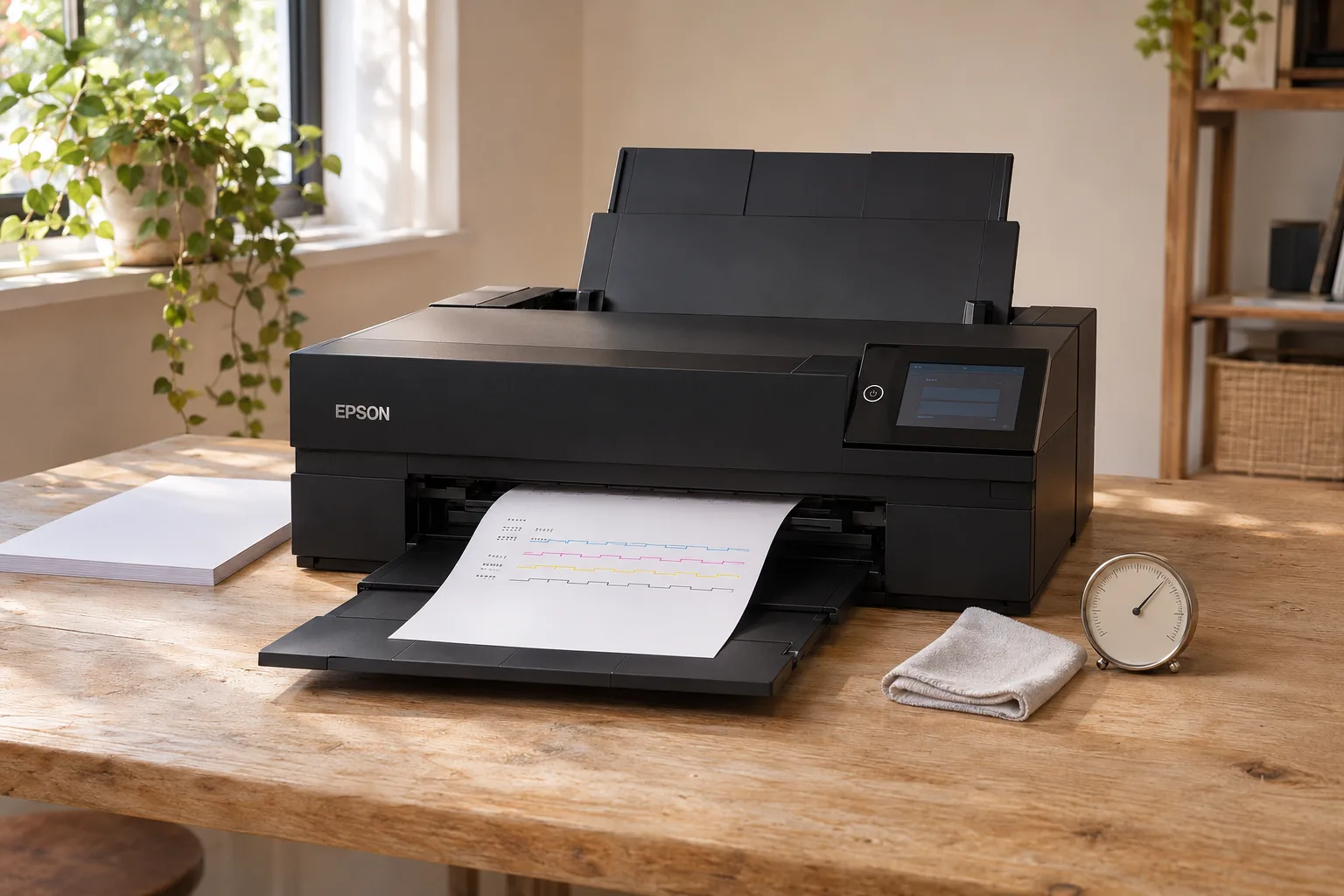
About once a week. Epson’s guide for its SureColor P5370, which uses the same UltraChrome PRO10 inks as the P700 and P900, says: “We recommend that you print once every week to prevent the nozzles from clogging.” Canon warns that skipping the PRO-1100’s weekly ink maintenance “may affect print quality”. A nozzle check counts; it doesn’t have to be a photo.
Both makers’ more general advice is at least once a month. Canon’s manuals say to use the printer at least monthly, and an older Epson FAQ says to turn the printer on at least once a month to keep the nozzles clean. Treat monthly as the minimum and weekly as the habit.
The routine that works for both brands:
- Leave the printer plugged in and on, or on standby, so it can run its own maintenance.
- Print something or run a nozzle check about weekly.
- Check nozzles before an important print on expensive paper.
- Clean only when the nozzle check shows gaps. Cleaning uses ink.
- Keep a spare set of cartridges, since cleaning eats into them.
Does the Epson P900 clog?
It can, like any pigment inkjet left idle, but Epson builds it to resist clogs. Epson says the printhead’s ink-repelling coating “reduces the chance of a nozzle clog”, and that the head is meant to last the life of the printer. Epson doesn’t publish a clog rate. Long idle spells and dry rooms are the conditions most associated with clogs.
What Epson recommends for the P700 and P900:
- Run a nozzle check first (Maintenance > Print Head Nozzle Check) and clean only if the pattern has gaps.
- Use Head Cleaning for gaps, and Power Cleaning only if nearly the whole pattern is missing. Epson says Power Cleaning “consumes a lot of ink”.
- After three cleanings with no improvement, turn the printer off and wait at least six hours, then check again before more cleaning.
- Leave the cartridges installed, even in storage, because removing them can dry the head. Before storing the printer, replace low or expired cartridges.
- Use cartridges within six months of installing them.
The P700 and P900 have no automatic nozzle check. Their printhead is permanent, not user-replaceable, so a clog that cleaning can’t fix is a service job. Each printer ships with a spare maintenance box, and replacements are $23 at Epson. Read our P900 review and P700 review for the rest.
How do you fix banding on an Epson SureColor?
Run a nozzle check and clean if it shows gaps. If there are no gaps, banding is usually a setting or alignment problem. Epson’s fixes depend on the direction of the lines.
| Banding | Epson’s fixes, in order |
|---|---|
| Any lines | Print a nozzle check; run Head Cleaning if there are gaps |
| Horizontal lines | Raise the print resolution; turn off Simple Settings and uncheck High Speed; select the correct paper type; try another paper profile; adjust the paper feed |
| Vertical lines | Turn off High Speed; align the print head |
To align the head on a P700 or P900, load plain paper in the rear feeder, choose Maintenance > Print Head Alignment, print the sheet, and pick the best square in each set. Epson’s larger P5370 guide gives the same order: nozzle check, cleaning, head alignment, then Paper Feed Adjust if banding persists.
A wrong media type causes banding too. If you use a third-party paper, select the driver setting the paper maker’s instructions name. See ICC profiles and soft proofing.
How do Canon imagePROGRAF printers keep their heads clear?
They run their own maintenance when left on. The PRO-1100’s Auto Maintenance Settings have three options:
- Auto nozzle check: on or off.
- System Cleaning frequency: how often automatic system cleaning runs. Canon recommends “Short” at high elevations.
- Ink maintenance: periodically agitates the ink tanks to keep the pigment evenly mixed. It runs about once a week; Canon recommends leaving it on and warns that skipping it may affect print quality.
When a nozzle check shows gaps, Canon’s order is cleaning, then deep cleaning, then system cleaning. Canon says system cleaning “consumes a great amount of ink” and should be run only when necessary. If it doesn’t help, turn the printer off and run a deep cleaning again after 24 hours. If that fails, the head may need replacing.
Canon publishes no ink figure for any cleaning cycle, and it notes that the Chroma Optimizer is used in automatic maintenance, so it may run out faster than the colors.
Should I turn my printer off with the power button?
Yes. Always use the printer’s own power button, and never cut power at the wall or a power strip while it’s on. Turning off properly lets the printer cap the printhead so it doesn’t dry out.
Canon says to unplug the PRO-1100 only after the ON lamp and screen go dark, and that “unplugging the power cord while the ON lamp is lit or flashing may cause drying or clogging of the print head”. The PRO-1100 can also run on a weekly on/off schedule, which keeps its maintenance running without leaving it on around the clock.
For Epson, the same rule applies: turn off with the power button so the head stays capped. Epson’s P5370 guide adds a nozzle check after a long power-off, before you print.
How long do Canon imagePROGRAF printheads last?
Canon doesn’t publish a lifespan. It says to replace the PRO-1100’s printhead when the screen tells you to or your Canon dealer advises it. The head is a user-replaceable part, the PF-10, and it’s expensive.
- PF-10 price: $726 at Unique Photo in November 2026, and listed at about $883 to $999 at other US dealers such as CDW and Staples. We couldn’t read Canon’s own price. That’s roughly two-thirds to nine-tenths of the PRO-1100’s $1,091.99 sale price.
- Which printers use it: the PRO-1100, the older PRO-1000 and Canon’s 24- to 60-inch PRO-2600, PRO-4600 and PRO-6600.
- Swapping it: a job you do from the printer’s home screen. Canon’s steps take about 6 to 7 minutes to draw ink out and 16 to 17 minutes to fill the new head, followed by head alignment and color calibration. Canon warns that interrupting either stage makes the printer start over and use more ink.
- Warranty: the PRO-1100 itself has a one-year warranty. We couldn’t confirm whether a PF-10 bought separately carries a US warranty.
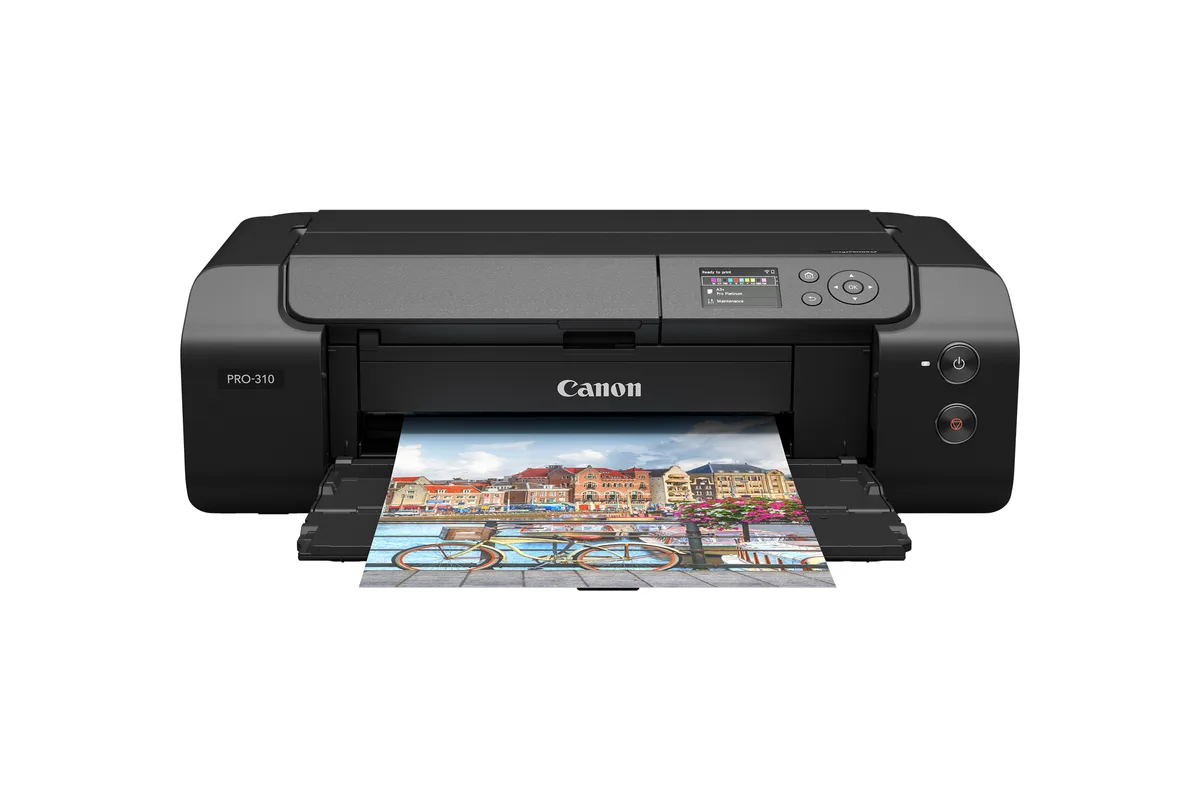
The PRO-310 also has a user-replaceable printhead. Its nozzle checks can substitute working nozzles for blocked ones, as the PRO-1100’s can. See our PRO-1100 review and PRO-310 review.
Does humidity affect clogging?
It can. Dry rooms and long idle spells are the conditions most associated with clogs. Keep the printer in a normal living space, roughly 40–60% humidity, and away from heaters and dry winter drafts. That’s our recommendation, inside both makers’ ranges:
| Printer | Maker’s operating range |
|---|---|
| Epson P900 | 50–95 °F, 20–80% relative humidity, non-condensing |
| Canon PRO-1100 | Recommended 59–86 °F, 10–80% relative humidity |
Keep the covers closed, too. Epson’s P5370 guide warns that dust can clog nozzles.
What happens if I don’t use my printer for weeks?
Expect a nozzle check with gaps and a cleaning or two, which costs ink. If you’ll be away, leave the cartridges installed and the printer plugged in. Leave a Canon on, or on its power schedule, so its automatic maintenance can run. When you return, run a nozzle check before printing on fine art paper. If you print less than once a month, a lab may be cheaper; see the cost of a fine art print.
Questions people ask
How often should I print to keep my printer from clogging?
About once a week. Epson’s P5370 guide recommends a weekly print, and Canon warns that skipping the PRO-1100’s weekly ink maintenance may affect quality. A nozzle check is enough; once a month is the minimum both makers suggest.
Does the Epson P900 clog a lot?
It can clog if it sits unused, like any pigment printer, but Epson designs its head with an ink-repelling coating to reduce clogs. Print about weekly, check nozzles before important prints, and clean only when the check shows gaps.
How do I fix banding on my Epson SureColor?
Run a nozzle check and clean if there are gaps. For horizontal lines, raise the quality, uncheck High Speed and check the paper type; for vertical lines, uncheck High Speed and align the print head.
How long does a Canon PRO-1100 printhead last?
Canon doesn’t publish a lifespan; you replace it when the printer says so. The PF-10 head costs about $726 to $999 at US dealers.
How much is a Canon PF-10 printhead?
$726 at Unique Photo in November 2026, and listed at up to about $999 at other US dealers. It fits the PRO-1100, PRO-1000 and Canon’s large-format PRO-2600, 4600 and 6600.
Should I unplug my photo printer when not in use?
No. Leave it plugged in and turn it off with its own power button, which caps the printhead. Canon says unplugging while the power light is on may cause drying or clogging.
Does cleaning the printhead waste ink?
Yes. Epson says Power Cleaning uses a lot of ink, and Canon says system cleaning uses a great amount. Run a nozzle check first and clean only when it shows gaps.
What humidity is best for a photo printer?
A normal living space, roughly 40–60% relative humidity, is our recommendation. Epson rates the P900 for 20–80% and Canon recommends 10–80% for the PRO-1100.
Sources
- SureColor P700/P900 User's Guide (PDF), Epson
- Epson SureColor P700/P900 FAQ: horizontal or vertical lines in prints, Epson
- SureColor P5370 User's Guide (PDF), Epson
- Canon PRO-1100 manual: auto maintenance settings, ij.manual.canon
- Canon PRO-1100 manual: turning the printer on and off, ij.manual.canon
- Canon PRO-1100 manual: system cleaning, ij.manual.canon
- Canon PRO-1100 manual: replacing the print head, ij.manual.canon
- Canon PF-10 print head (Unique Photo), uniquephoto.com
Keep exploring
Buying guide
The best photo booth printers
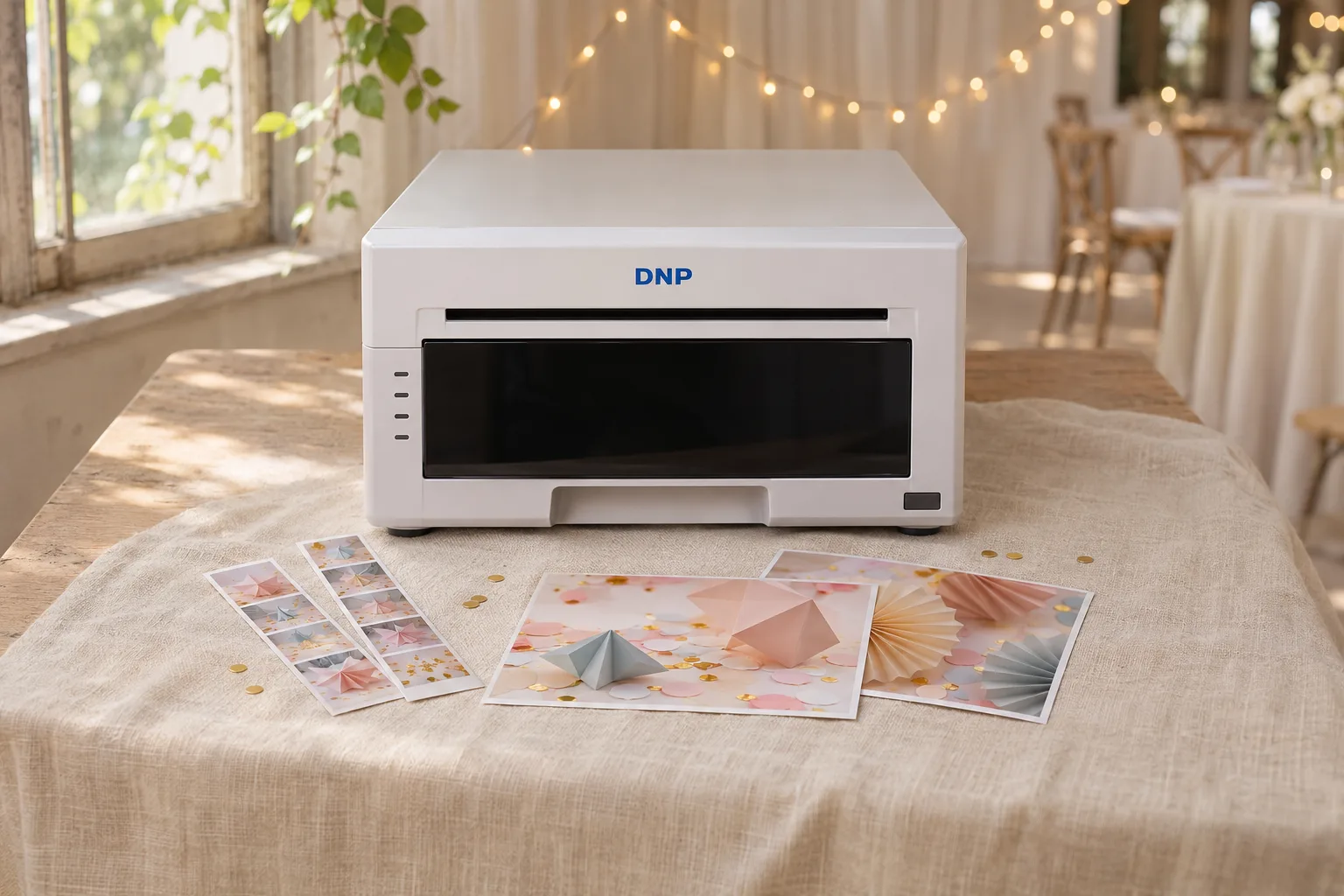
The DNP DS620A is the best photo booth printer: a 4x6 in about 8.3 seconds, 400 prints per roll, 2x6 strips at about 8¢ each in media and a 3-year exchange warranty, for $995 on Black Friday sale in November 2026. The HiTi P525L ($649) costs least to run, at about 11¢ per 4x6.
Read story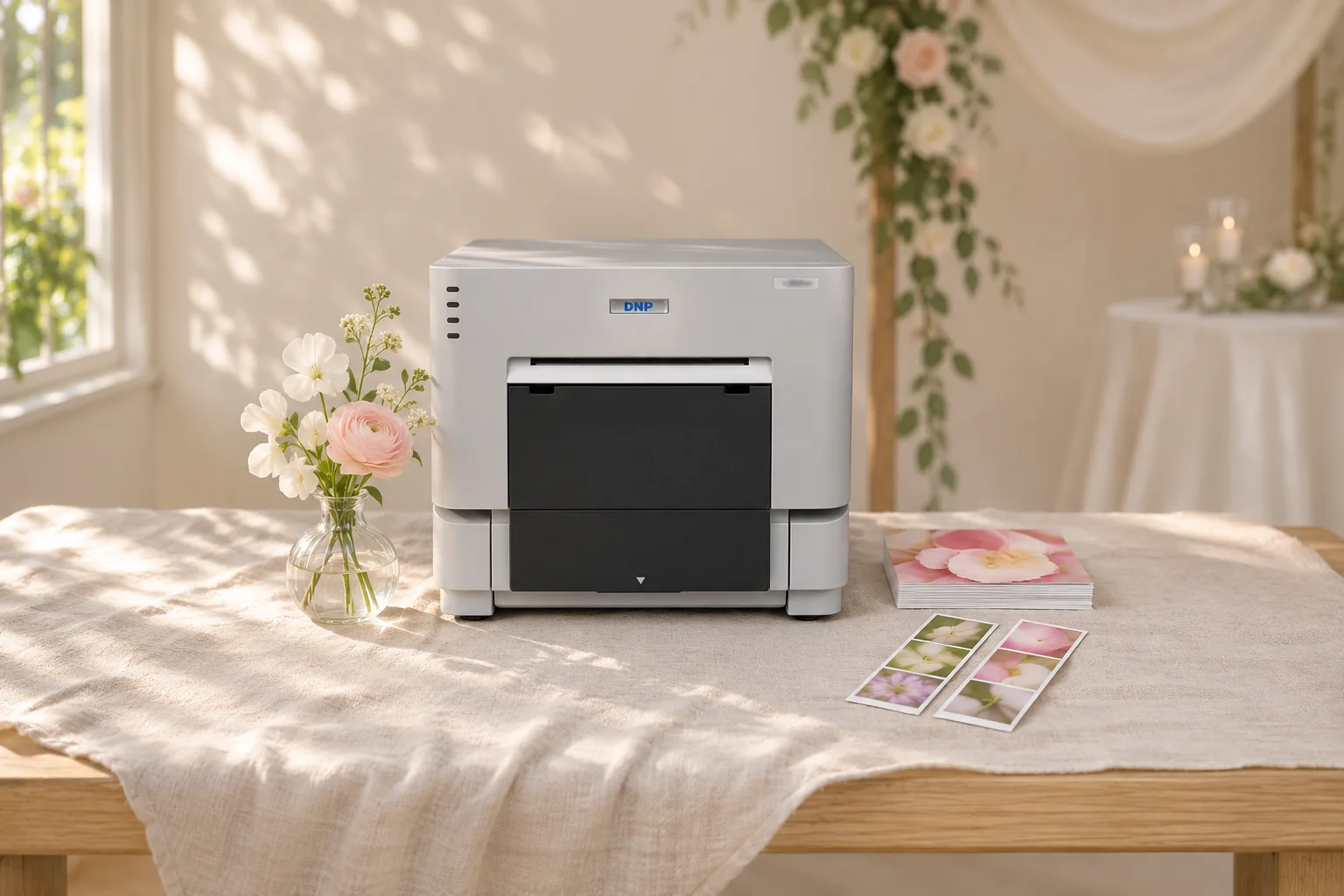
Review
DNP DS-RX1HS review
Not as a new buy: the DNP DS-RX1HS still runs cheaply, at 12.4 seconds per 4x6, 700 prints per roll and about 14¢ of media per 4x6, but new units were unavailable or backordered at $695 in November 2026, and DNP now lists the DP-RX2 ($795) with the same speed and roll size and a 3-year warranty in its place.
Read review