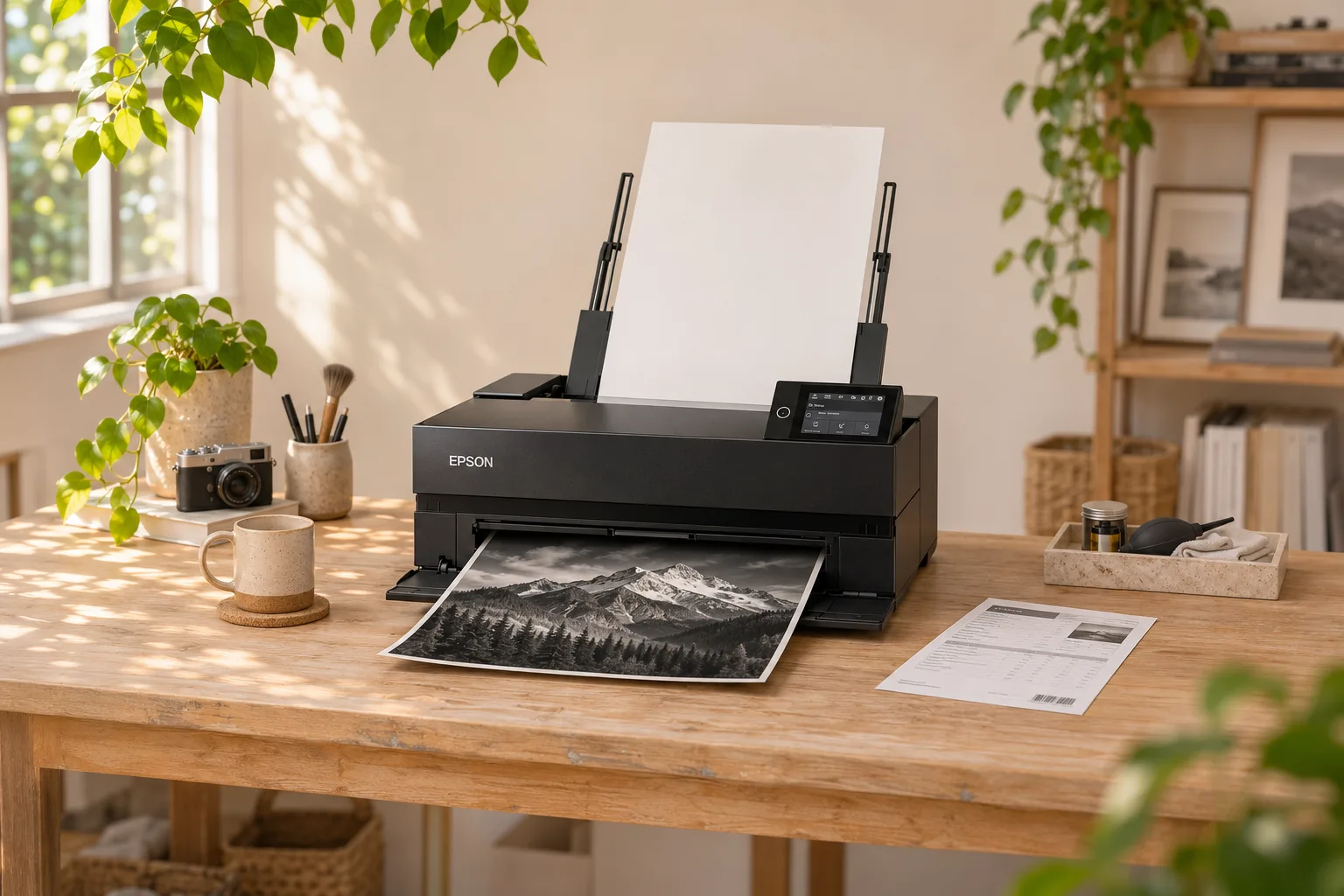
How it scores
- Photo quality35%9.0
Wide color and smooth black-and-white from ten UltraChrome PRO10 pigment inks with Violet, two grays and dedicated photo and matte blacks. The Canon PRO-1100 holds more shadow detail and renders dark blues more accurately.
- Cost per print20%7.5
About 21–23¢ of ink per 4x6 and 69–77¢ per 8x10 at worst-case coverage, from $51, 50 ml cartridges ($1.02 per ml). A full set is $510.
- Print sizes and media15%9.5
Borderless from 3.5x5 to 17x22, prints up to 129 inches long from 17-inch rolls on an optional $282 adapter, and a front path for board up to 1.5 mm.
- Reliability and upkeep15%7.0
An ink-repelling printhead coating and a spare maintenance box, but the head is permanent, nozzle checks are manual, and it can clog if it sits idle.
- Ease of use15%7.5
A 4.3-inch touchscreen, dual-band Wi-Fi, Ethernet and Epson Print Layout, and at 35.3 lb half the PRO-1100's weight. The roll adapter costs extra and fine art sheets feed one at a time.
Overall 8.3/10, the weighted average.How we score →
Is the Epson P900 worth it?
Yes, if you print 13x19 and larger and want rolls, thick board or a printer you can lift on your own. The SureColor P900 prints borderless to 17x22 with ten pigment inks and takes media up to 1.5 mm. With an optional adapter it prints panoramas up to 129 inches from 17-inch rolls. Its 50 ml cartridges keep ink to about 21–23¢ per 4x6 and $2.12–2.36 per 13x19 at worst-case coverage, less than half the P700’s cost.
The problem in November 2026 is buying one. It’s $995 on sale at Epson (list $1,349, offer to December 21), but it was out of stock at Epson and temporarily out of stock on Amazon at $995 on November 25, 2026. Epson’s Certified ReNew P900 is $999.99 and in stock. Skip it if:
- You want the best blacks and black-and-white, in stock now: the Canon PRO-1100 is $1,091.99 on sale. See P900 vs PRO-1100.
- 13x19 is enough and you print occasionally: the Canon PRO-310 is $549.99.
- You want a 13-inch roll printer for less: the Epson P700 includes its roll holder, but costs twice as much per print and is also out of stock.
What do you get?
A 17-inch, print-only pigment printer in roughly the footprint of Epson’s old 13-inch P600. Epson’s specs, checked November 25, 2026:
| Spec | Epson SureColor P900 |
|---|---|
| Price | $995 at Epson (sale to Dec 21; $1,349 list), out of stock; Certified ReNew $999.99, in stock (Nov 25, 2026) |
| Inks | 10 UltraChrome PRO10 pigment: Cyan, Light Cyan, Vivid Magenta, Vivid Light Magenta, Yellow, Gray, Light Gray, Violet, Photo Black, Matte Black |
| Cartridges | 50 ml T46Y, $51 each ($1.02 per ml); $510 a set |
| Black switching | None: separate photo and matte black channels |
| Borderless sizes | 3.5x5 to 17x22, including 13x19 and 16x20 |
| Roll paper | Optional Roll Media Adapter ($282, out of stock): 17-inch rolls, 2- or 3-inch cores, up to 150 mm across |
| Longest print | 17 x 129 in |
| Paper feeds | Top tray (30 photo sheets); front path, 1 sheet, up to 1.5 mm; roll with adapter |
| Epson speed claim | Letter 1 min 29 s; 13x19 2 min 23 s |
| Connections | USB 3.0, Ethernet, dual-band Wi-Fi, Wi-Fi Direct, AirPrint |
| Screen | 4.3-inch touchscreen |
| Size and weight | 24.2 x 14.5 x 7.8 in stored (35.6 in deep printing), 35.3 lb |
| Warranty | 1 year, next-business-day exchange |
How good are the prints?
Among the best from any desktop printer. The P900 shares the P700’s inks and printhead, so its prints match the smaller model’s: a wide color range, with Violet ink for blues and purples, and smooth, neutral black-and-white from Gray and Light Gray inks and Epson’s Advanced B&W mode.
Its one rival at 17 inches, the Canon PRO-1100, holds more detail in deep shadows and renders dark blues accurately where the P900 can shift them toward purple. On glossy paper, Epson’s Carbon Black mode lifts black density and cuts bronzing; luster is still the safer everyday surface for pigment.
How long do the prints last? Wilhelm Imaging Research rates P900 color prints on Epson Premium Luster at 135 years framed under glass, more than 250 under UV-filtering glass and 76 years displayed bare. On Epson’s fine art papers the color ratings run 109 to 143 years under glass, and black-and-white prints rate more than 400 years. Epson’s own “up to 200 years” figure is the best case across papers.
How much does ink cost for the Epson P900?
$51 per 50 ml cartridge at Epson, or $510 for all ten. Per print, that’s about 21–23¢ per 4x6, 69–77¢ per 8x10, $2.12–2.36 per 13x19 and $3.21–3.58 per 17x22 at worst-case coverage.
| Ink, photo black | Ink, matte black | |
|---|---|---|
| 4x6 | 21¢ | 23¢ |
| 8x10 | 69¢ | 77¢ |
| 11x14 | $1.32 | $1.47 |
| 13x19 | $2.12 | $2.36 |
| 17x22 | $3.21 | $3.58 |
The math: Red River Paper measured 0.000168125 cartridges per square inch with photo black and 0.0001875 with matte black for near-full-coverage prints on a P900, within ±10%. Multiply by the print’s area and $51: a 17x22 is 374 square inches, so 374 × 0.000168125 × $51 = $3.21. Typical photos use less; paper and cleaning ink are extra.
The P700 uses the same inks in 25 ml cartridges at $1.76 per ml, so the P900 costs about 45% as much per print. Against the Canon PRO-1100 (about 25¢ per 4x6 and $2.54 per 13x19), it’s slightly cheaper. Setup uses most of the starter cartridges, so budget for a full set soon after unboxing.
Does the P900 clog?
It can, like any pigment printer left idle, but there’s no published clog rate. Owner reports are mixed: some print rarely without trouble, others report recurring clogs, more often in dry or cold rooms.
Epson’s advice, and the habit that works:
- Print about once a week. Epson’s P5370 guide, the P900’s bigger sibling, recommends a weekly print to stop nozzles clogging.
- Run a nozzle check before important prints, and clean only when it shows gaps. Cleaning uses ink, and Power Cleaning uses a lot.
- If three cleanings don’t clear it, switch off and wait at least six hours, then check again before a Power Cleaning.
- Leave the cartridges in, and replace low or expired ones before storing the printer; Epson says to use cartridges within six months of installing them.
The printhead is permanent, with an ink-repelling coating Epson says reduces clogs. There’s no automatic nozzle check. Waste ink goes to a $23 maintenance box you can change yourself; the P900 ships with a spare. Our pro photo printer maintenance guide covers banding and long breaks.
Should you buy a refurbished P900?
Yes, while new units are out of stock. Epson’s Certified ReNew P900 is $999.99 at Epson and in stock on November 25, 2026. Epson’s terms:
- Warranty: a free one-year limited warranty, the same length as new, and Epson’s extended plans can be added.
- Returns: 30 days for exchange or credit on epson.com purchases.
- Shipping: free ground shipping in the lower 48 states.
- Condition: Epson says ReNew units are repaired with genuine Epson parts, tested to full factory function, and shipped in new boxes with new manuals and cables.
On November 25 it was $4.99 more than a new P900’s sale price, and $349 under list once the sale ends on December 21. Epson doesn’t say whether a ReNew unit ships with full ink, so budget for a $510 set.
How do you print panoramas on the P900?
Add the Roll Media Adapter ($282 at Epson, out of stock on November 25). It takes 17-inch rolls on 2- or 3-inch cores. Borderless roll widths are 13, 16, 16.5 and 17 inches. In the driver, set a custom size with the roll width and an image length up to 129 inches. Epson leaves about a 2-inch lead margin at the top, and there’s no cutter, so you trim on a printed line.
Rolls make sense mainly for panoramas and custom sizes; on cotton rag they cost about the same per square foot as 13x19 sheets. The P900 takes 17-inch fine art rolls, which are easier to find than 13-inch ones. See rolls, panoramas and canvas.
Does it work with a Mac and Lightroom?
Yes. Epson’s P900 support page lists macOS 26 Tahoe and 27, and Epson Print Layout runs on its own or as a Lightroom and Photoshop plug-in. Add the printer with Epson’s driver, not AirPrint, to keep all the paper and color settings. If Lightroom on a new macOS sends a job to the wrong paper source, update the Epson driver and check the paper source in the print dialog.
P900 vs Canon PRO-1100
The PRO-1100 for print quality, black-and-white and availability; the P900 for rolls, 1.5 mm board, a touchscreen and half the weight. Ink per print is close, with the P900 slightly cheaper. Read Epson P900 vs Canon PRO-1100.
P900 vs P700
Same quality. The P900 adds 17-inch prints and halves ink per print; the P700 is smaller, $296 cheaper on sale, and includes its roll holder. Read P700 vs P900, or see every pick in the best printers for photographers.
Questions people ask
Does the Epson P900 come with roll paper support?
No. Roll printing needs the optional Roll Media Adapter, $282 at Epson. The P700 includes its roll holder.
How much does a full set of P900 ink cost?
$510 at Epson in November 2026: ten 50 ml T46Y cartridges at $51 each, 500 ml in all.
Has the P900 been discontinued?
No. Epson still lists it as a current model, with a sale running to December 21, 2026, and hasn’t announced a successor. It replaced the discontinued P800.
Is the P900 better than the P800?
Yes, for most people. It’s up to 30% smaller, has separate photo and matte black channels instead of switching, and adds Violet ink for a wider color range. See older pro photo printers.
How do I fix banding on the P900?
Run a nozzle check and clean if it shows gaps. If it doesn’t, turn off High Speed, raise the print quality and check the paper type for horizontal bands; align the printhead for vertical ones.
Is the P900 heavy?
No, for a 17-inch printer: 35.3 lb, against 71.2 lb for the Canon PRO-1100. It needs about 36 inches of depth while printing.
Key specifications
| Feature | EpsonSureColor P900 | CanonimagePROGRAF PRO-1100 | EpsonSureColor P700 |
|---|---|---|---|
| Type | Photo inkjet, 10 pigment inks | Photo inkjet, 11 pigment inks + Chroma Optimizer | Photo inkjet, 10 pigment inks |
| Max print size | 17x22 in (rolls to 129 in) | 17x22 in | 13x19 in (rolls to 129 in) |
| Scanner | No | No | No |
| Ink system | Cartridges | Cartridges | Cartridges |
| Where to buy | Check price at Amazon | Check price at Amazon | Check price at Amazon |
Epson SureColor P900
- Type
- Photo inkjet, 10 pigment inks
- Max print size
- 17x22 in (rolls to 129 in)
- Scanner
- No
- Ink system
- Cartridges
Canon imagePROGRAF PRO-1100
- Type
- Photo inkjet, 11 pigment inks + Chroma Optimizer
- Max print size
- 17x22 in
- Scanner
- No
- Ink system
- Cartridges
Epson SureColor P700
- Type
- Photo inkjet, 10 pigment inks
- Max print size
- 13x19 in (rolls to 129 in)
- Scanner
- No
- Ink system
- Cartridges
Sources
- SureColor P900 product page, Epson
- SureColor P900 Certified ReNew, Epson
- SureColor P900 specification sheet (PDF), mediaserver.goepson.com
- SureColor P700/P900 User's Guide (PDF), Epson
- SureColor P5370 User's Guide (PDF), Epson
- Epson SureColor P700 and P900 print permanence ratings (PDF), Wilhelm Imaging Research
- Cost of printing: Epson SureColor P900, Red River Paper
- Canon imagePROGRAF PRO-1100 review, Digital Camera World
Keep exploring
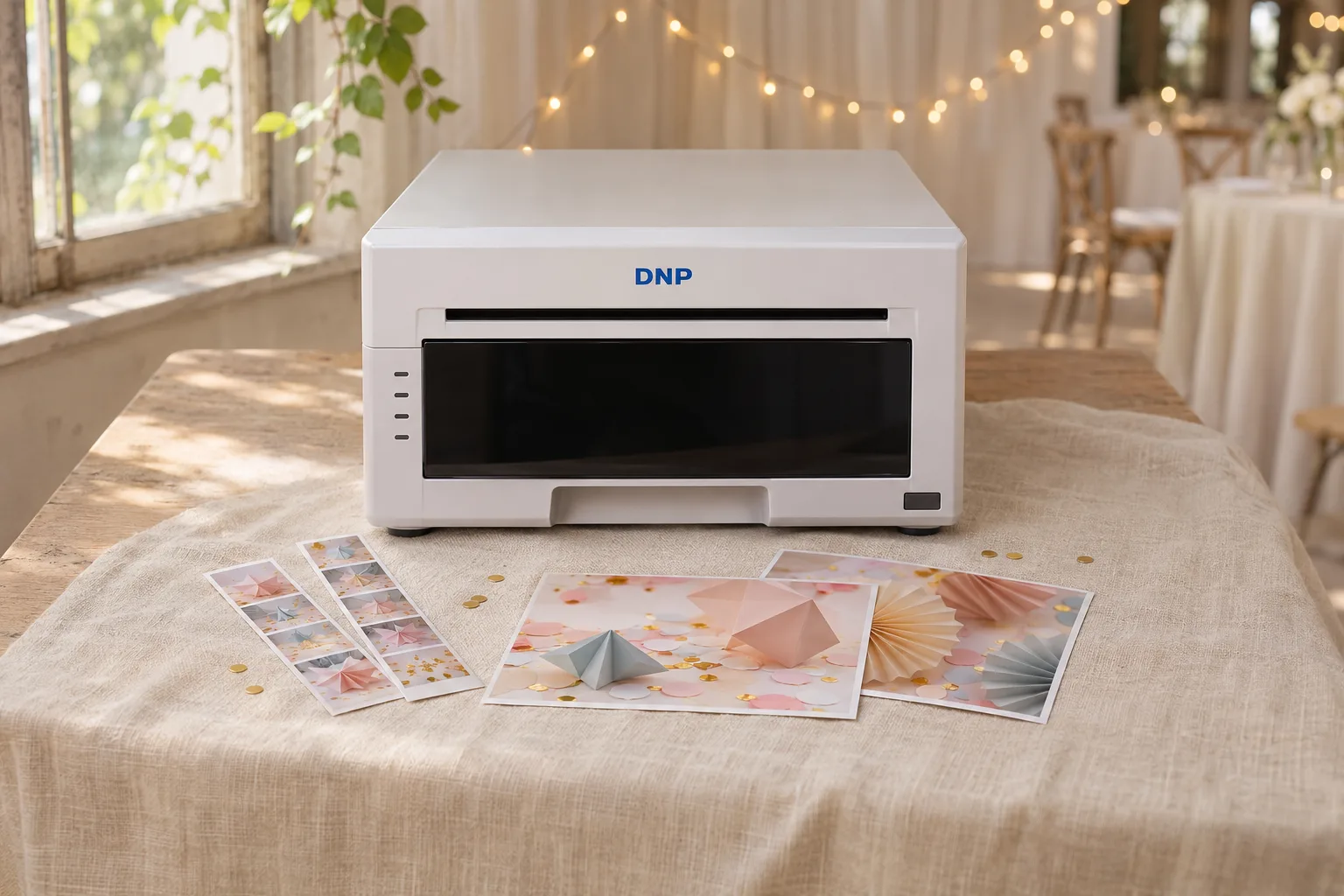
Buying guide
The best photo booth printers
The DNP DS620A is the best photo booth printer: a 4x6 in about 8.3 seconds, 400 prints per roll, 2x6 strips at about 8¢ each in media and a 3-year exchange warranty, for $995 on Black Friday sale in November 2026. The HiTi P525L ($649) costs least to run, at about 11¢ per 4x6.
Read story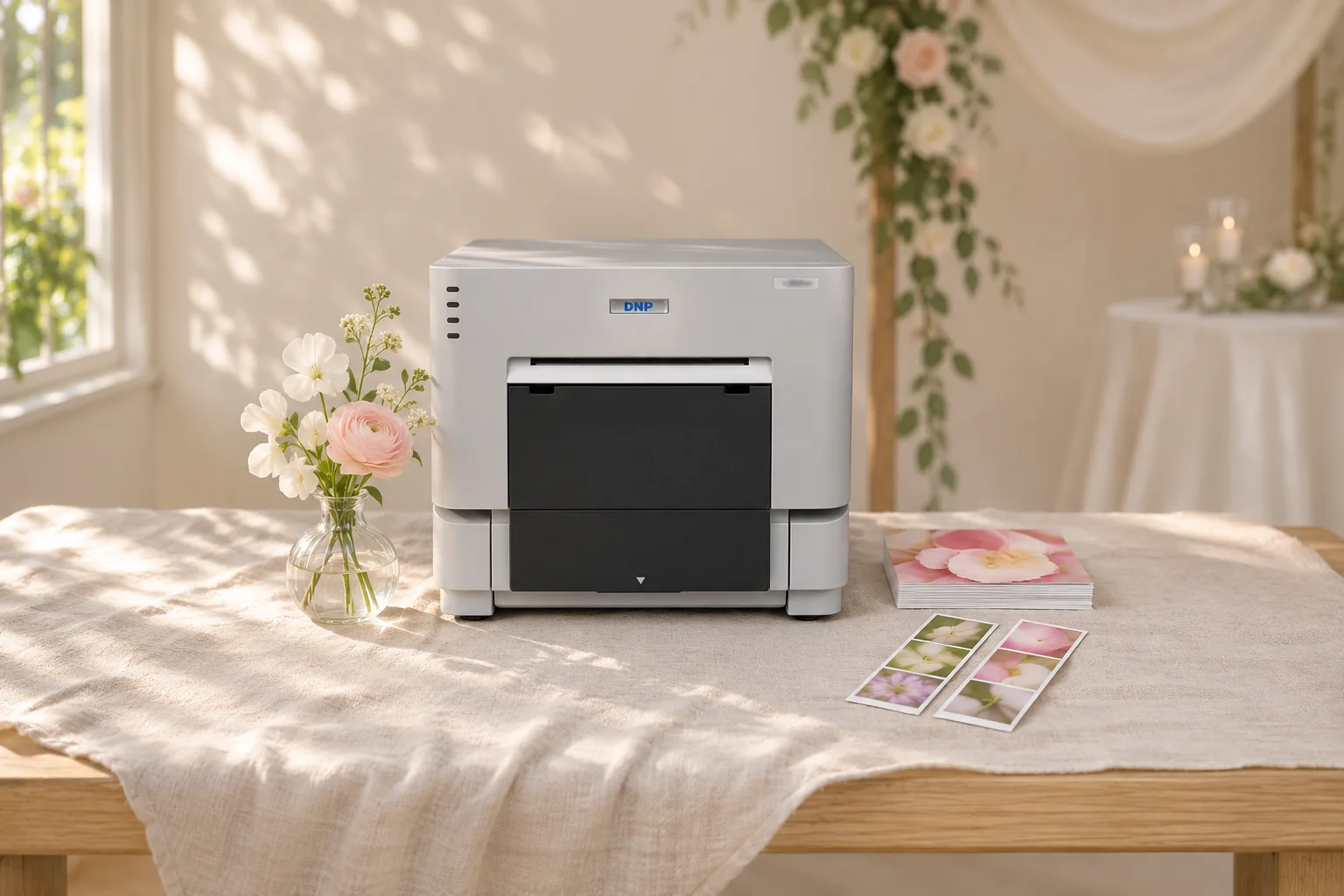
Review
DNP DS-RX1HS review
Not as a new buy: the DNP DS-RX1HS still runs cheaply, at 12.4 seconds per 4x6, 700 prints per roll and about 14¢ of media per 4x6, but new units were unavailable or backordered at $695 in November 2026, and DNP now lists the DP-RX2 ($795) with the same speed and roll size and a 3-year warranty in its place.
Read review