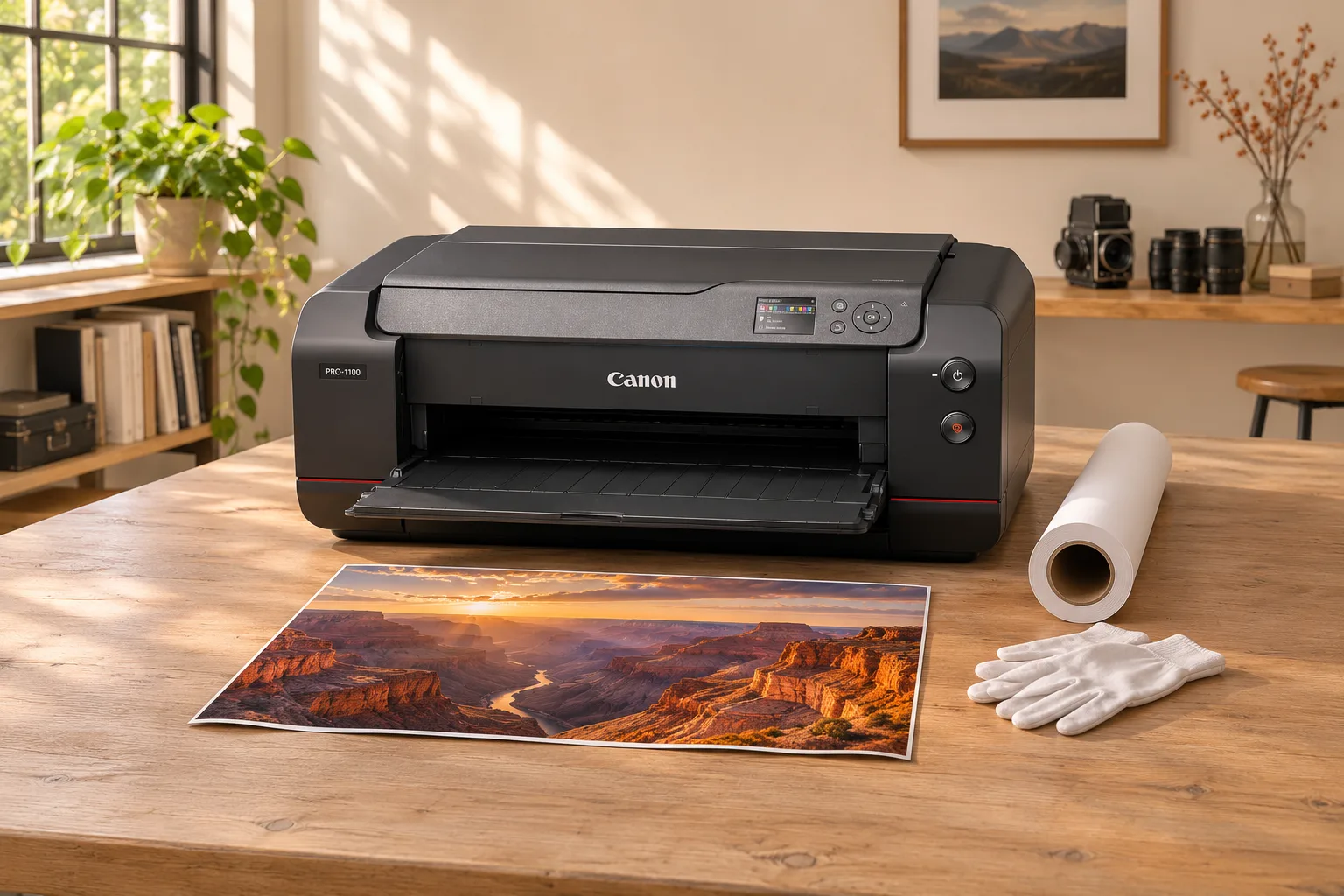
How it scores
- Photo quality35%9.5
Exceptionally deep blacks, wide color, accurate dark blues and a truly neutral black-and-white mode from 11 pigment inks plus Chroma Optimizer.
- Cost per print20%7.0
About 25¢ of ink per 4x6 and $2.54 per 13x19 at worst-case coverage, from $67.99, 80 ml cartridges (85¢ per ml). A full set costs $809.88.
- Print sizes and media15%9.5
Borderless from 4x6 to 17x22 (and 17x25), prints up to 129 inches long, and a manual slot for 0.1–0.7 mm media. No roll paper.
- Reliability and upkeep15%7.5
Nozzle checks swap out blocked nozzles, and the printhead and $17.99 maintenance cartridge are user-replaceable, but owners report heavy ink use in setup and timed cleanings.
- Ease of use15%7.0
Excellent free layout software and dual-band Wi-Fi, but 71.2 lb, a non-touch 3-inch screen, and about 1 min 32 s per borderless 4x6 at High quality.
Overall 8.3/10, the weighted average.How we score →
Is the Canon PRO-1100 worth it?
Yes, if you regularly print 13x19 and larger for walls, clients or exhibitions: the imagePROGRAF PRO-1100 prints borderless up to 17x22 inches with some of the deepest blacks of any desktop printer, at about 25¢ of ink per 4x6 and $3.85 per 17x22 at worst-case coverage. No, if you print occasionally: setup and timed cleanings use a lot of ink, and a full set of cartridges costs $809.88.
It’s $1,091.99 on sale at Canon (list $1,403.99) and $1,091 at Amazon on November 25, 2026. Skip it if:
- 13x19 is big enough: the Canon PRO-310 uses the same ink generation, costs less and weighs 31.6 pounds instead of 71.2.
- You want roll paper or a lighter printer: Epson’s SureColor P900 does both.
- You mostly print glossy snapshots: an Epson ET-8550 costs a few cents per 4x6.
What do you get?
A 17-inch, print-only pigment printer built like a small appliance. Canon’s specs, checked November 9, 2026:
| Spec | Canon PRO-1100 |
|---|---|
| Price | $1,091.99 at Canon (sale; $1,403.99 list); $1,091 at Amazon (November 25, 2026) |
| Inks | 11 LUCIA PRO II pigment inks + Chroma Optimizer, 12 x 80 ml PFI-4100 cartridges |
| Monochrome inks | Matte Black, Photo Black, Gray, Photo Gray |
| Borderless sizes | 4x6 to 17x22, plus 17x25 |
| Longest print | 17 x 129 in, from either feed |
| Paper feeds | Top tray (0.1–0.3 mm, up to 300 gsm; 20 sheets of 4x6, 1 sheet of 17x22); rear manual slot (0.1–0.7 mm, up to 400 gsm) |
| Rated speed | 13x19 bordered about 2 min 25 s; 17x22 about 4 min |
| Waste ink | MC-20 maintenance cartridge, $17.99, user-replaceable |
| Connections | Dual-band Wi-Fi, Ethernet, USB, AirPrint, Mopria |
| Size and weight | 28.5 x 17.1 x 11.2 in, 71.2 lb |
| Warranty | 1 year, with instant exchange |
How good are the prints?
As good as desktop printing gets. The LUCIA PRO II inks print markedly deeper blacks and more shadow detail than the PRO-1000’s, and the Black and White Photo mode prints pure neutral grays with no color cast. Against the PRO-1000 and the Epson P900, its prints hold more detail in deep shadows, and it renders dark blues accurately where the P900 can shift them toward purple. Few professional photo printers match it.
Two grays plus separate Matte and Photo Black channels make it especially strong for black-and-white. The Chroma Optimizer evens out gloss and cuts bronzing on glossy papers, and borderless printing works on matte and fine-art media too. Canon rates the new inks for up to 200 years on display, up from 60 for the PRO-1000; that’s Canon’s own accelerated-test figure. The inks also contain wax, which makes prints more scratch-resistant.
How much does a PRO-1100 print cost?
About 25¢ of ink per 4x6, 82¢ per 8x10, $2.54 per 13x19 and $3.85 per 17x22, at worst-case coverage and Canon’s November 2026 prices. Each 80 ml PFI-4100 cartridge is $67.99 (the Chroma Optimizer is $61.99), or 85¢ per milliliter; a full set of 12 is $809.88.
| Ink (worst case) | Ink + Canon paper | |
|---|---|---|
| 4x6 | 25¢ | about 50¢ (25¢ glossy sheet) |
| 8x10 | 82¢ | about $1.62 (80¢ Pro Luster letter sheet) |
| 13x19 | $2.54 | about $4.80 ($2.26 Pro Luster sheet) |
| 17x22 | $3.85 | — |
The math: Red River Paper measured 0.00015125 cartridges per square inch for near-full-coverage prints on the PRO-1000, which uses the same 80 ml cartridge size. Multiply by the print’s area and $67.99: a 17x22 is 374 square inches, so 374 × 0.00015125 × $67.99 = $3.85. The PRO-1100’s new inks haven’t been measured the same way, so treat these as estimates; typical photos use less. Paper prices are from our photo paper guide.
Per milliliter, the PRO-1100’s ink costs about a third less than the PRO-310’s ($1.25 per ml), so it’s the cheaper of the two to run if you print a lot. Our guide to what a photo print really costs compares home printing with labs.
How much ink does setup and cleaning use?
A lot, and it’s the PRO-1100’s most common owner complaint. Canon’s manual says setup consumes “a certain amount” of ink, so the starter cartridges print fewer sheets than replacements, and that setup fills about half the maintenance cartridge.
The printer has internal reservoirs and hoses between the cartridges and the printhead, and the starter set fills them, so new owners see ink levels drop fast. Some owners also report ink totals falling far faster than the ink their print jobs logged, and automatic cleaning cycles that run on a timer. Canon doesn’t publish how much ink those cycles use.
Two more things to know. The on-screen ink bars move in only about six steps, so usage can look jumpier than it is. And the automatic nozzle check can be turned off in Auto Maintenance Settings to save ink, at some risk of missed clogs.
In practice: print at least weekly, leave the printer on, keep a spare MC-20 maintenance cartridge, and budget for one cartridge set going partly into setup.
How fast is it?
Fast enough for a pigment printer. Canon rates a bordered 13x19 at about 2 minutes 25 seconds. A borderless 4x6 at High quality takes about 1 minute 32 seconds, and a borderless A2 (16.5x23.4-inch) glossy print about 7 minutes 20 seconds at High and 11 minutes at Highest. Highest quality is much slower for little visible gain: a 17x22 can take 27 minutes.
PRO-1100 vs Epson SureColor P900: which is better?
The PRO-1100 for print quality and cheaper ink per milliliter; the P900 for roll paper, thick media, a touchscreen and half the weight.
| Canon PRO-1100 | Epson SureColor P900 | |
|---|---|---|
| Price (Nov 25, 2026) | $1,091.99 at Canon (sale) | $995 at Epson (sale, out of stock; $1,349 list) |
| Ink | 11 pigment + Chroma Optimizer, 12 x 80 ml | 10 pigment, 10 x 50 ml |
| Ink price | $67.99 a cartridge (85¢/ml) | $51 a cartridge ($1.02/ml) |
| Full ink set | $809.88 (960 ml) | $510 (500 ml) |
| Ink per 4x6 (worst case) | 25¢ | 21–23¢ |
| Ink per 17x22 (worst case) | $3.85 | $3.21–3.58 |
| Roll paper | No | Optional adapter, 17-inch rolls |
| Thickest media | 0.7 mm | 1.5 mm (front path) |
| Screen | 3-inch LCD, buttons | 4.3-inch touchscreen |
| Size, weight | 28.5 x 17.1 x 11.2 in, 71.2 lb | 24.2 x 14.5 x 7.8 in, 35.3 lb |
| Rated 13x19 speed | 2 min 25 s | 2 min 23 s |
Epson’s ink costs more per milliliter, but at worst-case coverage the P900 uses less of it per square inch, so per print the two land close, with the P900 slightly cheaper. The PRO-1100 figures come from the PRO-1000, so treat that gap as a tie. Epson says the P900 works only with Epson-brand cartridges. The PRO-1100’s automatic nozzle substitution is a practical edge for big prints, where a clogged nozzle ruins an expensive sheet.
Pick the P900 if you print long panoramas from rolls or lack the space for a 71-pound printer. Pick the PRO-1100 for the best blacks and black-and-white.
PRO-1100 vs PRO-310: which should you buy?
The PRO-310 unless you need prints wider than 13 inches. Both use LUCIA PRO II pigment inks; the PRO-1100 adds Photo Gray and Blue, prints to 17x22 and up to 129 inches long, and has 80 ml cartridges at 85¢ per ml against the PRO-310’s 14.4 ml at $1.25. The PRO-310 costs less, weighs less than half as much and has a $179.90 full ink set instead of $809.88. See our best photo printers guide for both.
Questions people ask
Can the Canon PRO-1100 use roll paper?
No. It takes cut sheets up to 17x22 (17x25 borderless) and custom lengths up to 17x129 inches from either feed.
How much does a full set of PRO-1100 ink cost?
$809.88 at Canon in November 2026: eleven PFI-4100 inks at $67.99 and the Chroma Optimizer at $61.99, 960 ml in all.
Why does the PRO-1100 use so much ink at first?
The starter cartridges fill the printer’s internal ink reservoirs, hoses and printhead, and Canon says setup also fills about half the maintenance cartridge. Replacement cartridges go much further.
How heavy is the Canon PRO-1100?
71.2 pounds with the printhead and ink tanks installed, and 28.5 inches wide. Plan on two people to lift it and a sturdy table.
Can the PRO-1100 print borderless 4x6?
Yes. Canon lists borderless sizes from 4x6 up to 17x22 and 17x25.
Is the PRO-1100 better than the PRO-1000?
Yes, mainly for its inks: deeper blacks, better dark blues, more scratch resistance and longer-lasting prints, plus dual-band Wi-Fi and 129-inch print lengths.
Key specifications
| Feature | CanonimagePROGRAF PRO-1100 |
|---|---|
| Type | Photo inkjet, 11 pigment inks + Chroma Optimizer |
| Max print size | 17x22 in |
| Scanner | No |
| Ink system | Cartridges |
| Where to buy | Check price at Amazon |
Canon imagePROGRAF PRO-1100
- Type
- Photo inkjet, 11 pigment inks + Chroma Optimizer
- Max print size
- 17x22 in
- Scanner
- No
- Ink system
- Cartridges
Sources
- imagePROGRAF PRO-1100 product page and specifications, Canon
- imagePROGRAF PRO-1100 ink tanks, Canon
- MC-20 Maintenance Cartridge, Canon
- PRO-1100 series online manual: ink consumption, ij.manual.canon
- Cost of printing: Canon PRO-1000, Red River Paper
- Cost of printing: Epson SureColor P900, Red River Paper
- Canon PRO-1100 insider's guide, Red River Paper
- Canon imagePROGRAF PRO-1100 review, PCMag
- Canon imagePROGRAF PRO-1100 review, Digital Camera World
- Excess ink usage on Pro-1100 (Canon Community), community.usa.canon.com
- SureColor P900 product page, Epson
- SureColor P900 specification sheet (PDF), mediaserver.goepson.com
- Epson T46Y ink cartridges, Epson
- imagePROGRAF PRO-310 product page, Canon
- imagePROGRAF PRO-310 ink tanks, Canon
- Cost of printing: Canon PRO-300 and PRO-310, Red River Paper
Keep exploring
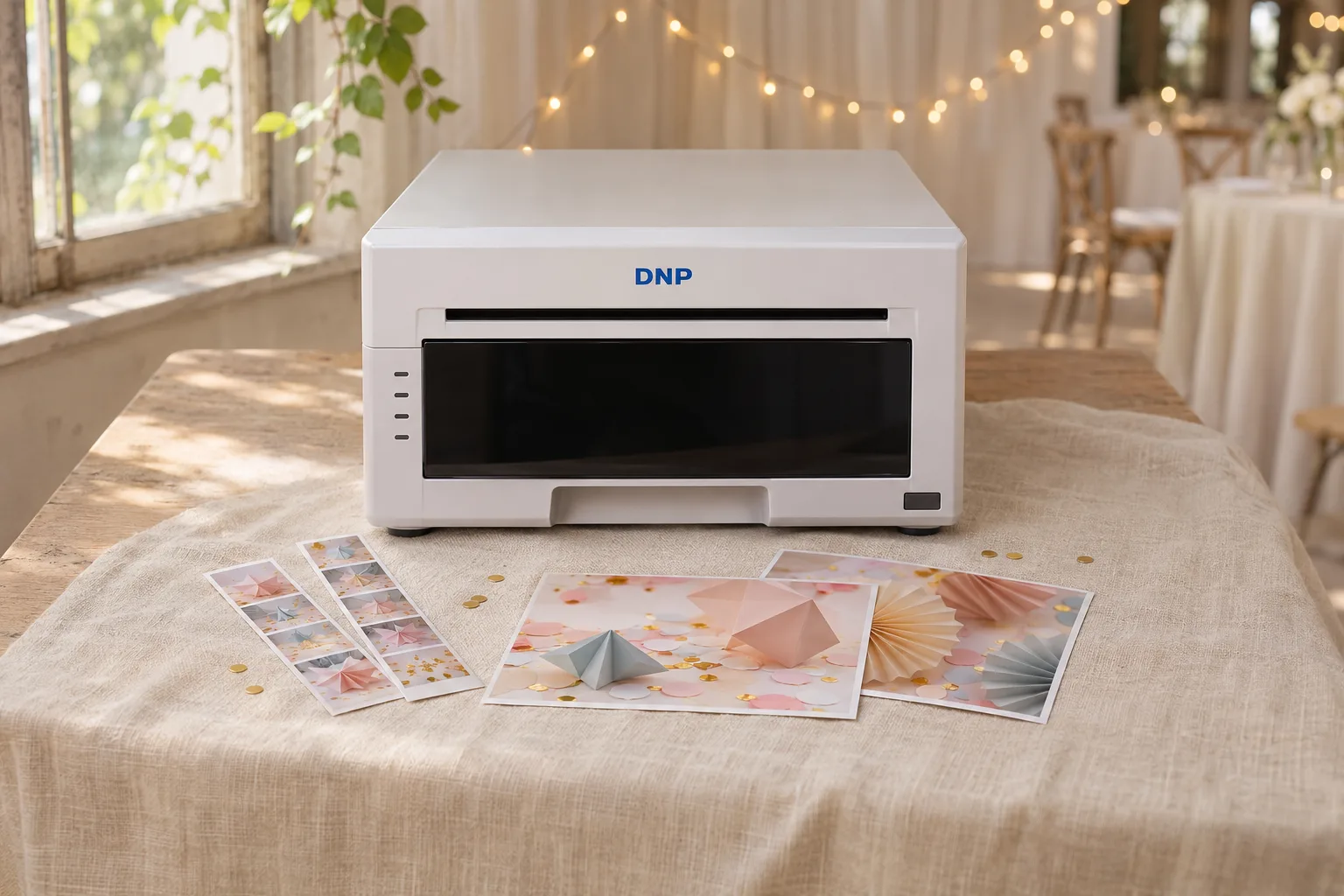
Buying guide
The best photo booth printers
The DNP DS620A is the best photo booth printer: a 4x6 in about 8.3 seconds, 400 prints per roll, 2x6 strips at about 8¢ each in media and a 3-year exchange warranty, for $995 on Black Friday sale in November 2026. The HiTi P525L ($649) costs least to run, at about 11¢ per 4x6.
Read story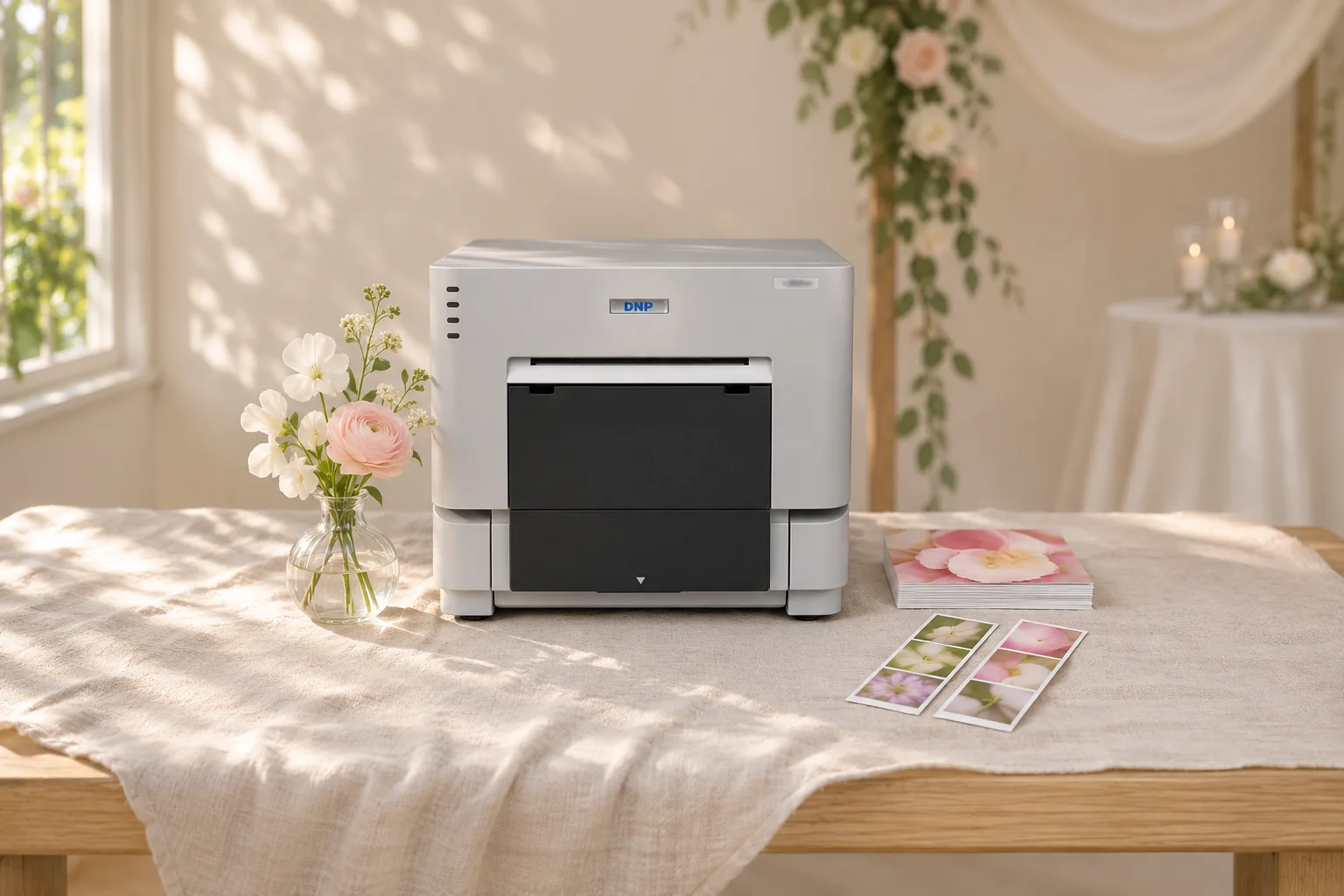
Review
DNP DS-RX1HS review
Not as a new buy: the DNP DS-RX1HS still runs cheaply, at 12.4 seconds per 4x6, 700 prints per roll and about 14¢ of media per 4x6, but new units were unavailable or backordered at $695 in November 2026, and DNP now lists the DP-RX2 ($795) with the same speed and roll size and a 3-year warranty in its place.
Read review