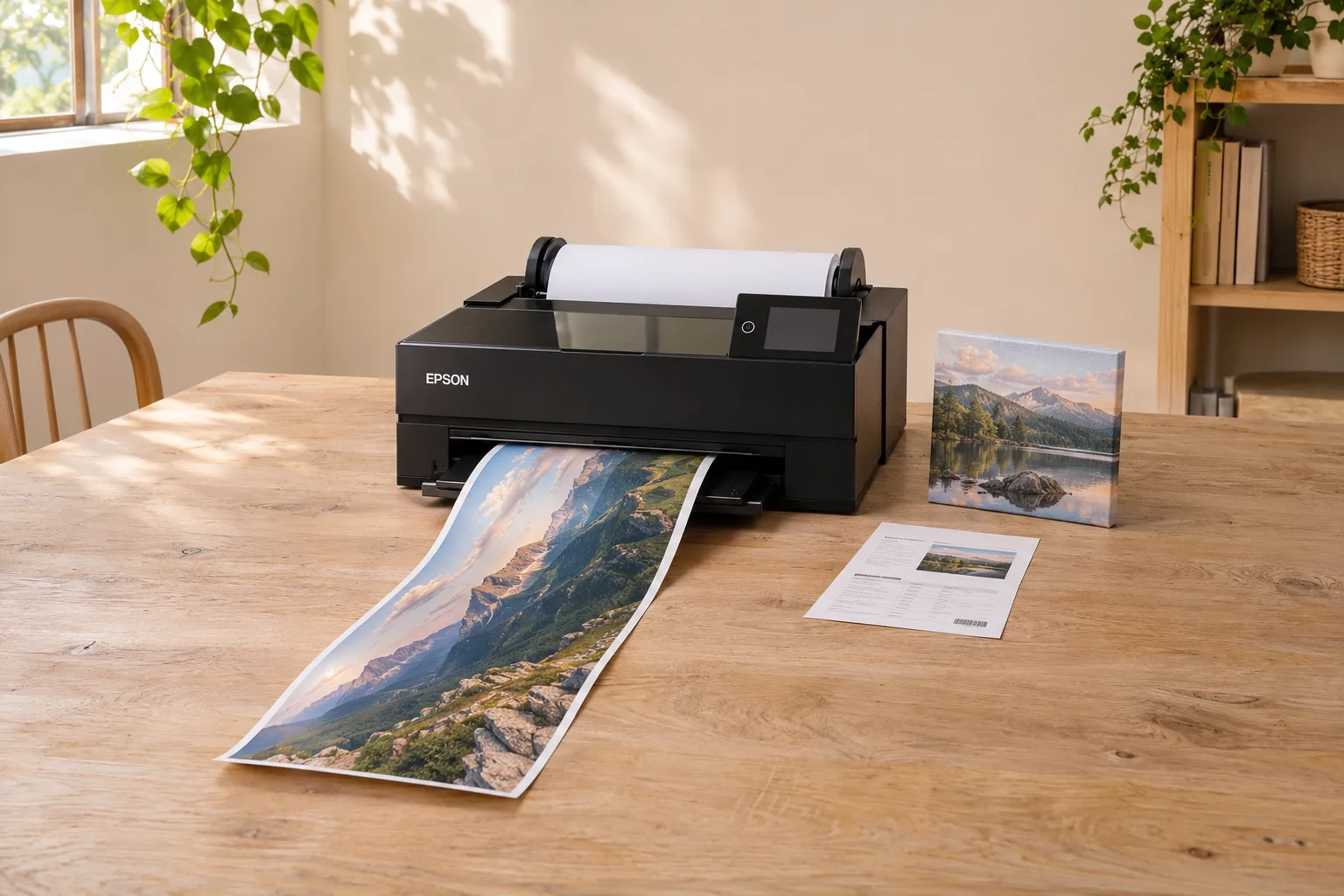
Printers in this guide
Should you use roll paper or sheets?
Sheets for most prints; rolls for panoramas, banners and custom lengths. Rolls don’t save much on fine art paper: a 17-inch by 39-foot roll of Hahnemühle Photo Rag works out to about $3.48 a square foot, against about $3.57 to $3.66 a square foot in 13x19 sheets. Their real advantage is length.
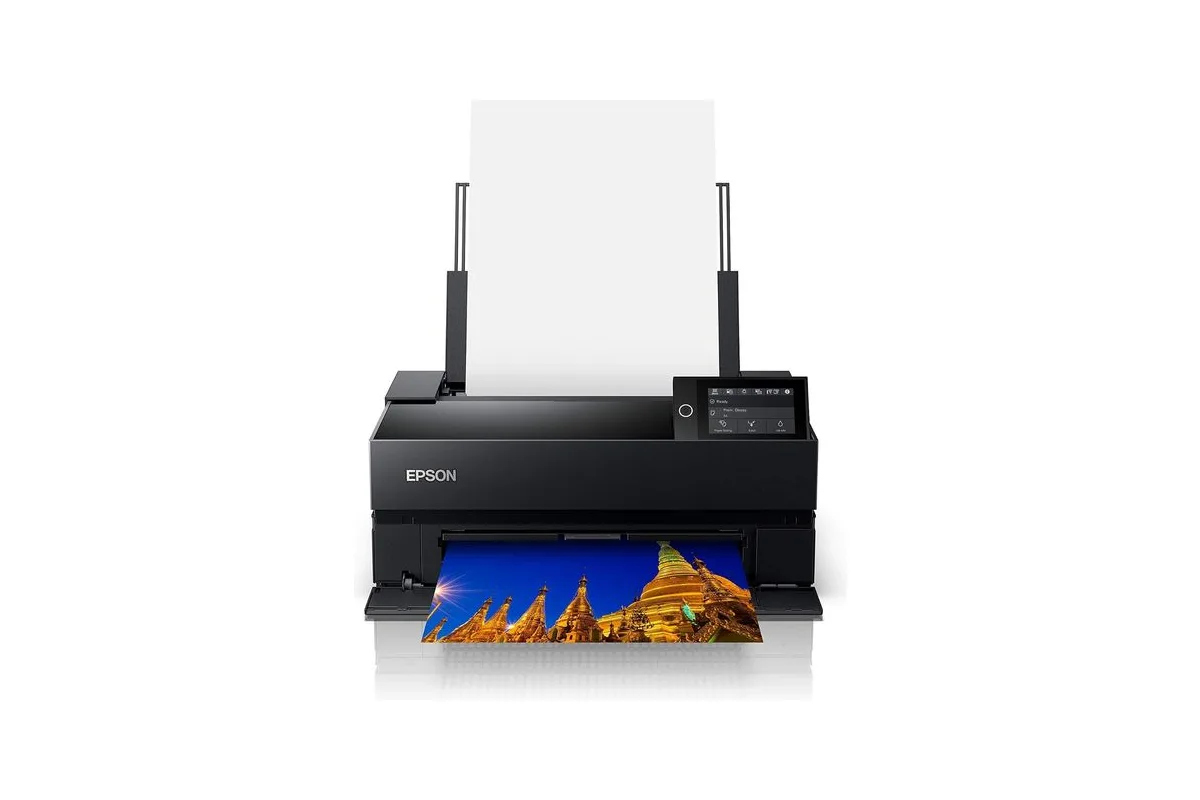
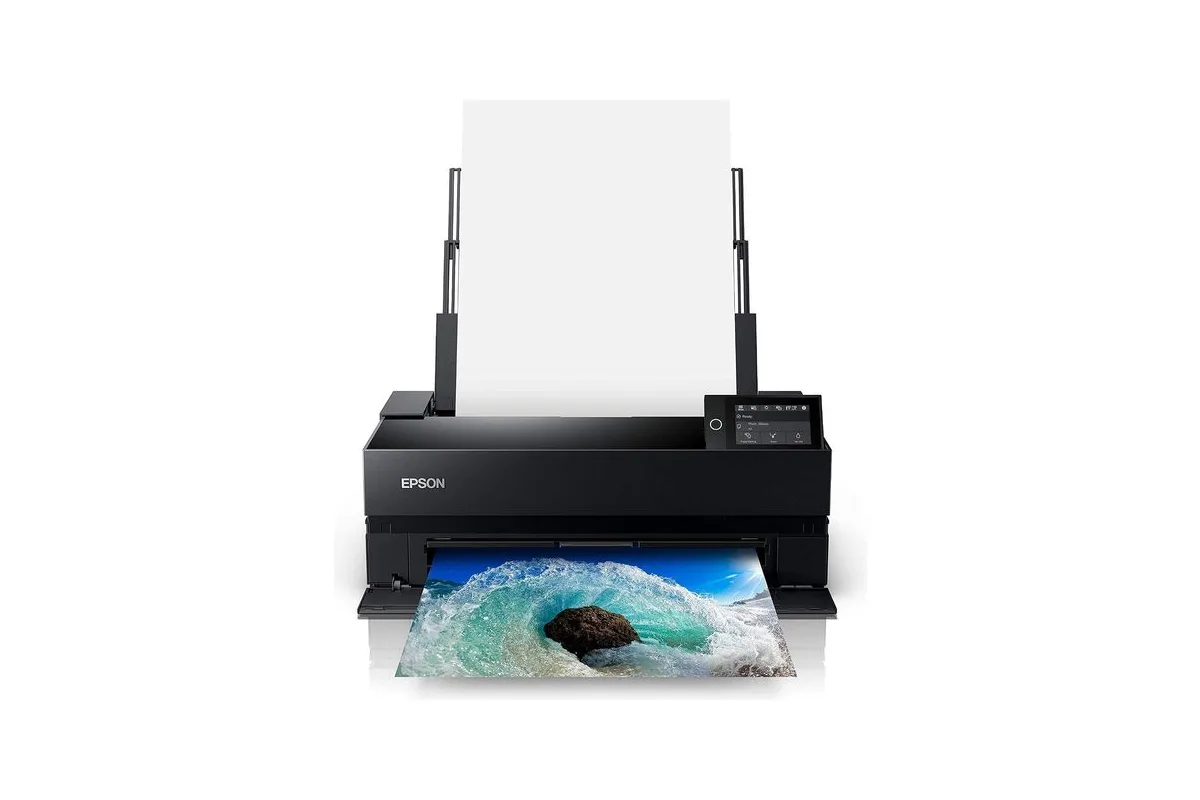
| Printer | Rolls | Roll widths | Longest print |
|---|---|---|---|
| Epson P700 | Included rear roll unit | 8.3 and 13 in, 2-inch core only | 129 in from the driver |
| Epson P900 | Optional $282 Roll Media Adapter | Up to 17 in, 2- or 3-inch core | 129 in from the driver |
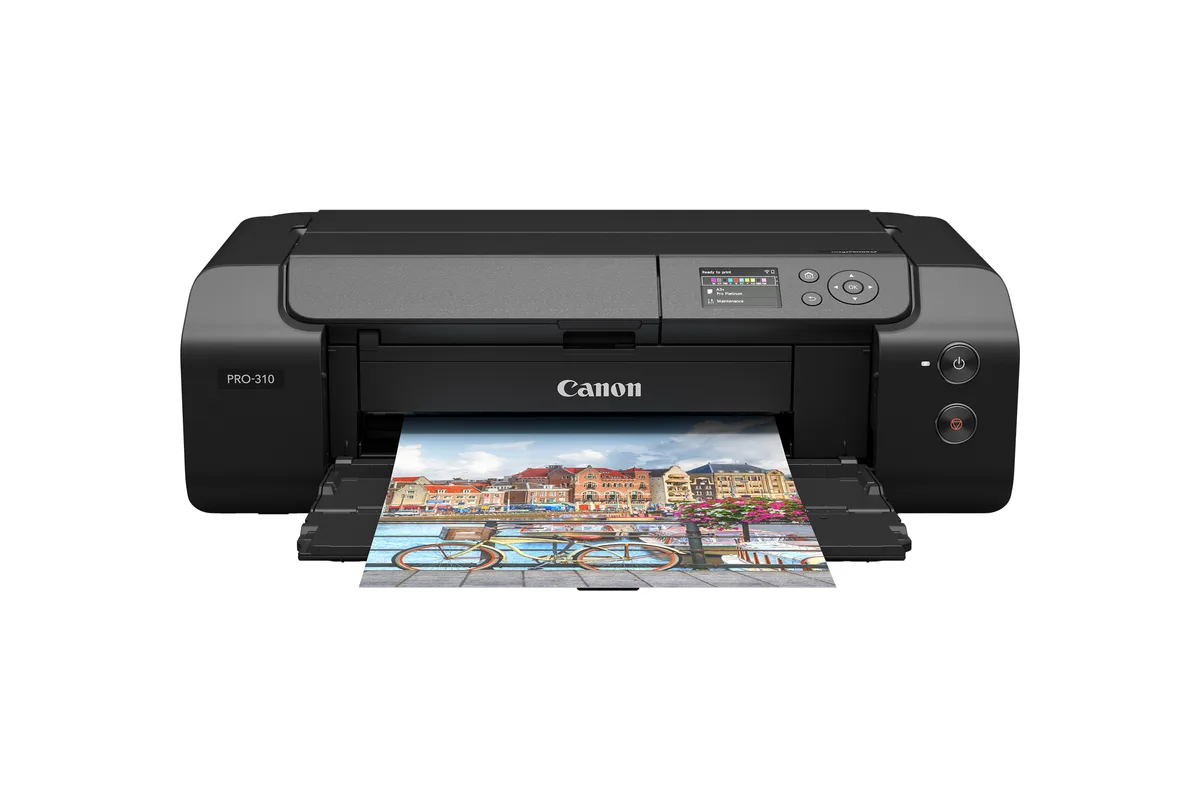
| Canon PRO-310 | No | Cut sheets only | 13 x 70 in |
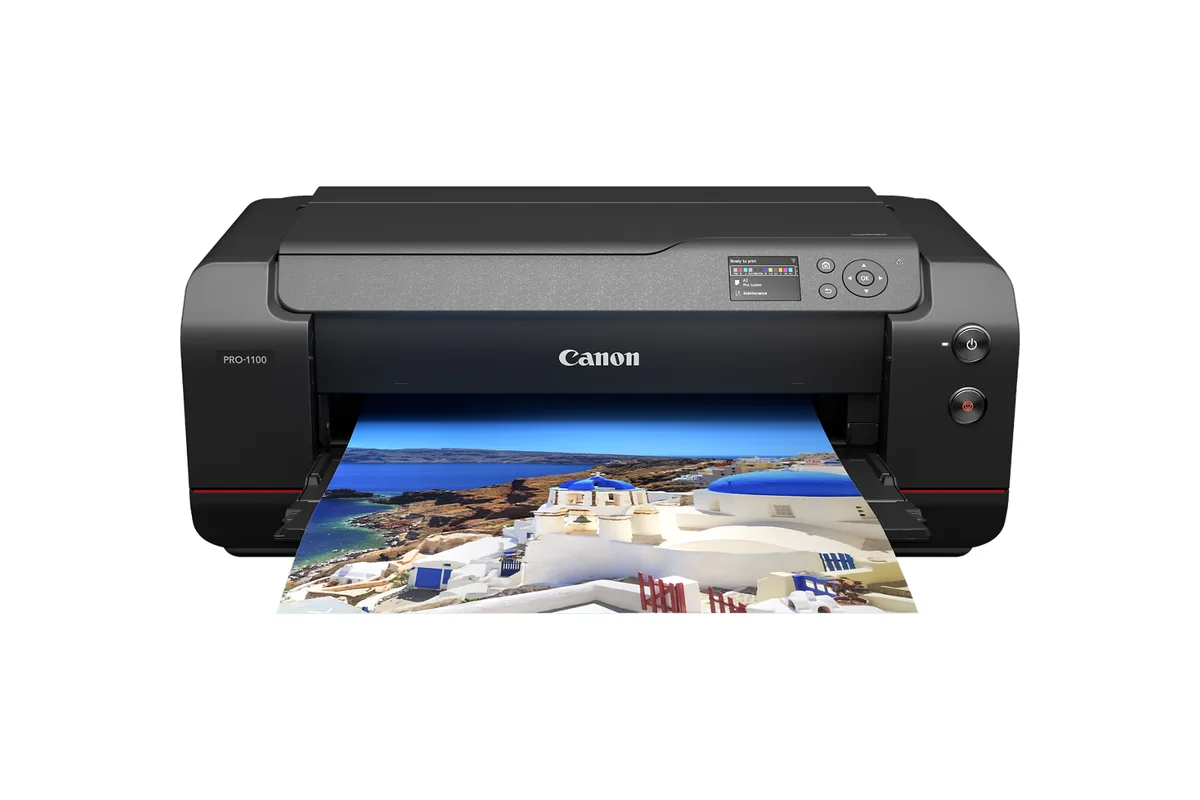
| Canon PRO-1100 | No | Cut sheets only | 17 x 129 in |
Neither Epson has a cutter. The printer prints a cut line and you trim with scissors or a trimmer. Rolls also curl, especially thick cotton, so prints may need flattening.
Which rolls you can get matters. The P700 takes 13-inch rolls on 2-inch cores, and those are mostly RC papers, such as Epson’s Ultra Premium and Premium Luster at 13 inches by 32.8 feet. We found no 13-inch Hahnemühle or Canson cotton roll; Hahnemühle Photo Rag rolls start at 17 inches. So fine art rolls are practical on the P900, not the P700.
How do you print a panorama on the Epson P700 or P900?
Load a roll, create a custom paper size with the roll’s width and the print’s length, and print with the margins set to zero. Epson’s driver allows lengths up to 129 inches, and Epson’s user guide lists banners up to 18 m from apps that support banner printing.
- Load the roll. The P700’s rear roll unit is built in: choose Paper Setting > Roll Paper on the screen. The P900 needs the Roll Media Adapter (C12C935221), $282 at Epson and out of stock there on November 25, 2026.
- Create a custom size. In the Mac driver, use Manage Custom Sizes. Enter the roll width (12.95 for a 13-inch roll, or 8.3) and the print length as the height, up to 129 inches (3,277 mm).
- Set the margins to 0 for borderless sides, at a supported borderless roll width: 8.3 or 13 inches on the P700; 13, 16, 16.5 or 17 inches on the P900.
- Print, then cut on the printed line when you choose Cut/Eject.
Expect a lead margin. Epson’s printable-area diagram for roll paper shows a minimum top margin of 50 mm (about 2 inches) and a bottom margin of 14 mm (about half an inch), even in borderless mode. Borderless on a roll means borderless sides; trim the ends. Printing several images in a row leaves no gap between them.
Epson’s free Epson Print Layout app, a standalone program and Photoshop and Lightroom plug-in, has panorama print options built in. Epson markets the P700 for roll prints “up to 10 feet long”. Roll limits: the P700’s roll can be up to 84 mm (3.31 in) across; the P900’s adapter takes rolls up to 150 mm (5.91 in) across. Both take roll media 0.08–0.7 mm thick.
Without a roll, both Epsons accept custom cut sheets from 11 to 62.2 inches long. See our P700 review and P900 review.
Can Canon pro printers print panoramas?
Yes, on long cut sheets, but not from rolls. Neither the PRO-310 nor the PRO-1100 takes roll paper.
- Canon PRO-310: custom sizes up to 13 x 70 inches, through the rear manual slot.
- Canon PRO-1100: custom sizes up to 17 x 129 inches. Canon’s manual lists that maximum for both the top feed and the rear manual feed. Paper longer than 47.24 inches (1,200 mm) needs the Long-form Printing paper type.
Cut panorama sheets from a roll or buy panorama-size sheets, and feed them one at a time with support for the paper as it enters and leaves. If Canon’s Professional Print & Layout app won’t accept a very long custom size, set the size in the printer driver instead. See our PRO-310 review and PRO-1100 review.
Can you print borderless 13x19?
Yes, on all four. The Epson P700 and P900 both list 13x19 (Super B) among their borderless sizes, and the P900 adds 16x20 and 17x22. The Canon PRO-310 prints borderless from 3.5x5 up to 13x19, and the PRO-1100 up to 17x22.
On the Epsons, borderless works on Epson papers including Ultra Premium Photo Paper Glossy and Luster, Premium Photo Paper Semi-gloss, Velvet Fine Art, Watercolor Paper Radiant White and UltraSmooth Fine Art. It doesn’t work on poster board, and Epson notes that quality may decline slightly in the expanded area at the edges. For third-party fine art paper, check the paper maker’s instructions; many fine art prints look better with a border anyway, since the margin protects the image when the print is handled and matted.
Can you print on canvas at home?
Yes, on a pigment pro printer, with canvas made for inkjet printers. The Epson P700 and P900 take canvas sheets through the front path, which accepts media up to 1.5 mm thick, or canvas rolls up to 0.7 mm. The Canon PRO-310’s rear slot takes 0.1–0.6 mm media and the PRO-1100’s 0.1–0.7 mm, so most canvas sheets fit; check the thickness first.
Canvas to buy:
- Rolls: Epson Exhibition Canvas Matte is a 395 gsm, 23 mil cotton-polyester canvas with an elastic polymer coating that Epson says resists cracking on gallery wraps. A 17-inch by 40-foot roll is about $75 to $108 at US retailers; there’s also a 13-inch by 20-foot roll for the P700.
- Sheets: 13x19 canvas sheets in 10-packs, such as PremierArt Museum Satin Canvas (about $40) and PPD Matte Cotton Canvas (about $37).
Print with the canvas setting and profile the canvas maker specifies, and the matte black ink for matte canvas. Wilhelm Imaging Research rates Epson P700 and P900 color prints on Epson Exhibition Canvas Satin at more than 220 years framed under glass and 112 years displayed bare, the highest color ratings in its report for those printers.
Do you need to varnish a canvas print?
Usually, yes. Gallery-wrapped canvas is hung without glass, so a varnish protects it from scuffs, moisture and UV. Hahnemühle’s canvas varnish, for example, is sold as making the surface water-resistant and increasing lightfastness.
- Wait for the print to dry before you varnish. Guidance ranges from a few hours to 24 hours. Varnishing too early can trap moisture and leave a haze.
- Use a varnish made for inkjet canvas. Breathing Color’s Timeless varnish dries to the touch in about an hour and needs no dilution, about $43 a pint; its Glamour II cures in 24 hours, about $21 a pint. Breathing Color designs its varnishes for its own canvas and advises testing on other brands.
- Test on an offcut first, from the same roll or pack, to check the finish and color shift.
How do you stretch a canvas print?
Print with extra border on every side, wrap it around stretcher bars, and staple it at the back.
- Add border for the wrap. About 1.5 to 2 inches per side is common for 0.75- to 1.5-inch-deep bars. Epson Print Layout has gallery wrap options that mirror or extend the image edges into that border, so the sides show image instead of white.
- Let the print dry, then varnish if you’re going to.
- Assemble the stretcher bars and lay the print face down with the frame centered on it.
- Wrap and staple from the center of each side outward, alternating opposite sides to keep the tension even, then fold and staple the corners.
Canvas coatings are made to flex, but folding a cold or freshly printed canvas tightly can still crack it at the corners. Work at room temperature, and fold slowly.
Questions people ask
Is roll paper cheaper than sheets?
Not much, for fine art paper. Hahnemühle Photo Rag costs about $3.48 a square foot on a 17-inch roll against about $3.57–3.66 in 13x19 sheets. Rolls are for panoramas and custom lengths.
How do I print panoramas on an Epson P700?
Load a 13-inch or 8.3-inch roll in the built-in rear roll unit, create a custom size up to 129 inches long in the driver, set the margins to zero, and cut on the printed line. Expect about a 2-inch top margin to trim.
Does the Epson P900 print on rolls?
Yes, with the optional Roll Media Adapter, $282 at Epson, which takes rolls up to 17 inches wide on 2- or 3-inch cores. Prints can be up to 129 inches long from the driver.
Can the Canon PRO-1100 use roll paper?
No. It prints panoramas on cut sheets up to 17 x 129 inches, and paper longer than 47.24 inches needs the Long-form Printing paper type. The PRO-310 goes up to 13 x 70 inches.
What is the longest print an Epson P900 can make?
129 inches from Epson’s driver, at up to 17 inches wide on a roll. Epson’s user guide lists up to 18 m from apps that support banner printing.
Can the Epson P700 print borderless 13x19?
Yes, on supported Epson papers such as Ultra Premium Luster and Velvet Fine Art, but not on poster board. Edge quality may decline slightly in the expanded area.
Can I print on canvas with a home photo printer?
Yes, with inkjet canvas on a pigment printer that takes thick media, such as the Epson P700, P900 or Canon PRO-1100. Use the canvas maker’s profile and settings, varnish the print once it’s dry, then stretch it.
Do I need to varnish canvas prints?
It’s recommended for canvas hung without glass. Varnish protects against scuffs, moisture and UV; let the print dry first and test the varnish on an offcut.
Sources
- Epson SureColor P700/P900 FAQ: which media sizes can I use?, Epson
- SureColor P700/P900 User's Guide (PDF), Epson
- Epson SureColor P700 product page, Epson
- SureColor P900 Roll Media Adapter, Epson
- Canon PRO-1100 manual: media types you can use, ij.manual.canon
- Epson SureColor P700 and P900 print permanence ratings (PDF), Wilhelm Imaging Research
Keep exploring
Buying guide
The best photo booth printers
The DNP DS620A is the best photo booth printer: a 4x6 in about 8.3 seconds, 400 prints per roll, 2x6 strips at about 8¢ each in media and a 3-year exchange warranty, for $995 on Black Friday sale in November 2026. The HiTi P525L ($649) costs least to run, at about 11¢ per 4x6.
Read story
Review
DNP DS-RX1HS review
Not as a new buy: the DNP DS-RX1HS still runs cheaply, at 12.4 seconds per 4x6, 700 prints per roll and about 14¢ of media per 4x6, but new units were unavailable or backordered at $695 in November 2026, and DNP now lists the DP-RX2 ($795) with the same speed and roll size and a 3-year warranty in its place.
Read review