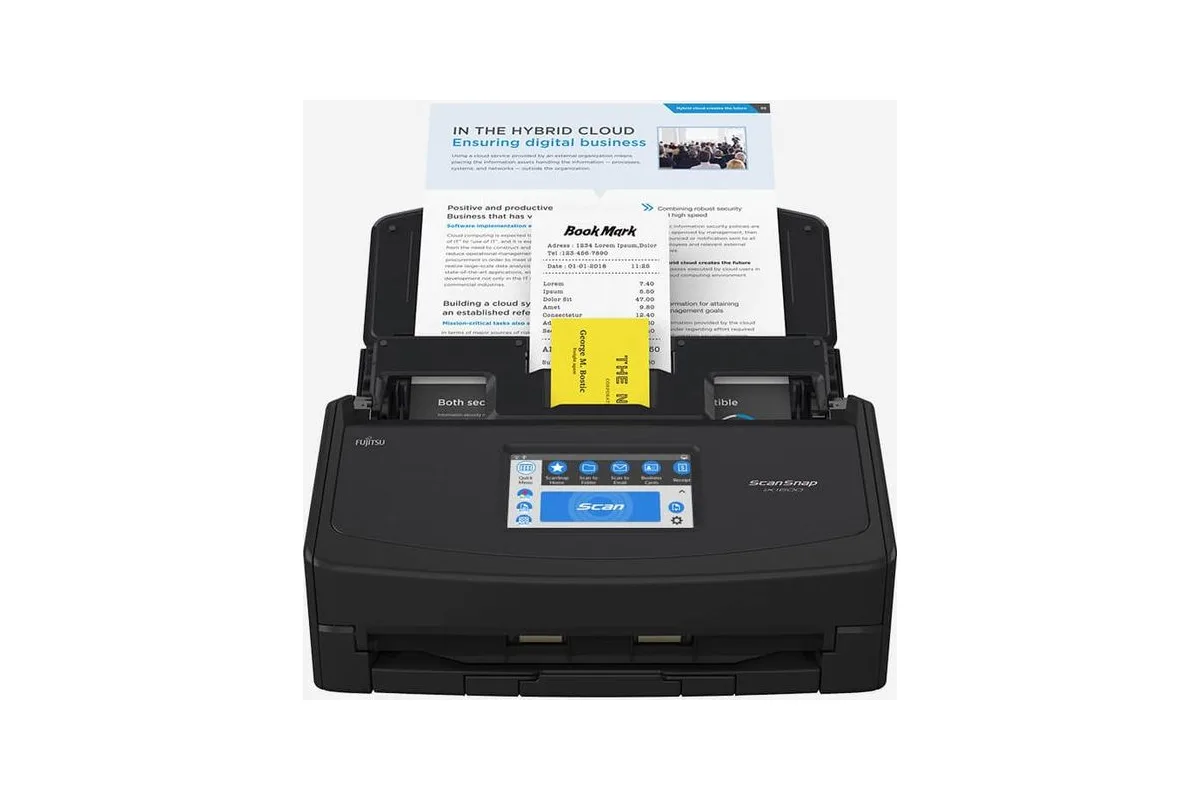
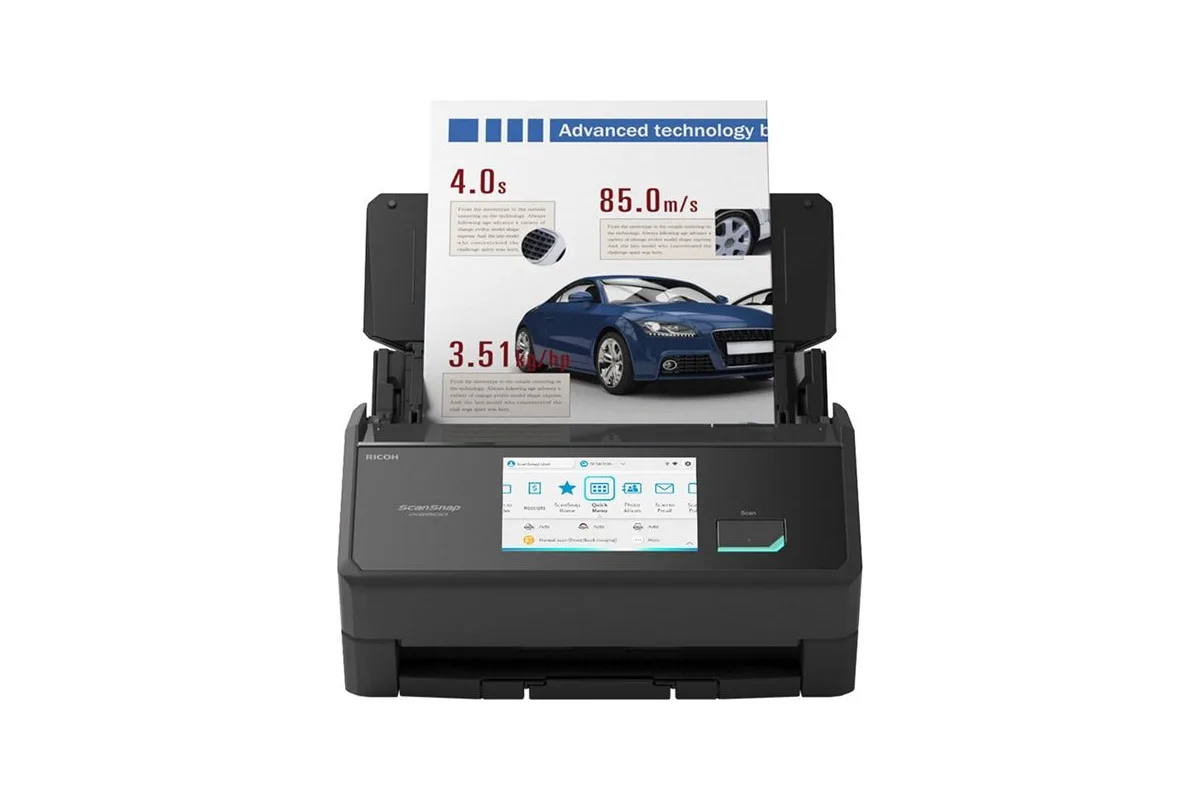
Side by side
| Feature | Ricoh ScanSnap iX1600 | Ricoh ScanSnap iX2500 |
|---|---|---|
| Type | Sheetfed document scanner | Sheetfed document scanner |
| Feeder | 50 sheets | 100 sheets |
| Duplex | Single pass | Single pass |
| Scan speed | 40 ppm / 80 ipm | 45 ppm / 90 ipm |
| Connection | Wi-Fi, USB | Wi-Fi, USB-C |
| Where to buy | Check price at Amazon |
Ricoh ScanSnap iX1600
- Type
- Sheetfed document scanner
- Feeder
- 50 sheets
- Duplex
- Single pass
- Scan speed
- 40 ppm / 80 ipm
- Connection
- Wi-Fi, USB
Ricoh ScanSnap iX2500
- Type
- Sheetfed document scanner
- Feeder
- 100 sheets
- Duplex
- Single pass
- Scan speed
- 45 ppm / 90 ipm
- Connection
- Wi-Fi, USB-C
ScanSnap iX1600 vs iX2500: what is the difference?
The iX2500 is the iX1600’s replacement: it scans at 45 pages a minute instead of 40, holds 100 sheets instead of 50, and swaps in a 5-inch screen, Wi-Fi 6 and a USB-C port. It also costs less, $399.99 at Ricoh in November 2026 against the iX1600’s last new price of $409.99.
Scan quality hasn’t changed much. Both have 600 dpi sensors on each side, scan both sides in one pass, and run the same ScanSnap Home software, so the upgrade is about convenience and speed on big stacks.
| ScanSnap iX1600 | ScanSnap iX2500 | |
|---|---|---|
| Status (November 2026) | Replaced; new units out of stock at Ricoh | Current |
| Price at Ricoh | $409.99 new (out of stock); $319.20 certified refurbished | $399.99 Standard (list $596.00) |
| Rated speed | 40 ppm / 80 ipm | 45 ppm / 90 ipm |
| Excellent mode (600 dpi color) | 10 ppm | 13 ppm |
| Feeder | 50 sheets | 100 sheets |
| Longest normal page | 14.17 in | 19.68 in |
| Long-paper mode (from a computer) | 118 in | 118 in |
| Screen | 4.3 in, up to 30 profiles | 5 in IPS, up to 100 profiles |
| Wi-Fi | Wi-Fi 5, 2.4 and 5 GHz | Wi-Fi 6, 2.4 and 5 GHz, WPA3 |
| USB port | USB 3.2 Gen 1, Type-B | USB 3.2 Gen 1, USB-C |
| Windows | 11 and 10, not on ARM PCs | 11 and 10, Intel or ARM |
| Mac | macOS Catalina 10.15 or later | macOS Monterey 12 or later |
| Roller set (rated 200,000 sheets or 1 year) | $65.00 | $58.00 |
| Size and weight | 11.5 x 6.3 x 6.0 in, 7.5 lb | 11.5 x 6.34 x 6.26 in, 7.7 lb |
Prices are PFU America’s store prices on November 26, 2026.
Is the iX2500 faster than the iX1600?
Yes, by 12.5% at normal settings (45 vs 40 ppm) and 30% at 600 dpi color (13 vs 10 ppm). Ricoh calls it “over 10% faster”. The bigger feeder saves more time than the speed does, because you reload half as often.
Here’s what the rated speeds mean for a big two-sided job, counting each sheet as one page:
| Job | iX1600 | iX2500 |
|---|---|---|
| 500 sheets at up to 300 dpi | 12.5 minutes, 10 loads | 11.1 minutes, 5 loads |
| 100 sheets at 600 dpi color | 10 minutes, 2 loads | 7.7 minutes, 1 load |
The math is sheets ÷ rated pages per minute, and sheets ÷ feeder size for the loads. Real jobs take longer, since you have to straighten and load each stack, which is why five fewer reloads matter.
Do they use the same software?
Yes. Both scan only through ScanSnap Home (Windows, Mac and the mobile app for iOS, Android and Chromebooks), and both make searchable PDFs and Word, Excel and PowerPoint files. Neither has a TWAIN driver, and neither needs a subscription. Both work with ScanSnap Cloud, which uses a free ScanSnap account to send scans from the scanner to cloud services without a computer.
The iX2500 has had newer features. An October 2025 firmware update let it save to a network folder or NAS without a computer and added a Wi-Fi Direct mode for connecting one device without a router. It also stores more than three times as many touchscreen profiles, which helps when several people share it.
Mac owners on old systems should note one thing: the iX2500 needs macOS Monterey 12 or later, while the iX1600 supports Catalina 10.15 and Big Sur 11.
Should you upgrade from an iX1600 to an iX2500?
No, not if your iX1600 still works. You’d spend about $400 to save roughly a minute and a half per 500 sheets and some reloading. It runs the same ScanSnap Home software, scans to the same places and makes the same files.
Upgrade if your iX1600 is failing out of warranty, if you scan stacks of more than 50 sheets every week, if you’ve moved to a Windows ARM laptop (the iX1600 doesn’t support one), or if you want USB-C and the newer network-folder scanning.
Can you still buy an iX1600?
Only refurbished, sensibly. Every new edition (Standard, Premium, Receipt and Chromebook) is out of stock at Ricoh, and each page says the iX1600 “has been upgraded and is now the ScanSnap iX2500”. Ricoh’s store sells certified refurbished iX1600s for $319.20 in black or white.
On Amazon in November 2026, the black iX1600 had no regular offer, only a third-party listing at $999.99, and the white one was unavailable. A refurbished iX1600 at $319.20 saves $80 over a new iX2500. For a scanner you’ll keep for years, we’d pay the $80 for a new unit with twice the feeder and faster scanning.
What do they cost to run?
Next to nothing. The only wear part is the pick and brake roller set, rated for up to 200,000 sheets or one year on both. The iX2500’s set is $58.00 (0.029¢ a sheet) and the iX1600’s is $65.00 (0.033¢ a sheet). Each set covers both the pick and brake rollers, and there’s no ink or toner.
Which should you buy?
Buy the ScanSnap iX2500 if you’re buying a ScanSnap now. It’s the current model, it costs less new than the iX1600 did, and it does everything the iX1600 did a little faster with twice the paper. Read our full iX2500 review, including which edition to pick. Amazon has sold the Premium Edition, with a 4-year warranty, for about the Standard’s price.
Keep your iX1600 if you already have one. Buy a refurbished one only at a real discount from Ricoh, never at a third-party “new” price.
If neither fits, the Canon imageFORMULA R40II scans at the same rated 45 ppm for $195.00 but is USB only, and the Epson ES-590W matches the iX2500’s speed and feeder and adds a TWAIN driver. All our picks are in the best document scanners.
Questions people ask
Is the iX1600 discontinued?
Effectively, yes. Ricoh lists it as upgraded to the iX2500, and every new edition is out of stock at its US store; only certified refurbished units ($319.20) are sold.
Do iX1600 accessories fit the iX2500?
Not the rollers: the iX2500 uses the PA03860-0001 set ($58), and the iX1600 uses PA03656-0001 ($65). Ricoh sells one bag (PA03951-0651) that fits both.
Does the iX2500 scan better than the iX1600?
Not noticeably for documents. Both have 600 dpi optical resolution and the same software; the iX2500’s gains are speed, feeder size, a longer maximum page (19.68 in vs 14.17 in) and connectivity.
Does the iX1600 still work with ScanSnap Cloud?
Yes. Ricoh’s ScanSnap Cloud page lists the iX1600 among supported models, alongside the iX2500, iX1500, iX1300 and iX100.
Which ScanSnap replaced the iX1600?
The iX2500, announced in June 2025. Its sibling, the iX2400 ($349.99 at Amazon), has the same speed and feeder but is USB only, with no touchscreen and no phone scanning.
Sources
- ScanSnap iX2500 product page and comparison chart, pfu-us.ricoh.com
- ScanSnap iX2500 specifications (global, as of May 12, 2026), pfu.ricoh.com
- ScanSnap iX2500 datasheet (US, June 2025), pfu-us.ricoh.com
- ScanSnap iX1600 product page, pfu-us.ricoh.com
- ScanSnap iX1600 at the PFU America store, store.pfu-us.ricoh.com
- ScanSnap iX1600 specifications, pfu.ricoh.com
- Pick and brake roller set PA03860-0001 (iX2400/iX2500), store.pfu-us.ricoh.com
- Pick and brake roller set PA03656-0001 (iX500/iX1400/iX1500/iX1600), store.pfu-us.ricoh.com
- ScanSnap iX2500 firmware update, October 2025, pfu.ricoh.com
- ScanSnap Cloud, pfu-us.ricoh.com
- ScanSnap iX2500 on Amazon, amazon.com
- ScanSnap iX2500 Premium Edition on Amazon, amazon.com
- ScanSnap iX2400 on Amazon, amazon.com
- ScanSnap iX1600 on Amazon, amazon.com
Keep exploring

Buying guide
The best barcode label printers
The Zebra ZD421 is the best barcode label printer for most businesses: 4-inch labels at 6 inches a second, any brand of label roll and a 24-month warranty, for about $480 to $526 in November 2026. Get the Brother QL-820NWBc ($229.99) for an office or shop counter, and a thermal transfer model for inventory labels that have to last.
Read story
Buying guide
The best check printers for a small business
The TROY 3001dw ($509.15 at TROY, $530 at Amazon in November 2026) is the best check printer for a small business: a 35 ppm Wi-Fi laser with MICR toner, rated for 350 to 2,500 checks a month, at about 5¢ to 7¢ per check three to a page by our estimate. Get the TROY 4001dn for a locking tray, or the VersaCheck M15 MXD ($399.99) for software in the box.
Read story