How it scores
- Scan and OCR quality20%7.5
600 dpi optical, output from 100 to 1,200 dpi, and searchable PDFs through CaptureOnTouch's OCR; Canon doesn't sell it as a photo scanner.
- Speed and paper handling25%9.0
Rated 45 ppm / 90 ipm in color at 200 dpi (40 / 80 at 300 dpi), though its 60-sheet feeder is smaller than the 100 sheets on the iX2500 and ES-590W, with ultrasonic double-feed detection, ID cards, and pages up to 240 inches long.
- Software and destinations20%6.5
CaptureOnTouch makes searchable PDFs and uploads to Google Drive, Dropbox, OneDrive and SharePoint, but there's no TWAIN or ISIS driver, no phone app and no scanning without a computer.
- Reliability and ownership15%6.0
No account or subscription, but the $150 roller kit costs most of the scanner's $195 sale price, and Canon doesn't publish its rated life.
- Ease of use and connectivity10%5.5
Simple one-cable USB-C setup and a status LCD, but USB only: no Wi-Fi, no Ethernet, no touchscreen.
- Value10%9.0
$195.00 at Canon and Amazon in November 2026 (list $356.00), half the price of Wi-Fi scanners with the same rated speed.
Overall 7.4/10, the weighted average.How we score →
Is the Canon imageFORMULA R40II worth it?
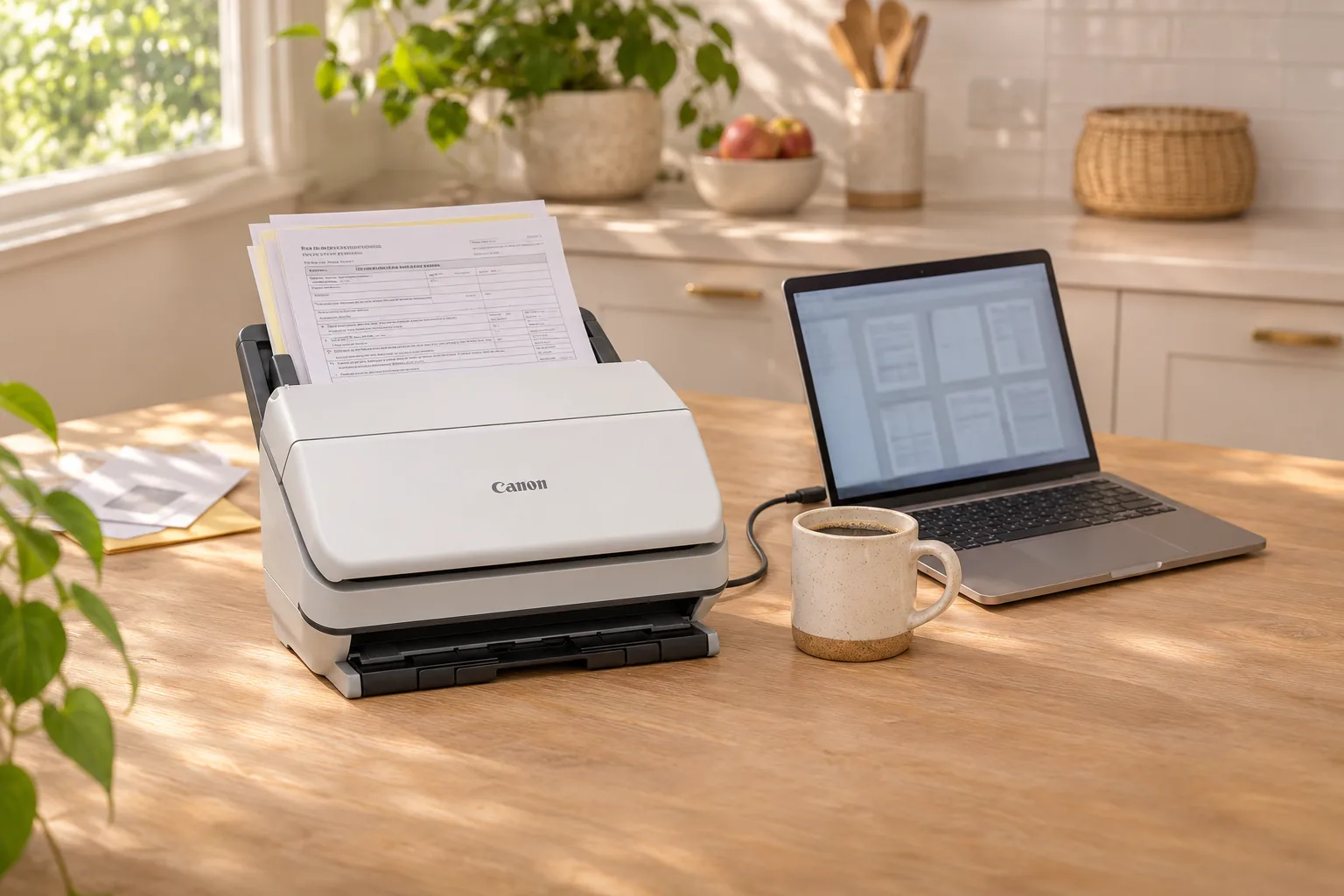
Yes, at $195: the R40II scans both sides of a page in one pass at a rated 45 pages a minute from a 60-sheet feeder, the same rated speed as scanners that cost twice as much. That’s Canon’s and Amazon’s price in November 2026, against a $356.00 list price.
The catch is that it’s a plain USB scanner. It has no Wi-Fi, can’t scan to a phone or the cloud without a computer, and works only through Canon’s CaptureOnTouch software, with no TWAIN or ISIS driver. If it sits next to the computer you file from, none of that matters much.
| Spec | Canon imageFORMULA R40II |
|---|---|
| Price (November 2026) | $195.00 at Canon (list $356.00, backordered) and Amazon (in stock) |
| Type | Sheetfed, single-pass duplex |
| Rated speed | 45 ppm / 90 ipm (letter, 200 dpi, black, gray or color); 40 / 80 in color at 300 dpi |
| Feeder | 60 sheets |
| Optical resolution | 600 dpi (output 100–1,200 dpi) |
| Page size | 2–8.5 in wide, 2.1–14 in long; up to 240 in in long-document mode |
| Paper | 7.2–110 lb bond; business cards; ISO ID cards up to 1.4 mm (not embossed) |
| Double-feed detection | Ultrasonic |
| Display | Monochrome status LCD |
| Connection | USB 2.0 over a USB-C connector (cable included); no Wi-Fi or Ethernet |
| Driver | CaptureOnTouch only; no TWAIN or ISIS |
| Computers | Windows 10 and 11; macOS 13, 14 and 15 (Canon’s chart also lists macOS 27) |
| Size and weight | 6.3 x 11.2 x 6.3 in with trays closed; 7.05 lb |
| Warranty | 1 year, advance exchange |
Is the Canon imageFORMULA R40 worth it?
The R40 has been replaced by the R40II, so buy the new one. Canon’s US store no longer sells the R40, and Canon introduced the R40II on February 5, 2026, as building on “the previous iteration, the imageFORMULA R40”.
The R40II is faster in color, takes much longer pages and is smaller. A leftover R40 makes sense only if you need what the R40II dropped: a TWAIN driver for scanning straight into other software, or support for older Macs (Canon lists the R40 for macOS Catalina, Big Sur and Monterey).
R40 vs R40II: what changed?
Rated color speed rose from 30 to 45 ppm, the long-document limit doubled, the connector went to USB-C, and TWAIN support went away.
| Canon R40 | Canon R40II | |
|---|---|---|
| Status (November 2026) | Replaced; not in Canon’s US store | Current |
| Speed, black and gray | 40 ppm / 80 ipm | 45 ppm / 90 ipm |
| Speed, color | 30 ppm / 60 ipm | 45 ppm / 90 ipm (200 dpi) |
| Feeder | 60 sheets | 60 sheets |
| Longest page | 118 in | 240 in |
| Connection | USB 2.0 | USB 2.0, USB-C connector |
| Drivers | TWAIN driver plus CaptureOnTouch | CaptureOnTouch only |
| Macs on Canon’s chart | Catalina 10.15 to Monterey 12 | macOS 13, 14, 15 and 27 |
| Size and weight | 9.6 x 11.4 x 9.9 in, 6.17 lb | 6.3 x 11.2 x 6.3 in, 7.05 lb |
How fast is the R40II?
Fast for the money: a 60-sheet two-sided stack takes about 80 seconds at the rated 45 ppm (60 ÷ 45 = 1.3 minutes). Canon rates that speed at 200 dpi, which is fine for searchable text. At 300 dpi color, Canon’s Singapore brochure gives 40 ppm / 80 ipm.
An ultrasonic sensor catches two pages fed together, and the long-document mode handles printouts and long receipts up to 240 inches. Business cards feed vertically and plastic ID cards (not embossed) horizontally.
What does it cost to run?
There’s no ink, but the roller kit is expensive: Canon’s Roller Kit C350/C340/R40II (7549C001) is $150.00, against $195.00 for the scanner on sale. Canon USA doesn’t publish how many sheets the kit lasts, so we can’t give a cost per page.
That’s the R40II’s real weak spot next to the ScanSnap iX2500, whose $58 roller set is rated for 200,000 sheets (0.029¢ a sheet). Without a rated life you can’t plan the cost, so if you scan heavily, budget for a $150 kit.
Does the R40II work with a Mac?
Yes, with CaptureOnTouch. Canon’s spec table lists macOS 13 Ventura, 14 Sonoma and 15 Sequoia, and its compatibility chart also checks macOS 27. The chart we read didn’t list macOS 26 Tahoe, so check Canon’s support page before buying for a Mac on Tahoe.
Canon says CaptureOnTouch must be installed to use the scanner at all, and with no TWAIN driver, other apps can’t scan through it directly.
Does it need Wi-Fi, an account or a subscription?
It has no Wi-Fi at all, and it needs no account or subscription. CaptureOnTouch makes searchable PDFs on the computer and can upload to Google Drive, Dropbox, OneDrive, SharePoint and other services; for those you need an account with that service, as Canon’s footnote says.
If you want to scan from a phone or send scans to the cloud with the computer off, you need a Wi-Fi scanner instead.
What’s the R40II Receipt Edition?
A $281.00 version (list $431.00 at Canon, $281.00 at Amazon) sold for receipts. Canon’s page didn’t spell out what it adds over the standard R40II, so check the bundle before paying $86 more. For receipt workflows, see scanning receipts and going paperless.
What are the alternatives?
- Ricoh ScanSnap iX2500 ($399.99): the same rated speed with a 100-sheet feeder, a touchscreen, Wi-Fi 6 and scanning to phones, cloud and network folders without a computer. Pick it if the scanner won’t sit at your desk. Read our iX2500 review.
- Epson WorkForce ES-590W ($389.99 sale, $449.99 list): 45 ppm, 100 sheets, Wi-Fi and a TWAIN driver, with rollers at about 0.024¢ a sheet. Read our ES-590W review.
- Brother ADS-1800W ($324.99): smaller and Wi-Fi, but slower at 30 ppm with a 20-sheet feeder. Read our ADS-1800W review.
Not sure you need a separate scanner? See document scanner or all-in-one. All our picks are in the best document scanners.
Questions people ask
Does the Canon R40II have Wi-Fi?
No. It connects over USB only (USB 2.0 through a USB-C port), and it can’t scan without a computer.
Does the R40II have a TWAIN driver?
No. Canon says it “does not support TWAIN or ISIS drivers” and that CaptureOnTouch must be installed to use it. The older R40 had a TWAIN driver.
Can the R40II scan both sides at once?
Yes. It scans both sides in one pass at a rated 90 images a minute, which is 45 two-sided pages.
Can the R40II scan receipts and ID cards?
Yes. It takes business cards, plastic ID cards up to 1.4 mm that aren’t embossed, and pages from 2 inches wide, with long receipts up to 240 inches in long-document mode.
What comes in the box?
The scanner, AC adapter, power cable, a USB 2.0 Type-C cable, a setup guide, a warranty card and an eCarePAK card. CaptureOnTouch is Canon’s bundled software.
Key specifications
| Feature | CanonimageFORMULA R40II | Ricoh ScanSnap iX2500 | EpsonWorkForce ES-590W | BrotherADS-1800W |
|---|---|---|---|---|
| Type | Sheetfed document scanner | Sheetfed document scanner | Sheetfed document scanner | Compact sheetfed document scanner |
| Feeder | 60 sheets | 100 sheets | 100 sheets | 20 sheets |
| Duplex | Single pass | Single pass | Single pass | Single pass |
| Scan speed | 45 ppm / 90 ipm | 45 ppm / 90 ipm | 45 ppm / 90 ipm | 30 ppm / 60 ipm |
| Connection | USB-C | Wi-Fi, USB-C | Wi-Fi, USB | Wi-Fi, USB-C |
| Where to buy | Check price at Amazon | Check price at Amazon | Check price at Amazon | Check price at Amazon |
Canon imageFORMULA R40II
- Type
- Sheetfed document scanner
- Feeder
- 60 sheets
- Duplex
- Single pass
- Scan speed
- 45 ppm / 90 ipm
- Connection
- USB-C
Ricoh ScanSnap iX2500
- Type
- Sheetfed document scanner
- Feeder
- 100 sheets
- Duplex
- Single pass
- Scan speed
- 45 ppm / 90 ipm
- Connection
- Wi-Fi, USB-C
Epson WorkForce ES-590W
- Type
- Sheetfed document scanner
- Feeder
- 100 sheets
- Duplex
- Single pass
- Scan speed
- 45 ppm / 90 ipm
- Connection
- Wi-Fi, USB
Brother ADS-1800W
- Type
- Compact sheetfed document scanner
- Feeder
- 20 sheets
- Duplex
- Single pass
- Scan speed
- 30 ppm / 60 ipm
- Connection
- Wi-Fi, USB-C
Sources
- imageFORMULA R40II Office Document Scanner (Canon USA shop), Canon
- imageFORMULA R40II support: specifications and OS compatibility, Canon
- Canon introduces the imageFORMULA R40II (press release, February 5, 2026), Canon
- imageFORMULA R40II brochure (Canon Singapore), asia.canon
- Roller Kit C350/C340/R40II, Canon
- Canon USA document scanners, Canon
- imageFORMULA R40 support page, Canon
- Canon imageFORMULA R40II on Amazon, amazon.com
- Canon imageFORMULA R40II Receipt Edition on Amazon, amazon.com
- ScanSnap iX2500 product page, pfu-us.ricoh.com
- WorkForce ES-590W product page, Epson
- Brother ADS-1800W product page, Brother
Keep exploring

Buying guide
The best barcode label printers
The Zebra ZD421 is the best barcode label printer for most businesses: 4-inch labels at 6 inches a second, any brand of label roll and a 24-month warranty, for about $480 to $526 in November 2026. Get the Brother QL-820NWBc ($229.99) for an office or shop counter, and a thermal transfer model for inventory labels that have to last.
Read story
Buying guide
The best check printers for a small business
The TROY 3001dw ($509.15 at TROY, $530 at Amazon in November 2026) is the best check printer for a small business: a 35 ppm Wi-Fi laser with MICR toner, rated for 350 to 2,500 checks a month, at about 5¢ to 7¢ per check three to a page by our estimate. Get the TROY 4001dn for a locking tray, or the VersaCheck M15 MXD ($399.99) for software in the box.
Read story