Printers in this guide
Can you 3D scan with an iPhone?
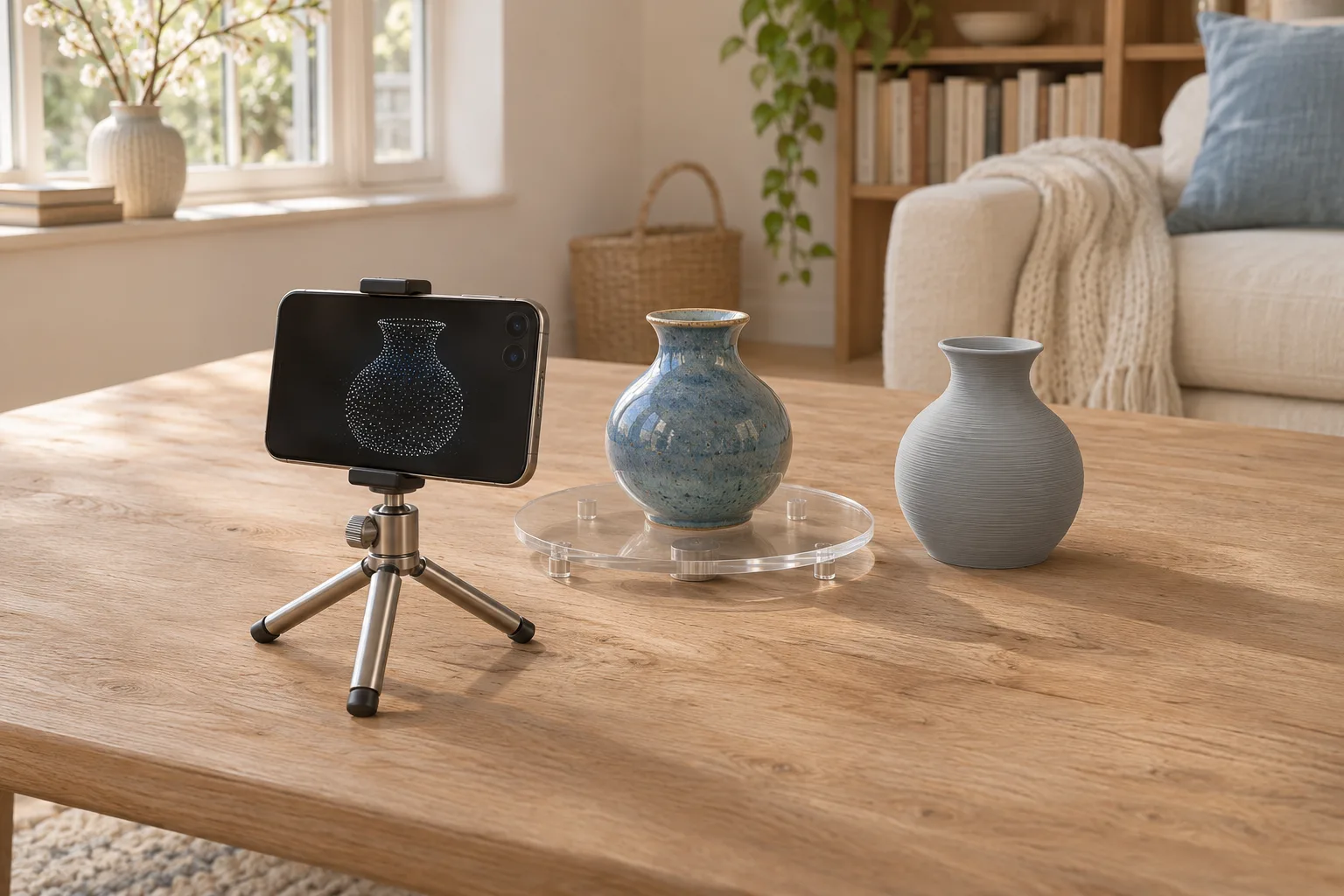
Yes, with any current iPhone, and you can 3D print the result. Scanning apps build a model from dozens of photos taken around an object (photogrammetry), which works on every iPhone in Apple’s lineup. Only the iPhone 18 Pro and 18 Pro Max add a LiDAR depth sensor, and for objects you’ll print, photos matter more than LiDAR anyway.
The catch is the file and the fit. Of the main apps, only KIRI Engine exports STL, the format slicers open, on its free plan; Polycam needs its $150-a-year Basic plan. And a phone scan is a shape, not a measurement: Polycam puts photo-only scale accuracy with a printed reference marker at “usually over 99%,” which is still about a millimeter off on a 100 mm part (our estimate). That’s fine for a figurine or a prop, and too loose for a part that has to fit.
Which iPhones have LiDAR?
In Apple’s current lineup, only the iPhone 18 Pro and iPhone 18 Pro Max.
| iPhone (Apple’s lineup, Nov 2026) | LiDAR Scanner? |
|---|---|
| iPhone 18 Pro / 18 Pro Max | Yes |
| iPhone Duo (foldable) | No |
| iPhone Air | No |
| iPhone 17 | No |
| iPhone 17e | No |
| iPhone 16 | Not a Pro model; we didn’t confirm it on Apple’s spec page |
Source: Apple’s technical specifications pages, read November 28, 2026. Each lists LiDAR under Sensors when a model has it.
LiDAR has been a Pro-only feature. Apple’s Measure support article, as quoted in search results, ties its LiDAR features to the iPhone 12 Pro and later Pro models, and Polycam says LiDAR scanning needs an iPhone 12 Pro or newer. So an older Pro, from the 12 Pro on, has it too.
Photogrammetry or LiDAR: which is better for 3D printing?
Photogrammetry, for objects. Polycam, which offers both, says LiDAR is better for rooms and floor plans, and photogrammetry is better for objects “where texture and fine detail matter,” and that object photogrammetry “works on any iPhone or Android phone.”
What LiDAR adds is size. Photos alone capture an object’s shape, but, in Polycam’s words, “they don’t record the size.” Apple’s Object Capture, the photogrammetry framework apps use on iOS 17 and later and macOS 12 and later, uses depth data when the photos have it to calculate the object’s real-world size. Without LiDAR, you set the scale yourself: measure one feature with calipers or a ruler and scale the model to match, or print a reference marker. Polycam says a printed AprilTag and at least eight photos usually get scale accuracy over 99%, though automatic AprilTag scaling is a Business or Enterprise feature.
Some apps do need LiDAR for certain modes. Apple’s own on-device guided-capture sample requires a LiDAR Scanner, an A14 Bionic chip or later and iOS 18.
Which iPhone 3D scanning app should you use?
KIRI Engine for a free STL; Polycam if you’ll pay for the best-known app; RealityScan for a free OBJ.
| App | Maker | Price (Nov 2026) | Free plan | Exports for printing |
|---|---|---|---|---|
| KIRI Engine | KIRI Innovations | Free; Pro $79.99/year ($39.99 Black Friday price, through Dec. 4, 2026) | Unlimited photo scans, up to 150 photos and 2 GB per scan; unlimited LiDAR scans | STL, OBJ, FBX, GLB on the free plan |
| Polycam | Polycam | Free; Basic $30/month or $150/year; Business $300/year per user (Black Friday, from $400) | 10 photogrammetry and 3 AI captures, up to 150 images each | Free exports glTF only; STL and OBJ need Basic or higher |
| RealityScan Mobile | Epic Games | Free | Needs an Epic Games account; iOS 16 or later | USDZ and OBJ on iOS |
| Scaniverse | Niantic Spatial | Free; paid plans for more processing and teams | Free for personal scanning; iOS 16.6 and A12 Bionic or later; no LiDAR needed | PLY, GLB, FBX, SPZ, USDZ; no STL or OBJ |
Sources: each app maker’s pricing page, App Store listing or documentation, read November 28, 2026. RealityScan’s export formats come from a search result of its official FAQ.
A few notes:
- KIRI Engine is the only one here that exports STL for free.
- RealityScan’s OBJ converts to STL in Blender, whose free 3D Print Toolbox also checks that the mesh is watertight.
- Polycam’s free plan exports glTF only; STL and OBJ are paid features.
- Scaniverse now comes from Niantic Spatial, Inc., and its website redirects to Niantic Spatial’s business product. It lists no STL or OBJ export.
How do you 3D scan an object with an iPhone for printing?
- Pick a good subject. Apple’s Object Capture guidance says to avoid objects that are “very thin in one dimension, highly reflective, transparent, or translucent,” and warns that single-color or very smooth objects may not give it enough to work with. A textured, matte object is ideal.
- Light it evenly and set it where you can walk all the way around it.
- Shoot all the way around, so every side of the object appears in several photos. KIRI Engine and Polycam both cap a capture at 150 photos on their free plans.
- Process the scan in the app, then crop away the table.
- Export STL (KIRI Engine) or OBJ (RealityScan, or Polycam on a paid plan).
- Fix and scale it. Make the mesh watertight in Blender’s 3D Print Toolbox or your slicer’s repair tool, then scale it to a measurement you took of the real object.
- Slice and print. See the best 3D printing slicer.
A scan is a mesh, not a design you can resize part by part. To make a part that fits something, you’ll usually measure it and model it in CAD, using the scan as a guide. See do you need CAD for 3D printing?
How accurate is an iPhone 3D scan?
About 1% at best on scale, and less predictable on detail. Polycam’s figure, “usually over 99%” with a reference marker, works out to roughly a tenth of an inch off on a 10-inch part. Niantic Spatial says phone-scan accuracy “depends on the capture method, sensors, coverage and processing.”
Compare that with dedicated scanners, whose makers rate them in hundredths of a millimeter (all are lab figures):
| Scanning method | Rated accuracy | Error on a 100 mm part (our estimate) |
|---|---|---|
| iPhone photogrammetry with a reference marker (Polycam) | Scale “usually over 99%” | Up to about 1 mm |
| Creality CR-Scan Ferret Pro ($359) | 0.1 mm | About 0.1 mm |
| Revopoint POP 3 Plus ($499.84) | 0.08 mm single frame | About 0.08 mm |
Our estimate takes Polycam’s 1% as a proportion of the part’s size and the scanners’ ratings as fixed errors; real results vary with the object and the light.
When is a dedicated 3D scanner worth it?
When the part has to fit, the object is small, or the surface is dark or shiny.
- Fit. A bracket, knob, clip or replacement panel that mates with something else needs the roughly tenfold tighter rating of a scanner (estimate above).
- Small objects. Desktop scanners are rated down to 50 mm (Ferret Pro), 20 mm (POP 3 Plus) or 5–10 mm (Creality Raptor, Revopoint POP 4 and MINI 2). Apple warns that single-color or very smooth objects may not give photogrammetry enough data.
- Dark and shiny surfaces. Apple warns against reflective objects for photogrammetry. Creality says the Ferret Pro scans black and metal; blue-laser scanners like the Raptor handle them without spray, their makers say.
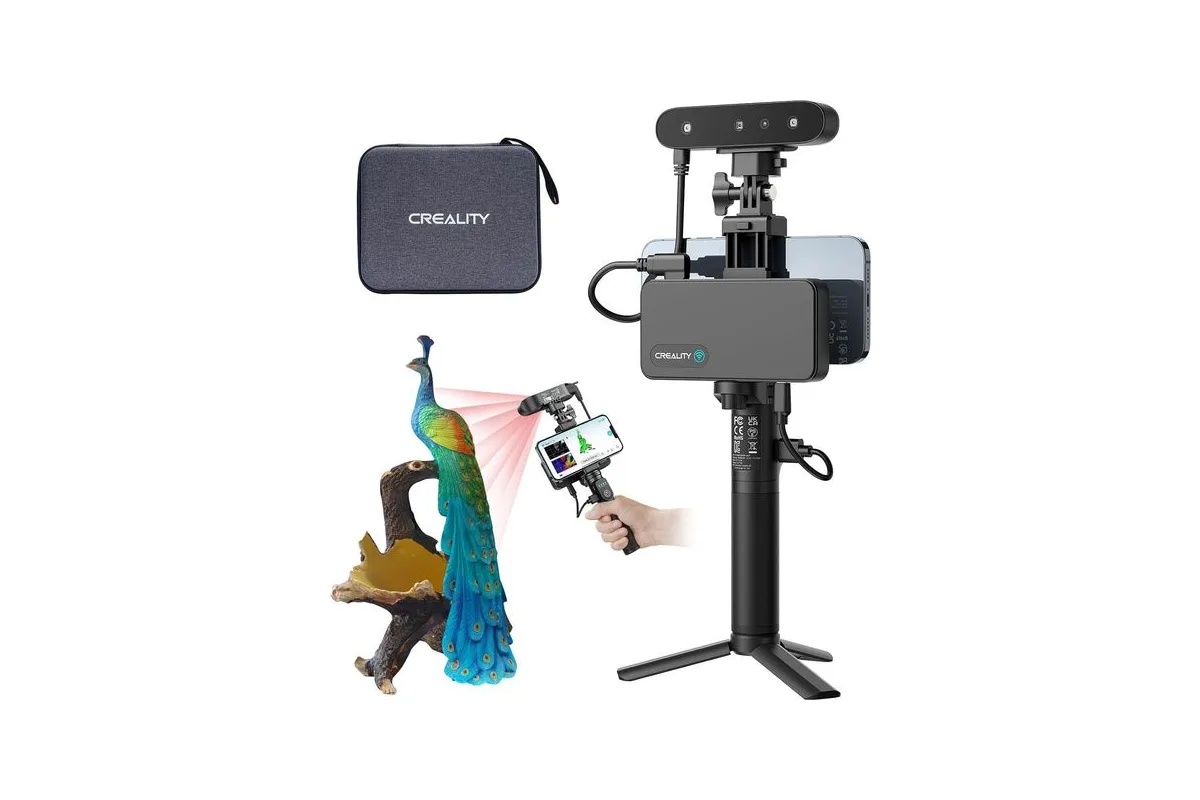
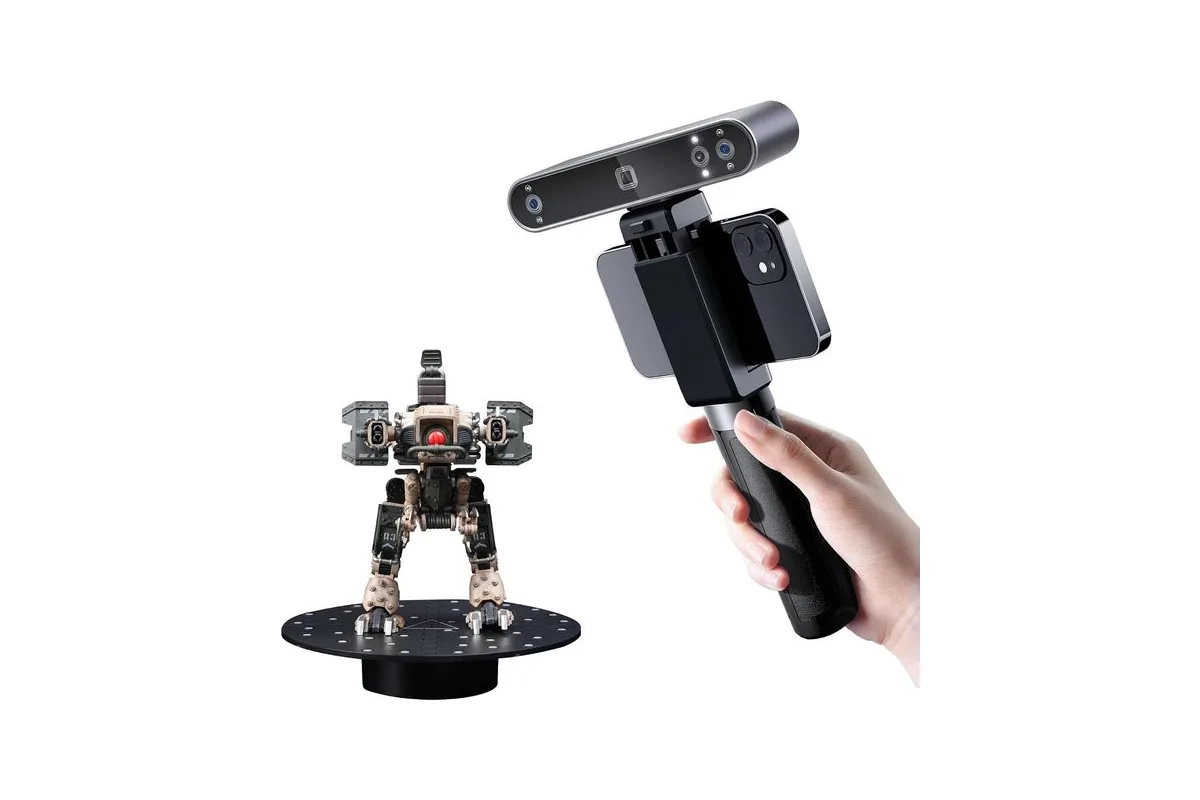
The cheapest step up is the Creality CR-Scan Ferret Pro at $359 in November 2026, rated 0.1 mm for objects from 50 mm, and it works with an iPhone app. For smaller objects, the Revopoint POP 3 Plus ($499.84) starts at 20 mm and also scans from an iPhone over Wi-Fi. See every pick in the best 3D scanners.
Stay with the phone for statues, toys, props, sculptures and anything you’ll scale to taste: a free app is good enough, and you’ll learn the scan-cleanup steps a scanner needs too.
Questions people ask
Do you need LiDAR to 3D scan with an iPhone?
No. Photogrammetry apps like KIRI Engine, Polycam and RealityScan work from the camera alone, and Polycam says photogrammetry is better than LiDAR for objects. LiDAR mainly helps with rooms and with getting the scale right.
Does the iPhone 17 have LiDAR?
No. Apple’s specs list no LiDAR Scanner on the iPhone 17, iPhone 17e, iPhone Air or the iPhone Duo foldable. Only the iPhone 18 Pro and 18 Pro Max have it in Apple’s current lineup.
What is the best free 3D scanning app for iPhone?
For 3D printing, KIRI Engine: its free plan allows unlimited photo scans and exports STL. RealityScan is free and exports OBJ on iOS.
Can you 3D print a scan from Polycam?
Yes, on a paid plan. Polycam’s free tier exports glTF only; STL and OBJ start with Basic, $30 a month or $150 a year.
Is iPhone scanning accurate enough for replacement parts?
Usually not for parts that have to fit. Polycam’s best case is about 1% off on scale, around 1 mm on a 100 mm part (our estimate), against 0.1 mm for a $359 scanner. Measure the part and model it, or use a dedicated scanner.
Can you scan shiny or clear objects with an iPhone?
Not reliably. Apple’s guidance for photogrammetry says to avoid highly reflective, transparent and translucent objects. Even dedicated scanners need scanning spray for clear ones.
Sources
- Apple: iPhone lineup, apple.com
- Apple: iPhone 18 Pro technical specifications, apple.com
- Apple: iPhone 17 technical specifications, apple.com
- Apple: iPhone Air technical specifications, apple.com
- Apple: iPhone 17e technical specifications, apple.com
- Apple: iPhone Duo technical specifications, apple.com
- Apple Support: Measure app and LiDAR, support.apple.com
- Apple Developer: RealityKit Object Capture, developer.apple.com
- Apple Developer: Capturing photographs for RealityKit Object Capture, developer.apple.com
- Apple Developer: Scanning objects using Object Capture, developer.apple.com
- Polycam pricing, poly.cam
- Polycam: How to scan accurate 3D models without a LiDAR phone, poly.cam
- Scaniverse on the App Store, apps.apple.com
- Niantic Spatial: Capture, nianticspatial.com
- KIRI Engine pricing, kiriengine.app
- RealityScan Mobile, realityscan.com
- Epic Games: RealityScan Mobile system requirements, dev.epicgames.com
- Blender manual: 3D Print Toolbox, docs.blender.org
- Creality CR-Scan Ferret Pro store page, store.creality.com
- Revopoint POP 3 Plus, revopoint3d.com
Keep exploring
How to
Hardened steel vs brass nozzles, and what nozzle size to use
Brass, or the stainless steel Bambu ships on the A1, is fine for PLA, PETG, ABS, ASA and TPU. Carbon fiber, glass fiber, glow-in-the-dark and sparkle filaments need hardened steel. Use a 0.4 mm nozzle for most prints, 0.6 mm for carbon fiber and big parts, and 0.2 mm for miniatures.
Read story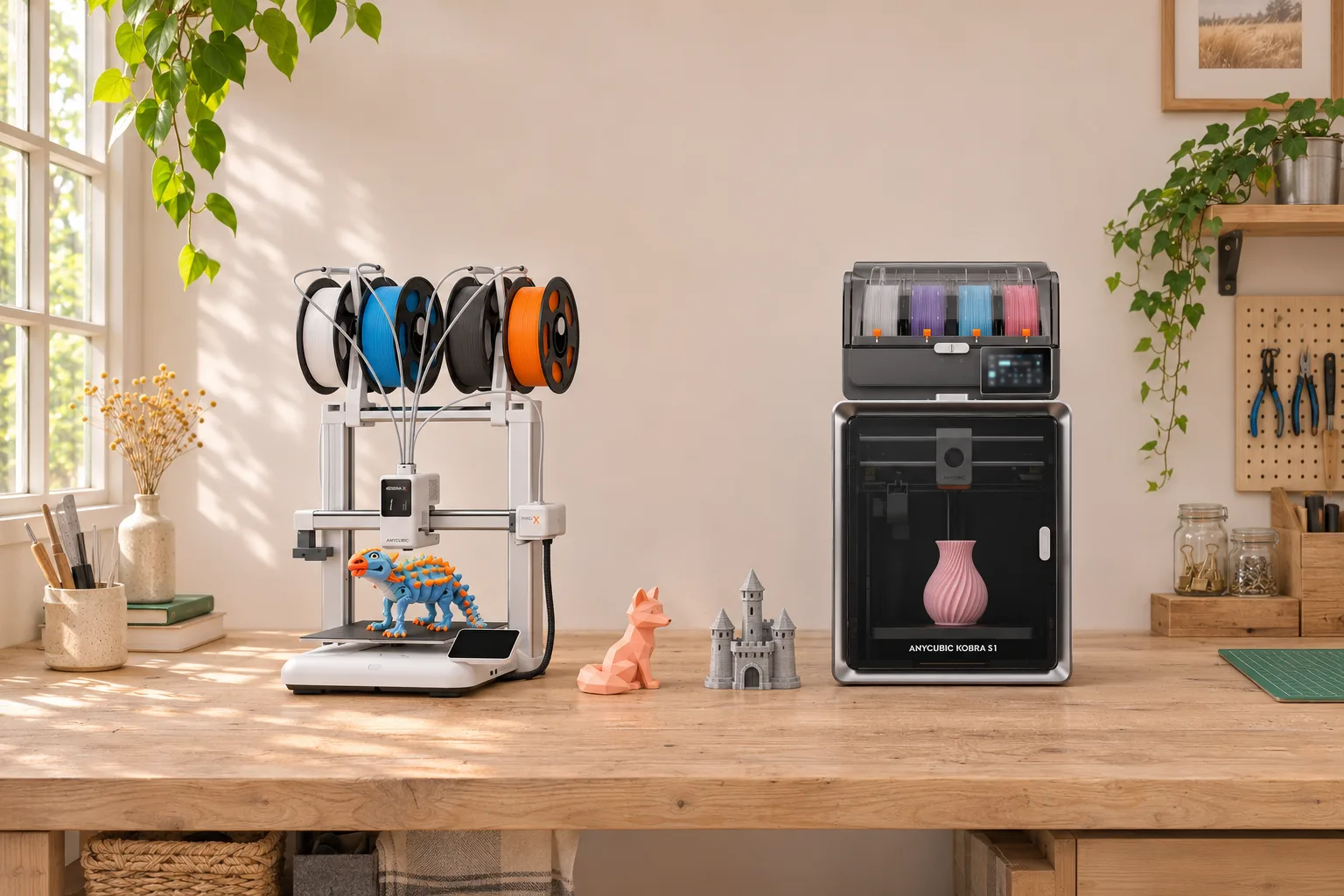
How to
Anycubic 3D printer lineup explained: which Anycubic should you buy?
Most people should buy the Anycubic Kobra X ($279 in November 2026): four colors built into the toolhead, no box needed. Get the Kobra S1 ACE 2 Pro Combo ($429) for an enclosed printer, the S1 Max Combo ($799) for a heated chamber, and the Photon Mono M7 Pro ($429) for resin.
Read story