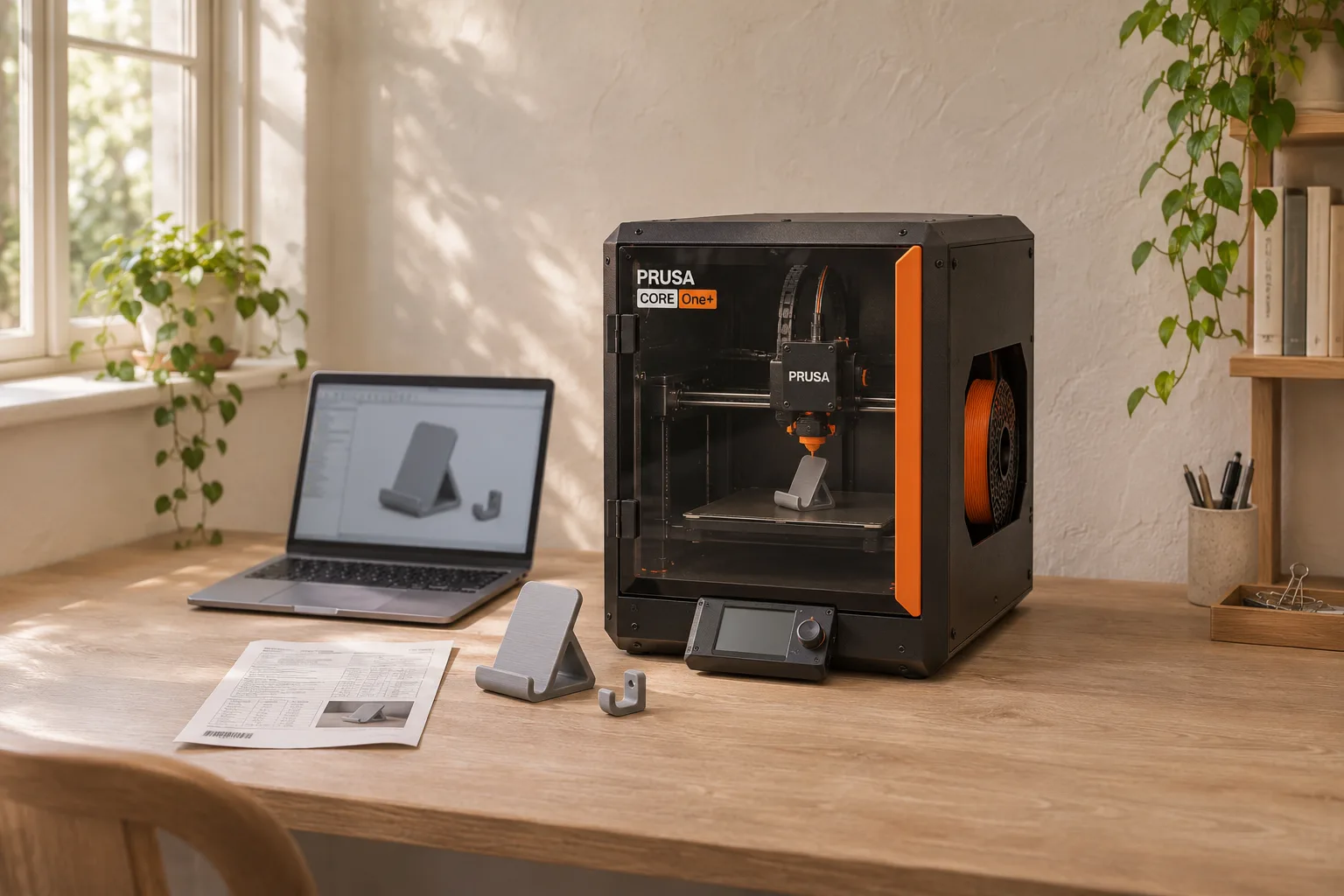
Printers in this guide
Do you need to know CAD to use a 3D printer?
No. Most people print ready-made models from free libraries, and Thingiverse alone says it hosts more than 2.5 million designs. What you need to learn is a slicer, the free program that turns a model into instructions for the printer, and on a modern printer that takes minutes, not weeks.
CAD (computer-aided design) is the skill you pick up later, if ever: when you want a part that fits something exactly, or want to make your own designs. The free tools are good, and Tinkercad, which runs in a web browser, is built for beginners.
What do you actually need to learn?
Three steps: find a model, slice it, print it.
- Download a model from a library such as MakerWorld, Printables or Thingiverse. Files come as STL, OBJ or 3MF.
- Open it in the slicer. Each maker has a free one: Bambu Studio, PrusaSlicer, Creality Print, ElegooSlicer and Anycubic Slicer Next. Pick your filament, keep the default settings, and press slice. You can scale, rotate and move the model here, with no CAD involved.
- Send it to the printer over Wi-Fi, or on a microSD card or USB stick.
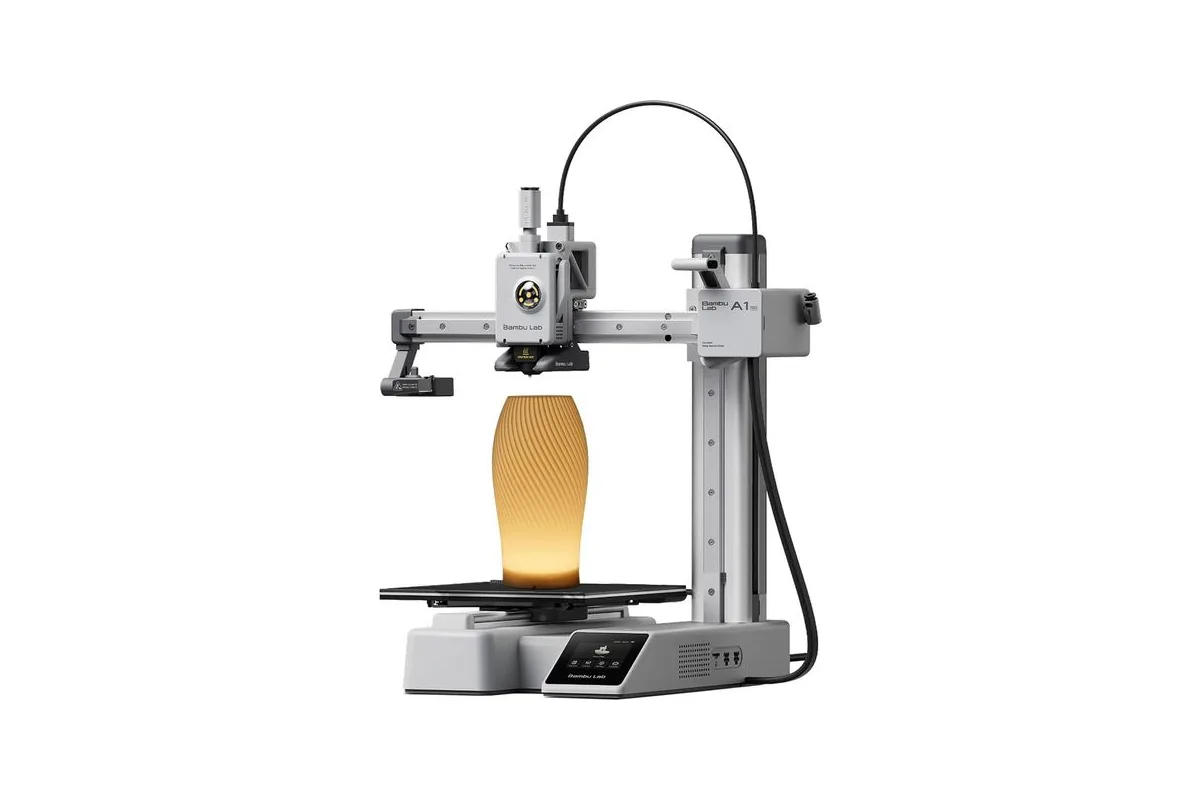
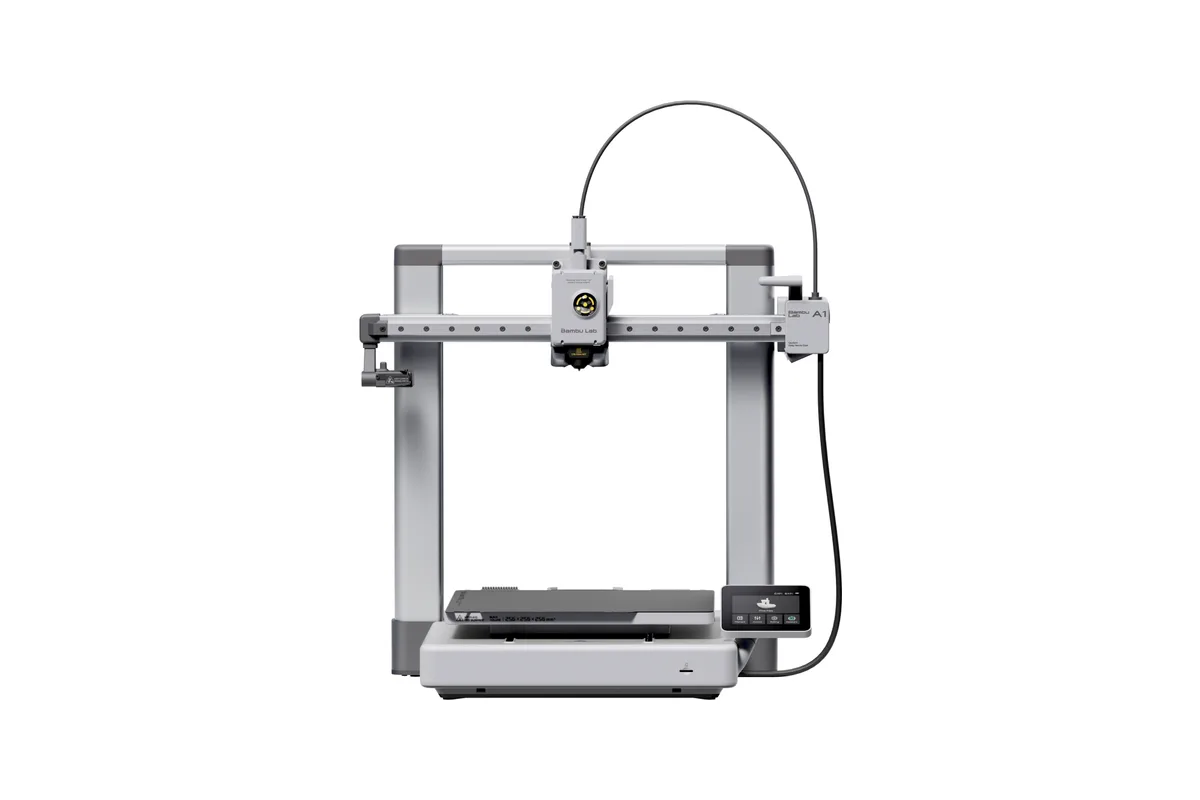
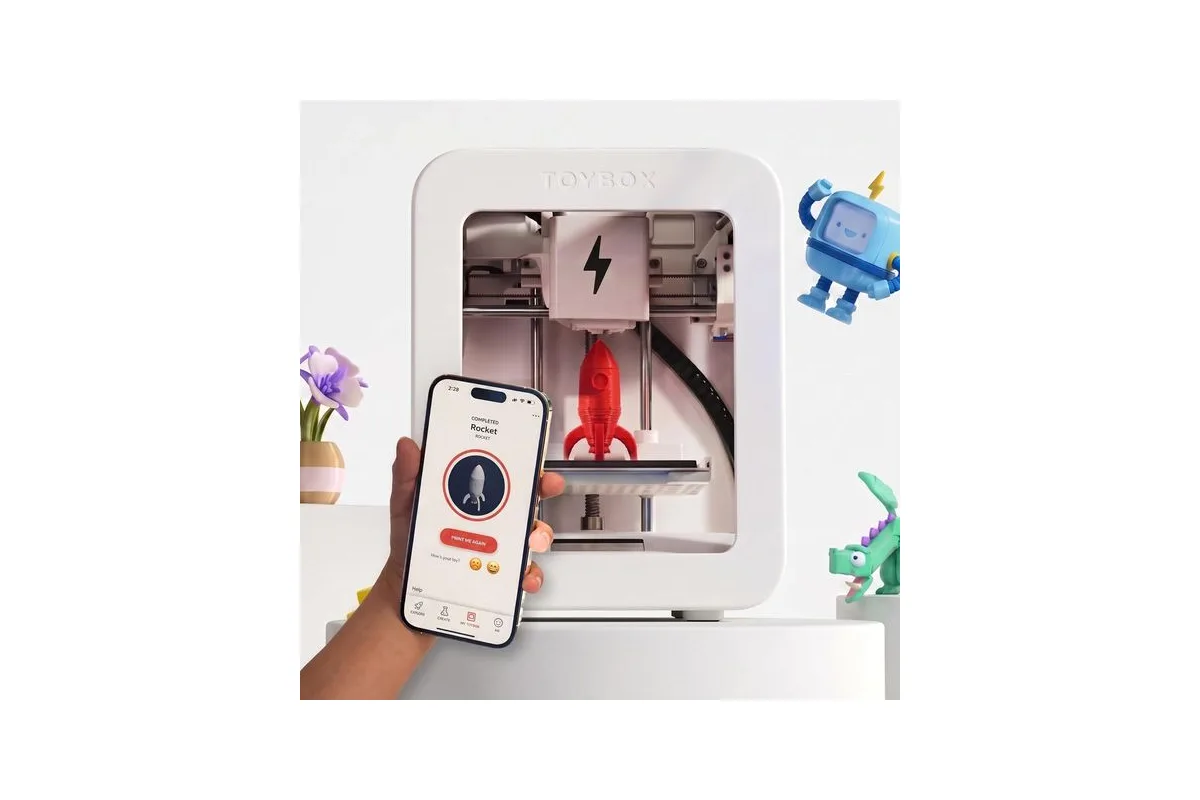
Some printers skip the computer. On a Bambu Lab A1 or A1 mini you can tap a MakerWorld model in the Bambu Handy phone app and print it, already sliced for your printer. The Toybox Alpha Four, a small printer for young kids, prints toys from its own catalog on a phone, tablet or browser.
Where do you find models to print?
| Library | Run by | What it’s good for |
|---|---|---|
| MakerWorld | Bambu Lab | Models sliced and tested for Bambu printers, including multicolor; prints from the phone app |
| Printables | Prusa Research | Large library with good functional parts and organizers |
| Thingiverse | MyMiniFactory (since February 2026) | The oldest big library: more than 2.5 million designs |
All three are free to download from. Each designer picks a license, so check it before you sell anything you print: the common Creative Commons “NonCommercial” license lets you print and remix a model but not sell prints of it.
For ideas on what to make first, see is a 3D printer worth it?
Can you customize a model without CAD?
Yes, more than you’d expect. Bambu’s MakerLab, on MakerWorld, promises “no modeling skills required.” Its free online generators turn your input into a printable file:
- Names and text: name signs, keycaps, stamps from text or a logo, and QR codes as 3D models.
- Photos: lithophane night lights and photo frames.
- Sized-to-fit storage: drawer and desk trays you set to your own dimensions, and folding boxes.
- Games and gifts: custom dice, star maps, terrain puzzles of a place you choose.
MakerLab also hosts AI tools that turn a photo into a 3D model. Some are paid. Many models on MakerWorld, Printables and Thingiverse are also “customizable”: you type in a size or text and download your own version.
When do you need CAD?
You need it when nobody has made the part you want:
- A replacement or custom part that must fit something you own: a broken knob, a bracket, a mount for an odd-sized device. You’ll measure the original and model it.
- Changing a downloaded design in ways a slicer can’t, such as making a hole bigger or adding a slot.
- Your own designs, to print, share or sell.
For most people that moment comes after printing other people’s models for a while, and the first projects are simple: a box, a hook, a plate with two holes.
Which free CAD program should you start with?
| Program | Price | Runs on | Best for | Catch |
|---|---|---|---|---|
| Tinkercad | Free | Web browser | First designs, kids and schools | Basic shapes only; hard for precise mechanical parts |
| Onshape Free | $0 | Web browser | Precise parts, learning “real” CAD | Non-commercial use only, and your designs are public |
| Autodesk Fusion for personal use | Free (full Fusion $680 a year) | Windows, Mac | Precise parts with a large tutorial community | Personal, non-commercial use for people earning under $1,000 a year from it; reduced features |
| FreeCAD | Free, open source | Windows, Mac, Linux | Precise parts with no account or limits | Harder to learn than the others |
Start with Tinkercad. You build models by dragging and combining simple shapes, such as boxes, cylinders and text, then export an STL for your slicer. It’s free, made by Autodesk, and widely used in schools. When you hit its limits, typically with parts that need exact dimensions you can change later, move to Onshape, Fusion or FreeCAD, which are “parametric”: every size is a number you can edit.
Autodesk limits Fusion for personal use to home, non-commercial projects, and says it is for individuals generating less than $1,000 a year. Onshape’s free plan is for non-commercial use, and all its documents are public. FreeCAD has no sign-up and no paywall.
Which 3D printer is easiest if you don’t want to design anything?
The Bambu Lab A1 mini ($199 in November 2026) or the A1 ($259). Both calibrate themselves, and MakerWorld models print from the phone app with settings already tuned. For a young child, the Toybox Alpha Four’s catalog app is simpler still, but its 75 x 80 x 90 mm print area is tiny. See the best 3D printers and the best 3D printers for kids.
Questions people ask
Can you 3D print without a computer?
Yes, on some printers. Bambu’s A1 and A1 mini print MakerWorld models from the Bambu Handy phone app, and Toybox printers print from a phone, tablet or browser. You’ll still want a computer and slicer for files from other sites.
Is Tinkercad free?
Yes. Tinkercad is free and runs in a web browser, and it exports STL and OBJ files for 3D printing.
Is Fusion 360 free for 3D printing?
Autodesk Fusion for personal use is free for home, non-commercial projects by people earning under $1,000 a year from them. The full version costs $680 a year.
Can I sell prints of models I download?
Only if the license allows it. Many models use Creative Commons NonCommercial licenses, which forbid selling prints. Check each model’s license, or ask the designer.
What file does a 3D printer use?
You download a model as an STL, OBJ or 3MF file. The slicer converts it into G-code, the step-by-step instructions the printer follows.
Do I need to learn coding to 3D print?
No. Slicers and model libraries are point-and-click. Coding-based CAD tools exist, but you never need them.
Sources
- Thingiverse: about, thingiverse.com
- MakerWorld MakerLab, makerworld.com
- Tinkercad, tinkercad.com
- Tinkercad (Wikipedia), en.wikipedia.org
- Onshape pricing (free plan), onshape.com
- Autodesk Fusion for personal use, autodesk.com
- FreeCAD, freecad.org
- Creative Commons Attribution-NonCommercial 4.0, creativecommons.org
- Thingiverse (Wikipedia), en.wikipedia.org
- Toybox Alpha Four, toybox.com
Keep exploring
How to
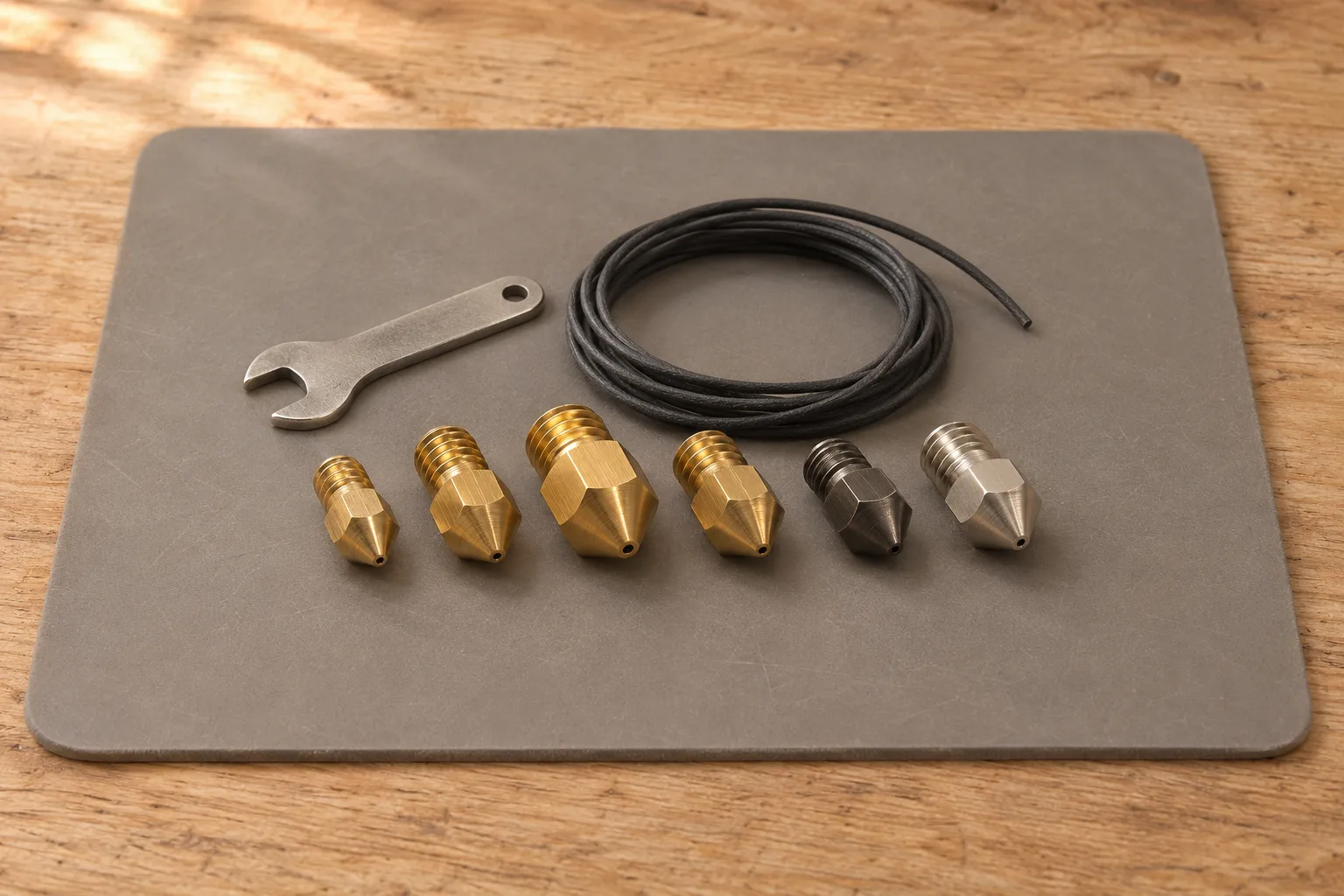
Hardened steel vs brass nozzles, and what nozzle size to use
Brass, or the stainless steel Bambu ships on the A1, is fine for PLA, PETG, ABS, ASA and TPU. Carbon fiber, glass fiber, glow-in-the-dark and sparkle filaments need hardened steel. Use a 0.4 mm nozzle for most prints, 0.6 mm for carbon fiber and big parts, and 0.2 mm for miniatures.
Read story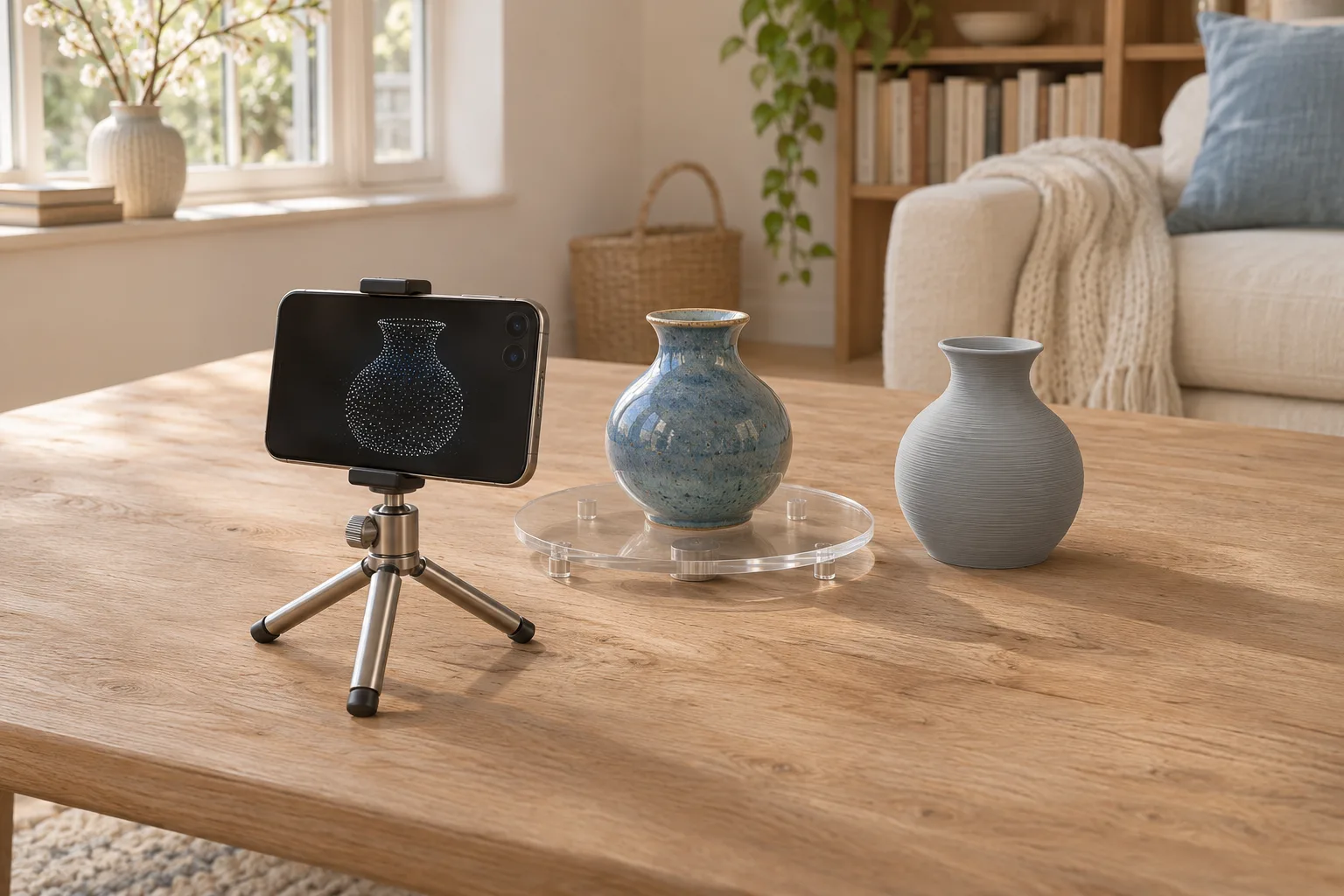
How to
Can you 3D scan with an iPhone? Yes, but not to tight tolerances
Yes. Any current iPhone can 3D scan objects from photos (photogrammetry), and KIRI Engine's free tier exports STL for printing. Only the iPhone 18 Pro and 18 Pro Max have LiDAR in Apple's current lineup. For parts that must fit, a $359 scanner is about ten times tighter.
Read story