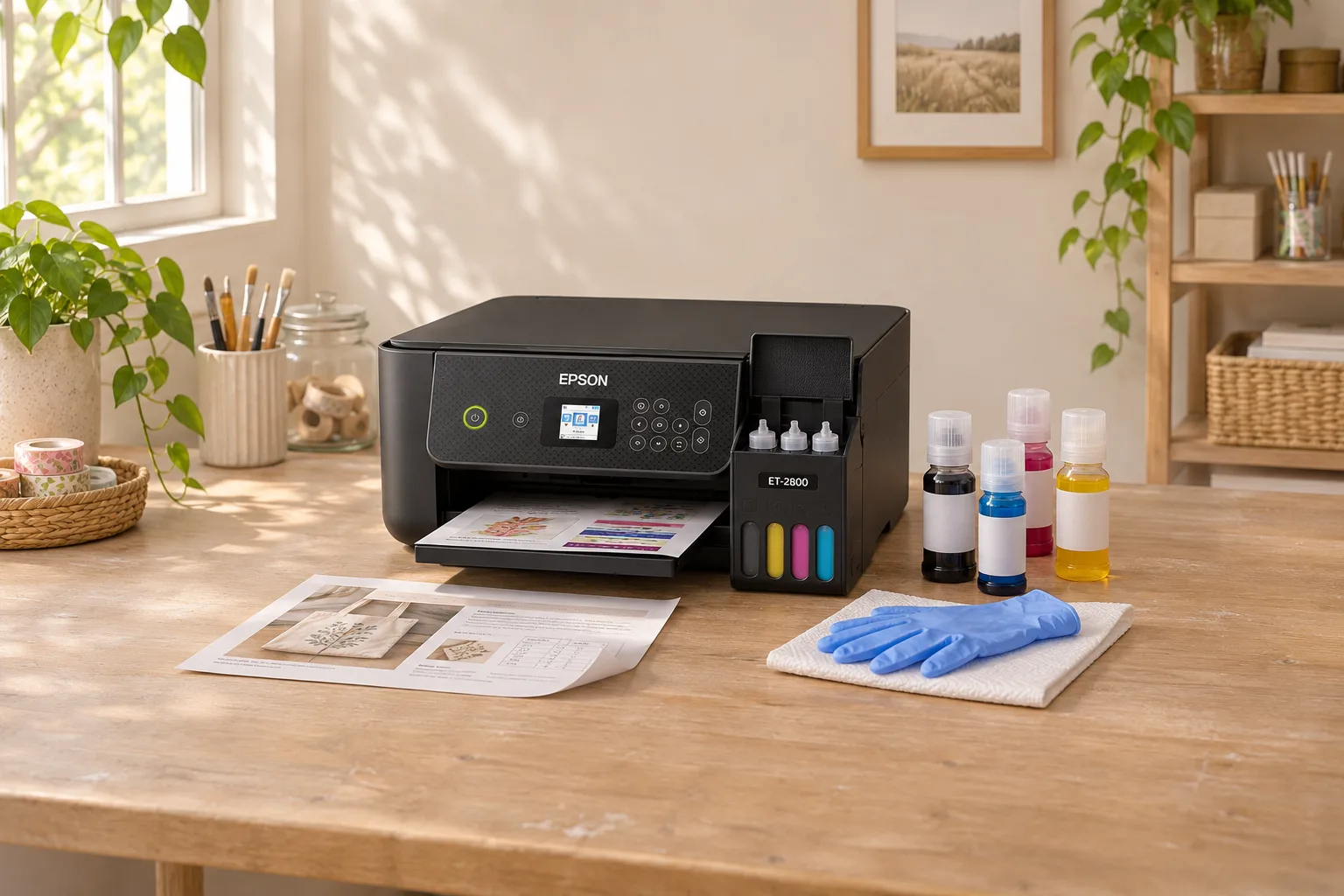
Printers in this guide
Can you convert an Epson EcoTank to sublimation?
Yes, if it’s new. You fill the empty ink tanks with sublimation ink instead of the Epson ink that comes in the box, and from then on it’s a sublimation-only printer. EcoTanks work because Epson’s printheads fire ink with pressure, not heat. It’s the cheapest way into sublimation: the Epson ET-2400 was $189.99 at Epson in November 2026.
Three rules matter most. Never put Epson’s ink in it first. Never switch it back to regular ink. And know that Epson doesn’t support sublimation in EcoTanks: it won’t pay to fix damage it traces to the sublimation ink.
Which EcoTank is best for sublimation?
The ET-2400 for letter size, and the ET-15000 for 13 x 19.
| EcoTank | Price at Epson (Nov 2026) | Max print | Ink tanks | For sublimation |
|---|---|---|---|---|
| ET-2400 | $189.99 | Letter | 4 (522 bottles) | Cheapest conversion |
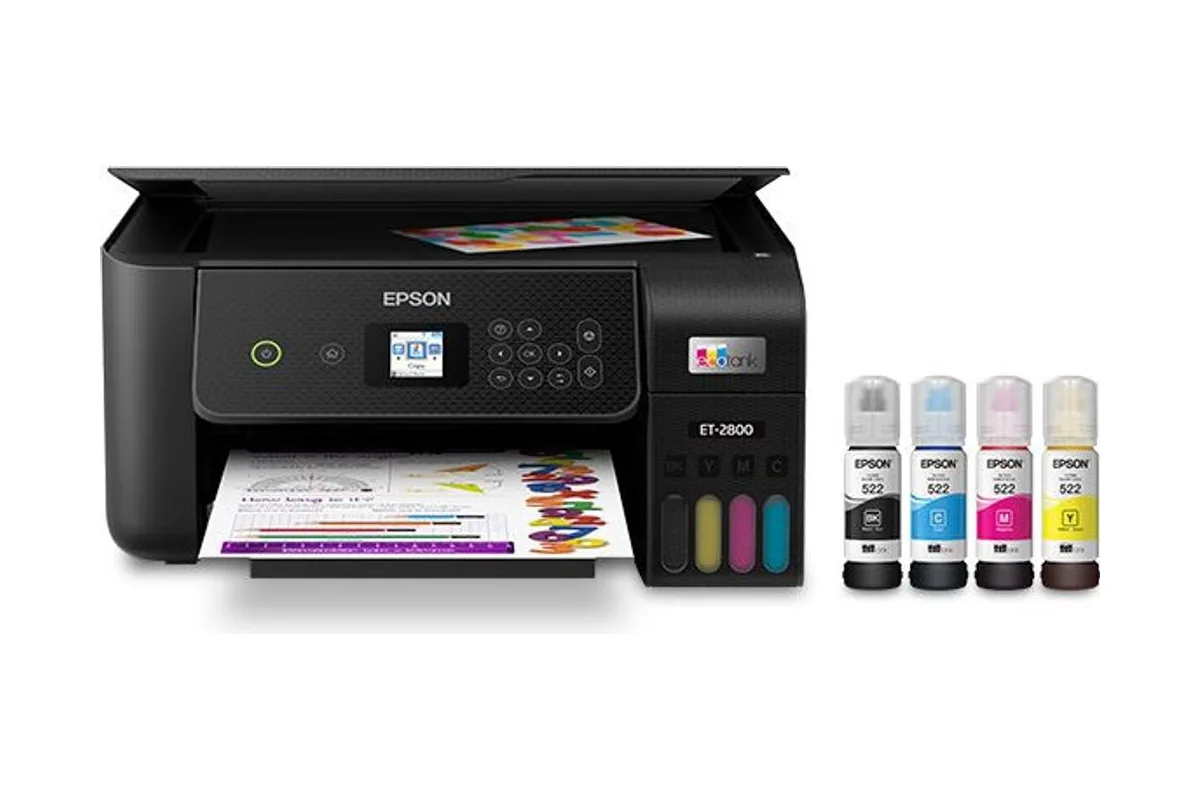
| ET-2800 | $239.99 | Letter | 4 (522 bottles) | Same ink system, $50 more |
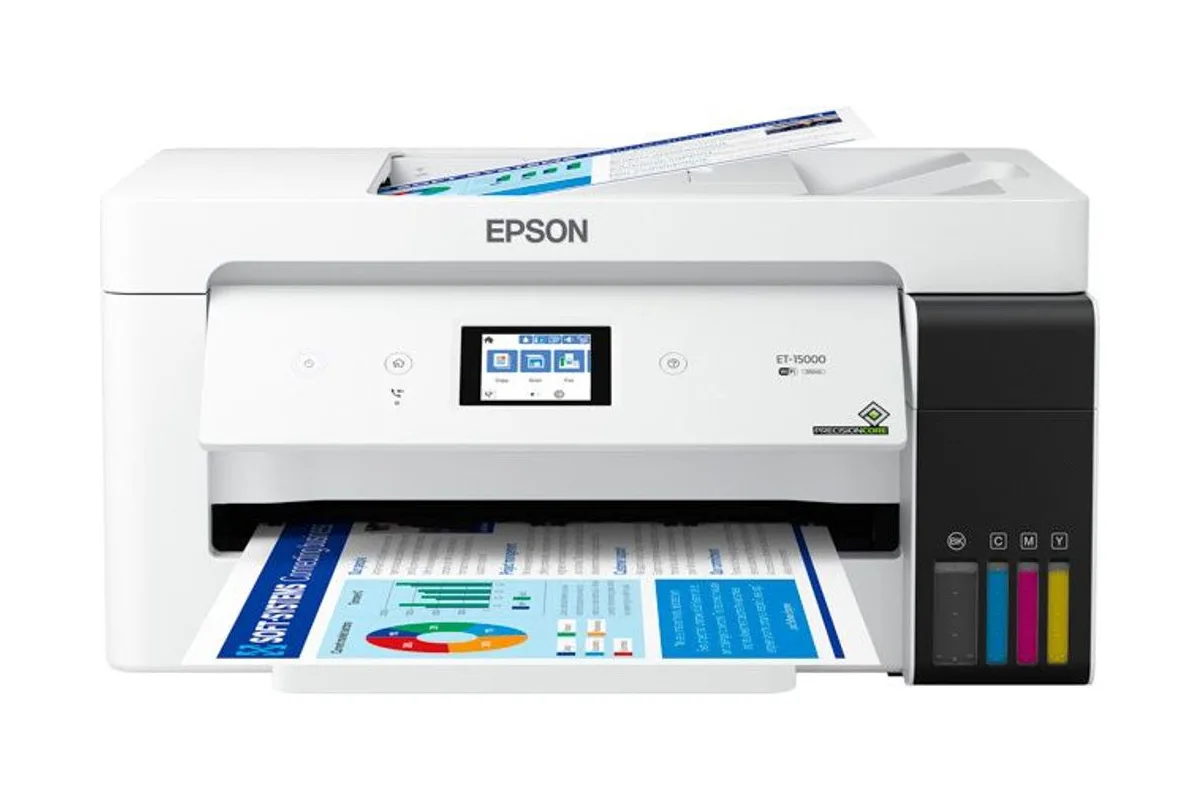
| ET-15000 | $449.99 (list $699.99) | 13 x 19 in | 4 (502 bottles) | Cheapest 13 x 19 |
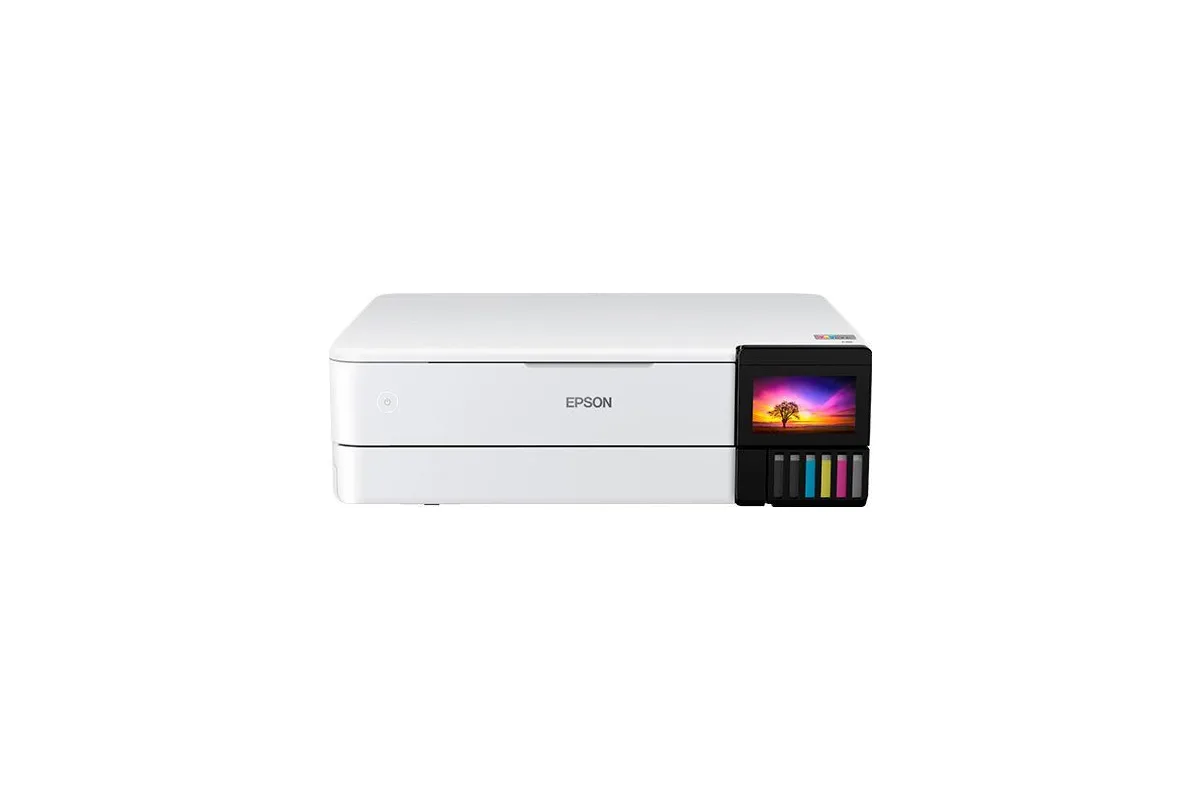
| ET-8550 | $499.99 (list $749.99) | 13 x 19 in | 6 (552 bottles) | Needs a 6-color ink kit |
The ET-2720, an older favorite for conversion, is discontinued; Epson names the ET-2800 as its replacement. The ET-4800 was out of stock at Epson.
For full-front shirt designs and larger panels, you want 13 x 19. Otherwise letter size covers mugs, chest prints and most tumblers.
Is the Epson ET-2800 good for sublimation?
Yes, but the ET-2400 does the same job for less. The ET-2800 is the most-copied conversion, so there’s plenty of help online. It uses the same four-color 522 ink system as the ET-2400, which is $50 cheaper, so for sublimation they’re effectively the same printer. The ET-2800 adds a small color display. Neither prints larger than letter size.
Is the Epson ET-15000 good for sublimation?
Yes. It’s the cheapest way to print 13 x 19 inch transfers, at $449.99 at Epson in November 2026. It has four ink tanks, so standard four-color sublimation ink kits fit, and a rear feed for large sheets. Check our pick in the best sublimation printers.
What about the ET-8550?
The ET-8550 also prints 13 x 19 and costs $50 more than the ET-15000, but it’s a six-color photo printer, with photo black and gray tanks. Most sublimation ink kits are four colors, so you’d need a kit made for six tanks. Buy it only if you find a six-color kit you trust; otherwise the ET-15000 is the simpler conversion.
Can you use a Canon or HP printer for sublimation?
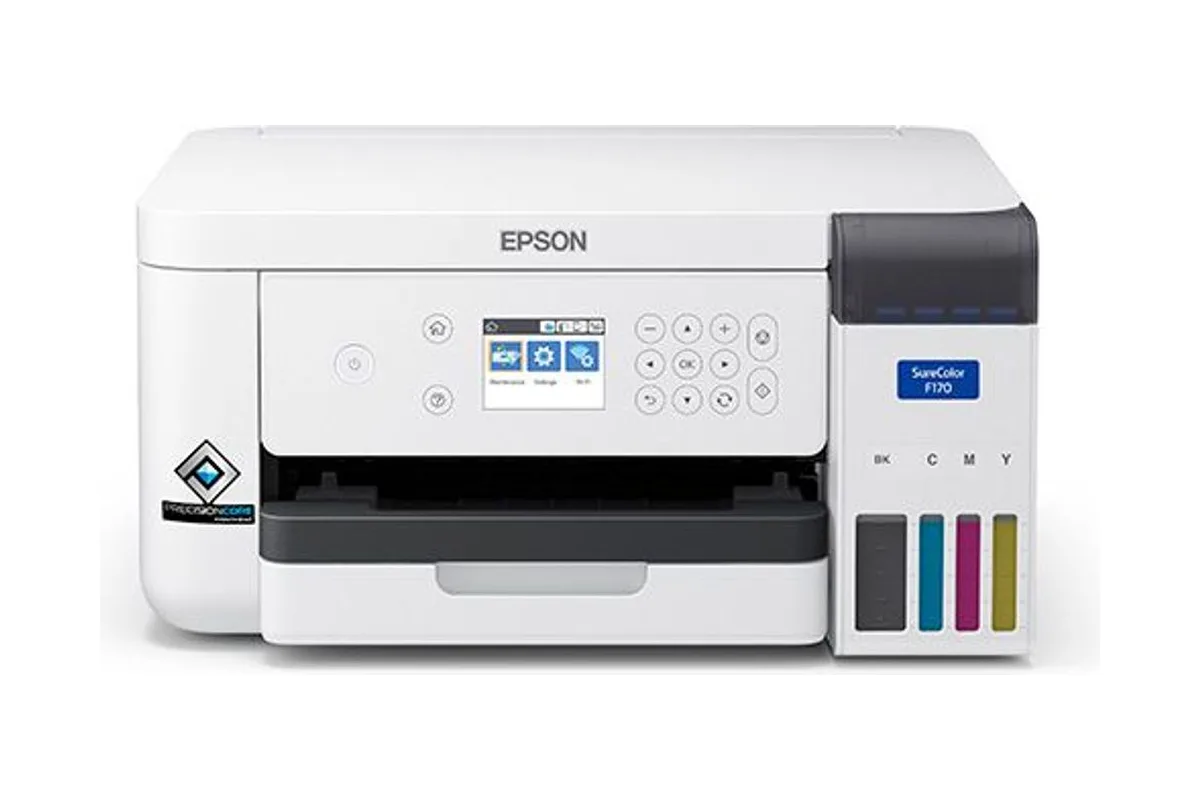
No. Canon and HP inkjets use thermal printheads, which heat the ink to fire it. Epson’s printheads use a piezo element that flexes to push ink out, with no heat. Sublimation dye is made to turn to gas when heated, so a thermal head is the wrong tool. Stick to Epson, or buy a printer made for sublimation, like the Epson F170 or Brother SP-1.
Does converting void the Epson warranty?
Not the whole warranty, but Epson won’t pay to fix damage it traces to the sublimation ink. Epson’s FAQ says using third-party ink “will not void the product’s original warranty”, but if third-party products cause a failure, that repair isn’t covered. In practice, a printhead failure in a converted EcoTank is likely to be blamed on the ink.
That matches US law. The Magnuson-Moss Warranty Act bars a maker from making its warranty conditional on using its own brand of supplies, unless it provides them free or the FTC grants a waiver. It doesn’t stop a maker from refusing to cover damage that another product caused. Epson also notes that it doesn’t recommend third-party ink.
If a long warranty matters to you, a purpose-built printer is the safer buy: the Sawgrass SG500 has 3 years, the Brother SP-1 2 years and the Epson F170 1 year, all covering sublimation use.
What is the best sublimation ink for an EcoTank?
Hiipoo is the cheapest with profiles available; Cosmos Ink costs more but is US-based and says it works without profiles.
| Ink | Price (Nov 2026) | Per 100 ml | Color profiles |
|---|---|---|---|
| Hiipoo | $48.99 for 337 ml (127 ml black, 3 x 70 ml) | About $15 | Downloadable ICC profiles; some sets sold as needing none |
| Printers Jack | About $67 for 4 x 140 ml (marketplaces) | About $12 | Sold as needing no profiles |
| Cosmos Ink 2.0 | From $44 per 140 ml bottle | About $31 | Says none are needed, but sells profiles |
Hiipoo’s cheapest set, four 100 ml bottles for $29.99 ($7.50 per 100 ml), was listed but unavailable at Hiipoo’s store in November 2026. Printers Jack ink is sold mainly through marketplaces such as Amazon. Buy a kit that matches your printer’s tanks, and for the ET-8550, a six-color kit.
What is an ICC profile, and do you need one?
An ICC profile tells your printer driver how to translate the colors on screen for a particular ink and paper. Sublimation ink looks dull on the paper and only shows its real color after pressing, so without the right profile, colors can come out wrong after pressing even when the print looked fine on paper. Install the profile your ink maker supplies, or use an ink sold as needing none, and print a test before a big run.
Purpose-built printers handle this for you: Epson’s F-series driver has modes for transfer paper, and Sawgrass’s Print Utility has presets for different blanks.
How do you convert an EcoTank? (the short version)
- Buy the printer new. Don’t open or pour the Epson ink bottles that come in the box.
- Fill each tank with the matching color of sublimation ink. Wear gloves and go slowly; the ink stains.
- Finish Epson’s setup, which primes the ink lines, then print a nozzle check to make sure every color fires.
- Install the ink maker’s ICC profile and pick a higher quality setting, which lays down more ink.
- Print mirrored onto the bright side of sublimation paper, then press onto a polyester or poly-coated blank.
- Keep it as a dedicated sublimation printer, label it, and print regularly so the printhead doesn’t clog.
For the rest of the kit, from presses to paper, see how to start sublimation.
Questions people ask
Can you convert an Epson EcoTank to sublimation?
Yes. Fill a new, never-used EcoTank with sublimation ink instead of Epson ink, and use it only for sublimation from then on.
Which Epson EcoTank is best for sublimation?
The ET-2400 ($189.99) for letter size, and the ET-15000 ($449.99) for 13 x 19 inch prints. Both have four ink tanks, which suit standard sublimation ink kits.
Is the Epson ET-2800 good for sublimation?
Yes. It’s the most popular conversion, but the ET-2400 uses the same ink system and costs $50 less.
Is the Epson ET-15000 good for sublimation?
Yes. It’s the cheapest way to print 13 x 19 inch transfers, for full-front shirts and larger panels.
Can you use a Canon or HP printer for sublimation?
No. Canon and HP inkjets heat the ink to fire it, which doesn’t suit sublimation dye. Use an Epson with a piezo printhead or a printer built for sublimation.
Does sublimation ink void the Epson warranty?
Not the whole warranty, but Epson won’t pay to fix damage it traces to the sublimation ink. US law stops makers from voiding a warranty just for using other supplies.
Can you convert an EcoTank that already has Epson ink in it?
It’s not recommended. Epson ink left in the tanks and ink lines would mix with the sublimation ink, which is why conversions start with a new printer.
What is the best sublimation ink for an Epson EcoTank?
Hiipoo is the cheapest widely sold ink with downloadable color profiles, at about $15 per 100 ml. Cosmos Ink costs about twice as much and says it works without profiles.
Sources
- Epson FAQ: does third-party ink void the warranty?, Epson
- Epson: heat-free inkjet printing, Epson
- Epson EcoTank ET-2400 product page, Epson
- Epson EcoTank ET-2800 product page, Epson
- Epson EcoTank ET-15000 product page, Epson
- Epson EcoTank Photo ET-8550 product page, Epson
- Hiipoo sublimation ink, hiipoo.com
- 15 U.S. Code § 2302 (Magnuson-Moss Warranty Act), law.cornell.edu
Keep exploring

Buying guide
The best color label printers for product labels
The Epson ColorWorks CW-C4000 is the best color label printer for product labels: pigment CMYK ink at up to 1200 dpi, rolls up to 4.25 inches wide, 4 inches a second and BS 5609 certification on Kimdura poly, for $2,499 at CDW in November 2026. Get the Primera LX610 ($2,695) to print and cut custom shapes, or the Primera LX500 ($1,549) on a budget.
Read story
Buying guide
The best edible printers for cakes and cookies
The best edible printer for cakes is a new Canon PIXMA TS702a bought in an edible ink bundle: $295 to $299 in November 2026, for letter and legal-size frosting sheets at about $1 to $3 a cake topper. For printing straight onto cookies, the Primera Eddie is $2,995 and uses about 6¢ of ink per cookie.
Read story