Printers in this guide
What do you need to start sublimation?
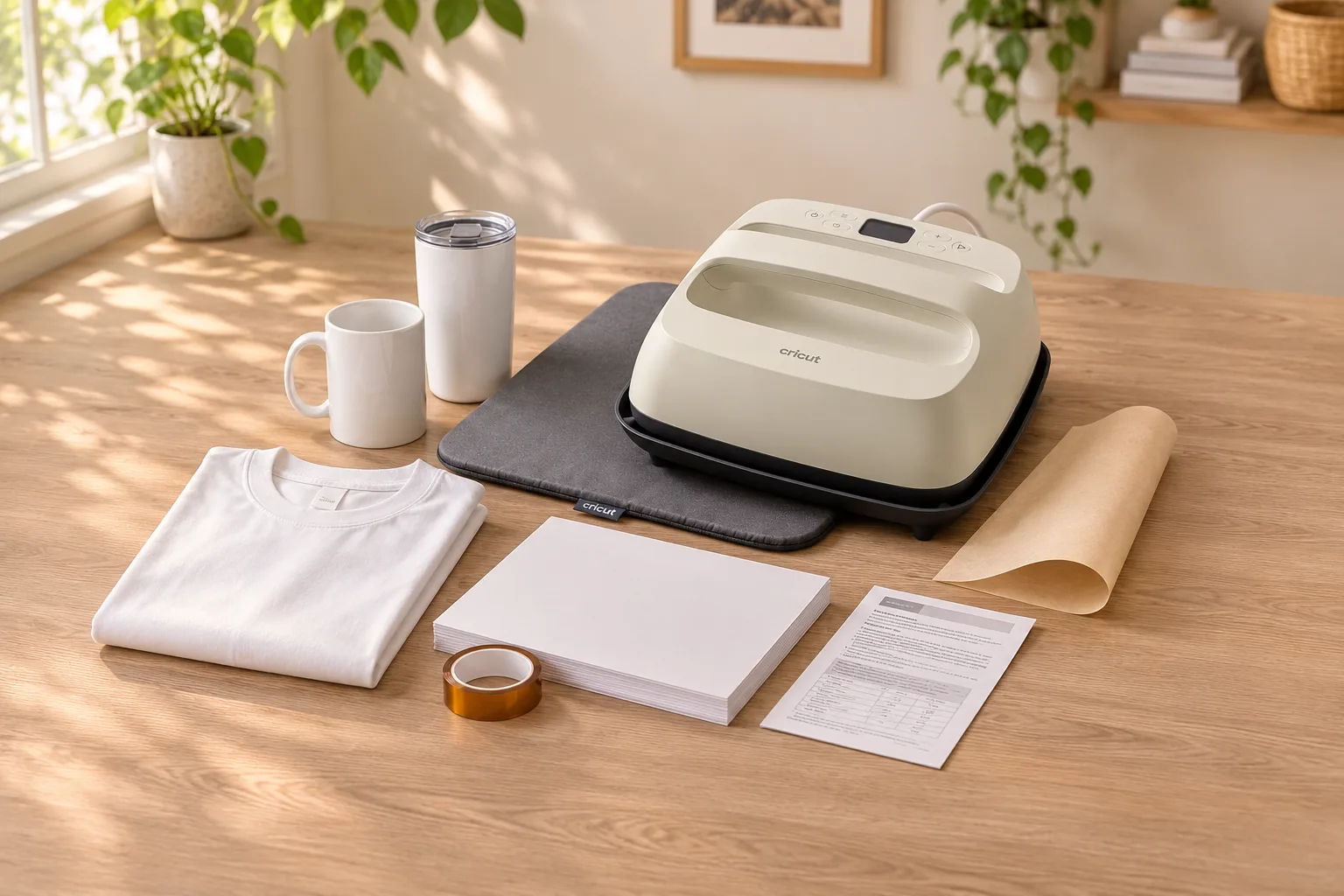
A sublimation printer, sublimation ink, sublimation paper, a heat press, heat-resistant tape, butcher paper or a Teflon sheet, and blanks made for sublimation. Blanks are polyester shirts and poly-coated mugs, tumblers, coasters and panels. Sublimation ink turns to gas under heat and bonds with polyester, so it won’t work on plain cotton, wood or uncoated metal.
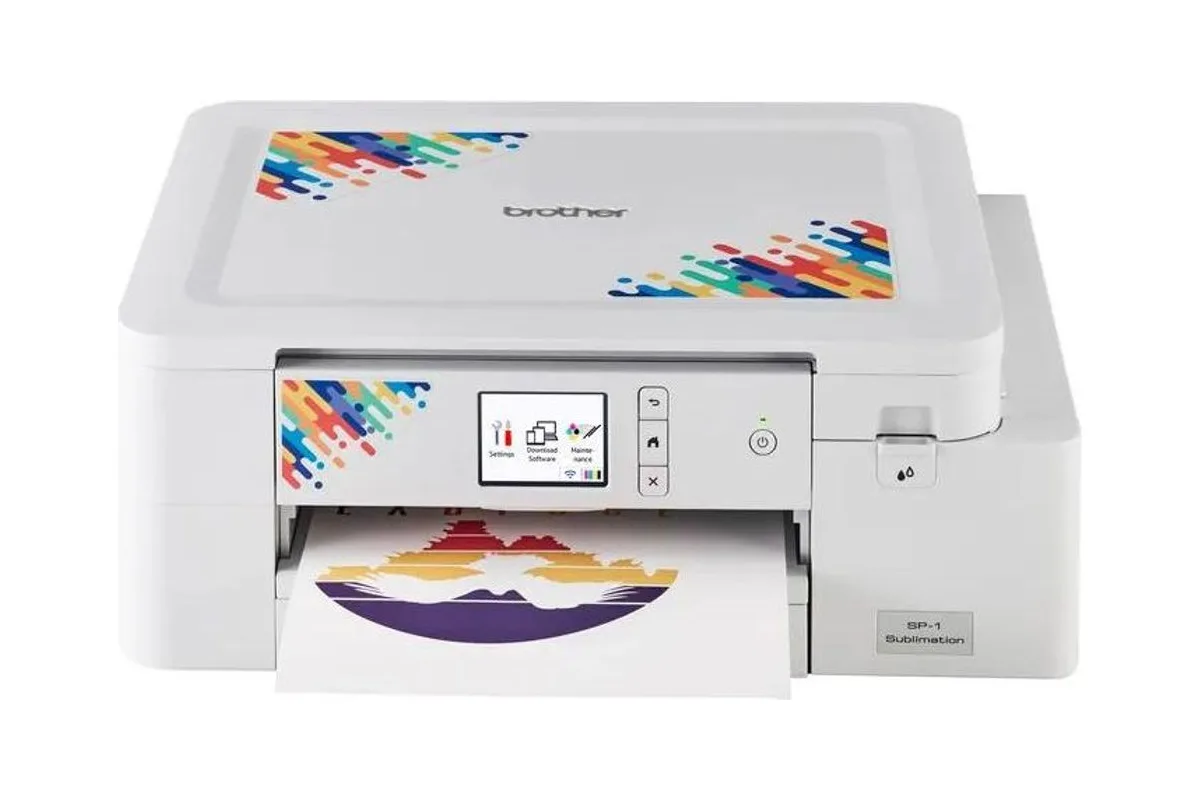
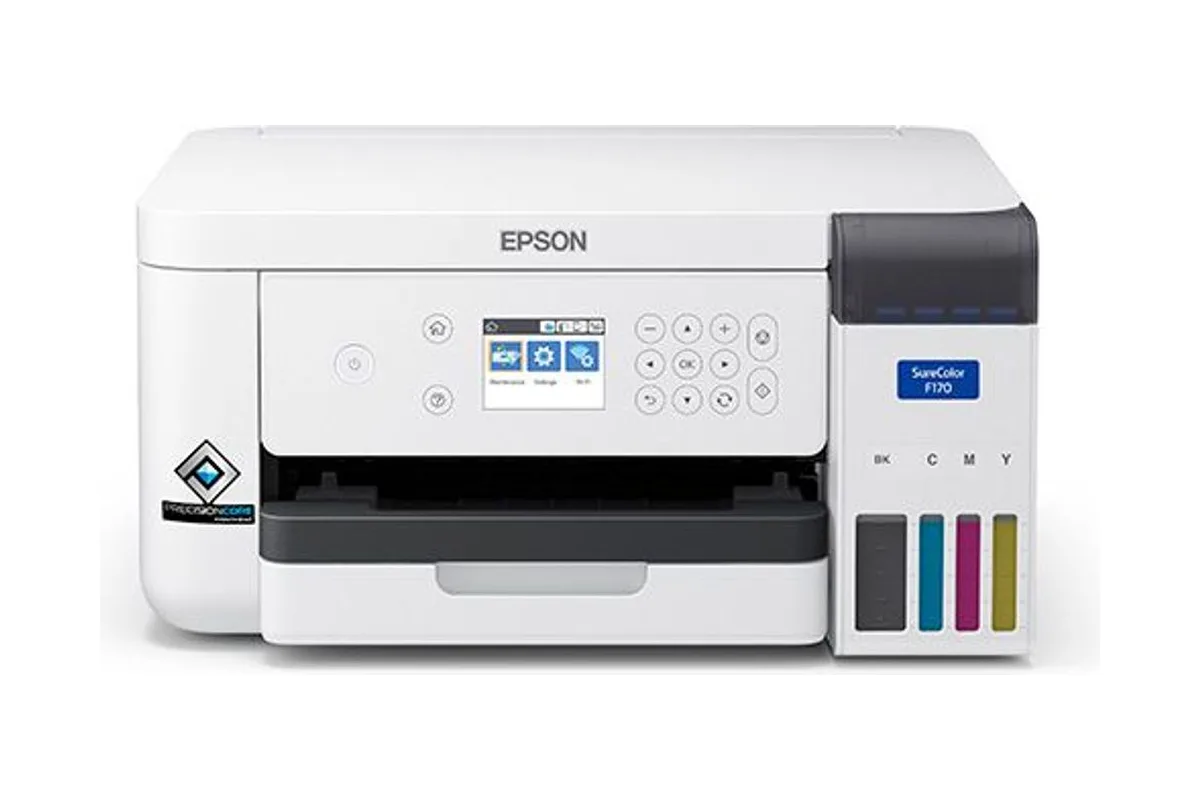
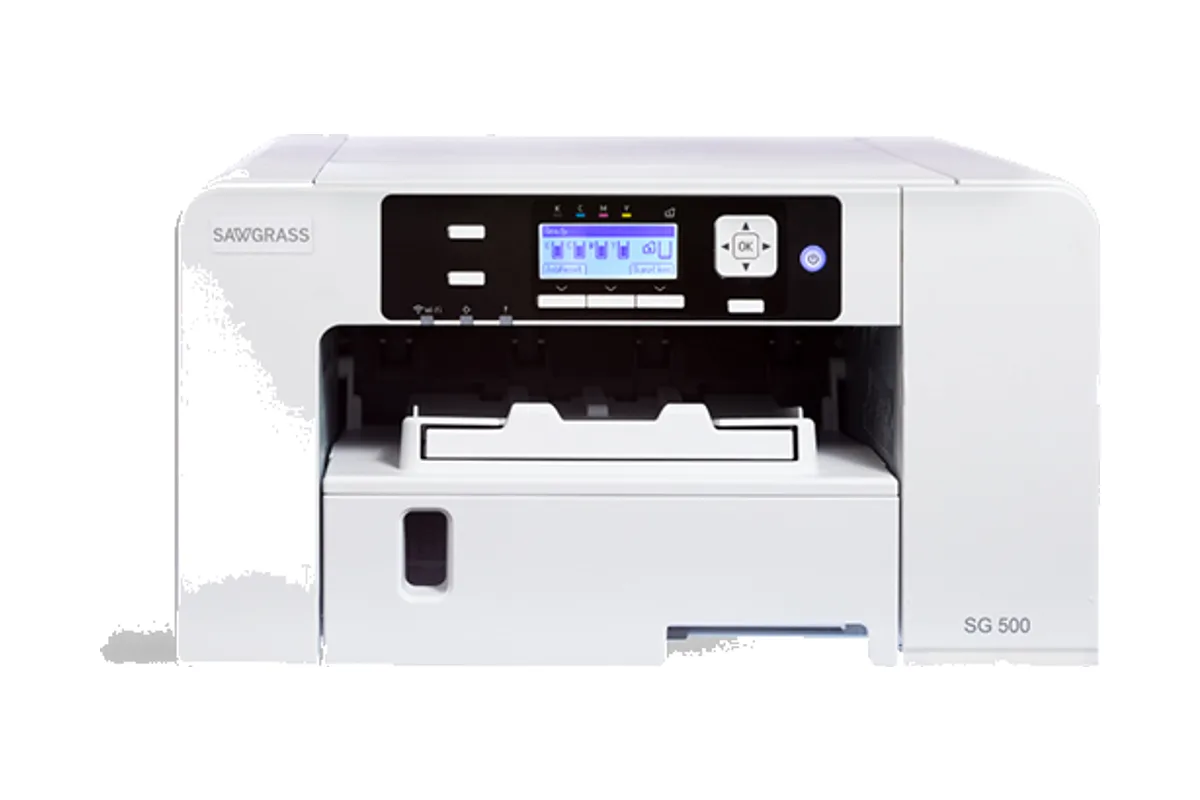
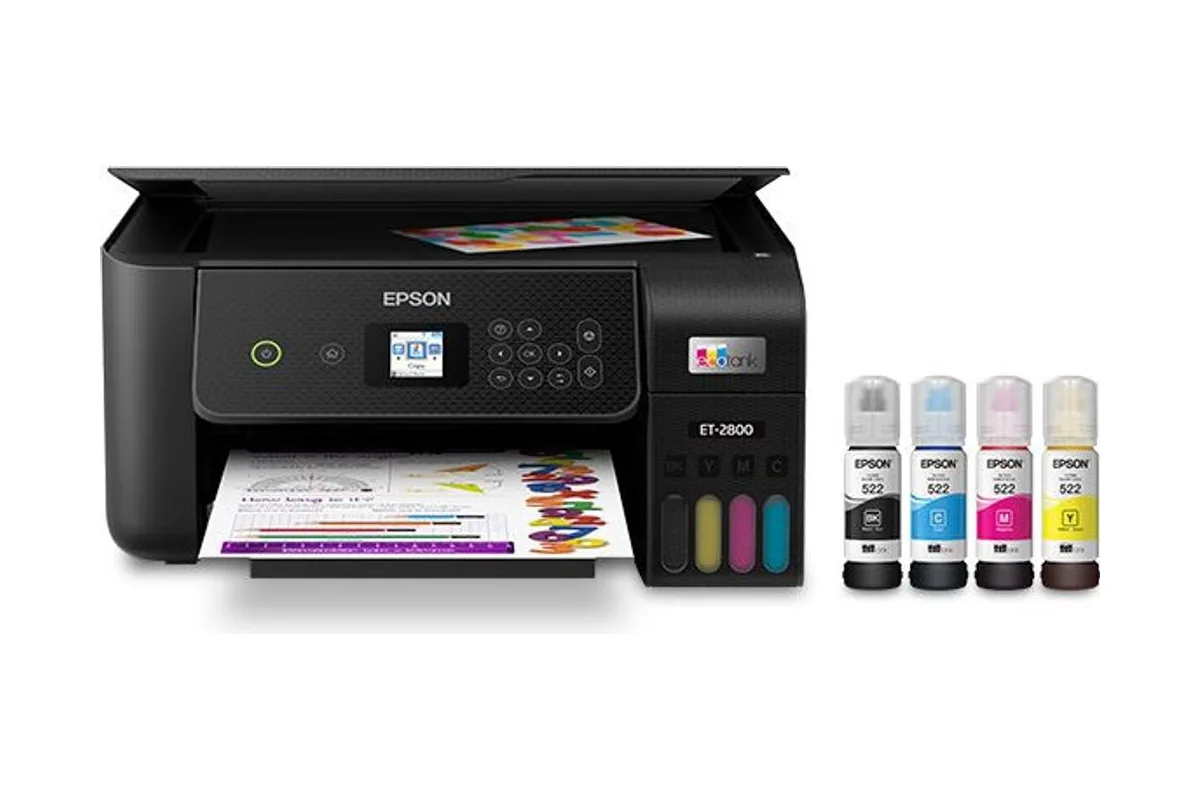
The printer is either one built for sublimation, like the Brother SP-1, Epson F170 or Sawgrass SG500, or a new Epson EcoTank you fill with sublimation ink instead. See the best sublimation printers.
The full starter list:
- Printer and ink. Purpose-built printers come with ink; a converted EcoTank needs a sublimation ink set.
- Sublimation paper. Letter size for most projects; 13 x 19 for full-front shirts if your printer handles it.
- A heat press. A flat press for shirts and flat items, a mug press for mugs, and a tumbler press or a dedicated convection oven for tumblers.
- Heat-resistant tape to hold the transfer in place.
- Butcher paper or Teflon sheets to protect the press and soak up excess ink.
- Blanks: polyester shirts, poly-coated mugs, tumblers, mousepads and panels.
- Design software: Canva, Photoshop, Inkscape, Cricut Design Space, Sawgrass’s MySawgrass or Brother’s Artspira app.
- Optional: a lint roller, heat-resistant gloves, blowout paper, and a surface thermometer, since mug and tumbler presses vary.
How much does it cost to start sublimation?
About $335 with a converted EcoTank, about $600 with a purpose-built printer, and about $790 with a Sawgrass. Prices are from the makers’ stores in November 2026, before blanks.
| Setup | What’s in it | About |
|---|---|---|
| Cheapest (converted) | Epson ET-2400 ($189.99) + Hiipoo ink ($30–$49) + 110 sheets of A-SUB paper ($19.99) + Cricut EasyPress SE 9 x 9 ($79) + tape and butcher paper (about $15) | $335–$355 |
| Purpose-built beginner | Brother SP-1 ($379.99) or Epson F170 ($399, when in stock) + paper ($20–$27) + EasyPress SE 12 x 10 ($99) + Cricut Mug Press ($99) | $600–$625 |
| Sawgrass | SG500 Sublijet bundle with ink and paper ($599.95) + 15 x 15 clamshell press (about $175) + tape | $775–$800 |
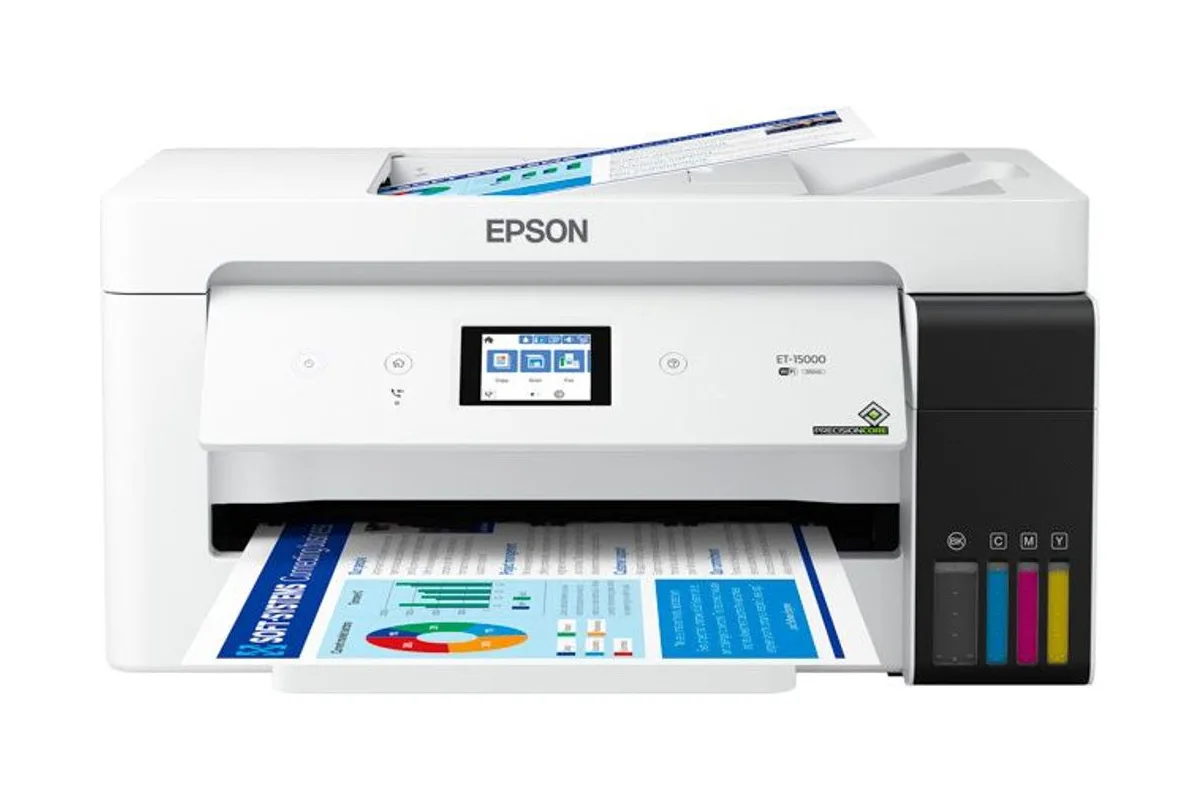
| Wide-format (13 x 19) | Converted ET-15000 ($449.99) + ink + 15 x 15 press ($240–$290); or Epson F370 ($999) + press + tumbler press (about $140) | $750–$800 converted; $1,250–$1,450 with the F370 |
| Cotton without DTF | Sawgrass SG500 VersiFlex bundle (about $900) + a press with adjustable pressure | $1,100 and up |
The cheapest tier saves money up front, but you manage the ink, color profiles and printer risk yourself. See how to convert an EcoTank.
What heat press do you need?
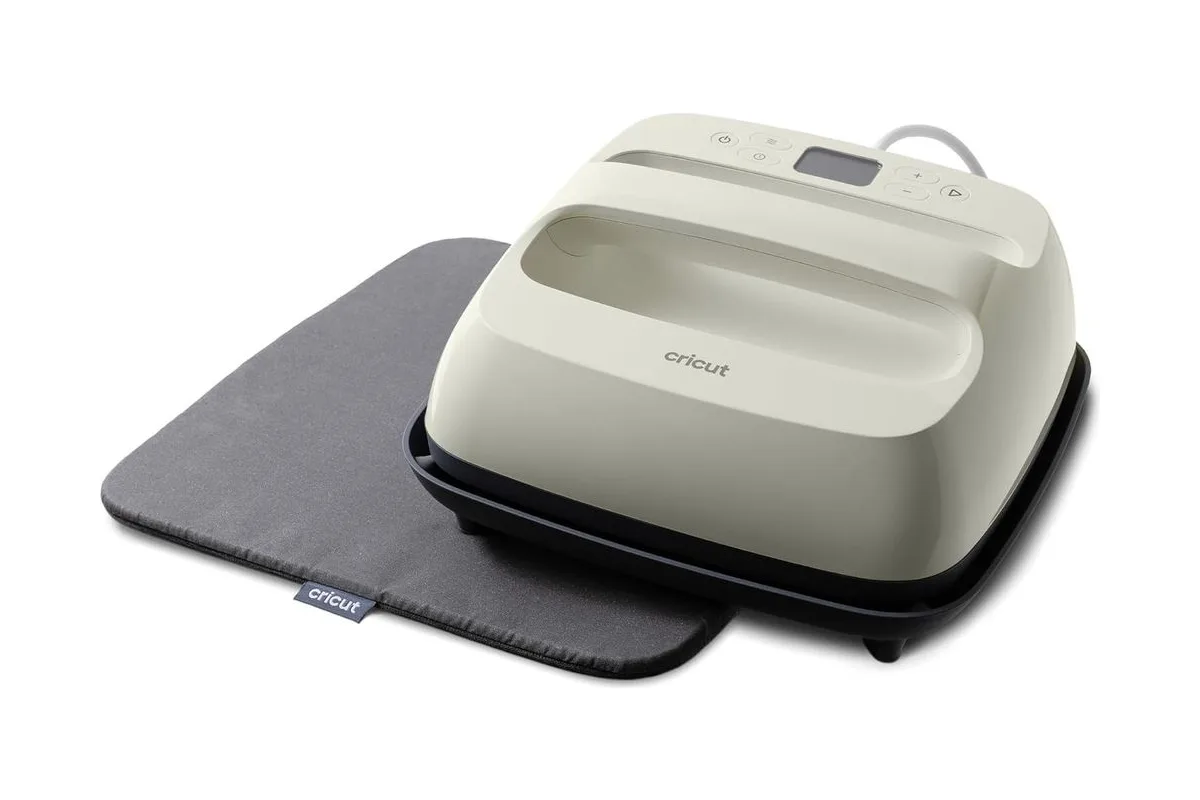
For shirts and flat items, a Cricut EasyPress SE is a good first press; a 15 x 15 clamshell gives better results on shirts.
| Press | Price (Nov 2026) | Good for |
|---|---|---|
| Cricut EasyPress SE 9 x 9 / 12 x 10 | $79 / $99 | Shirts, bags, coasters; up to 400 °F, controls on the press |
| Cricut Mug Press | $99 | 11–16 oz straight-wall mugs; no manual time or temperature controls |
| 15 x 15 clamshell (for example, Fancierstudio) | About $175 | Even, adjustable pressure for shirts and panels |
| 15 x 15 auto-release press (for example, HTVRONT Auto Heat Press 2) | About $240–$290 | Same, and it opens itself when the timer ends |
| Tumbler press | About $140–$200 | Skinny tumblers, by size range |
An EasyPress is a handheld press that relies on your hand pressure, so it’s easy to under-press large designs. A clamshell or auto press clamps down with even, adjustable pressure across a 15 x 15 inch platen. Sawgrass says its VersiFlex cotton ink works best with a press whose pressure you can adjust.
For tumblers, you can use a dedicated convection oven with shrink wrap instead of a tumbler press. Sawgrass’s oven method uses 385 °F for about 6 minutes; MakerFlo, which sells tumbler blanks, suggests 375 °F for 5 to 6 minutes. Ovens run hot or cold, so check with a thermometer, and don’t use the oven you cook in.
What sublimation paper should you use?
Use the paper your printer maker names, or an inexpensive branded paper for a converted EcoTank. Print on the bright white side; the back often has a logo or watermark.
| Paper | Pack | Price (Nov 2026) | Per sheet |
|---|---|---|---|
| A-SUB 125 gsm, letter | 110 sheets | $19.99 | About $0.18 |
| Epson DS Transfer Multi-Use, letter | 100–150 sheets (Epson lists both) | $27.00 | About $0.18–$0.27 |
| Sawgrass TruePix, letter | 100 sheets | About $22 | About $0.22 |
| TexPrint DT Light, letter | 110 sheets | About $17–$19 | About $0.15–$0.18 |
Epson names its DS Transfer Multi-Use paper for the F170, and Sawgrass bundles TruePix with the SG500. A-SUB is one of the cheapest branded papers for converted printers.
Why are my sublimation prints faded?
Usually one of these:
- You’re judging the paper, not the press. Sublimation ink looks dull on paper. Color appears when heat turns the dye to gas. Judge after pressing.
- You printed on the wrong side. The coated, bright white side is the print side. Printing on the back gives a pale or missing transfer.
- Time, temperature or pressure was too low. Under-pressing leaves dye unconverted. Start with the maker’s settings below and change one thing at a time.
- The blank doesn’t have enough polyester. The less polyester, the paler the image. Cotton-heavy shirts give a faint, washed-out print.
- Moisture. Sawgrass says to pre-press shirts for 3 to 5 seconds to drive out moisture.
- Wrong color profile or print setting. Use your ink maker’s ICC profile, or the Epson or Sawgrass driver modes, and a higher quality setting, which lays down more ink.
- The blank is dark or colored. Sublimation ink is translucent and has no white, so it only shows on white or light blanks.
Can you sublimate on cotton?
Not directly. Sublimation dye bonds with polyester and polyester coatings, not cotton. Epson recommends 100% polyester and says it can’t guarantee quality or color on cotton or cotton blends. Cricut says its Infusible Ink won’t transfer to 100% cotton and recommends at least 75% polyester. The more polyester, the brighter the print; blends give a softer, vintage look.
If you want to print on cotton:
- Epson Sublimation Primer for Cotton ($149.95, new in November 2026) is a liquid that Epson says enables sublimation on white and light cotton. Epson hadn’t published instructions or wash data for it yet.
- Sawgrass VersiFlex is a separate ink system for the SG500 and SG1000 that prints on cotton of any color, rated by Sawgrass for up to 30 washes.
- Sublimation coating sprays add a polyester-like layer; results and wash life vary.
- Switch methods: DTF transfers or heat transfer vinyl work on cotton and dark shirts. See sublimation vs DTF.
What time and temperature should you use?
Start with Sawgrass’s settings and adjust for your press. Sawgrass says these “should serve only as a starting place”:
| Blank | Time | Temperature | Pressure | Sawgrass’s tips |
|---|---|---|---|---|
| Ceramic mugs | 150–210 s | 350–400 °F | Medium (40 psi) | Time varies with the press; cool in warm water or on a cooling plate |
| Polyester fabric | 35–40 s | 400 °F | Medium (40 psi) | Pre-press 3–5 s; tack spray and a blowout sheet prevent ghosting |
| Vapor Apparel | 45–55 s | 380–390 °F | Medium | — |
| Mousepads | 45 s | 400 °F | Medium | — |
| Metal (Unisub) | 60 s | 400 °F | Medium | Remove the plastic film |
| Metal (other) | 60 s | 375–400 °F | Medium | Absorbent sheet below, transfer side down |
| Glass and ceramic tiles | 300–720 s | 400 °F | Medium | Press from the back |
Source: Sawgrass’s sublimation heat press settings quick reference. For tumblers, follow your blank or press maker’s settings. Cricut tells users to use the settings from their sublimation ink maker.
Questions people ask
What do I need to start sublimation?
A sublimation printer and ink, sublimation paper, a heat press, heat tape, butcher paper and polyester or poly-coated blanks.
How much does it cost to start sublimation?
About $335 to $355 with a converted Epson ET-2400 and a small Cricut press, or about $600 with a purpose-built printer like the Brother SP-1, before blanks.
What heat press is best for sublimation beginners?
A Cricut EasyPress SE ($79 for 9 x 9 inches) is the easy first press. For shirts and panels, a 15 x 15 clamshell or auto press gives more even pressure.
Which sublimation paper is best?
The paper your printer maker recommends, such as Epson DS Transfer for the F170 or Sawgrass TruePix. A-SUB is a cheap, widely used choice for converted EcoTanks.
Why do my sublimation prints look faded?
Usually you’re judging the unpressed paper, printed on the wrong side, under-pressed, or used a blank with too little polyester. Sublimation ink looks dull until it’s pressed.
Can you sublimate on cotton?
Not directly. Use 100% polyester, or a cotton workaround such as Epson’s Sublimation Primer for Cotton or Sawgrass VersiFlex ink.
What temperature is sublimation?
Sawgrass’s starting point for polyester fabric is 400 °F for 35 to 40 seconds at medium pressure, and 350 to 400 °F for 150 to 210 seconds for ceramic mugs.
Can I use my Cricut for sublimation?
You can use a Cricut EasyPress or Mug Press to press sublimation transfers, and Cricut Design Space to design them. You still need a sublimation printer to print them.
Sources
- Sawgrass heat press settings quick reference (PDF), sawgrassink.com
- Sawgrass VersiFlex, sawgrassink.com
- Epson FAQ: sublimating to cotton and blends, Epson
- Epson DS Transfer Multi-Use paper, Epson
- Cricut EasyPress heat presses, cricut.com
- Brother SP-1 product page, Brother
- Hiipoo sublimation ink and paper, hiipoo.com
Keep exploring

Buying guide
The best color label printers for product labels
The Epson ColorWorks CW-C4000 is the best color label printer for product labels: pigment CMYK ink at up to 1200 dpi, rolls up to 4.25 inches wide, 4 inches a second and BS 5609 certification on Kimdura poly, for $2,499 at CDW in November 2026. Get the Primera LX610 ($2,695) to print and cut custom shapes, or the Primera LX500 ($1,549) on a budget.
Read story
Buying guide
The best edible printers for cakes and cookies
The best edible printer for cakes is a new Canon PIXMA TS702a bought in an edible ink bundle: $295 to $299 in November 2026, for letter and legal-size frosting sheets at about $1 to $3 a cake topper. For printing straight onto cookies, the Primera Eddie is $2,995 and uses about 6¢ of ink per cookie.
Read story