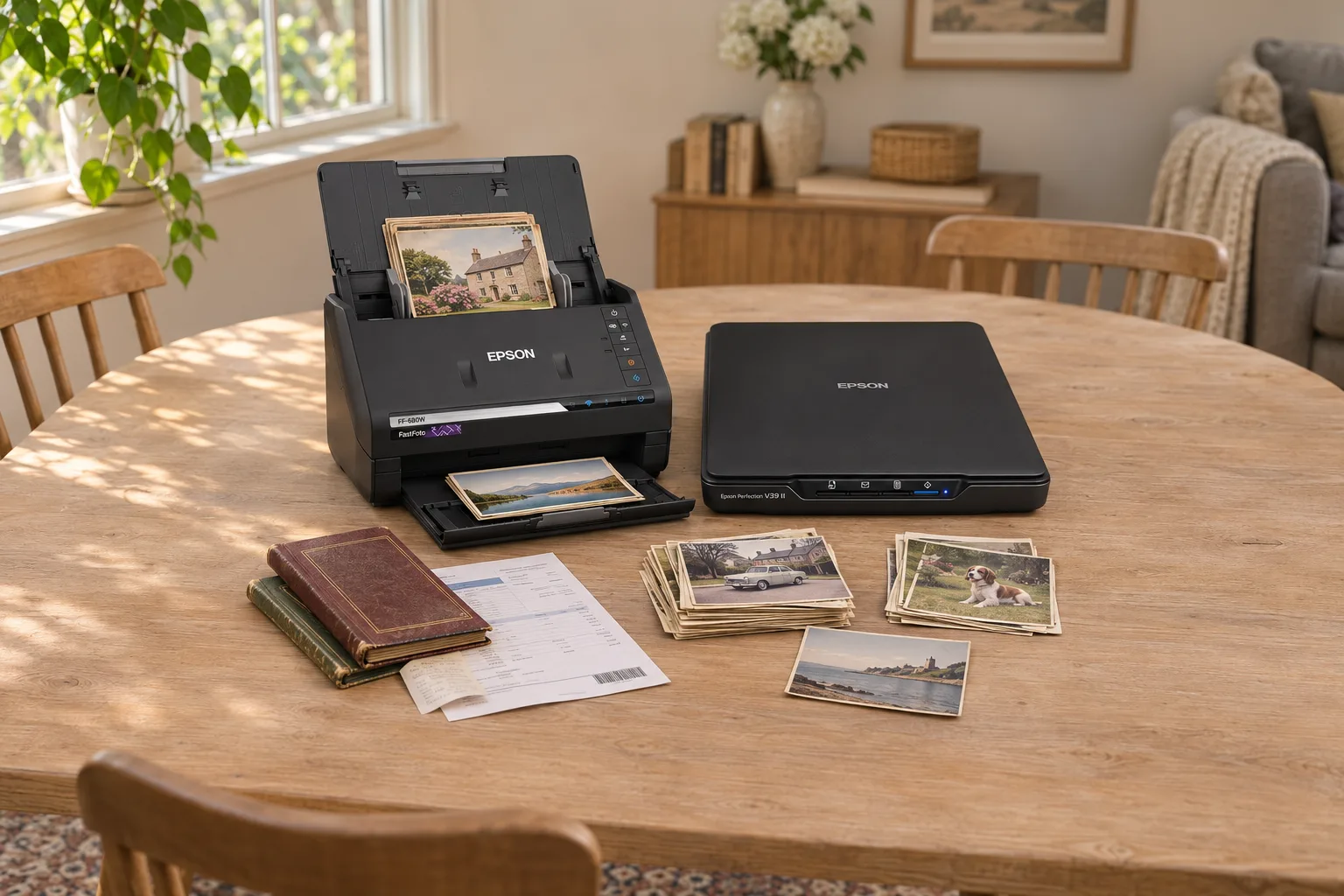
Printers in this guide
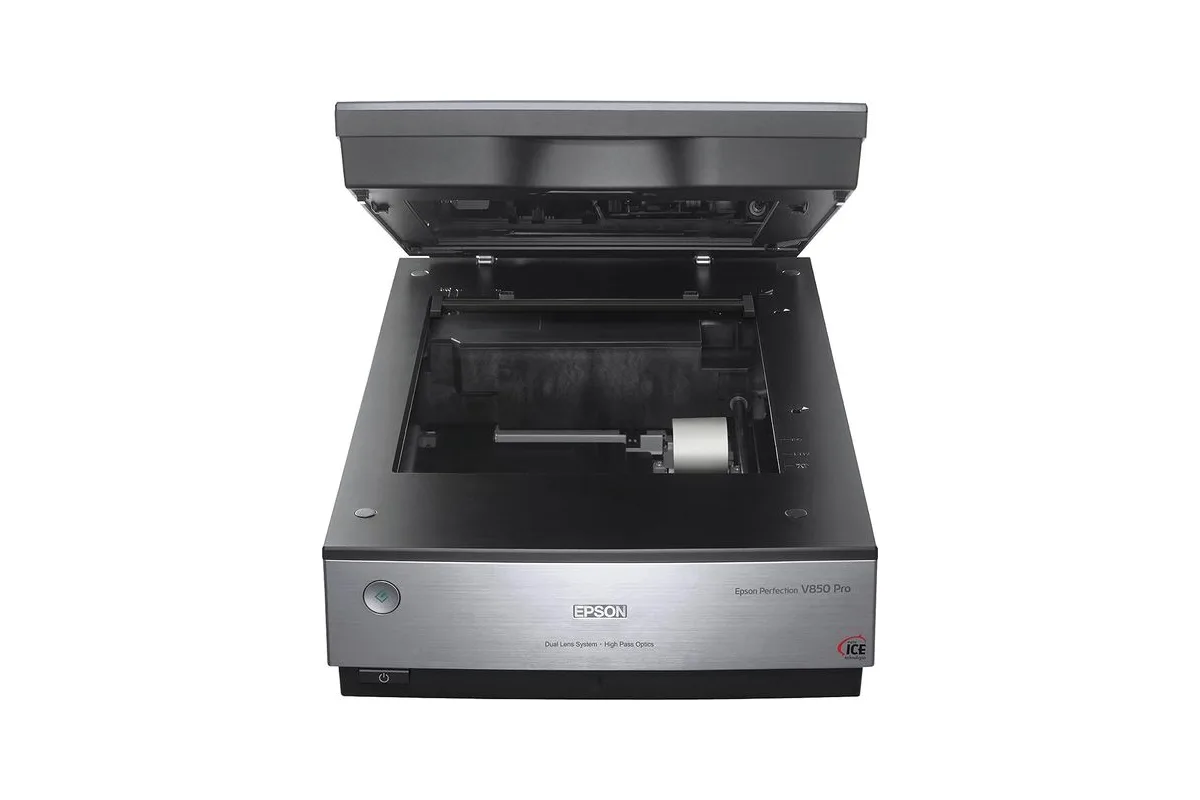
Best flatbed for film and slides
Epson Perfection V850 Pro
How do I digitize old family photos?
Scan each print at 600 dpi, save a TIFF master and a JPEG copy, and keep two backups in different places. For a few hundred prints, a $90–$130 flatbed scanner is enough; for a thousand or more loose prints, the Epson FastFoto FF-680W ($529.99 on sale) or a scanning service at 17–50¢ a photo saves dozens of hours.
Slides and negatives are a separate job. They need a scanner with a light in the lid, or a service.
| Your collection | Best method | Cost (November 2026) |
|---|---|---|
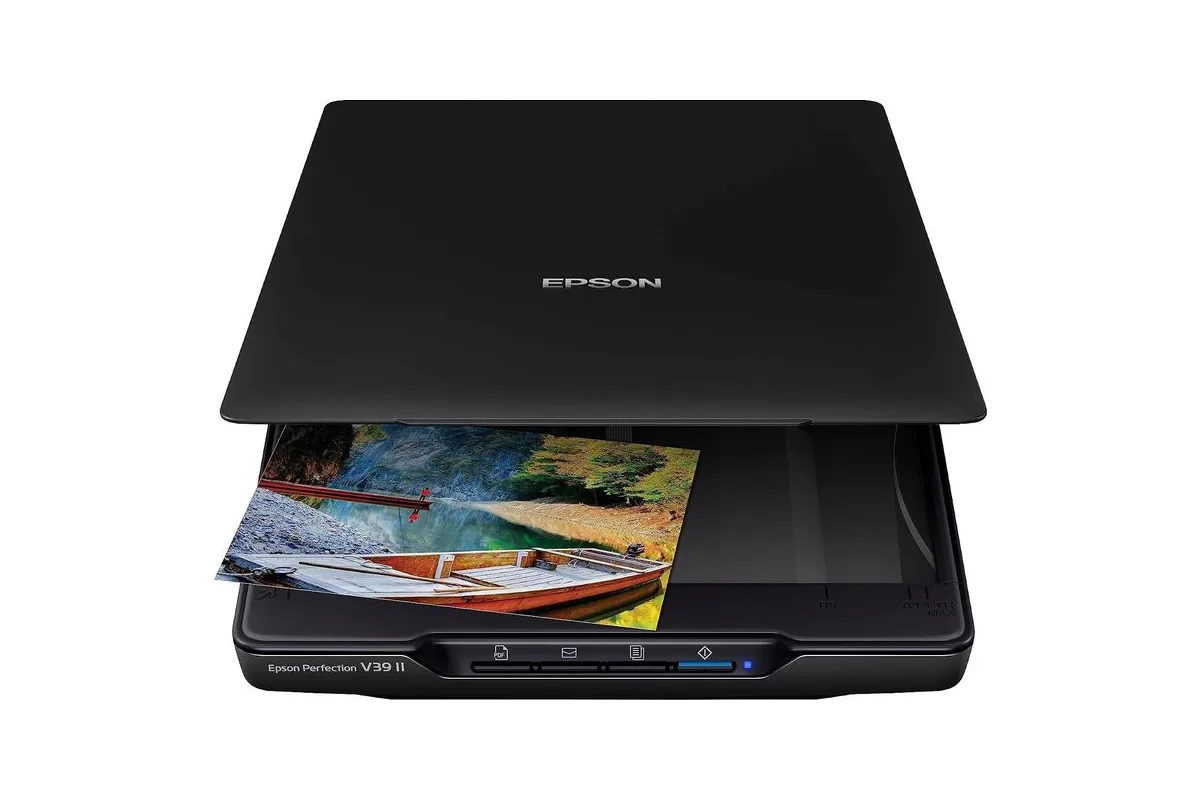
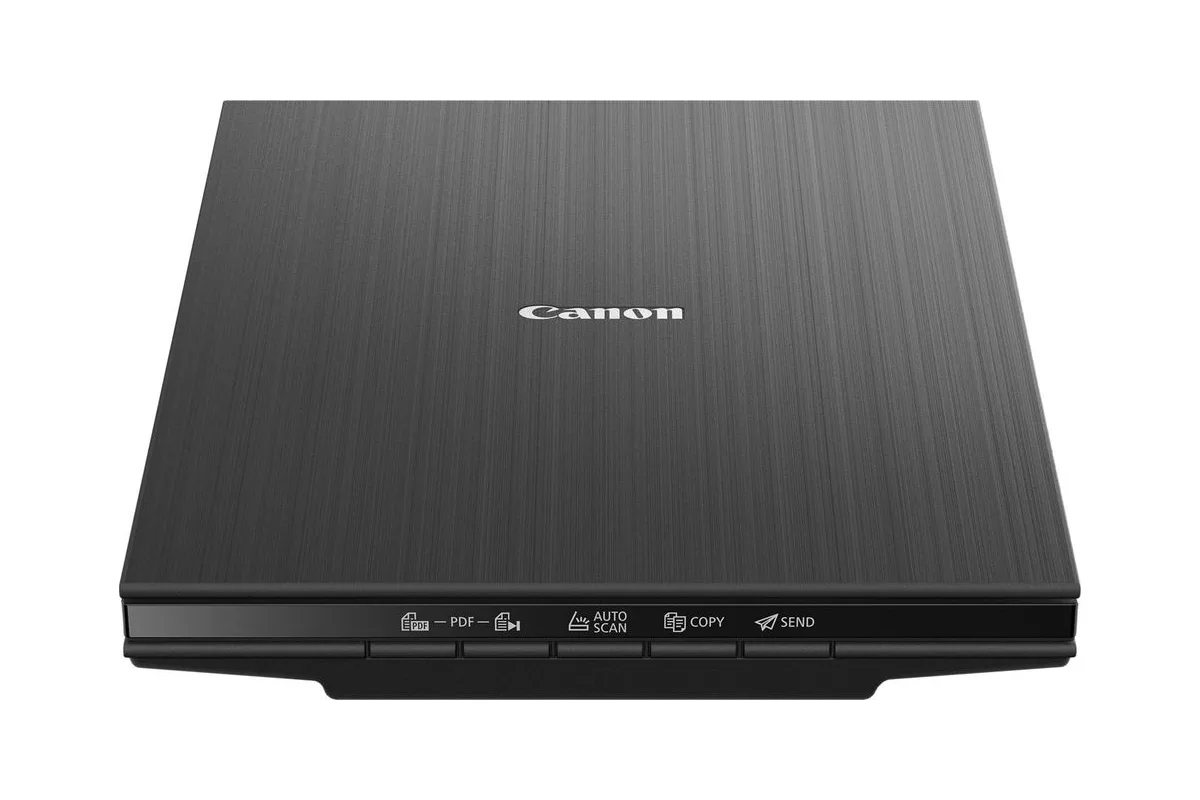
| Under ~300 prints, or album pages | Flatbed scanner: Epson Perfection V39 II or Canon LiDE 400 | $89.99–$129.99 |
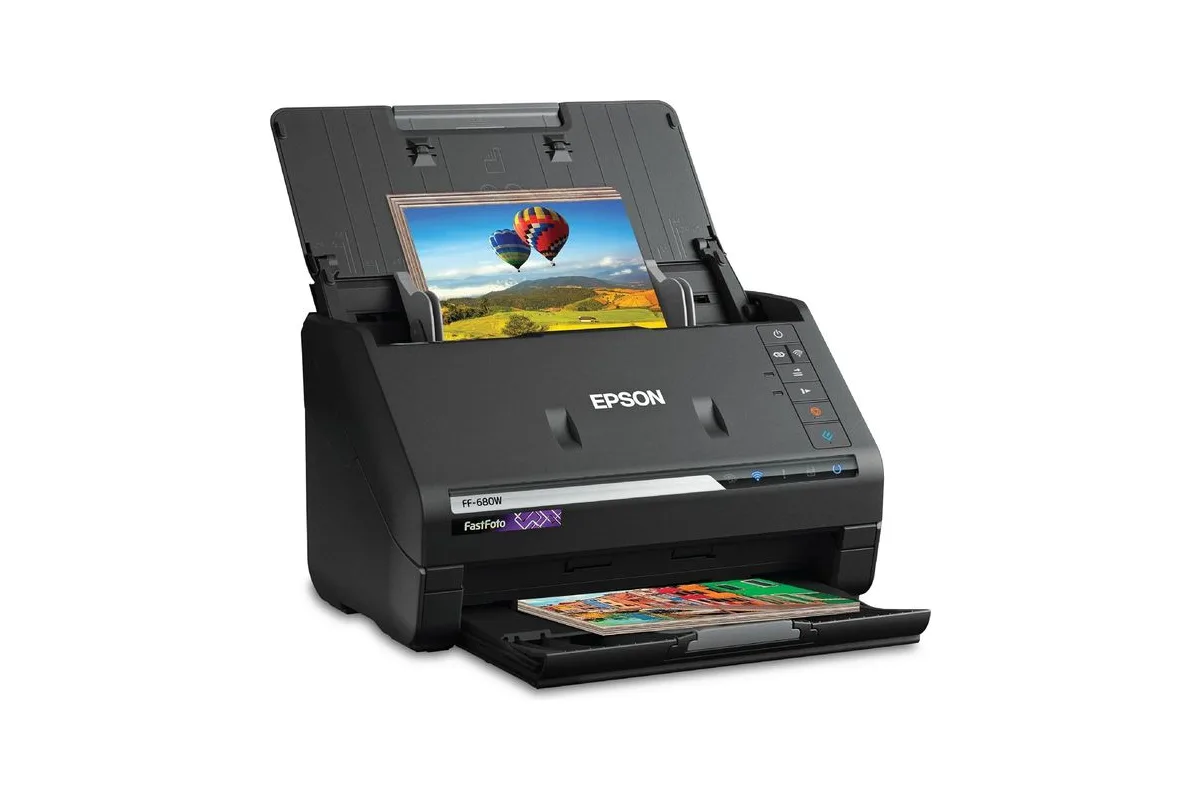
| 1,000+ loose prints | Epson FastFoto FF-680W | $529.99 sale, $629.99 regular |
| Any size, no time to scan | Scanning service | 17–50¢ a photo plus shipping |
| Slides and negatives | Film flatbed (Epson V850 Pro) or a service | $1,999.00, or 17–48¢ a frame at ScanCafe |
The steps
- Sort first. Group prints by decade, event or family branch, and set aside fragile, curled or valuable prints for a flatbed.
- Clean the glass and the prints. The Library of Congress says to clean the scanner glass and gently remove dirt from the originals without damaging them. Take off paper clips, staples and tape.
- Scan at 600 dpi (see the next section), and scan the backs of any print with names or dates written on it.
- Save two versions: a TIFF master you never edit and a JPEG working copy you crop, fix and share. This is the Library of Congress’s advice.
- Name files by date and subject, such as 1965-12-christmas-grandparents-001.jpg, in folders by year or event.
- Back up. Keep at least two copies in different places, and move them to current storage every five to seven years, as the Library of Congress suggests.
Keep the originals. A scan is a copy, not a replacement.
What DPI should I scan photos at?
600 dpi for an archive of ordinary prints, and 1200 dpi for wallet-size or smaller prints you may enlarge. The Library of Congress says 300 dpi is enough to reprint a 4x6 or 5x7 at the same size, and 400–600 dpi to enlarge one to 8x10 or bigger. Scanning at 600 dpi keeps that option open, and it’s ScanCafe’s standard for prints.
Pixels are the scan’s size in inches times the dpi. At 300 pixels per inch, a good print resolution, that tells you how big you can reprint:
| Original | Scan dpi | Pixels | Megapixels | Reprint at 300 ppi |
|---|---|---|---|---|
| 4x6 print | 300 | 1,200 x 1,800 | 2.2 MP | 4x6 |
| 4x6 print | 600 | 2,400 x 3,600 | 8.6 MP | 8x12 |
| 5x7 print | 600 | 3,000 x 4,200 | 12.6 MP | 10x14 |
| Wallet print (2.5 x 3.5 in) | 1200 | 3,000 x 4,200 | 12.6 MP | 10x14 |
| 8x10 print | 600 | 4,800 x 6,000 | 28.8 MP | 16x20 |
| 35 mm slide (about 1.42 x 0.94 in) | 1900 | 2,698 x 1,786 | 4.8 MP | 9x6 |
| 35 mm slide | 4000 | 5,680 x 3,760 | 21.4 MP | 19x12.5 |
Going far past 600 dpi on an ordinary print mostly makes bigger files. Small originals are different: slides and negatives hold a lot of detail in a small area, which is why they need much higher settings. For print sizes and resolution in more depth, see photo print sizes.
Use the scanner’s optical resolution, not its interpolated maximum. The FastFoto’s optical limit is 600 dpi; its 1200 dpi setting adds pixels in software. The V39 II and LiDE 400 flatbeds both scan at up to 4800 dpi optical.
Which scanner should you use?
A FastFoto for stacks of loose prints, a flatbed for everything delicate or small, and a film flatbed for slides. The Epson Perfection V600, the film flatbed people still ask about, is discontinued.
| Epson FastFoto FF-680W | Epson Perfection V39 II | Canon CanoScan LiDE 400 | Epson Perfection V850 Pro | |
|---|---|---|---|---|
| Price (November 2026) | $529.99 sale ($629.99 regular) | $119.99 sale ($129.99 regular) | $97.99 at Canon, $89.99 at Amazon | $1,999.00, out of stock at Epson |
| Type | Sheetfed, 36-photo stack | Flatbed | Flatbed | Flatbed with film lid |
| Optical resolution | 600 dpi | 4800 dpi | 4800 dpi | 6400 dpi |
| Speed | ~1 4x6 a second at 300 dpi | ~30 s a page at 600 dpi | ~4 s a 4x6 at 300 dpi | Not published |
| Backs of photos | Same pass | Flip by hand | Flip by hand | Flip by hand |
| Slides and negatives | No | No | No | Yes |
| Album pages, fragile prints | No (carrier sheet, one at a time) | Yes, removable lid | Yes, expanding lid | Yes |
The difference in time is large. At about one print a second, the FastFoto feeds 1,000 4x6 prints in about 17 minutes of scanning. On a V39 II, three 4x6 prints fit on the glass at once, so 1,000 prints take about 334 passes, or about 2.8 hours at 30 seconds each, before placing and flipping. Read our FastFoto FF-680W review for the full picture.
FastFoto vs Perfection V600 (or V850 Pro)
Epson marks the V600 “Discontinued” and lists the FastFoto as its replacement, though the FastFoto can’t scan film. On Amazon, new V600s came only from a third-party seller at $1,191.98 in November 2026, which isn’t worth paying. A used V600 with its film holders still scans 35 mm and medium-format film, but Epson’s page lists Mac support only up to OS X 10.10.
For prints, the FastFoto is the better tool. For film, Epson’s current flatbed is the V850 Pro: 6400 dpi, a 4.0 Dmax and holders for 12 mounted slides or 18 frames of 35 mm strip at once, plus medium format and 4x5 sheets, with Digital ICE dust and scratch removal. Its product page still lists Mac OS X 10.10 as the newest Mac, so check Epson’s support site for current drivers first. Our best photo scanners guide covers every option.
If you already own an all-in-one printer, its flatbed glass works for a few dozen prints. See document scanner vs all-in-one for what it can and can’t do.
Is it worth paying a service to scan old photos?
Yes for slides and negatives, and for print collections under about 1,100 photos, where a service costs less than a FastFoto at regular prices. Above that, or if you don’t want your originals in the mail, scanning them yourself costs less.
| Service (own pages, November 2026) | Prints | Slides and negatives | Included | Turnaround |
|---|---|---|---|---|
| ScanCafe, pay per piece | 48¢ each at 600 dpi; 17¢ in its Black Friday sale | Same price, 10 MP scans | Hand color correction; delete up to 20% of scans and don’t pay for them | About 5–6 weeks; rush 8–10 days |
| ScanCafe kits (flat price per box) | Moments $142.99 (about 400 prints) to Generations $1,425.00 (about 3,000); half price in its sale | Mixed in the same box | Prepaid shipping box | About 5–6 weeks |
| ScanMyPhotos | 20¢ at 300 dpi, 50¢ at 600 dpi; $25 minimum | Not covered here | Backs +10¢, TIFF +30¢; download link $5.95–$29.95; return shipping extra | Typically 3–6 weeks |
Add-ons change the math. ScanCafe charges 20¢ more for “Pro Resolution” (1200 dpi for prints, 4000 dpi for 35 mm film) and 30¢ more for TIFF files. Pay-per-piece prices don’t include shipping your prints to the service. ScanMyPhotos says it takes no cancellations or refunds.
A service makes sense for slides and negatives, since a film scanner costs $1,999.00 for the Epson. For 2,500 prints at 48¢, you’d pay $1,200, more than twice the FastFoto’s $529.99, and the FastFoto keeps working for documents afterward.
How do I scan slides and negatives?
With a scanner that shines light through the film: a flatbed with a transparency unit in the lid, a dedicated film scanner, or a service. The FastFoto, V39 II and LiDE 400 can’t scan film.
- Resolution. The Library of Congress’s guides suggest about 1,400 to 1,900 dpi for slides and at least 1,500 to 2,000 dpi for negatives. ScanCafe scans 35 mm slides and negatives at 10 megapixels as standard, or 4000 dpi with its Pro Resolution option. Use 3000–4000 dpi if you’ll print bigger than 8x10.
- Batch size. The V850 Pro’s holders take 12 slides or 18 frames of 35 mm strip per batch, so a carousel of 80 slides takes seven loads.
- Dust. Clean film with a blower before scanning, and use Digital ICE where your scanner has it.
Questions people ask
What resolution should I scan old photos at?
600 dpi for ordinary prints and 1200 dpi for wallet-size prints you may enlarge. A 4x6 at 600 dpi is 8.6 megapixels, enough to reprint at 8x12.
Should I save scanned photos as JPEG or TIFF?
Both. The Library of Congress suggests a TIFF master you never edit and a JPEG working copy for editing and sharing.
Should I scan black-and-white photos in color or grayscale?
The Library of Congress calls grayscale best for black-and-white photos. Scan in color if a print has toning or handwriting in color you want to keep.
How long does it take to scan 1,000 photos?
About 17 minutes of feeding on an Epson FastFoto at 300 dpi, plus loading. On a flatbed, about 2.8 hours of scanning at 600 dpi, three prints at a time, plus handling.
Can I scan photos that are stuck in an album?
Not on a sheetfed scanner. Lay the album page on a flatbed like the V39 II, whose lid comes off, or ask a service whether it scans full album pages.
Should I throw away the originals after scanning?
No. Keep them. The Library of Congress also suggests keeping at least two copies of your scans in different places.
Sources
- Library of Congress: Scanning Your Personal Collections (Personal Digital Archiving series), digitalpreservation.gov
- Library of Congress, The Signal: Personal Digital Archiving: The Basics of Scanning (March 27, 2014), blogs.loc.gov
- ScanCafe pricing, scancafe.com
- ScanCafe resolution, scancafe.com
- ScanCafe pro options, scancafe.com
- ScanMyPhotos individual photo scanning service, scanmyphotos.com
- Epson FastFoto FF-680W product page, Epson
- Epson FastFoto FF-680W user's guide, Epson
- Epson Perfection V39 II product page, Epson
- Epson Perfection V39 II specification sheet, cdn.bfldr.com
- Epson Perfection V600 (discontinued), Epson
- Epson Perfection V850 Pro product page, Epson
- Epson photo scanners, Epson
- Canon CanoScan LiDE 400 product page, Canon
Keep exploring

Buying guide
The best barcode label printers
The Zebra ZD421 is the best barcode label printer for most businesses: 4-inch labels at 6 inches a second, any brand of label roll and a 24-month warranty, for about $480 to $526 in November 2026. Get the Brother QL-820NWBc ($229.99) for an office or shop counter, and a thermal transfer model for inventory labels that have to last.
Read story
Buying guide
The best check printers for a small business
The TROY 3001dw ($509.15 at TROY, $530 at Amazon in November 2026) is the best check printer for a small business: a 35 ppm Wi-Fi laser with MICR toner, rated for 350 to 2,500 checks a month, at about 5¢ to 7¢ per check three to a page by our estimate. Get the TROY 4001dn for a locking tray, or the VersaCheck M15 MXD ($399.99) for software in the box.
Read story