Printers in this guide
Do I need a separate scanner if I have an all-in-one printer?
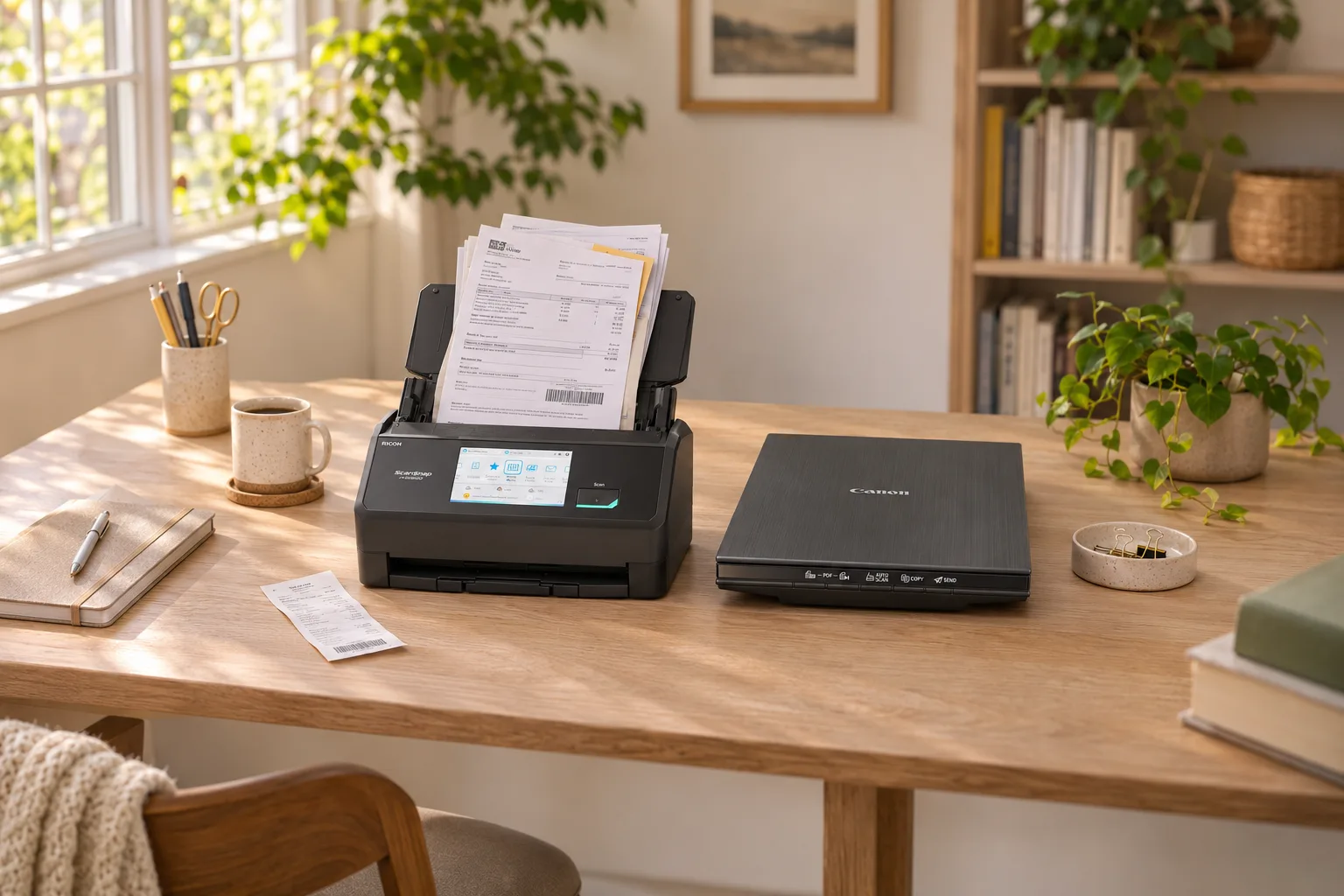
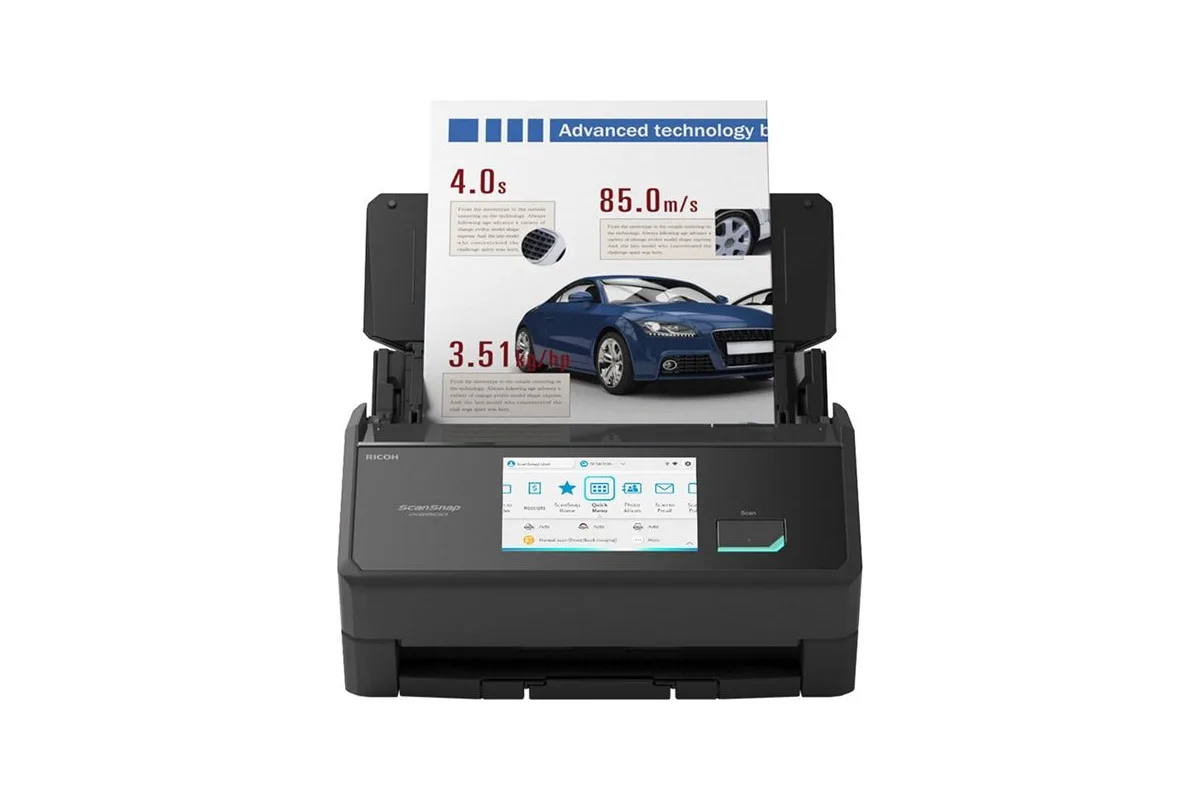
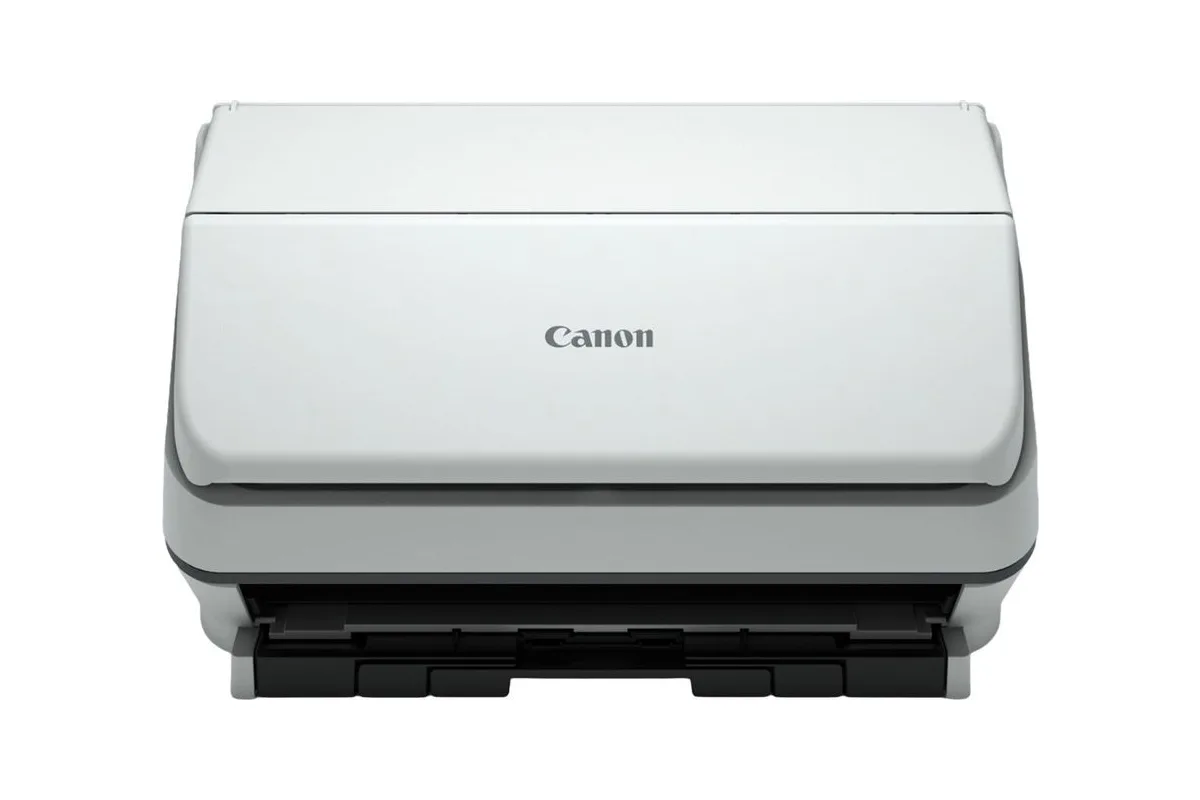
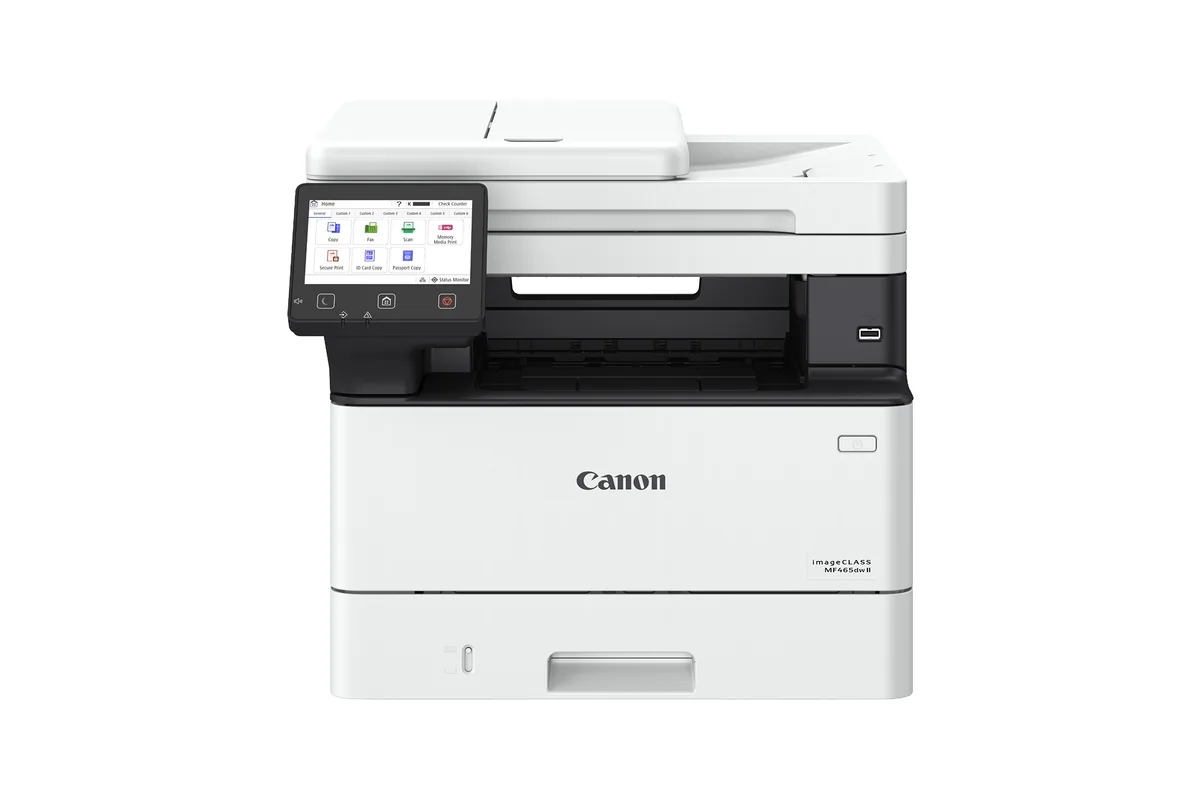
Not if your all-in-one has a single-pass duplex feeder: the Canon imageCLASS MF465dw II scans both sides of a page at up to 100 images a minute, slightly faster than the $399.99 ScanSnap iX2500. If yours scans only on the glass, or feeds one side at a time, a dedicated scanner is worth it once you have a stack to clear: the $195 Canon imageFORMULA R40II turns 100 two-sided sheets into a PDF in about 2 minutes, against about 8.5 minutes on a one-sided feeder and nearly half an hour on a flatbed.
Speed isn’t the only difference. A document scanner sits next to your computer, handles receipts, cards and long pages that printer feeders don’t, and comes with software that names and sorts files for you. An all-in-one does the job if you scan a few pages a week.
Match the scanner to what you scan:
| If you… | Use | Price (November 2026) |
|---|---|---|
| Scan a few pages a week | Your all-in-one’s glass or a phone app | $0 |
| Print a lot and scan two-sided stacks | An all-in-one with a single-pass feeder, such as the Canon MF465dw II | $302.99 at Canon |
| Clear a backlog, or scan receipts weekly | A desktop scanner: ScanSnap iX2500 | $399.99 at Ricoh and Amazon |
| Want the same speed for less | Canon R40II, USB only | $195.00 at Canon and Amazon |
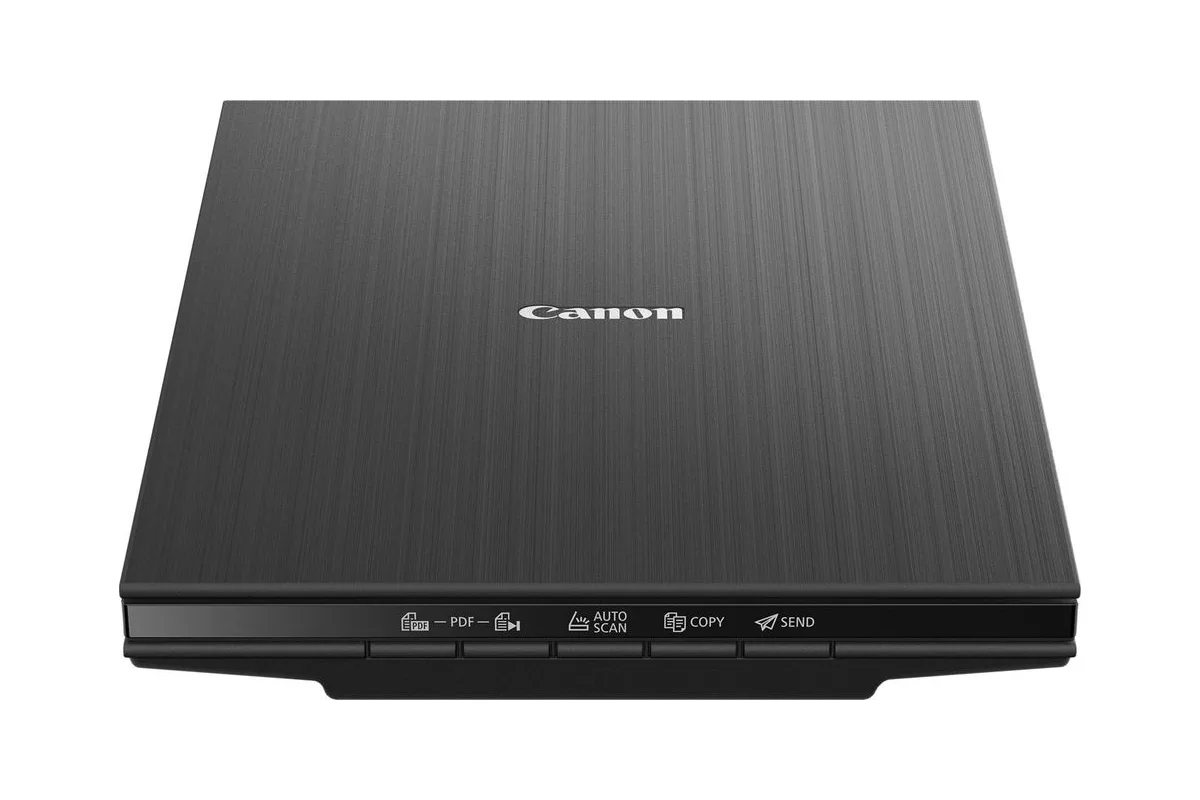
| Scan books, photos or fragile pages | A flatbed: Canon CanoScan LiDE 400 | $97.99 at Canon, $89.99 at Amazon |
For more picks, see the best document scanners.
How fast is a document scanner compared to an all-in-one?
A good all-in-one feeder is just as fast; a cheap one is about four times slower, and a flatbed is more than ten times slower. Here’s how long 100 two-sided letter pages (200 images) take at each maker’s rated speed, fastest first:
| Device | Type | Feeder | Rated speed, both sides | Time for 100 two-sided sheets |
|---|---|---|---|---|
| Canon imageCLASS MF465dw II | All-in-one, single pass | 50 sheets | 100 ipm black, 80 color (300 dpi) | 2 min (2 min 30 s in color) |
| Ricoh ScanSnap iX2500 | Document scanner | 100 sheets | 90 ipm (up to 300 dpi color) | 2 min 13 s |
| Canon imageFORMULA R40II | Document scanner | 60 sheets | 90 ipm (200 dpi; 80 at 300 dpi color) | 2 min 13 s |
| Epson WorkForce ES-590W | Document scanner | 100 sheets | 90 ipm (300 dpi) | 2 min 13 s |
| Brother MFC-L5915DW | All-in-one, single pass | 70 sheets | 60 ipm black, 42 color | 3 min 20 s |
| Brother ADS-1800W | Compact scanner | 20 sheets | 60 ipm | 3 min 20 s, five loads |
| Brother MFC-L2820DW | All-in-one, one side only | 50 sheets | 23.6 ipm black, one side | about 8.5 min, fed twice |
| Canon CanoScan LiDE 400 | Flatbed | None | about 8 s a side (300 dpi color) | 26 min 40 s, plus 200 page swaps |
The math is images ÷ images per minute: 200 ÷ 90 = 2.2 minutes. The one-sided feeder needs a run for the fronts and another for the backs, which you then merge. The flatbed time is Canon’s 8 seconds × 200 sides, before lifting the lid each time.
Rated speeds are best cases, and fast all-in-one feeders aren’t cheap: the MF465dw II costs $302.99, more than the R40II.
What is the difference between a sheetfed and a flatbed scanner?
A sheetfed scanner pulls pages past its sensors, so it scans stacks fast; a flatbed scans whatever lies still on the glass, one item at a time. A document scanner is a sheetfed scanner with a feeder, and an all-in-one’s feeder works the same way.
| Sheetfed (document scanner) | Flatbed | |
|---|---|---|
| Example | Canon R40II, $195.00 | Canon LiDE 400, $97.99 |
| Speed | 45 pages / 90 images a minute | about 8 s a page, plus handling |
| Two-sided | Both sides in one pass | Flip each page by hand |
| Optical resolution | 600 dpi | 4800 dpi |
| Best for | Paperwork, receipts, business cards, long pages (up to 240 in on the R40II) | Books, photos, fragile or stapled pages, anything thicker than paper |
| Parts that wear | Feed rollers ($150 kit for the R40II) | None |
Is a document scanner better than a flatbed scanner?
For paperwork, yes; for books, photos and anything fragile, no. A sheetfed scanner bends each page around its rollers, so it can’t take a bound book and isn’t kind to a torn letter. A flatbed’s 4800 dpi is more than documents need but helps when enlarging small photos. For prints in bulk, see the best photo scanners and how to digitize old photos.
Is a phone scanner app good enough instead of a scanner?
Yes, for a few pages a week. On an iPhone, the Notes and Files apps detect the page edges, scan it and save a PDF; on Android, the Google Drive app does the same and saves a PDF or JPG to a Drive folder. Both are free.
A phone gets slow past a handful of pages, because you photograph every side yourself. A 20-page two-sided packet means 40 captures; the R40II does it in under 30 seconds.
Can a document scanner scan two-sided pages at once?
Yes. Desktop document scanners have two sensors, one on each side of the paper path, so they scan the front and back in a single pass. The iX2500, R40II, ES-590W and ADS-1800W all work this way. That’s why their speeds come in two numbers: pages per minute (sheets) and images per minute (sides), such as 45 ppm / 90 ipm.
Portable scanners usually don’t. The Epson ES-50 and the ScanSnap iX100 scan one side of one sheet at a time. Some all-in-ones flip each sheet and pull it back through to scan the back, which is automatic but slower, and others, like the Brother MFC-L2820DW, scan one side only.
What DPI should I scan documents at?
300 dpi. It’s sharp enough for clear text and accurate searchable PDFs, and it’s the minimum the National Archives requires of federal agencies that digitize paper records (400 for photo prints). Document scanners are rated at or near full speed at 300 dpi: the iX2500 holds 45 pages a minute in its 300 dpi color mode.
Go higher only for tiny print or fine drawings. A 600 dpi scan has four times the pixels of a 300 dpi scan of the same page ((600 ÷ 300)²), and scanners slow down to match: the iX2500 drops to 13 pages a minute at 600 dpi color. Use 200 dpi for drafts and 150 dpi for files you only need to email. Photos are different; our digitize old photos guide covers them.
How long do document scanners last?
For years, if you replace the parts that wear. Makers don’t give scanners a lifespan; they rate those parts, the feed rollers and pads:
| Scanner | Part | Price | Rated life | Cost per sheet |
|---|---|---|---|---|
| Epson ES-590W | Roller Assembly Kit II | $47.29 | 200,000 sheets | 0.024¢ |
| ScanSnap iX2500 | Pick and brake roller set | $58.00 | “Up to 200,000 sheets or one year” | 0.029¢ |
| Brother ADS-1800W | Roller ($30.99) and separation pad ($24.99) | $280.89 per 100,000 sheets | Roller 100,000, pad 10,000 | about 0.28¢ |
| Canon R40II | Roller kit | $150.00 | Not stated by Canon | – |
At 500 sheets a month, 200,000 sheets is 33 years of scanning (Ricoh also says to replace the iX2500’s set once a year); the ADS-1800W’s pad lasts about 20 months at that rate. Daily limits are higher than most homes reach: Epson rates the ES-590W for 4,000 sheets a day and Brother the ADS-1800W for 1,000. Flatbeds have no rollers; Epson rates the V39 II flatbed at 10,000 cycles between failures.
Software is the likelier limit. Canon’s compatibility chart for the old R40 stops at macOS Monterey 12, while its replacement, the R40II, is listed through macOS Golden Gate 27. Check that your scanner’s software supports your next computer. Warranties on these scanners run one year, or four with the iX2500 Premium Edition.
Do document scanners need a subscription or account?
No. None of the scanners here needs an account or subscription to scan to a computer. ScanSnap Home has needed no sign-in since version 2.10; a free ScanSnap account is used only for ScanSnap Cloud, which sends scans to a cloud service without a computer. Epson, Brother and Canon need only an account with the cloud service you scan to.
Two catches. Epson’s ES-50 includes a receipt manager that runs as a 30-day trial, then needs a paid license, and Brother stops providing its BR-Receipts software after October 31, 2026; our receipt scanning guide covers the alternatives. And ScanSnaps and the R40II have no TWAIN driver, so they scan only through their makers’ own software, not straight into other apps. The Epson ES-590W and Brother ADS-1800W include standard drivers.
Questions people ask
Is a document scanner worth it for home use?
Yes, if you’re clearing a backlog of paperwork or scan receipts every week. At $195, the Canon R40II scans 90 images a minute both sides. For a few pages a month, your all-in-one or phone is enough.
Can a document scanner scan photos?
Yes, loose prints. Ricoh says the iX2500 scans a 4x6 photo in under a second, and its optical resolution is 600 dpi. For boxes of prints, a photo feeder like the Epson FastFoto FF-680W is built for it; for slides and negatives you need a film scanner.
Can a document scanner scan a book?
No. A sheetfed scanner needs loose sheets. Use a flatbed with a lid that lifts for thick items, such as the Canon LiDE 400 ($97.99).
Does a document scanner need a computer?
Some do. The Canon R40II is USB only and needs Canon’s CaptureOnTouch software on a computer. The ScanSnap iX2500 scans to cloud services, email or a network folder from its touchscreen, and the Epson ES-590W scans to email, cloud storage or a USB stick.
Do document scanners work with a Mac?
The ones here do. The ScanSnap iX2500 needs macOS Monterey 12 or later, Canon lists the R40II for macOS 13–15, and Epson lists the ES-590W through macOS 26.
Sources
- Ricoh ScanSnap iX2500 (PFU America, specs, FAQ and comparison chart), pfu-us.ricoh.com
- ScanSnap iX2500 specifications (PFU global, as of May 12, 2026), pfu.ricoh.com
- ScanSnap pick and brake roller set PA03860-0001 (PFU America store), store.pfu-us.ricoh.com
- ScanSnap Cloud (PFU America), pfu-us.ricoh.com
- ScanSnap Home help: ScanSnap account sign-in, pfu.ricoh.com
- Ricoh ScanSnap iX100 (PFU America), pfu-us.ricoh.com
- Canon imageFORMULA R40II (Canon USA store), Canon
- Canon imageFORMULA R40II support: specifications and OS compatibility, Canon
- Canon imageFORMULA R40 support page (OS compatibility), Canon
- Canon Roller Kit C350/C340/R40II, Canon
- Canon CanoScan LiDE 400 (Canon USA store), Canon
- Canon imageCLASS MF465dw II (Canon USA store), Canon
- Brother MFC-L5915DW product page, Brother
- Brother MFC-L2820DW product page, Brother
- Brother ADS-1800W product page, Brother
- Brother ADS-1800W specifications (Brother US support), support.brother.com
- Brother SP-2001C separation pad, Brother
- Brother PUR-2001C pick-up roller, Brother
- Epson WorkForce ES-590W product page, Epson
- Epson WorkForce ES-590W specification sheet (CPD-70816R1), cdn.bfldr.com
- Epson Roller Assembly Kit II B12B819671, Epson
- Epson WorkForce ES-50/ES-60W user guide, Epson
- Epson Perfection V39 II specification sheet (CPD-71266), cdn.bfldr.com
- 36 CFR 1236.50: Digitizing modern textual paper records (minimum 300 ppi), law.cornell.edu
- Apple Support: How to scan documents on your iPhone or iPad, support.apple.com
- Google Drive Help: Scan documents with Google Drive (Android), support.google.com
Keep exploring

Buying guide
The best barcode label printers
The Zebra ZD421 is the best barcode label printer for most businesses: 4-inch labels at 6 inches a second, any brand of label roll and a 24-month warranty, for about $480 to $526 in November 2026. Get the Brother QL-820NWBc ($229.99) for an office or shop counter, and a thermal transfer model for inventory labels that have to last.
Read story
Buying guide
The best check printers for a small business
The TROY 3001dw ($509.15 at TROY, $530 at Amazon in November 2026) is the best check printer for a small business: a 35 ppm Wi-Fi laser with MICR toner, rated for 350 to 2,500 checks a month, at about 5¢ to 7¢ per check three to a page by our estimate. Get the TROY 4001dn for a locking tray, or the VersaCheck M15 MXD ($399.99) for software in the box.
Read story