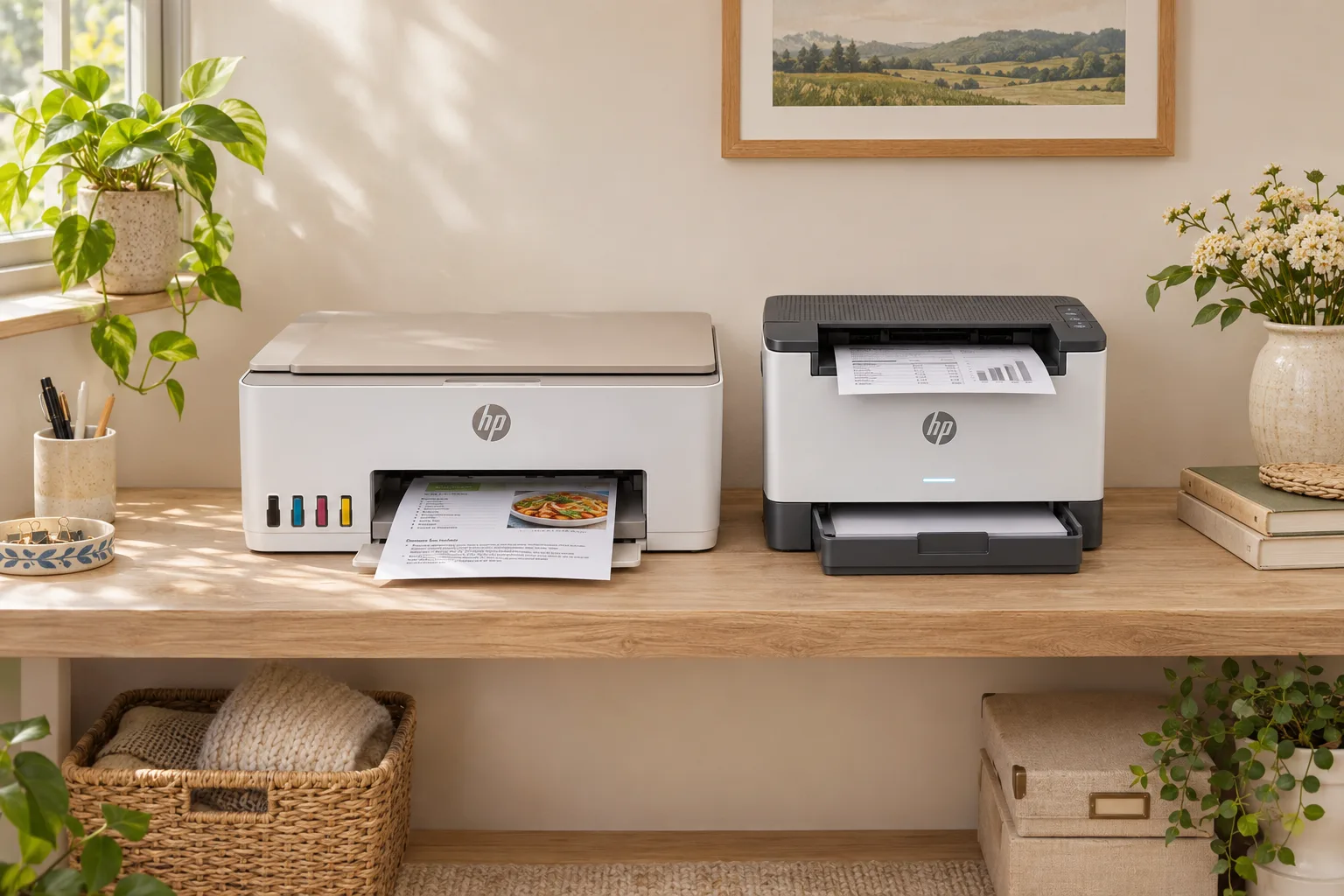
Printers in this guide
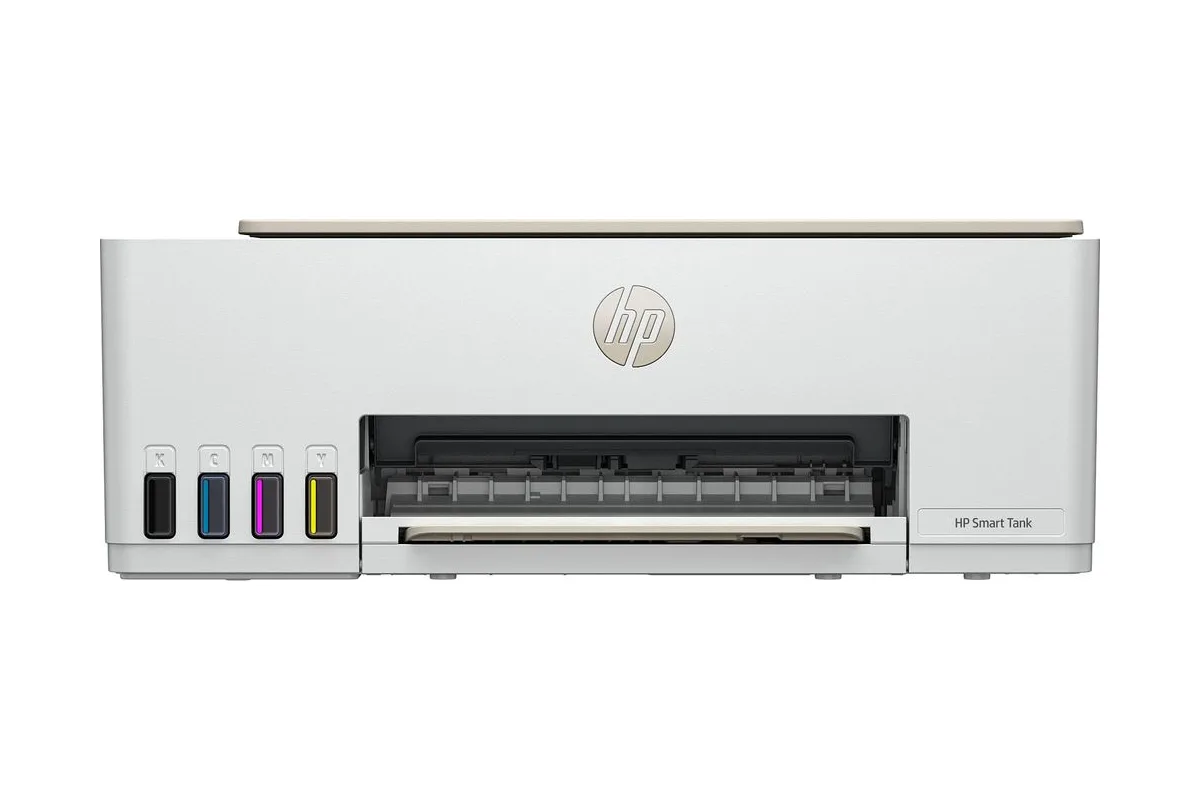
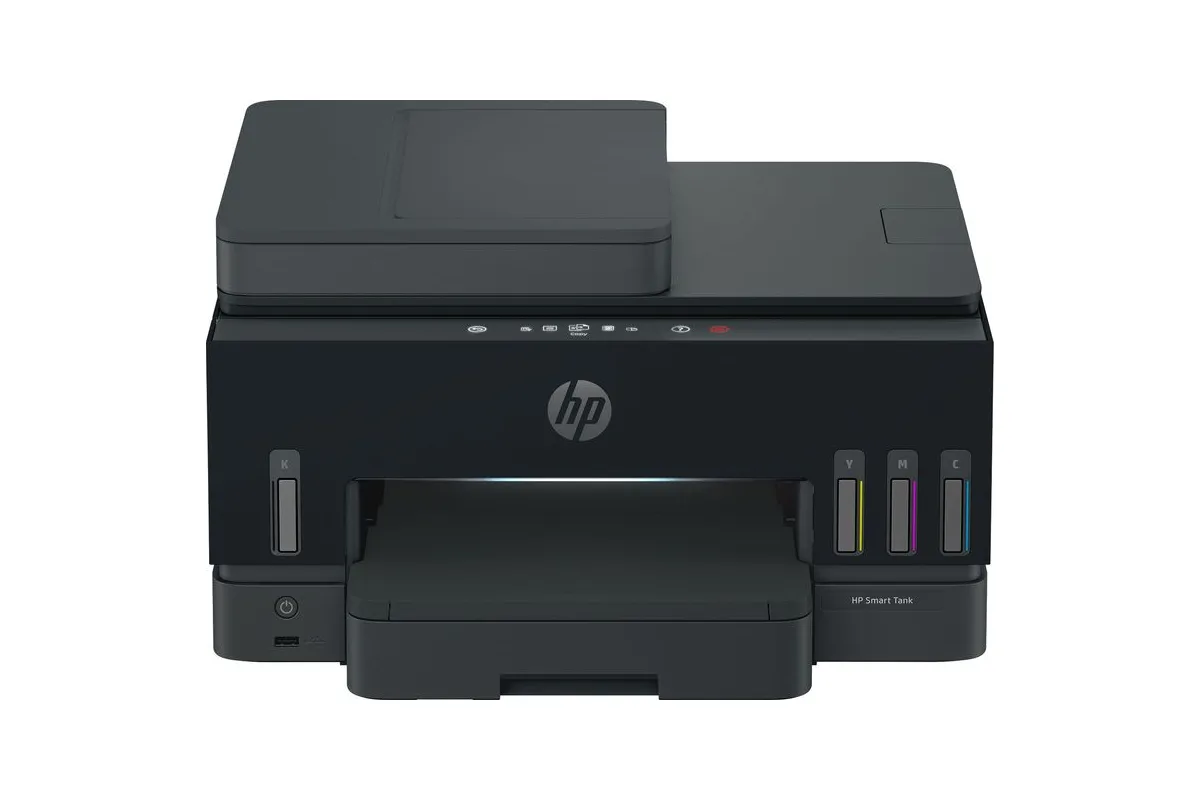
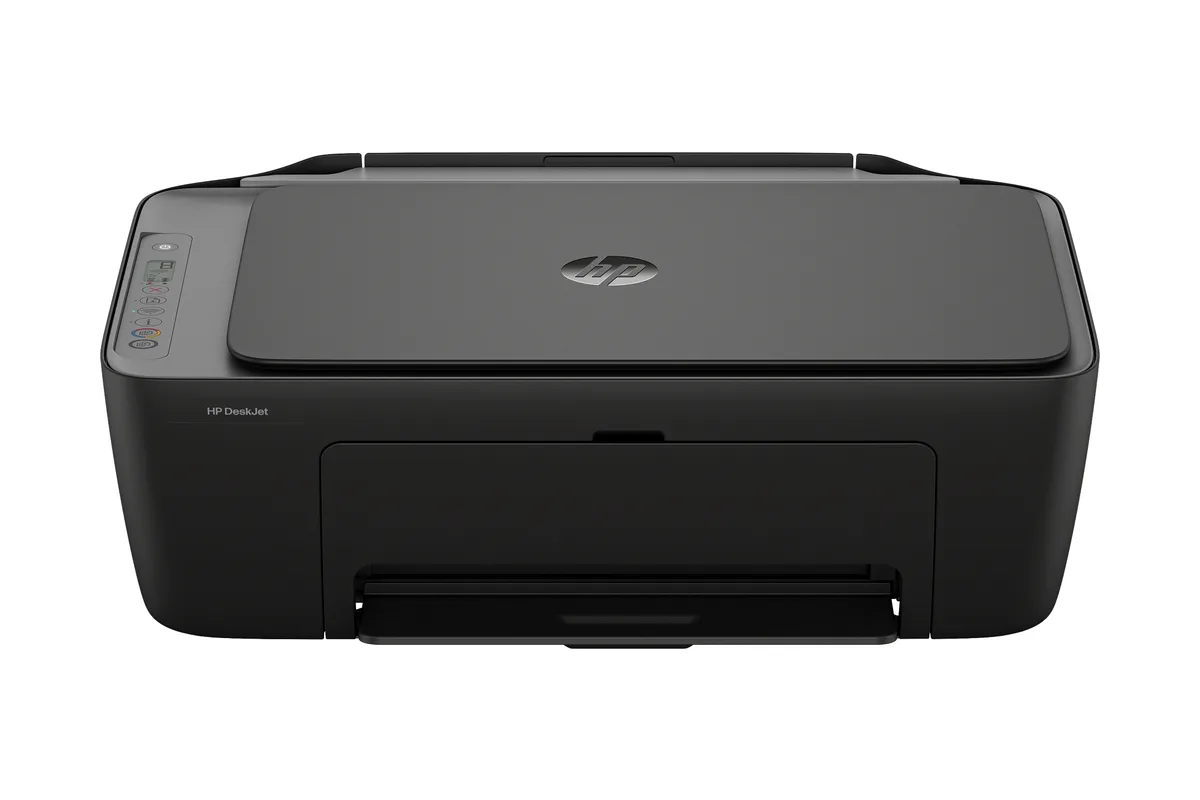
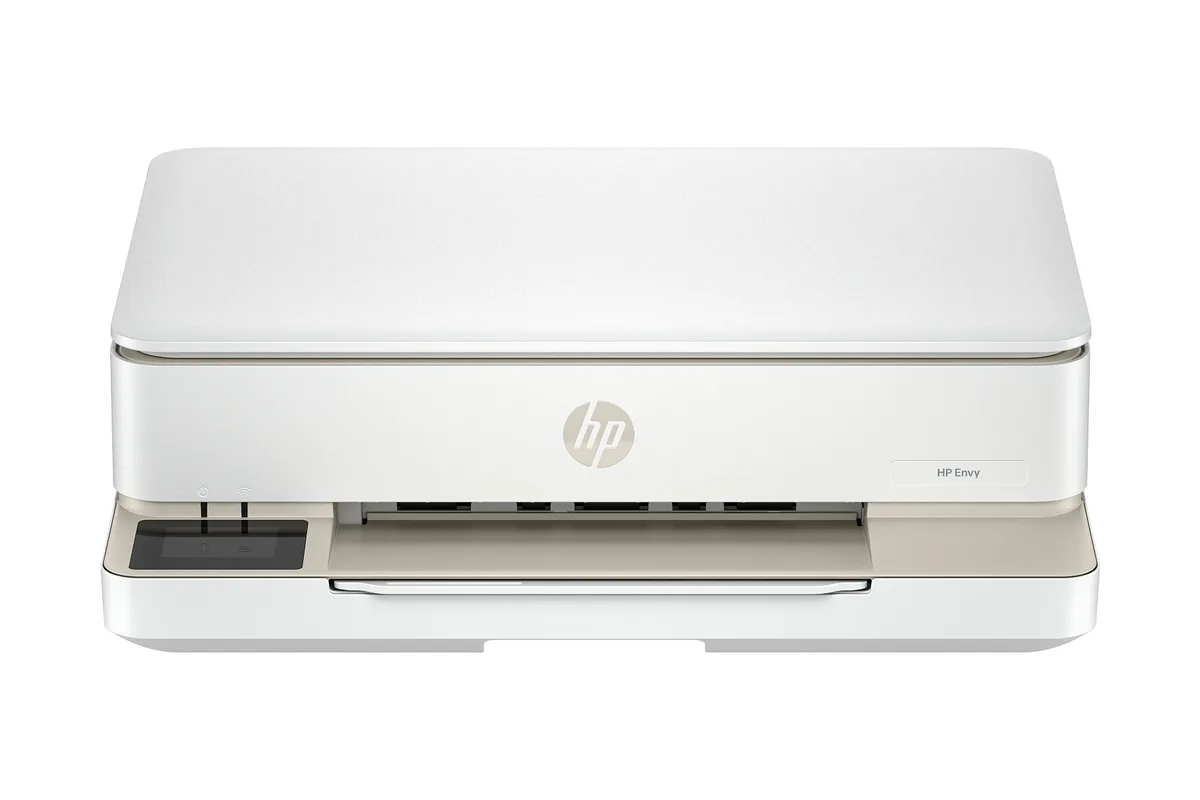
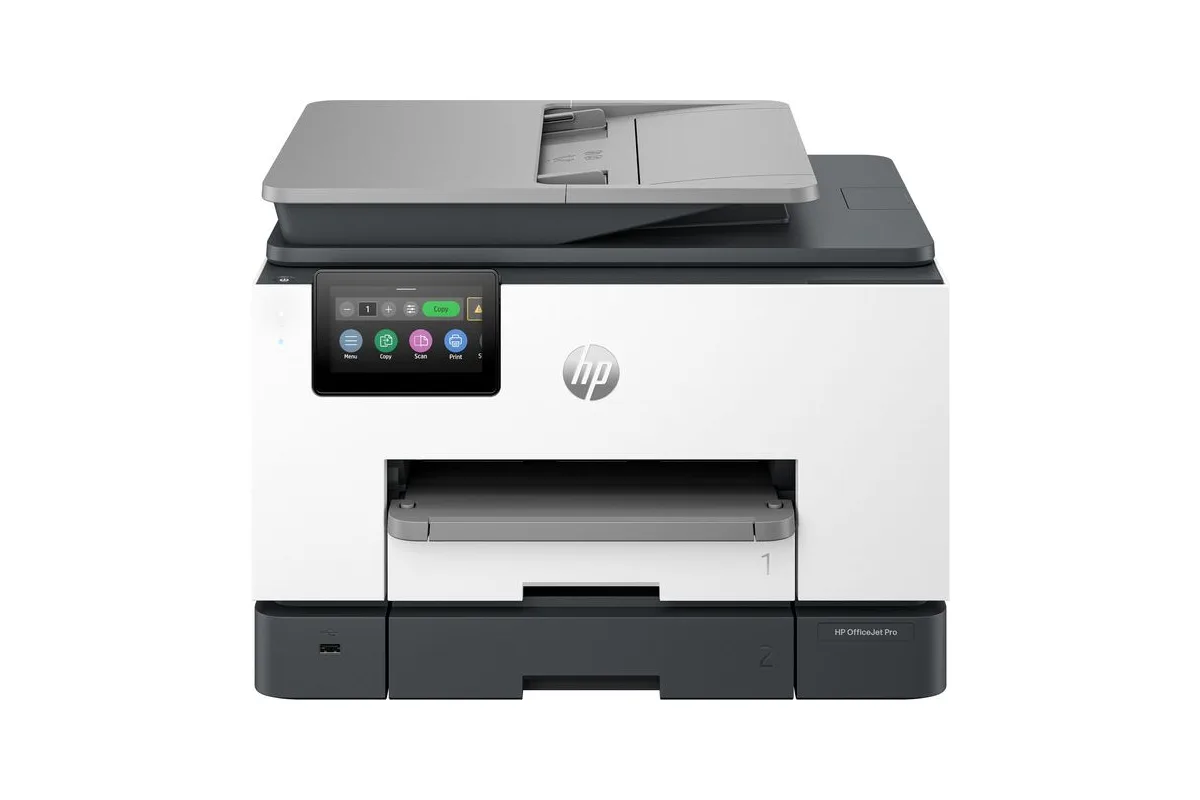
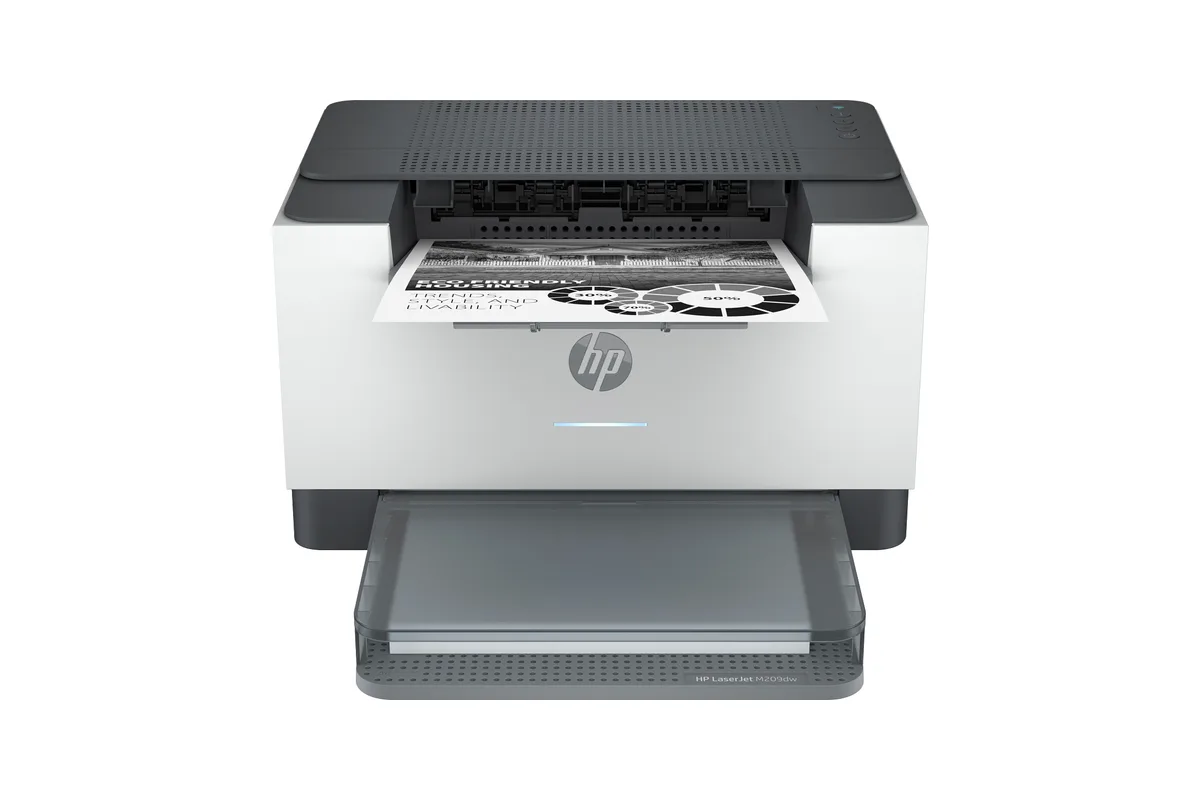
What is the difference between HP DeskJet, ENVY, OfficeJet Pro, Smart Tank and LaserJet?
DeskJet and ENVY are HP’s cheap home cartridge printers, OfficeJet Pro is its office inkjet, Smart Tank is its refillable ink-tank line, and LaserJet is its laser line. The family tells you most of what a printer will cost to run: about 17¢ a black page on a DeskJet or ENVY, 3.8¢ on an OfficeJet Pro, about 0.4¢ on a Smart Tank, and 4.4–6.5¢ on a budget LaserJet.
Here’s each family with an example at HP’s November 26, 2026 prices (most were Black Friday sales, and HP doesn’t say when they end):
| Family | HP’s description | Example (HP price, Nov 26) | Ink or toner | Black / color page |
|---|---|---|---|---|
| DeskJet | “Simple printing and managing everyday color documents” | DeskJet 2955, $49.99 sale ($89.99) | HP 68 cartridges | 16.9¢ / 39.4¢ |
| ENVY | “Families who print … everyday documents and high-quality photos” | Envy 6155, $79.99 sale ($159.99) | HP 68 cartridges | 16.9¢ / 39.4¢ |
| OfficeJet Pro | “Higher volume printing and all-around productivity” | OfficeJet Pro 9135, $429.99 | HP 936e cartridges | 3.8¢ / 15.3¢ |
| Smart Tank | “Ink tank printing for busy schedules” | Smart Tank 5100, $184.99–$189.99 sale ($259.99) | HP 32XL and 31 bottles | 0.36¢ / 1.0¢ |
| LaserJet | “Always ready for business” | LaserJet M209dw, $199 | HP 134X toner | 4.4¢ / black only |
In practice:
- DeskJet models are the smallest and cheapest, with small trays (60 sheets on the 2955) and, on most, no automatic two-sided printing.
- ENVY adds borderless photo printing, automatic two-sided printing and touchscreens. The Envy Photo 7975 ($149.99 on sale) adds a 35-sheet feeder.
- OfficeJet Pro adds speed, fax, Ethernet, bigger trays and feeders that scan both sides. The 9135 has two 250-sheet trays and is rated at 25 ppm black.
- Smart Tank trades cartridges for bottles you pour into tanks. It’s slower (12–15 ppm black) but costs a tenth of an OfficeJet Pro per black page.
- LaserJet prints black text fast, and toner doesn’t dry out between jobs.
The Smart Tank math: an HP 32XL bottle ($23.99) ÷ 6,700 pages (HP’s 5100-series figure) = 0.36¢, and three HP 31 colors ($65.97) ÷ 10,100 pages = 0.65¢, plus black, for 1.0¢ color. HP’s Smart Tank yields use HP’s own method on ISO/IEC 24712 test pages, not ISO/IEC 24711. Our picks across the families are in the best HP printers.
What is the difference between HP LaserJet and HP LaserJet Pro?
LaserJet Pro models are HP’s office lasers: rated for more pages a month, more users and faster speeds than the plain LaserJet 100 and 200 series. Print quality isn’t the difference; workload is. HP’s LaserJet page groups them like this:
| HP series | Example | HP’s recommended volume | Users | HP’s notes |
|---|---|---|---|---|
| LaserJet 100 | M110w ($129 sale), M140w ($209) | Up to 1,000 pages a month | Up to 3 | “Occasional, basic black-and-white printing” |
| LaserJet 200 | M209dw ($199), M234sdw | Up to 2,000 | Up to 5 | “Regular” black-and-white printing |
| LaserJet Pro 3000 | LaserJet Pro 3001dw, MFP 3101sdw | Up to 2,500 | Up to 7 | Up to 35 ppm, 250 sheets |
| LaserJet Pro Color 3000 | 3201dw ($299 sale), 3301fdw ($539 sale) | Up to 3,000 | Up to 7 | Up to 26 ppm, 250 sheets |
| LaserJet Pro 4000 | 4001dn, MFP 4101fdw | Up to 4,000 | Up to 10 | Up to 42 ppm, up to 900 sheets |
| LaserJet Pro Color 4000 | MFP 4301fdw ($659 sale) | Up to 4,000 | Up to 10 | Up to 35 ppm, up to 300 sheets |
Above those sit LaserJet Enterprise and Managed models, sold to businesses. For a home that prints a few hundred pages a month, a LaserJet 100 or 200 is enough; the M209dw’s 134X toner (4.4¢) is cheaper per page than the 100 series’ 141A (6.5¢). Every current HP laser accepts only toner with an HP chip. Compare across brands in the best laser printers.
The letters after a LaserJet number follow a pattern in HP’s current lineup: d models print two-sided automatically, w models have Wi-Fi, f models fax, n marks a wired-network version and s a scanner model. The 3301fdw faxes and the 3301sdw doesn’t; the 4301fdn drops the fdw’s Wi-Fi.
What is HP Smart Tank, and how is it different from HP+?
Smart Tank is a type of printer: HP’s ink-tank all-in-ones, which you refill from bottles. HP+ is a setup option on HP’s “e” cartridge printers that ties the printer to HP’s cloud and ink. They don’t overlap: none of HP’s current Smart Tank pages offers HP+ or Instant Ink.
- Smart Tank: you buy the printer outright and refill from $21.99–$23.99 bottles when the tanks run low. HP says an HP account is required for the HP app’s “full functionality,” and its HP AI features need you signed in, but HP doesn’t call either an HP+ requirement.
- HP+: HP’s wording on its “e” printers is that HP+ “requires an HP account, ongoing connection to the internet, and exclusive use of Original HP Ink cartridges for the life of the printer.” You choose it at setup, and in return HP extends the warranty from one year to two on models such as the OfficeJet Pro 9135e.
The one subscription near a Smart Tank is HP’s All-In Plan, an optional rental that bundles the printer and ink; HP offers the 7603 that way from $11.99 a month. Here’s the current Smart Tank range:
| Model | HP price (Nov 26, 2026) | Feeder | Auto two-sided | Fax | Tray | Black / color ppm |
|---|---|---|---|---|---|---|
| Smart Tank 5001 | $149.99 sale ($189.99) | No | No | No | 100 | 10 / 5 |
| Smart Tank 5100 | $184.99–$189.99 sale ($259.99) | No | No | No | 100 | 12 / 5 |
| Smart Tank 5103 | $199.99 sale ($269.99) | No | No | No | 100 | 12 / 5 |
| Smart Tank 6003 | $239.99 sale ($369.99) | No | Yes | No | 150 | 12 / 7 |
| Smart Tank 7001 | $269.99 sale ($429.99) | No | Yes | No | 250 | 15 / 9 |
| Smart Tank 7603 | $319.99 sale ($469.99) | 35-sheet, one side | Yes | Yes | 250 | 15 / 9 |
| Smart Tank 7303 | $449.99 | Yes | Yes | No | 250 | 15 / 9 |
| Smart Tank Plus 651 | $249.99 sale ($329.99) | Yes | No | Yes | 100 | 11 / 5 |
On sale, the 7603 costs $130 less than the 7303 and adds fax. For how Smart Tank stacks up against Epson and Canon, see HP Smart Tank vs EcoTank vs MegaTank.
What does the “e” at the end of an HP printer mean?
On HP’s current US pages, the printers offered with HP+ are the ones whose model numbers end in “e,” such as the Envy 6555e and Envy Inspire 7955e. HP calls HP+ optional: decline it at setup and an “e” printer works like any other HP. Accept it and it needs an account, internet and HP ink for life. Our guide to HP+ and Instant Ink covers the trial, the warranty perk and the plans.
HP is moving away from the “e.” Its OfficeJet Pro 9135e page now says the 9135e “is Now the HP OfficeJet Pro 9135,” with the same hardware and no HP+ text, and the Envy 6155 and DeskJet 2955 are non-“e” versions too. HP stopped selling “e” LaserJets in 2024, so no current LaserJet comes with HP+. If you see both versions at the same price, buy the one without the “e.”
Why are there so many versions of the same HP printer?
Because HP sells near-identical printers under different numbers for different stores, bundles and subscription programs. The ones you’ll run into:
- “e” and non-“e” versions of the same hardware, as above.
- Bundles. The Smart Tank 5103 is the 5100’s chassis plus 100 sheets of 4x6 photo paper, for $10 to $15 more. HP’s store also lists an OfficeJet Pro 8139 “with 12 months free Instant Ink.”
- Duplicate SKUs. HP sells two Smart Tank 5100 product numbers (D06BLA at $184.99 and 9B2D1A at $189.99) with the same specs, and the 7603 in two colors.
- Renamed refreshes. HP’s store lists the Smart Tank 5101 and 7602 as not available, while the 5100 and 7603, which have the same specs on HP’s pages, are what HP and Amazon sell. HP doesn’t call them replacements.
- Subscription models. HP’s All-In Plan uses its own versions, such as the Smart Tank 7602r and OfficeJet Pro 9120r, which HP owns and rents to you.
- Function letters on lasers, such as fdw against sdw or fdn.
When two numbers look alike, compare the product number, the cartridge or bottle it takes, the feeder and duplex specs, and whether the page mentions HP+. If those match, buy the cheaper one.
Questions people ask
Which HP printer line is cheapest to run?
Smart Tank, at about 0.36–0.39¢ a black page and 1.0–1.1¢ a color page with HP 32XL and 31 bottles, by HP’s own yields rather than ISO/IEC 24711. DeskJet and ENVY models with HP 68 cartridges cost about 16.9¢ and 39.4¢.
Is HP ENVY better than DeskJet?
For photos and two-sided printing, yes: the Envy 6155 ($79.99 on sale) prints borderless and duplexes automatically, which the DeskJet 2955 ($49.99) doesn’t. They use the same HP 68 cartridges, so they cost the same per page.
Is OfficeJet Pro better than Smart Tank?
It’s faster and handles more paper, with feeders that scan both sides, but a Smart Tank is about ten times cheaper per black page (0.39¢ against 3.8¢). Pick an OfficeJet Pro for speed and trays, and a Smart Tank for low ink costs.
Do HP Smart Tank printers need HP+?
No. None of HP’s current Smart Tank pages mentions HP+ or Instant Ink. HP does say an HP account is required for the HP app’s full features.
Is an HP LaserJet Pro worth it for home use?
Usually not. HP rates the LaserJet 200 series for up to 2,000 pages a month, more than most homes print, and the M209dw ($199) costs less than any LaserJet Pro. A LaserJet Pro makes sense for an office of five or more users.
Sources
- HP home printers, HP
- HP LaserJet printer families, HP
- HP Smart Tank printers, HP
- HP store search: Smart Tank, HP
- HP Smart Tank 5100 (9B2D1A), HP
- HP Smart Tank 5100 (D06BLA), HP
- HP Smart Tank 5101 (not available), HP
- HP Smart Tank 5103, HP
- HP Smart Tank 6003, HP
- HP Smart Tank 7001, HP
- HP Smart Tank 7303, HP
- HP Smart Tank 7602 (not available), HP
- HP Smart Tank 7603, HP
- HP 32XL black ink bottle, HP
- HP 31 cyan ink bottle, HP
- HP OfficeJet Pro 9135e (now the 9135), HP
- HP OfficeJet Pro 9135, HP
- HP OfficeJet Pro 9125, HP
- HP store search: OfficeJet Pro, HP
- HP DeskJet 2955, HP
- HP Envy 6155, HP
- HP LaserJet M209dw, HP
- HP Color LaserJet Pro MFP 3301fdw, HP
- HP Color LaserJet Pro MFP 4301fdw, HP
- HP Color LaserJet Pro MFP 4301fdn, HP
- HP All-In Plan for business, HP
- HP Instant Ink FAQ, HP
- HP to discontinue e-series LaserJets, The Register
Keep exploring

Buying guide
The best barcode label printers
The Zebra ZD421 is the best barcode label printer for most businesses: 4-inch labels at 6 inches a second, any brand of label roll and a 24-month warranty, for about $480 to $526 in November 2026. Get the Brother QL-820NWBc ($229.99) for an office or shop counter, and a thermal transfer model for inventory labels that have to last.
Read story
Buying guide
The best check printers for a small business
The TROY 3001dw ($509.15 at TROY, $530 at Amazon in November 2026) is the best check printer for a small business: a 35 ppm Wi-Fi laser with MICR toner, rated for 350 to 2,500 checks a month, at about 5¢ to 7¢ per check three to a page by our estimate. Get the TROY 4001dn for a locking tray, or the VersaCheck M15 MXD ($399.99) for software in the box.
Read story