How it scores
- Running costs25%1.5
About 16.9¢ a black page and 39.4¢ a color page with HP 68 cartridges at HP's November 2026 prices; text pages on the near-identical DeskJet 2952 work out to about 19.3¢ in real use.
- Document quality20%5.0
Black-and-white documents are mediocre, with fine details that aren't especially sharp.
- Color and photo quality10%6.0
Color documents are decent and photos acceptable for casual use; there's no borderless printing.
- Features and paper handling20%4.5
Prints, scans and copies with dual-band Wi-Fi and USB, but has no document feeder, no automatic two-sided printing, no Ethernet and a 60-sheet tray.
- Reliability and ownership15%5.5
No HP+ to opt into, but Dynamic Security blocks cartridges without HP circuitry, and it can clog if left unused.
- Speed and ease of use10%5.5
Rated 7.5 ppm in black and 5.5 ppm in color, with a 16-second first page; both printing and scanning are slow. Self-healing dual-band Wi-Fi.
Overall 4.3/10, the weighted average.How we score →
Is the HP DeskJet 2955 worth it?
Only if you print a few pages a month. It costs $49.99 at HP in November 2026 (MSRP $89.99), but its HP 68 cartridges cost about 16.9¢ a black page and 39.4¢ a color page at HP’s prices. Past about 580 black pages, Canon’s $144.99 PIXMA G3270 ink tank is the cheaper printer to own.
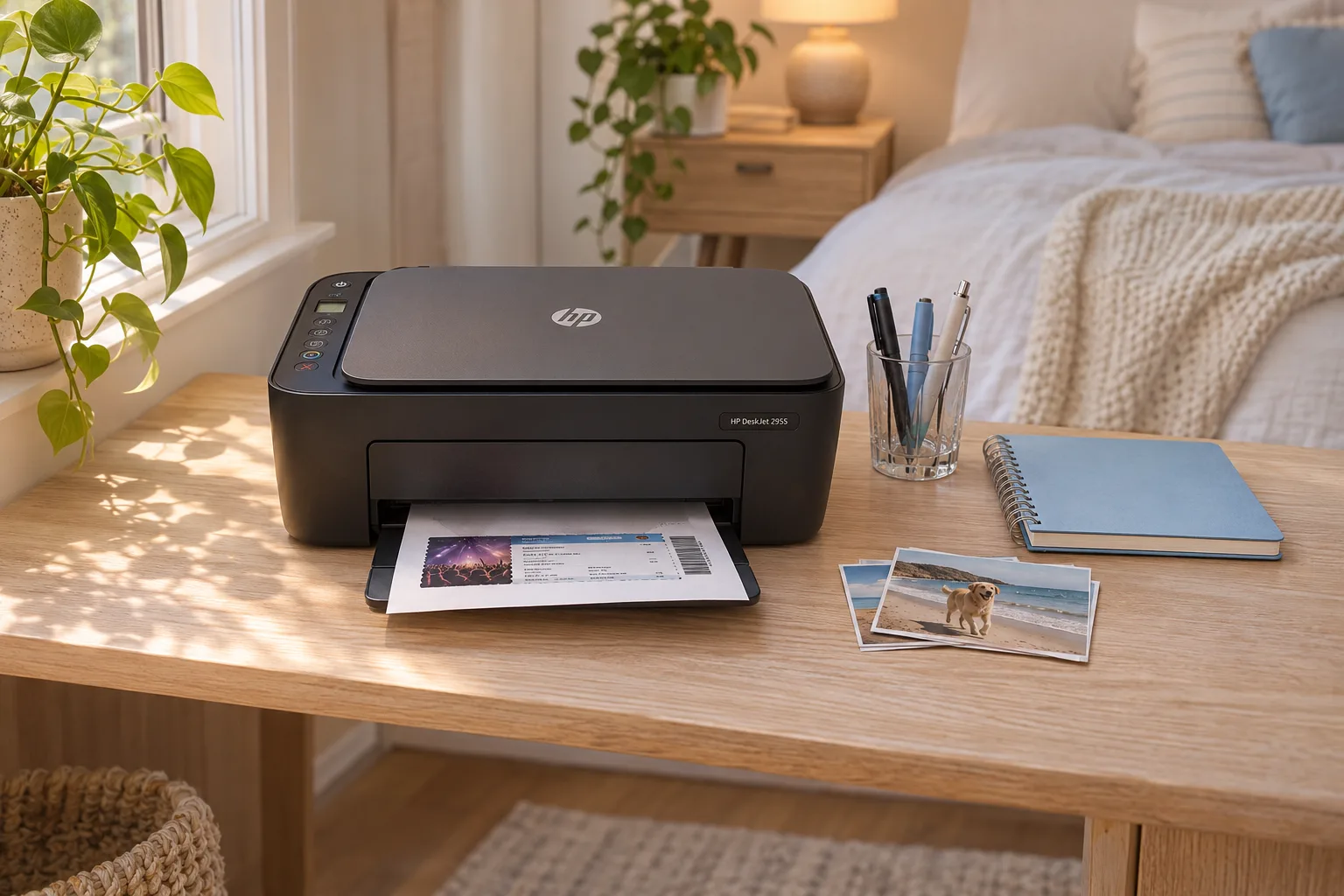
The DeskJet 2955 is a compact cartridge inkjet that prints, scans from a flatbed and copies. It replaced the DeskJet 2855e, and it’s simple and small. What it isn’t is cheap to run, and it has none of the conveniences that make a printer easy to live with: no document feeder, no automatic two-sided printing, a 60-sheet tray.
| DeskJet 2955 at a glance | |
|---|---|
| Price | $49.99 at HP (MSRP $89.99), November 2026 |
| Type | Color cartridge inkjet: print, scan, copy |
| Ink | HP 68 black (~160 pages), 68e EvoMore black (~320), 68 tri-color (~120) |
| Rated speed | 7.5 ppm black, 5.5 ppm color; first page in 16 seconds |
| Paper | 60-sheet input tray, 25-sheet output; manual two-sided |
| Scanner | Flatbed, up to 1200 dpi; no document feeder |
| Connections | Dual-band Wi-Fi (2.4 and 5 GHz), USB 2.0 (cable not included) |
| Size and weight | 16.73 × 11.97 × 6.06 inches, about 7.55 lb |
| HP+ | Not offered |
| Warranty | 1 year |
Is the DeskJet 2955 an HP+ printer?
No. Its model number has no “e”, and HP’s product page doesn’t offer HP+. HP’s pages for its “e” models, such as the DeskJet 4255e, say “This is an HP+ enabled printer”, and that HP+ needs an HP account, a constant internet connection and only Original HP ink for the life of the printer. The 2955’s page has none of that wording, so there’s no setup choice to get wrong. Our guide to HP+ and Instant Ink explains the difference.
That doesn’t make it open to any ink. HP lists the 2955 as a Dynamic Security printer: it works only with cartridges that have new or reused HP circuitry, and HP says periodic firmware updates can block cartridges that worked before. Refilled and remanufactured HP cartridges that keep their HP circuitry still work. Clones with their own chips may not.
The printer also comes with a free 3-month Instant Ink trial. It’s optional; HP says you can cancel any time.
How much does a DeskJet 2955 page cost?
About 16.9¢ in black and 39.4¢ in color, counting the black ink a color page also uses. At HP’s November 2026 prices:
| Cartridge (HP, November 2026) | Math | Cost per page |
|---|---|---|
| HP 68 black | $26.99 ÷ 160 pages | 16.9¢ |
| HP 68e EvoMore black | $53.99 ÷ 320 pages | 16.9¢ |
| HP 68 tri-color | $26.99 ÷ 120 pages | 22.5¢ of color ink |
| Color page (tri-color + black) | 22.5¢ + 16.9¢ | 39.4¢ |
The high-yield 68e EvoMore holds twice the ink for twice the price, so it saves trips to the store but not money. Amazon sells the HP 68 black for about the same ($26.89 in November 2026).
Real-world yields can be lower than HP’s ratings. The DeskJet 2952 is a sibling in the same 2900 series and takes the same HP 68 cartridges. On it, a black cartridge lasts about 150 pages against HP’s 160, but a tri-color can run out after about 69 against HP’s 120. In real use, that’s about 19.3¢ a text page and 56.2¢ a graphics page.
When does an ink tank pay off? The Canon G3270 costs $95 more but prints for about 0.4¢ a black page. The 16.5¢ you save per page covers that $95 after about 580 black pages ($95 ÷ 16.5¢), or about 250 color pages. At 50 pages a month, that’s within a year. For the full picture, see the cheapest printer to run.
HP’s Instant Ink subscription charges per page instead, from 4.2¢ to 19.9¢ depending on the plan. It’s cheaper than buying HP 68 cartridges only if you’d use most of your monthly pages.
How good is the print quality?
Fine for everyday pages, not for anything you’d frame. Black-and-white documents are mediocre, with fine details that aren’t especially sharp, while color documents are decent. Photos are acceptable for casual use. Color is also more accurate than on the 2855e it replaces.
There’s no borderless printing, so photos come out with a white margin. It takes photo paper up to 8 × 10 inches, where the Canon TS3720 can’t print on glossy paper larger than 5 × 7.
What does it do, and what’s missing?
It covers the basics and little else:
- Scanning and copying from a letter-size flatbed. Scans are clear, though they lose faint background detail and take about a minute a page. There’s no document feeder, so multi-page jobs mean lifting the lid for every sheet.
- Two-sided printing is manual: the driver tells you when to flip the stack.
- Paper loads into a 60-sheet tray, with room for up to five envelopes.
- Connections are dual-band Wi-Fi, which HP says reconnects itself, plus USB, AirPrint and Mopria. There’s no Ethernet, and HP doesn’t include a USB cable.
- Speed is slow: HP rates it at 7.5 pages per minute in black and 5.5 in color.
HP recommends 50 to 100 pages a month. Like any inkjet, it can clog if it sits unused for long stretches. The printheads are built into the cartridges, though, so a new cartridge is a simple fix for a stubborn clog.
DeskJet 2955 vs DeskJet 2855e: what changed?
The 2955 adds 5 GHz Wi-Fi and moves from HP 67 to HP 68 cartridges, which makes it a modest upgrade. The 2855e is no longer for sale on HP’s store, which now points to the 2955.
| DeskJet 2855e | DeskJet 2955 | |
|---|---|---|
| Ink | HP 67 / 67XL | HP 68 / 68e |
| Black page (HP, Nov 2026) | 15.0¢ (67XL), 19.2¢ (67) | 16.9¢ (68 or 68e) |
| Color page incl. black | 33.5¢ (67XL), 43.1¢ (67) | 39.4¢ |
| Wi-Fi | 2.4 GHz | 2.4 and 5 GHz |
| HP+ | Optional (“e” model) | Not offered |
Against standard HP 67 cartridges, the 2955 is cheaper in black. Against 67XL, it costs more per page in both black and color, because there’s no XL HP 68 that’s cheaper per page.
How it compares
- Canon PIXMA TS3720: $54.99 on sale at Canon, about 13¢ a black page and 27¢ in color with XL ink. Slightly cheaper to run, with borderless photos.
- Brother MFC-J1360DW: $69.99 at Brother, about 7.9¢ black and 22¢ color with XL cartridges, plus a document feeder and automatic two-sided printing. The better buy for regular printing.
- Canon PIXMA G3270: $144.99 for an ink tank at about 0.4¢ black and 1¢ color.
- HP DeskJet 4255e: HP’s step up with a 35-sheet document feeder, on HP 67 ink.
- HP LaserJet M110w: if you only print black text, a small laser at about 6.5¢ a page that doesn’t clog.
See all our picks in the best cheap printers.
Should you buy it?
Buy it if you print a few pages a month, want something small, and don’t need to scan stacks of paper. Skip it if you print every week: a $70 Brother costs half as much per page, and a $145 Canon ink tank costs a fraction of a cent.
Coming from the DeskJet 2855e? See DeskJet 2855e vs 2955.
Questions people ask
Does the HP DeskJet 2955 need a subscription?
No. It isn’t an HP+ printer, and its 3-month Instant Ink trial is optional. You can buy HP 68 cartridges anywhere instead.
What ink does the HP DeskJet 2955 use?
HP 68: the black (~160 pages), the 68e EvoMore black (~320 pages) and the tri-color (~120 pages). It doesn’t take HP 67 cartridges, which the older 2855e used.
Can the DeskJet 2955 use third-party ink?
Only cartridges with new or reused HP circuitry, such as refilled or remanufactured HP cartridges. HP’s Dynamic Security blocks cartridges with non-HP chips, and firmware updates can block ones that worked before.
Can the HP DeskJet 2955 print on both sides?
Only manually. The driver prints one side, then prompts you to flip and reload the pages.
Does the DeskJet 2955 work with 5 GHz Wi-Fi?
Yes. It supports dual-band Wi-Fi on 2.4 and 5 GHz, one of the main changes from the DeskJet 2855e.
Key specifications
| Feature | HPDeskJet 2955 |
|---|---|
| Type | Cartridge inkjet |
| Functions | Print, scan, copy |
| Document feeder | None (flatbed only) |
| Auto duplex printing | No |
| Color printing | Yes |
| Where to buy | Check price at Amazon |
HP DeskJet 2955
- Type
- Cartridge inkjet
- Functions
- Print, scan, copy
- Document feeder
- None (flatbed only)
- Auto duplex printing
- No
- Color printing
- Yes
Sources
- HP DeskJet 2955 All-in-One Printer, HP
- HP 68 ink cartridges (HP store search), HP
- HP DeskJet 4255e All-in-One Printer (HP+ wording), HP
- HP Instant Ink, HP
- HP DeskJet 2955 review, RTINGS
- HP DeskJet 2952 printer review, Consumer Reports
- HP DeskJet 2855e All-in-One Printer, HP
- HP 67 ink cartridges, HP
- Canon PIXMA G3270, Canon
- Canon PIXMA TS3720, Canon
- Brother MFC-J1360DW, Brother
Keep exploring

Buying guide
The best barcode label printers
The Zebra ZD421 is the best barcode label printer for most businesses: 4-inch labels at 6 inches a second, any brand of label roll and a 24-month warranty, for about $480 to $526 in November 2026. Get the Brother QL-820NWBc ($229.99) for an office or shop counter, and a thermal transfer model for inventory labels that have to last.
Read story
Buying guide
The best check printers for a small business
The TROY 3001dw ($509.15 at TROY, $530 at Amazon in November 2026) is the best check printer for a small business: a 35 ppm Wi-Fi laser with MICR toner, rated for 350 to 2,500 checks a month, at about 5¢ to 7¢ per check three to a page by our estimate. Get the TROY 4001dn for a locking tray, or the VersaCheck M15 MXD ($399.99) for software in the box.
Read story