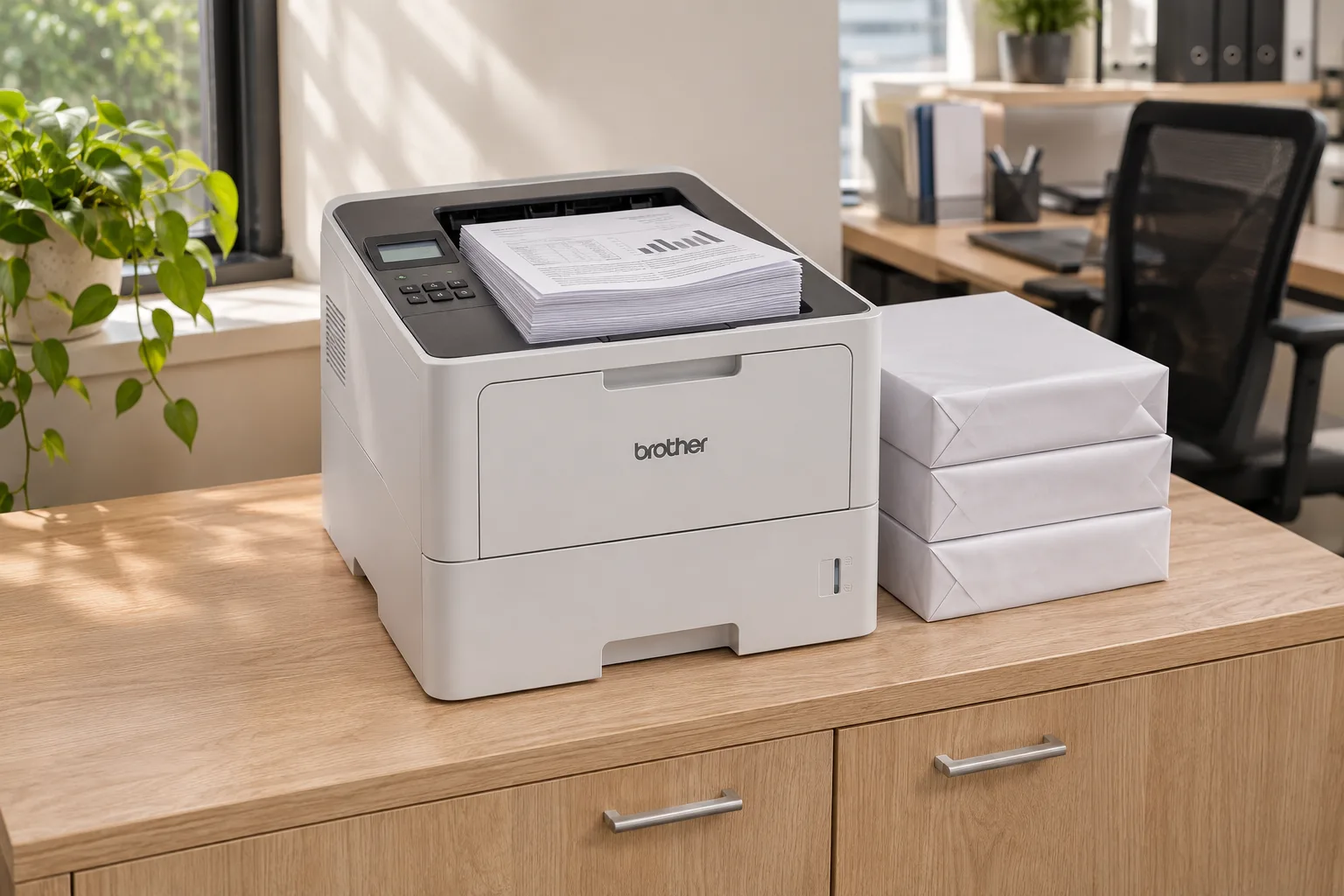
Printers in this guide
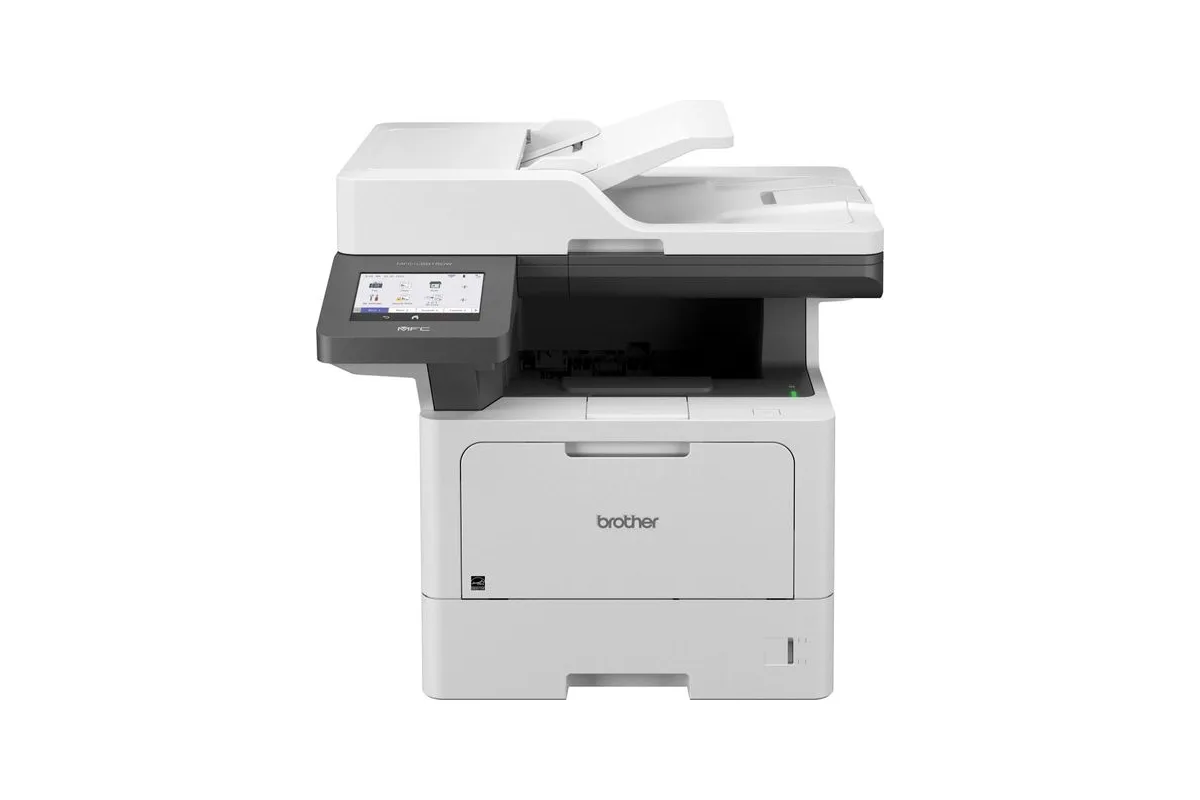
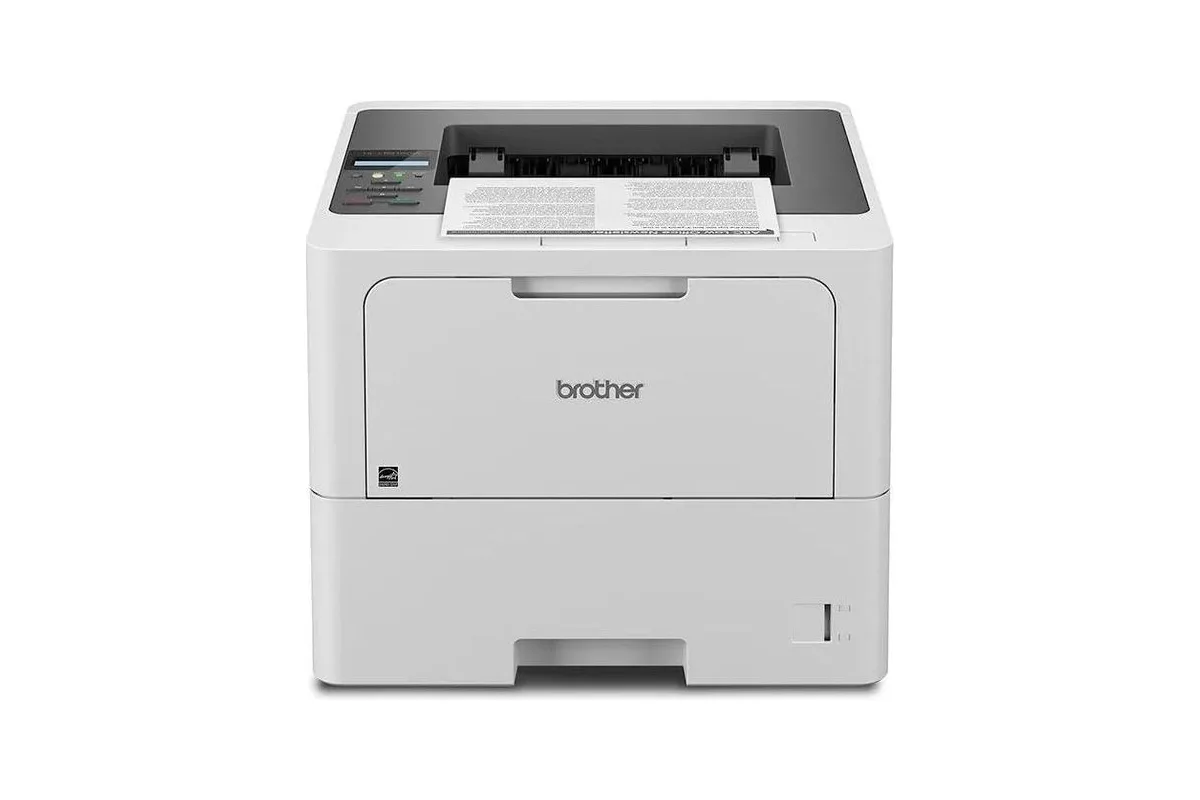
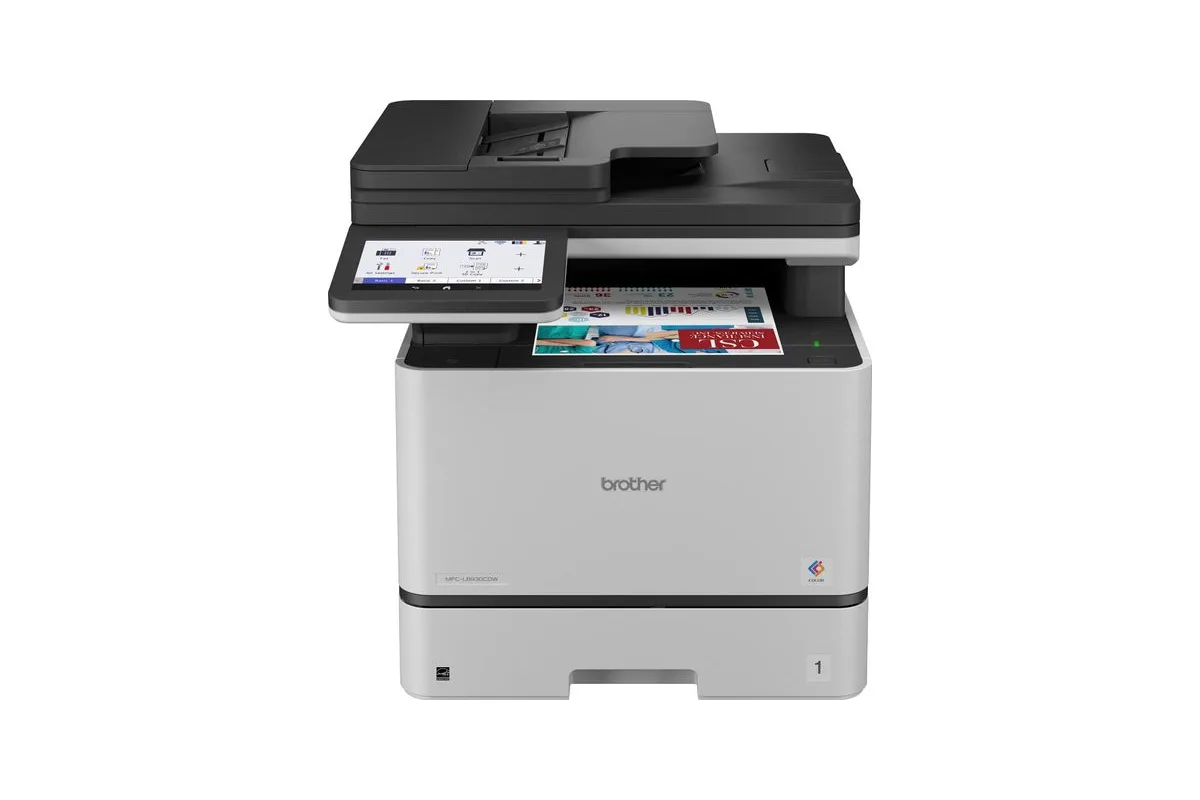
Best color laser for a busy small office
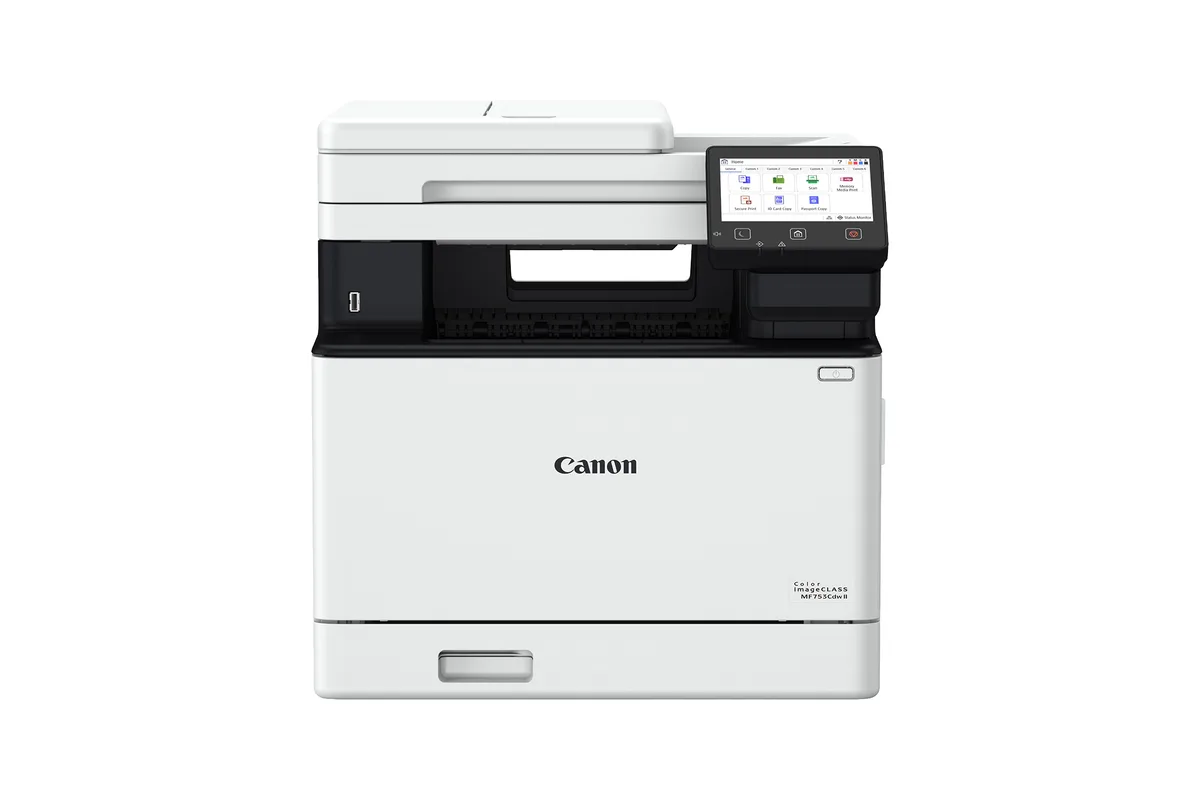
Canon Color imageCLASS MF753Cdw II
What does printer duty cycle mean?
Duty cycle is the most pages a printer is built to handle in a single month, and it’s a ceiling, not a target. The number to plan around is the recommended monthly volume, which on the office printers below is only about 5–16% of the duty cycle: the Brother MFC-L5915DW is rated for up to 125,000 pages a month but recommended for up to 8,000.
The makers say this themselves. Brother defines the maximum duty cycle as the most printed pages per month, a figure that “can be used to compare designed durability between like Brother products”, and advises picking a printer whose duty cycle “far exceeds your print requirements”. HP calls duty cycle “a maximum, not a target” and says the recommended monthly page volume is the better guide.
So use duty cycle to compare how tough two printers are. Use the recommended volume to decide whether a printer fits your office.
What is recommended monthly print volume?
It’s the monthly page range a maker says gives the best print quality and the longest printer life. Brother’s definition adds that printers handle occasional months above the range “with little or no effect”, but that printing above it consistently “may adversely affect the print quality or life of the machine.”
That’s the practical rule: one busy month at tax time is fine. Running above the recommended figure every month wears out rollers, the fuser and the drum sooner, and HP warns it leads to more maintenance.
How many pages a month can a small office printer handle?
Small-office lasers are recommended for about 4,000–8,000 pages a month, and office inkjets for about 1,600–3,300. Here are the makers’ figures for the office printers we cover, lowest recommended volume first:
| Printer | Type | Recommended volume (pages/month) | Max duty cycle (pages/month) | Price, November 2026 |
|---|---|---|---|---|
| Epson ET-4950 | Ink tank | Up to 1,600 | 10,000 | $359.99 on sale at Epson |
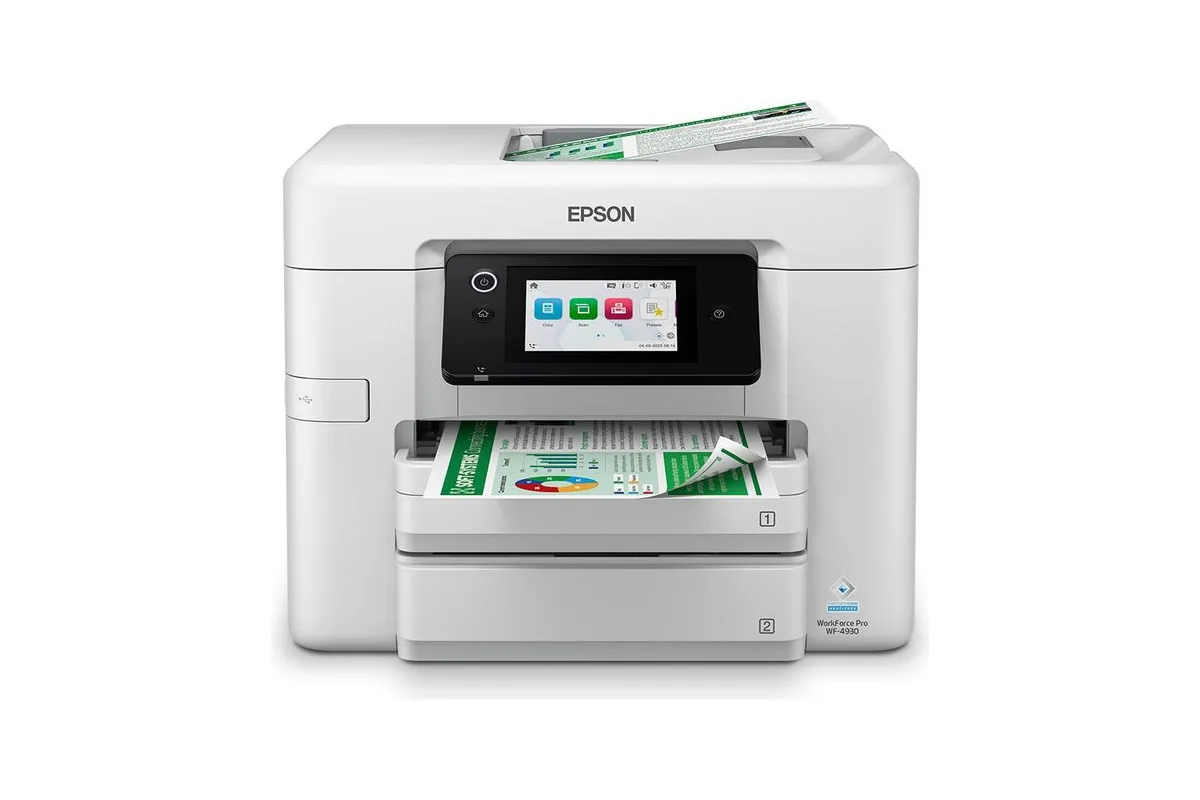
| Epson WF-4930 / WF-4830 | Cartridge inkjet | Up to 1,600 | 33,000 | $149.99 on sale at Epson |
| Brother HL-L2460DW | Mono laser, home | Up to 2,500 | 35,000 | $179.99 at Brother |
| Brother MFC-J6960DW | Cartridge inkjet, 11x17 | 250–2,500 | 35,000 | $389.99 at Brother, $339.99 at Amazon |
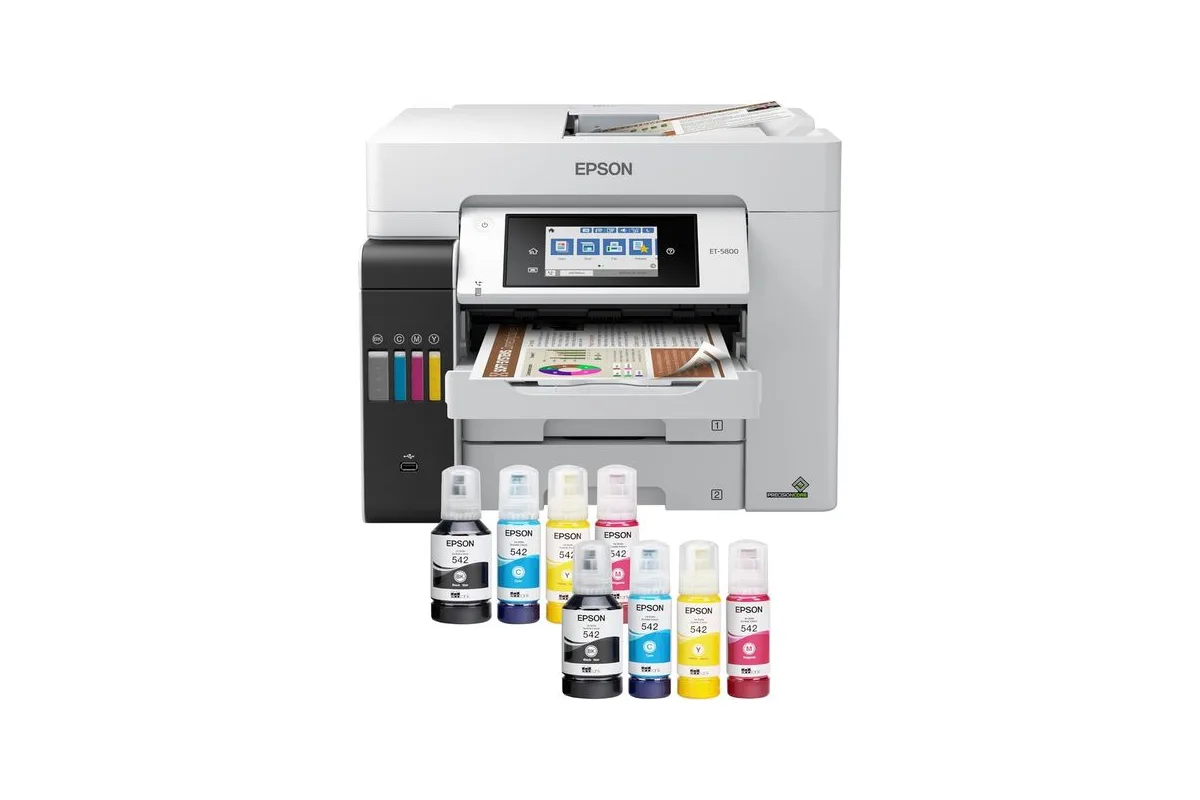
| Epson ET-5850 / ET-5800 | Ink tank | 200–3,300 | 66,000 | ET-5800 $549.99 on sale at Epson |
| Canon MF465dw II | Mono laser | 750–4,000 | Not published | $302.99 at Canon |
| Canon MF753Cdw II | Color laser | 750–4,000 | Not published | $436.99 at Canon |
| Brother HL-L5210DW / MFC-L5710DW | Mono laser | Up to 5,000 | 90,000 | $329.99 / $499.99 at Brother |
| Brother MFC-L8930CDW | Color laser | Up to 6,500 | 70,000 | $699.99 at Brother |
| Brother MFC-L5915DW / HL-L6210DW | Mono laser | Up to 8,000 | 125,000 | $589.99 / $349.99 at Brother |
| Brother MFC-L6915DW | Mono laser | Up to 16,000 | 160,000 | Dealer only |
Canon publishes only a recommended range for its imageCLASS models, and only a duty cycle for its MAXIFY ink tanks (45,000 pages for the GX7120 and 33,000 for the GX4020). Epson sale prices ran through November 28–29, 2026.
How do you work out how many pages your office prints?
Read the page counter, or multiply people by pages a day. Most office printers show a total page count in their menu or on their built-in web page; check it twice a month apart and subtract.
If you’re buying your first shared printer, estimate it. People × pages per workday × 21 workdays gives a monthly figure:
| Office | Pages per person per day (example) | Pages a month |
|---|---|---|
| 1 person, home office | 15 | 315 |
| 3 people | 20 | 1,260 |
| 5 people | 20 | 2,100 |
| 10 people | 25 | 5,250 |
Then pick a printer whose recommended volume is above your busiest month, not your average one. Brother suggests leaving room “for any anticipated increase in printing needs.”
By that rule, a 5-person office printing 2,100 pages a month has outgrown the Epson WF-4930 and ET-4950 (1,600) and the HL-L2460DW (2,500 leaves little room). It fits comfortably on the Brother HL-L5210DW or MFC-L5915DW. A 10-person office at 5,250 pages belongs on the MFC-L5915DW, HL-L6210DW or MFC-L8930CDW, not on a 5,000-page model.
Does a higher duty cycle mean lower running costs?
No, but the printers with high ratings also tend to take bigger toner. That’s what matters at volume.
At 2,100 pages a month, here’s what supplies cost at the makers’ November 2026 prices:
| Printer | Cost per black page | Math | Supplies per month |
|---|---|---|---|
| Epson ET-5800 | 0.48¢ | $35.99 ÷ 7,500 pages | $10 |
| Brother MFC-L5915DW | 1.9¢ | ($241.49 ÷ 18,000) + ($273.49 drum ÷ 45,000) | $41 |
| Brother HL-L5210DW | 2.5¢ | ($204.29 ÷ 11,000) + ($273.49 drum ÷ 45,000) | $52 |
| Epson WF-4930 | 4.8¢ | $57.99 ÷ 1,200 pages (842XL) | $101 |
The ET-5800 is cheapest per page by far, but its recommended volume tops out at 3,300 pages. Its warranty also ends at 80,000 sheets: at 3,300 pages a month, you’d hit that cap in about 24 months, right as the two-year term runs out. The WF-4930 is the cheapest to buy and the most expensive to run at this volume, and 2,100 pages is above its recommended 1,600 anyway.
For a full cost comparison, including color pages, see office printer costs.
What happens if you print more than the duty cycle?
Nothing stops you, but you’re outside what the printer was designed for. Expect more jams, worn rollers and earlier fuser and drum replacements. If your office regularly prints near the maximum, you need a bigger printer or a second one. Splitting the work between two lasers also means one is always free when the other jams.
How long the parts last is covered in how long office printers last. If your volume is high enough that you’re weighing a copier, read lease vs buy.
Which printer should you buy for your volume?
- Under 1,500 pages a month, mostly black: the Canon MF465dw II ($302.99, recommended up to 4,000) or the HL-L5210DW if you don’t need to scan.
- 1,500–3,000 pages with lots of color: the Epson ET-5850 or ET-5800, at about 1.9¢ a color page.
- 2,000–8,000 black pages and heavy scanning: the Brother MFC-L5915DW.
- Up to 6,500 pages with color: the Brother MFC-L8930CDW or the Canon MF753Cdw II at up to 4,000.
All of them are compared in the best small office printers.
Questions people ask
Is a higher duty cycle better?
Yes, for durability: Brother says duty cycle compares the designed durability of similar printers. But it doesn’t tell you what a printer can do every month. Compare recommended volumes instead.
What is a good duty cycle for a small office?
Look for a recommended volume of at least 4,000–5,000 pages a month, which usually comes with a duty cycle of 60,000–90,000 pages. The Brother HL-L5210DW (5,000 recommended, 90,000 max) is a typical example.
How many pages a month is considered heavy use?
For a small-office printer, anything above about 5,000 pages a month is heavy. Only the Brother MFC-L8930CDW (6,500), MFC-L5915DW and HL-L6210DW (8,000) and MFC-L6915DW (16,000) are recommended above that among the models here.
Can I print 1,000 pages a month on a home printer?
On a home laser, yes: the Brother HL-L2460DW is recommended for up to 2,500 pages. On a cartridge inkjet, 1,000 pages is within range on the WF-4930 (1,600) but costs about 4.8¢ a black page.
Does duty cycle include color pages?
The makers give a single monthly figure, not separate black and color ratings. On a color laser like the Brother MFC-L8930CDW, count every page you print against its 6,500-page recommendation.
Sources
- Brother MFC-L5915DW product page (duty cycle and recommended volume footnotes), Brother
- HP: Print speed, PPM, first page out time and duty cycle explained, HP
- Brother MFC-L5710DW product page, Brother
- Brother MFC-L6915DW product page, Brother
- Brother MFC-L8930CDW product page, Brother
- Brother HL-L5210DW product page, Brother
- Brother HL-L6210DW product page, Brother
- Brother HL-L2460DW product page, Brother
- Brother MFC-J6960DW product page, Brother
- Brother TN920UXXL toner, Brother
- Brother DR920 drum, Brother
- Canon Color imageCLASS MF753Cdw II, Canon
- Canon imageCLASS MF465dw II, Canon
- Canon MegaTank GX7120, Canon
- Canon MAXIFY GX4020, Canon
- Epson EcoTank Pro ET-5850 product page, Epson
- Epson EcoTank Pro ET-5800 product page, Epson
- Epson EcoTank ET-4950 product page, Epson
- Epson WorkForce Pro WF-4930 product page, Epson
- Epson WorkForce Pro WF-4830 product page, Epson
Keep exploring

Buying guide
The best barcode label printers
The Zebra ZD421 is the best barcode label printer for most businesses: 4-inch labels at 6 inches a second, any brand of label roll and a 24-month warranty, for about $480 to $526 in November 2026. Get the Brother QL-820NWBc ($229.99) for an office or shop counter, and a thermal transfer model for inventory labels that have to last.
Read story
Buying guide
The best check printers for a small business
The TROY 3001dw ($509.15 at TROY, $530 at Amazon in November 2026) is the best check printer for a small business: a 35 ppm Wi-Fi laser with MICR toner, rated for 350 to 2,500 checks a month, at about 5¢ to 7¢ per check three to a page by our estimate. Get the TROY 4001dn for a locking tray, or the VersaCheck M15 MXD ($399.99) for software in the box.
Read story