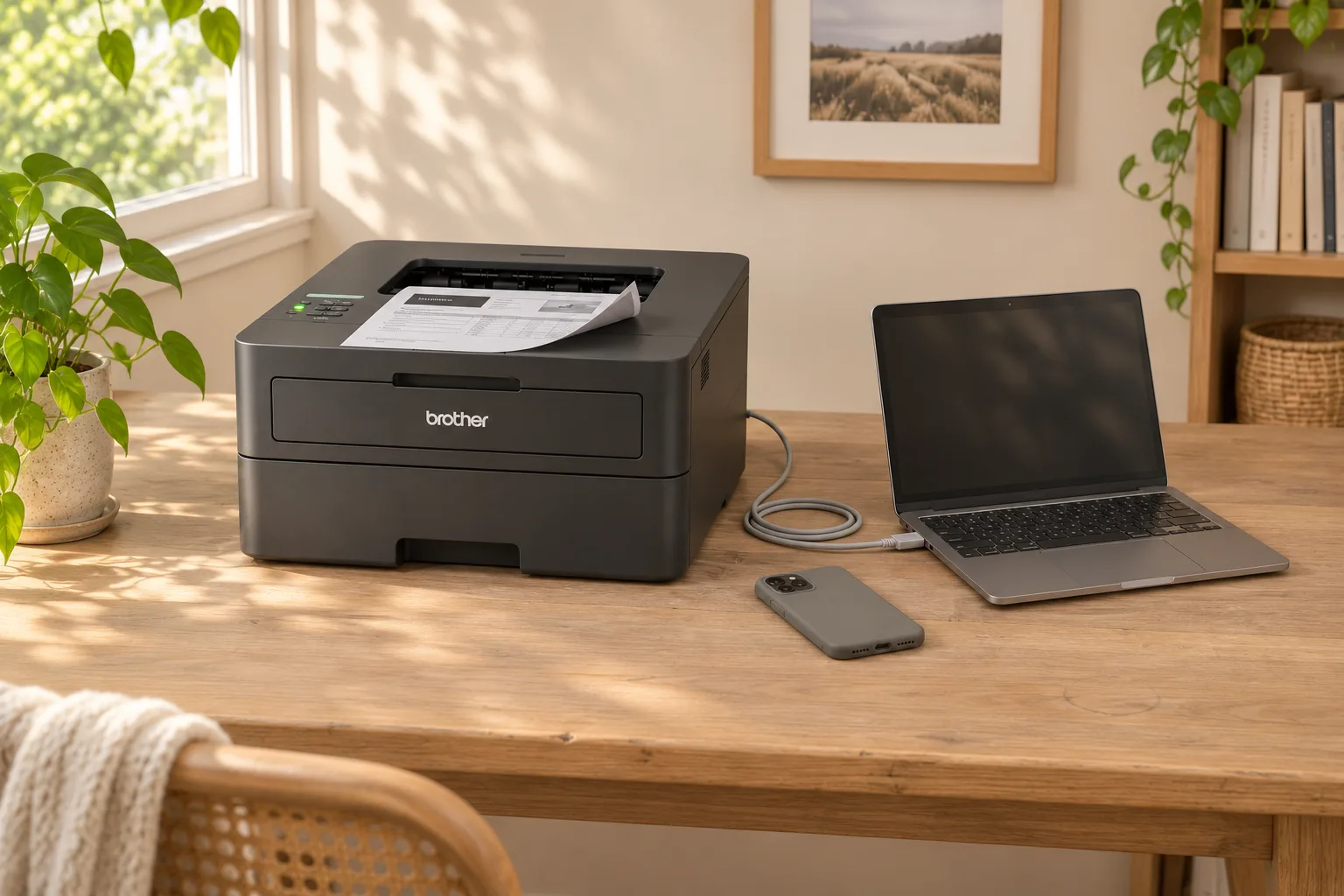
Printers in this guide
Which printers work without an app or account?
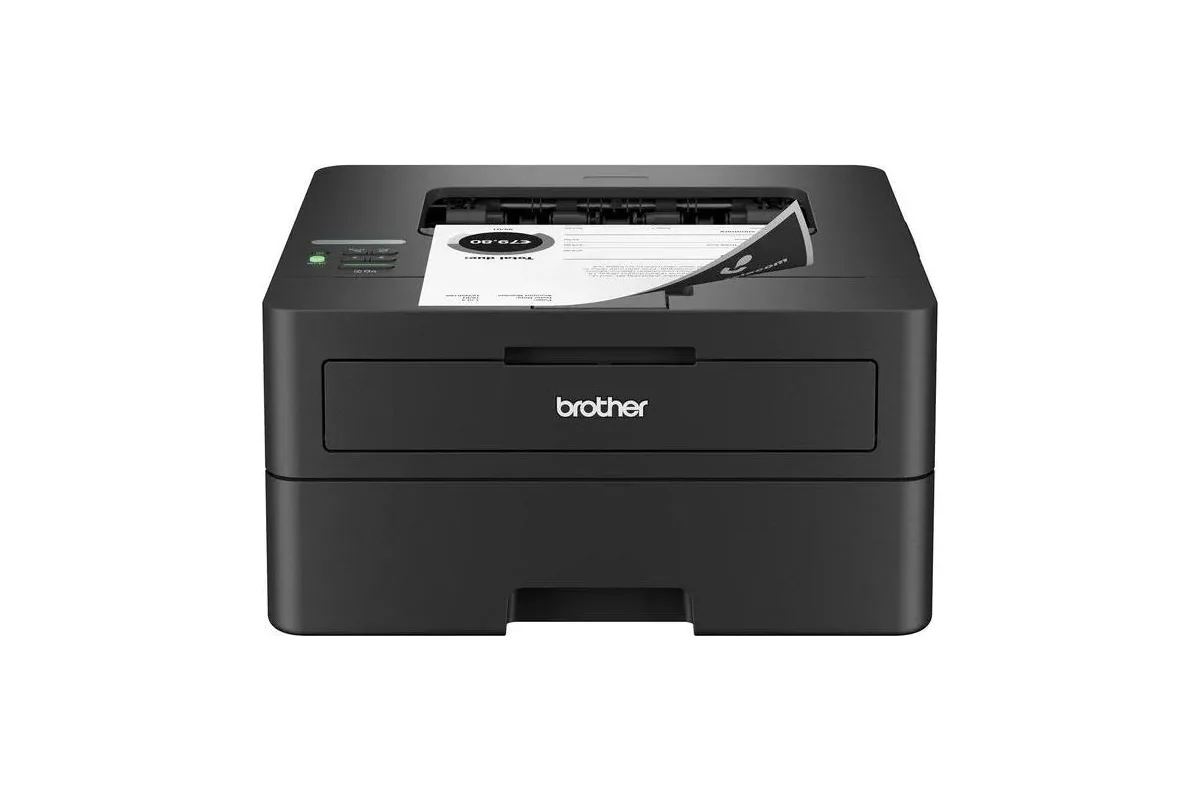
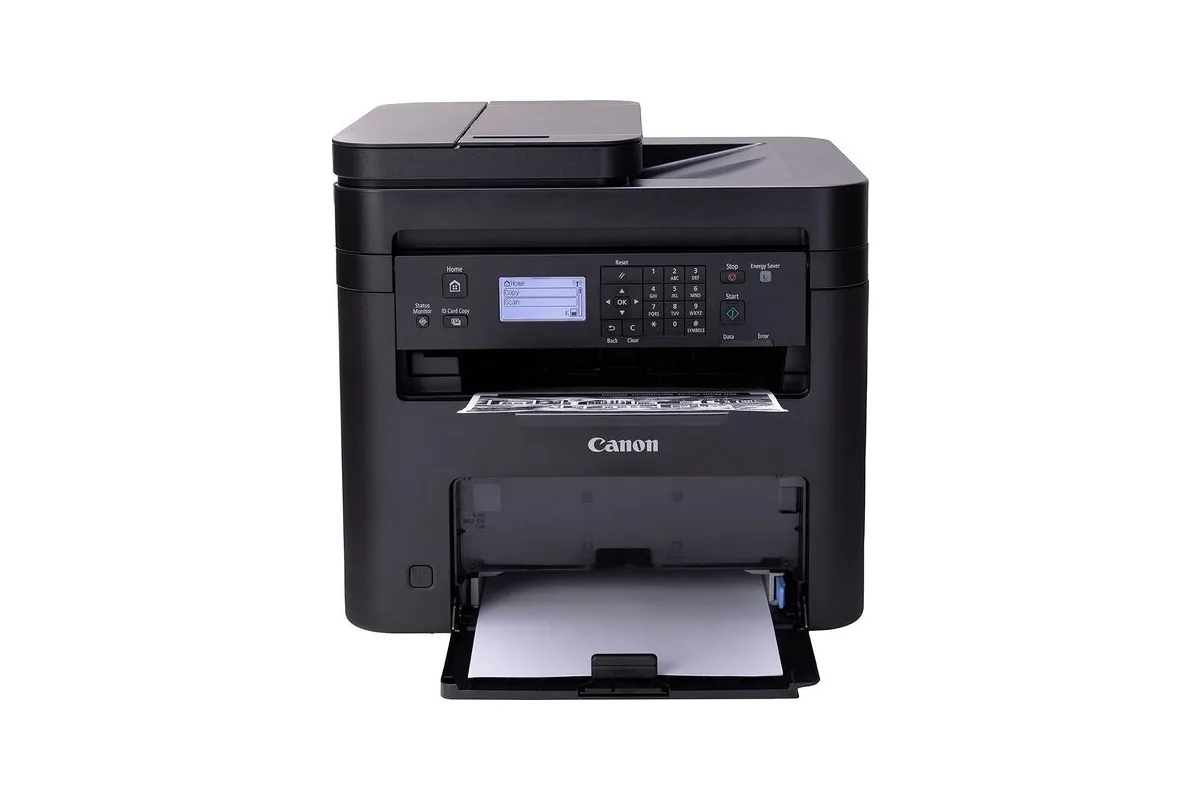
Most printers from Brother, Canon and Epson. They can join your Wi-Fi from their own control panel, with the router’s WPS button, or skip Wi-Fi entirely with a USB cable, and none of them needs an account to print. Brother’s lasers, such as the HL-L2460DW, and Canon’s imageCLASS lasers, such as the MF273dw, are the easiest: you pick your network and type the password on the printer itself.
The printers to avoid are the ones that need an account or subscription to work at all: HP “e” models with HP+ turned on, HP All-In Plan rentals and Epson “U” ReadyPrint models.
What each brand requires
| Brand | Account needed to print? | Set up without an app? | Notes |
|---|---|---|---|
| Brother | No | Yes: control-panel wizard, WPS or USB | Brother Mobile Connect is an optional free app |
| Canon (imageCLASS) | No | Yes: control-panel Wi-Fi setup, or USB | Canon’s MF273dw page lists the menu steps |
| Canon (PIXMA, MegaTank) | No | Yes: WPS button or USB | Canon’s tutorial has a setup path that uses no computer or phone; PIXMA Print Plan models need an account for the plan |
| Epson (EcoTank, Expression) | No | Yes: control-panel Wi-Fi Setup Wizard, WPS, Wi-Fi Direct or USB | Screenless EcoTanks use the Wi-Fi/WPS button; Epson Smart Panel is optional |
| Epson “U” (ReadyPrint) | Yes: a lease, and the printer must stay online | — | Epson owns the printer and can disable it remotely |
| HP (non-“e”) | No, but HP says an account is needed “for full functionality” | Yes: touchscreen wizard, WPS, or the printer’s web setup page | HP says you don’t need an account to use the HP app |
| HP “e” with HP+ | Yes, plus an always-on internet connection and HP ink for life | — | HP+ is optional at setup; decline it |
| HP All-In Plan | Yes: a subscription from $7.99 a month | — | HP owns the printer for the 2- or 3-year term |
Sources: the makers’ manuals, product pages and terms, read November 24, 2026.
How to set up a printer without the app
- Use the control panel if it has a screen. On Brother, Canon imageCLASS, Epson and HP touchscreen models, open the network or Wi-Fi menu, choose your network and type the password. On Canon’s MF273dw, for example, that’s MENU, then Preference, Network, Wireless, and your password.
- Use WPS if it doesn’t. Press the printer’s Wi-Fi or WPS button, then the WPS button on your router within two minutes.
- Or use a USB cable. Every printer here has a USB port. The Canon LBP6030w even includes the cable; most others don’t.
- Install the driver from the maker’s website, or let your computer add the printer: Windows, macOS and ChromeOS find most network printers automatically, and phones print over AirPrint or Mopria without the maker’s app.
The maker’s app is useful for scanning to your phone, checking ink levels and updating firmware, but you don’t need it to print.
Which printers need an account or subscription?
- HP “e” models with HP+. If you turn on HP+ at setup, HP requires an HP account, an always-on internet connection and Original HP ink “for the life of the printer”. It’s optional: decline it, or buy the non-“e” version, such as the DeskJet 2955 or Envy 6155. See HP+ and Instant Ink explained.
- HP All-In Plan. HP rents the printer and supplies from $7.99 a month on a two- or three-year commitment; HP owns the printer, it needs an internet connection, and early cancellation costs a fee.
- Epson “U” models (ReadyPrint), such as the ET-2980U and ET-3950U. Epson’s terms say it owns the printer, the printer must stay online, Epson may disable it if it doesn’t, and you return it when you cancel.
- Subscription cartridges. HP Instant Ink and Brother Refresh EZ Print are optional, but their cartridges stop working if you cancel: Brother says cancelling “deactivates the cartridge”.
The best printers that need no app or account
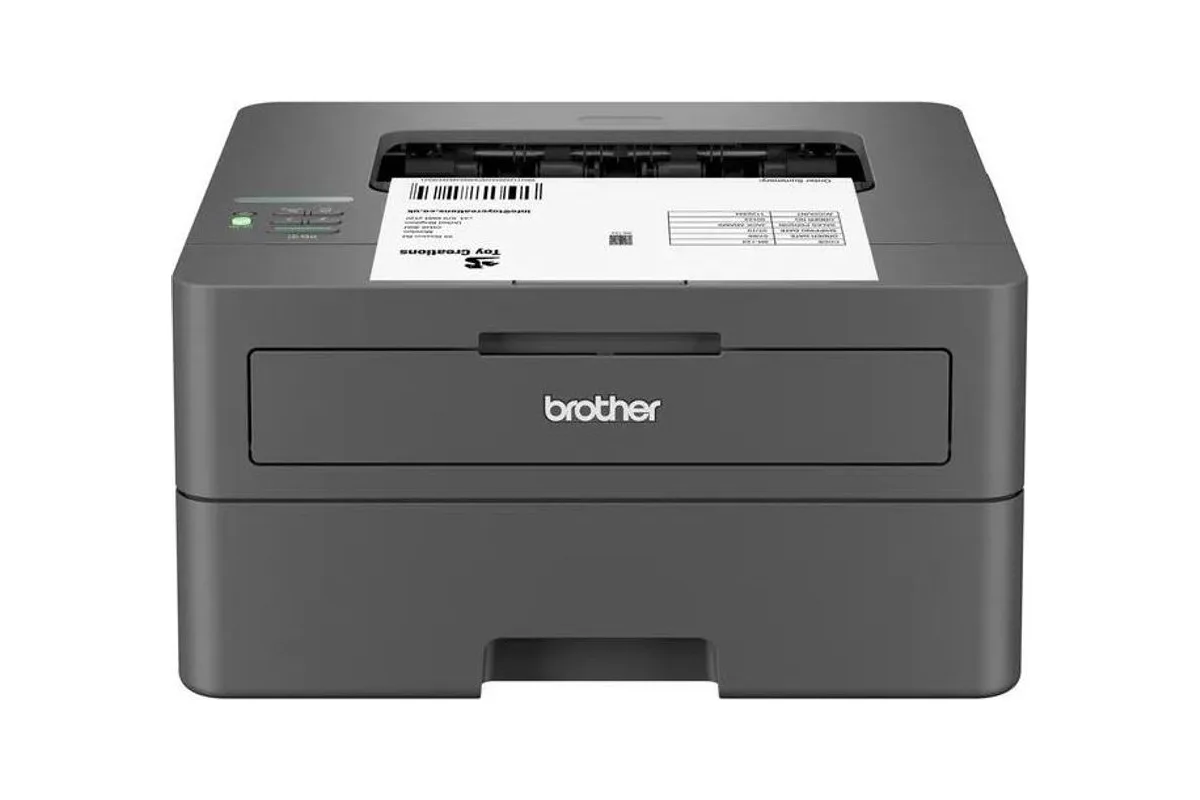
- Brother HL-L2460DW ($179.99): a laser you set up from its control panel; about 4¢ a page.
- Canon imageCLASS MF273dw ($139.99): a laser all-in-one with on-screen Wi-Fi setup.
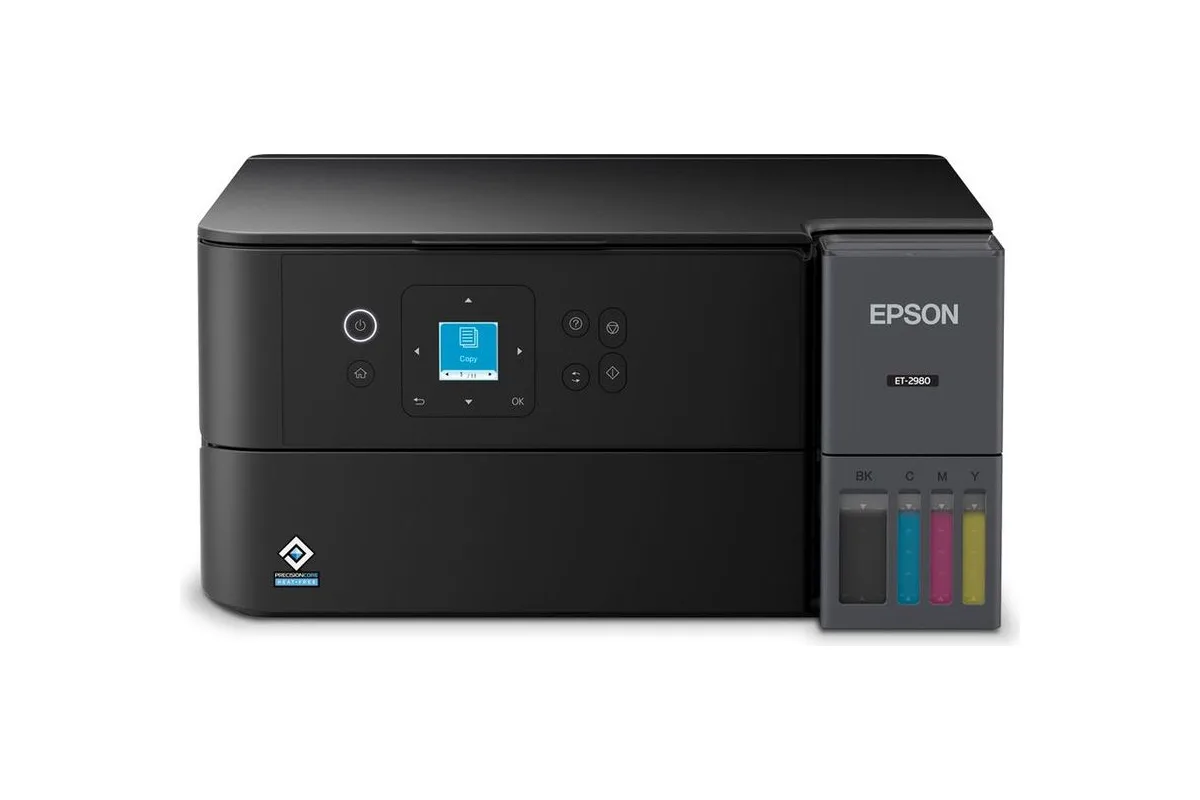
- Epson EcoTank ET-2980 ($329.99): an ink tank with a color screen and chip-free bottles. Buy the ET-2980, not the ET-2980U.
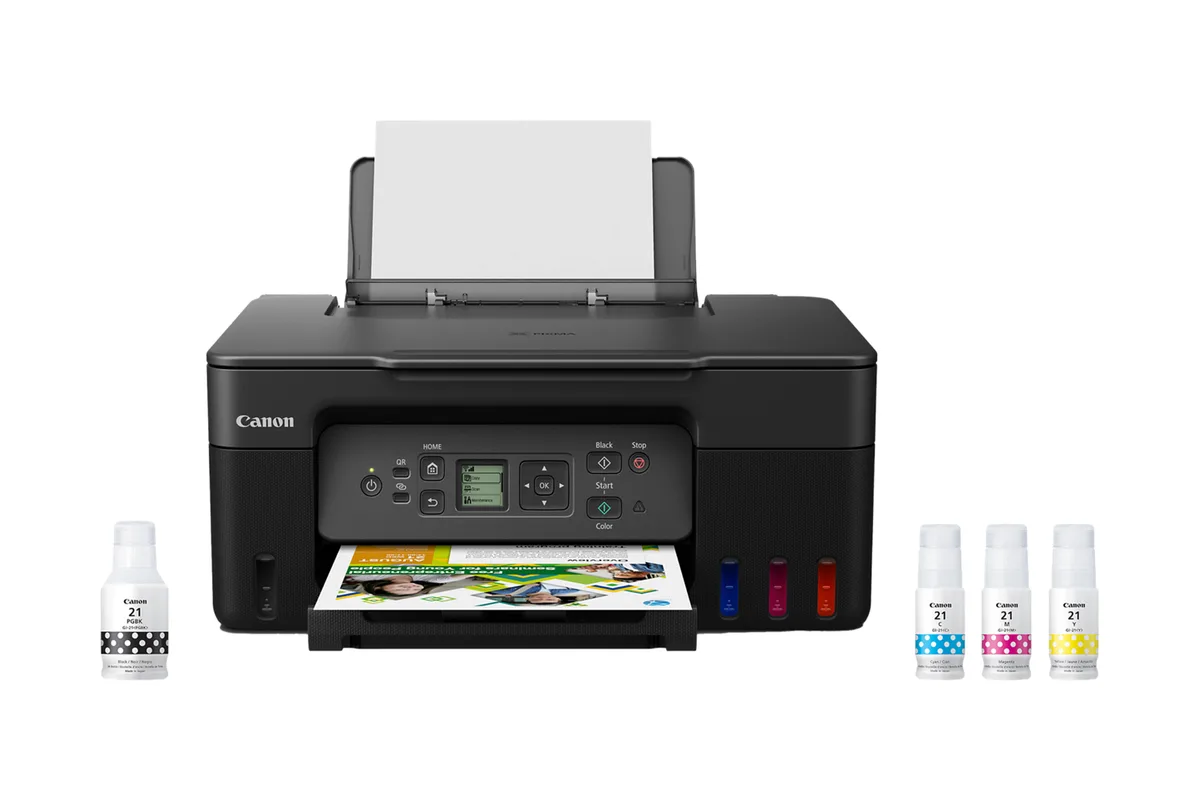
- Canon PIXMA G3270 ($144.99): sets up with WPS; the cheapest ink tank to run.
- Brother HL-L2405W ($139.99): a cheap laser that works over USB or Wi-Fi.
See the best printers without a subscription.
Questions people ask
Can I use an HP printer without the HP app?
Yes. You can set up most HP printers from the touchscreen, with WPS or through the printer’s web page, and print from Windows, macOS, AirPrint or Mopria. HP says an account is needed for “full functionality” in its app, and HP+ printers need an account to print at all.
Do I need an account to use a Brother printer?
No. Brother printers print without an account, and Brother Mobile Connect is an optional free app.
Can I set up an Epson printer without the app?
Yes. Use the control panel’s Wi-Fi Setup Wizard, the WPS button, Wi-Fi Direct or USB. Avoid Epson’s “U” ReadyPrint models, which are subscription printers.
Which printers don’t need Wi-Fi at all?
Every printer here works over USB. For a printer you’ll never put on Wi-Fi, a USB laser such as Brother’s HL-L2400D is the simplest choice, though it was out of stock at Brother in November 2026.
Can a printer work without the internet?
Yes, as long as it isn’t an HP+ printer, an HP All-In Plan rental, an Epson ReadyPrint model or using subscription cartridges. Your computer can print to it over your home network or USB with no internet connection.
Sources
- Brother HL-L2460DW online user's guide: wireless setup from the control panel, support.brother.com
- Canon imageCLASS MF273dw product page (Easy WiFi Setup steps), Canon
- Canon G3070 series setup tutorial, ij.manual.canon
- Epson XP-5250 user's guide (Wi-Fi Setup Wizard), Epson
- Epson ReadyPrint terms, Epson
- HP app overview and FAQ, HP
- HP All-In Plan printers, HP
- HP Envy 6155e product page (HP+ wording), HP
- Brother HL-L3280CDW product page (Refresh EZ Print terms), Brother
Keep exploring

Buying guide
The best barcode label printers
The Zebra ZD421 is the best barcode label printer for most businesses: 4-inch labels at 6 inches a second, any brand of label roll and a 24-month warranty, for about $480 to $526 in November 2026. Get the Brother QL-820NWBc ($229.99) for an office or shop counter, and a thermal transfer model for inventory labels that have to last.
Read story
Buying guide
The best check printers for a small business
The TROY 3001dw ($509.15 at TROY, $530 at Amazon in November 2026) is the best check printer for a small business: a 35 ppm Wi-Fi laser with MICR toner, rated for 350 to 2,500 checks a month, at about 5¢ to 7¢ per check three to a page by our estimate. Get the TROY 4001dn for a locking tray, or the VersaCheck M15 MXD ($399.99) for software in the box.
Read story