Printers in this guide
Sublimation or DTF?
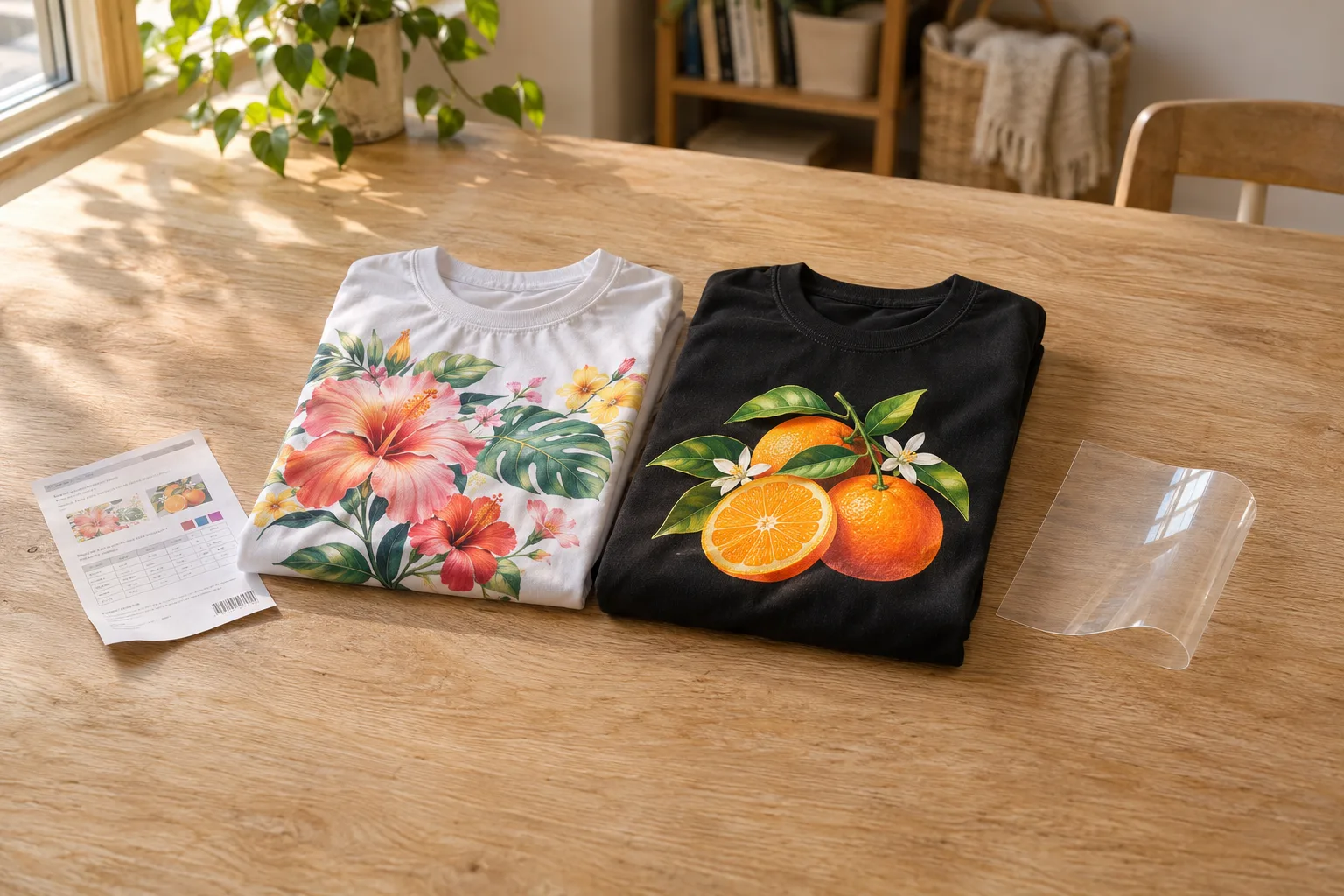
Sublimation for white or light polyester shirts and hard goods like mugs and tumblers; DTF for cotton and dark shirts. Sublimation dyes the fibers, so the print has no feel and doesn’t crack or peel, but it only works on polyester and polyester coatings, and only on light colors. DTF (direct-to-film) prints onto a film with white ink and adhesive powder, then presses it onto almost any fabric, light or dark.
Sublimation is also much cheaper to start: about $335 with a converted Epson EcoTank against about $2,000 for an entry-level DTF printer. DTF needs more upkeep, because its white ink settles and its curing step gives off fumes.
Sublimation vs DTF vs HTV at a glance
| Sublimation | DTF | HTV (heat transfer vinyl) | |
|---|---|---|---|
| Fabrics | Polyester (best 100%) and poly-coated hard goods | Cotton, polyester, blends, denim, canvas, leather | Cotton, polyester, blends, nylon, leather |
| Dark shirts | No; white or light only | Yes, it prints white | Yes, opaque colors |
| Full-color photos | Yes | Yes | Only with printable vinyl |
| Feel | None; the dye is in the fiber | A thin film on top | A layer on top, more noticeable |
| Mugs and tumblers | Yes | Not usually | Limited |
| Startup cost | About $335 to $1,000 | About $2,000 to $5,000+ | A cutting machine and a press |
| Supplies | Ink, plus paper at about $0.15–$0.27 per letter sheet | Ink, film and powder, about $1.10 per A4 transfer (Procolored’s estimate) | Vinyl per design |
| Upkeep | Low; print regularly | High: white ink, scheduled cleaning, ventilation | None |
What’s the difference between sublimation and HTV?
Sublimation prints full-color designs into polyester; HTV is colored vinyl you cut and press onto the shirt. HTV works on cotton and dark fabrics, needs no special printer, and is the simplest way to put a name, number or one-color logo on a shirt. But each color is a separate layer of vinyl, so photos and gradients need printable vinyl, and the result sits on top of the fabric. Sublimation suits detailed, full-color designs on light polyester and is the only one of the three that works well on mugs and tumblers.
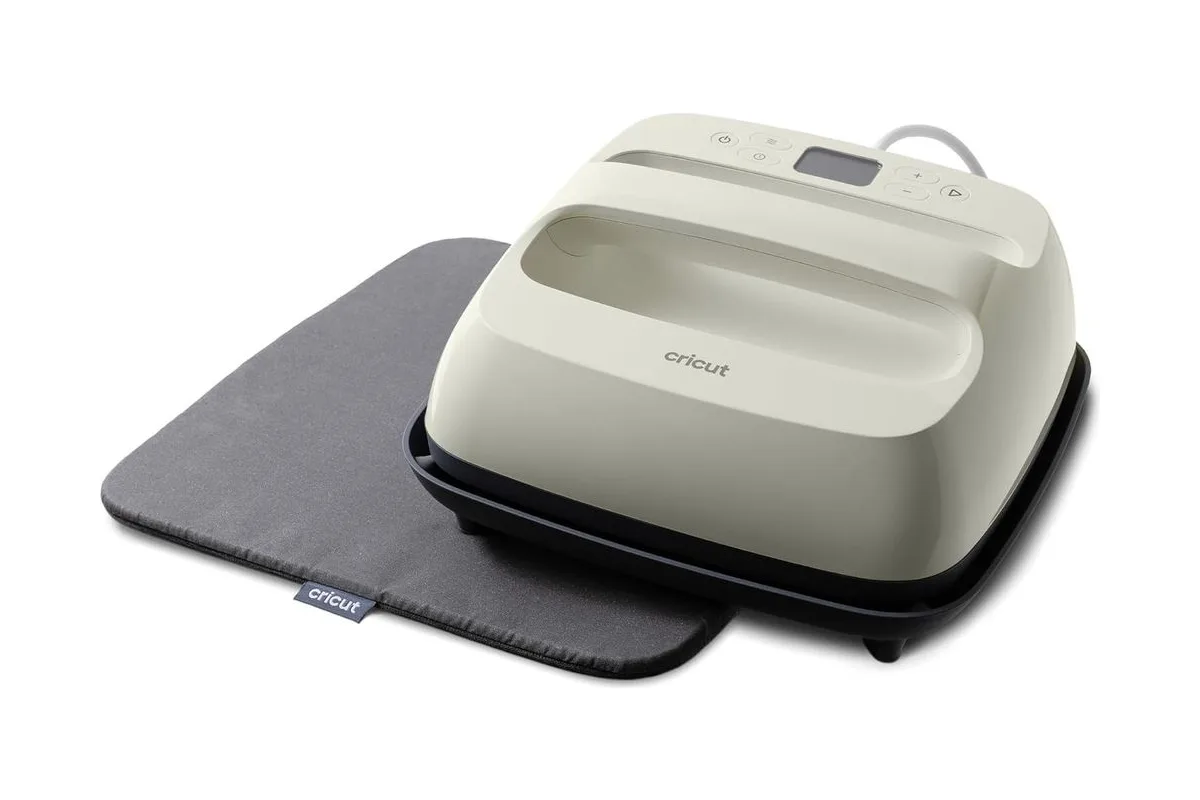
A Cricut EasyPress SE ($79 for 9 x 9 inches) presses both; Cricut says it works for HTV, sublimation and DTF transfers.
What is the best DTF printer for beginners?
The Procolored K13 Lite or the Prestige A4, both about $2,000. Prices are approximate, from retailers and resellers in November 2026:
| DTF printer | Price (approx., Nov 2026) | Width | Notes |
|---|---|---|---|
| Procolored K13 Lite | About $2,000 printer-only; about $2,600–$2,900 with an oven or press | A3, 13 in | CMYK plus white; Procolored Studio Lite software is Windows only; about 40 lb |
| Prestige A4 | About $2,000 | A4 | Epson L805 printhead; Windows only |
| xTool Apparel Printer Plus | About $5,400 and up | 14 in | Dual printheads; needs xTool’s shaker-oven for print-to-cure; Plus adds automatic capping and humidity control |
| Epson SureColor F1070 | $4,995 (Epson’s price) | Hybrid DTG and DTF | Prints direct to garment or to film; 1-year warranty |
The K13 Lite’s 13-inch width handles full-front designs; the Prestige A4 is limited to A4 sheets. Both need a Windows PC. Converting an Epson photo printer for DTF is cheaper on paper, but it means handling white ink and buying a separate shaker and oven, which isn’t a beginner project.
Is DTF worth it for a small business?
Yes, if you sell custom cotton or dark shirts regularly. No, for occasional hobby use.
The supplies are cheap per shirt. Procolored estimates about $1.10 of ink, film and powder per A4 transfer: $0.25 of ink, $0.70 of film and $0.15 of powder. Add a $3,000 machine spread over a year at 50 shirts a week, two printhead replacements a year, a $3 blank and 20% for waste, labor and power, and its estimate comes to about $6.60 per finished shirt.
The costs that catch people out are upkeep and space:
- Maintenance. White ink settles and has to circulate, DTF printers run scheduled cleanings, and a machine left idle is prone to clogs. Printheads are consumables; the estimate above budgets two a year.
- Powder and curing. Shaking the adhesive powder puts fine particles in the air, and curing it gives off fumes. Put the printer and oven in a ventilated space with an exhaust or a fume extractor with HEPA and carbon filters, wear a mask while handling powder, and check the powder’s safety data sheet. xTool tells owners to place its printer in a well-ventilated area.
- Space. An A3 DTF printer, a shaker-oven and a heat press need a dedicated corner, not a desk.
If you only make a few cotton shirts a month, buying DTF transfers from a print shop and pressing them yourself skips the printer entirely. If your business is mostly polyester shirts, mugs and tumblers, sublimation is cheaper to run. Sawgrass’s VersiFlex ink system is a middle ground: it prints on cotton of any color from a desktop Sawgrass printer, with no white ink or powder, and Sawgrass rates it at up to 30 washes.
What is the best printer for iron-on transfers?
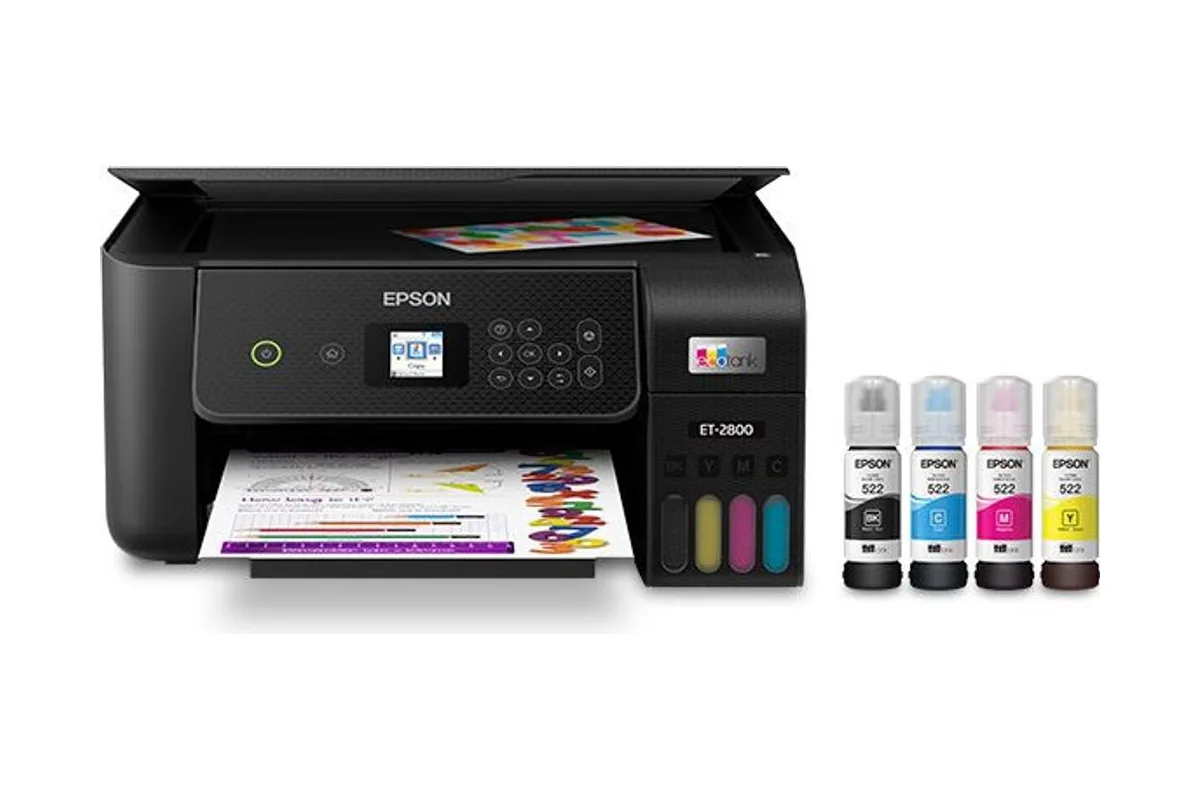
Any regular inkjet with ordinary ink, such as an unconverted Epson ET-2800. Iron-on transfer paper needs no special printer or conversion, and it works on cotton. Don’t use a converted sublimation printer for it.
Buy the paper for your fabric:
- Light-fabric paper, such as Epson Iron-On Cool Peel, for white and light cotton or poly-cotton. The background virtually disappears. Mirror the image before printing. Epson’s settings are 375 °F for 20 seconds in a heat press, or 45 to 60 seconds with a moving hand iron, then cool for 1 to 2 minutes and peel.
- Dark-fabric paper, such as Avery 3279, has an opaque white layer, so it works on dark shirts. It was $19.69 for five sheets at Staples in November 2026, and Avery says prints last up to 20 washes.
Transfer paper is the cheapest way to start, but the print feels stiffer and wears faster than sublimation, DTF or HTV.
How can you print t-shirts at home?
Pick the method by the shirt:
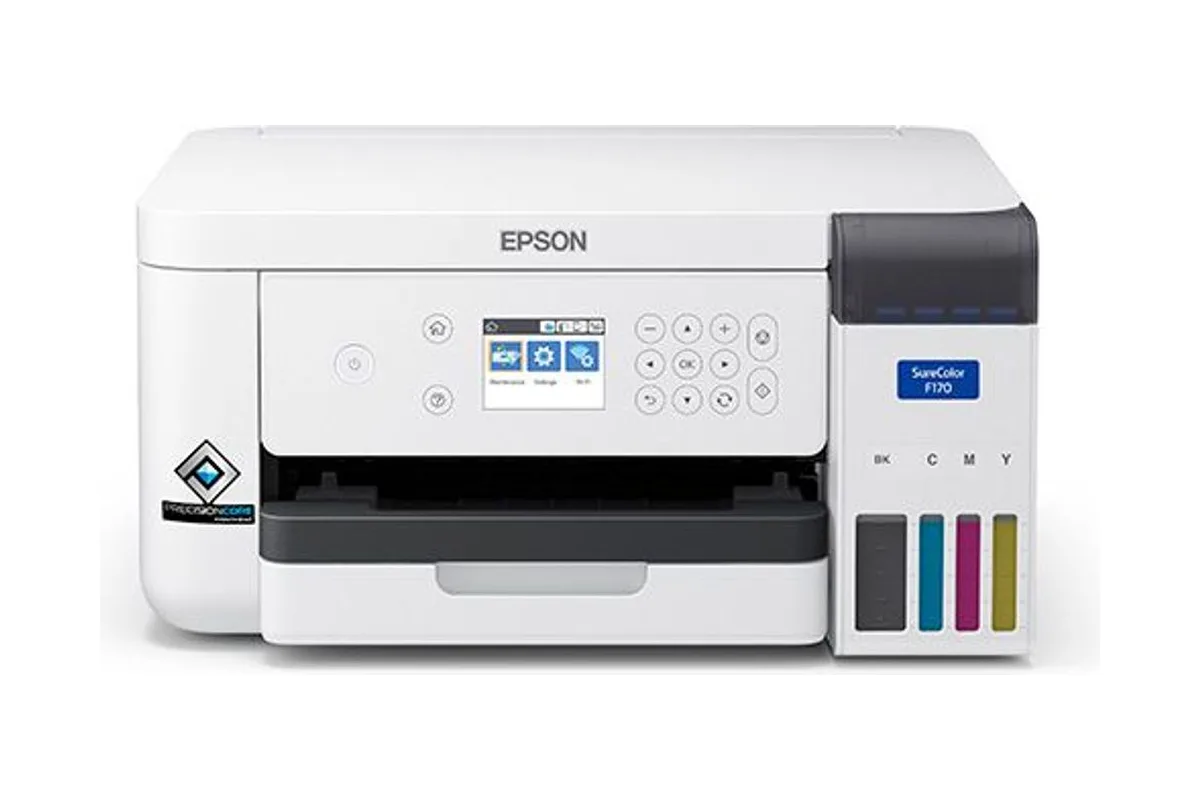
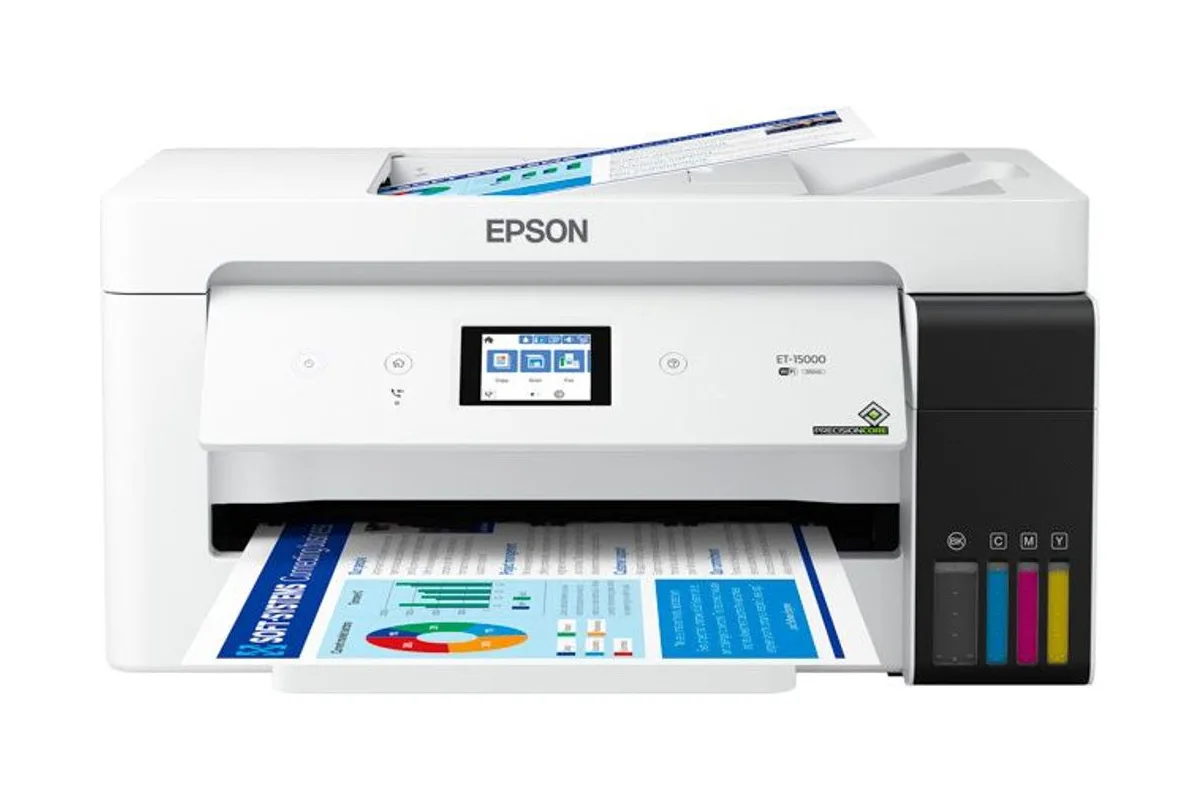
- White or light polyester shirts: sublimation. A converted Epson EcoTank (from $189.99) or an Epson F170 ($399, when in stock) handles chest and small front prints; a converted Epson ET-15000 ($449.99) prints full-front 13 x 19 designs.
- Cotton, a few shirts: iron-on transfer paper in any inkjet, HTV with a cutting machine, or DTF transfers ordered from a print shop and pressed at home.
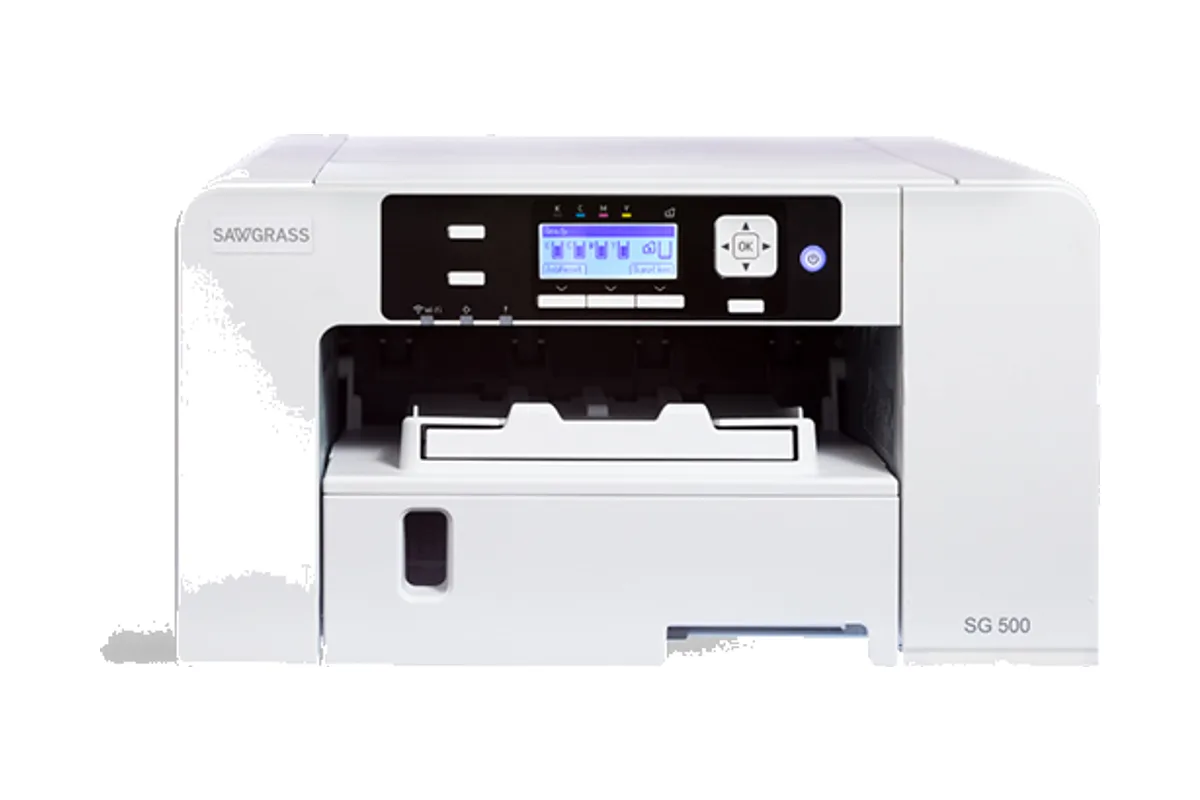
- Cotton of any color, regularly: the Sawgrass SG500 with VersiFlex ink, or a DTF printer if you’re selling in volume.
For the press, a Cricut EasyPress SE is a good first one; a 15 x 15 clamshell gives more even pressure for full-front designs. See how to start sublimation.
Questions people ask
Is sublimation or DTF better?
Sublimation is better for white or light polyester and for mugs and tumblers, with no feel and low upkeep. DTF is better for cotton and dark shirts, but it costs far more to start and maintain.
Is sublimation better than HTV?
For full-color designs on light polyester, yes. HTV is simpler and works on cotton and dark shirts, but each color is a separate vinyl layer that sits on the fabric.
What is the best DTF printer for beginners?
The Procolored K13 Lite or the Prestige A4, at about $2,000 each. The xTool Apparel Printer Plus is the premium all-in-one option at about $5,400 and up.
Is DTF worth it for a small business?
Yes, if you sell cotton or dark shirts regularly: Procolored estimates about $1.10 of supplies per A4 transfer. Budget for regular upkeep, replacement printheads and ventilation for the powder and curing.
Can you do DTF with a regular printer?
Not without converting it with a DTF ink kit, white ink and a separate shaker and oven. That’s not a beginner project; an entry-level DTF printer or ordered transfers are simpler.
What is the best printer for iron-on transfers?
Any regular inkjet, such as an Epson EcoTank with Epson ink, with transfer paper made for light or dark fabric.
What is the cheapest way to print t-shirts at home?
Iron-on transfer paper in a printer you already own. For polyester shirts, a converted Epson ET-2400 and a small heat press start at about $335.
Sources
- Procolored: how to estimate and reduce DTF printing cost, procolored.com
- Sawgrass VersiFlex, sawgrassink.com
- Epson SureColor F1070 product page, Epson
- Epson FAQ: sublimating to cotton and blends, Epson
- Epson FAQ: iron-on transfer paper settings, Epson
- Avery: dark fabric transfers, avery.com
- Procolored K13 Lite DTF printer review, the-gadgeteer.com
Keep exploring

Buying guide
The best color label printers for product labels
The Epson ColorWorks CW-C4000 is the best color label printer for product labels: pigment CMYK ink at up to 1200 dpi, rolls up to 4.25 inches wide, 4 inches a second and BS 5609 certification on Kimdura poly, for $2,499 at CDW in November 2026. Get the Primera LX610 ($2,695) to print and cut custom shapes, or the Primera LX500 ($1,549) on a budget.
Read story
Buying guide
The best edible printers for cakes and cookies
The best edible printer for cakes is a new Canon PIXMA TS702a bought in an edible ink bundle: $295 to $299 in November 2026, for letter and legal-size frosting sheets at about $1 to $3 a cake topper. For printing straight onto cookies, the Primera Eddie is $2,995 and uses about 6¢ of ink per cookie.
Read story