How it scores
- Print quality30%7.5
Detailed, coated dye-sub prints with finer detail than the SELPHY QX20, but a narrow color range and mediocre color accuracy.
- Cost per print20%6.0
70¢ a print in Polaroid's five-pack, 85¢ in a single pack at list price, and about 61¢ on sale at Amazon in October 2026.
- Portability and battery20%6.5
About an inch thick and 255 g, with USB-C charging in under an hour, but rated for only 20 prints per charge, and back-to-back printing can drain it in about 10.
- App and connectivity15%7.0
The Hi-Print app is rated 4.9 on iOS but 4.0 on Android, where some owners report Bluetooth trouble; phones only, no computer printing.
- Print format and durability15%7.5
One 2x3 size, but every print is sticker-backed and coated, and a perforated strip tears off for a borderless print.
Overall 6.9/10, the weighted average.How we score →
Is the Polaroid Hi-Print worth it?
Yes, if you want the smallest printer that makes real dye-sub photos: the Hi-Print 2x3 Generation 2 costs $109.99 and turns phone photos into sharp, sticky-backed 2x3 prints for 70–85¢ each with Polaroid’s paper packs. Skip it if you print a lot in one sitting, because its battery is rated for only 20 prints and each print takes over a minute.
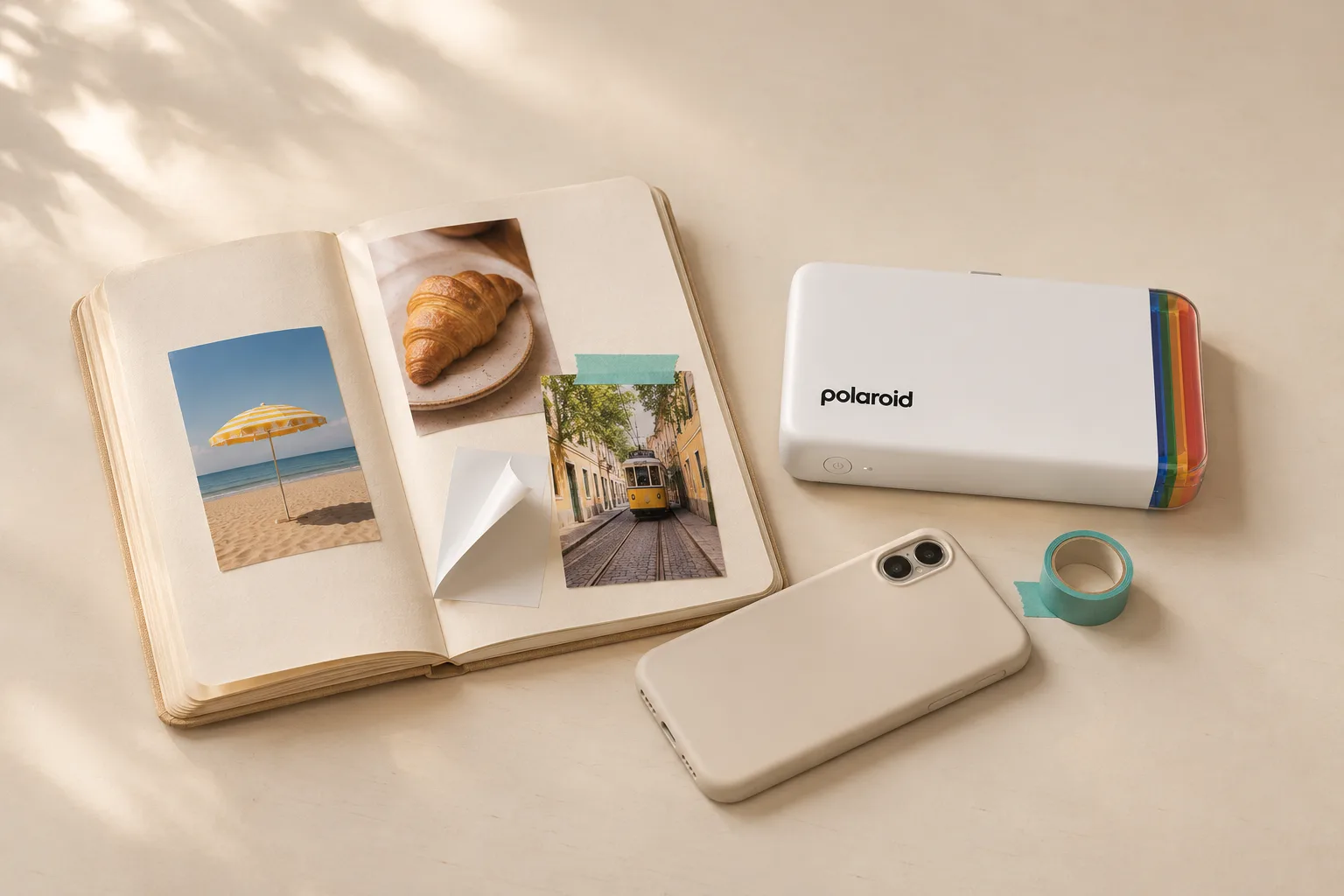
It’s about an inch thick and weighs 255 grams, so it fits a jeans pocket, which no other dye-sub printer we cover does. For something this small, the prints are excellent: coated and detailed, and look clearly better than Zink sticker prints. For the best pocket prints regardless of size, the Canon SELPHY QX20 is a little better; see Hi-Print vs SELPHY QX20.
How much does a Hi-Print print cost?
About 70¢ a print in Polaroid’s five-pack and 85¢ in a single pack, at Polaroid’s November 2026 prices. Each pack holds two 10-sheet cartridges with the paper and dye ribbon together, so the pack price is the whole cost of a print. Ranked cheapest first:
| Hi-Print 2x3 paper | Prints | Price | Per print |
|---|---|---|---|
| Amazon, on sale (October 2026) | — | — | about 61¢ |
| Five-pack at Polaroid (November 2026) | 100 | $70.00 ($14.00 a pack) | 70¢ |
| Three-pack at Polaroid (November 2026) | 60 | $45.99 ($15.33 a pack) | 77¢ |
| Single pack at Walmart.com (November 2026) | 20 | $16.77 | 84¢ |
| Single pack at Polaroid (November 2026) | 20 | $16.99 | 85¢ |
The math is pack price ÷ prints: $70.00 ÷ 100 = 70¢, and $16.99 ÷ 20 = 85¢. Polaroid charges the same per pack on subscription. No paper comes in the box, so budget about $17 on top of the printer to get started.
That makes the Hi-Print cheaper to run than the SELPHY QX20 (78–85¢) once you buy in bulk, but dearer than the Zink Canon IVY 2 at about 50¢. A 4x6 from a desktop SELPHY CP1500 costs about 37¢. See what a photo print really costs.
How good are the prints?
Very good for a pocket printer, and sharper than any rival. The Hi-Print is a dye-sublimation printer: Polaroid’s 4Pass process transfers yellow, magenta and cyan dye from a ribbon with heat, then lays a clear protective coat on top. Prints come out dry, with smooth, continuous tone and no dot pattern.
Fine detail is its strength. It resolves more fine detail than the SELPHY QX20, the Canon IVY Zink printer or the Instax Link WIDE. Its weakness is color: the color range is narrow and accuracy mediocre, so prints look a little flatter and less true to life than the QX20’s. Skin tones look natural and dark photos keep their shadow detail, but colors could be more vibrant and blacks deeper. Some owners find prints lighter than the photo on their phone.
Next to Zink, it’s an easy win: more detail, more saturated color and fewer artifacts than the Canon IVY.
Hi-Print vs SELPHY QX20 vs IVY 2
The Hi-Print is the smallest and has the sharpest prints; the QX20 has better color and two print sizes; the IVY 2 is cheapest to run.
| Polaroid Hi-Print 2x3 | Canon SELPHY QX20 | Canon IVY 2 | |
|---|---|---|---|
| Print type | Dye-sub with overcoat | Dye-sub with overcoat | Zink |
| Print size | 2x3 in (2.1x3.4 in sheet) | 2.7x2.7 in or card size | 2x3 in |
| Cost per print | 70–85¢ | 78–85¢ | about 50–60¢ |
| Stickers | Every print | Every print | Every print |
| Battery | up to 20 prints | about 20 prints | about 20 prints |
| Time per print | about 80 seconds | about 48 seconds | about 48 seconds |
| Connection | Bluetooth | Wi-Fi Direct | Bluetooth |
| Weight | 255 g (0.55 lb) | about 1 lb | about 6.4 oz |
Prices are at the makers’ list prices in November 2026. Pick the QX20 for the best-looking prints and square photos, and the IVY 2 for the cheapest stickers. For how the three print types differ, see ZINK vs dye-sub vs Instax.
Are the prints stickers, and do they last?
Yes, every Hi-Print print has a peel-off sticky back, and the clear coat makes it dry and smudge-resistant straight out of the printer. Each 2.1x3.4-inch sheet has a perforated strip that tears off to leave a borderless 2x3 sticker, which suits notebooks, planners and fridge doors.
Polaroid makes no water-resistance or longevity claim for Hi-Print prints on its US pages, and we found no independent fade test. Canon rates its similar coated SELPHY prints for up to 100 years in an album, but that’s Canon’s own test of its own paper and doesn’t transfer.
Battery, size and speed
The battery is the Hi-Print’s weak point. Polaroid rates it at up to 20 prints per charge, but printing back to back can get you closer to 10. It recharges over USB-C in under an hour, but there’s no USB-C cable in the box. For a party or a day out, bring a power bank. Instax printers last about 100 prints per charge.
At 1.06 by 5.9 by 3.13 inches and 255 grams without a cartridge, it’s the most pocketable dye-sub printer we know of. Printing is slow. A print can take about 80 seconds, though Polaroid’s paper page says under 60.
App and connection
The Hi-Print prints only from Polaroid’s free Hi-Print app on iPhone (iOS 16 or later) or Android (7.0 or later), over Bluetooth. There’s no Wi-Fi, and it can’t print from a computer or camera. The app adds frames, templates, text, filters and stickers, crops, switches to black and white, and sells paper.
The iOS app is rated 4.9 stars from about 19,000 ratings, but the Android app only 4.0 from about 3,900, and Android reviews include Bluetooth connection complaints. Expect a firmware update during setup that can take 15 minutes, so do it at home. Polaroid has added sign-in to the app for loyalty points; nothing we read says you need an account to print.
What changed in Generation 2?
Generation 2 charges over USB-C, has improved Bluetooth, and uses 30% recycled plastic in its shell. Polaroid says the paper fits all generations of the Hi-Print 2x3, so cartridges you already have still work.
Should you buy it?
Buy the Hi-Print if size is what matters: it’s the only dye-sub printer that truly fits a pocket, its prints are sharp and sticky-backed, and its paper drops to about 70¢ a print in bulk. Look elsewhere if you print in long bursts or want the most accurate color.
- Best pocket print quality: Canon SELPHY QX20, about $80 more, with square prints.
- Cheapest stickers: Canon IVY 2, about 50¢ a print, with softer Zink quality.
- Real instant film and a 100-print battery: Instax mini Link+, at about 91¢ to $1.30 a print.
- 4x6 prints at home: Canon SELPHY CP1500, about 37¢ a print.
All four are compared in our best portable photo printers guide.
Questions people ask
How much does Polaroid Hi-Print paper cost per print?
About 70¢ a print in Polaroid’s 100-sheet five-pack ($70.00) and 85¢ in a 20-sheet pack ($16.99). Sale prices on Amazon have brought it to about 61¢.
Is the Polaroid Hi-Print Zink?
No. It’s a dye-sublimation printer that uses paper cartridges with a dye ribbon, not Zink paper, and its prints are sharper and coated.
How many prints does the Hi-Print get per charge?
Polaroid rates it at up to 20 prints per charge, and printing back to back gives about 10. It charges over USB-C in under an hour.
Does the Hi-Print need an app or Wi-Fi?
It needs the free Hi-Print app on an iPhone or Android phone, and connects over Bluetooth. There’s no Wi-Fi and no computer printing.
Can you use other paper in the Hi-Print?
No. It only takes Polaroid Hi-Print 2x3 paper cartridges, which combine the paper and dye ribbon.
Is the Hi-Print better than the Canon IVY 2?
For print quality, yes: its dye-sub prints are sharper, more saturated and coated. The IVY 2 is cheaper to run at about 50¢ a print.
Key specifications
| Feature | PolaroidHi-Print 2x3 (Generation 2) |
|---|---|
| Print technology | Dye-sublimation with overcoat |
| Print size | 2.1x3.4 in |
| Connection | Bluetooth |
| Media | Paper cartridges |
| Where to buy | Check price at Amazon |
Polaroid Hi-Print 2x3 (Generation 2)
- Print technology
- Dye-sublimation with overcoat
- Print size
- 2.1x3.4 in
- Connection
- Bluetooth
- Media
- Paper cartridges
Sources
- Hi·Print 2x3 Generation 2 pocket photo printer, Polaroid
- Hi·Print 2x3 paper cartridge, Polaroid
- Information about the Polaroid Hi-Print 2x3, support.polaroid.com
- Polaroid Hi-Print Generation 2 review, RTINGS
- The best portable printers, RTINGS
- Polaroid Hi-Print Generation 2 vs Canon SELPHY QX20, RTINGS
- Polaroid Hi-Print (Generation 2) review, Tech Advisor
- Polaroid Hi·Print (App Store), apps.apple.com
- Polaroid Hi·Print (Google Play), Google Play
- Polaroid Hi-Print 2x3 Pocket Photo Printer Gen 2 (Walmart), walmart.com
- Polaroid Hi-Print 2x3 Paper Cartridge, 20 sheets (Walmart), walmart.com
- SELPHY QX20 product page, Canon
- ZINK photo sticker paper, 100 sheets, Canon
Keep exploring
Buying guide
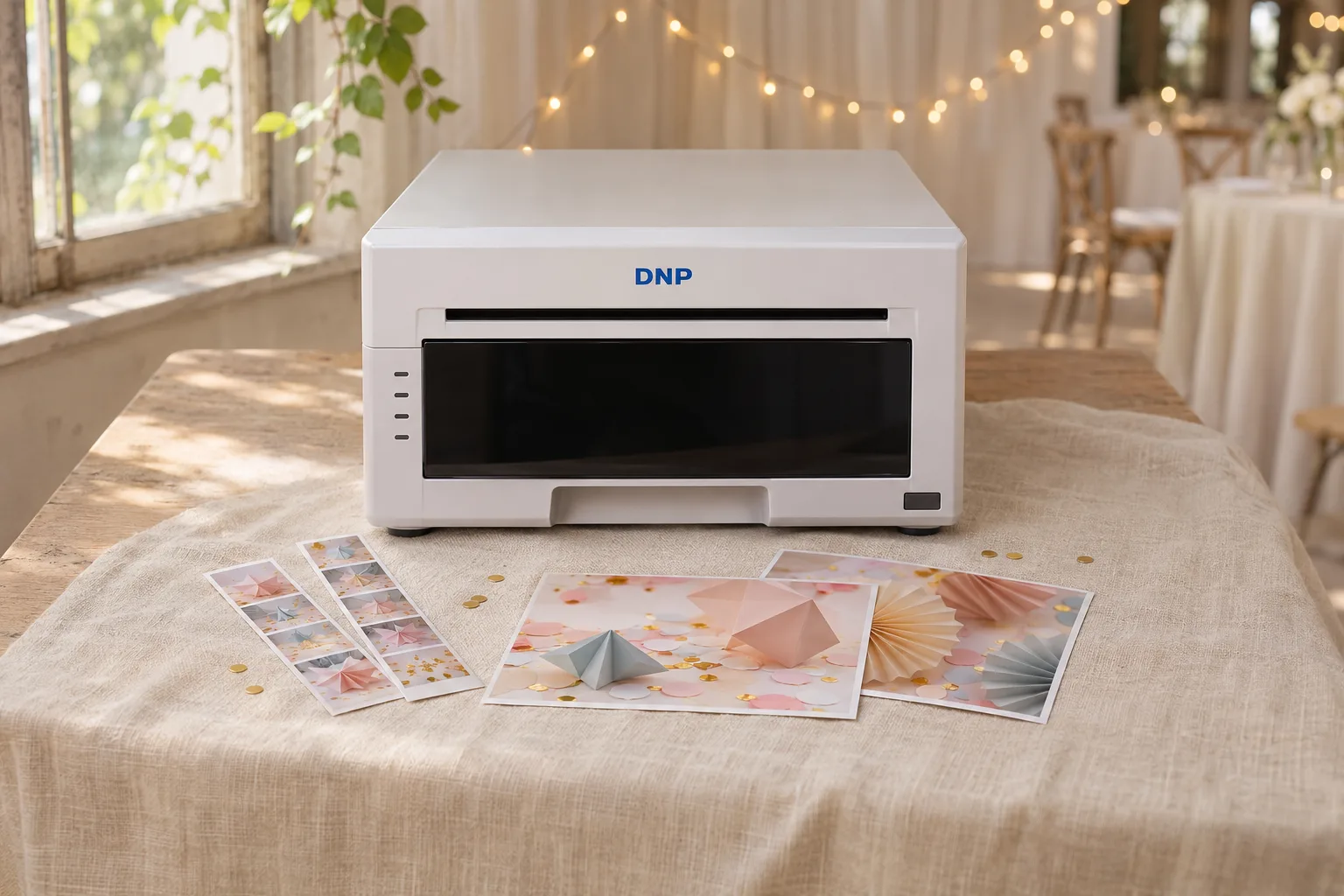
The best photo booth printers
The DNP DS620A is the best photo booth printer: a 4x6 in about 8.3 seconds, 400 prints per roll, 2x6 strips at about 8¢ each in media and a 3-year exchange warranty, for $995 on Black Friday sale in November 2026. The HiTi P525L ($649) costs least to run, at about 11¢ per 4x6.
Read story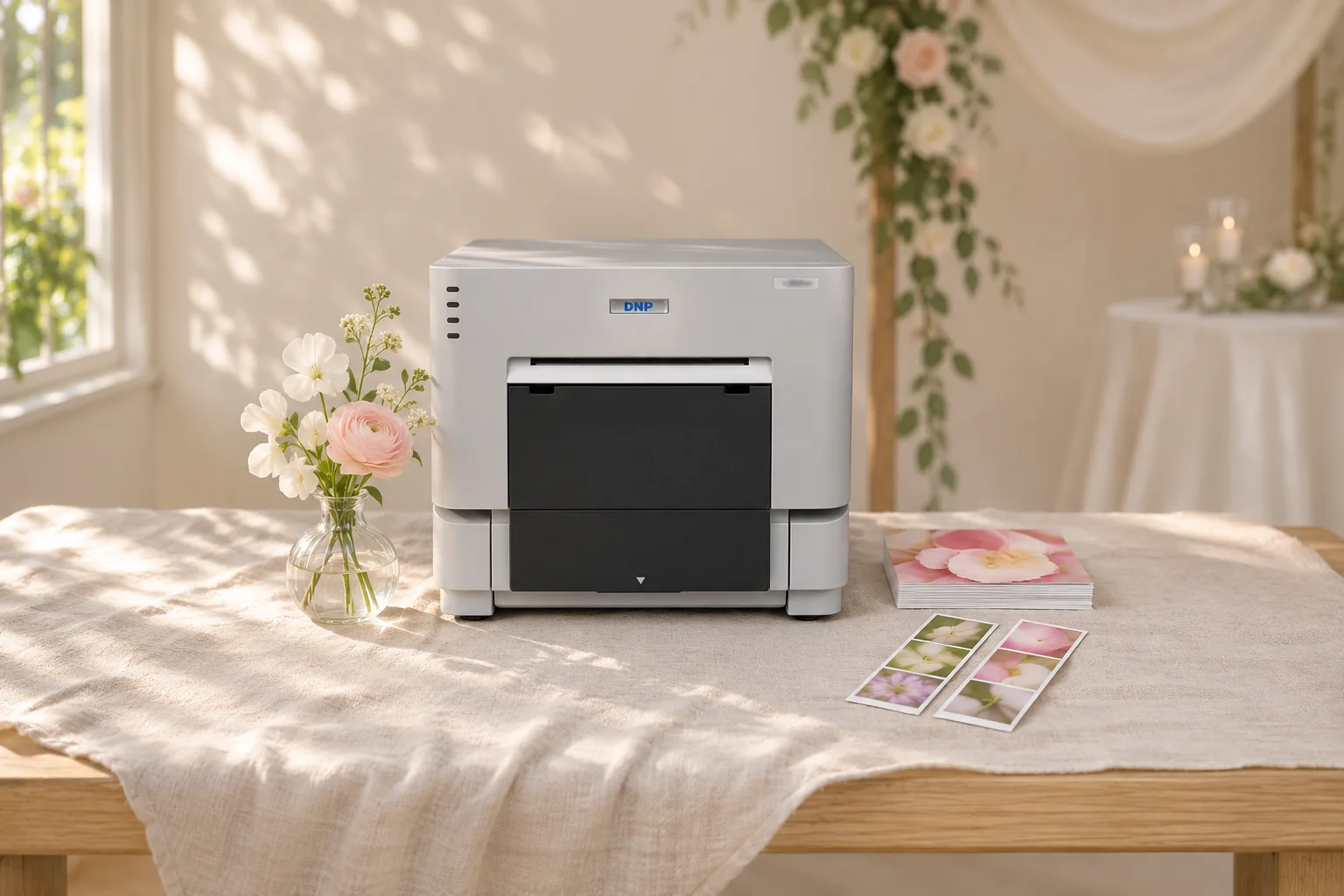
Review
DNP DS-RX1HS review
Not as a new buy: the DNP DS-RX1HS still runs cheaply, at 12.4 seconds per 4x6, 700 prints per roll and about 14¢ of media per 4x6, but new units were unavailable or backordered at $695 in November 2026, and DNP now lists the DP-RX2 ($795) with the same speed and roll size and a 3-year warranty in its place.
Read review