How it scores
- Print quality20%8.0
Clean multicolor prints with automatic toolhead alignment to within 0.04 mm (Snapmaker); fewer purge artifacts than single-nozzle printers.
- Setup and ease of use20%7.5
Extensive automatic calibration and Orca-based software, but owners report toolhead parking errors.
- Speed10%9.0
Color swaps take seconds rather than the minute or more of a single-nozzle system; rated 500 mm/s with 20,000 mm/s² acceleration.
- Features and materials20%8.0
Four toolheads, 270 mm build volume, camera, RFID and backup spools; the top is open unless you buy the cover.
- Reliability and ownership20%6.5
1-year warranty; a newer, more complex mechanism with some early owner reports of parking and calibration errors.
- Value and running costs10%8.5
$699 in November 2026 is far below other tool changers, and it saves filament on every multicolor print.
Overall 7.8/10, the weighted average.How we score →
Is the Snapmaker U1 worth it?
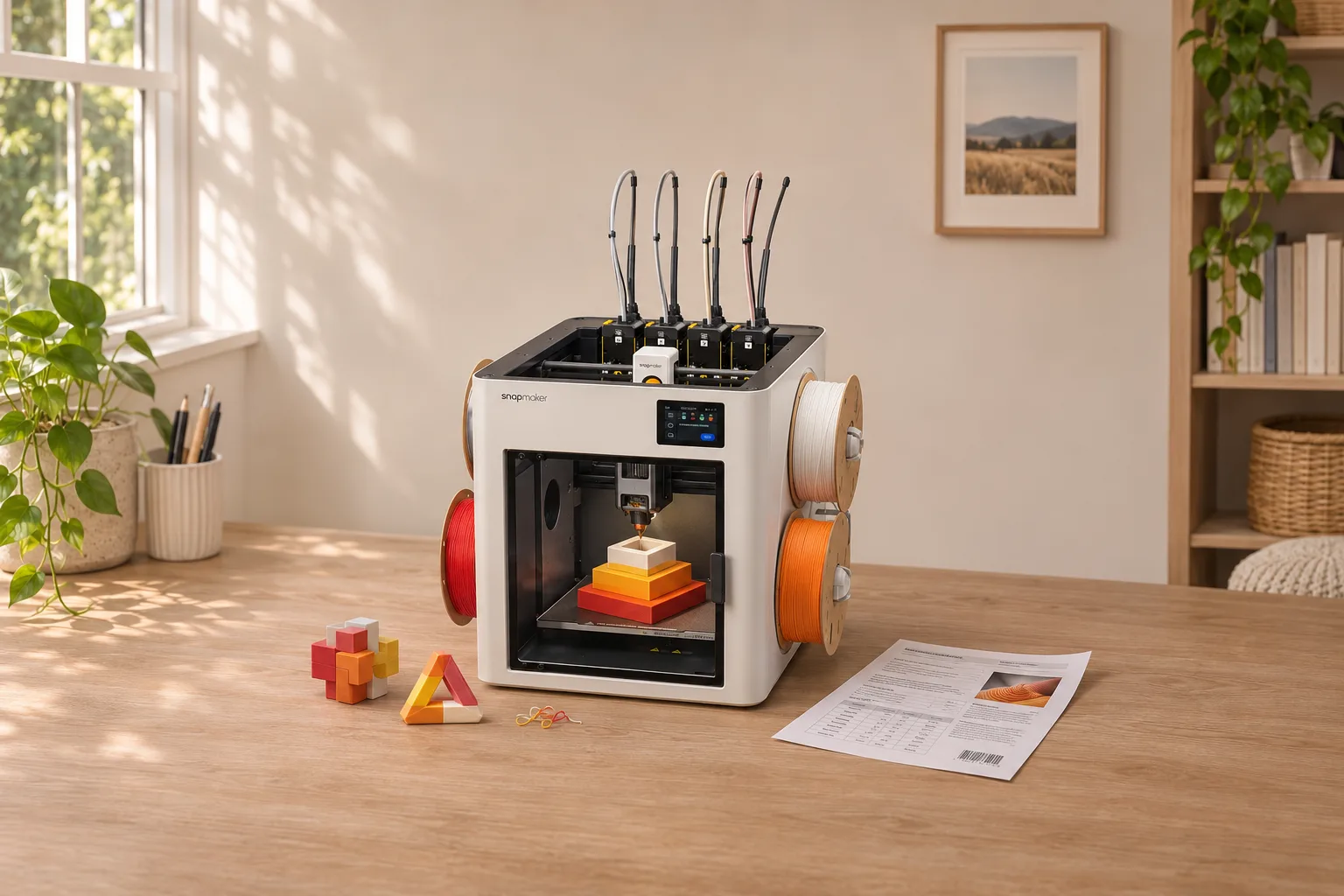
Yes, if you print in several colors often. The U1 cost $699 at Snapmaker and on Amazon in November 2026 (list $999), and it’s the cheapest tool changer you can buy. Instead of one nozzle that has to flush out the old color at every change, it has four separate, preheated toolheads that swap in seconds rather than the minute or more a Bambu AMS needs. Snapmaker claims up to 85% less waste than shared-nozzle printers on multicolor prints.
It isn’t as polished as a Bambu. The top is open, so ABS, ASA, nylon and PC need an add-on cover that costs $149 to $249, the spools hang on its sides, and some owners report toolhead parking errors during calibration.
| Spec | Snapmaker U1 |
|---|---|
| Price (Nov 2026) | $699 at Snapmaker and Amazon (list $999) |
| Type | CoreXY tool changer, open top |
| Toolheads | 4, each with a 0.4 mm nozzle |
| Build volume | 270 x 270 x 270 mm |
| Max nozzle / bed temperature | 300 °C / 100 °C |
| Materials | PLA, PETG, TPU, PVA, PCTG; ABS, ASA, PA and PC with the Top Cover |
| Rated speed | 500 mm/s, 20,000 mm/s² acceleration |
| Camera | 2 MP with AI failure detection |
| Connectivity | 2.4 GHz Wi-Fi, USB drive |
| Software | Snapmaker Orca (OrcaSlicer fork), Klipper firmware |
| Size and weight | 584 x 499 x 730 mm, 18.2 kg |
| Warranty | 1 year |
Source: Snapmaker’s product, specification and sale pages, read November 24, 2026.
How much filament does the U1 save?
A lot on prints with many color changes, less on simple ones. A single-nozzle printer like the Bambu A1 Combo purges filament every time the color changes, and a model with hundreds of changes can use more filament on purging than on the model itself. The U1 keeps each color in its own toolhead, so it needs little or no purging. Savings depend on the model: on detailed multicolor prints they can be several times the model’s weight; on prints with a few large color blocks, the difference is small. See is a multicolor 3D printer worth it?
How does it compare with a Bambu P2S Combo?
| Snapmaker U1 | Bambu P2S Combo | |
|---|---|---|
| Price (Nov 2026) | $699 | $649 |
| Multicolor | 4 toolheads, little purge | 4 slots, purges every swap |
| Color change | Seconds | About a minute or more |
| Enclosure | Open top (cover extra) | Enclosed |
| Materials out of the box | PLA, PETG, TPU | PLA, PETG, TPU, ABS, ASA, CF |
| Build volume | 270 mm cube | 256 mm cube |
| Warranty | 1 year | 2 years |
Pick the U1 if multicolor printing is the point. Pick the P2S if you mostly print one color and want ABS and ASA. See the best multicolor 3D printers.
Is it reliable?
It’s a newer and more complex machine than a single-nozzle printer, and it shows in early owner reports of toolhead parking and calibration errors. Snapmaker says it has tested the swap mechanism over a million cycles and calibrates the toolhead offsets automatically. The warranty is one year; Snapmaker sells an extended plan.
Should you buy the Snapmaker U1?
Buy it if you want multicolor prints without the waste, the wait and the purge pile, and mostly print PLA and PETG. Buy a Bambu A1 Combo ($359) for occasional multicolor on a budget, or a Bambu P2S Combo for an enclosed all-rounder.
Questions people ask
Is the Snapmaker U1 a tool changer?
Yes. It has four independent toolheads that it picks up and parks, so each color or material has its own nozzle.
How fast does the Snapmaker U1 change colors?
Snapmaker says about 5 seconds per swap in its lab; in real prints, swaps can take about 10 to 12 seconds, still far faster than single-nozzle systems.
Can the Snapmaker U1 print ABS?
Only with the optional Top Cover, which encloses the printer. As standard it prints PLA, PETG, TPU, PVA and PCTG.
How much is the Snapmaker U1?
$699 at Snapmaker and on Amazon in November 2026, down from a $999 list price.
Does the Snapmaker U1 use Klipper?
Yes, and it works with Snapmaker’s Orca-based slicer and standard OrcaSlicer.
Key specifications
| Feature | SnapmakerU1 |
|---|---|
| Frame | CoreXY, open top |
| Build volume | 270 x 270 x 270 mm |
| Multicolor | 4 toolheads (tool changer) |
| Materials | PLA, PETG, TPU (ABS/ASA with top cover) |
| Where to buy | Check price at Amazon |
Snapmaker U1
- Frame
- CoreXY, open top
- Build volume
- 270 x 270 x 270 mm
- Multicolor
- 4 toolheads (tool changer)
- Materials
- PLA, PETG, TPU (ABS/ASA with top cover)
Sources
- Snapmaker U1 product page, snapmaker.com
- Snapmaker U1 specifications, snapmaker.com
- Snapmaker Black Friday sale, us.snapmaker.com
- Snapmaker U1 Top Cover, us.snapmaker.com
- Snapmaker U1 purge calculator, snapmaker.com
- Snapmaker forum: toolhead parking errors, forum.snapmaker.com
- Snapmaker U1 review, tomshardware.com
Keep exploring
How to
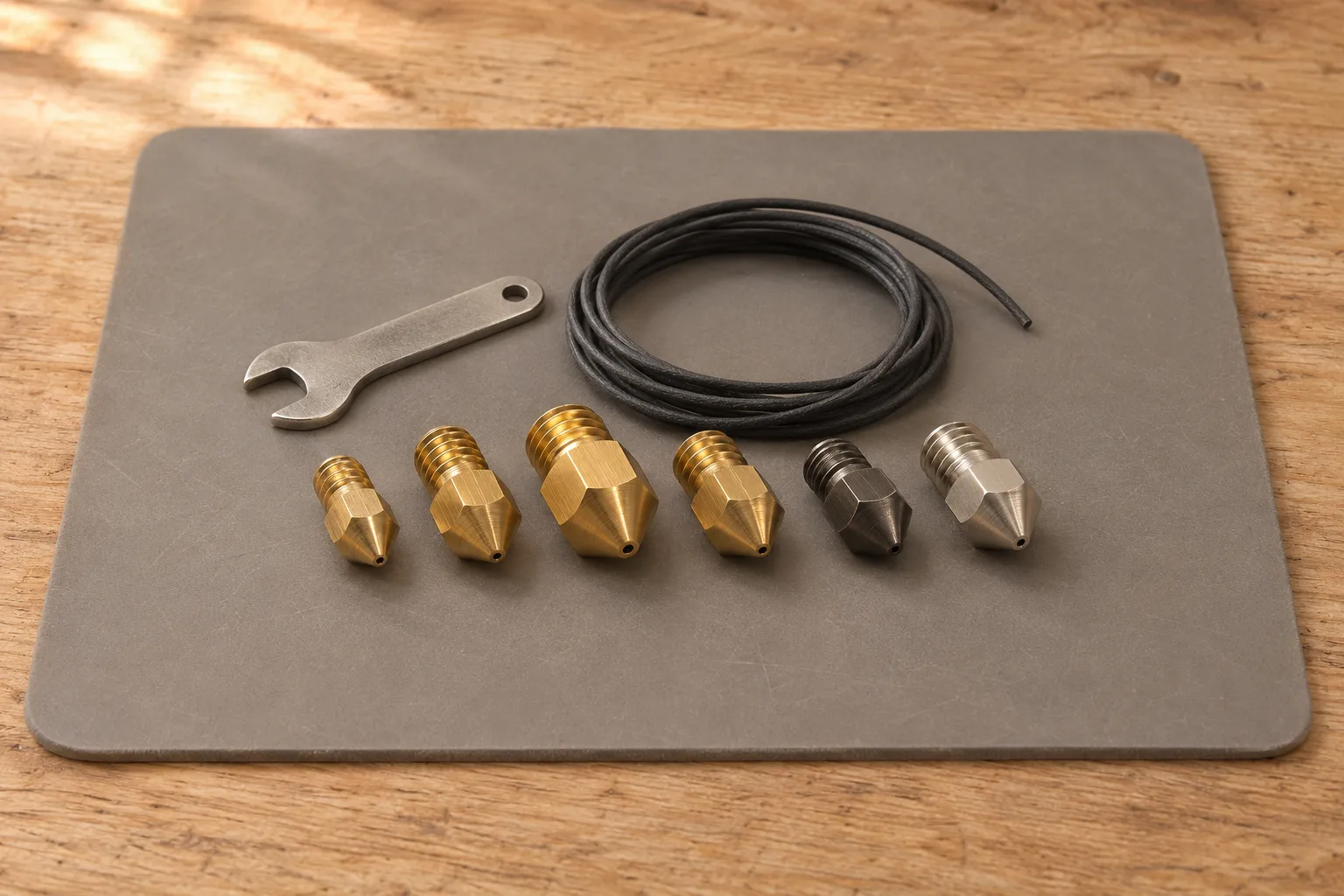
Hardened steel vs brass nozzles, and what nozzle size to use
Brass, or the stainless steel Bambu ships on the A1, is fine for PLA, PETG, ABS, ASA and TPU. Carbon fiber, glass fiber, glow-in-the-dark and sparkle filaments need hardened steel. Use a 0.4 mm nozzle for most prints, 0.6 mm for carbon fiber and big parts, and 0.2 mm for miniatures.
Read story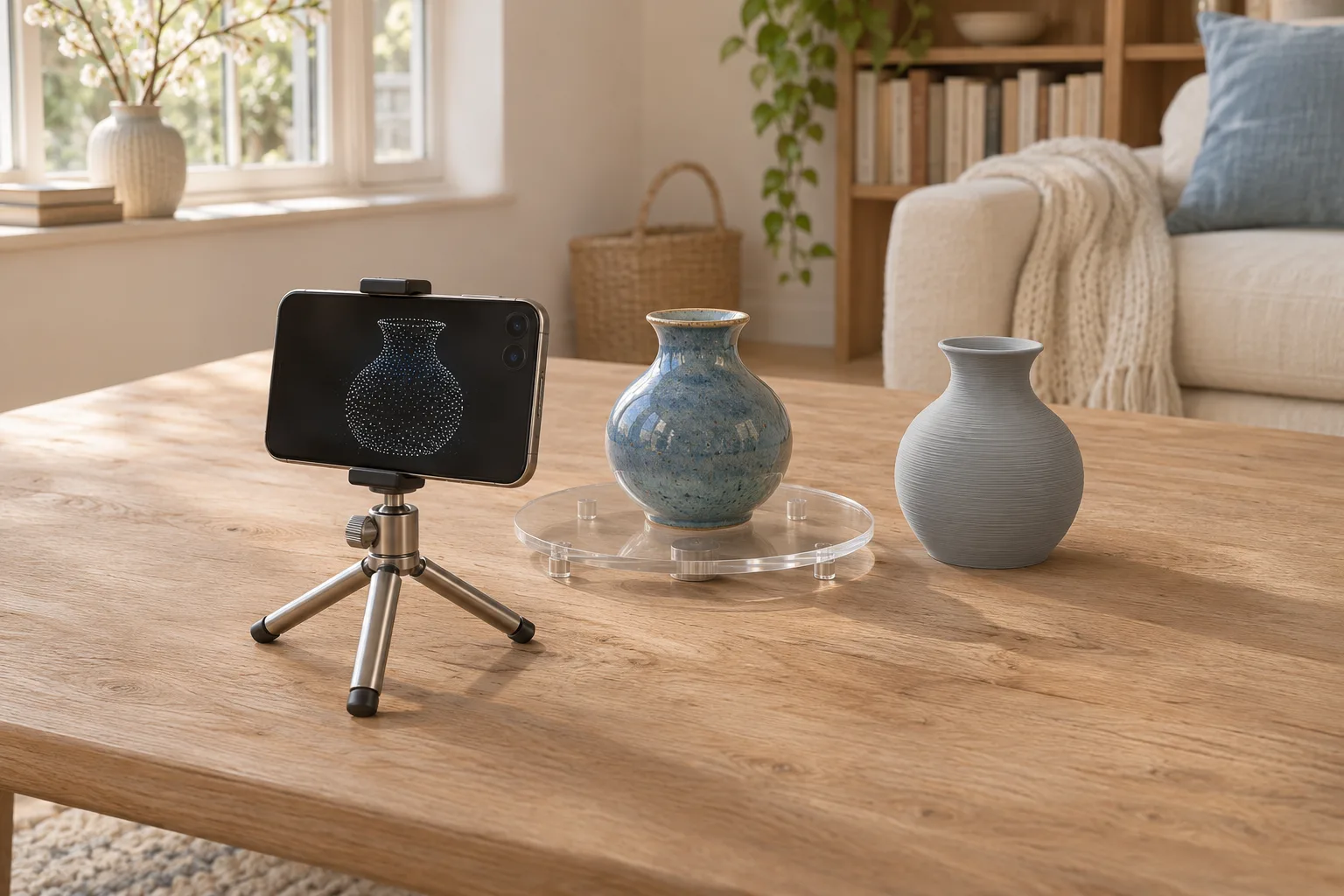
How to
Can you 3D scan with an iPhone? Yes, but not to tight tolerances
Yes. Any current iPhone can 3D scan objects from photos (photogrammetry), and KIRI Engine's free tier exports STL for printing. Only the iPhone 18 Pro and 18 Pro Max have LiDAR in Apple's current lineup. For parts that must fit, a $359 scanner is about ten times tighter.
Read story