How it scores
- Print quality20%9.0
Excellent prints across PLA, PETG, ABS and ASA, with automatic flow calibration and a closed chamber.
- Setup and ease of use20%9.0
Automatic calibration, a 5-inch touchscreen, AI print monitoring and a tool-free quick-swap nozzle.
- Speed10%9.0
Fast CoreXY motion; long prints finish well ahead of bed slingers.
- Features and materials20%8.5
Enclosure, 110 °C bed, 1080p camera, hardened nozzle and AMS 2 Pro with drying; no Ethernet or active chamber heater.
- Reliability and ownership20%7.5
2-year US warranty and Bambu's support; owners reported early firmware regressions, and some features use Bambu's cloud.
- Value and running costs10%7.5
$649 for the Combo in November 2026 is fair for what it does, but multicolor printing purges a lot of filament.
Overall 8.5/10, the weighted average.How we score →
Is the Bambu Lab P2S worth it?
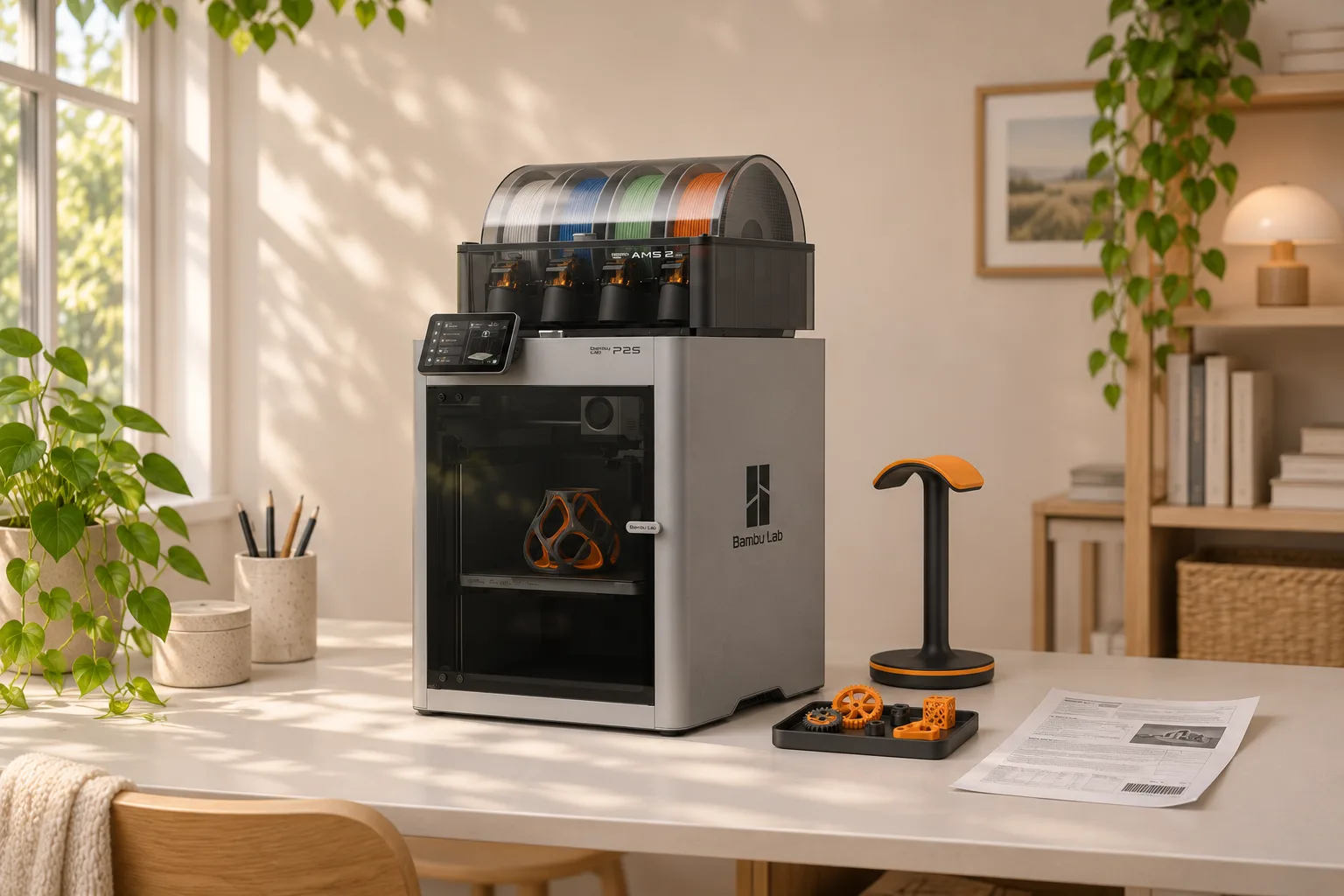
Yes, if you want an enclosed printer. The P2S Combo cost $649 at Bambu’s store in November 2026 (typical $749), and it’s the printer we’d recommend to most homes that want more than PLA: the enclosure keeps heat in for ABS and ASA, a 110 °C bed and hardened-steel nozzle handle carbon-fiber blends, and the closed door keeps noise, fumes and fingers away from the hot parts. The Combo includes the AMS 2 Pro, which feeds four colors and dries filament.
It isn’t a new idea so much as Bambu’s best-selling P1S rebuilt with everything owners asked for. Its biggest weakness is shared with every single-nozzle multicolor printer: each color swap purges filament.
| Spec | Bambu Lab P2S |
|---|---|
| Price (Bambu, Nov 2026) | Combo $649 (typical $749); printer $449 (typical $549) |
| Type | Enclosed CoreXY |
| Build volume | 256 x 256 x 256 mm |
| Max nozzle / bed temperature | 300 °C / 110 °C |
| Nozzle | Hardened steel, 0.4 mm, tool-free quick swap |
| Materials | PLA, PETG, TPU, ABS, ASA, PA, PC and carbon- or glass-fiber blends |
| Multicolor | AMS 2 Pro (4 slots, with drying) included in the Combo; up to 20 slots |
| Camera | 1080p, 30 fps |
| Screen | 5-inch touchscreen |
| Connectivity | Dual-band Wi-Fi, USB, 8 GB storage (no Ethernet) |
| Noise | Under 50 dB in silent mode (Bambu) |
| Weight | 14.9 kg |
| Warranty | 2 years from Bambu’s US store |
Source: Bambu’s launch post, specifications and US store, read November 24, 2026.
What does the P2S add over the P1S?
The P1S is still sold for $349, $100 less than the P2S printer alone. Here’s what the extra money buys:
| Bambu P2S | Bambu P1S | |
|---|---|---|
| Price (Nov 2026) | $449; Combo $649 | $349; Combo $479–$509 |
| Screen | 5-inch touchscreen | Small non-touch screen |
| Camera | 1080p, 30 fps | Low-frame-rate camera |
| Nozzle | Hardened steel, quick swap | Whole-hotend swap |
| Bed temperature | 110 °C | 100 °C |
| Filament box | AMS 2 Pro with drying | AMS or AMS 2 Pro |
| Build volume | 256 mm cube | 256 mm cube |
For most people, the touchscreen, camera and quick nozzle swaps are worth $100. The P1S is still a good buy at $349 if you mainly want an enclosure for ABS on a budget; see A1 vs P1S.
How good are the prints?
Among the best you can get at home. The P2S prints PLA with the door closed thanks to its adaptive airflow, and it handles ABS and ASA without the warping and cracking those materials suffer on open printers. An eddy-current sensor calibrates flow automatically, and AI detection stops prints that turn into spaghetti or start printing in mid-air.
How much filament does multicolor waste?
A lot, as on any single-nozzle printer. Every time the color changes, the printer cuts the filament, loads the next one and purges the old color, so a print with hundreds of color changes can waste more filament than it uses. You can reduce it by flushing into infill or supports in Bambu Studio. If you print multicolor often, a tool changer like the Snapmaker U1 wastes far less. See is a multicolor 3D printer worth it?
Is it reliable?
Mostly. Early owners reported firmware-related problems after launch, including under-extrusion and Wi-Fi instability after specific updates, which Bambu addressed in later releases. It has a 2-year warranty from Bambu’s US store, but Bambu doesn’t cover the hotend and nozzle, which wear. Like other Bambu printers, it prints offline in LAN mode, while remote features use Bambu’s cloud; see can you use a Bambu Lab printer offline?
Should you buy the Bambu Lab P2S?
Buy the P2S Combo if you want one printer that handles almost any filament, prints quietly behind a door, and does four colors. It’s our pick in the best enclosed 3D printers. Save $280 with the Elegoo Centauri Carbon 2 Combo if you can live with rougher software. Stick with the A1 ($259) if you’ll only print PLA.
Questions people ask
Is the P2S better than the P1S?
Yes: it adds a touchscreen, a 1080p camera, a quick-swap hardened nozzle and a hotter bed, for $100 more. The P1S remains a good budget enclosed printer.
Does the Bambu Lab P2S have a heated chamber?
No. It’s enclosed and holds heat passively, which is enough for ABS and ASA, but it has no active chamber heater. Bambu’s H2 series does.
Can the P2S print ABS?
Yes. With the door closed, it prints ABS, ASA, nylon and carbon-fiber blends.
Does the P2S have Ethernet?
No. It connects over dual-band Wi-Fi or by USB.
How many colors can the P2S print?
Four with the included AMS 2 Pro, and up to 20 slots with more AMS units.
Is the P2S quiet?
Bambu rates it under 50 dB in silent mode. Owners mention fan whine at full speed.
Key specifications
| Feature | Bambu LabP2S Combo | Bambu LabP1S |
|---|---|---|
| Frame | Enclosed CoreXY | Enclosed CoreXY |
| Build volume | 256 x 256 x 256 mm | 256 x 256 x 256 mm |
| Multicolor | 4 colors (AMS 2 Pro), expandable | Optional (AMS or AMS 2 Pro) |
| Materials | PLA, PETG, TPU, ABS, ASA, CF blends | PLA, PETG, TPU, ABS, ASA |
| Where to buy | Check price at Amazon | Check price at Amazon |
Bambu Lab P2S Combo
- Frame
- Enclosed CoreXY
- Build volume
- 256 x 256 x 256 mm
- Multicolor
- 4 colors (AMS 2 Pro), expandable
- Materials
- PLA, PETG, TPU, ABS, ASA, CF blends
Bambu Lab P1S
- Frame
- Enclosed CoreXY
- Build volume
- 256 x 256 x 256 mm
- Multicolor
- Optional (AMS or AMS 2 Pro)
- Materials
- PLA, PETG, TPU, ABS, ASA
Sources
- Bambu Lab: meet the P2S, blog.bambulab.com
- Bambu Lab P2S product page, us.store.bambulab.com
- Bambu Lab P2S specifications, bambulab.com
- Bambu Lab P2S FAQ, wiki.bambulab.com
- Bambu Lab P2S firmware release history, wiki.bambulab.com
- Bambu Lab P1S product page, us.store.bambulab.com
- Bambu Lab P2S review, tomshardware.com
- Bambu Lab P2S review, TechRadar
Keep exploring
How to
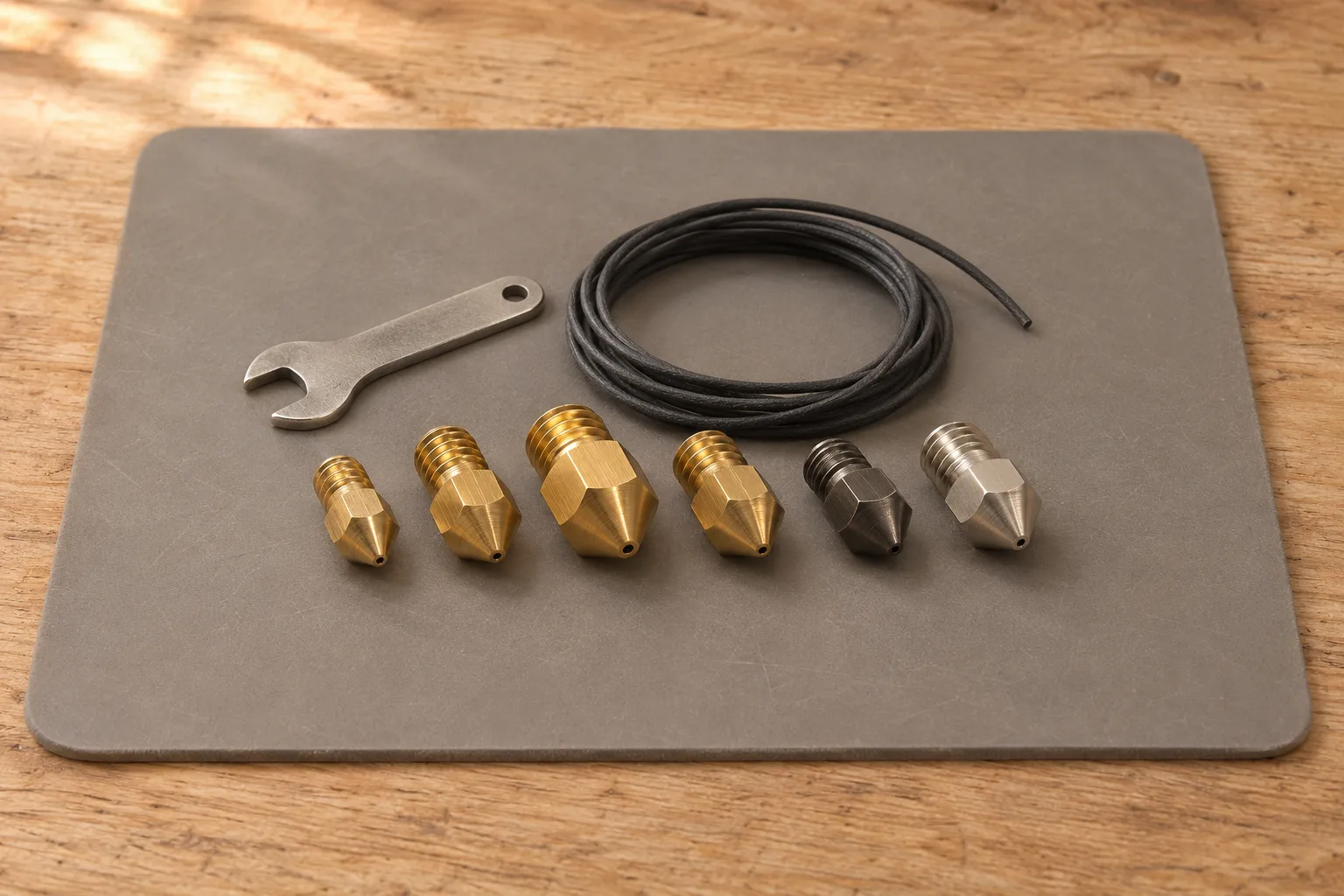
Hardened steel vs brass nozzles, and what nozzle size to use
Brass, or the stainless steel Bambu ships on the A1, is fine for PLA, PETG, ABS, ASA and TPU. Carbon fiber, glass fiber, glow-in-the-dark and sparkle filaments need hardened steel. Use a 0.4 mm nozzle for most prints, 0.6 mm for carbon fiber and big parts, and 0.2 mm for miniatures.
Read story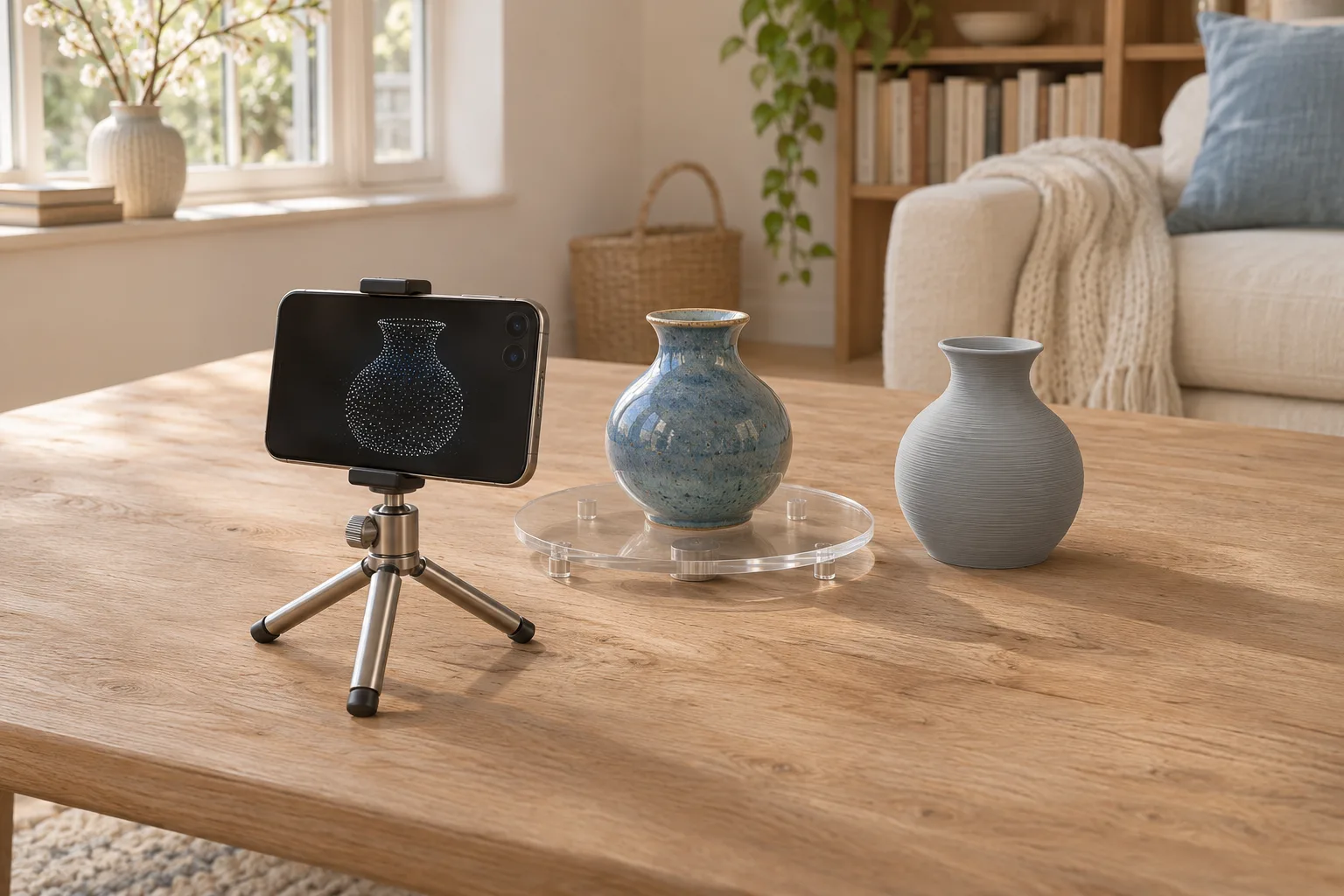
How to
Can you 3D scan with an iPhone? Yes, but not to tight tolerances
Yes. Any current iPhone can 3D scan objects from photos (photogrammetry), and KIRI Engine's free tier exports STL for printing. Only the iPhone 18 Pro and 18 Pro Max have LiDAR in Apple's current lineup. For parts that must fit, a $359 scanner is about ten times tighter.
Read story