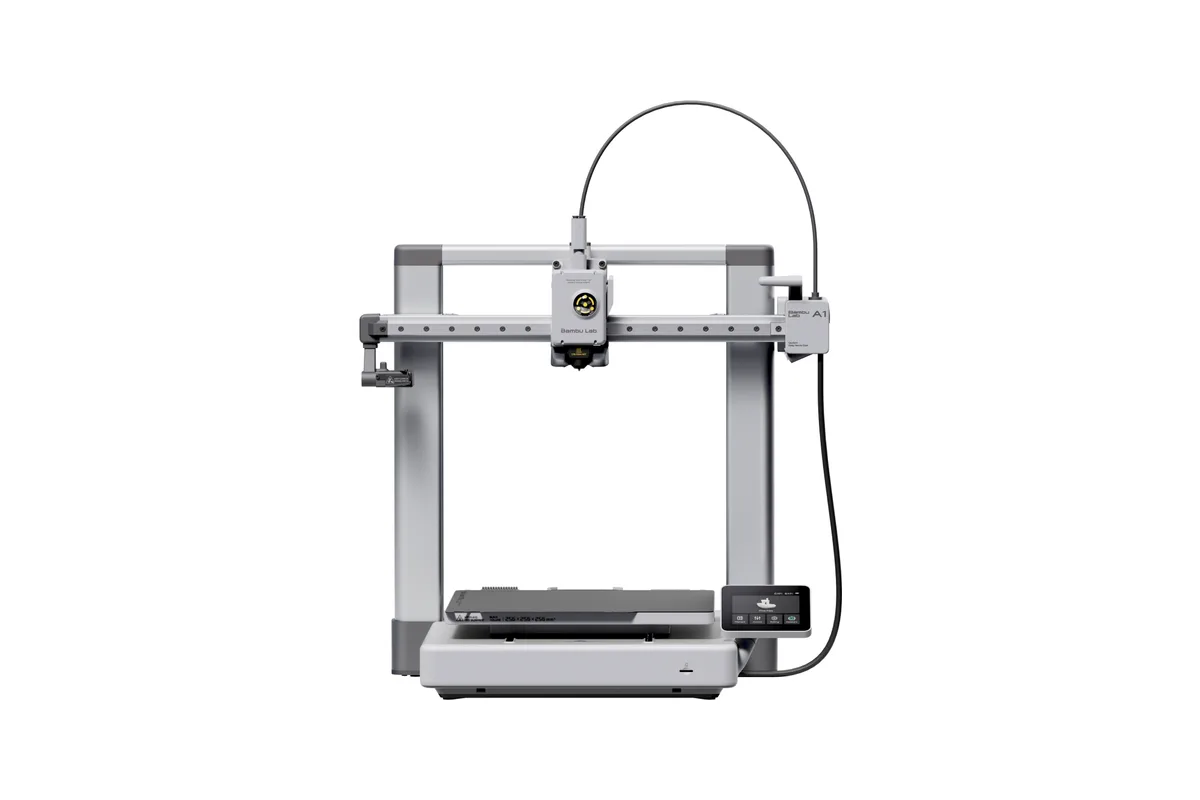
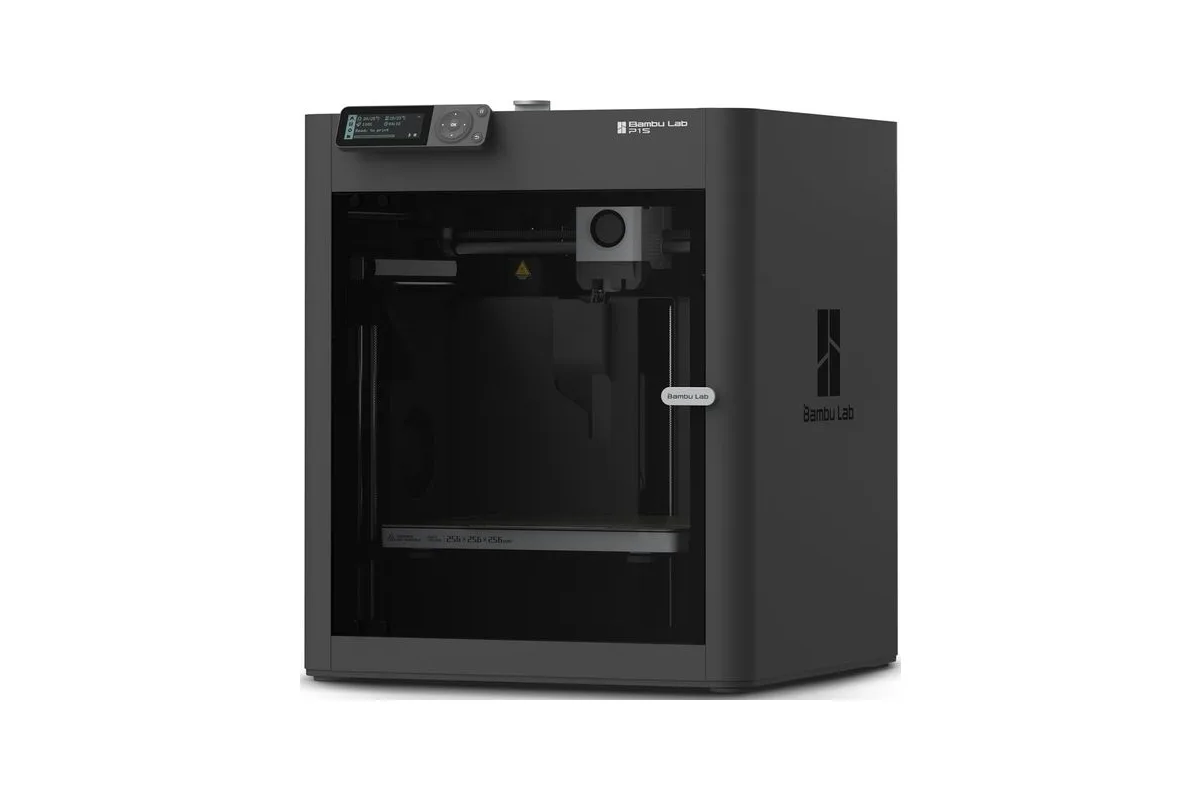
Side by side
| Feature | Bambu LabA1 | Bambu LabP1S |
|---|---|---|
| Frame | Open (bed slinger) | Enclosed CoreXY |
| Build volume | 256 x 256 x 256 mm | 256 x 256 x 256 mm |
| Multicolor | Optional 4 colors (AMS lite) | Optional (AMS or AMS 2 Pro) |
| Materials | PLA, PETG, TPU | PLA, PETG, TPU, ABS, ASA |
| Where to buy | Check price at Amazon | Check price at Amazon |
Bambu Lab A1
- Frame
- Open (bed slinger)
- Build volume
- 256 x 256 x 256 mm
- Multicolor
- Optional 4 colors (AMS lite)
- Materials
- PLA, PETG, TPU
Bambu Lab P1S
- Frame
- Enclosed CoreXY
- Build volume
- 256 x 256 x 256 mm
- Multicolor
- Optional (AMS or AMS 2 Pro)
- Materials
- PLA, PETG, TPU, ABS, ASA
Bambu Lab A1 or P1S: which is better?
The A1 for most beginners; the P1S if you want an enclosure. Both are easy, self-calibrating Bambu printers with a 256 mm build area. The difference is the frame:
- The A1 ($259 in November 2026) is an open “bed slinger”: the bed moves back and forth. It’s quieter, cheaper and ideal for PLA, PETG and TPU.
- The P1S ($349) is an enclosed CoreXY printer: the print head moves and the bed only drops. It’s faster on long prints and, with its door closed, prints ABS and ASA, which warp on open printers.
If you want an enclosed Bambu, also look at the P2S ($449, or $649 with the AMS 2 Pro), which replaces the P1S’s dated screen and camera. See our P2S review.
What’s the difference between the A1 and P1S?
| Bambu Lab A1 | Bambu Lab P1S | |
|---|---|---|
| Price (Bambu, Nov 2026) | $259 | $349 |
| Frame | Open bed slinger | Enclosed CoreXY |
| Build volume | 256 mm cube | 256 mm cube |
| Materials | PLA, PETG, TPU | PLA, PETG, TPU, ABS, ASA |
| Speed on long prints | Fast | Faster |
| Screen | Touchscreen | Small non-touch screen |
| Camera | Low-rate, up to 1080p | Low-rate |
| Multicolor | AMS lite (4) | AMS or AMS 2 Pro (4, expandable) |
| Noise | About 48 dB, silent mode | Louder |
| Warranty | 2 years | 2 years |
Source: Bambu’s specifications and US store, read November 24, 2026.
Which prints better?
For PLA, they’re close, and both produce clean prints with Bambu’s default profiles. The P1S pulls ahead on ABS and ASA, which need the warm, draft-free air of an enclosure, and on long prints, where CoreXY’s faster acceleration saves time.
Which is better for beginners?
The A1. It’s quieter, has a touchscreen, costs less, and prints the materials most beginners use. The P1S is just as easy to set up, but its screen is basic and it’s noisier.
Is the P1S discontinued?
No. Bambu said the P2S doesn’t mean the end of the P1S, which remains on sale and supported; only the open-frame P1P was discontinued, in February 2026.
Which should you buy?
The A1 if you’ll print PLA and want the best value; read our A1 review. The P2S if you want an enclosed Bambu and can spend $100 more than the P1S. The P1S if you want enclosed printing for the least money. See the best enclosed 3D printers.
Questions people ask
Is the P1S better than the A1?
For ABS, ASA and speed, yes. For PLA beginners who want quiet and simple, the A1 is the better buy.
Can the A1 print ABS?
Bambu lists ABS and ASA as not recommended on the A1, because it has no enclosure.
Is the P1S worth it over the A1?
Only if you want the enclosure for ABS or safety, or the extra speed. Otherwise save $90 with the A1.
Should I buy the P1S or P2S?
The P2S for most people: a touchscreen, 1080p camera and quick-swap nozzle for $100 more.
Is the A1 or P1S quieter?
The A1, rated about 48 dB in silent mode by Bambu. The P1S is noticeably louder.
Sources
- Bambu Lab A1 product page, us.store.bambulab.com
- Bambu Lab P1S product page, us.store.bambulab.com
- Bambu Lab A1 technical specifications, bambulab.com
- Bambu Lab: meet the P2S, blog.bambulab.com
- Bambu Lab: P1P end of life, forum.bambulab.com
Keep exploring
How to
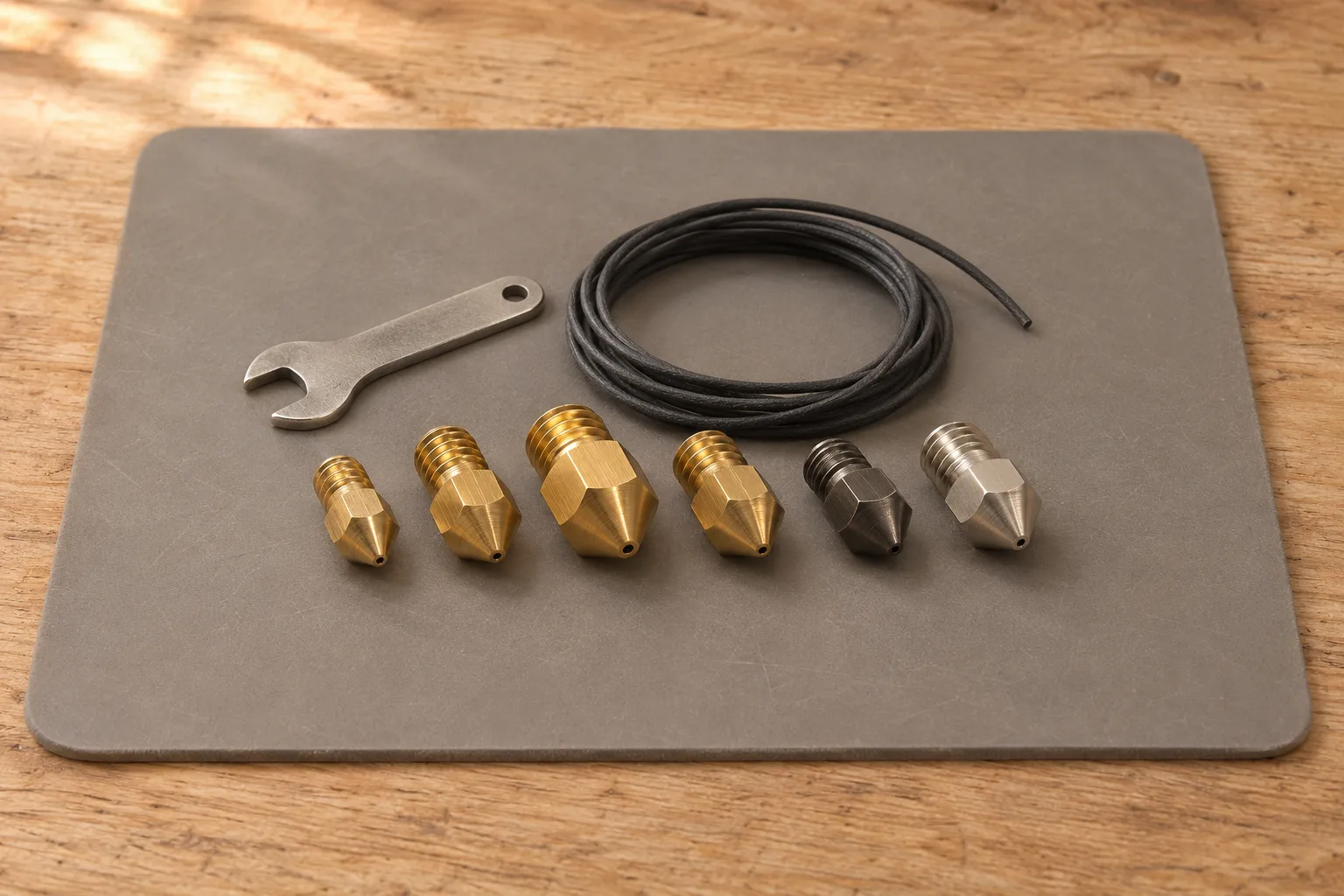
Hardened steel vs brass nozzles, and what nozzle size to use
Brass, or the stainless steel Bambu ships on the A1, is fine for PLA, PETG, ABS, ASA and TPU. Carbon fiber, glass fiber, glow-in-the-dark and sparkle filaments need hardened steel. Use a 0.4 mm nozzle for most prints, 0.6 mm for carbon fiber and big parts, and 0.2 mm for miniatures.
Read story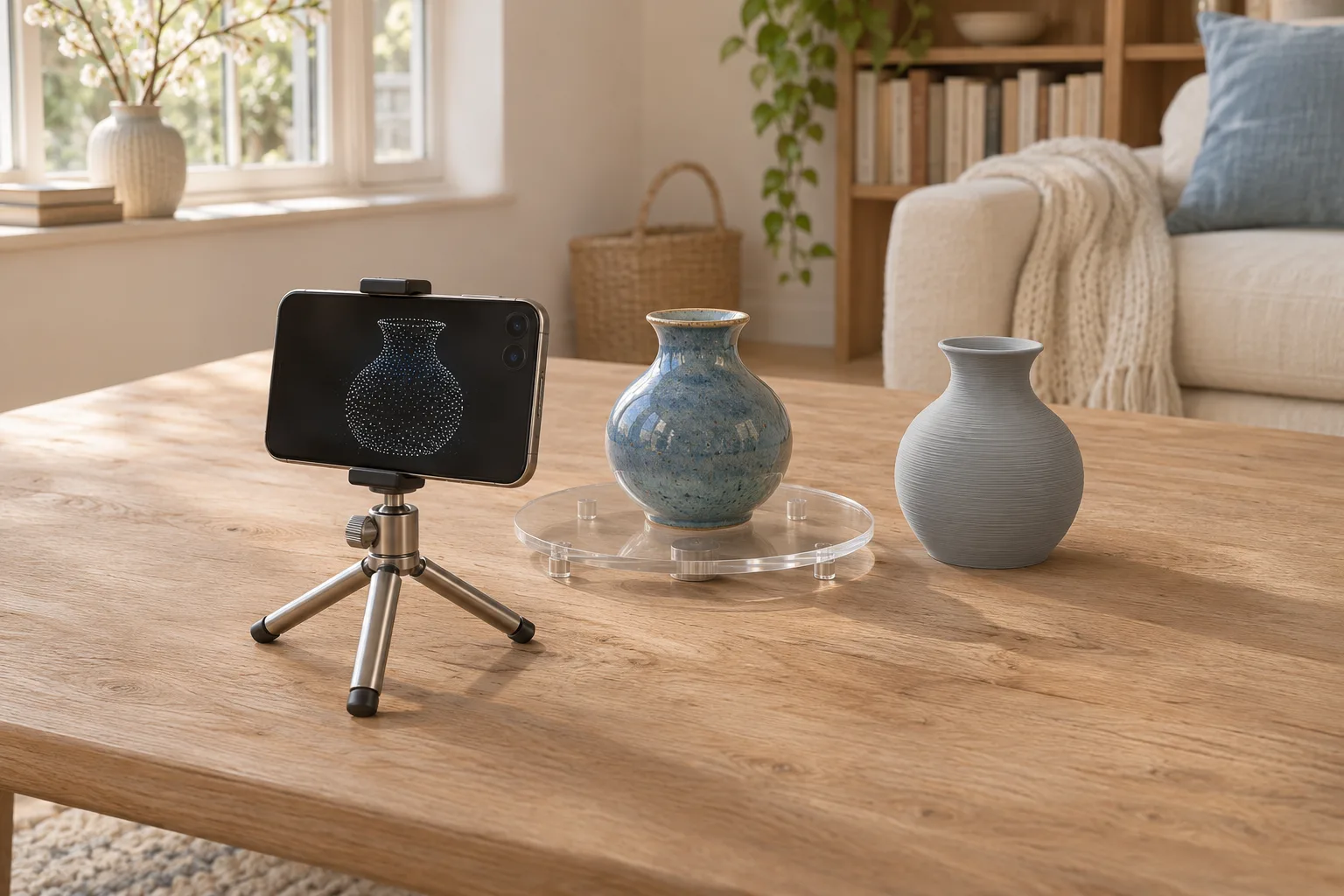
How to
Can you 3D scan with an iPhone? Yes, but not to tight tolerances
Yes. Any current iPhone can 3D scan objects from photos (photogrammetry), and KIRI Engine's free tier exports STL for printing. Only the iPhone 18 Pro and 18 Pro Max have LiDAR in Apple's current lineup. For parts that must fit, a $359 scanner is about ten times tighter.
Read story