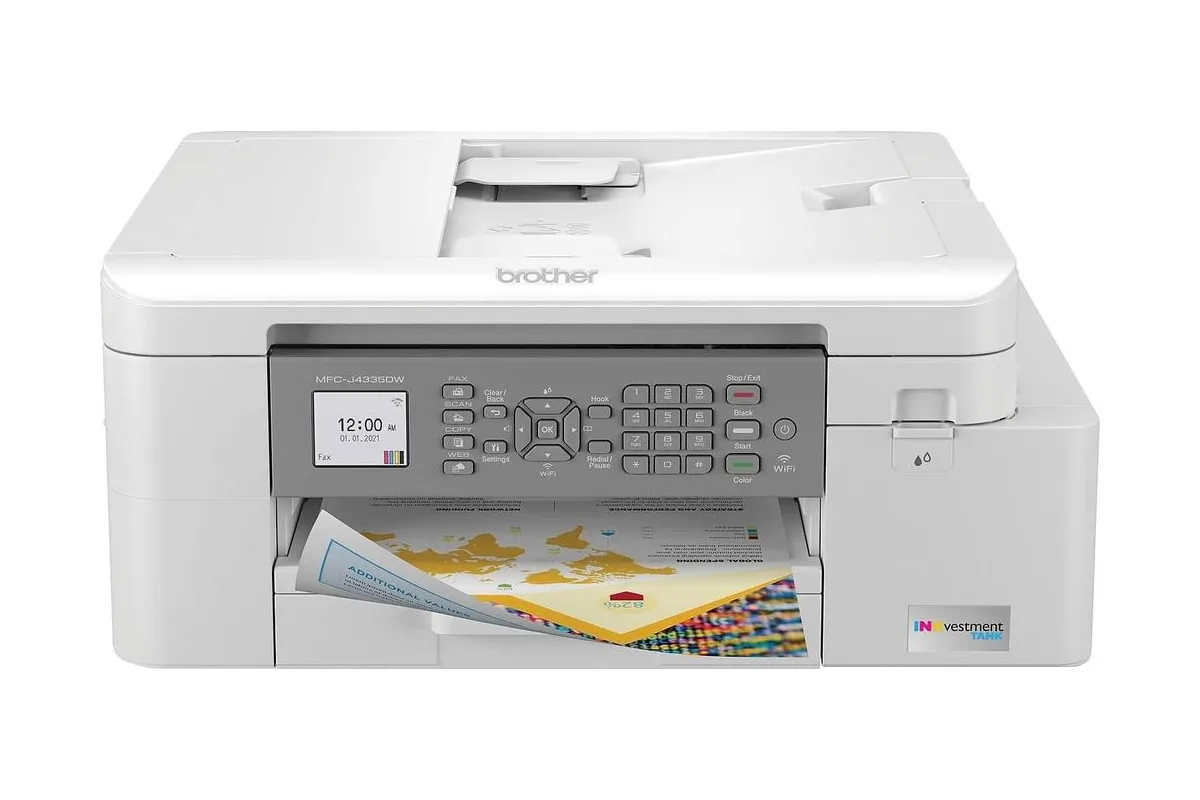
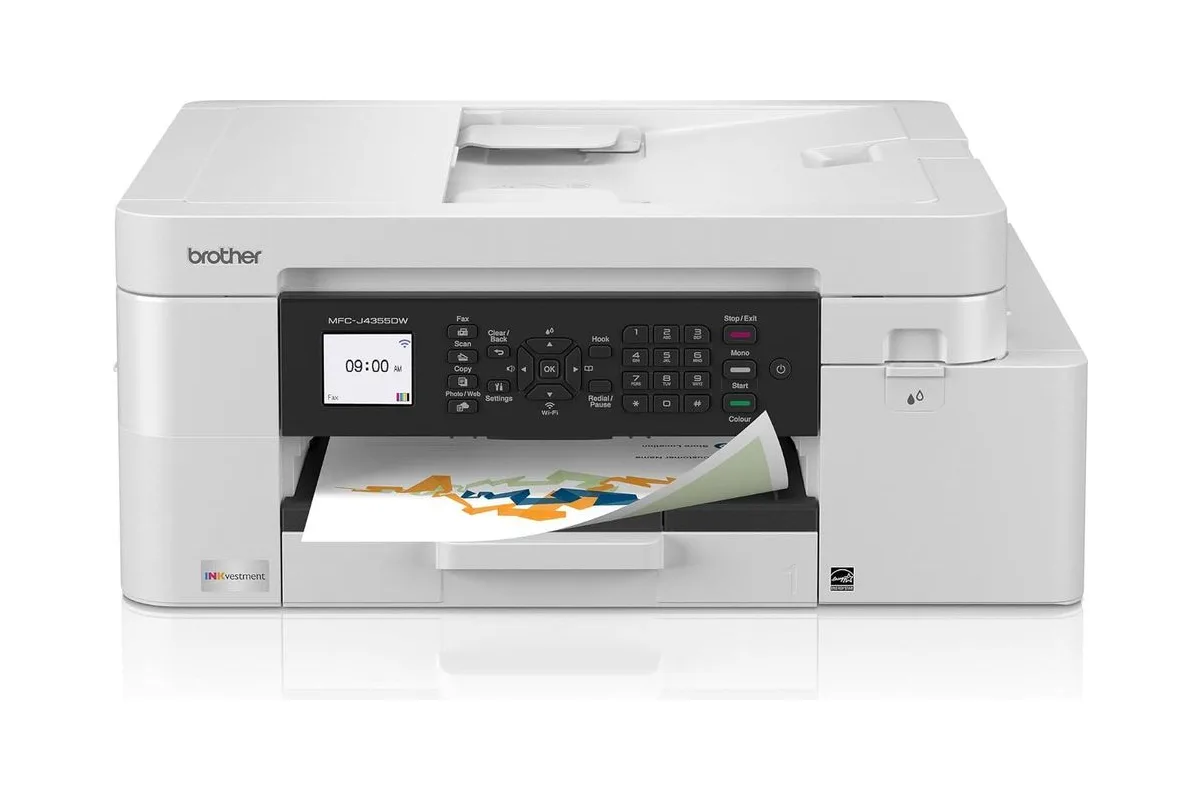
Side by side
| Feature | BrotherMFC-J4335DW | BrotherMFC-J4355DW |
|---|---|---|
| Type | Cartridge inkjet (INKvestment) | Cartridge inkjet (INKvestment) |
| Functions | Print, scan, copy, fax | Print, scan, copy, fax |
| Document feeder | 20-sheet ADF (one side) | 20-sheet ADF (one side) |
| Auto duplex printing | Yes | Yes |
| Color printing | Yes | Yes |
| Where to buy | Check price at Amazon |
Brother MFC-J4335DW
- Type
- Cartridge inkjet (INKvestment)
- Functions
- Print, scan, copy, fax
- Document feeder
- 20-sheet ADF (one side)
- Auto duplex printing
- Yes
- Color printing
- Yes
Brother MFC-J4355DW
- Type
- Cartridge inkjet (INKvestment)
- Functions
- Print, scan, copy, fax
- Document feeder
- 20-sheet ADF (one side)
- Auto duplex printing
- Yes
- Color printing
- Yes
Is the Brother MFC-J4335DW worth it?
It was, and if you own one, it still is. The MFC-J4335DW prints, scans, copies and faxes, with a 20-sheet document feeder and automatic two-sided printing, and its LC406XL cartridges cost about 1.2¢ a black page and 6.1¢ in color, far below most cartridge printers. But Brother marks it discontinued in November 2026, and the new units left on Amazon come from third-party sellers at $325, far above its old $189.99 price.
Its replacement, the MFC-J4355DW, is the same printer with 5 GHz Wi-Fi, for $179.99 at Brother (list $209.99) and $179.98 on Amazon. It uses new LC506 cartridges that hold less ink, so its pages cost more: about 1.7¢ in black and 8.4¢ in color with the biggest XXL cartridges. That’s still cheap for a cartridge printer, but it’s a step back.
What’s the difference between the MFC-J4335DW and MFC-J4355DW?
Ink and Wi-Fi. Speed, feeder, tray, fax and warranty are the same.
| Brother MFC-J4335DW | Brother MFC-J4355DW | |
|---|---|---|
| Brother price (Nov 2026) | Discontinued ($189.99 last listed) | $179.99 (list $209.99) |
| Ink | LC406 / LC406XL | LC506 / XL / XXL |
| Best black / color page | 1.2¢ / 6.1¢ (LC406XL) | 1.7¢ / 8.4¢ (LC506XXL) |
| Ink in the box | “Up to 1 year” at about 150 pages a month | 1,800 black, 750 color pages |
| Wi-Fi | 2.4 GHz only | 2.4 and 5 GHz |
| Functions | Print, scan, copy, fax | Same |
| Document feeder | 20 sheets (one side) | Same |
| Automatic two-sided printing | Yes | Yes |
| Rated speed | 20 ppm black, 19 ppm color | Same |
| Paper | 150-sheet tray + bypass slot | Same |
| Display | 1.8-inch color | 1.8-inch color |
| Ethernet | No | No |
| Weight | 17.6 lb | 19.6 lb |
| Warranty | 2 years | 2 years |
Source: Brother’s product pages, read November 24, 2026.
Why does the MFC-J4355DW cost more to run?
Its cartridges are smaller for the money. At Brother’s November 2026 prices:
| Cartridges | Black | Color (three cartridges) | Color page, with black |
|---|---|---|---|
| LC406XL (J4335DW) | $73.99 ÷ 6,000 = 1.2¢ | 3 × ($81.79 ÷ 5,000) = 4.9¢ | 6.1¢ |
| LC406 standard | $43.49 ÷ 3,000 = 1.4¢ | 3 × ($30.99 ÷ 1,500) = 6.2¢ | 7.6¢ |
| LC506XXL (J4355DW) | $83.49 ÷ 5,000 = 1.7¢ | 3 × ($56.29 ÷ 2,500) = 6.8¢ | 8.4¢ |
| LC506XL | $69.29 ÷ 2,500 = 2.8¢ | 3 × ($38.49 ÷ 1,500) = 7.7¢ | 10.5¢ |
| LC506 standard | $32.99 ÷ 1,000 = 3.3¢ | 3 × ($25.99 ÷ 900) = 8.7¢ | 12.0¢ |
Buy the XXL cartridges for the J4355DW; the standard ones cost about twice as much per page. Both printers cost far less to run than a typical cartridge printer (HP’s 67XL, for example, costs 15¢ a black page), but neither matches an ink tank. The Canon G6020 prints for 0.4¢ black and 1¢ color, without a document feeder or fax.
Is the print quality good?
For documents, yes; for photos, not especially. Both print quickly, at around 11 to 17 pages a minute in real use. Small and thin fonts can print soft, and light grays print faintly. Photos are acceptable but have a narrow color range, with a pinkish tint and slightly washed-out color. Scans are excellent. These are office machines for forms, contracts and school papers.
Like any inkjet, they spend ink on cleaning, and waste ink collects in an absorber that Brother has to service when it fills. Frequent power cycling and cleaning cycles fill it faster, so leave the printer on and let it sleep. Brother says its firmware updates don’t block third-party ink, but repairs caused by non-Brother ink may not be covered.
Which should you buy?
The MFC-J4355DW, if you need a new all-in-one with fax and a document feeder. Buy XXL cartridges and it’s still cheap to run for a cartridge printer. If you don’t need fax or a feeder, an ink tank like the Canon G3270 costs far less per page.
Keep a working MFC-J4335DW: Brother still sells LC406XL cartridges, and they’re cheaper per page than anything for its replacement.
See more options in the best printers under $200 and EcoTank vs MegaTank vs INKvestment.
Questions people ask
Is the Brother MFC-J4335DW discontinued?
Yes. Brother’s store marks it discontinued in November 2026. Brother doesn’t name a replacement, but the MFC-J4355DW is the same printer with new ink and 5 GHz Wi-Fi.
What ink does the MFC-J4335DW use?
Brother LC406 and LC406XL cartridges. The XL black is rated for 6,000 pages and each XL color for 5,000. The MFC-J4355DW uses LC506 cartridges instead, so they aren’t interchangeable.
Is INKvestment the same as an ink tank?
No. INKvestment printers use large cartridges that feed an internal tank, so you swap cartridges rather than pouring bottles. They cost more per page than Epson EcoTank or Canon MegaTank printers but far less than ordinary cartridges.
Does the MFC-J4355DW have Ethernet?
No. It connects over dual-band Wi-Fi, Wi-Fi Direct or USB.
Does the MFC-J4355DW scan both sides automatically?
No. It prints both sides automatically, but its 20-sheet feeder scans one side at a time.
Sources
- Brother MFC-J4335DW product page (discontinued), Brother
- Brother MFC-J4355DW product page, Brother
- Brother LC406XL black ink cartridge, Brother
- Brother LC406XL cyan ink cartridge, Brother
- Brother LC506XXL black ink cartridge, Brother
- Brother LC506XXL cyan ink cartridge, Brother
- Brother MFC-J4335DW: ink absorber and maintenance, support.brother.com
- Brother MFC-J4335DW review, techgearlab.com
- Brother MFC-J4355DW review, RTINGS
Keep exploring

Buying guide
The best barcode label printers
The Zebra ZD421 is the best barcode label printer for most businesses: 4-inch labels at 6 inches a second, any brand of label roll and a 24-month warranty, for about $480 to $526 in November 2026. Get the Brother QL-820NWBc ($229.99) for an office or shop counter, and a thermal transfer model for inventory labels that have to last.
Read story
Buying guide
The best check printers for a small business
The TROY 3001dw ($509.15 at TROY, $530 at Amazon in November 2026) is the best check printer for a small business: a 35 ppm Wi-Fi laser with MICR toner, rated for 350 to 2,500 checks a month, at about 5¢ to 7¢ per check three to a page by our estimate. Get the TROY 4001dn for a locking tray, or the VersaCheck M15 MXD ($399.99) for software in the box.
Read story