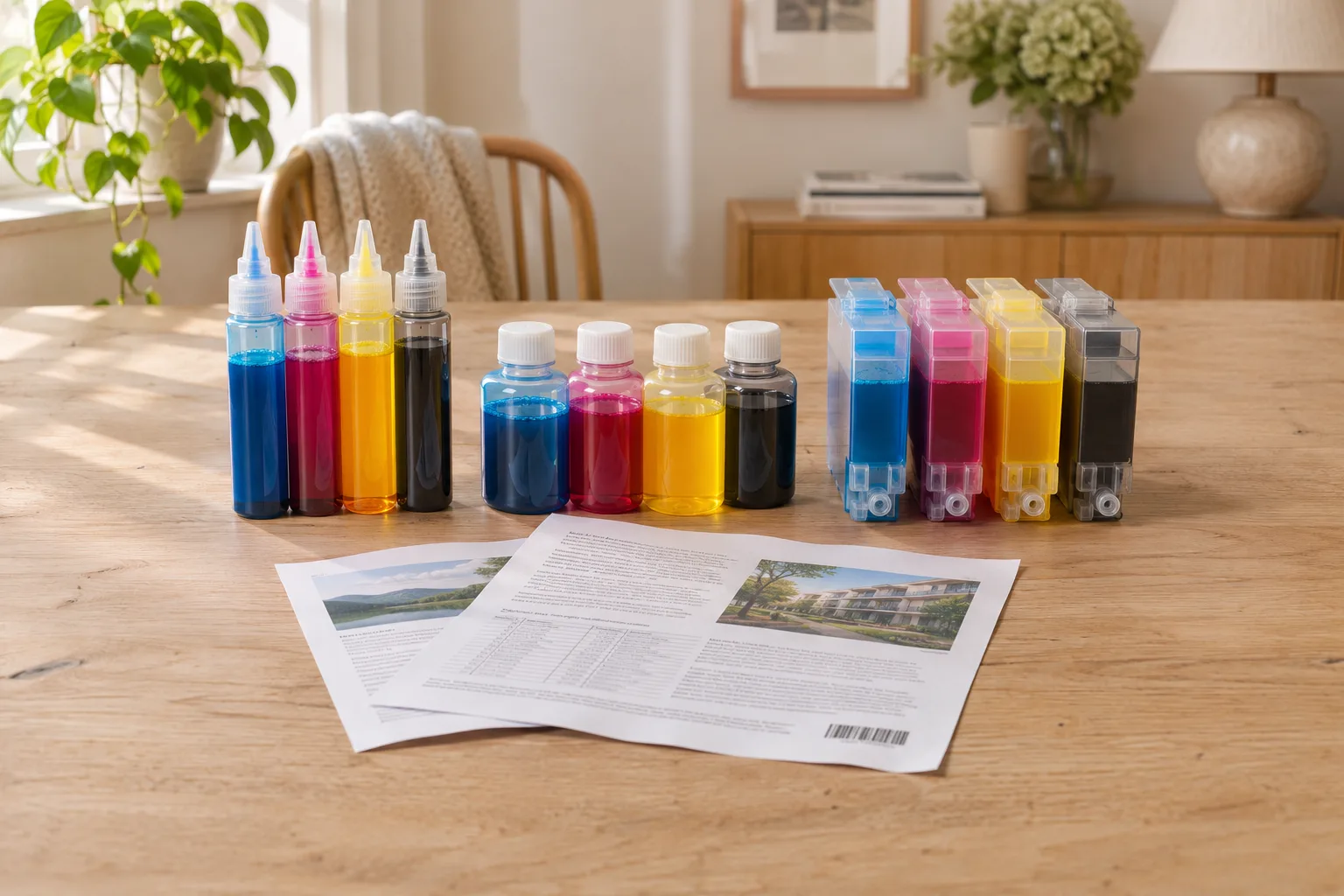
Printers in this guide
Which is better: EcoTank, MegaTank or INKvestment?
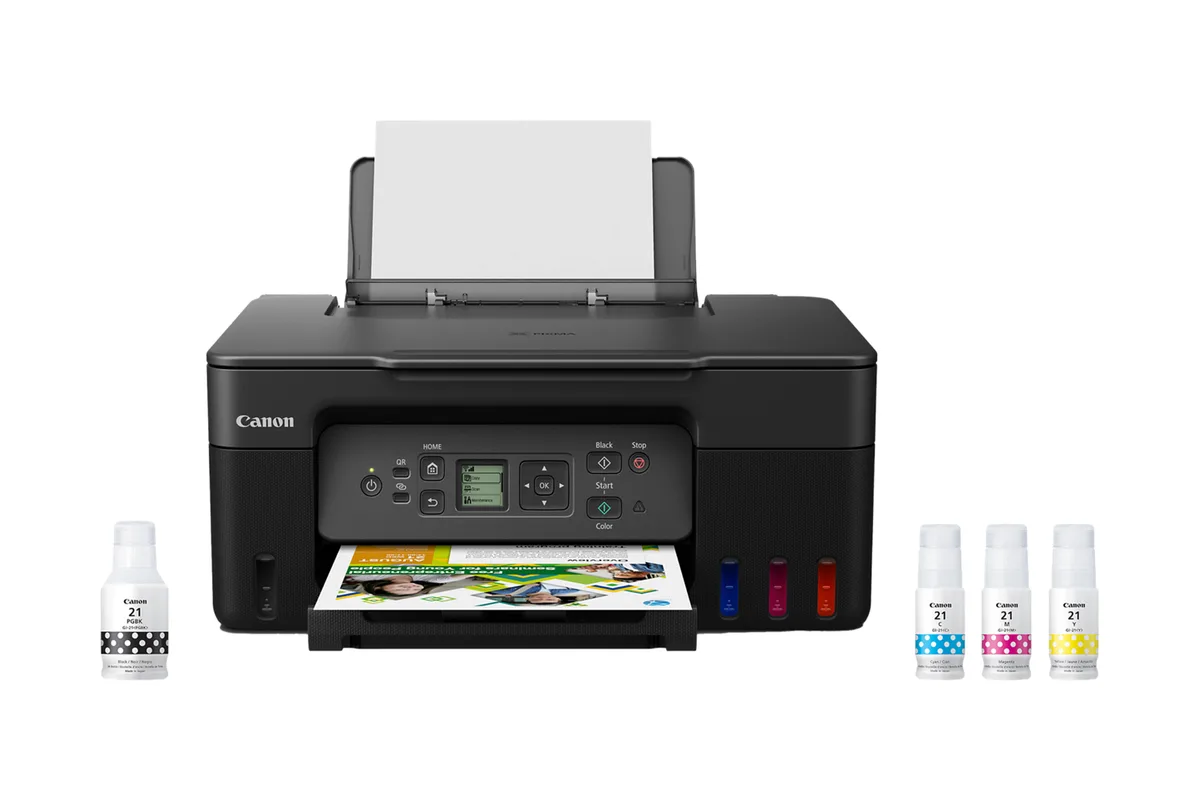
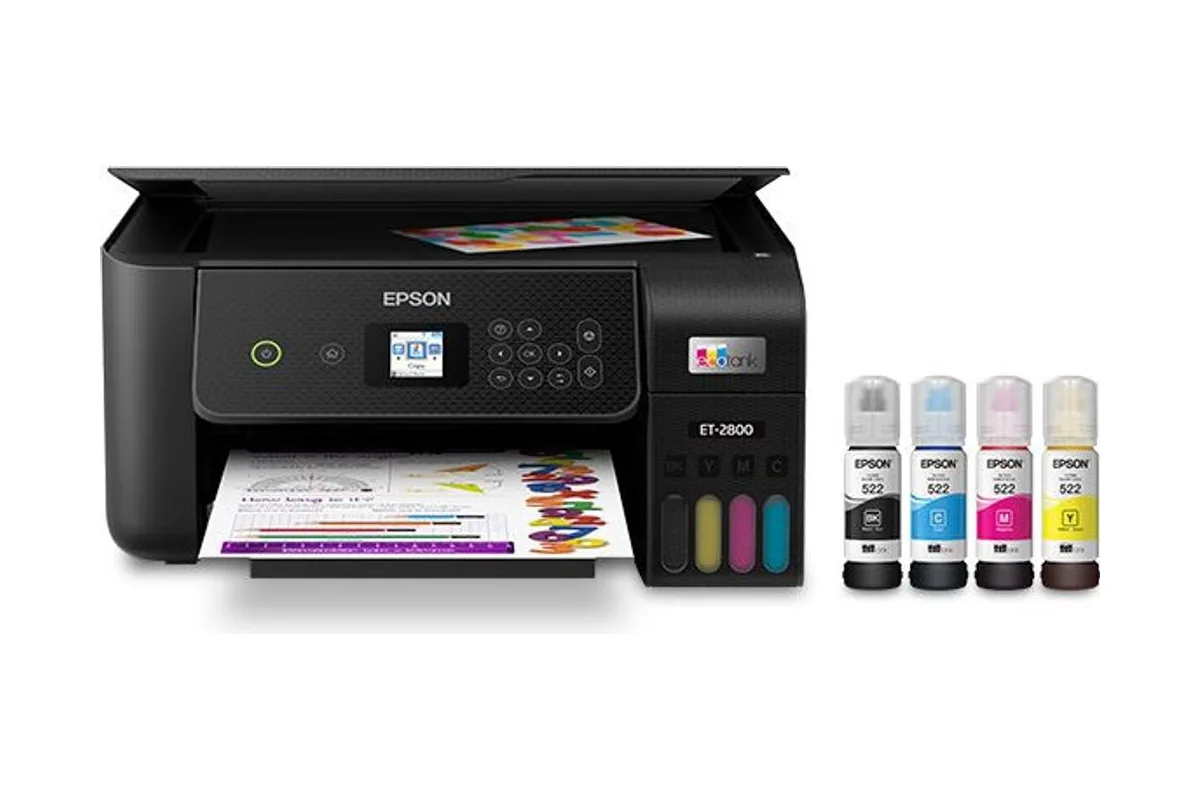
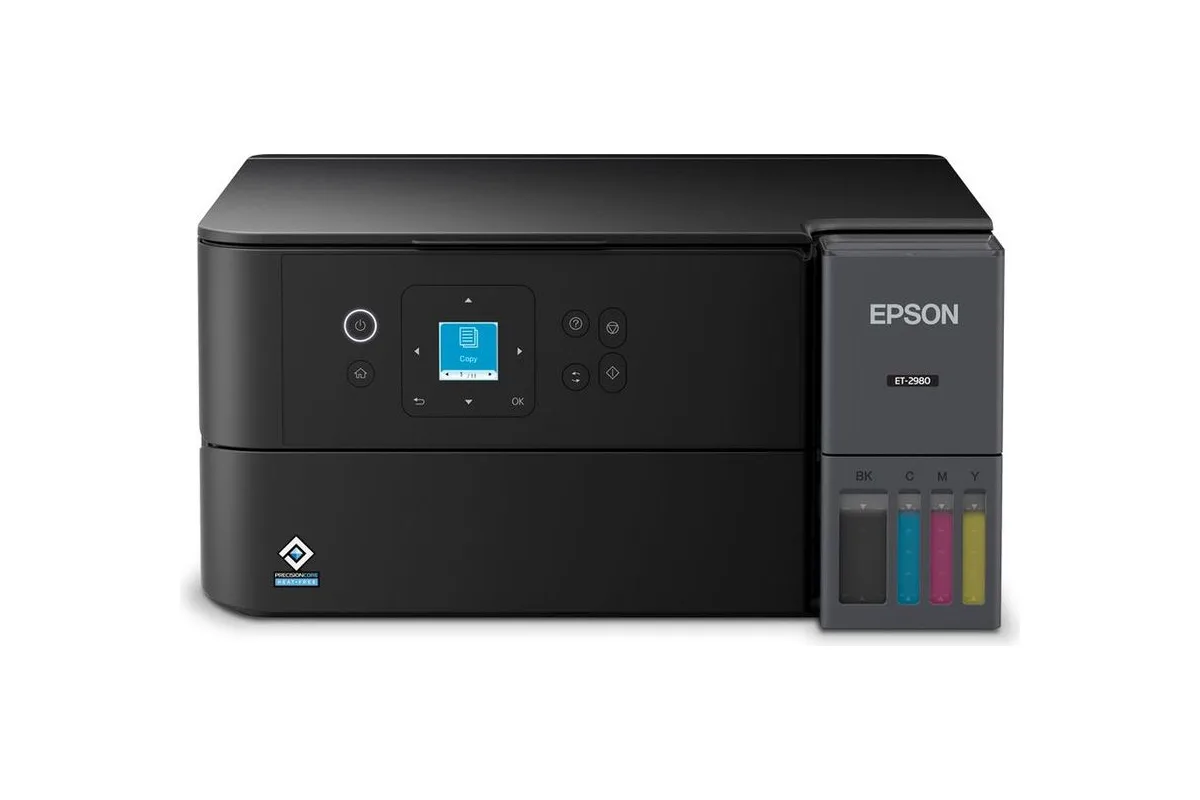
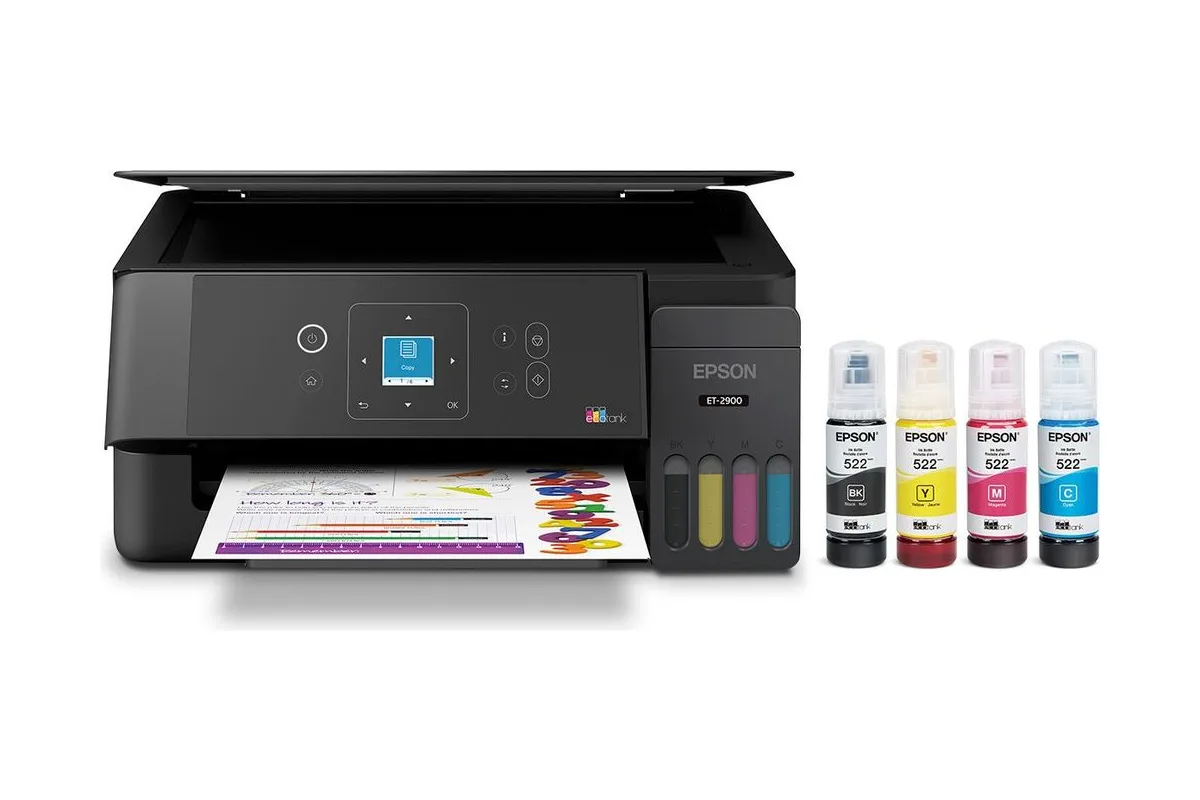
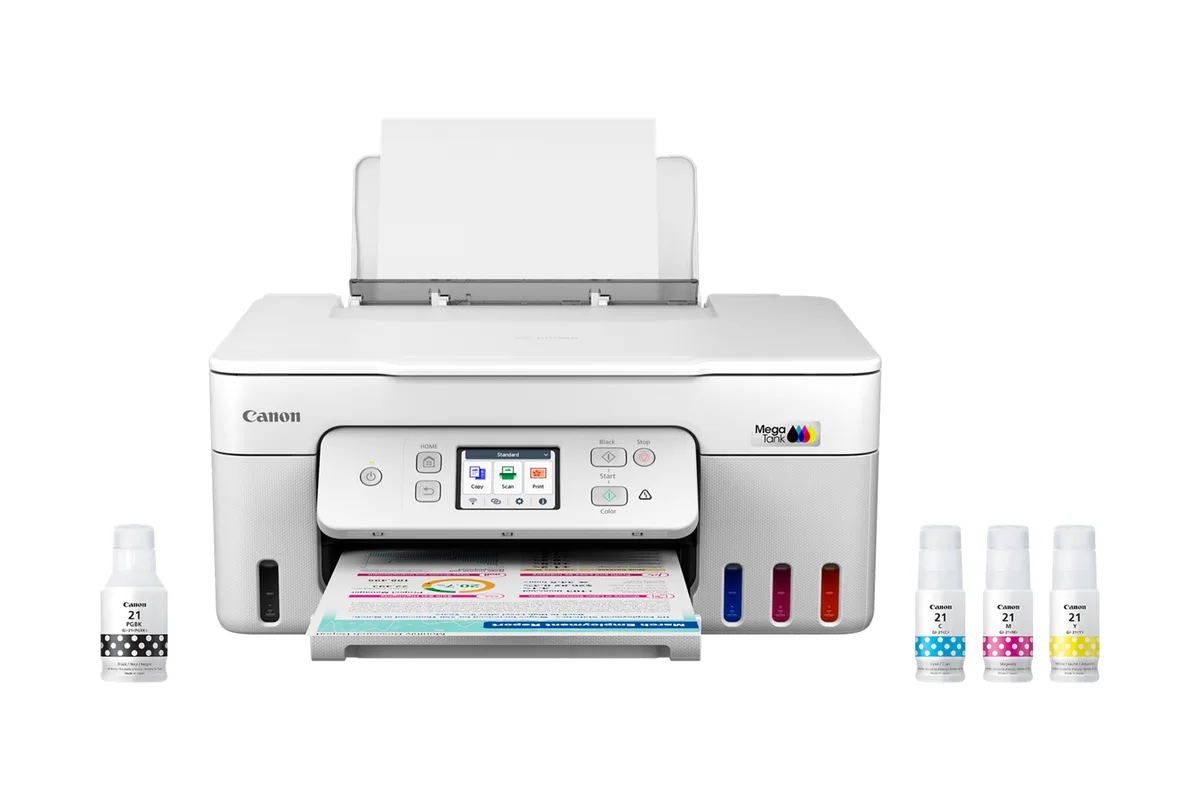
Epson EcoTank and Canon MegaTank tie on running cost, at 0.3¢ to 0.4¢ a black page and about 1¢ in color with each maker’s own bottles. Choose on price and features: in November 2026 the Canon PIXMA G3270 ($144.99) was the cheapest way into either system, with about as much ink in the box as Epson’s models. Epson’s ET-2980 adds automatic two-sided printing, and several current EcoTanks (such as the ET-2980 and ET-2900) have a waste-ink box you can replace yourself.
Most Brother INKvestment printers aren’t bottle systems. They use high-capacity cartridges that feed an ink reservoir inside the printer, so there’s nothing to pour. That’s tidier, but pages cost more: about 1.2¢ black and 6.1¢ color on the MFC-J4335DW. Pick it if you’d rather not pour ink, want a two-year warranty and print mostly black.
All prices are from the makers’ US stores on November 23, 2026. Cost per page is price divided by the maker’s rated yield; color includes black. The math for every printer is in the cheapest printer to run.
EcoTank vs MegaTank vs INKvestment at a glance
| Epson EcoTank | Canon MegaTank | Brother INKvestment | |
|---|---|---|---|
| How you add ink | Pour from keyed bottles | Pour from bottles | Swap a cartridge; it feeds an internal tank |
| Example model (price) | ET-2800 ($239.99), ET-2980 ($329.99) | PIXMA G3270 ($144.99) | MFC-J4335DW ($189.99, discontinued) |
| Replacement ink | 522 or 502 bottles | GI-21 bottles | LC406 / LC406XL cartridges |
| Black page | 0.3¢ (ET-2980), 0.4¢ (ET-2800) | 0.4¢ (0.3¢ economy mode) | 1.2¢ (XL) |
| Color page | 1.1¢ | 1.0¢ | 6.1¢ (XL) |
| Ink in the box | Up to 3 years on current models (ET-2980: up to 6,600 black / 5,500 color pages) | About 2 years at 200 pages a month | Up to 1 year at 150 pages a month |
| Waste ink | User-replaceable maintenance box on the ET-2980 ($10.99) | Replaceable maintenance cartridge | Not stated by Brother |
The “years of ink” claims use different monthly page counts, so compare the page counts, not the years.
Epson EcoTank vs Canon MegaTank
For cost and ink in the box, it’s close to a draw; for price, Canon. The G3270’s GI-21 bottles give the cheapest color page we found (0.97¢), and Epson’s ET-2980 the cheapest black page (0.29¢). The difference is about 10¢ per hundred pages.
Where they differ:
- Price. The G3270 was $144.99 on Canon’s store, against $239.99 for Epson’s ET-2800 and $329.99 for the ET-2980. Over 3,600 pages with some color, that makes the G3270 about $97 cheaper to own than the ET-2800.
- Ink in the box. Epson says the ET-2980’s bottles last up to three years at 125 pages a month, enough for 6,600 black and 5,500 color pages. Canon says the G3270’s bottles last about two years at 200 pages a month, and rates a bottle set for up to 6,000 black and 7,700 color pages. By each maker’s monthly figure, that’s about 4,500 pages for the Epson and 4,800 for the Canon.
- Maintenance. Both printers clean their heads with ink and send waste ink to a replaceable part. Epson’s ET-2980 FAQ shows owners how to swap its $10.99 maintenance box with one screw.
- Printhead. Epson describes the EcoTank printhead as permanent, designed to last the printer’s life; it isn’t sold as a replacement part.
- Features. The G3270 is a basic model, with a 1.35-inch screen and speeds of up to 11 ipm black and 6 ipm color. The ET-2980 has automatic two-sided printing; read our ET-2980 review.
For the two brands’ cartridge printers and lasers too, see Epson vs Canon.
What about Brother INKvestment?
Most INKvestment printers take cartridges, not bottles. A cartridge plugs in at the front and keeps an internal tank topped up, so you swap one when it runs out. The XL cartridges are large: Brother rates the LC406XL black for 6,000 pages and each XL color for 5,000.
They’re a step down from bottles on cost: 1.2¢ black and 6.1¢ color with XL cartridges, or 1.4¢ and 7.6¢ with standard ones. That’s still several times cheaper than an ordinary cartridge printer, and Brother backs the MFC-J4335DW with a two-year warranty. Brother now marks that model and the MFC-J4535DW discontinued. Its current INKvestment cartridge models, such as the MFC-J4555DW, use LC506 cartridges, which Brother prices at about 1.7¢ a black page and 8.4¢ in color with XXL cartridges.
Brother also sells a bottle-fed version, the INKvestment Tank MFC-T580DW, which fills from BTD180 bottles at about 0.3¢ black and 0.9¢ color, in line with Epson and Canon. We haven’t priced it in the table above.
And HP Smart Tank?
HP’s Smart Tank printers are HP’s bottle-fed tanks. HP no longer sells the Smart Tank 5101 on its US store; the Smart Tank 5100 ($184.99–$189.99 on sale at HP in November 2026, list $259.99) has the same specs on HP’s pages, and the Smart Tank 7603 ($319.99 on sale, list $469.99) adds a feeder, fax and two-sided printing. HP says the box holds enough ink for up to 6,000 black pages, and up to 6,000 or 8,000 color pages depending on the series, and both use separate black and tri-color printheads. HP shows no “e” or HP+ label on them, so the HP+ ink lock doesn’t apply. With HP 32XL and 31 bottles, pages cost about 0.36¢ black and 1.0¢ color on the 5100 and 0.39¢ and 1.1¢ on the 7603, using HP’s own yields rather than ISO/IEC 24711. See HP Smart Tank vs EcoTank vs MegaTank.
Do ink tank printers dry out?
They can, though less easily than cartridges, and the makers build in cleaning to prevent it. Both Epson and Canon printers clean their printheads automatically, using a little ink each time. Epson UK advises printing at least one color page a week and turning the printer off with its power button, so the head is capped, never by pulling the plug. Canon’s manual says to refill each tank to the upper line at least once a year.
If a head does clog, the fix costs ink: Epson suggests three rounds of nozzle check and cleaning, then leaving the printer for at least 12 hours. Canon suggests deep cleaning, then waiting 24 hours. If you go weeks without printing, a laser printer avoids the problem.
How long does EcoTank ink last?
In pages, a long time: a bottle of Epson 522 black is rated for 4,500 pages in the ET-2800, and Epson says the ET-2980’s starter bottles cover up to 6,600 black and 5,500 color pages. On the shelf, Epson gives no month count. Use a bottle before the date printed on its package, and an opened bottle as soon as possible. Keep bottles upright, cool and out of sunlight, and leave a cold bottle at room temperature for three hours before filling.
Can you use third-party ink in an EcoTank?
Physically, yes: EcoTank bottles have no chip for the printer to check. But Epson’s product pages say non-genuine ink could cause damage that the limited warranty doesn’t cover. Epson’s firmware warnings about third-party ink apply to its cartridge printers, and Epson points to EcoTank as the way to avoid them. If you try third-party ink, wait until the warranty is over.
Questions people ask
Is Canon MegaTank better than Epson EcoTank?
They cost about the same to run. The Canon G3270 is cheaper to buy ($144.99 against $239.99 for the Epson ET-2800) and has the cheapest color page. Epson’s ET-2980 adds automatic two-sided printing, and several EcoTanks (the ET-2980 and ET-2900, but not the ET-2800) have a user-replaceable maintenance box, as the G3270 does.
Which ink tank printer is cheapest to run?
The Epson ET-2980 for black (0.3¢ a page) and the Canon G3270 for color (1.0¢). See the full ranking in the cheapest printer to run.
Are ink tank printers worth it for light use?
If you print at least a few pages a week, yes: ink costs almost nothing. If your printer sits for weeks, a laser is safer, because ink can dry in the head. See do ink tank printers pay for themselves?.
Is Brother INKvestment a real ink tank?
Most models have an internal tank that you fill from cartridges, not bottles. The exception is the bottle-fed INKvestment Tank MFC-T580DW. On the cartridge models, pages cost about 1.2¢ black and 6.1¢ color, three to six times an Epson or Canon bottle printer.
Do EcoTank printers need a subscription?
No, unless you buy one of Epson’s “U” models, which are sold with a ReadyPrint ink subscription.
Sources
- Epson EcoTank ET-2980 product page, Epson
- Epson EcoTank ET-2800 product page, Epson
- Epson EcoTank ET-2900 product page, Epson
- Epson T04D1 ink maintenance box, Epson
- Replacing the ink maintenance box (ET-2980/ET-2988), Epson
- Handling ink bottles (ET-3950 series), Epson
- No third party ink cartridges, Epson
- How to fix print quality issues on Epson inkjet printers, epson.co.uk
- Canon PIXMA G3270 product page, Canon
- Canon GI-21 pigment black ink bottle, Canon
- Canon G600 series manual: ink tips, ij.manual.canon
- Canon G600 series manual: maintenance procedure, ij.manual.canon
- Canon G3090 series manual: refilling ink tanks, ij.manual.canon
- Brother MFC-J4335DW product page, Brother
- Brother LC406 four-pack, Brother
- Brother LC406XL black ink cartridge, Brother
- HP Smart Tank printers, HP
- HP Smart Tank 5101 datasheet, content.abt.com
Keep exploring

Buying guide
The best barcode label printers
The Zebra ZD421 is the best barcode label printer for most businesses: 4-inch labels at 6 inches a second, any brand of label roll and a 24-month warranty, for about $480 to $526 in November 2026. Get the Brother QL-820NWBc ($229.99) for an office or shop counter, and a thermal transfer model for inventory labels that have to last.
Read story
Buying guide
The best check printers for a small business
The TROY 3001dw ($509.15 at TROY, $530 at Amazon in November 2026) is the best check printer for a small business: a 35 ppm Wi-Fi laser with MICR toner, rated for 350 to 2,500 checks a month, at about 5¢ to 7¢ per check three to a page by our estimate. Get the TROY 4001dn for a locking tray, or the VersaCheck M15 MXD ($399.99) for software in the box.
Read story