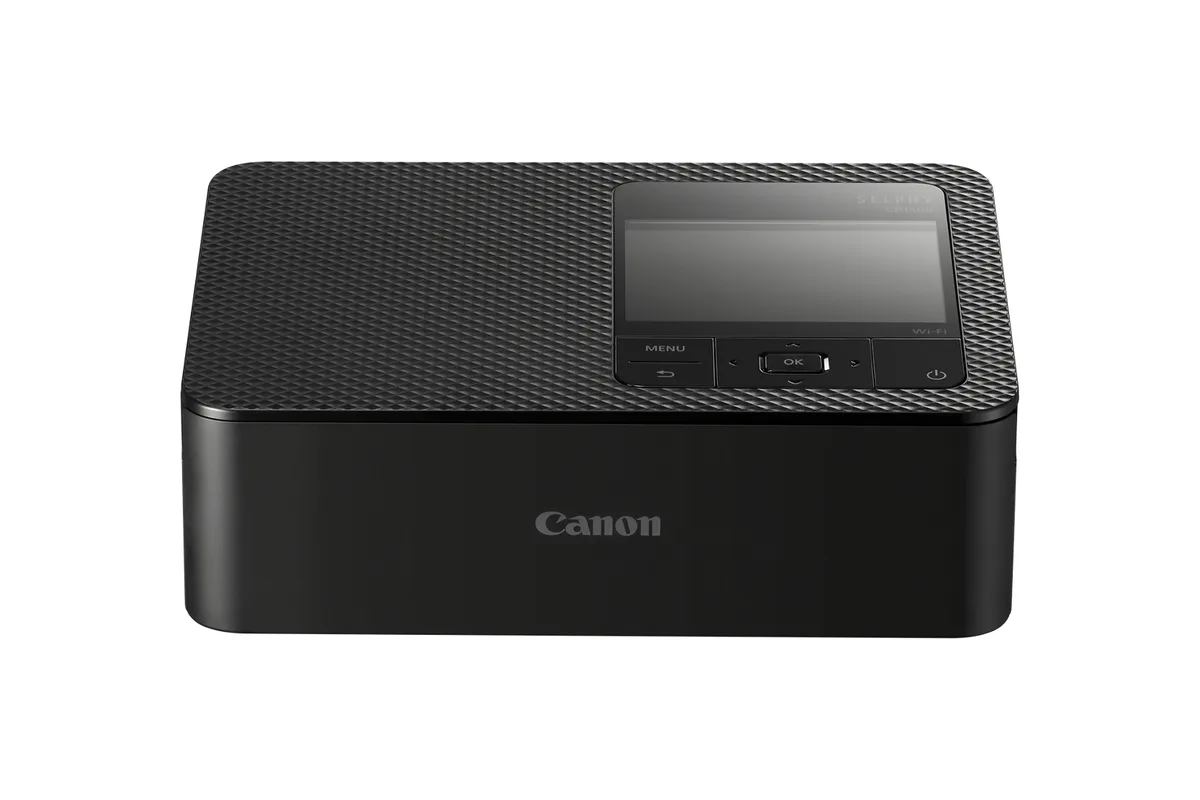
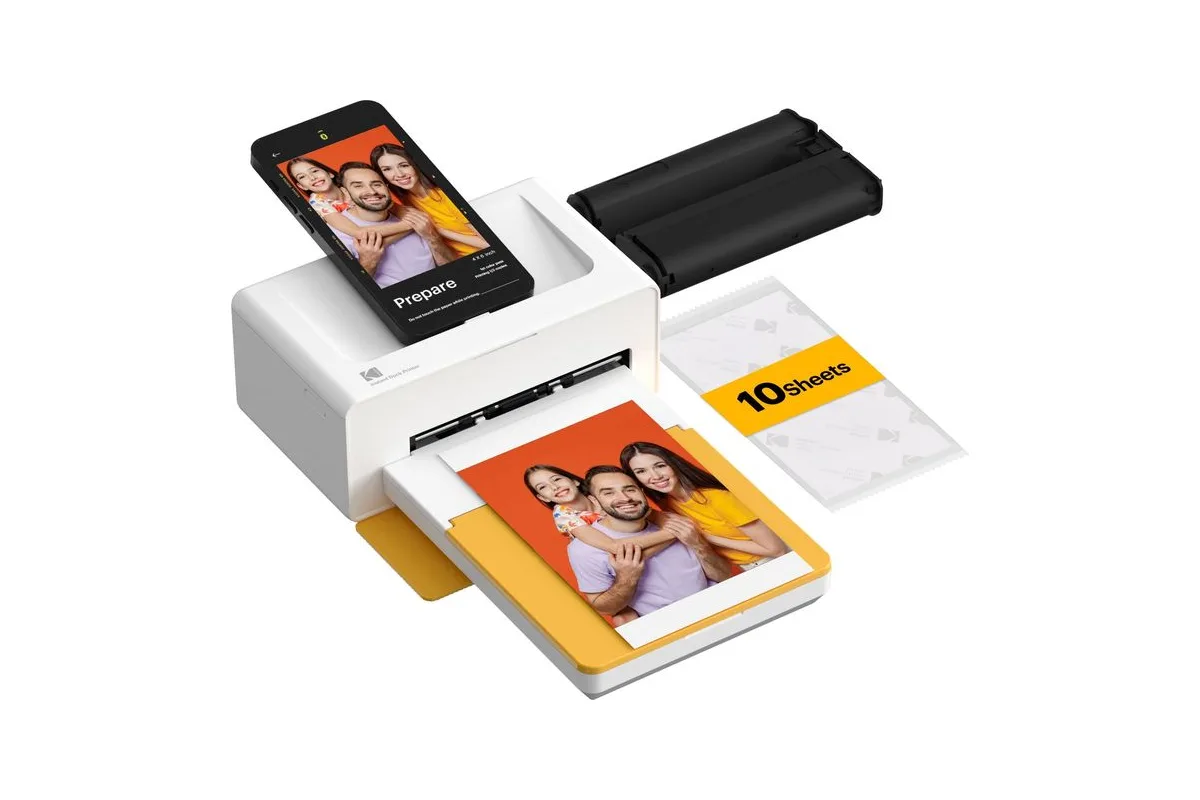
Side by side
| Feature | CanonSELPHY CP1500 | Kodak Dock Plus |
|---|---|---|
| Type | Dye-sublimation | Dye-sublimation |
| Max print size | 4x6 in | 4x6 in |
| Scanner | No | No |
| Ink system | Ink and paper sets | Cartridge and paper packs |
| Where to buy | Check price at Amazon | Check price at Amazon |
Canon SELPHY CP1500
- Type
- Dye-sublimation
- Max print size
- 4x6 in
- Scanner
- No
- Ink system
- Ink and paper sets
Kodak Dock Plus
- Type
- Dye-sublimation
- Max print size
- 4x6 in
- Scanner
- No
- Ink system
- Cartridge and paper packs
Which should you buy, the SELPHY CP1500 or the Kodak Dock Plus?
Buy the Canon SELPHY CP1500. It makes excellent, well-documented 4x6 prints for about 37¢ each, in about 41 seconds, and it prints from an SD card, USB drive, AirPrint, a computer or Canon’s app. Buy the Kodak Dock Plus only if you print exclusively from your phone and want it to sit on a charging dock while it prints; its prints cost about 35–50¢, and their quality is unproven.
Both are dye-sublimation printers that lay down three colors from a ribbon and finish with a clear coat, so their prints come out dry, smooth and water-resistant. In November 2026 they cost about the same: the CP1500 was $159.99 on sale at Canon and the Dock Plus $139.99 at Kodak and Amazon.
SELPHY CP1500 vs Kodak Dock Plus side by side
| Canon SELPHY CP1500 | Kodak Dock Plus | |
|---|---|---|
| Price (November 2026) | $159.99 at Canon (sale; $179.99 list), about $159 at Amazon | $139.99 at Kodak and Amazon ($177.99 Kodak regular) |
| Cost per 4x6 | 37¢ (RP-108, $39.99 for 108) | 35–50¢ (160-pack $55.98 to PHC-80 at $39.99) |
| Print sizes | 4x6, 3.5x4.7, plus card and square sticker with an extra cassette | 4x6 only |
| Print time | About 41 seconds | About 55 seconds |
| Resolution | 300 x 300 dpi | 300 x 300 dpi |
| Connections | Wi-Fi (2.4 GHz), AirPrint, USB-C to a computer, SD card, USB-C drive | Bluetooth, USB-C phone dock (Lightning adapter included) |
| Prints from a computer | Yes | No |
| Screen | 3.5-inch LCD | None |
| Battery | Optional, about $200, 54–72 prints | None |
| Size and weight | About 7.2 x 5.2 x 2.3 in, 1.9 lb | 6.6 x 4.4 x 2.8 in, about 1.7 lb |
| Print quality | Excellent, with accurate color | No published measurement found |
Specs are from Canon and Kodak; print times are the makers’ figures.
Which has better print quality?
The CP1500, as far as we can tell. Its prints are uniformly excellent, with accurate color and realistic skin tones, which puts it among the best standard-size snapshot printers. Canon rates them for up to 100 years in a sleeved album, from its own accelerated test.
The Dock Plus uses the same kind of process at the same 300 dpi, and plenty of owners like its prints, but we couldn’t find a published measurement of its print quality. Amazon’s summary of its roughly 20,000 ratings (4.2 stars) mentions blurry photos, lines on prints and yellow tints among the complaints. Kodak gives no longevity rating, saying only that its laminate resists fingerprints, water and fading.
Which is cheaper to run?
About even: 37¢ a print for the CP1500 at Canon’s list price, and 35–50¢ for the Dock Plus depending on pack and store. In both, the ribbon and paper come together, so the pack price is the whole cost.
| Pack | Prints | Price (November 2026) | Per print |
|---|---|---|---|
| Kodak 160-sheet pack, Amazon | 160 | $55.98 | 35¢ |
| Canon RP-108 | 108 | $39.99 | 37¢ |
| Canon KP-108IN (postcard) | 108 | $41.99 | 39¢ |
| Kodak PHC-80, Amazon or Kodak sale | 80 | $31.99 | 40¢ |
| Kodak PHC-80, Kodak regular price | 80 | $39.99 | 50¢ |
The math is pack price ÷ prints: $39.99 ÷ 108 = 37¢ for the CP1500. Canon’s kits are often cheaper at other stores; see our SELPHY ink and paper guide. Kodak’s PHC-80 was out of stock at Kodak’s own store on November 23, 2026, but in stock at Amazon, sold by Kodak’s storefront.
Which is easier to print from?
The CP1500, because it gives you more ways in. It prints from:
- Canon’s SELPHY Photo Layout app (4.6 stars from about 42,000 Android ratings), with collages, ID photos and finishes.
- AirPrint, straight from an iPhone’s Photos app.
- An SD card or USB-C flash drive, using its own 3.5-inch screen, with no phone or computer.
- A Mac or PC over USB.
The Dock Plus prints only from the KODAK Photo Printer app, which is rated 4.8 from about 99,000 App Store ratings and collects no data. You either stand your phone on the dock (which also charges it) or connect over Bluetooth. Kodak’s FAQ says to move photos from a computer to your phone first.
One CP1500 drawback: its Wi-Fi is 2.4 GHz only, with no Bluetooth, which can complicate setup on some routers. The Kodak’s Bluetooth and dock need no network at all.
Which is more portable?
Neither is truly portable, but the CP1500 can be. Both are bag-sized and under 2 pounds. Neither has a built-in battery; Canon sells an optional one for about $200 rated for 54–72 prints, while the Kodak has no battery option. If you want to print away from an outlet, look at our portable photo printers instead.
Is there a cheaper option than both?
Yes: the Liene Amber M100 was about $108 at Amazon in November 2026, its 4x6 prints are excellent, and prints cost about 39¢ with the 80-sheet refill at Amazon. It prints over its own Wi-Fi hotspot, AirPrint and Mopria, but it’s bigger (2.65 lb), slower (59 seconds) and has no battery option.
For larger prints, step up to an ink-tank photo printer such as the Epson ET-8550. Our best photo printers guide compares them all.
Questions people ask
Is the Kodak Dock Plus better than the Canon SELPHY CP1500?
Not overall. The CP1500 has proven print quality, prints faster (41 seconds against 55) and prints from more sources. The Kodak’s advantages are its phone dock and a slightly lower price.
Which is cheaper per print, the CP1500 or the Kodak Dock Plus?
About the same. The CP1500 costs 37¢ a print with Canon’s RP-108 kit; the Dock Plus costs 35¢ with Kodak’s 160-sheet pack and 40¢ with the 80-sheet pack at Amazon.
Can the SELPHY CP1500 or Kodak Dock Plus print without a phone?
The CP1500 can, from an SD card or USB-C drive using its screen, or from a computer. The Dock Plus can’t; it prints only from the Kodak app.
Does either of them have a battery?
Neither has one built in. Canon sells an optional battery for the CP1500 for about $200; there’s no battery for the Dock Plus.
Can either print sizes other than 4x6?
The CP1500 also prints 3.5x4.7, and card-size and square sticker prints with a separate $14.99 cassette. The Dock Plus prints 4x6 only.
Are SELPHY and Kodak prints waterproof?
Both finish with a clear coat that makes prints water-resistant and dry to the touch. Canon also rates SELPHY prints for up to 100 years in a sleeved album.
Sources
- SELPHY CP1500 product page, Canon
- SELPHY ink and paper kits, Canon
- SELPHY CP1500 support and specifications, Canon
- SELPHY CP1500 accessories, Canon
- Canon SELPHY CP1500 review, PCMag
- Canon SELPHY CP1500 review, Digital Camera World
- KODAK Dock Plus Retro PD460 (Kodak Photo Printer store), kodakphotoprinter.com
- KODAK 4PASS 4x6 cartridge and paper, 80 photos (PHC-80), kodakphotoprinter.com
- KODAK Dock Plus 4x6 Photo Printer (Amazon listing sold by Kodak Photo Printer), amazon.com
- KODAK Dock 4x6 cartridge refill, 80 sheets (Amazon), amazon.com
- KODAK Dock 4x6 cartridge refill, 160 sheets (Amazon), amazon.com
- KODAK Photo Printer app (App Store), apps.apple.com
- SELPHY Photo Layout (Google Play), Google Play
Keep exploring
Buying guide
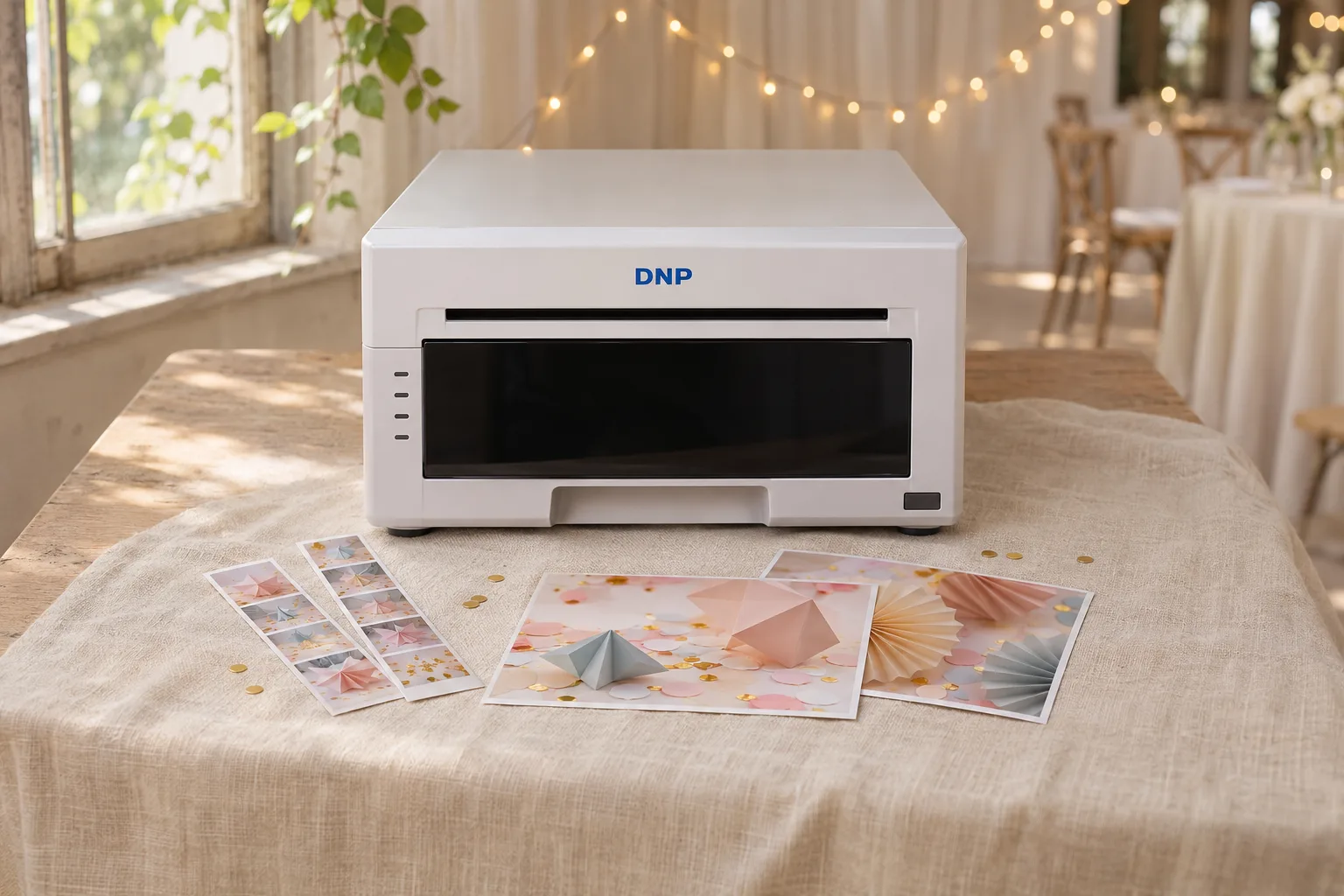
The best photo booth printers
The DNP DS620A is the best photo booth printer: a 4x6 in about 8.3 seconds, 400 prints per roll, 2x6 strips at about 8¢ each in media and a 3-year exchange warranty, for $995 on Black Friday sale in November 2026. The HiTi P525L ($649) costs least to run, at about 11¢ per 4x6.
Read story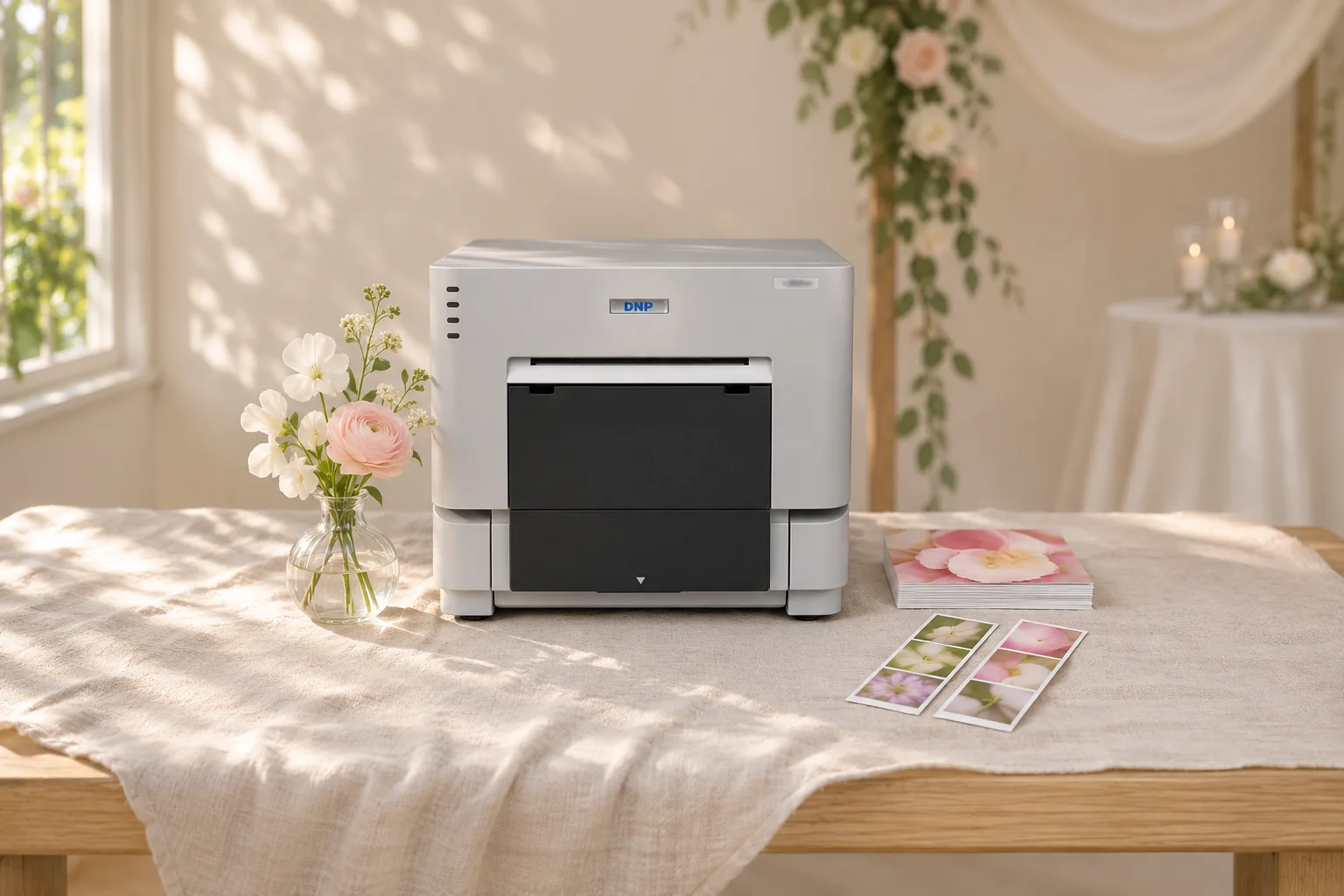
Review
DNP DS-RX1HS review
Not as a new buy: the DNP DS-RX1HS still runs cheaply, at 12.4 seconds per 4x6, 700 prints per roll and about 14¢ of media per 4x6, but new units were unavailable or backordered at $695 in November 2026, and DNP now lists the DP-RX2 ($795) with the same speed and roll size and a 3-year warranty in its place.
Read review