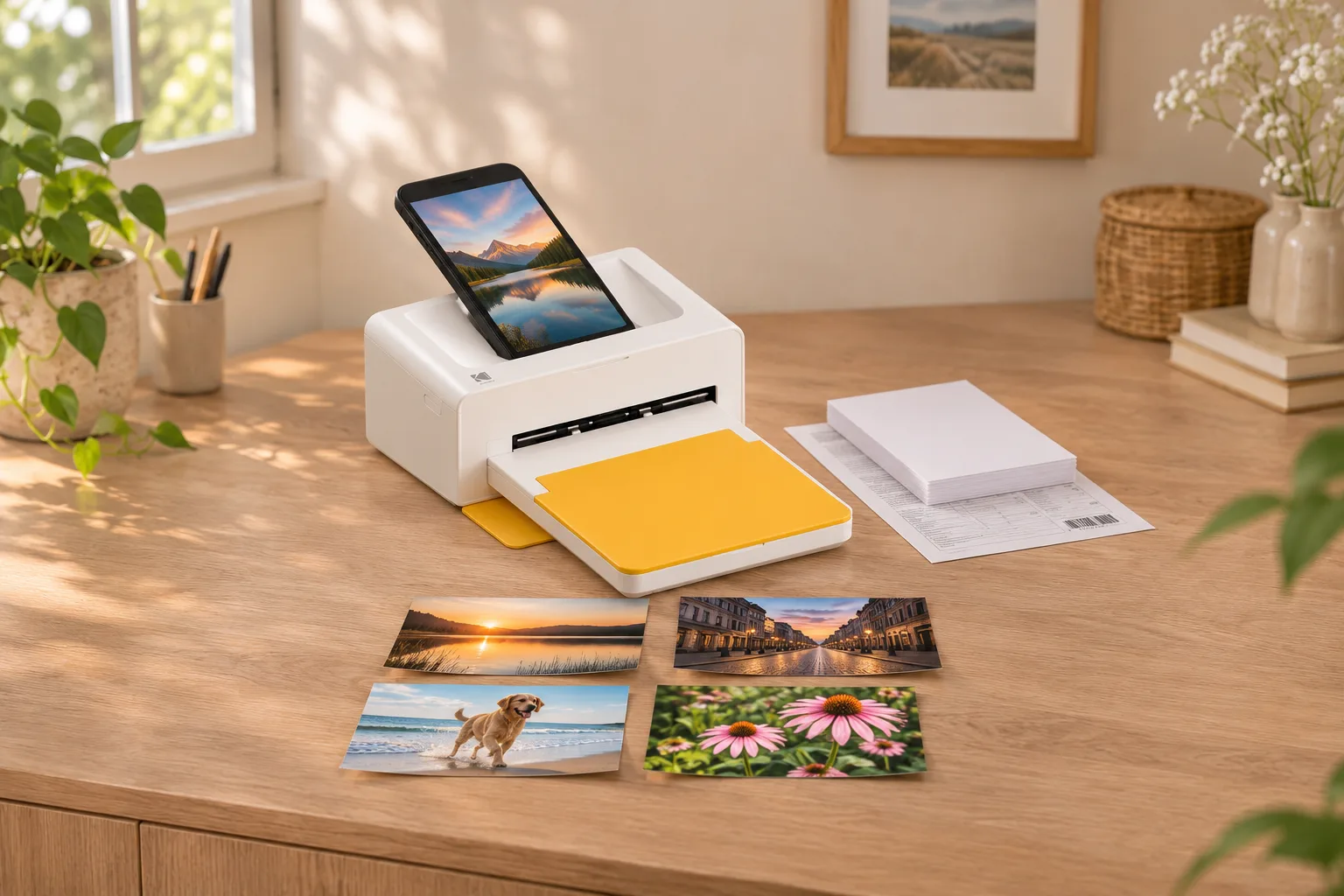
How it scores
- Print quality30%6.5
Kodak rates it at 300 dpi with a laminated finish, but we found no published measurement of its prints, and Amazon owners report blurry prints, lines and yellow tints alongside plenty of praise.
- Cost per print20%7.0
About 40¢ a print with the 80-sheet pack at Amazon ($31.99), 35¢ with the 160-sheet pack ($55.98), and 50¢ at Kodak's $39.99 regular price.
- Portability and battery20%3.5
Small at 6.6 x 4.4 x 2.8 inches and about 1.7 lb, but it runs from mains power only, with no battery option.
- App and connectivity15%7.0
The KODAK Photo Printer app is rated 4.8 from about 99,000 App Store ratings and collects no data, but it's the only way to print: no AirPrint, computer or memory card printing.
- Print format and durability15%7.5
One size, 4x6, borderless or bordered, with a clear laminate Kodak says resists water, fingerprints and fading. No stickers or smaller sizes.
Overall 6.2/10, the weighted average.How we score →
Is the Kodak Dock Plus a good photo printer?
Mostly yes, for 4x6 prints from your phone: it makes laminated dye-sub prints in about 55 seconds for about 40¢ each with Kodak’s 80-sheet pack at Amazon, and owners like how easy it is. The catch is that its print quality is unproven: we couldn’t find a published measurement of it. For about the same money, the Canon SELPHY CP1500 has proven quality, slightly cheaper prints and more ways to print.
It’s $139.99 at Kodak’s own store and at Amazon in November 2026, where it averages 4.2 stars from about 20,000 ratings. Skip it if:
- You want the safest bet on quality: the SELPHY CP1500 costs about 37¢ a print and prints from SD cards, USB drives and AirPrint too. See SELPHY CP1500 vs Kodak Dock Plus.
- You want the cheapest 4x6 dye-sub: the Liene M100 is about $108 at Amazon and makes excellent prints.
- You want to print away from an outlet: the Dock Plus has no battery. Look at our portable photo printers.
What do you get?
A small 4x6 dye-sublimation printer with a phone dock on top. Kodak’s specs, checked in November 2026:
| Spec | Kodak Dock Plus (PD460) |
|---|---|
| Price | $139.99 at Kodak and Amazon (November 2026); Kodak lists $177.99 regular |
| Print technology | 4PASS dye-sublimation: three color layers plus a clear laminate |
| Print size | 4x6 in, borderless or bordered |
| Resolution | 300 x 300 dpi |
| Print time | About 55 seconds (Kodak) |
| Connections | Bluetooth; USB-C phone dock with a Lightning adapter included |
| Printing from | KODAK Photo Printer app on iOS and Android only |
| Power | Mains adapter; no battery |
| Size and weight | 168 x 111 x 70 mm (6.6 x 4.4 x 2.8 in), 760 g (about 1.7 lb) |
| In the box | Printer, cartridge, 10 sheets of paper |
| Warranty | 1 year (Kodak store) |
Kodak’s own store now calls it the “Dock Plus Retro PD460”; it’s the same model number as the Dock Plus sold on Amazon. The companion app is published by Prinics.
How much does a Kodak Dock Plus print cost?
About 40¢ a print with the 80-sheet pack at Amazon, 35¢ with the 160-sheet pack, and 50¢ at Kodak’s regular price. Each pack holds both the dye cartridge and the paper, so the pack price is the whole cost:
| Pack | Prints | Price (November 2026) | Per print |
|---|---|---|---|
| 160 sheets, Amazon | 160 | $55.98 | 35¢ |
| PHC-80, Amazon | 80 | $31.99 | 40¢ |
| PHC-80, Kodak store (sale) | 80 | $31.99 | 40¢ |
| PHC-80, Kodak store (regular) | 80 | $39.99 | 50¢ |
The math is pack price ÷ prints: $55.98 ÷ 160 = 35¢. Kodak advertises “around $0.3” a photo, which you’d only reach with bigger discounts than we found. The PHC-80 was out of stock at Kodak’s store when we checked; Amazon’s listings are sold by Kodak’s own storefront.
That’s about the same as a SELPHY CP1500 print (37¢ with Canon’s $39.99 RP-108 kit) and a Liene M100 print (39¢ with Liene’s 80-sheet refill at Amazon). Drugstore 4x6 prints cost a little more at list price; see what a photo print really costs.
How good are the prints?
Probably good, but unproven. We couldn’t find a published measurement of the Dock Plus’s print quality, so we can’t score it as highly as the SELPHY CP1500 or Liene M100, whose print quality is well documented.
What we do know:
- The process is the same as other dye-subs. Heat transfers yellow, magenta and cyan dye from a ribbon in three passes, then a clear laminate goes on top. Prints come out dry, with no dots, and Kodak says the laminate resists fingerprints, water and fading. Our Zink vs dye-sub vs Instax guide explains why that beats Zink for quality.
- The resolution matches its rivals. 300 x 300 dpi is what Canon and Liene quote for their 4x6 dye-subs too.
- Owner reports are mixed. Plenty of owners praise the prints, and the Kodak store averages 4.6 stars, but Amazon’s summary of its reviews flags blurry photos, lines on prints, paper jams and yellow tints. Low-resolution phone photos and screenshots will look soft on any 4x6 printer.
Kodak gives no longevity rating.
How does the phone dock work?
You stand your phone on the dock’s USB-C connector, or swap in the included Lightning adapter for an older iPhone, and the printer charges the phone while it prints. You can also skip the dock and print over Bluetooth.
Either way, everything goes through the free KODAK Photo Printer app, which is rated 4.8 from about 99,000 ratings on the App Store and says it collects no data. It handles cropping, filters, frames and layouts, including several passport-size photos on one sheet. There’s no Wi-Fi, AirPrint, memory card slot or computer printing; Kodak’s own FAQ says to move photos to your phone first.
Does the Kodak Dock Plus have a battery?
No. It runs from its power adapter, and Kodak sells no battery for it. At about 1.7 pounds it’s easy to move between rooms or take to a party with an outlet, but it’s a desktop printer. The SELPHY CP1500 at least offers an optional battery; the Liene M200 is a battery version of the M100.
Kodak Dock Plus vs Canon SELPHY CP1500: which is better?
The CP1500 for most people. It costs a little more ($159.99 on sale at Canon in November 2026), but its print quality is proven, its prints cost about 37¢, take about 41 seconds, and come with Canon’s 100-year album rating. It also prints from SD cards, USB drives and AirPrint. Pick the Kodak if you like the dock and only print from your phone. Full details in SELPHY CP1500 vs Kodak Dock Plus.
Kodak Dock Plus vs Liene M100: which is better?
The Liene, on price and proof. It’s about $108 at Amazon, its prints are excellent, and it prints from phones and computers over its own Wi-Fi, AirPrint and Mopria. Prints cost about the same. It’s bigger and heavier (2.65 lb), takes about 59 seconds a print, and has no dock. See our Liene M100 review.
Should you buy it?
If someone gives you one, you’ll get good 4x6 prints from your phone for about 40¢ each. If you’re buying, the SELPHY CP1500 is the better-proven printer for a little more, and the Liene M100 is cheaper with proven print quality. Both are in our best photo printers guide.
Questions people ask
How much does a Kodak Dock Plus print cost?
About 40¢ with the 80-sheet pack ($31.99 at Amazon), 35¢ with the 160-sheet pack ($55.98), or 50¢ at Kodak’s $39.99 regular price. Ink and paper come together, so that’s the whole cost.
What cartridge does the Kodak Dock Plus use?
Kodak’s 4PASS 4x6 cartridge and paper packs, sold as the PHC-80 (80 prints) and in a 160-sheet pack. The same packs fit the Kodak Dock Era.
Does the Kodak Dock Plus need Wi-Fi?
No. It connects to your phone over Bluetooth or through the dock connector, so it works without a network. It has no Wi-Fi at all.
Can the Kodak Dock Plus print from a computer?
No. It prints only from the KODAK Photo Printer app on iPhone and Android. Kodak says to move photos to your phone to print them.
Does the Kodak Dock Plus work with iPhone 15 and later?
Yes. The dock uses USB-C, which newer iPhones use, and Kodak includes a Lightning adapter for older ones. Bluetooth works with any iPhone that runs the app.
How long does a Kodak Dock Plus print take?
About 55 seconds per 4x6, by Kodak’s figure, against about 41 seconds for the SELPHY CP1500 and 59 seconds for the Liene M100.
Key specifications
| Feature | Kodak Dock Plus |
|---|---|
| Type | Dye-sublimation |
| Max print size | 4x6 in |
| Scanner | No |
| Ink system | Cartridge and paper packs |
| Where to buy | Check price at Amazon |
Kodak Dock Plus
- Type
- Dye-sublimation
- Max print size
- 4x6 in
- Scanner
- No
- Ink system
- Cartridge and paper packs
Sources
- KODAK Dock Plus Retro PD460 (Kodak Photo Printer store), kodakphotoprinter.com
- KODAK 4PASS 4x6 cartridge and paper, 80 photos (PHC-80), kodakphotoprinter.com
- KODAK Dock Plus 4x6 Photo Printer (Amazon listing sold by Kodak Photo Printer), amazon.com
- KODAK Dock 4x6 cartridge refill, 80 sheets (Amazon), amazon.com
- KODAK Dock 4x6 cartridge refill, 160 sheets (Amazon), amazon.com
- KODAK Photo Printer app (App Store), apps.apple.com
- Should I buy the Kodak PD460 photo printer?, t3.com
- SELPHY CP1500 product page, Canon
- SELPHY ink and paper kits, Canon
- Liene Amber M100 review, RTINGS
Keep exploring
Buying guide
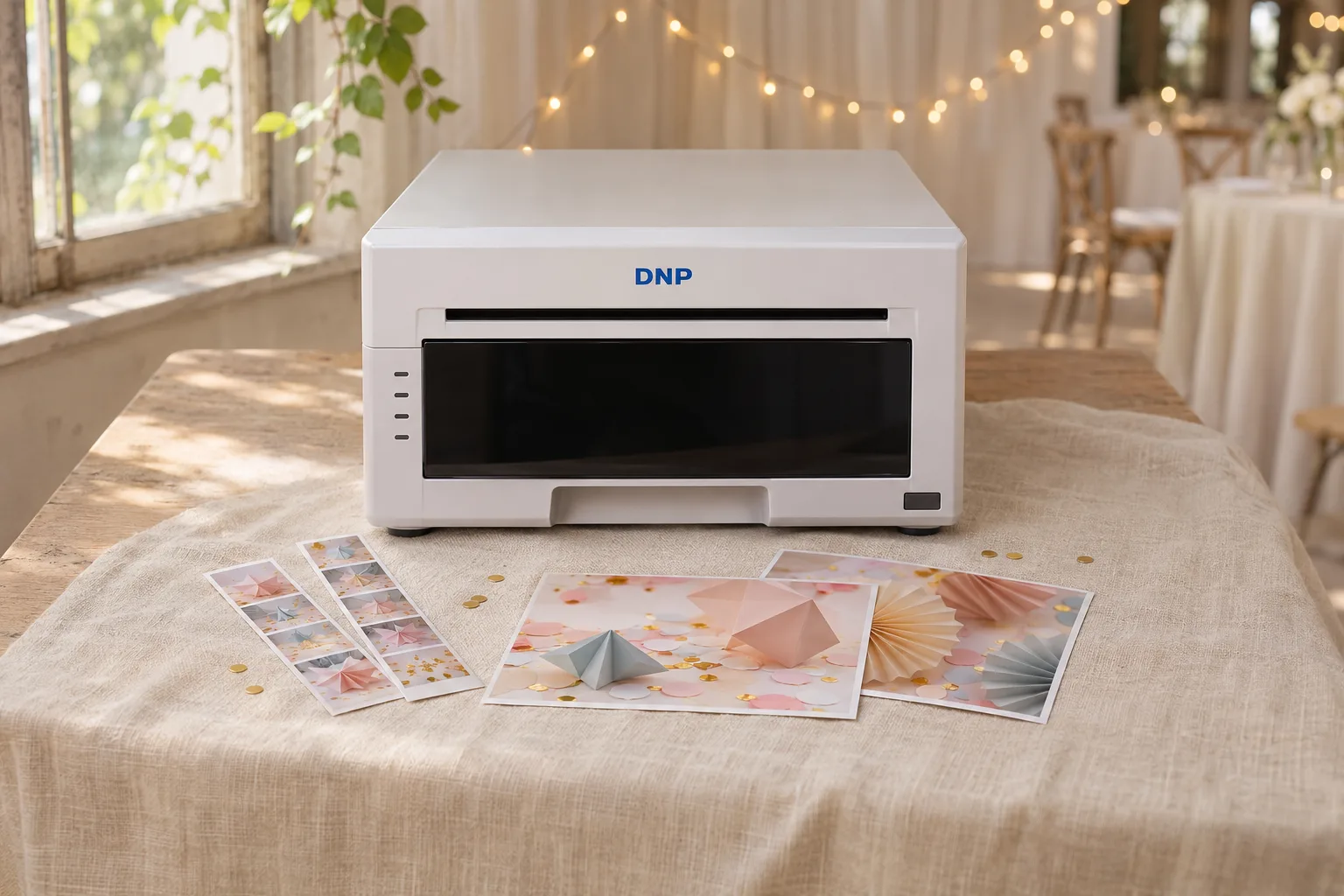
The best photo booth printers
The DNP DS620A is the best photo booth printer: a 4x6 in about 8.3 seconds, 400 prints per roll, 2x6 strips at about 8¢ each in media and a 3-year exchange warranty, for $995 on Black Friday sale in November 2026. The HiTi P525L ($649) costs least to run, at about 11¢ per 4x6.
Read story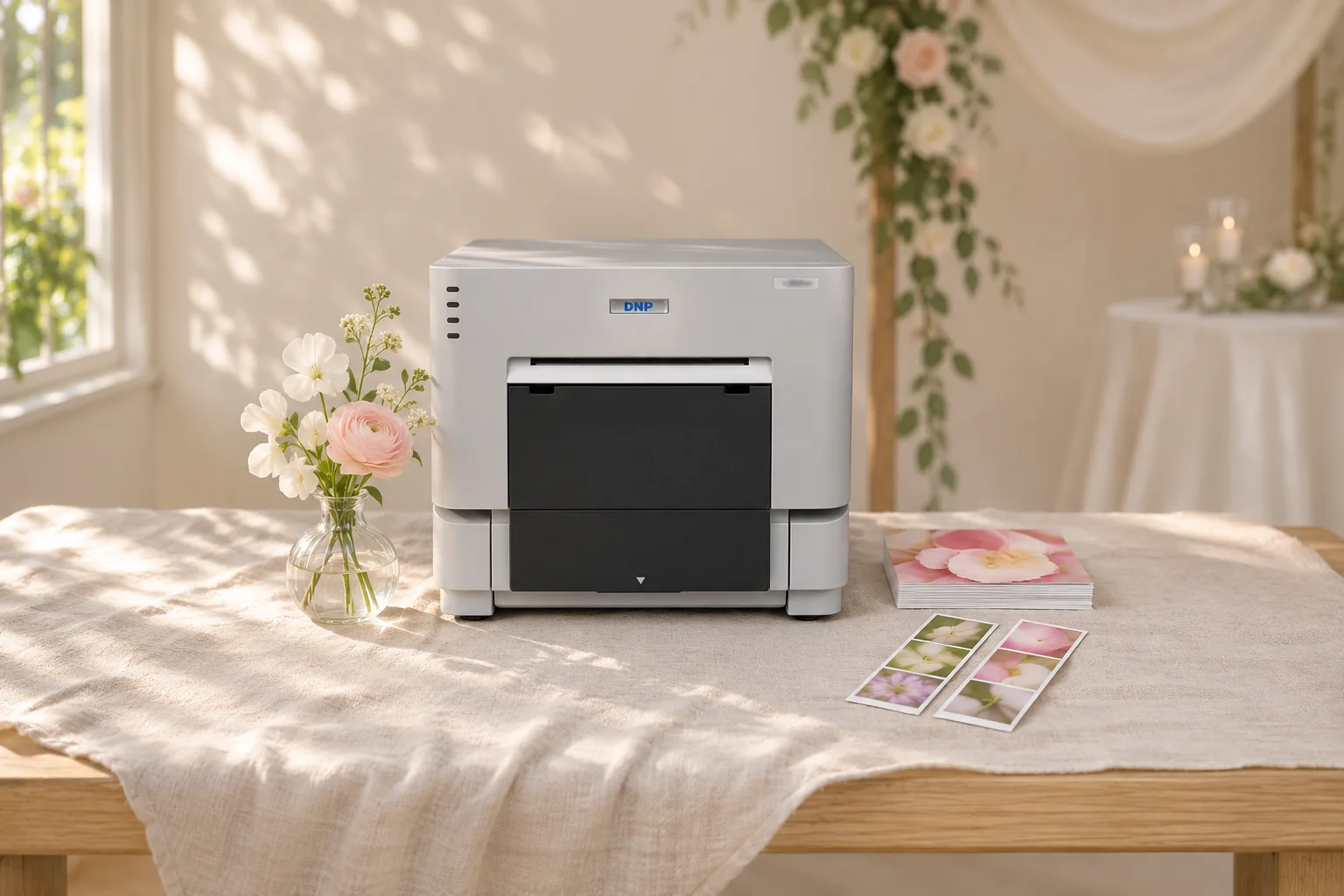
Review
DNP DS-RX1HS review
Not as a new buy: the DNP DS-RX1HS still runs cheaply, at 12.4 seconds per 4x6, 700 prints per roll and about 14¢ of media per 4x6, but new units were unavailable or backordered at $695 in November 2026, and DNP now lists the DP-RX2 ($795) with the same speed and roll size and a 3-year warranty in its place.
Read review