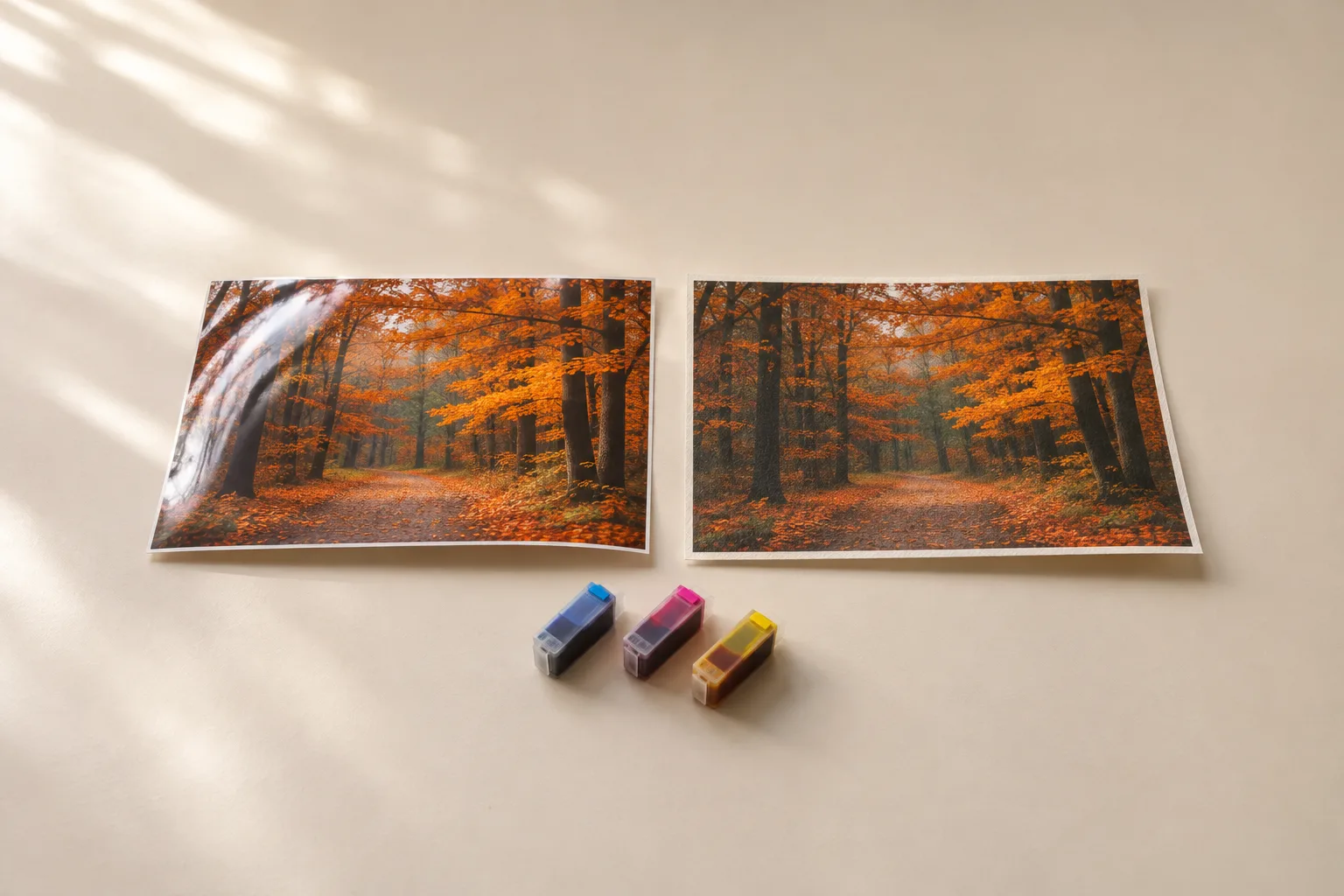
Printers in this guide
Is dye or pigment ink better for photo printing?
Dye ink is better for vivid prints on glossy paper from affordable printers, and pigment ink is better for matte and fine-art papers and for the longest display life. For most home prints framed under glass, dye is enough: Wilhelm Imaging Research rates an Epson ET-8550 dye print on Epson’s glossy paper at 90 years under glass.
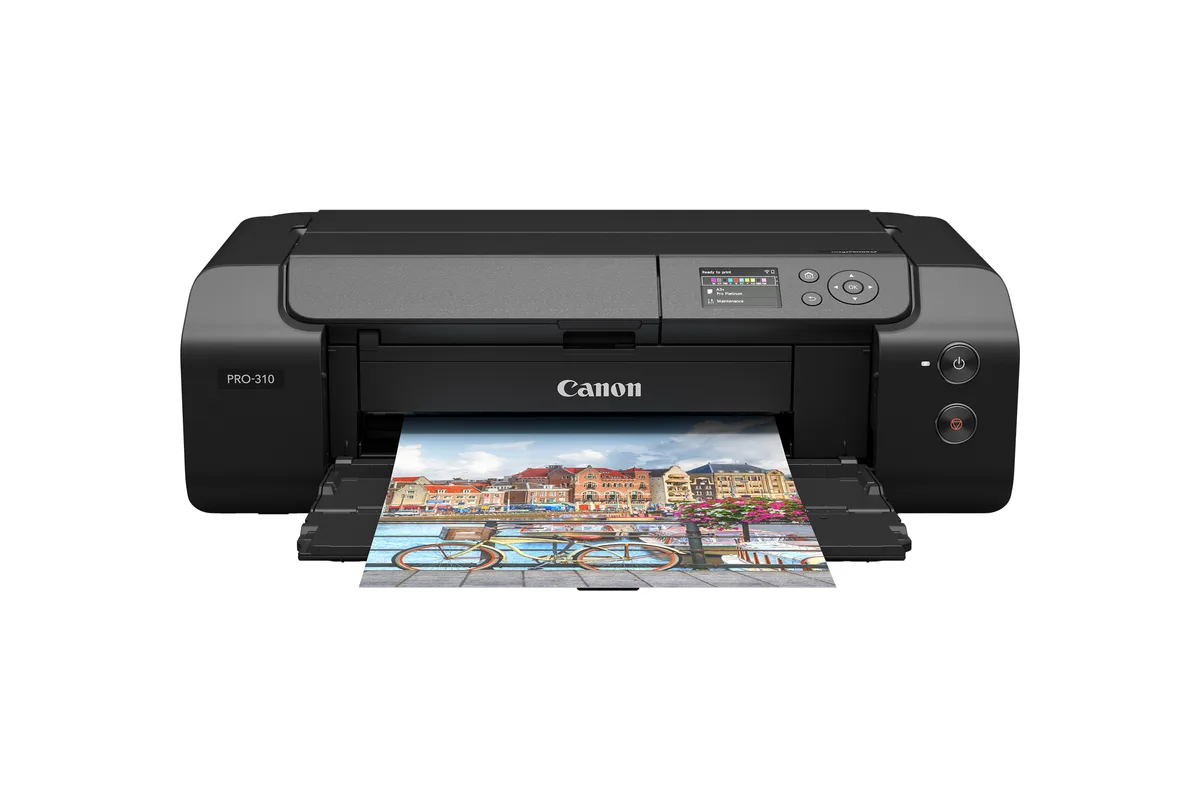
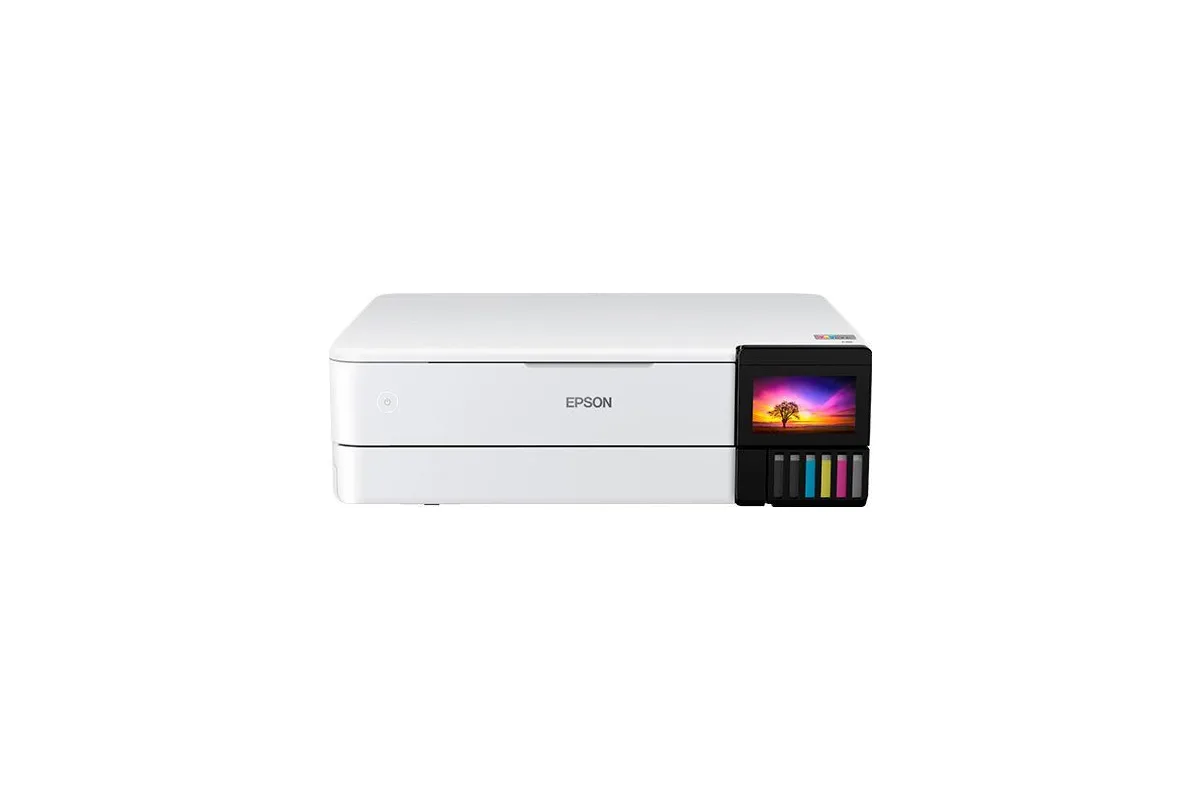
Choose a pigment printer such as the Canon imagePROGRAF PRO-310 or PRO-1100 if you sell, exhibit or hang prints unframed, or print mostly on cotton rag and baryta. Choose a dye ink tank such as the Epson ET-8550 or Canon PIXMA G620 if you print lots of glossy and luster photos and want ink to cost a few cents a print.
What’s the difference between dye and pigment ink?
Dye is dissolved in the ink; pigment is made of tiny solid particles suspended in it. That one difference drives everything else:
- Dye soaks into the paper’s coating, giving saturated color and a smooth, even gloss. It fades faster in light and is more vulnerable to humidity and airborne gases such as ozone.
- Pigment sits closer to the surface. It resists light, moisture and pollutants better, and with a matte black ink it prints deeper blacks on matte paper. Its color range used to be narrower; Canon’s 10- and 12-color pigment sets widen it.
The paper coating matters too. The Northeast Document Conservation Center (NEDCC) recommends swellable coatings, which seal dye in and shield it from pollutants, for dye inks, and fast-drying microporous coatings for pigment.
Which printers use dye and which use pigment?
Here are the photo printers we cover, ranked from the longest-lasting technology to the shortest, with each longevity figure labeled by who made it:
| Printer | Ink or process | Best surfaces | Longevity rating, and who made it |
|---|---|---|---|
| Canon imagePROGRAF PRO-1100 | 11 pigment inks + Chroma Optimizer | Luster, matte, cotton rag, baryta | Canon rates prints on its Photo Paper Pro Platinum at up to 200 years from its own accelerated tests; no year figure on Canon’s US pages |
| Canon imagePROGRAF PRO-310 | 9 pigment inks + Chroma Optimizer | Luster, matte, cotton rag, baryta | As above |
| Epson ET-8550 and ET-8500 | 5 dye inks + pigment black (for documents) | Glossy, luster | Wilhelm: 90 years under glass, 163 under UV-filtering glass, 28 unframed (color on Ultra Premium Glossy) |
| Canon PIXMA G620 | 6 dye inks | Glossy, semi-gloss, luster | Canon: up to 100 years in album storage with its ChromaLife100 papers (Canon’s own test) |
| Canon SELPHY CP1500 | Dye-sublimation with clear overcoat | Canon’s kit paper only | Canon: up to 100 years in a sleeved album (Canon’s own test) |
| Canon SELPHY QX20 | Dye-sublimation with clear overcoat | Canon’s sticker-backed cassettes | Canon: up to 100 years in a sleeved album (Canon’s own test) |
| Fujifilm Instax mini Link+ | Instant film | Instax Mini film | Fujifilm publishes no fade rating on its US pages |
| Canon IVY 2 | Zink (heat-activated dye crystals in the paper) | Zink paper | No fade rating; Canon rates prints smudge-free and water-resistant |
The Epson figures are display ratings under specific lighting; Canon’s are dark-storage ratings that simulate a photo album. They measure different things, so don’t compare a 100-year album claim with a 90-year display rating as if one beats the other.
Ink costs follow the same split. The dye tanks cost about 3¢ (G620) and 4–6¢ (ET-8550) of ink per 4x6, against about 25¢ for the PRO-1100 and 28–34¢ for the PRO-310 at worst-case coverage. Our best photo printers guide covers all four.
How do dye and pigment look on glossy and matte paper?
Dye looks best on glossy and luster; pigment looks best on matte, cotton and baryta, and needs help on high gloss.
Dye on glossy is the most forgiving pairing: rich color, even gloss and no bronzing. Dye on matte works, but blacks look weaker. The ET-8550 has no matte black ink, so its matte prints lack the depth of a pigment printer’s.
Pigment on glossy has two known side effects:
- Bronzing: dark areas take on a metallic sheen when seen at an angle.
- Gloss differential: heavily inked areas shine differently from lightly inked ones.
Canon’s fix is the Chroma Optimizer, a clear ink the PRO-310 and PRO-1100 lay over the print; Canon lists improved gloss uniformity and anti-bronzing among its benefits. Luster is still the safest everyday paper on a pigment printer. Pigment on matte is where these printers shine: they switch to a dedicated Matte Black ink for deeper blacks on matte and fine-art paper. Our photo paper guide matches papers to printers.
How long do inkjet photo prints last?
A modern dye inkjet print lasts about 90 years framed under ordinary glass, and much less in open air, going by the ratings for the Epson ET-8550. The same prints on Ultra Premium Glossy rate 163 years under UV-filtering glass but only 28 years unframed, and luster scores nearly the same (89, 162 and 26 years). Unframed dye prints fare worst because ozone and other gases reach them.
Two cautions apply. Ratings hold only for the exact ink and paper tested: in Wilhelm’s 2020 Canson report, changing the ink set alone changed predicted life two- to threefold on the same paper. And NEDCC advises using the printer maker’s own inks, since third-party inks may not match tested results.
How long do dye-sub and Instax prints last?
Canon rates SELPHY dye-sub prints for up to 100 years in a sleeved album, from its own accelerated dark-storage test, and says it can’t guarantee that. We couldn’t find an independent fade test of current SELPHY prints. Their clear overcoat does give them a practical edge over uncoated inkjet prints: they come out dry and resist water and fingerprints, so they survive handling.
Instax prints are chemical instant photos with no overcoat, and Fujifilm makes no fade claim on its US pages. Zink prints from pocket printers like the IVY 2 have no overcoat and no published rating either. For snapshots that get passed around, dye-sub is the most durable small print; see our SELPHY CP1500 review and portable photo printer guide.
How should you store and display prints so they last?
Frame anything on display under glass, ideally UV-filtering, and store the rest dark, cool and dry. Conservators’ guidance is consistent:
- Humidity: the Library of Congress recommends 30 to 50% relative humidity with little day-to-day swing; NEDCC suggests 30 to 40% for inkjet prints and warns that damage speeds up above 60%.
- Temperature: 70°F or below (Library of Congress); NEDCC suggests 65 to 70°F. Both recommend cold storage for long-term color material.
- Light: keep prints out of direct sun, and behind glass, which also cuts gas exposure.
- Enclosures: use sleeves and boxes that pass the ISO 18902 Photographic Activity Test, and avoid tape, rubber bands and paper clips.
- Curing: let inkjet prints dry for about 24 hours before framing or stacking.
Questions people ask
Does dye ink fade faster than pigment?
Generally yes: dyes fade faster and are more sensitive to humidity and ozone. Framed under glass, though, a current Epson dye print is rated for about 90 years.
Can you use pigment ink on glossy paper?
Yes, but watch for bronzing and gloss differential. Canon’s PRO-310 and PRO-1100 add a clear Chroma Optimizer coat to reduce both, and luster paper avoids most of the problem.
Is the Epson ET-8550 dye or pigment?
Its five photo inks are dye; its one pigment black is for documents. That’s why it’s best on glossy and luster paper.
Do dye-sub prints last longer than inkjet prints?
Not by any comparable test. Canon rates SELPHY prints for up to 100 years in an album, while ET-8550 dye prints are rated at 90 years under glass on display. Dye-sub’s real advantage is its overcoat, which makes prints water- and fingerprint-resistant.
What is the most archival home photo printer?
A pigment printer like the Canon imagePROGRAF PRO-1100 or PRO-310, used with Canon’s own inks on acid-free, lignin-free cotton rag paper and framed under UV-filtering glass.
Sources
- Epson EcoTank Photo ET-8500 and ET-8550 print permanence report (PDF), Wilhelm Imaging Research
- Canson fine art and photo papers permanence report (PDF), Wilhelm Imaging Research
- 5.4 Creating long-lasting inkjet prints, nedcc.org
- Care, handling and storage of photographs, loc.gov
- What makes an ink archival?, Canon
- ChromaLife 100+, Canon
- imagePROGRAF PRO-1100 product page, Canon
- imagePROGRAF PRO-310 product page, Canon
- PIXMA G620 product page, Canon
- SELPHY CP1500 product page, Canon
- SELPHY QX20 product page, Canon
- EcoTank Photo ET-8550 product page, Epson
- ET-8500/ET-8550 User's Guide (PDF), Epson
- Cost of printing: Canon PRO-300 and PRO-310, Red River Paper
- Cost of printing: Canon PRO-1000, Red River Paper
Keep exploring
Buying guide
The best photo booth printers
The DNP DS620A is the best photo booth printer: a 4x6 in about 8.3 seconds, 400 prints per roll, 2x6 strips at about 8¢ each in media and a 3-year exchange warranty, for $995 on Black Friday sale in November 2026. The HiTi P525L ($649) costs least to run, at about 11¢ per 4x6.
Read story
Review
DNP DS-RX1HS review
Not as a new buy: the DNP DS-RX1HS still runs cheaply, at 12.4 seconds per 4x6, 700 prints per roll and about 14¢ of media per 4x6, but new units were unavailable or backordered at $695 in November 2026, and DNP now lists the DP-RX2 ($795) with the same speed and roll size and a 3-year warranty in its place.
Read review