Printers in this guide
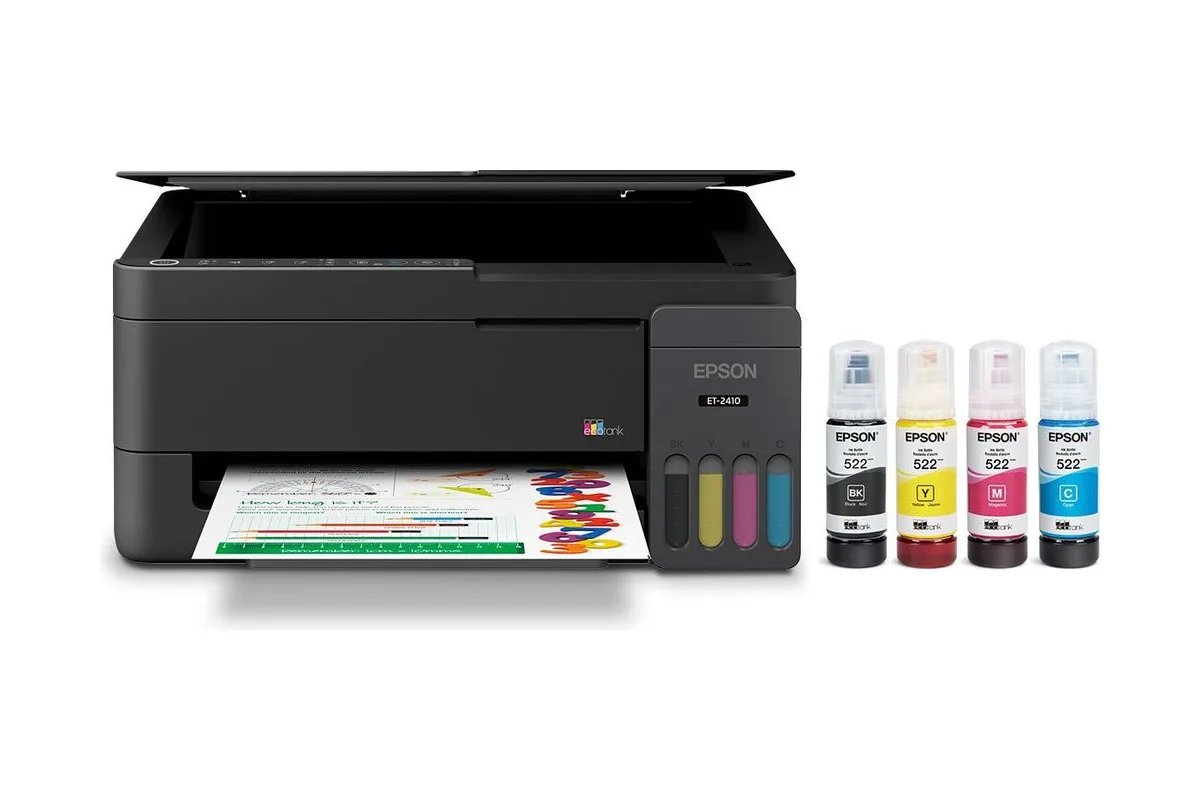
Cheapest EcoTank all-in-one
Epson EcoTank ET-2410
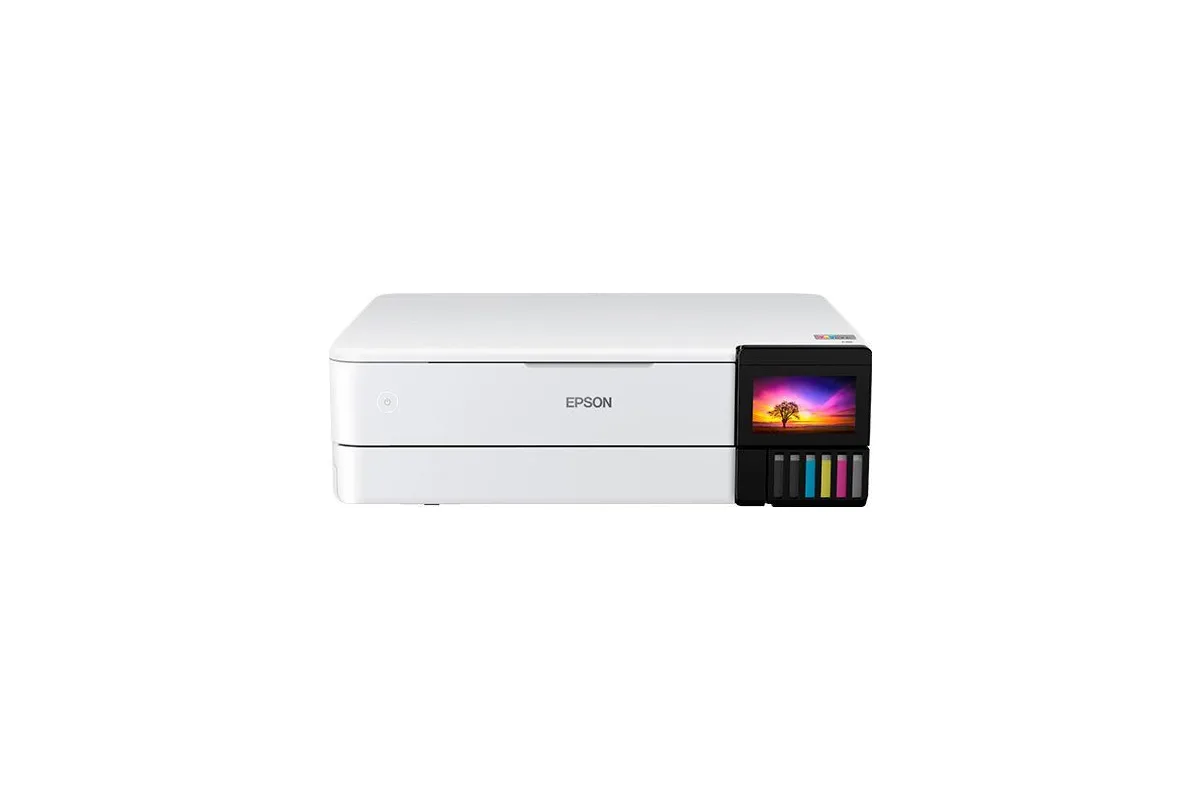
What does it mean when my Epson says the ink pad is at the end of its service life?
It means the porous pads inside the printer that soak up waste ink are full, and the printer stops printing so they can’t overflow. Epson says the pads collect ink during setup, cleaning cycles and borderless printing, and that most people never see the message. When it appears on an older or cheaper Epson, the fix is Epson’s ink pad replacement service or a certified technician, because the pads aren’t a part you can replace yourself.
Newer EcoTanks send most of that waste ink to a maintenance box instead, a $10.99 to $23.99 part at Epson that you swap in a few minutes. If your printer has one, a “replace the maintenance box” message is routine upkeep, not a repair.
What Epson offers when the pads are full:
- Under warranty: Epson says maintenance messages are typically covered while the standard limited warranty or a service contract is in force.
- Out of warranty: Epson’s ink pad replacement service, which includes shipping and packaging both ways. Call Epson Service & Support at 562-276-1300 in the US. Epson doesn’t publish the price.
- A local certified technician who replaces the pads.
- Recycle it through Epson’s recycling program and replace the printer.
You can still scan. Epson’s EcoTank guides say operations that don’t use ink keep working when a pad or box is full.
What is the maintenance box on an Epson EcoTank?
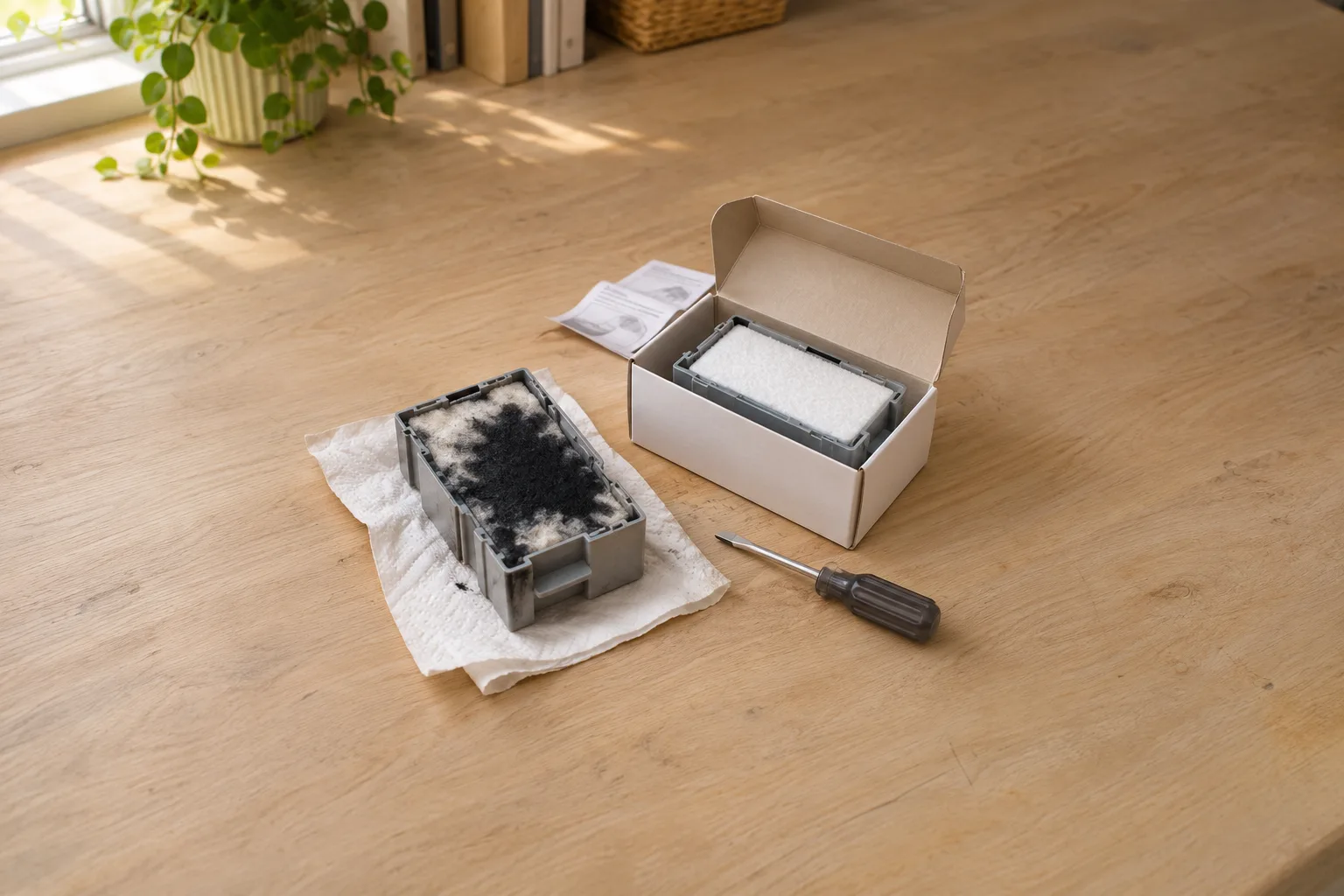
A small, chipped plastic box of absorbent material that catches the ink flushed out during head cleaning and printing. The printer tracks how full it is, warns you as it nears capacity and stops printing when it’s full, so the box can’t leak. Epson calls it a user-serviceable part and says its warranty doesn’t cover the cost of replacing it. How often you need one depends on how much you print, the paper and how many cleaning cycles run.
A box doesn’t replace every pad. Epson’s guides for the ET-2410 and ET-2980 still list an internal ink pad and a separate borderless-printing pad, neither of which you can replace yourself.
Which EcoTanks have a user-replaceable maintenance box?
Most current EcoTanks do; the older ET-2400 and ET-2800 don’t. Prices are Epson’s own on November 26, 2026.
| Maintenance box | Epson price | Fits (examples from Epson’s list) |
|---|---|---|
| T04D1 (T04D100) | $10.99 | ET-2980, ET-2985, ET-3950, ET-4950, ET-3850, ET-4850, ET-15000 |
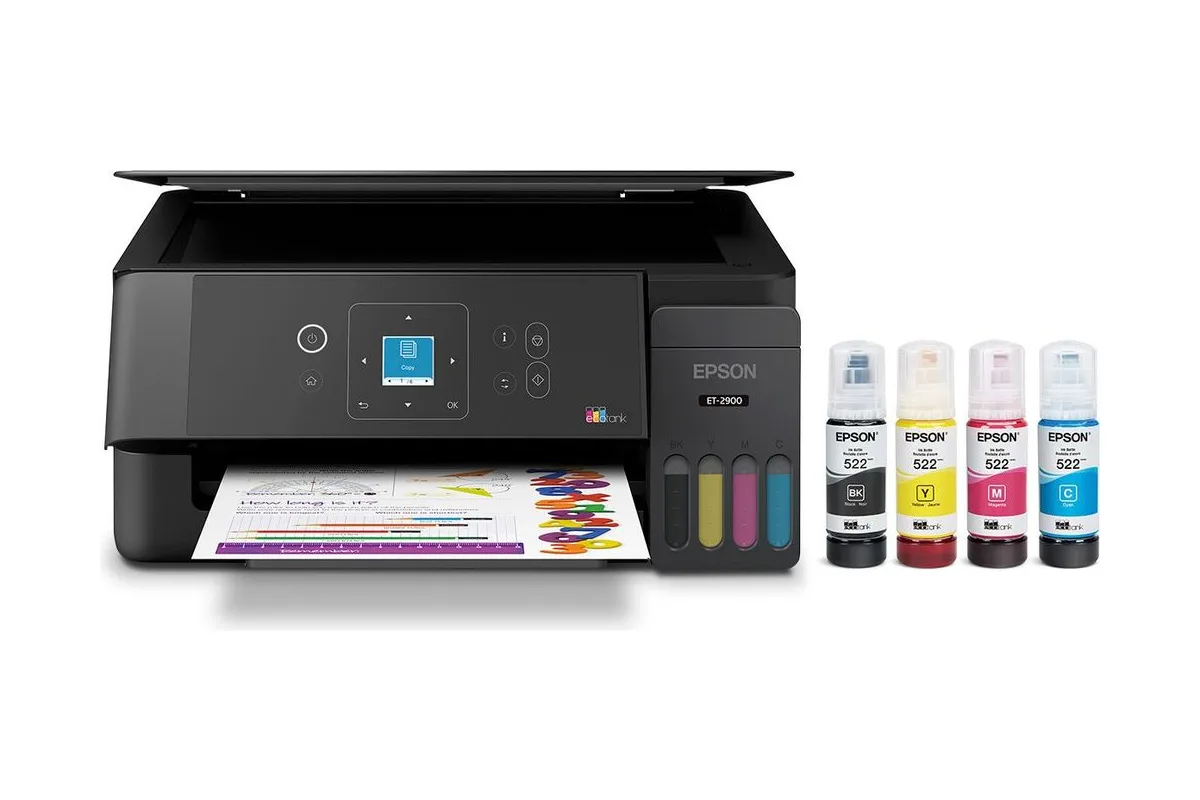
| C9398 (C12C939891) | $18.99 | ET-2410, ET-2418, ET-2900, ET-1910, ET-4903 |
| C9345 (C12C934591) | $23.99 | ET-8550, ET-8500, ET-5800, ET-5850, ET-16650 |
| None (internal pads) | Service only | ET-2400, ET-2800 |
The ET-2410 replaced the ET-2400 and the ET-2900 replaced the ET-2800, and the maintenance box is the biggest ownership difference between each pair. Read the ET-2900 review and ET-2800 vs ET-2900.
How do you replace the maintenance box?
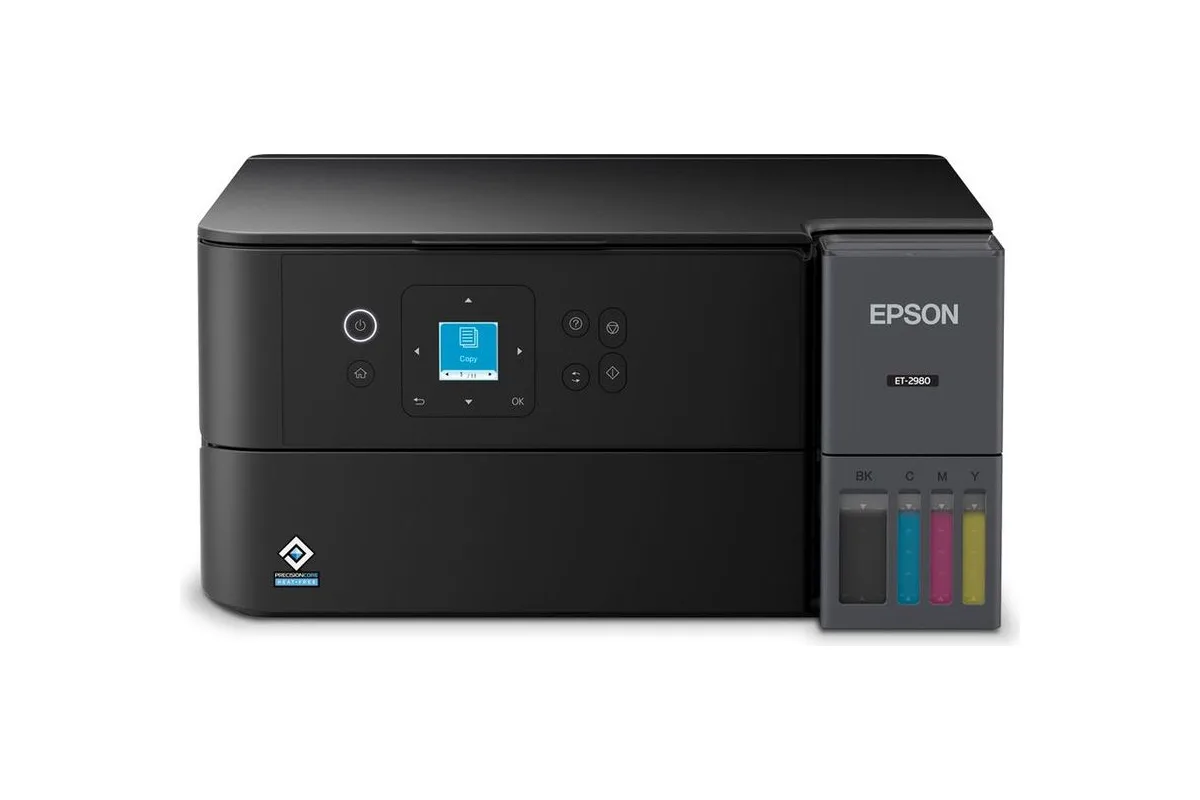
It takes a few minutes and, on some models, a flat-head screwdriver. On the ET-2980:
- Take the new box out of its package. Don’t touch the green chip on its side.
- Loosen the screw on the maintenance box cover with a flat-head screwdriver and remove the cover.
- Pull the old box straight out. Keep it level, and don’t take it apart.
- Seal the old box in the clear bag that comes with the new one.
- Push the new box all the way in, refit the cover and tighten the screw.
On the ET-2410 you open the scanner unit and remove an inner cover instead. Epson’s precautions for both: don’t swap the box while printing, keep it out of direct sunlight, and don’t reuse a box that has been out of the printer for more than a week.
Can I replace the ink pads on an Epson printer myself?
Not according to Epson. Its guides call the internal ink pads and the borderless printing pad “not user-serviceable parts” and send you to Epson or an authorized service provider. If your printer has a maintenance box, that’s the part you can replace.
Software that only resets the pad counter leaves full pads in place, and Epson stops the printer precisely to keep a full pad from leaking. If the printer is out of warranty and Epson’s service quote is close to the price of a new EcoTank, a new one with an $18.99 box, like the ET-2410 ($179.99 at Epson in November 2026), is usually the better buy. Work through the numbers in printer repair cost.
Canon has the same issue: support code 5B00 on a PIXMA means its ink absorber is full and needs a Canon repair. Canon’s G3270 and G620 use a user-replaceable maintenance cartridge instead; the older G6020 does not.
How do I fix the Epson EcoTank red light blinking?
Find which lights blink and whether they blink together or in turn. On screenless EcoTanks the pattern tells you the problem. From Epson’s ET-2400 FAQ and ET-2410 guide:
| Lights | Meaning | What to do |
|---|---|---|
| Paper light flashing | Paper jam | Remove the paper, press a copy button |
| Ink and paper lights on, after a power cut | Printer wasn’t turned off properly; nozzles may have dried | Press a copy button, then run a nozzle check |
| Ink and paper flashing at the same time | An ink pad is nearing or at the end of its service life | Contact Epson; press a copy button to keep printing if offered |
| Ink and paper flashing alternately | The borderless printing pad is nearing or at its end | Contact Epson; bordered printing still works |
| Maintenance light flashing (ET-2410) | Maintenance box nearing the end of its life | Keep printing; buy a C9398 |
| Ink and maintenance flashing alternately (ET-2410) | Box full, not seated, or too full for a cleaning | Reseat or replace the box |
| All lights flashing | Printer error, often paper or packing inside | Remove it, turn off and on, then contact Epson |
On EcoTanks with a screen, the message is written out. The ET-2980 shows W-11 when an ink pad is nearing the end of its life (press OK to keep printing) and E-11 when it needs replacing. Epson’s LCD wording on other models is “The ink pad is at the end of its service life.”
How can you make the pads and box last longer?
Clean the printhead only when a nozzle check shows gaps. Every cleaning, Power Cleaning and Power Ink Flushing sends ink to the box or pads, and Epson warns that Power Ink Flushing makes the box fill sooner. Borderless printing fills the separate borderless pad, so print with borders when you don’t need edge-to-edge photos. Turn the printer off with its power button, so the head stays capped and doesn’t need extra cleaning. See how to unclog a printhead.
For heavy use, Epson sells one- and two-year service contracts and says repairs are typically covered while one is in force. Compare EcoTanks in EcoTank vs MegaTank vs INKvestment and the best home printers.
Questions people ask
Can I keep printing when the ink pad is near the end of its service life?
Yes, for a while. Epson lets you dismiss the “nearing” warning and keep printing, but the printer stops when the pad is full. You can still scan.
How much does Epson charge to replace ink pads?
Epson doesn’t publish a price. Its ink pad replacement service includes round-trip shipping and is typically covered under warranty; call Epson Service & Support for an out-of-warranty quote.
How long does an Epson maintenance box last?
Epson doesn’t rate it in pages. It depends on how much you print, the paper type and how many cleanings run.
Does the ET-2800 have a maintenance box?
No. Epson lists no user-replaceable maintenance box for the ET-2800 or ET-2400. Their replacements, the ET-2900 and ET-2410, use the $18.99 C9398 box.
Does the Epson warranty cover a maintenance box?
No. Epson says the box is a user-serviceable part and its warranty doesn’t cover replacing it. Full internal ink pads are typically covered under warranty.
Sources
- Epson: printer parts "Service Required" message (ink pads), Epson
- Epson ET-2410 Series User's Guide: checking lights and printer status, download4.epson.biz
- Epson ET-2410 Series User's Guide: replacing a maintenance box, download4.epson.biz
- Epson ET-2410 Series User's Guide: maintenance box code, download4.epson.biz
- Epson ET-2980U User's Guide (PDF): maintenance box replacement and product status messages, Epson
- Epson ET-2400 FAQ: what do my product's lights indicate?, Epson
- Epson ET-3843 FAQ: what does the message on my product's LCD screen mean?, Epson
- Epson Maintenance Box C9398, Epson
- Epson Ink Maintenance Box T04D1, Epson
- Epson Ink Maintenance Box C9345, Epson
- Canon TS3700 series online manual: support code 5B00, ij.manual.canon
Keep exploring

Buying guide
The best barcode label printers
The Zebra ZD421 is the best barcode label printer for most businesses: 4-inch labels at 6 inches a second, any brand of label roll and a 24-month warranty, for about $480 to $526 in November 2026. Get the Brother QL-820NWBc ($229.99) for an office or shop counter, and a thermal transfer model for inventory labels that have to last.
Read story
Buying guide
The best check printers for a small business
The TROY 3001dw ($509.15 at TROY, $530 at Amazon in November 2026) is the best check printer for a small business: a 35 ppm Wi-Fi laser with MICR toner, rated for 350 to 2,500 checks a month, at about 5¢ to 7¢ per check three to a page by our estimate. Get the TROY 4001dn for a locking tray, or the VersaCheck M15 MXD ($399.99) for software in the box.
Read story