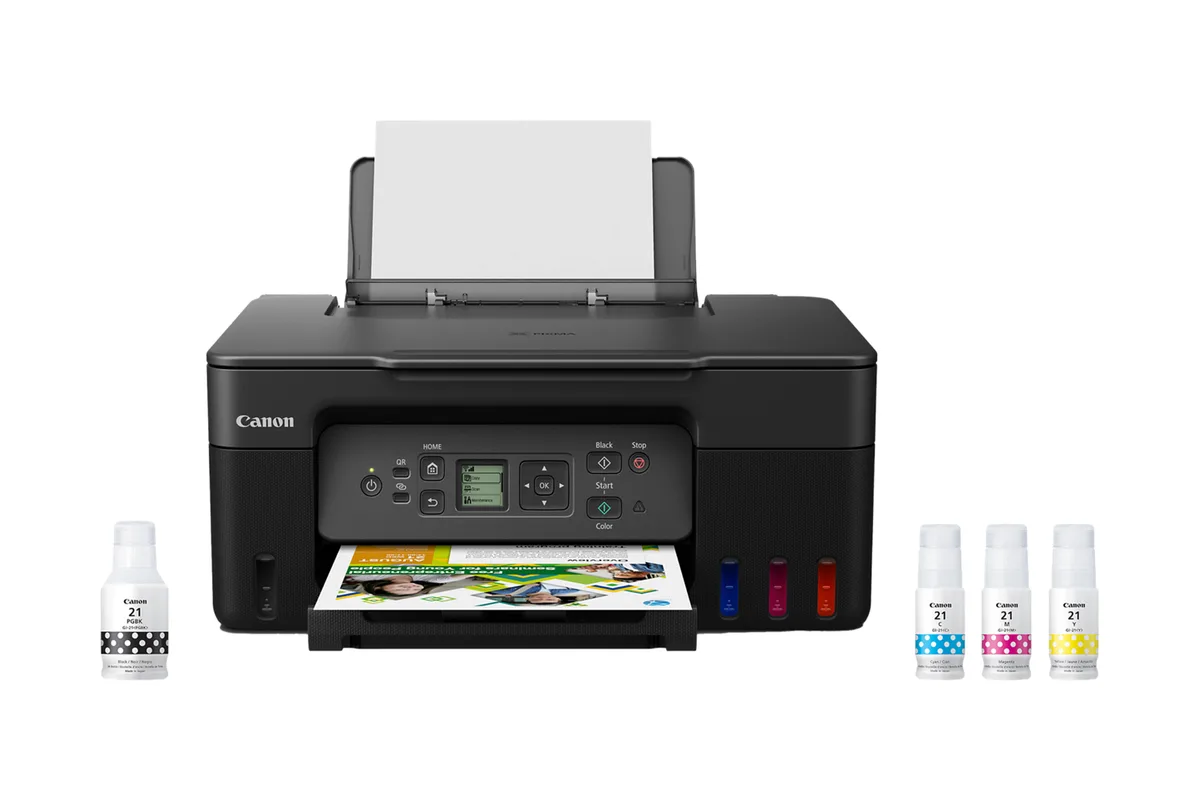
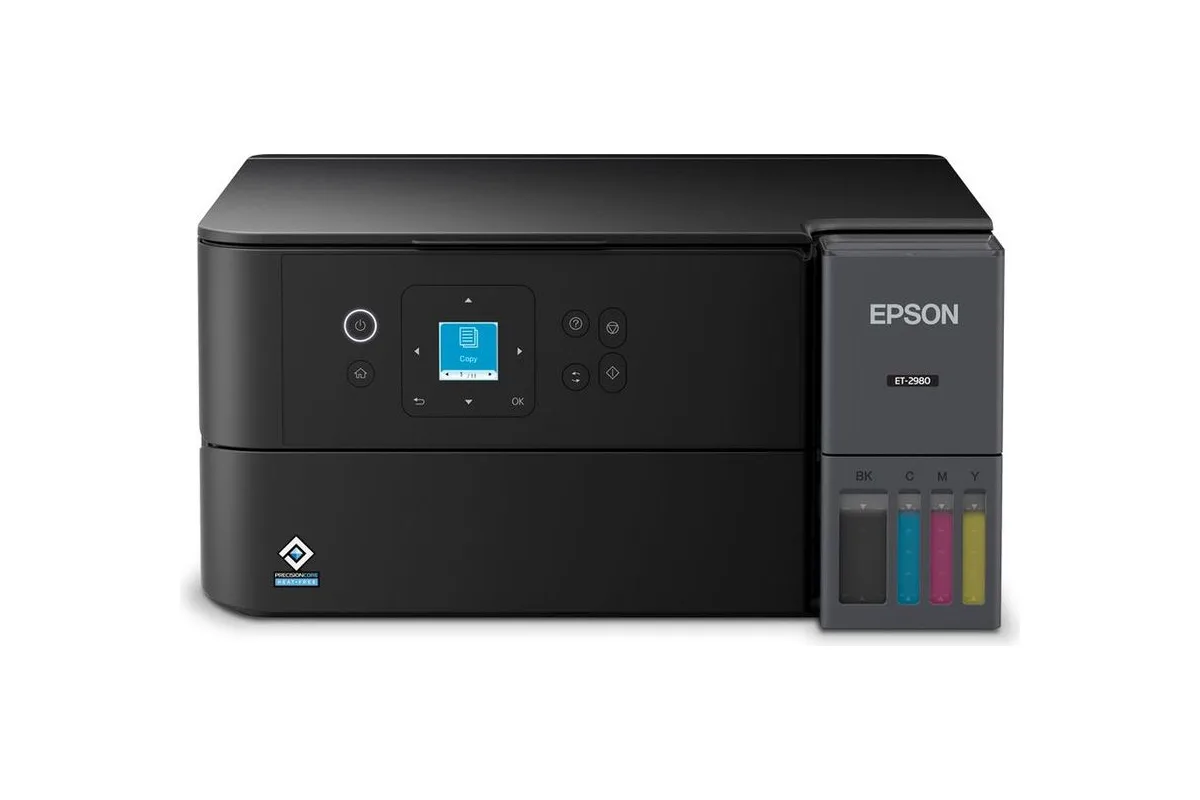
Printers in this guide
How do you unclog a printhead?
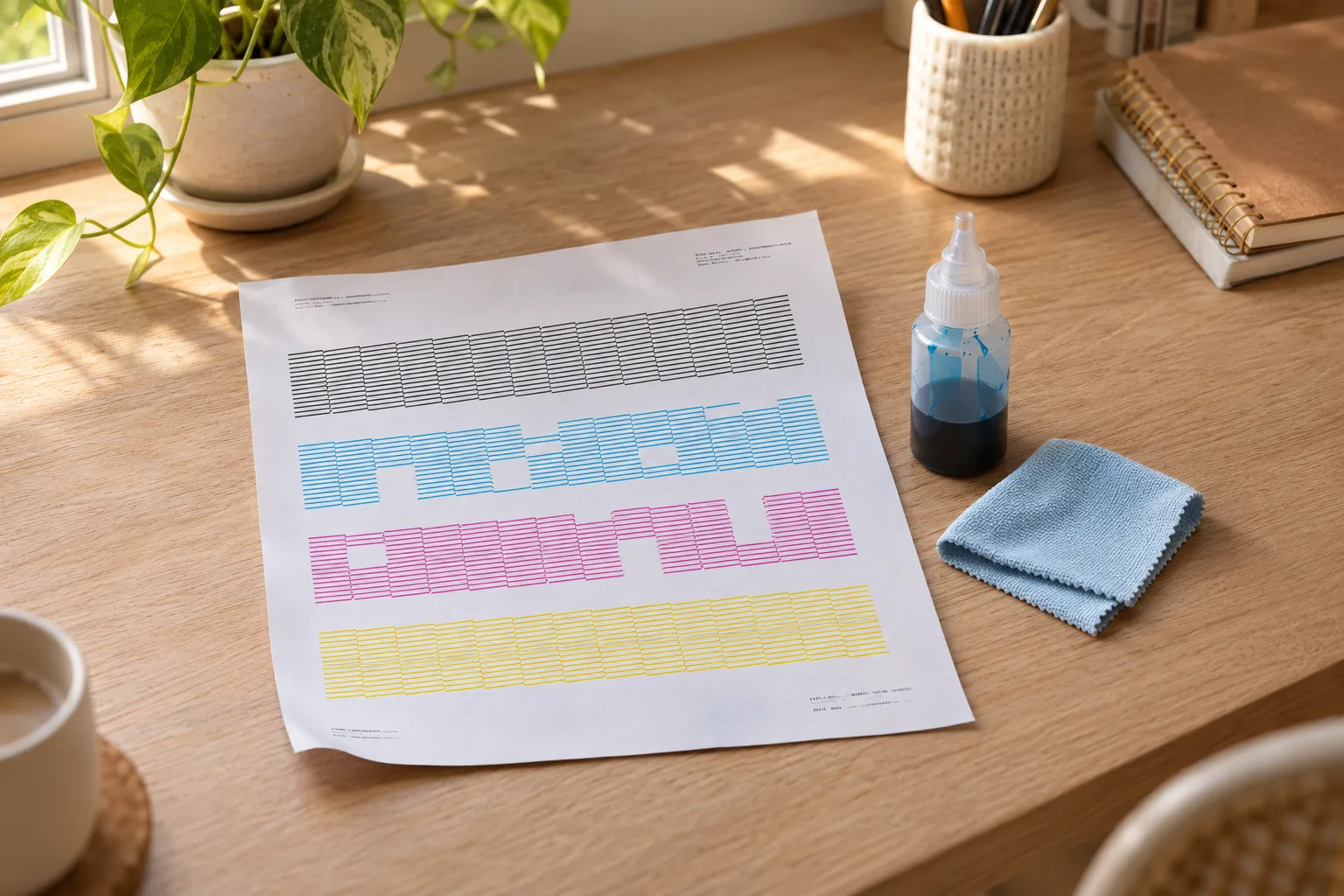
Print a nozzle check, run one cleaning only if the pattern has gaps, and stop at your printer maker’s limit. That’s three cleanings on an Epson EcoTank before a 12-hour rest, and two cleanings plus a deep cleaning on a Canon PIXMA before a 24-hour rest. Every cleaning flushes ink into a waste-ink box or pad, so extra cleanings waste ink without clearing a dried clog faster.
Refill any low tank first: Epson says you may not be able to clean an EcoTank head when ink is low. Then work through your maker’s steps below, and turn the printer off with its power button for the rest periods.
How many printhead cleanings is too many?
Three in a row on an Epson, two plus a deep cleaning on a Canon. Past that, the makers say to rest the printer, not keep cleaning.
| Printer | Cleanings before you stop | Then | Last resort |
|---|---|---|---|
| Epson EcoTank (ET-2980, ET-2410) | 3 nozzle check and Cleaning rounds, or 1 Power Cleaning | Off, at least 12 hours without printing, then check and clean again | Power Ink Flushing, then Epson support |
| Canon MegaTank (G3270) | 2 rounds, then 1 Deep Cleaning | Off, 24 hours, Deep Cleaning again | Replace ink in print head, then check the head is seated |
| Canon cartridge PIXMA (TS3720) | 2 rounds, then 1 Deep Cleaning | Off, 24 hours, Deep Cleaning again | Replace the FINE cartridge, then Canon repair |
| HP DeskJet | 1 cleaning, then the second- and third-level cleanings HP Smart offers | Wait at least 30 minutes before cleaning again | Replace the cartridge, then HP service |
| Brother (MFC-J1360DW) | Normal, Strong or Strongest, repeated “several times” | No rest period given | Contact Brother |
How do I unclog an Epson EcoTank printhead?
Use Epson’s three-step ladder: Cleaning, Power Cleaning, then Power Ink Flushing, with a 12-hour rest in between. On an ET-2980 the steps are:
- Load plain paper and select Maintenance > Nozzle Check.
- If the lines have gaps or look faint, choose Cleaning. If most lines are missing, choose Power Cleaning instead.
- If gaps remain after three rounds of nozzle check and Cleaning, or after one Power Cleaning, turn the printer off and wait at least 12 hours. Epson says not to print during that time.
- Run the nozzle check again and clean again if needed.
- If it still fails, run Power Ink Flushing, which replaces all the ink in the tubes. Make sure each tank is at least one-third full first; Epson warns that running it with low ink can damage the printer.
- If the nozzle check still shows gaps, contact Epson.
The screenless ET-2410 runs the same steps from button combinations in its guide. Epson also recommends Power Ink Flushing if you printed while the ink was too low to see. Each step uses more ink than the last, and it all goes to the maintenance box or ink pads, which stop the printer when full. See Epson ink pads and the maintenance box.
How do I fix a clogged Canon PIXMA printhead?
Clean twice, deep clean once, then turn the printer off for 24 hours before the next deep cleaning. Canon’s procedure is the same on its MegaTank and cartridge PIXMAs until the last step:
- Print a nozzle check from the printer’s Maintenance menu. Missing lines or horizontal white streaks mean a clog.
- Run Cleaning, then print the pattern again. Do this twice.
- Run Deep Cleaning. On the G3270 it takes about 3 minutes and needs free space in the maintenance cartridge.
- If it’s still clogged, turn the printer off and run Deep Cleaning again after 24 hours.
- MegaTank (G3270): replace the ink in the print head, Canon’s ink flush. Canon says it uses a large amount of ink and can damage the printer if the tanks are low. If it fails, check that the printheads are seated.
- Cartridge PIXMA (TS3720): replace the FINE cartridge. Its nozzles are part of the cartridge, so a new PG-275 ($18.99 at Canon in November 2026) or CL-276 ($24.99) is also a new printhead.
Canon says not to rinse or wipe the print head or FINE cartridge.
How do I clean an HP or Brother printhead?
HP: in the HP Smart app, select your printer and choose Print Quality Tools > Clean Printhead. If the test page is still poor, HP Smart offers more thorough second- and third-level cleanings. For a badly clogged head, HP says to wait at least 30 minutes before cleaning again.
Brother: on the MFC-J1360DW, press Ink, select Print Head Cleaning, pick Black only, Color only or All, then Normal, Strong or Strongest. Brother says cleaning too often wastes ink, and to contact Brother if several cleanings don’t help. Some models, such as the MFC-J4355DW, add a Special cleaning for after several normal cleanings fail. Brother says it uses a large amount of ink.
How much ink does a printhead cleaning use?
None of the four makers publishes a figure in milliliters for its current home printers. What they do say:
- A cleaning can use every color. Canon says all colors may be consumed, and Epson uses ink from all tanks for maintenance.
- Deeper cycles use more. Epson ranks Cleaning, Power Cleaning and Power Ink Flushing in that order, and Canon says its ink flush uses “a great amount of ink.”
- It costs far more on a cartridge printer. Ink costs about 0.4¢ a black page on a Canon G3270 and about 19¢ on a TS3720 with standard cartridges. See the cheapest printer to run.
Why is my printer printing blank pages, faded or streaky lines?
On an inkjet, it’s usually a clog, low ink or a setting. Match what you see:
| What you see | Likely cause | Fix |
|---|---|---|
| Blank page | Most nozzles clogged, ink empty, or tape left on a new cartridge | Check ink and tape; Power Cleaning (Epson) or Deep Cleaning (Canon) |
| Horizontal white lines | Clogged nozzles | Nozzle check, then clean |
| Faded or faint print | Clog, low ink or draft quality | Check ink, clean, raise print quality |
| Vertical lines or misaligned rules | Head out of alignment | Run print head alignment |
| Lines and the nozzle check is perfect | Wrong paper type or quality setting | Match the paper type in the driver |
Epson says a badly clogged EcoTank prints a blank sheet. Lines on a laser printer have different causes; see laser printer print problems.
Does turning my printer off waste ink?
Turning it off with the power button doesn’t harm it, but don’t cycle it often, and never cut the power. Epson says ink may be used when an EcoTank is turned on. The bigger cost is unplugging it or switching off a power strip while it’s on: Epson says the head may not be capped and will dry out and clog, and Canon says unplugging while the power lamp is lit or flashing may cause drying or clogging. Wait for the power light to go out before you unplug.
When does a clog mean replacing the printer?
When the makers’ last step fails and the head isn’t a part you can buy.
- Epson EcoTank: Epson calls the printhead permanent, designed to last the printer’s life, so a clog that Power Ink Flushing can’t clear is a service job.
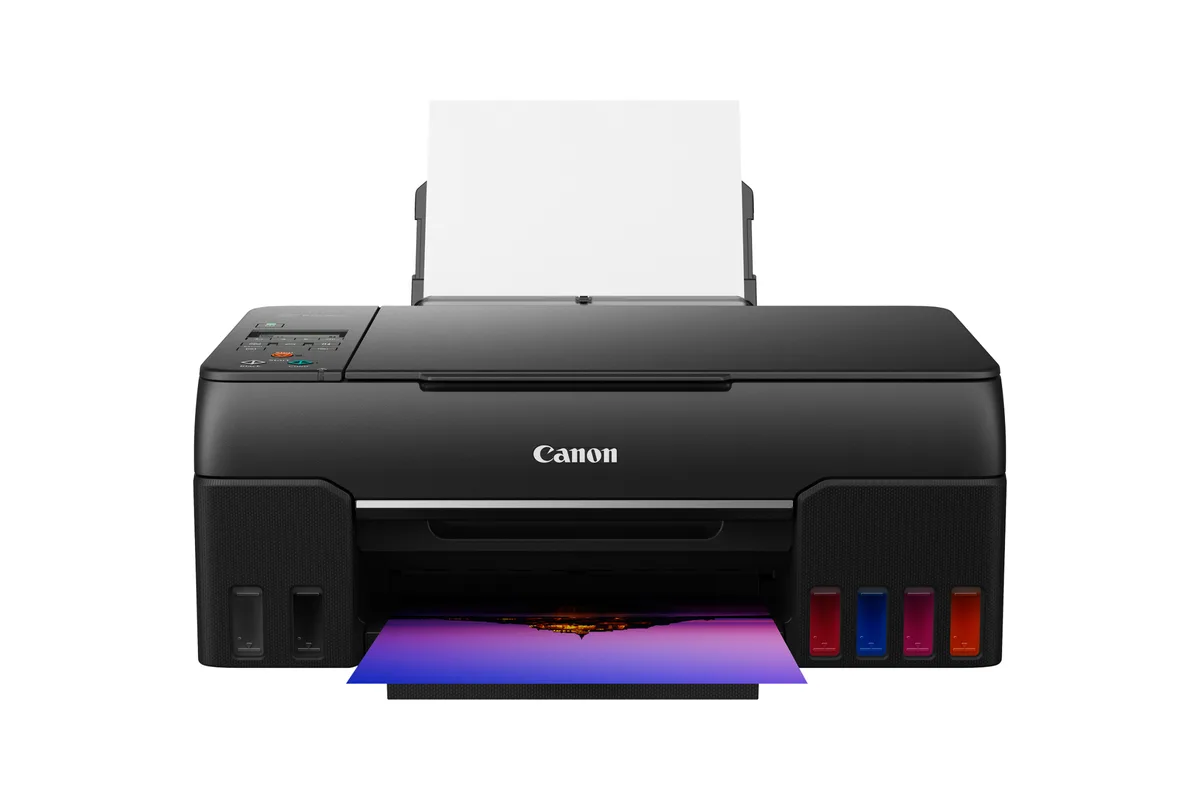
- Canon G3270 and G620: the printheads are user-replaceable, so a dead head doesn’t end the printer.
- Canon FINE-cartridge printers (TS3720): a new cartridge is a new head, so a clog costs at most a cartridge. HP’s last fix on two-cartridge DeskJets is also a new cartridge, then service.
Weigh a service quote against a new printer in printer repair cost. If you print a few pages a month, a laser like the Brother HL-L2460DW has no nozzles to clog; see the best printer for occasional use. Photo printers are covered in pro photo printer maintenance.
Questions people ask
How do I run a printhead cleaning?
From the printer’s Maintenance or Ink menu (Epson, Canon, Brother) or the HP Smart app’s Print Quality Tools (HP). Print a nozzle check first and clean only if it shows gaps.
Can I clean a printhead by hand?
Canon says not to rinse or wipe the print head, and Brother says touching it may cause permanent damage and may void the print head’s warranty. Use the printer’s own cleaning cycles.
Why is my printer still streaky after cleaning?
The clog may need the 12- or 24-hour rest. If the nozzle check is perfect, align the head and check the paper type.
Is it worth fixing a clogged inkjet?
Yes if the head is replaceable, as on Canon’s G3270 and G620, or built into the cartridge, as on Canon’s TS3720. On an EcoTank with a permanent head, compare Epson’s service with a new printer.
Sources
- Epson ET-2980U User's Guide (PDF): print head maintenance, Power Cleaning, Power Ink Flushing, Epson
- Epson ET-2410 Series User's Guide: checking and cleaning the print head, download4.epson.biz
- Epson ET-2410 Series User's Guide: Running Power Ink Flushing, download4.epson.biz
- Epson ET-2410 Series User's Guide: preventing nozzle clogging, download4.epson.biz
- Epson ET-2410 Series User's Guide: checking lights and printer status, download4.epson.biz
- Epson EcoTank ET-2980 product page, Epson
- Canon G3070 series (G3270) online manual: maintenance procedure, ij.manual.canon
- Canon G3070 series (G3270) online manual: deep print head cleaning, ij.manual.canon
- Canon G3070 series (G3270) online manual: ink tips, ij.manual.canon
- Canon TS3700 series (TS3720) online manual: maintenance procedure, ij.manual.canon
- Canon G3060 series online manual: how to perform ink flush, ij.manual.canon
- Canon G2000 series online manual: notice for unplugging the power cord, ij.manual.canon
- HP DeskJet 3700 printers: no black ink, wrong colors, other print quality issues, support.hp.com
- Brother MFC-J1360DW Online User's Guide: clean the print head from your Brother machine, support.brother.com
- Canon PG-275 black ink cartridge, Canon
- Epson UK FAQ: when and how to perform a Power Clean, epson.co.uk
Keep exploring

Buying guide
The best barcode label printers
The Zebra ZD421 is the best barcode label printer for most businesses: 4-inch labels at 6 inches a second, any brand of label roll and a 24-month warranty, for about $480 to $526 in November 2026. Get the Brother QL-820NWBc ($229.99) for an office or shop counter, and a thermal transfer model for inventory labels that have to last.
Read story
Buying guide
The best check printers for a small business
The TROY 3001dw ($509.15 at TROY, $530 at Amazon in November 2026) is the best check printer for a small business: a 35 ppm Wi-Fi laser with MICR toner, rated for 350 to 2,500 checks a month, at about 5¢ to 7¢ per check three to a page by our estimate. Get the TROY 4001dn for a locking tray, or the VersaCheck M15 MXD ($399.99) for software in the box.
Read story