Printers in this guide
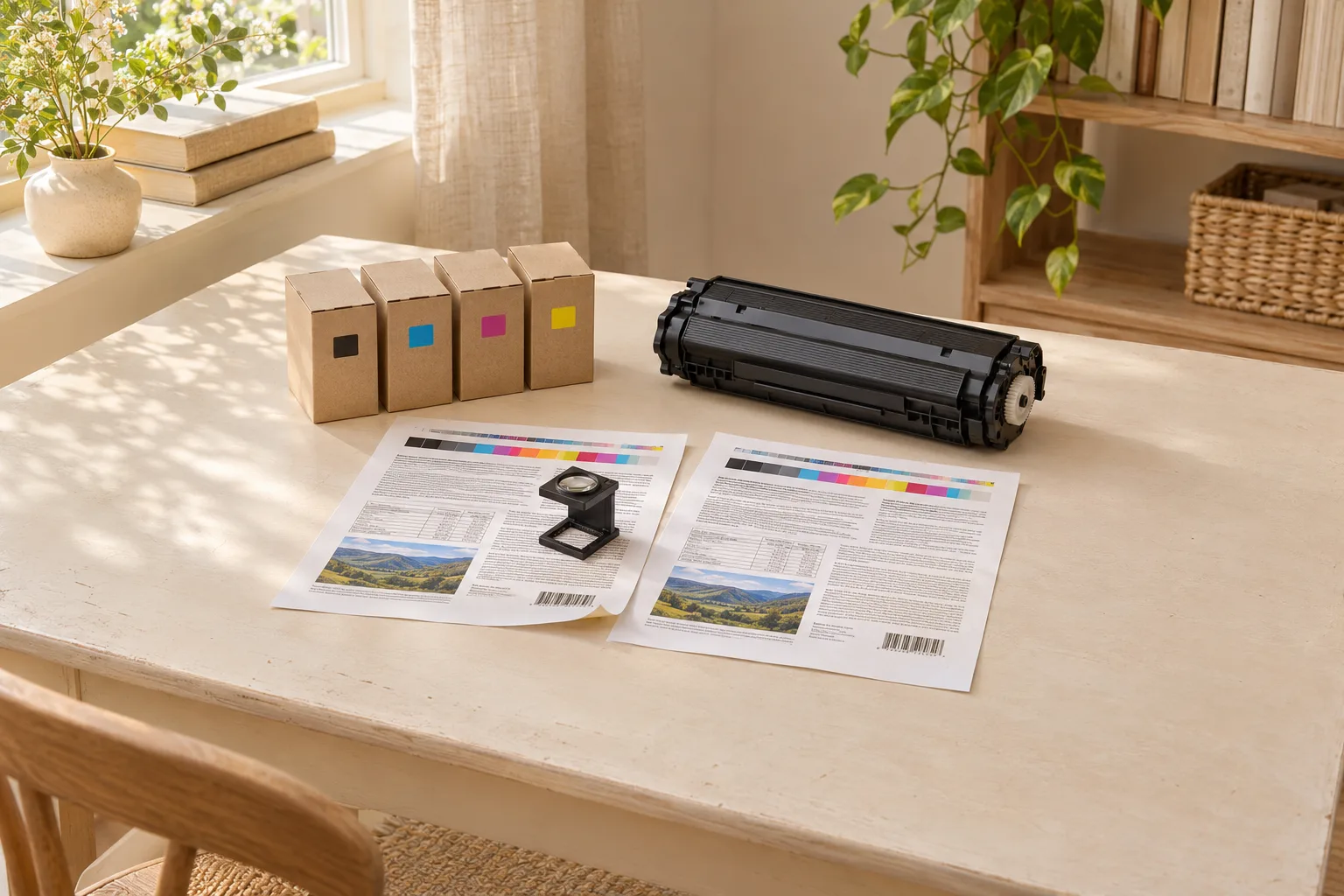
Is remanufactured ink worth it?
Usually, yes, on the right printer. Good third-party ink and toner print close to the maker’s own for a fraction of the price, and in the US, using them can’t by itself void your printer’s warranty. The best third-party inks print very close in quality to the originals and rarely harm a printer, though about one in nine people who use them run into a compatibility problem.
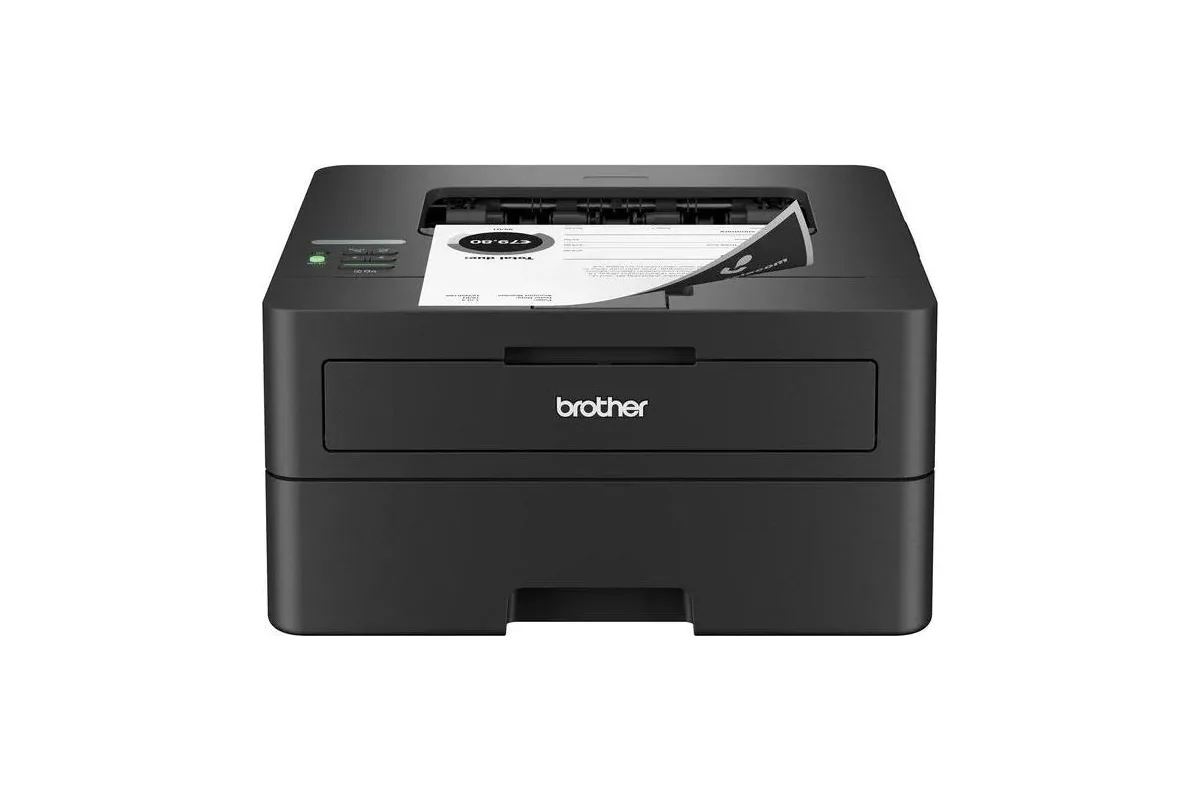
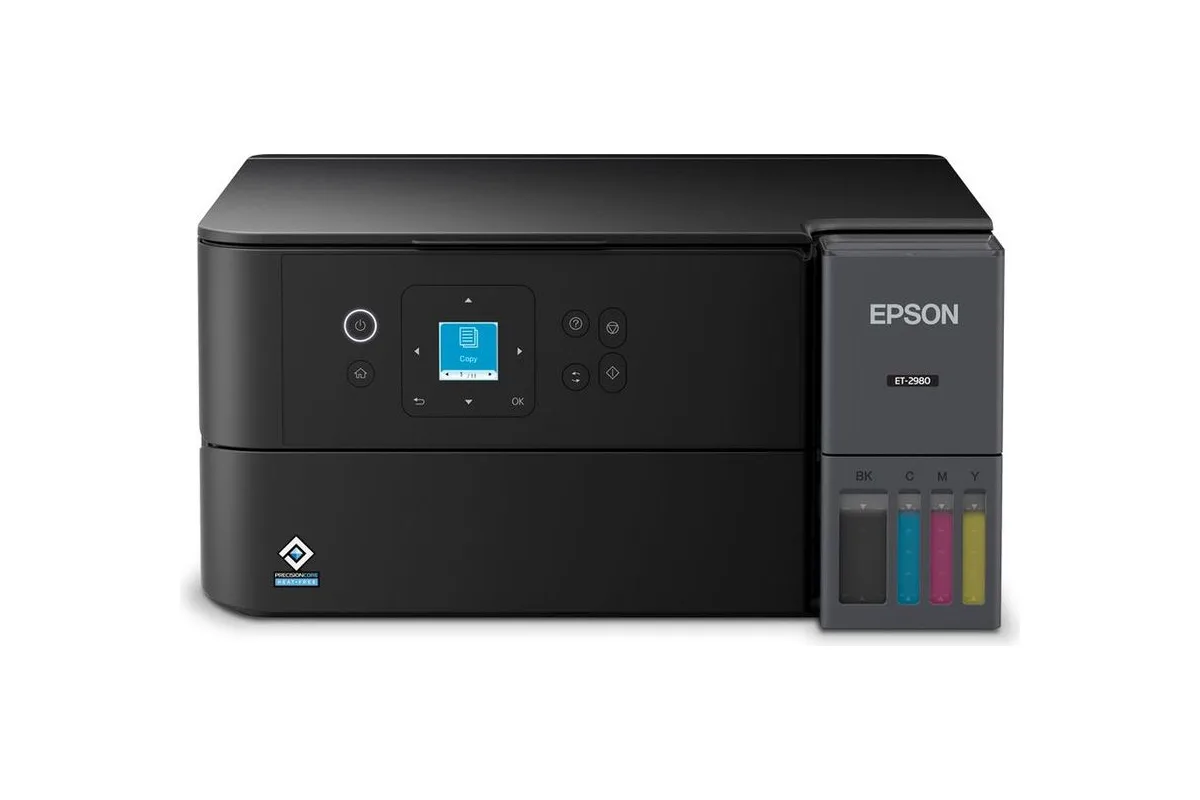
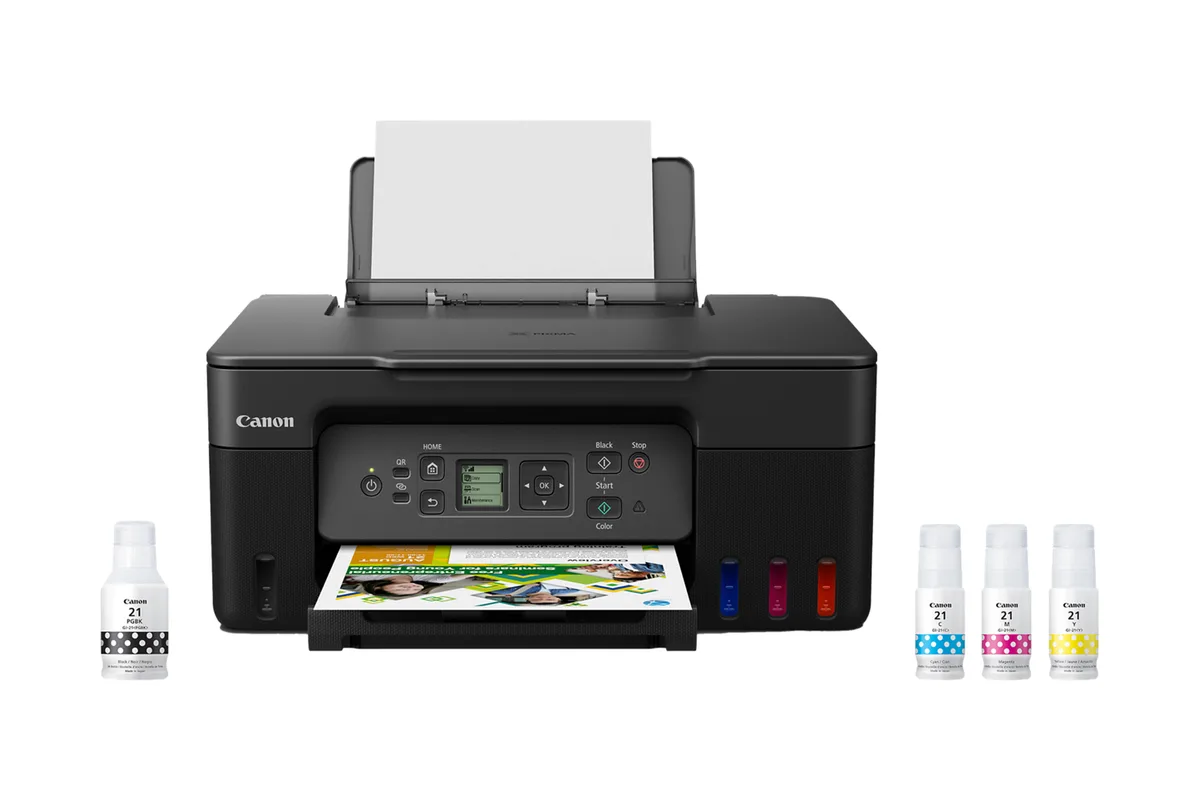
The catch is the printer. On HP printers, cartridges without an HP chip can be blocked, now or by a later firmware update. On Brother printers, Epson and Canon ink tanks, and most Canon lasers, third-party supplies are a safer bet.
What’s the difference between remanufactured and compatible?
- Remanufactured: a used original cartridge, cleaned, refilled and fitted with new parts. It keeps the maker’s original chip.
- Compatible (or “new-build”): a brand-new cartridge made by another company, with its own chip.
- Refilled: an original cartridge topped up with ink, at home or in a store.
The chip matters on HP printers. HP says reused HP chips “enable the use of reused, remanufactured, and refilled cartridges”, while its dynamic security blocks cartridges with non-HP chips. So on an HP, a remanufactured HP cartridge should work and a compatible one may not.
Will third-party ink void my warranty?
Not in the US, by itself. Under the federal Magnuson-Moss Warranty Act, the FTC says a maker generally can’t require you to use its own brand of supplies to keep a warranty, unless it provides them free. A maker can refuse to fix damage that a third-party cartridge caused.
The makers’ own terms say the same. HP says a non-HP cartridge doesn’t void its warranty, but damage it causes isn’t covered. Canon’s imageCLASS warranty excludes toner and drum damage caused by non-Canon supplies. Epson says damage from non-genuine ink in its EcoTanks isn’t covered, and Brother says repairs caused by non-Brother ink may not be.
Which printers block third-party cartridges?
| Brand | What happens with third-party supplies |
|---|---|
| HP (inkjets and LaserJets) | Dynamic security blocks cartridges without an HP chip, and HP says firmware updates can block cartridges that worked before. HP+ printers accept only Original HP ink. |
| Epson (cartridge printers) | Epson says they’re “designed for Epson cartridges only” and that firmware updates may affect third-party ink. |
| Epson EcoTank, Canon MegaTank | Ink bottles have no chip, so nothing is blocked. |
| Brother | Brother said in March 2025 that its firmware updates don’t block third-party ink or toner. |
| Canon (cartridges and toner) | Cartridges carry chips; we found no documented block on current home models. |
Regulators have acted on how makers disclose chip checks rather than banning them. Italy’s competition authority fined HP €10 million in 2020 and in 2023 had Epson and Lexmark disclose that their printers check cartridge chips. Australia’s consumer regulator had HP compensate customers whose third-party cartridges were blocked by an undisclosed update. In the US, a 2024 settlement over HP LaserJet firmware requires HP to disclose dynamic security updates and let owners of certain models decline them.
Is compatible toner as good as original?
Often close, but it varies by brand. Toner is simpler than ink, and lasers don’t clog, so compatible toner is lower-risk than compatible ink. The common problems are lighter or streaky prints, cartridges that aren’t recognized after a firmware update, and yields below the label. We couldn’t find a current independent yield test of compatible toner, and the makers’ own studies naturally favor their cartridges.
On a Brother laser such as the HL-L2460DW, the case for compatible toner is weaker than it looks: Brother’s TN830XL twin pack already brings pages to about 4¢ including the drum. Buy a well-reviewed compatible brand with a money-back guarantee, and keep the original cartridge as a spare.
How to use third-party ink safely
- Check the printer first. Avoid third-party cartridges on HP printers unless they’re remanufactured HP cartridges with HP chips.
- Turn off automatic firmware updates if your printer lets you, so an update can’t block cartridges you’ve already bought.
- Buy from a seller with a guarantee that covers replacement if a cartridge isn’t recognized.
- Keep one original cartridge to rule out the ink if print quality drops.
- Consider an ink tank instead. Epson’s and Canon’s own bottles cost about 0.4¢ a black page, so third-party ink saves little. See the cheapest printer to run.
We haven’t tested third-party cartridges ourselves. This guide uses the makers’ warranty terms and policies, US warranty law as the FTC explains it, regulators’ published decisions, and published consumer research.
Questions people ask
Is remanufactured ink bad for your printer?
Not usually. Well-made third-party inks rarely damage printers, though a small share of users report leaks or prints that fade faster. Damage caused by a bad cartridge isn’t covered by the maker’s warranty.
Does HP block remanufactured ink?
HP blocks cartridges with non-HP chips. Remanufactured HP cartridges that reuse HP’s own chip should work, but HP+ printers accept only Original HP ink.
Is compatible toner cheaper than original?
Usually, by a lot per cartridge. But compare cost per page: some original high-yield toner, such as Brother’s TN830XL twin pack, is already cheap per page.
Can using compatible toner void my warranty?
Not by itself in the US. The maker can refuse to cover damage the toner caused.
What is the best printer for third-party ink?
An Epson EcoTank or Canon MegaTank, whose bottles have no chips, or a Brother, which says its firmware doesn’t block third-party supplies. See printers to avoid.
Sources
- FTC: Businessperson's guide to federal warranty law, FTC
- HP Color LaserJet Pro 3201dw product page (dynamic security disclaimer), HP
- HP Printers: Dynamic Security Enabled Printers, h30434.www3.hp.com
- Mobile Emergency Housing Corp. v. HP Inc. settlement agreement, kaas.hpcloud.hp.com
- ACCC: HP to compensate printer customers, accc.gov.au
- AGCM: HP fined €10 million, Italian Competition Authority
- AGCM: Epson and Lexmark printer cartridge disclosures, Italian Competition Authority
- Epson: no third-party ink cartridges, Epson
- Canon imageCLASS LBP646Cdw support and warranty, Canon
- Oh Brother. Printer giant denies dirty toner tricks, The Register
- Third-party printer ink: three common worries debunked, which.co.uk
Keep exploring

Buying guide
The best barcode label printers
The Zebra ZD421 is the best barcode label printer for most businesses: 4-inch labels at 6 inches a second, any brand of label roll and a 24-month warranty, for about $480 to $526 in November 2026. Get the Brother QL-820NWBc ($229.99) for an office or shop counter, and a thermal transfer model for inventory labels that have to last.
Read story
Buying guide
The best check printers for a small business
The TROY 3001dw ($509.15 at TROY, $530 at Amazon in November 2026) is the best check printer for a small business: a 35 ppm Wi-Fi laser with MICR toner, rated for 350 to 2,500 checks a month, at about 5¢ to 7¢ per check three to a page by our estimate. Get the TROY 4001dn for a locking tray, or the VersaCheck M15 MXD ($399.99) for software in the box.
Read story