Printers in this guide
How do I scan receipts for taxes?
Scan each receipt to a searchable PDF at 300 dpi, name the file by date, payee and amount, and keep it at least 3 years after you file the return it supports. The IRS accepts electronic records under the same rules as paper ones, as long as you can find each record and produce a legible copy.
Here’s the routine:
- Scan soon. Many register receipts are printed on thermal paper, which can fade; our thermal printer guide explains why.
- Use 300 dpi and searchable PDF. 300 dpi is the minimum the National Archives sets for federal agencies digitizing paper records, and it’s enough for scanning software to read the text. Grayscale is fine unless color matters.
- Name each file the same way:
2026-11-26_hardware-store_45.99.pdf. Files then sort by date, and a search finds the payee. - File by year, then category:
2026/Business/Supplies,2026/Medical,2026/Charity. Keep business and personal receipts apart. - Check, then back up. Open each PDF and confirm the date, payee and total are readable. Keep two copies, such as your computer and a cloud drive.
A scanner with a feeder makes this a weekly two-minute job. A phone works for a few receipts: the iPhone’s Notes and Files apps and Android’s Google Drive app scan a page and save a PDF, free.
Does the IRS accept scanned receipts?
Yes. IRS Publication 583 says the requirements for paper records apply equally to electronic storage, which includes scanning paper into digital files. Your system has to index, store, preserve, retrieve and reproduce the records in legible form. Once it has been tested to reproduce your paper records accurately, you may destroy the paper originals. The detailed standard is Revenue Procedure 97-22, which Publication 583 points to.
What the receipt must show matters more than how you store it. The IRS says expense records should identify:
- the payee
- the amount paid
- proof of payment
- the date
- a description showing the item or service was a business expense
A credit card statement can serve as proof of payment if it shows the amount, the payee’s name and the transaction date. For business travel, gifts and car expenses, Publication 463 requires a receipt for any lodging and for any other expense of $75 or more.
These are recordkeeping rules, not tax advice. Ask a tax professional what you need to keep for your situation.
How long should you keep scanned receipts?
Generally 3 years after you file, because that’s how long the IRS usually has to assess more tax. Some situations run longer. Here are the IRS’s periods:
| Your situation | Keep records |
|---|---|
| Most returns | 3 years after filing |
| You file a claim for a credit or refund after filing | 3 years after filing or 2 years after paying the tax, whichever is later |
| Employment tax records (if you have employees) | At least 4 years after the tax is due or paid, whichever is later |
| You leave out income over 25% of the gross income on your return | 6 years |
| You claim a loss from worthless securities or a bad debt deduction | 7 years |
| Property (a home, equipment, investments) | Until the period runs out for the year you sell or dispose of it |
| You don’t file a return, or file a fraudulent one | Indefinitely |
Scanned files take little space, so keeping each year’s folder for seven years covers most of these periods.
How do I scan documents to a searchable PDF?
Choose “searchable PDF” (sometimes “PDF with OCR”) in your scanner’s own software, which reads the text as it saves the file. Every scanner here includes software that does this, free:
| Scanner | Software | Searchable PDF | Receipt tools |
|---|---|---|---|
| Ricoh ScanSnap iX2500, iX100 | ScanSnap Home | Yes, plus Word and Excel | Sorts receipts and reads their totals; free, no subscription |
| Canon imageFORMULA R40II | Canon CaptureOnTouch | Yes | None |
| Epson WorkForce ES-590W | Epson ScanSmart AI | OCR included | Accounting export needs the RR-620W’s software |
| Epson WorkForce ES-50 | Epson ScanSmart | Yes | Receipt Manager: 30-day trial, then a paid license |
| Brother ADS-1800W | Brother iPrint&Scan | Yes | BR-Receipts ends after October 31, 2026 |
| Canon CanoScan LiDE 400 (flatbed) | IJ Scan Utility | Yes, multi-page | None |
To test a file, open it and press Ctrl+F (Windows) or Command+F (Mac), then search for a word on the page. If it’s highlighted, the text layer is there.
For an older scanner or an all-in-one printer without OCR, NAPS2 is free, open-source scanning software for Windows, Mac and Linux. It works with TWAIN and WIA drivers and with network scanners over eSCL, and makes PDFs searchable as it saves them. It can’t drive a ScanSnap or the R40II, which have no TWAIN driver, but their own software already does OCR.
Pick 300 dpi for documents and receipts; what DPI to scan at explains when to go higher.
What is the best scanner for going paperless?
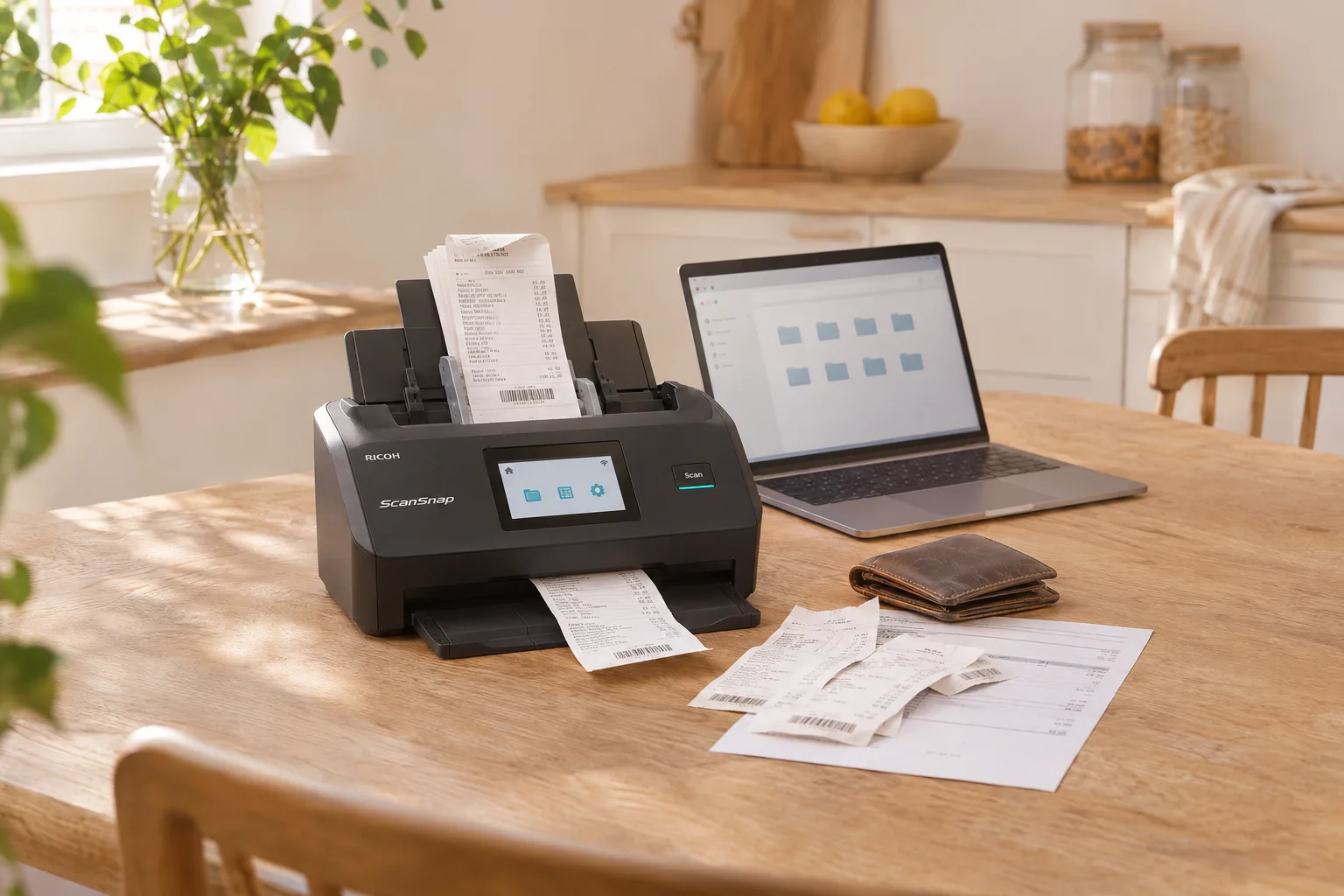
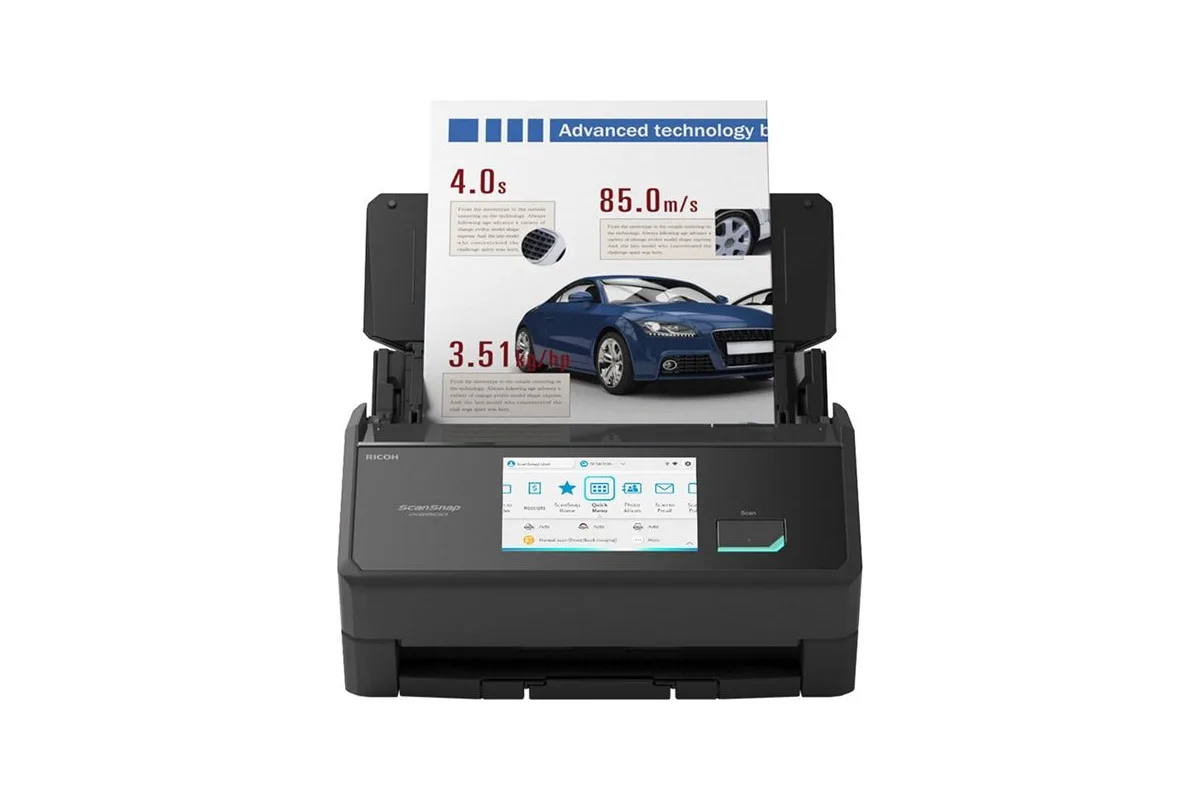
The Ricoh ScanSnap iX2500, at $399.99 at Ricoh and Amazon in November 2026. Its 100-sheet feeder scans both sides at 45 pages (90 images) a minute and takes receipts with the included Receipt Guide (50 sheets with the guide fitted). ScanSnap Home names files from their contents, sorts them into documents, receipts, business cards and photos, and needs no subscription. From the 5-inch touchscreen it also scans to cloud services, email or a network folder without a computer. Read our iX2500 review.
| Scanner | Best for | Feeder | Speed | Price (Nov 26, 2026) |
|---|---|---|---|---|
| ScanSnap iX2500 | Most people going paperless | 100 sheets | 45 ppm / 90 ipm | $399.99 at Ricoh and Amazon |
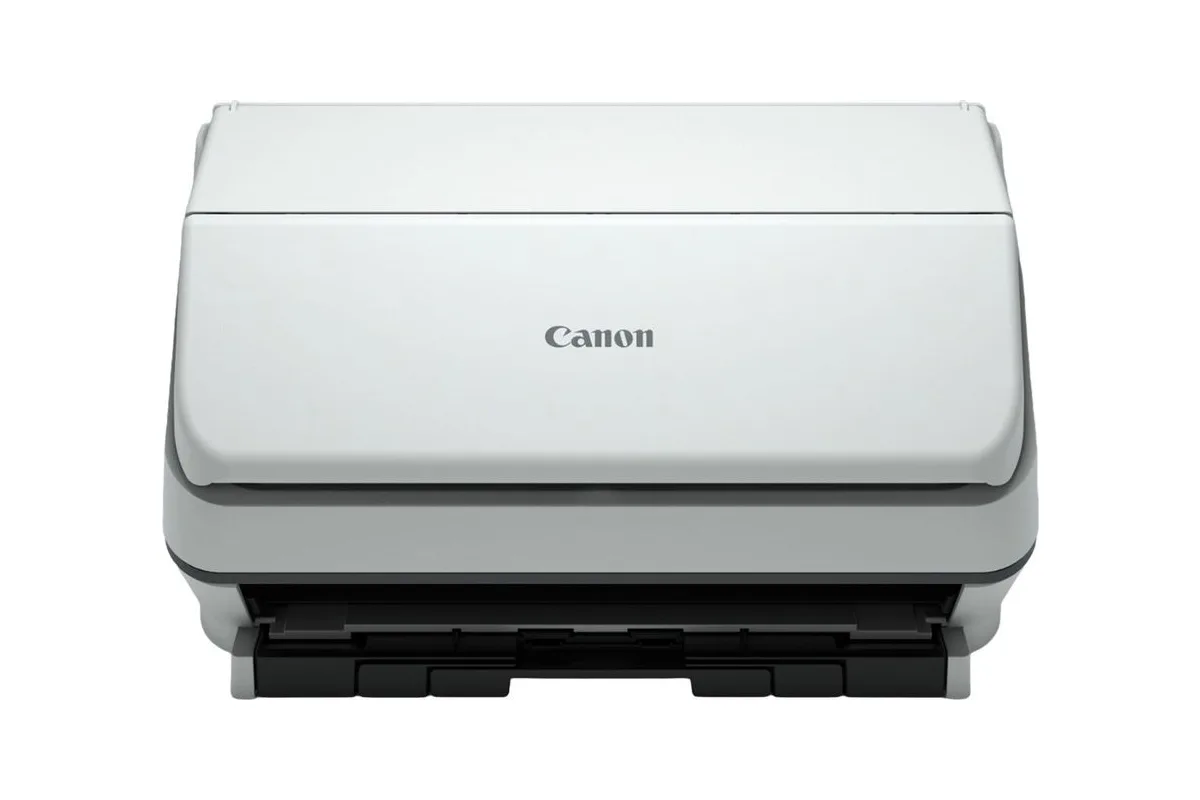
| Canon R40II | The same speed for less, at a computer | 60 sheets | 45 ppm / 90 ipm | $195.00 at Canon (list $356) and Amazon |
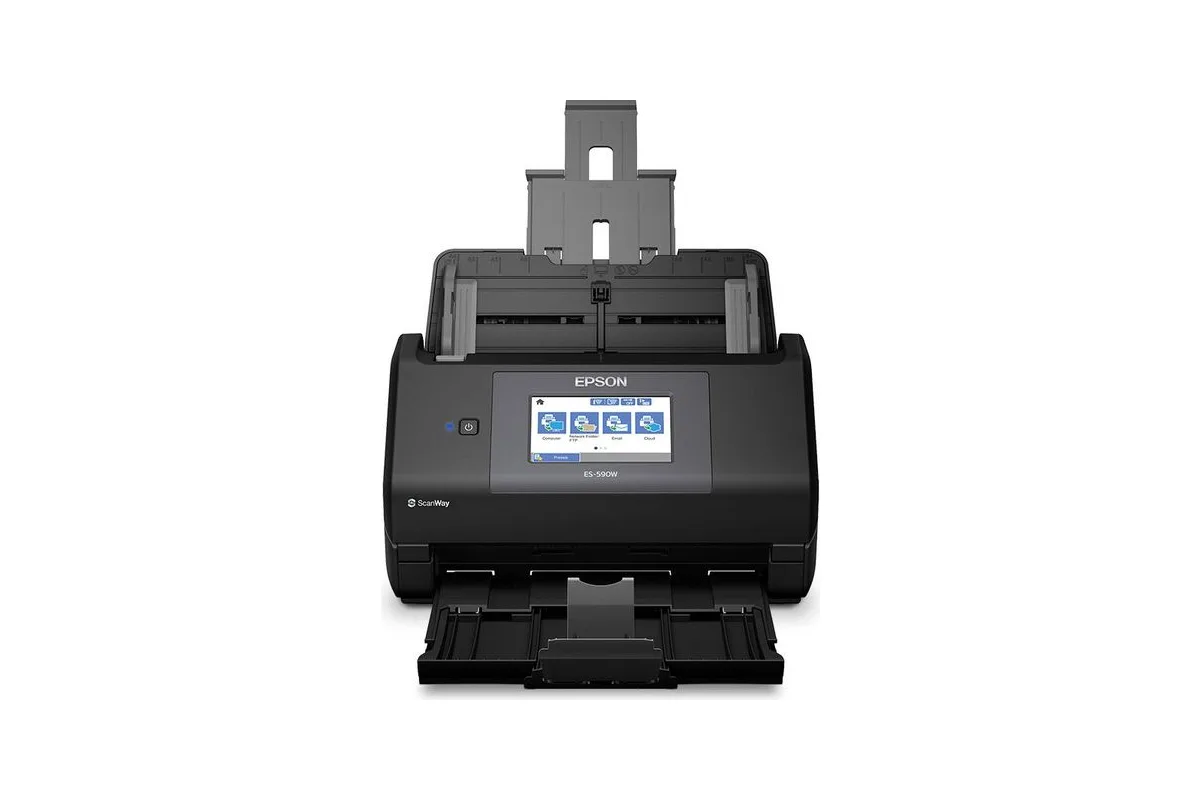
| Epson ES-590W | A TWAIN driver and scanning to a USB stick | 100 sheets | 45 ppm / 90 ipm | $389.99 Black Friday sale at Epson (list $449.99); $389.99 at Amazon |
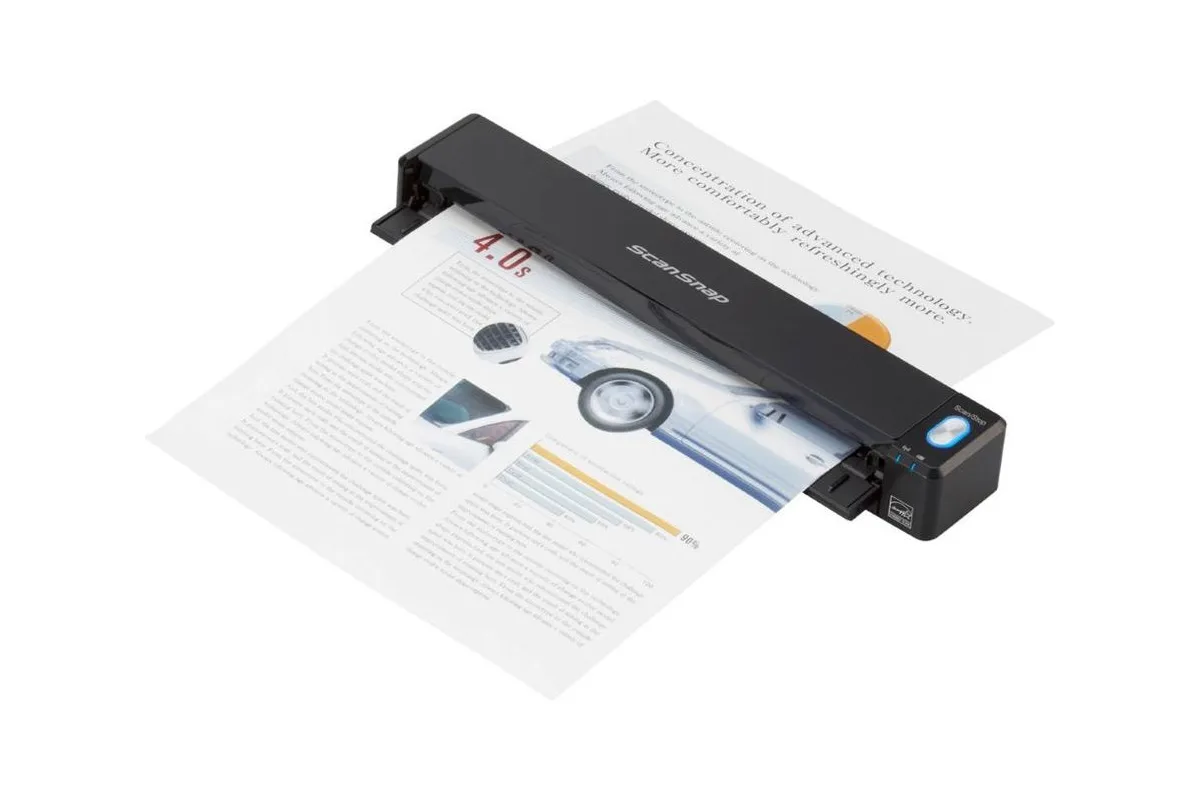
| ScanSnap iX100 | Receipts on the road | 1 sheet | 5.2 s a page, one side | $199.99 at Amazon, $245.99 at Ricoh |
Choose the R40II if you always scan at your desk: it’s half the price but USB only, with no Wi-Fi or scanning without a computer, and its $150 roller kit costs most of what the scanner does. Choose the ES-590W if you want a standard scanner driver for other apps. Choose the iX100 for business trips: its battery is rated for up to 260 scans a charge, and it feeds two receipts side by side.
For more options, see the best document scanners. If you already have an all-in-one printer, check first whether you need a scanner at all: document scanner vs all-in-one.
What receipt software should you use?
For tax records, the free software that comes with your scanner is enough; pay only if you want receipt totals sent into accounting software.
- ScanSnap Home (free with any current ScanSnap) reads receipt totals and sorts receipts into their own group. Ricoh lists QuickBooks Online, Hubdoc, Concur and Shoeboxed among the iX2500’s scan destinations; each needs its own account. Ricoh also sells an iX2500 Receipt Edition, marketed as a receipt scanner for QuickBooks ($439.99 at Ricoh).
- Epson ScanSmart Accounting Edition comes with the RapidReceipt RR-620W ($399.99 Black Friday sale, list $529.99), the ES-590W’s receipt twin. It turns receipts and invoices into categorized data for QuickBooks, TurboTax and Excel on a Windows PC or Mac.
- Epson’s ES-50 has a Receipt Manager that exports to QuickBooks, Quicken, TurboTax or CSV, but only for a 30-day trial; after that it needs a license key, which Epson doesn’t price on its site.
- Brother will no longer provide or update BR-Receipts after October 31, 2026, so don’t buy an ADS-1800W for its receipt software. It still scans receipts to searchable PDF; see our ADS-1800W review.
Questions people ask
Can I throw away paper receipts after I scan them?
The IRS allows it once your electronic system has been tested and reproduces the originals accurately and legibly, under Publication 583. Check every scan before you shred, and keep the files for as long as the return can be examined, generally 3 years.
How long should I keep receipts for taxes?
Generally 3 years after you file. It’s 6 years if you left out more than 25% of your income, 7 years for a bad debt or worthless securities claim, and indefinitely if you didn’t file.
Is a photo of a receipt good enough for the IRS?
The IRS doesn’t specify the device. What counts is that the record is complete, legible and retrievable, and shows the payee, amount, date and what was bought. A phone scan to PDF in Notes or Google Drive meets that if every detail is readable.
Do I need a receipt for expenses under $75?
For business travel, gifts and car expenses, Publication 463 doesn’t require a receipt for an expense under $75, except lodging. You still need a record of the expense.
What DPI should I scan receipts at?
300 dpi. It’s clear enough for small receipt print and for searchable PDFs; go to 600 dpi only for very faded or tiny print.
Does ScanSnap need a subscription?
No. ScanSnap Home is free with the scanner and needs no account to scan to a computer. A free ScanSnap account is needed only for ScanSnap Cloud.
Sources
- IRS Publication 583: Starting a Business and Keeping Records (electronic records), irs.gov
- IRS: What kind of records should I keep, irs.gov
- IRS: How long should I keep records?, irs.gov
- IRS Tax Topic 305: Recordkeeping, irs.gov
- IRS Publication 463: Travel, Gift, and Car Expenses (documentary evidence), irs.gov
- Ricoh ScanSnap iX2500 (PFU America), pfu-us.ricoh.com
- ScanSnap Home (PFU America), pfu-us.ricoh.com
- ScanSnap Cloud (PFU America), pfu-us.ricoh.com
- Ricoh ScanSnap iX100 (PFU America), pfu-us.ricoh.com
- ScanSnap iX100 (PFU America store), store.pfu-us.ricoh.com
- Canon imageFORMULA R40II (Canon USA store), Canon
- Canon imageFORMULA R40II support: specifications, Canon
- Canon CanoScan LiDE 400 (Canon USA store), Canon
- Epson WorkForce ES-590W product page, Epson
- Epson RapidReceipt RR-620W product page, Epson
- Epson WorkForce ES-50 product page, Epson
- Epson WorkForce ES-50/ES-60W user guide (Receipt Manager license), Epson
- Brother ADS-1800W downloads (software end-of-support notice), support.brother.com
- Brother ADS-1800W product page, Brother
- NAPS2: free scanning software, naps2.com
- NAPS2 documentation: OCR, naps2.com
- Apple Support: How to scan documents on your iPhone or iPad, support.apple.com
- Google Drive Help: Scan documents with Google Drive (Android), support.google.com
- 36 CFR 1236.50: Digitizing modern textual paper records (minimum 300 ppi), law.cornell.edu
Keep exploring

Buying guide
The best barcode label printers
The Zebra ZD421 is the best barcode label printer for most businesses: 4-inch labels at 6 inches a second, any brand of label roll and a 24-month warranty, for about $480 to $526 in November 2026. Get the Brother QL-820NWBc ($229.99) for an office or shop counter, and a thermal transfer model for inventory labels that have to last.
Read story
Buying guide
The best check printers for a small business
The TROY 3001dw ($509.15 at TROY, $530 at Amazon in November 2026) is the best check printer for a small business: a 35 ppm Wi-Fi laser with MICR toner, rated for 350 to 2,500 checks a month, at about 5¢ to 7¢ per check three to a page by our estimate. Get the TROY 4001dn for a locking tray, or the VersaCheck M15 MXD ($399.99) for software in the box.
Read story