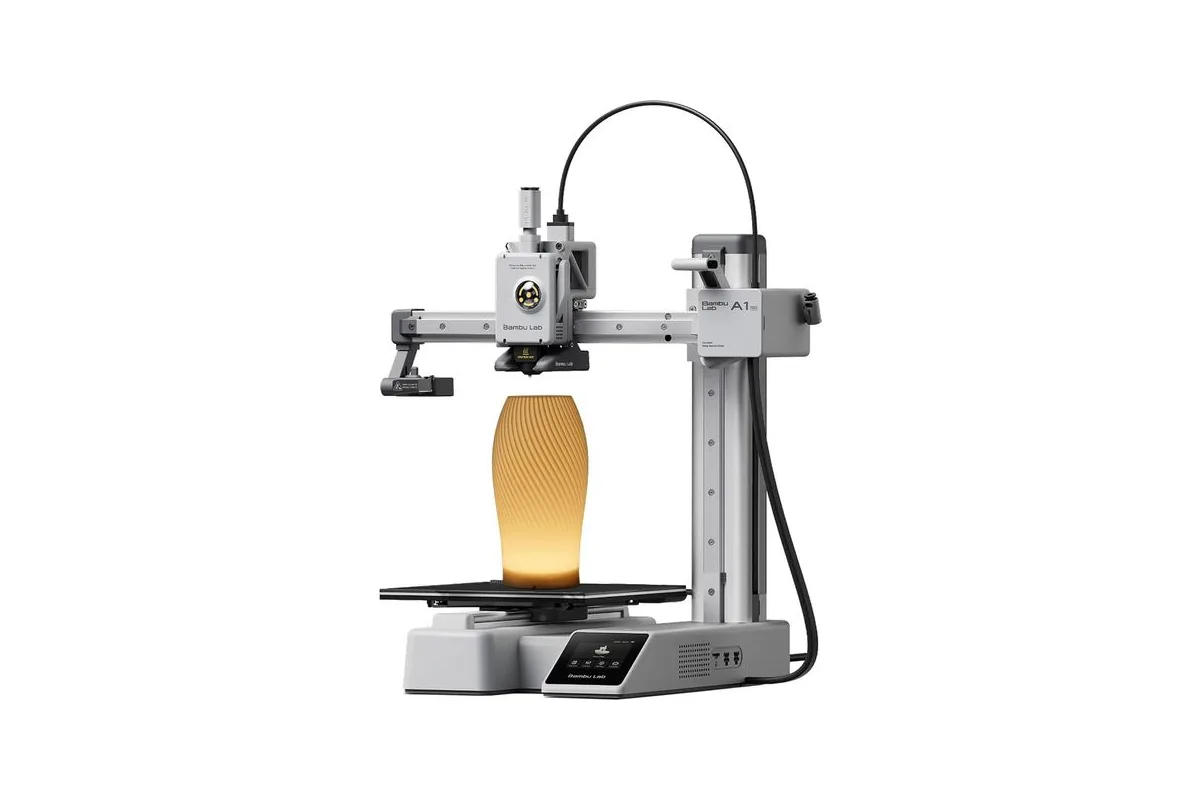
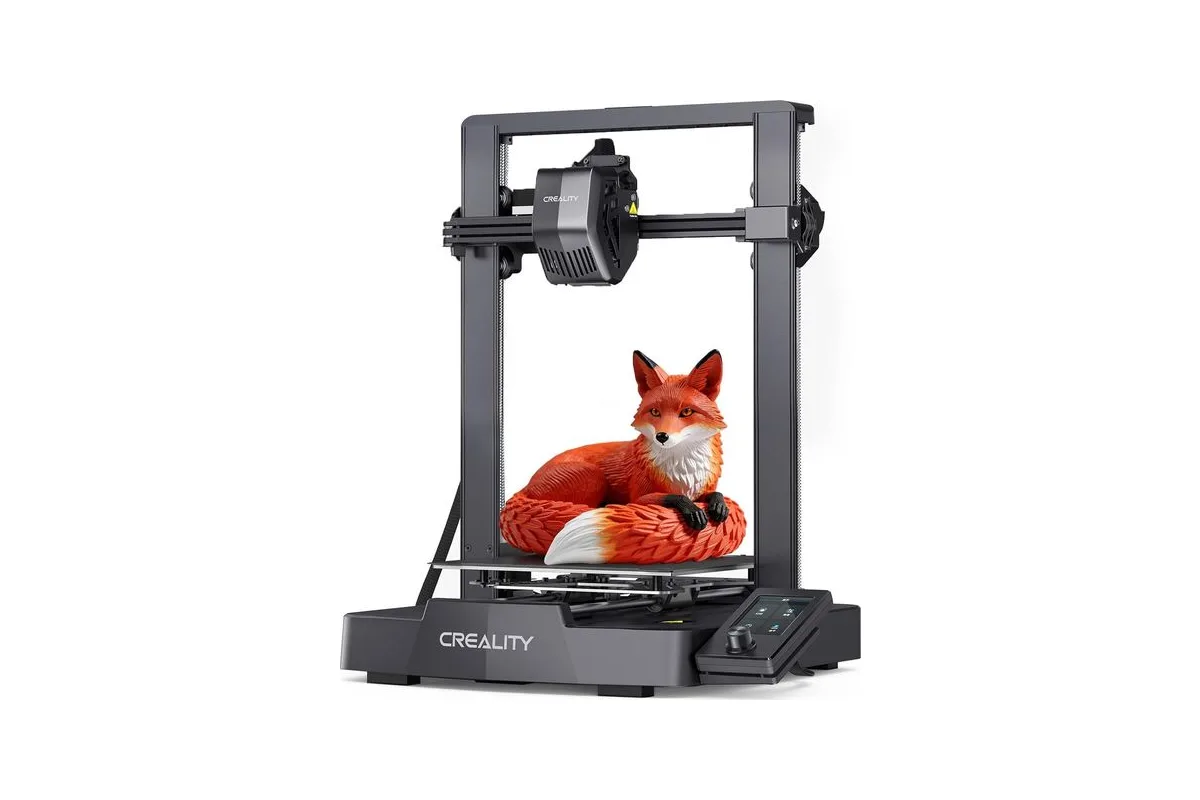
Side by side
| Feature | Bambu LabA1 mini | Creality Ender-3 V3 SE |
|---|---|---|
| Frame | Open (bed slinger) | Open (bed slinger) |
| Build volume | 180 x 180 x 180 mm | 220 x 220 x 250 mm |
| Multicolor | Optional: 4 colors (AMS lite) or AMS units via AMS Hub | No |
| Materials | PLA, PETG, TPU | PLA, PETG, TPU |
| Where to buy | Check price at Amazon | Check price at Amazon |
Bambu Lab A1 mini
- Frame
- Open (bed slinger)
- Build volume
- 180 x 180 x 180 mm
- Multicolor
- Optional: 4 colors (AMS lite) or AMS units via AMS Hub
- Materials
- PLA, PETG, TPU
Creality Ender-3 V3 SE
- Frame
- Open (bed slinger)
- Build volume
- 220 x 220 x 250 mm
- Multicolor
- No
- Materials
- PLA, PETG, TPU
Creality Ender-3 V3 SE vs Bambu Lab A1 mini: which should a beginner buy?
The A1 mini, unless you need the bigger bed. In November 2026, the Bambu A1 mini is $199 at Bambu’s US store (typical $219) and the Creality Ender-3 V3 SE is $169 at Creality’s US store (list $199). For the $30 difference, the A1 mini gives you:
- Wi-Fi and a camera, so you can send prints from your laptop or phone and watch them. The Ender has neither: you print from a USB-C cable or an SD card.
- A 2.4-inch touchscreen instead of the Ender’s knob-driven 3.2-inch screen.
- Twice the rated speed and four times the acceleration (Bambu and Creality figures).
- A 2-year warranty from Bambu’s US store, against Creality’s 12 months.
- A path to multicolor: the A1 mini Combo with the four-color AMS lite is $299.
What the Ender gives you is room. Its 220 × 220 × 250 mm build volume holds about 12.1 liters, about twice the A1 mini’s 5.8 liters (our estimate). If you want to print larger single pieces on a small budget, that matters more than the extras. Read our A1 mini review and Ender-3 V3 SE review.
What’s the difference between the Ender-3 V3 SE and A1 mini?
| Bambu Lab A1 mini | Creality Ender-3 V3 SE | |
|---|---|---|
| Price (maker US store, Nov 28, 2026) | $199 (typical $219) | $169 (list $199) |
| Other stores | $199.99 at Micro Center and Best Buy; $209 on Amazon with an LED lamp kit (Nov 24) | Amazon |
| Frame | Open bed slinger | Open bed slinger |
| Build volume | 180 × 180 × 180 mm (about 5.8 L) | 220 × 220 × 250 mm (about 12.1 L) |
| Max nozzle / bed | 300 °C / 80 °C | 260 °C / 100 °C |
| Nozzle | 0.4 mm stainless steel; 0.2, 0.6, 0.8 mm optional | Brass |
| Speed / acceleration (maker) | 500 mm/s / 10,000 mm/s² | 250 mm/s / 2,500 mm/s² |
| Leveling | Automatic calibration | CR-Touch auto leveling + strain-sensor Z offset |
| Screen | 2.4-inch touchscreen | 3.2-inch screen with a knob |
| Connectivity | Wi-Fi, microSD | USB-C, SD card; no Wi-Fi, no Creality Cloud |
| Camera | Low-rate, up to 1080p, time-lapse | None |
| Multicolor | AMS lite (4 colors) in the $299 Combo | None |
| Filament run-out sensor | Not listed | Yes |
| Noise (maker) | About 48–49 dB, silent mode | No figure published |
| Power | 150 W max; 57–80 W PLA average (Bambu’s two pages differ) | 350 W power supply |
| Size / weight | 347 × 315 × 365 mm, 5.5 kg | 420 × 366 × 490 mm, 7.3 kg |
| Warranty | 2 years from Bambu’s US store | 12 months; wear parts 3 months |
| Software updates | Bug and feature fixes until Sep 20, 2028; security until Sep 20, 2030 | Latest firmware V1.1.0 (May 2025); no published support dates |
| Price per liter (our estimate) | $34.10 | $14.00 |
Source: Bambu’s US store, specification page, wiki FAQ, power page and compare page; Creality’s US store, product and support pages. Read November 24–28, 2026. Liters and price per liter are our estimates from the makers’ dimensions and sale prices.
Which is easier for a beginner?
The A1 mini. Both level their own beds, which removes the hardest part of older printers. The difference is everything around the print:
- Sending a print. On the A1 mini you slice on a computer or phone and send over Wi-Fi. On the Ender, you copy the file to an SD card or connect a USB-C cable, then start it with the knob.
- Watching it. The A1 mini’s camera lets you check on a print from another room and records time-lapses. The Ender has no camera.
- Fixing problems. Bambu’s 2-year warranty is twice Creality’s 12 months, and Creality covers wear parts such as the hotend kit for only 3 months. Bambu’s 2-year US term applies only to printers bought from its own store.
The Ender-3 V3 SE does have a filament run-out sensor and input shaping, so it’s no bare-bones kit. It just asks more of you day to day.
Which prints bigger and faster?
The Ender prints bigger; the A1 mini prints faster. The Ender’s build area is 220 × 220 mm and 250 mm tall, against the A1 mini’s 180 mm cube. That’s 40 mm more in each direction across the bed and 70 mm more height, room for taller vases and wider trays than the A1 mini can take.
The A1 mini is rated at 500 mm/s and 10,000 mm/s² acceleration; the Ender at 250 mm/s and 2,500 mm/s². Acceleration matters most on real models, where the print head rarely reaches top speed, so the A1 mini should finish the same model sooner.
Which handles more materials?
Both are open-frame printers for PLA, PETG and TPU, which Creality lists for the Ender. The A1 mini’s 300 °C nozzle runs hotter than the Ender’s 260 °C, while the Ender’s 100 °C bed is hotter than the A1 mini’s 80 °C. Neither has an enclosure, so neither suits ABS or ASA. For those, see open-frame vs enclosed 3D printers.
What about multicolor?
Only the A1 mini does it. The A1 mini Combo adds the four-color AMS lite for $100 more ($299). The A1 mini can also take full-size AMS units through Bambu’s AMS HUB accessory. The Ender-3 V3 SE has no multicolor option; Creality says it doesn’t support auto filament relay.
Every single-nozzle multicolor printer purges filament at each color change, the A1 mini included. See is a multicolor 3D printer worth it?
Is there a better Creality for beginners?
Possibly the newer Ender-3 V3 Neo, announced in October 2026: $189 at Creality in November (list $259), or $265 as the Neo Combo with a four-color CFS nano. Creality lists a 220 mm cube, a 300 °C hardened-steel nozzle, 500 mm/s and 8,000 mm/s², Wi-Fi, and a camera with time-lapse. On paper that closes most of the gap with the A1 mini. See the Creality lineup explained.
Which should you buy?
The A1 mini if you’re new to 3D printing and your prints fit a 180 mm cube, which covers most toys, gadgets, figurines and household fixes. It’s $199 at Bambu, or $209 with an LED lamp kit on Amazon. If you can stretch to $259, the A1 gives you a 256 mm cube; see A1 vs A1 mini.
The Ender-3 V3 SE if you want the largest print area for the least money and don’t mind USB or SD-card printing. It’s $169 at Creality and on Amazon. Creality’s sale runs through November 30 by its countdown (our estimate); Bambu’s ends December 1 at 2:00 AM ET.
More options in the best cheap 3D printers and the best 3D printers for kids.
Questions people ask
Is the A1 mini better than the Ender-3 V3 SE?
For most beginners, yes: it adds Wi-Fi, a camera, a touchscreen and twice the rated speed for $30 more. The Ender prints about twice the volume.
Does the Ender-3 V3 SE have Wi-Fi?
No. Creality lists USB-C and SD-card file transfer, and no Creality Cloud integration.
Does the Ender-3 V3 SE level itself?
Yes. It uses a CR-Touch probe for bed leveling and a strain sensor to set the nozzle height automatically.
Is the A1 mini too small?
Its build area is 180 × 180 × 180 mm. That fits most small prints, but not large single pieces. The Ender’s 220 × 220 × 250 mm or the A1’s 256 mm cube give more room.
Can either printer do multicolor?
The A1 mini can, with the AMS lite ($299 as the Combo). The Ender-3 V3 SE can’t.
Which is quieter?
Bambu rates the A1 mini at about 48–49 dB in silent mode. Creality publishes no noise figure for the Ender-3 V3 SE, so we can’t compare them directly.
Sources
- Creality US store: Ender-3 V3 SE, store.creality.com
- Creality Ender-3 V3 SE support parameters, creality.com
- Creality Ender-3 V3 SE product page, creality.com
- Creality warranty policy, creality.com
- Creality US store: Ender-3 V3 Neo, store.creality.com
- Bambu Lab US store: A1 mini, us.store.bambulab.com
- Bambu Lab A1 mini technical specifications, bambulab.com
- Bambu Lab wiki: A1 mini FAQ, wiki.bambulab.com
- Bambu Lab wiki: multi-AMS compatibility guide, wiki.bambulab.com
- Bambu Lab wiki: power consumption, wiki.bambulab.com
- Bambu Lab printer comparison (software update support), bambulab.com
- Bambu Lab warranty policy, bambulab.com
Keep exploring
How to
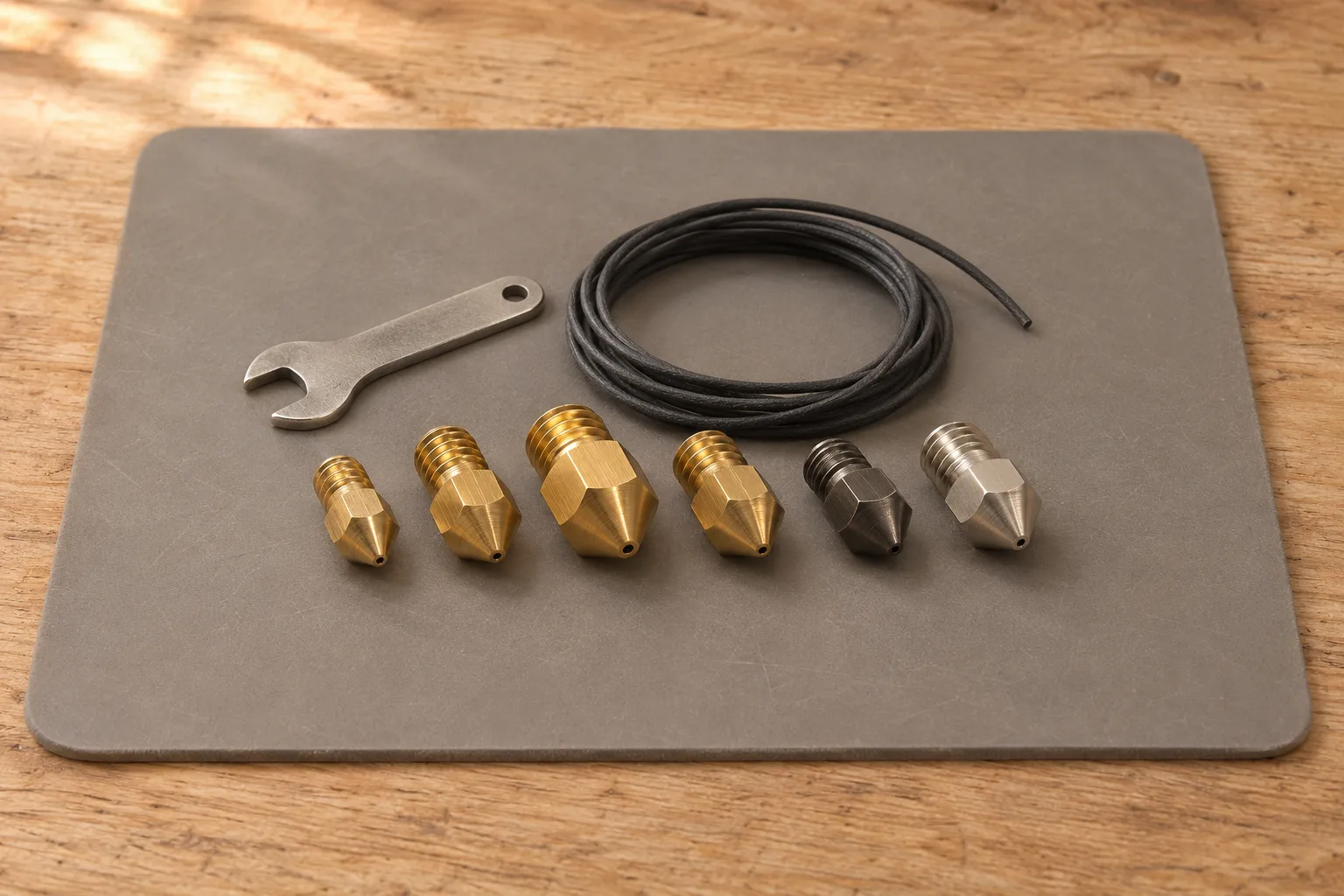
Hardened steel vs brass nozzles, and what nozzle size to use
Brass, or the stainless steel Bambu ships on the A1, is fine for PLA, PETG, ABS, ASA and TPU. Carbon fiber, glass fiber, glow-in-the-dark and sparkle filaments need hardened steel. Use a 0.4 mm nozzle for most prints, 0.6 mm for carbon fiber and big parts, and 0.2 mm for miniatures.
Read story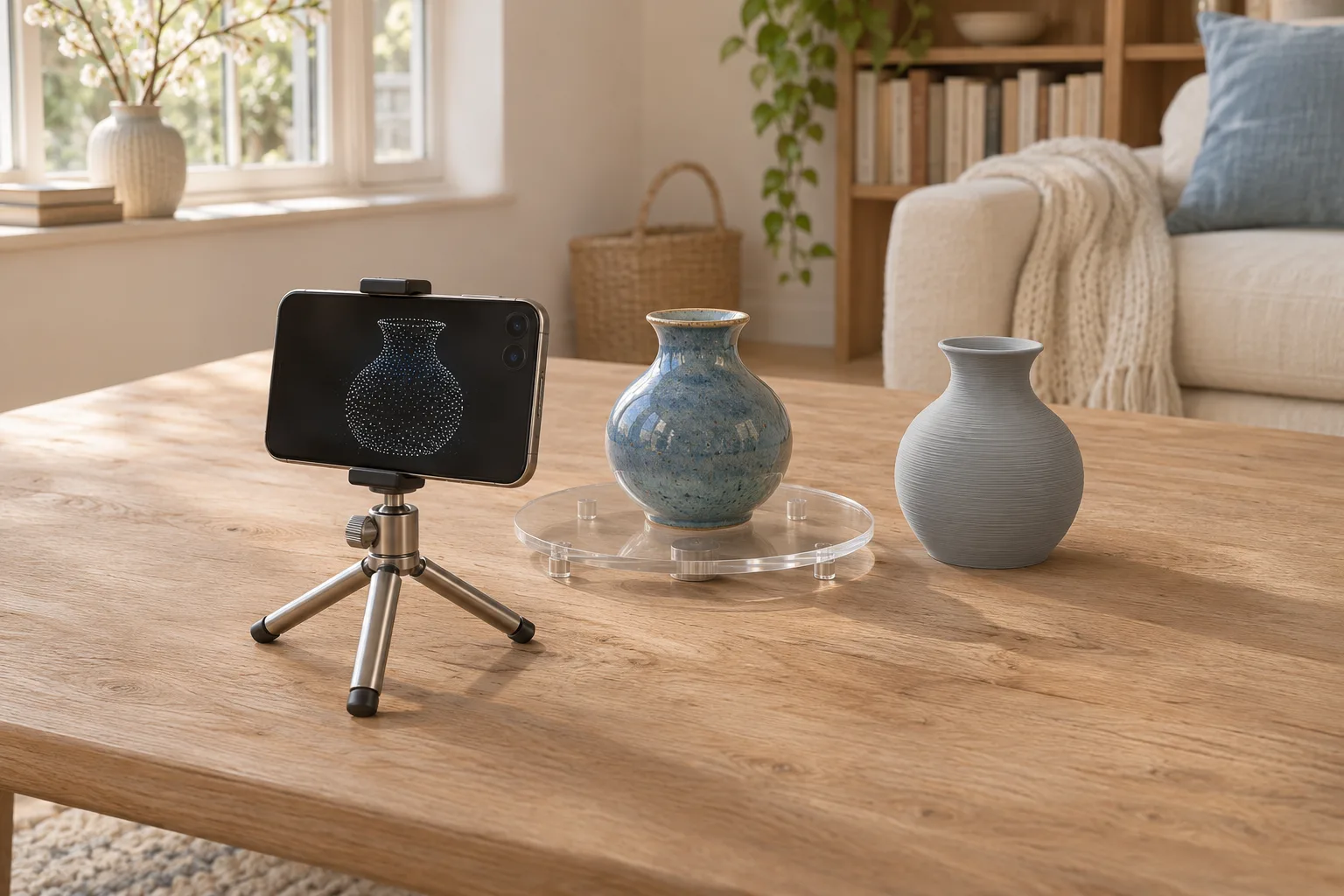
How to
Can you 3D scan with an iPhone? Yes, but not to tight tolerances
Yes. Any current iPhone can 3D scan objects from photos (photogrammetry), and KIRI Engine's free tier exports STL for printing. Only the iPhone 18 Pro and 18 Pro Max have LiDAR in Apple's current lineup. For parts that must fit, a $359 scanner is about ten times tighter.
Read story