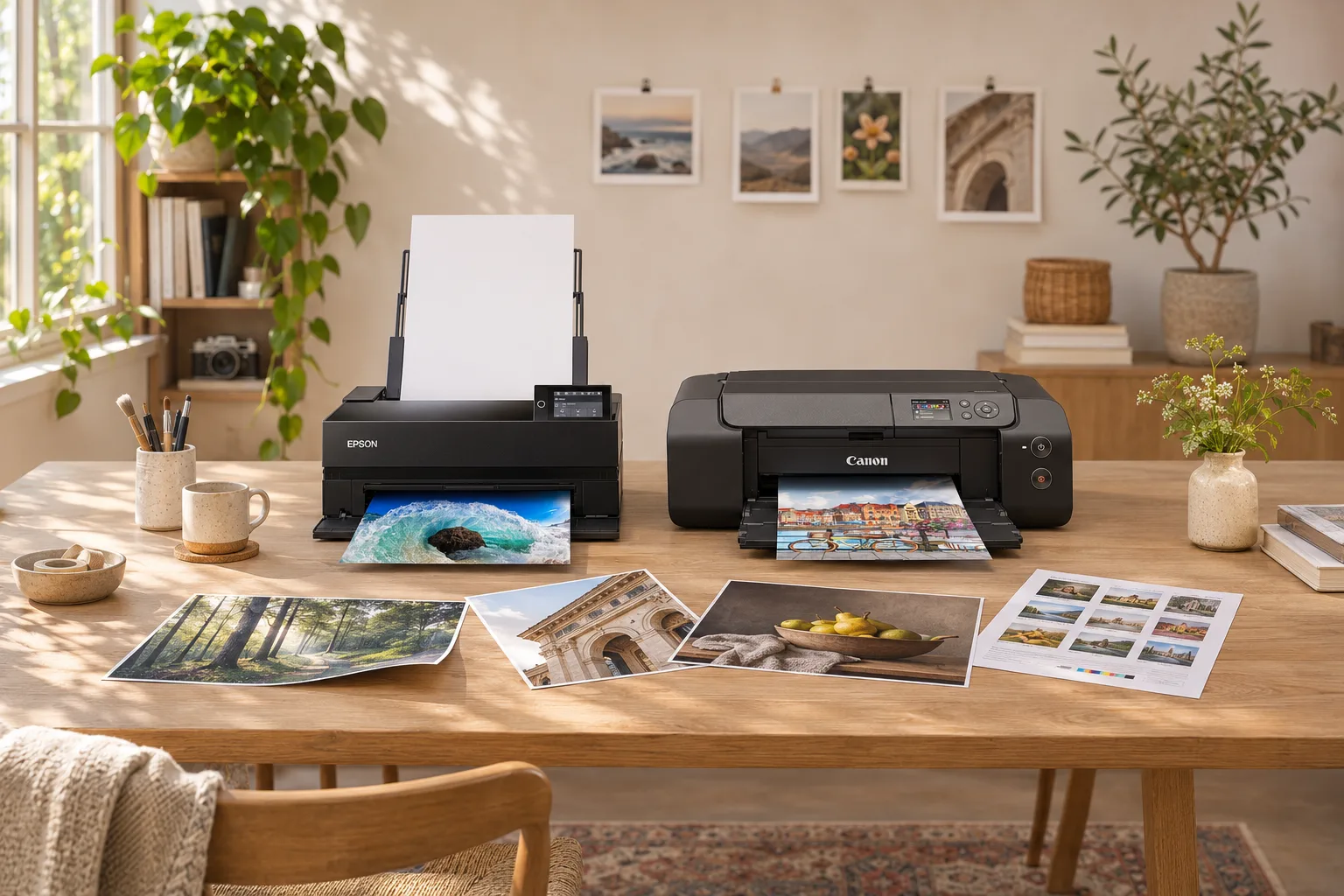
Printers in this guide
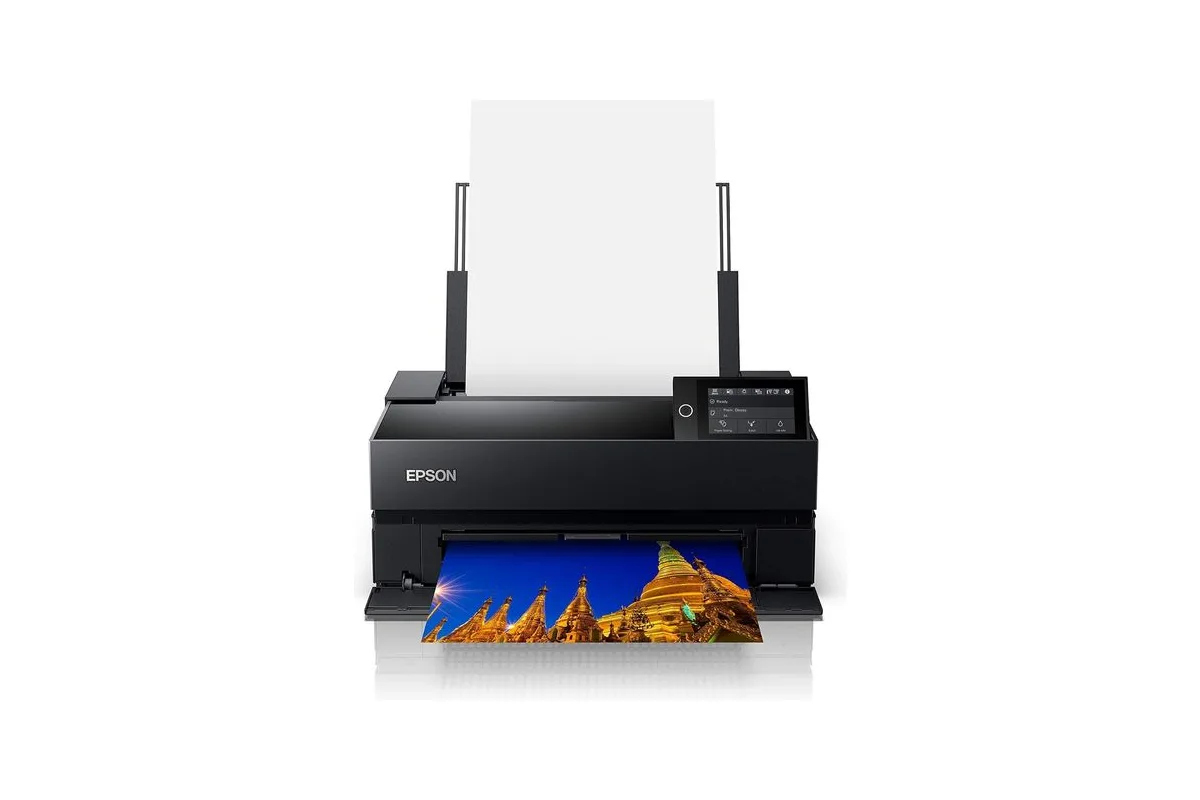
Is Epson or Canon better for photo printing?
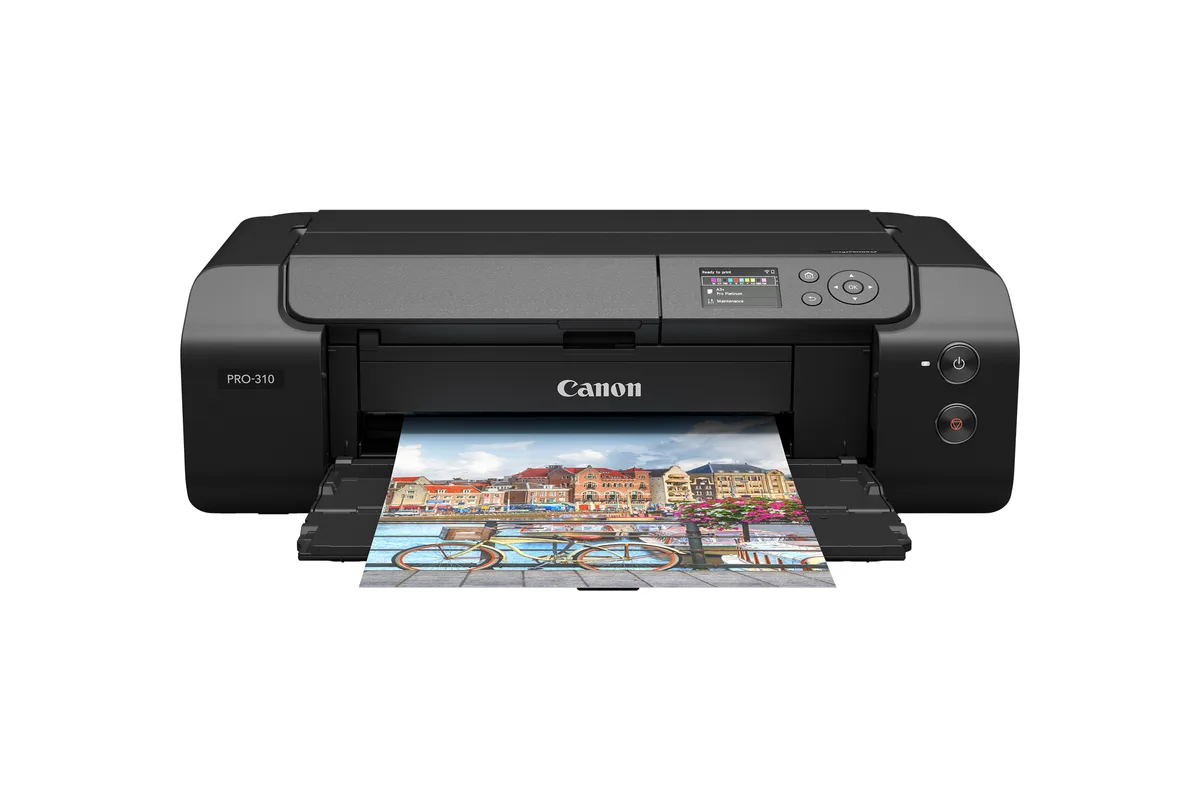
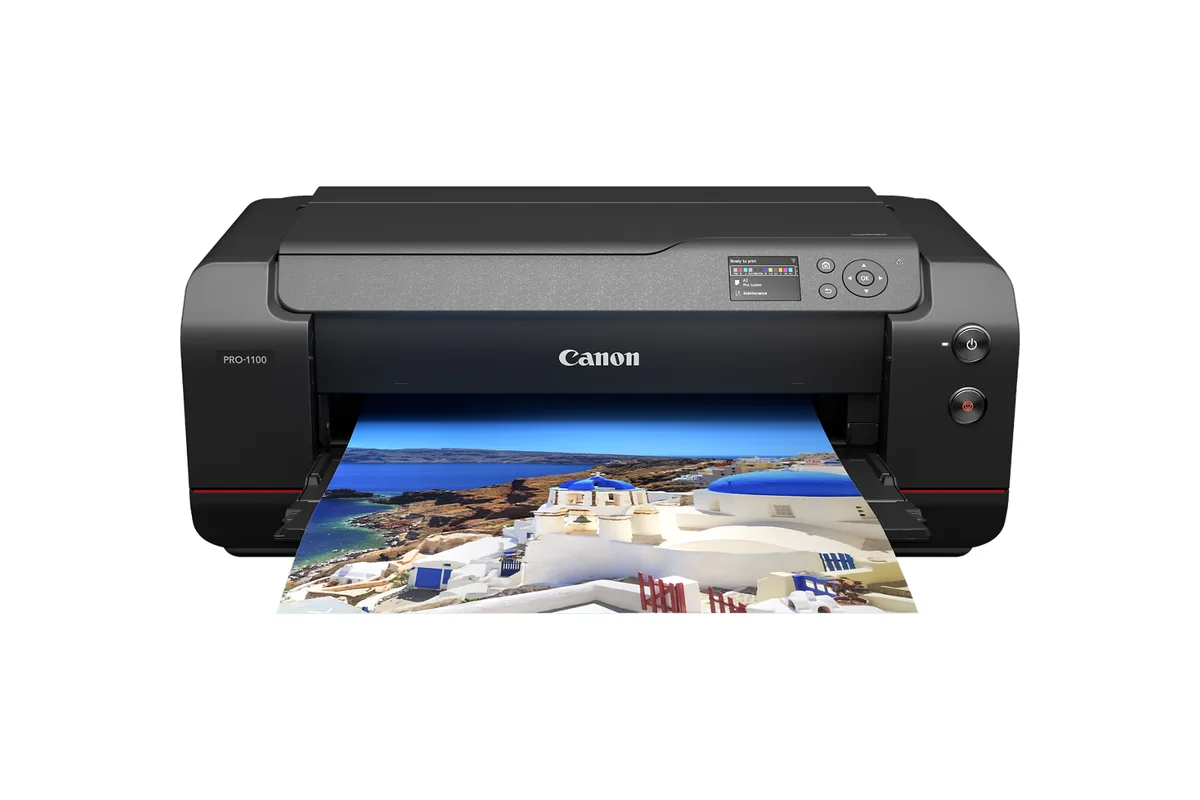
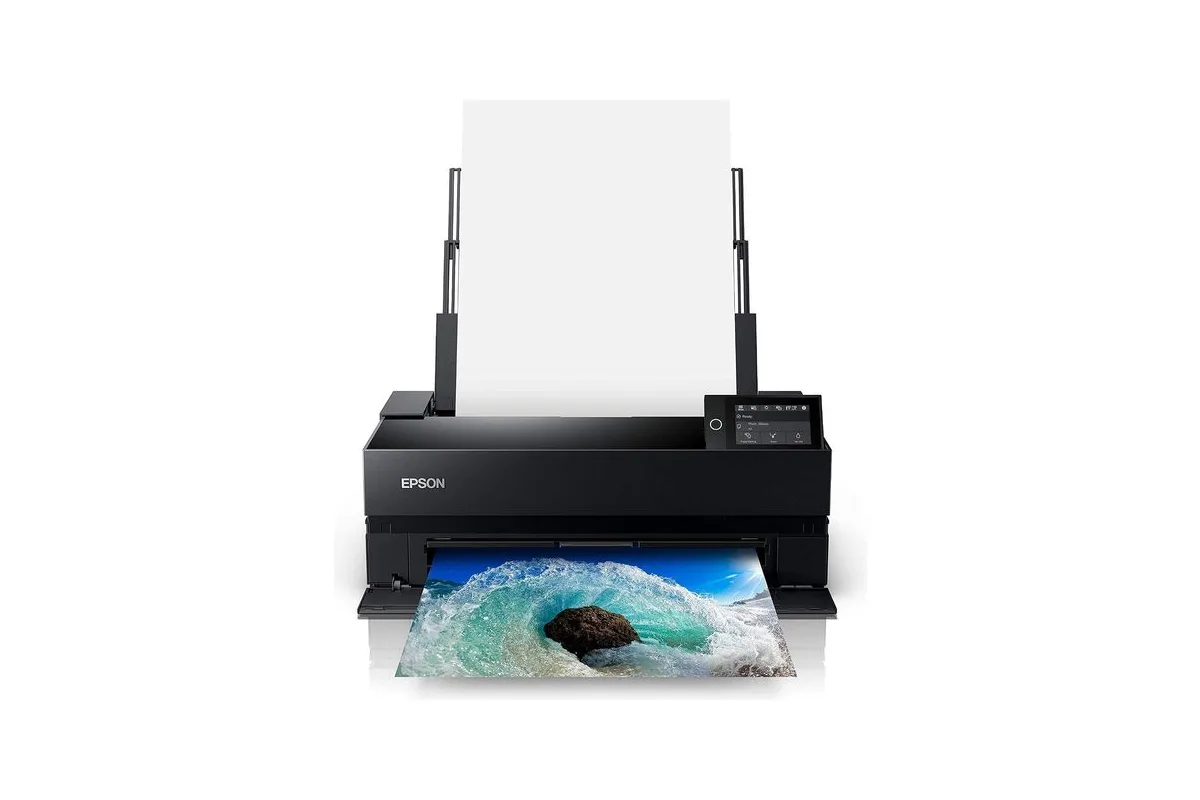
Canon, for most photographers buying in late November 2026. The Canon PRO-310 (13-inch) and PRO-1100 (17-inch) print some of the most accurate color and deepest blacks of any desktop printer. Their printheads are user-replaceable, and both are in stock on sale at $549.99 and $1,091.99. Epson’s SureColor P700 and P900 match them on quality and win on rolls, media up to 1.5 mm and independent permanence ratings. But both were out of stock new at Epson on November 25.
For budget photo printing, it’s the other way round: Epson’s dye ink tank, the ET-8550, prints 13x19 for a few cents of ink per 4x6.
How do the lineups compare?
| Canon | Epson | |
|---|---|---|
| 13-inch pigment | imagePROGRAF PRO-310, $549.99 (sale; $971.99 list) | SureColor P700, $699 (sale; $849 list), out of stock |
| 17-inch pigment | imagePROGRAF PRO-1100, $1,091.99 (sale; $1,403.99 list) | SureColor P900, $995 (sale; $1,349 list), out of stock; refurbished $999.99 |
| 13-inch dye | PIXMA PRO-200S, $449.99 (sale; $647.99 list) | EcoTank Photo ET-8550, $499.99 (sale; $749.99 list) |
| 17-inch production | — | SureColor P5370, $1,795 through resellers (sale; $2,095 list) |
| 24 and 44 inch | imagePROGRAF PRO-2600 / PRO-4600 | SureColor P7370 / P9370, P7570 / P9570 |
Prices were checked at Canon and Epson on November 25, 2026; Amazon matched the Canon sale prices. See every pick in the best printers for photographers.
Which brand prints better?
Neither by much. At 13 inches, the Canon PRO-310 is more accurate out of the box, and the Epson P700 is slightly more vibrant with a slightly wider color range. At 17 inches, the Canon PRO-1100 holds more shadow detail and renders dark blues more accurately, where the Epson P900 can shift them toward purple.
Both brands use around ten pigment inks with photo and matte blacks installed side by side. They take different routes on glossy paper. Canon lays down a clear Chroma Optimizer to even gloss and cut bronzing. Epson uses a Carbon Black mode that overcoats with Light Gray ink. For black-and-white, the PRO-1100 and both Epsons carry two grays plus their blacks, and the PRO-310 has one gray.
Which is cheaper to run?
It depends on the size. Canon wins at 13 inches; Epson wins narrowly at 17.
| Ink per print (worst case) | Per ml | 4x6 | 13x19 |
|---|---|---|---|
| Canon PRO-310 | $1.25 | 28–34¢ | $2.88–3.49 |
| Epson P700 | $1.76 | 42–45¢ | $4.36–4.67 |
| Canon PRO-1100 | $0.85 | 25¢ | $2.54 |
| Epson P900 | $1.02 | 21–23¢ | $2.12–2.36 |
These figures come from Red River Paper’s measured ink use on near-full-coverage prints, priced at the makers’ November 2026 cartridge prices; typical photos use less. Canon’s 17-inch ink is cheaper per milliliter, but the P900 uses less per print on the available tests. The Canon figure comes from the older PRO-1000, so call that one a tie. Epson says its pro printers work only with Epson cartridges.
Which is more reliable?
Both can clog if left idle, and neither publishes a clog rate. The difference is what you can fix yourself:
- Printheads: Canon’s are user-replaceable. The PRO-1100’s PF-10 head costs roughly $730–1,000 from dealers. Epson’s are permanent, built to last the printer’s life with an ink-repelling coating, and covered by a one-year exchange warranty.
- Nozzle checks: Canon’s check automatically and swap in spare nozzles for blocked ones. Epson’s P700 and P900 checks are manual.
- Waste ink: Epson uses a $23 maintenance box on both models, with a spare in the box. The PRO-1100 has a $17.99 maintenance cartridge. The PRO-310’s waste ink goes into internal pads you can’t replace.
Either way, print about weekly and leave the printer switched on. Epson’s pro-line guide recommends a weekly print. Canon warns that skipping the PRO-1100’s weekly ink maintenance can affect print quality. See pro photo printer maintenance.
Which handles paper better?
Epson. The P700 includes a 13-inch roll holder, and the P900 takes 17-inch rolls on a $282 adapter, for prints up to 129 inches. Both take single sheets up to 1.5 mm through a front path, which covers poster board and canvas. Canon’s desktop models take no rolls. The PRO-310’s manual slot takes media up to 0.6 mm and 13x70 inches. The PRO-1100’s takes up to 0.7 mm and 17x129 inches. See rolls, panoramas and canvas.
Whose prints last longer?
Both claim centuries, but only Epson has independent ratings. Wilhelm Imaging Research rates P700 and P900 color prints on Epson Premium Luster at 135 years framed under glass and 76 years displayed bare. Their black-and-white prints rate more than 400 years under glass.
Canon rates PRO-310 and PRO-1100 prints for up to 200 years from its own accelerated light tests on Photo Paper Pro Platinum, and doesn’t guarantee it. We couldn’t find an independent rating for Canon’s LUCIA PRO II inks. The two figures come from different tests, so don’t compare them directly.
Which works better with a Mac and Lightroom?
Both. Canon’s Professional Print & Layout and Epson Print Layout are free, run on macOS and Windows, and plug into Lightroom Classic and Photoshop. Canon’s current PRO-310 driver supports macOS 26 Tahoe and 27, and Epson’s P900 support page lists both too. On either brand, add the printer with the maker’s driver rather than AirPrint, or paper types and color settings go missing. Our guide to ICC profiles and soft proofing covers the Lightroom side.
Dye vs pigment: which should a photographer buy?
Pigment, if you print on matte, cotton rag or baryta paper, sell prints or hang them unframed. Pigment resists light, humidity and ozone better than dye, and a matte black ink gives deep blacks on fine art paper. That means the Canon PRO-310 or PRO-1100, or the Epson P700 or P900.
Dye, if you print mostly glossy and luster and want lower costs. The Epson ET-8550 prints a 4x6 for 4–6¢ of ink, and Wilhelm rates its color prints on Epson’s Ultra Premium Glossy at 90 years under glass but 28 years displayed bare. The Canon PRO-200S prints accurate glossy prints fast. See dye vs pigment ink, ET-8550 vs P700 and PRO-200S vs PRO-310.
Which should you buy?
- 13-inch fine art, buying now: Canon PRO-310. See P700 vs PRO-310.
- 17-inch exhibition prints and black-and-white: Canon PRO-1100.
- 17-inch rolls, panoramas, canvas and board: Epson P900, refurbished if new stock is still out. See P900 vs PRO-1100.
- Lots of glossy prints on a budget: Epson ET-8550.
For home and office printers rather than photo printers, see Epson vs Canon printers.
Questions people ask
Is Epson or Canon better for photo printing?
Canon for most photographers in November 2026: accurate color, user-replaceable printheads and printers in stock on sale. Epson for rolls, thick media and independently rated print life.
Are Epson or Canon inks more expensive?
Per milliliter, Epson’s at 13 inches ($1.76 against $1.25) and at 17 inches ($1.02 against 85¢). Per print, the Canon PRO-310 is cheaper than the P700, while the P900 is slightly cheaper than the PRO-1100.
Do Epson pro printers clog more than Canon?
Neither maker publishes clog rates. Canon’s printers check and swap out blocked nozzles automatically and have replaceable printheads; Epson’s heads are permanent, so regular printing matters more.
Should a photographer buy a dye or pigment printer?
Pigment for matte and fine art paper, sale prints and display life; dye for glossy prints at low cost. See dye vs pigment ink.
Do Epson and Canon pro printers work with Mac?
Yes. Both ship macOS drivers, ICC profiles and free print software that plugs into Lightroom and Photoshop, and both support macOS 26 Tahoe. Install the maker’s driver instead of using AirPrint.
Sources
- imagePROGRAF PRO-310 product page, Canon
- imagePROGRAF PRO-1100 product page, Canon
- SureColor P900 product page, Epson
- SureColor P700 product page, Epson
- Epson SureColor P700 and P900 print permanence ratings (PDF), Wilhelm Imaging Research
- Canon PRO-1100 image durability (Canon Japan), canon.jp
- Cost of inkjet printing (index), Red River Paper
Keep exploring
Buying guide
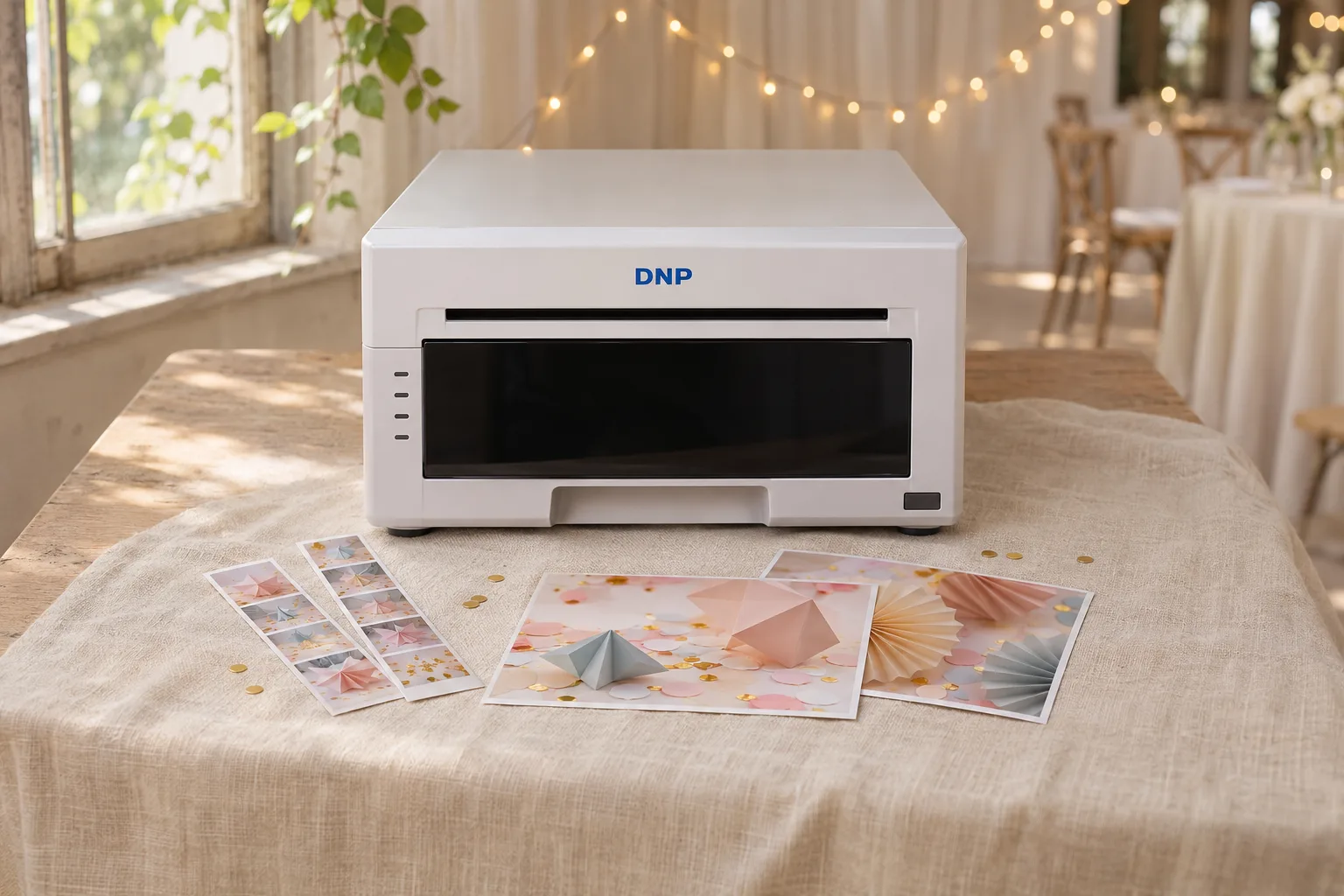
The best photo booth printers
The DNP DS620A is the best photo booth printer: a 4x6 in about 8.3 seconds, 400 prints per roll, 2x6 strips at about 8¢ each in media and a 3-year exchange warranty, for $995 on Black Friday sale in November 2026. The HiTi P525L ($649) costs least to run, at about 11¢ per 4x6.
Read story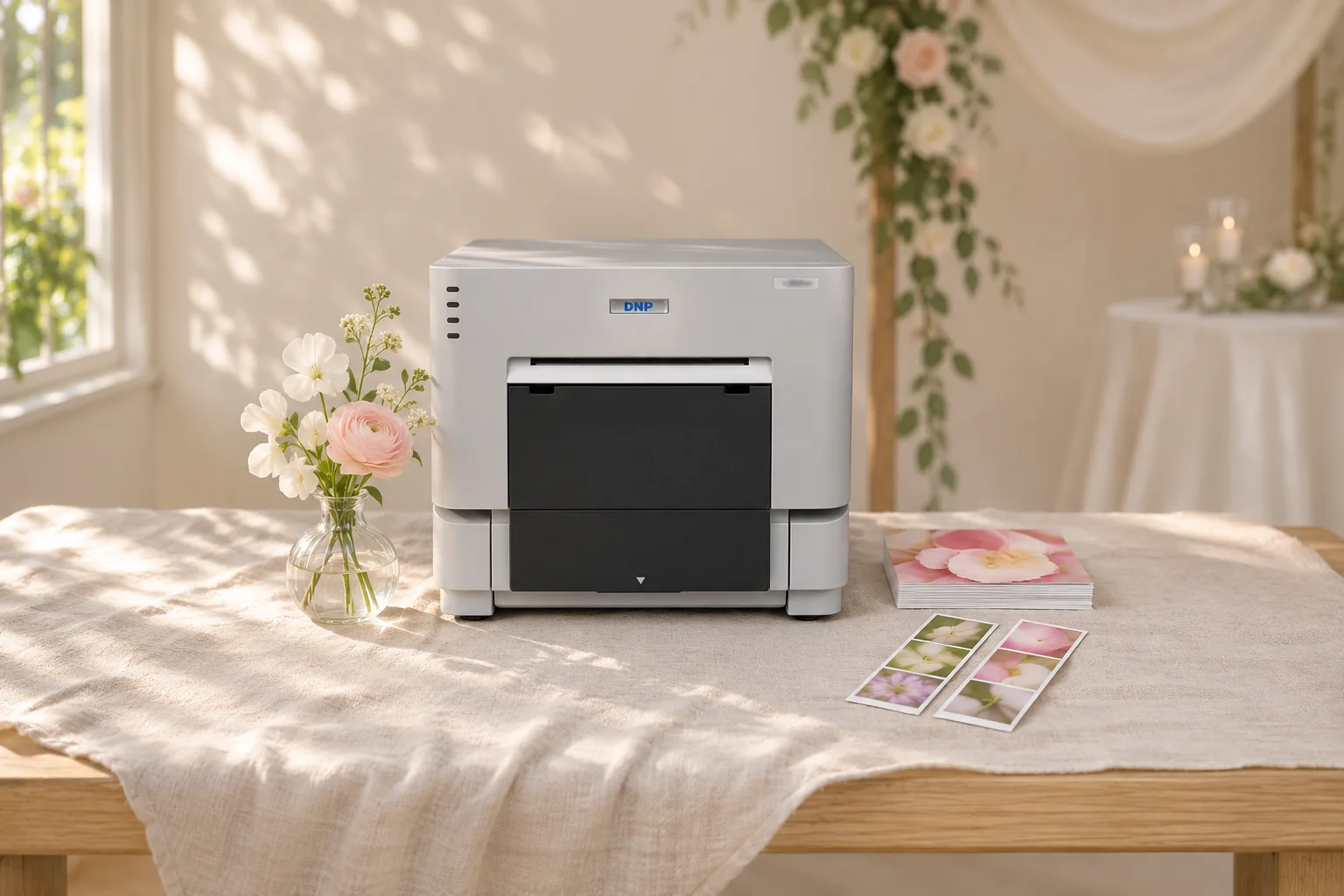
Review
DNP DS-RX1HS review
Not as a new buy: the DNP DS-RX1HS still runs cheaply, at 12.4 seconds per 4x6, 700 prints per roll and about 14¢ of media per 4x6, but new units were unavailable or backordered at $695 in November 2026, and DNP now lists the DP-RX2 ($795) with the same speed and roll size and a 3-year warranty in its place.
Read review