Printers in this guide

How do you make stickers at home?
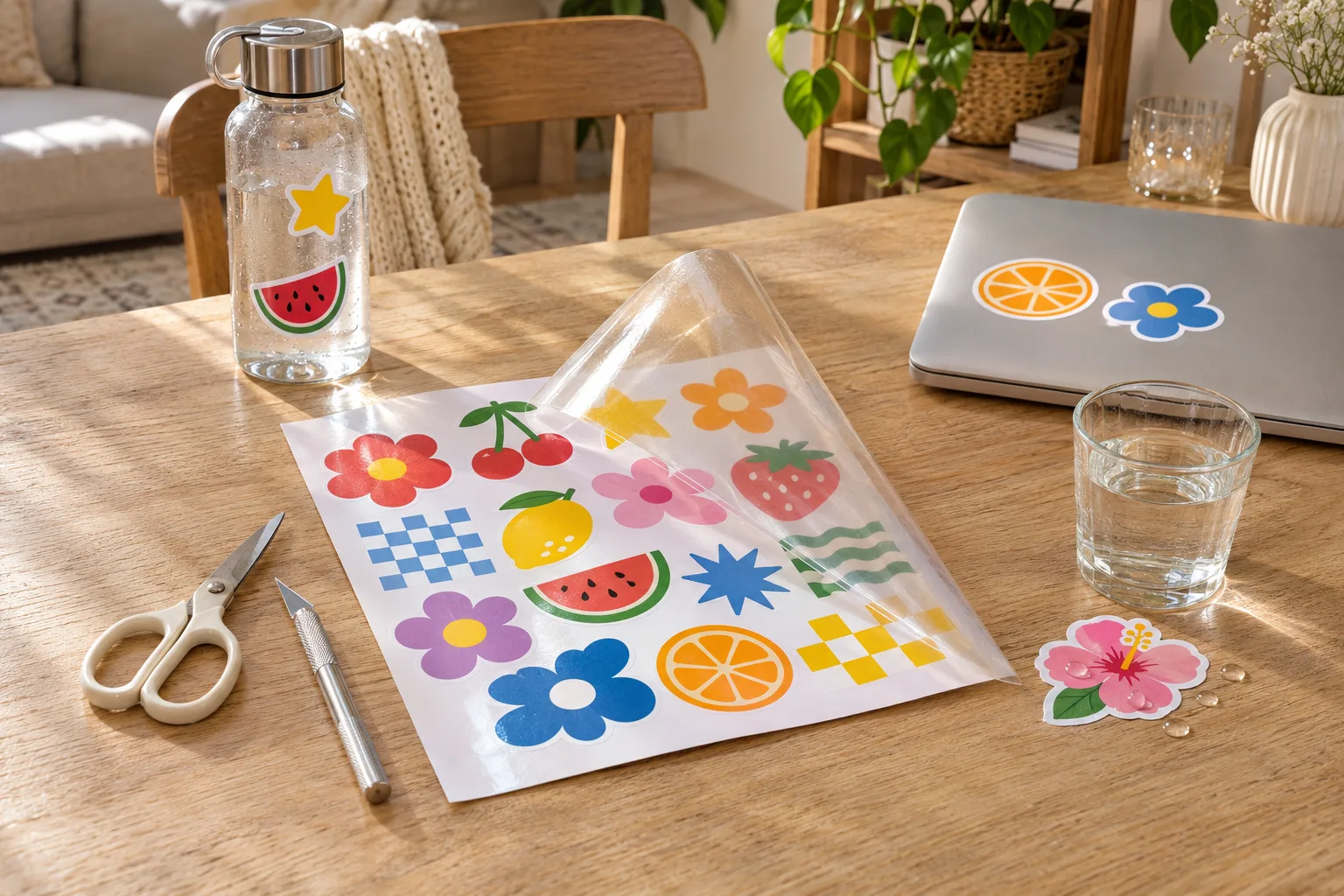
Print your design on sticker paper or printable vinyl with an inkjet, cover it with a clear laminate if it needs to survive water, and cut it out. You can cut by hand with scissors, or let a cutting machine like the Cricut Explore 5 read the printed registration marks and cut around each sticker.
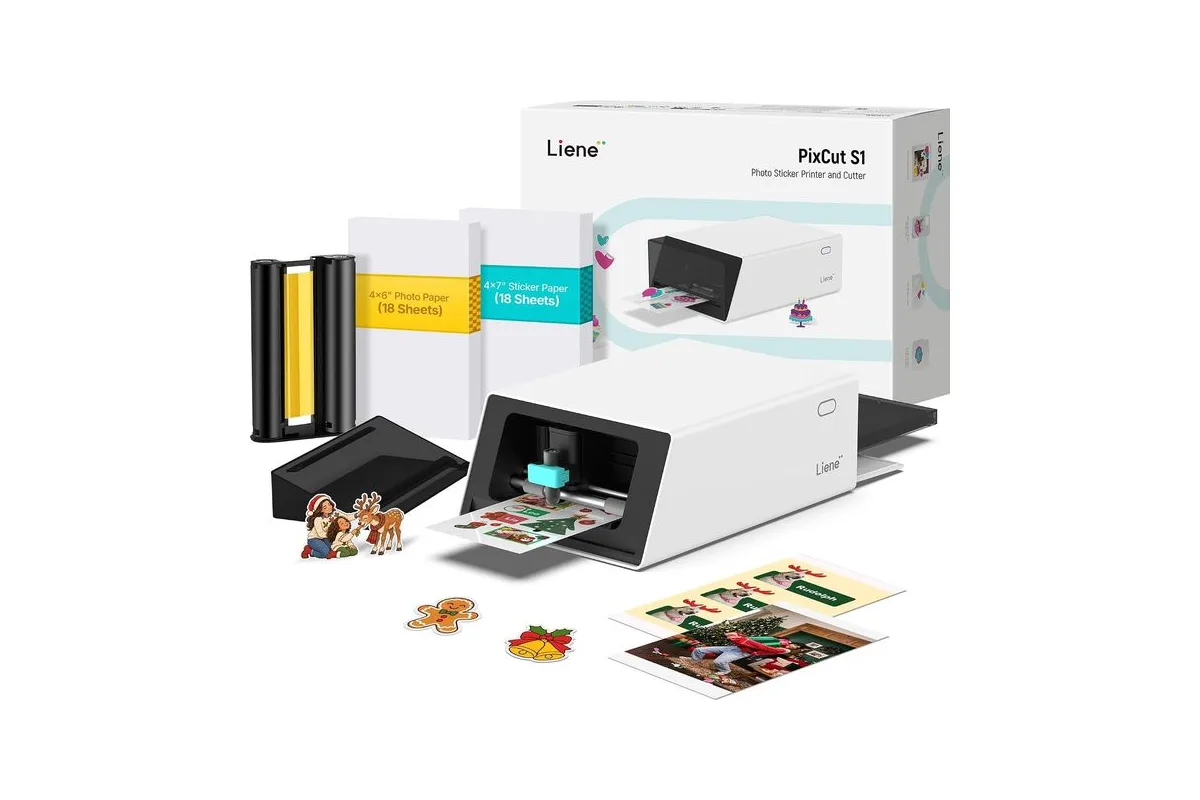
The easiest way is an all-in-one sticker printer like the Liene PixCut S1, which prints, laminates and cuts a 4x7-inch sheet in one machine. Either way, a 2-inch sticker costs about 4 to 11¢ in supplies, far less than ordering.
The three ways to make stickers
| Method | What you need | Sticker size | Per 2-inch sticker | Best for |
|---|---|---|---|---|
| Inkjet + scissors | Any color inkjet, sticker paper | Up to letter | About 1–6¢ plus ink | Trying it out, kids |
| Inkjet + cutting machine | Color inkjet, Cricut or Silhouette | About 7.4 x 9.9 in on letter | About 4–6¢ plus ink | Vinyl, custom shapes, bulk |
| All-in-one print-and-cut | Liene PixCut S1 or Cricut StickerPix Print + Cut | 4x7 in sheet | About 10–11¢ | Easiest, laminated |
Our arithmetic from the makers’ November 2026 supply prices, at six to twelve 2-inch stickers per sheet. Machines aren’t included.
Step by step with an inkjet
- Design the sheet. Lay out your stickers in a design app, or in Cricut Design Space or Silhouette Studio if you’ll cut by machine. Leave a small gap between stickers.
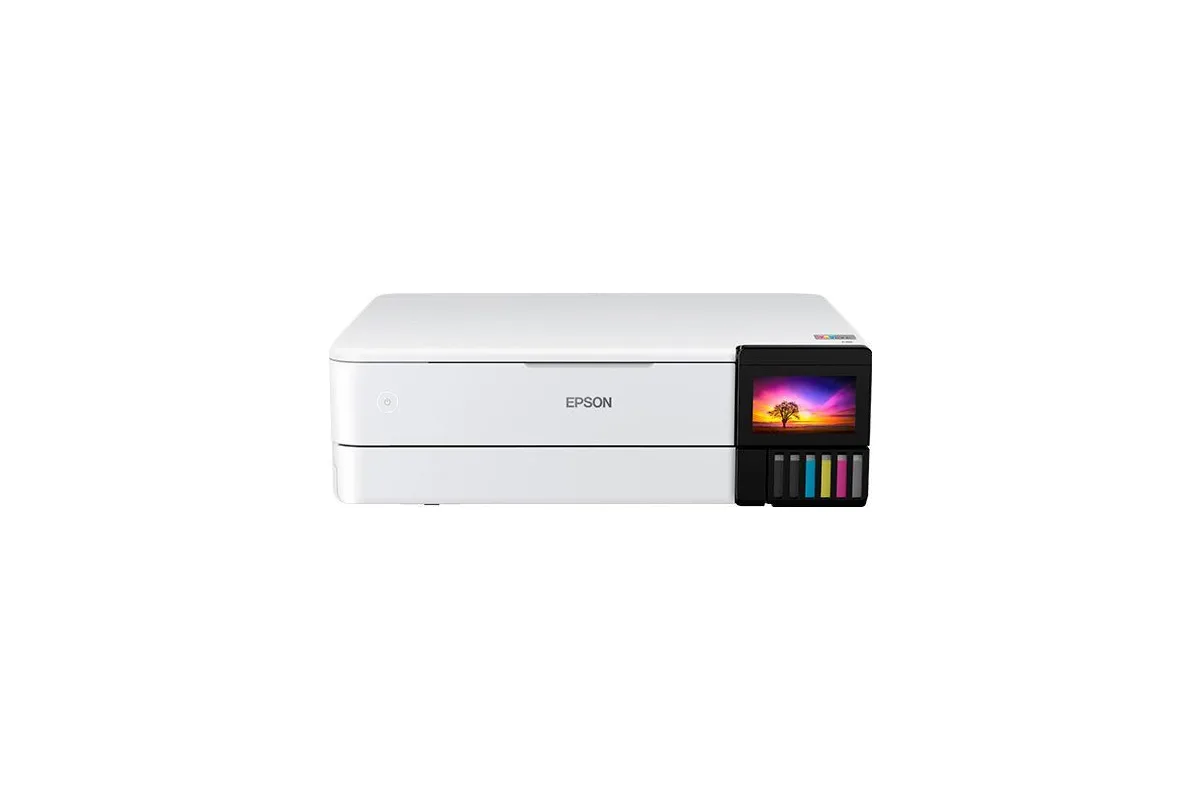
- Print. Set the paper type the sticker sheet’s instructions call for, and feed one sheet at a time through the rear tray if your printer has one. Thick vinyl feeds best through a straight path, like the Epson ET-8550’s.
- Let it dry, then laminate. Many inkjets, including most photo models, use dye inks, which can smear when wet. A self-adhesive clear laminate sheet protects them.
- Cut. Use scissors or a craft knife, or load the sheet into a Cricut or Silhouette, which reads the registration marks and kiss-cuts each sticker so it stays on the backing.
Can I print stickers with an inkjet printer?
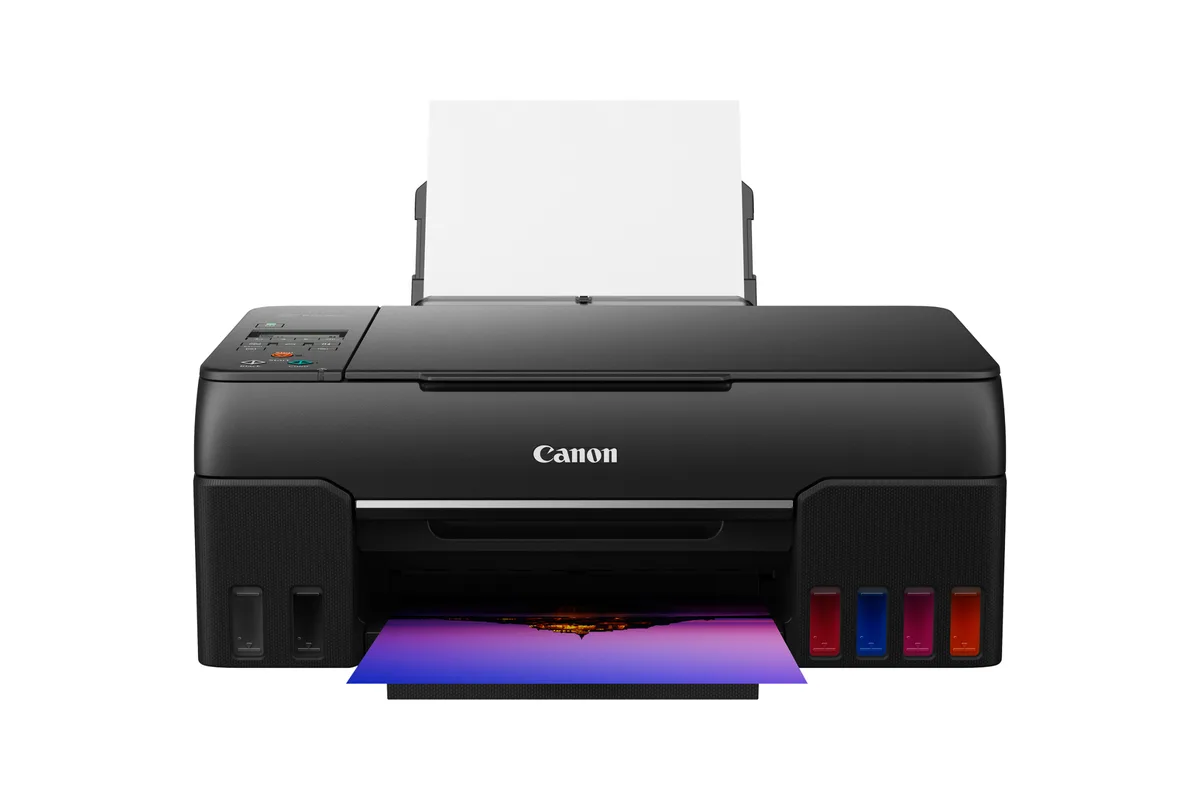
Yes. Any color inkjet prints on inkjet sticker paper and printable vinyl. An ink-tank model keeps the ink cheap: the Canon PIXMA G620 uses about 11¢ of ink on a fully covered letter page at Canon’s rated yields, and a sticker sheet uses less. Check your printer’s paper weight limit; Canon’s spec for non-Canon paper on the G620 is 64–105 g/m², lighter than most vinyl. See the best printers for Cricut.
Can you print stickers on a laser printer?
Only on laser-rated sticker stock. Inkjet sticker paper and vinyl can’t take a laser’s heat. Avery says an inkjet-only label used in a laser printer can leave residue and damage the printer, Cricut says laser heat can damage its standard printable materials, and Lexmark says label stock must withstand about 225 °C (437 °F) in the fuser.
Laser-safe options include Cricut’s Printable Vinyl for Laser Printers ($12.99 for 25 sheets), OnlineLabels’ weatherproof polyester laser sheets (OL177LP) and its standard matte full sheets (OL177WX), which work in both inkjet and laser printers.
How do you make waterproof stickers at home?
Laminate them, or print with pigment ink on weatherproof stock.
- Laminate. A self-adhesive clear laminate sheet over a printed sheet is what makes most homemade vinyl stickers water-resistant. Sheets cost about 50¢ to $1.10 each, or 4 to 9¢ per 2-inch sticker.
- Know your ink. Dye ink, used in most photo inkjets including the G620 and the ET-8550’s colors, can smear when wet. Avery says its waterproof sheets are made for laser and pigment inkjet printers, and that dye-based inkjet prints will smear when exposed to water. Epson’s EcoTank Pro models use 542 ink, which Epson calls all-pigment.
- Or use a dye-sub machine. The PixCut S1 and Cricut StickerPix add a clear protective layer to every sheet, which the makers say makes stickers water- and scratch-resistant.
“Waterproof” on a sticker paper pack is a maker claim, and few define it. For bottles and laptops, laminate anyway.
Which sticker paper is best for an inkjet?
| Paper (Nov 2026) | Pack | Price | Per letter sheet | Notes |
|---|---|---|---|---|
| OnlineLabels OL177WX matte | 100 | $13.92 | 13.9¢ | Inkjet and laser; not waterproof |
| Cricut Printable Vinyl | 50 | $20.99 sale ($34.99) | 42¢ (70¢ list) | Inkjet |
| Cricut Printable Sticker Paper | 50 | $29.99 | 60¢ | Inkjet |
| Cricut Printable Waterproof Sticker Set | 20 | $12.79 sale ($15.99) | 64¢ | Inkjet; “waterproof” in the name |
| OnlineLabels OL177WI weatherproof gloss | 100 | $131.57 | $1.32 | Inkjet; weatherproof |
Prices from the makers’ stores on November 25, 2026.
For most stickers, printable vinyl. It’s tougher than paper and peels cleanly, and Cricut’s 50-pack is 42¢ a sheet on sale. For cheap practice sheets and labels, OnlineLabels’ matte full sheets cost 13.9¢. For outdoor stickers, weatherproof stock plus a laminate.
How much does it cost to make stickers at home?
| Method | Supplies | Per 2-inch sticker |
|---|---|---|
| Liene PixCut S1 | 59.7¢ per 4x7 sheet, six stickers | About 10¢ |
| Cricut StickerPix Print + Cut | 66.7¢ per 4x7 sheet, six stickers | About 11¢ |
| Inkjet + Cricut, Cricut printable vinyl | 42–70¢ per letter sheet, twelve stickers | About 4–6¢ plus ink |
| Add laminate | 50¢ to $1.10 per sheet | About 4–9¢ more |
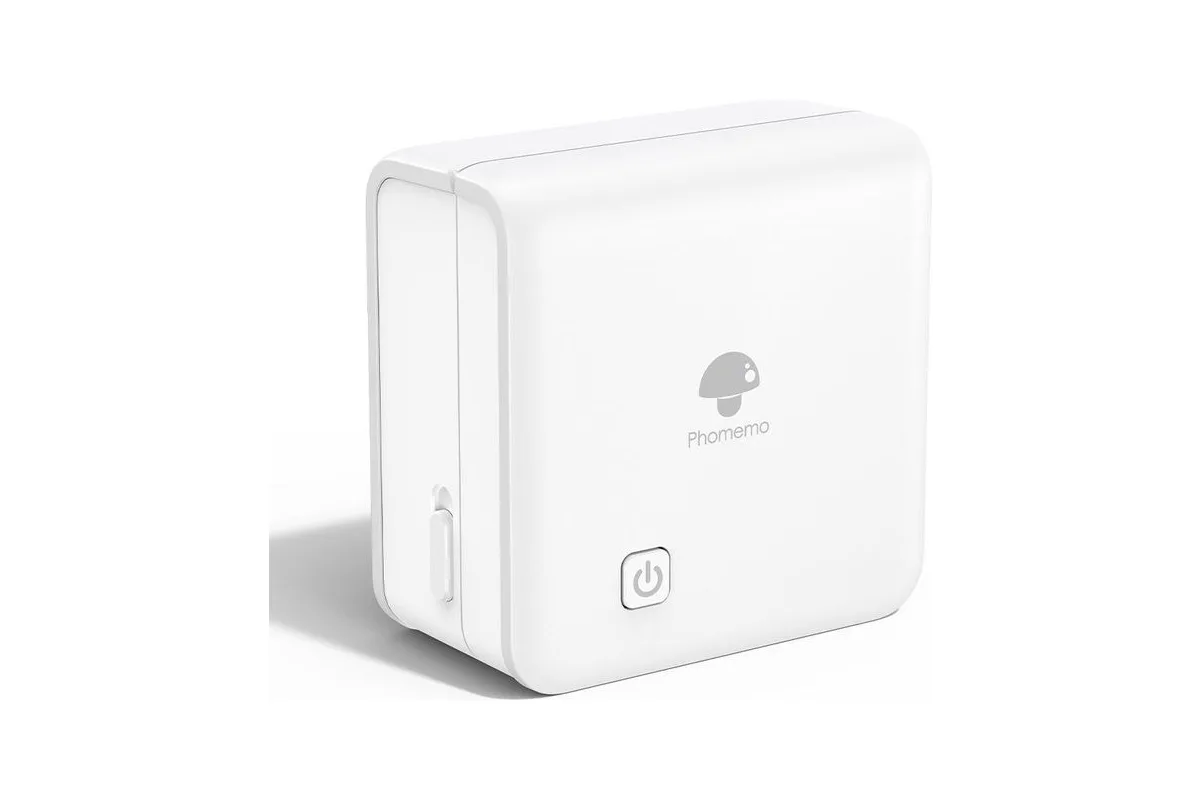
| Phomemo M02 Pro thermal | 53 mm roll | Under 1¢, black only |
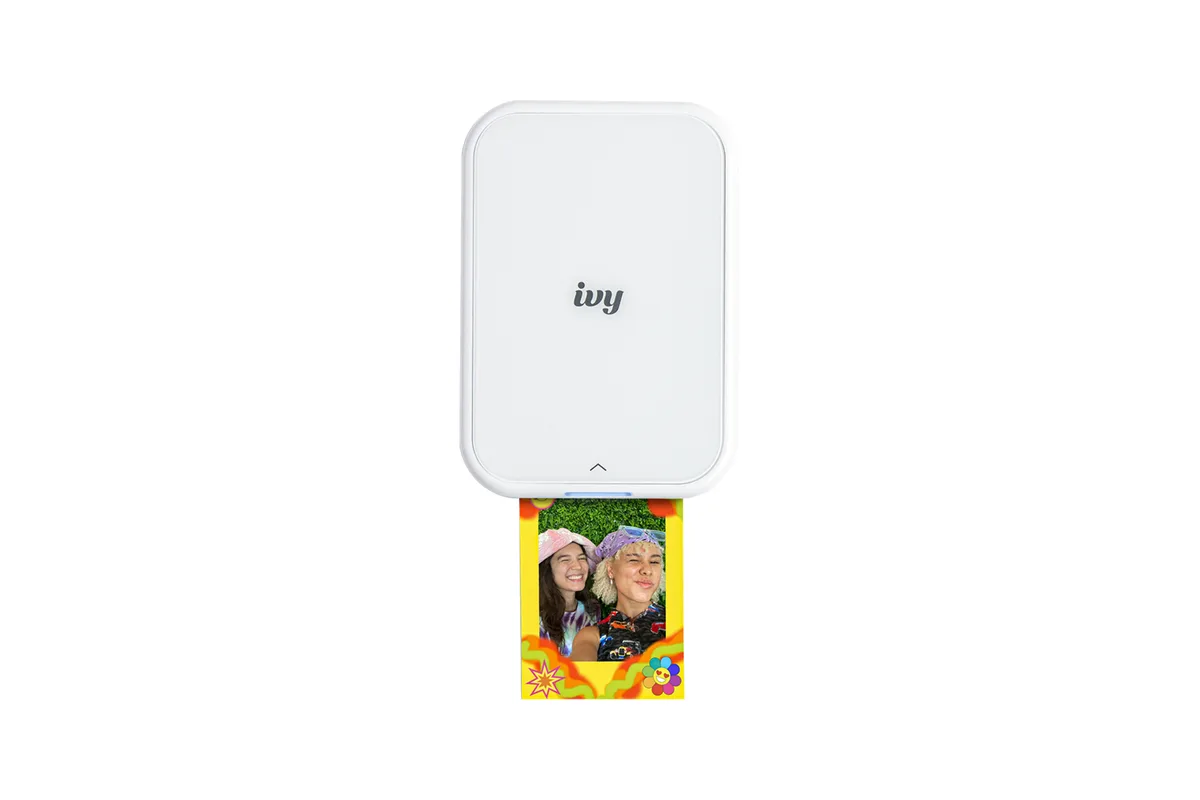
| Canon IVY 2 Zink | 2x3 sheet | About 50¢ |
Our arithmetic from the makers’ November 2026 prices.
Is it cheaper to make stickers than to order them?
Per sticker, yes, by a lot. Ordered die-cut vinyl stickers cost 39¢ to $1.20 each at 2 inches in November 2026, depending on quantity:
| 2-inch die-cut stickers | 50 | 100 | 200 |
|---|---|---|---|
| Sticker Mule | $60 ($1.20 each) | $73 (73¢) | $95 (48¢) |
| StickerApp | $36 (72¢) | $52 (52¢) | $77 (39¢) |
Prices on November 25, 2026, with free shipping.
At home, 100 2-inch stickers on a PixCut S1 cost about $10 in supplies against $73 from Sticker Mule. But the machine costs $237.99, so at Sticker Mule’s 100-pack price it pays for itself only after about 380 stickers. If you already own an inkjet, an Explore 5 ($199) pays off after a few hundred stickers too.
Order if you need one batch of identical stickers, real die-cut shapes or outdoor-grade vinyl: Sticker Mule calls its vinyl weatherproof and dishwasher safe. Make them if you want small batches of many designs, photo stickers, or stickers on demand.
Are ZINK sticker printers worth it?
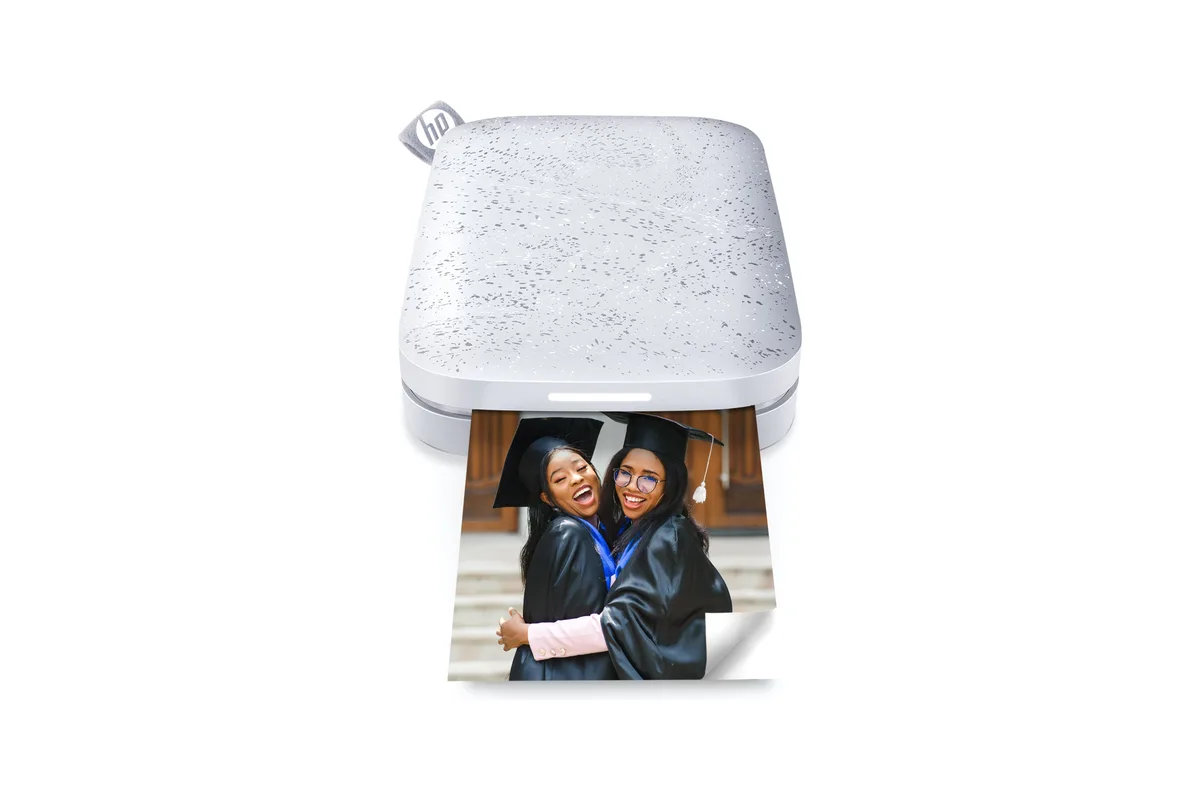
For photo stickers in a journal or planner, yes; for custom stickers, no. Zink printers like the Canon IVY 2 and HP Sprocket need no ink, and every 2x3 print is a peel-and-stick sticker for about 45 to 50¢. But Zink prints are softer and less accurate than dye-sub, and you get one rectangle per sheet.
A PixCut S1 sheet costs about 60¢ and holds six 2-inch custom-shaped stickers, so it’s cheaper per sticker once you put more than one on a sheet. See ZINK vs dye-sub vs Instax.
Questions people ask
Can I print stickers with a normal printer?
Yes, with a color inkjet and inkjet sticker paper or printable vinyl. A laser printer needs laser-rated sticker stock.
What is the best printer for making stickers at home?
The Liene PixCut S1 is the easiest: it prints, laminates and cuts in one machine. For bigger sheets and vinyl, use an inkjet with a Cricut Explore 5. See the best sticker printers.
Can you put inkjet sticker paper in a laser printer?
No. The fuser’s heat can melt the adhesive or damage the sheet and leave residue inside the printer. Use laser-rated stock.
How do you make stickers waterproof without a laminator?
Use self-adhesive laminate sheets, which need no machine: peel and press them over the printed sheet before cutting. Or print with pigment ink on weatherproof stock.
Do you need a Cricut to make stickers?
No. Scissors work for simple shapes, and an all-in-one like the PixCut S1 cuts by itself. A Cricut makes custom shapes and big batches much faster.
What paper do you use for stickers?
Printable vinyl for durable stickers, sticker paper for journals and labels, and weatherproof stock for outdoor use. Match the paper to your printer: inkjet or laser.
How much does it cost to make stickers at home?
About 4 to 11¢ per 2-inch sticker in supplies, plus laminate if you want water resistance, and the cost of the printer and cutter.
Sources
- Cricut Printable Vinyl, 50 sheets, cricut.com
- Cricut Printable Vinyl for Laser Printers, cricut.com
- Epson EcoTank 542 ink bottles, Epson
- OnlineLabels OL177WX full-sheet labels, onlinelabels.com
- Avery: label residue in a printer, avery.com
- Lexmark Paper and Specialty Media Guide: labels, publications.lexmark.com
- Sticker Mule die cut stickers, stickermule.com
- StickerApp custom stickers, stickerapp.com
Keep exploring

Buying guide
The best color label printers for product labels
The Epson ColorWorks CW-C4000 is the best color label printer for product labels: pigment CMYK ink at up to 1200 dpi, rolls up to 4.25 inches wide, 4 inches a second and BS 5609 certification on Kimdura poly, for $2,499 at CDW in November 2026. Get the Primera LX610 ($2,695) to print and cut custom shapes, or the Primera LX500 ($1,549) on a budget.
Read story
Buying guide
The best edible printers for cakes and cookies
The best edible printer for cakes is a new Canon PIXMA TS702a bought in an edible ink bundle: $295 to $299 in November 2026, for letter and legal-size frosting sheets at about $1 to $3 a cake topper. For printing straight onto cookies, the Primera Eddie is $2,995 and uses about 6¢ of ink per cookie.
Read story