The quick answer
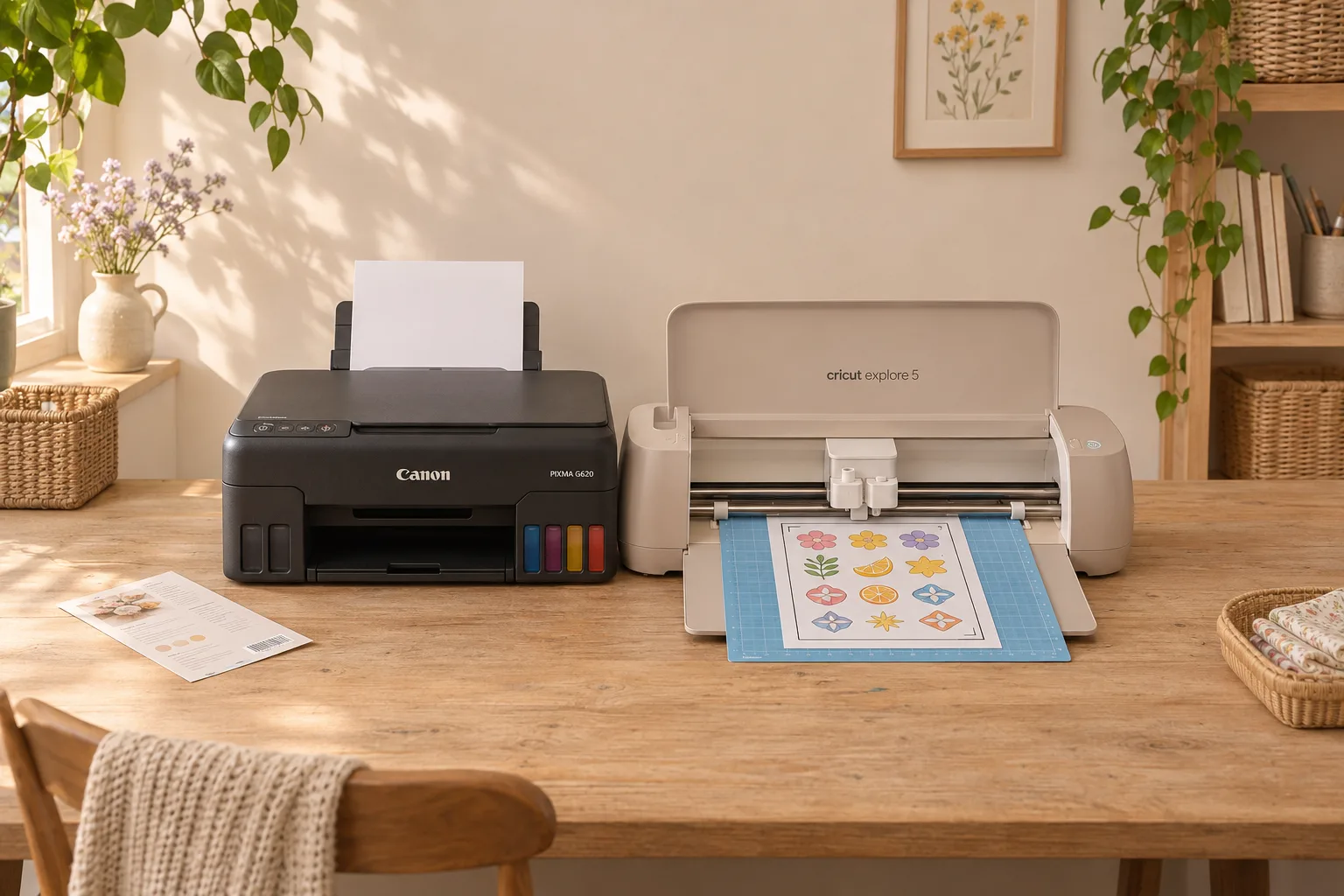
Cricut Print Then Cut needs a color inkjet, not a laser. The Canon PIXMA G620 ($229.99 in November 2026) is the best printer for Cricut: its six-color ink tanks print bright stickers for pennies of ink. For tabloid sheets and thick vinyl, get the Epson ET-8550 ($499.99). On a budget, get the Epson ET-2900 ($199.99). The best Cricut to pair them with is the Explore 5 ($199).
Prices are from the makers' stores on November 25, 2026, and most are Black Friday sale prices.
Our quick picks

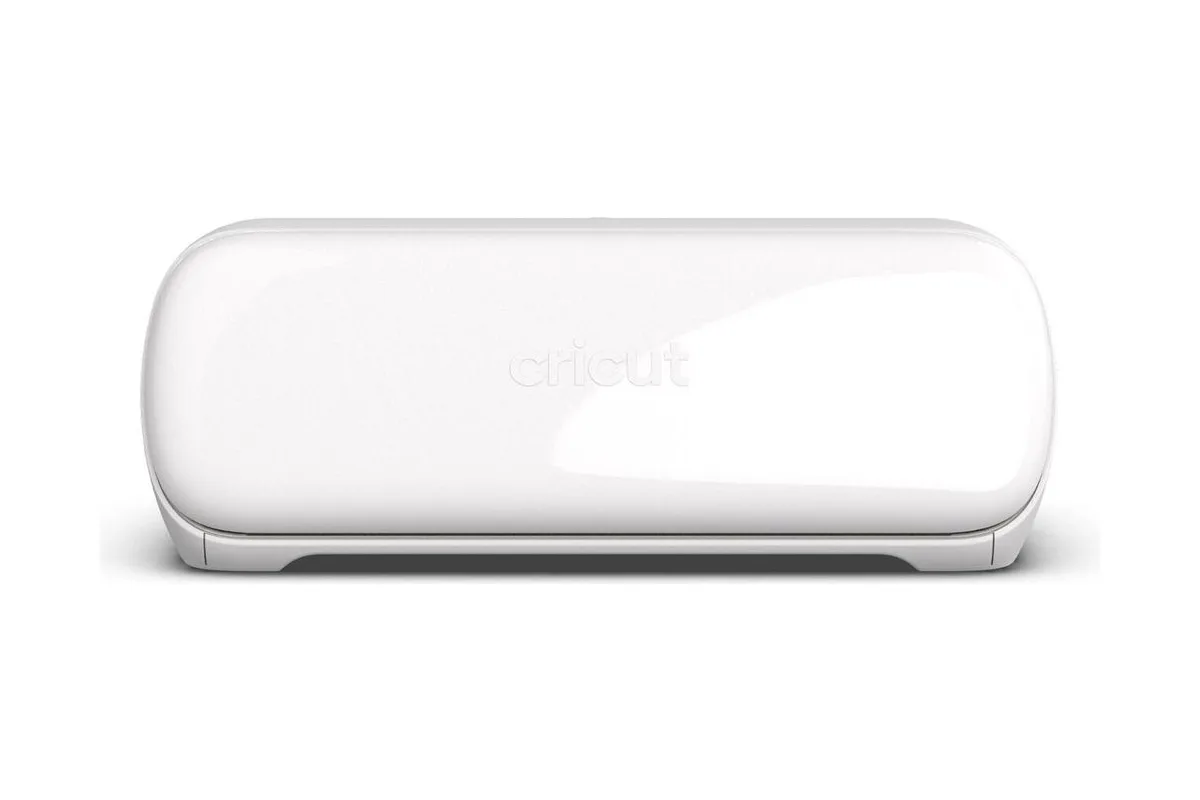
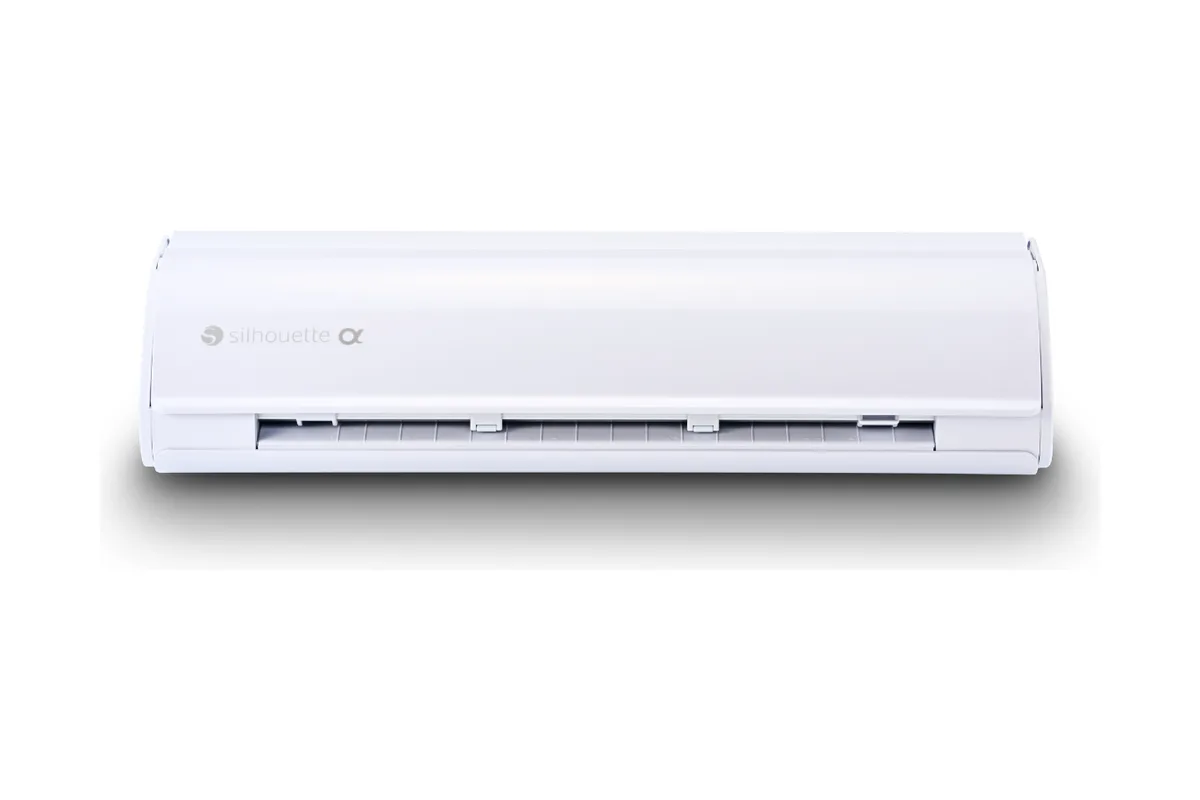
Compare the picks
| Feature | Best printer for Print Then CutCanonPIXMA G620 | Best for tabloid sheetsEpsonEcoTank Photo ET-8550 | Best budget printerEpsonEcoTank ET-2900 | Best Cricut for Print Then CutCricut Explore 5 | Best compact cutterCricut Joy Xtra | Best without a subscriptionSilhouette Cameo 5α |
|---|---|---|---|---|---|---|
| Type | Photo ink tank, 6 dye inks | Photo ink tank, 5 dye inks + pigment black | Ink tank inkjet | Cutting machine | Cutting machine | Cutting machine |
| Max print size | 8.5x11 in | 13x19 in | ||||
| Scanner | Yes | Yes | ||||
| Ink system | Refillable tanks | Refillable tanks | ||||
| Where to buy | Check price at Amazon | Check price at Amazon | Check price at Amazon | Check price at Amazon | Check price at Amazon | Check price at Amazon |
Best printer for Print Then Cut
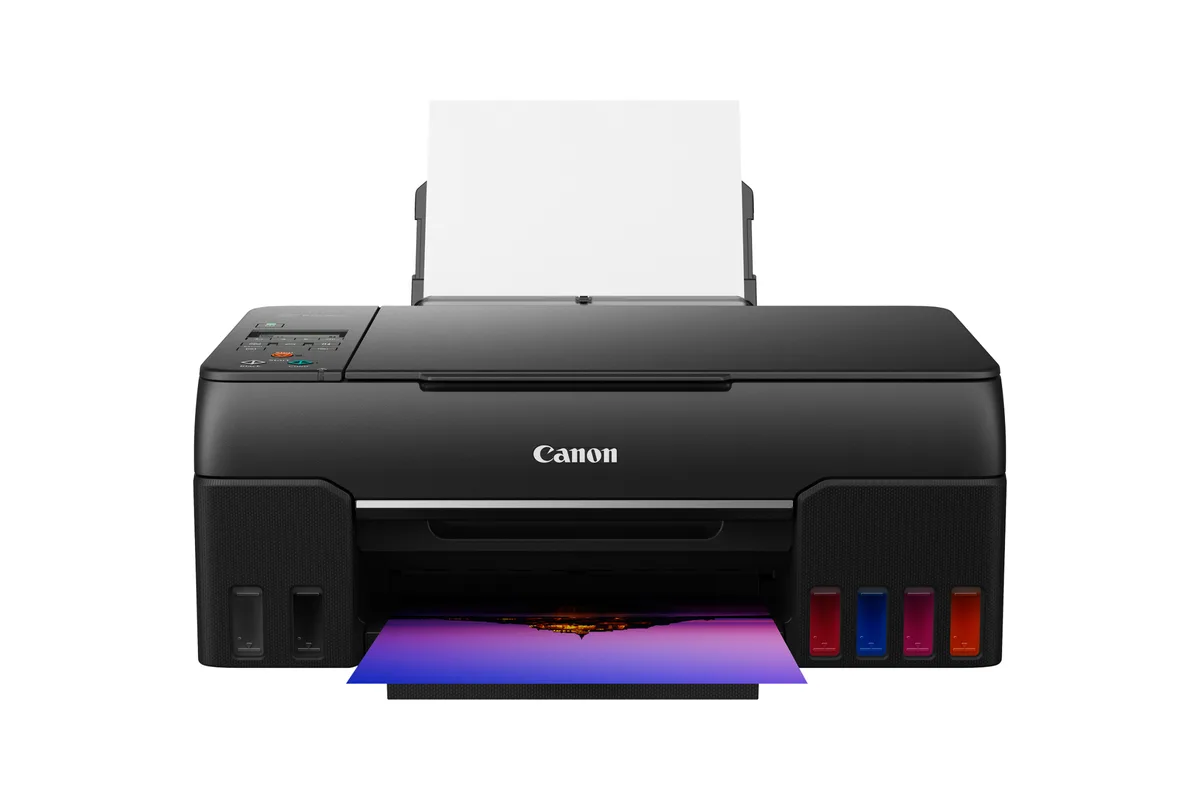
Canon PIXMA G620
- Type
- Photo ink tank, 6 dye inks
- Max print size
- 8.5x11 in
- Scanner
- Yes
- Ink system
- Refillable tanks
Best for tabloid sheets
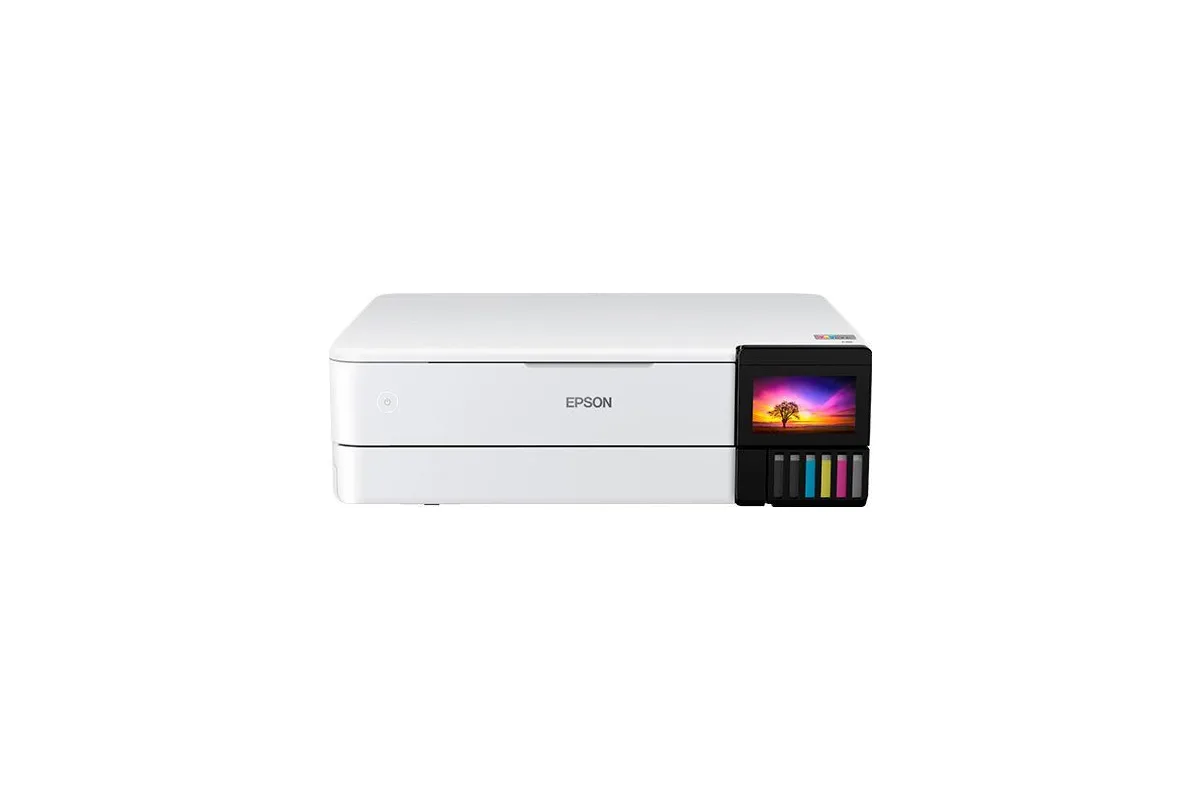
Epson EcoTank Photo ET-8550
- Type
- Photo ink tank, 5 dye inks + pigment black
- Max print size
- 13x19 in
- Scanner
- Yes
- Ink system
- Refillable tanks
Best budget printer
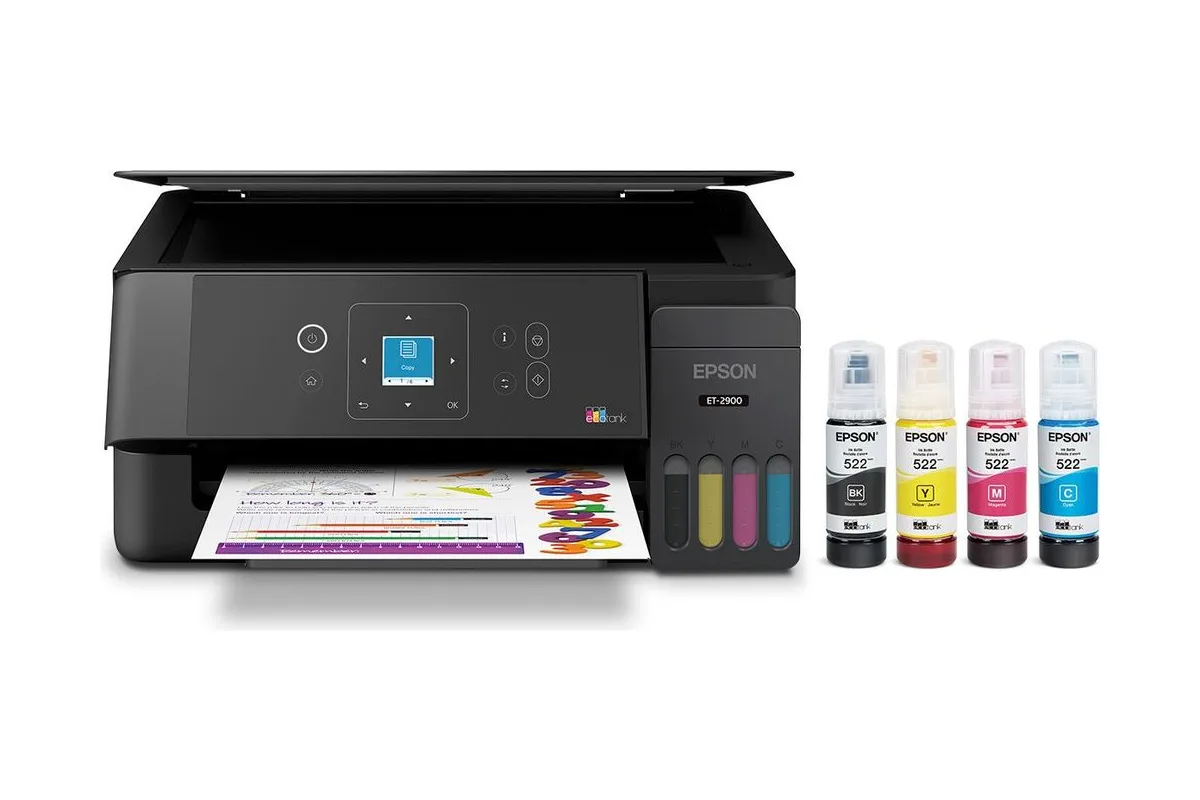
Epson EcoTank ET-2900
- Type
- Ink tank inkjet
- Max print size
- Scanner
- Ink system
Best Cricut for Print Then Cut
Cricut Explore 5
- Type
- Cutting machine
- Max print size
- Scanner
- Ink system
Best compact cutter
Cricut Joy Xtra
- Type
- Cutting machine
- Max print size
- Scanner
- Ink system
Best without a subscription
Silhouette Cameo 5α
- Type
- Cutting machine
- Max print size
- Scanner
- Ink system
01Best printer for Print Then Cut
Canon PIXMA G620
A six-ink photo ink-tank all-in-one that prints letter-size photos for under 3¢ of ink per 4x6.
The best printer for Cricut Print Then Cut for most people. Its six dye inks, including red and gray, print bright, accurate color for about 2.8¢ of ink per 4x6, the cheapest ink here. At Canon's rated yields, a fully covered letter page uses about 11¢ of ink, and a sticker sheet uses less. It's $229.99 at Canon in November 2026 (list $356.99).
Load sticker paper and printable vinyl one sheet at a time in the rear tray. Canon's spec for non-Canon paper is 64–105 g/m², lighter than most printable vinyl, so heavy stock is outside spec; the ET-8550 handles that better. Letter is its largest size. Read our [G620 review](/reviews/canon-pixma-g620-review).
Good for
- About 2.8¢ of ink per 4x6, from Canon's rated 3,800 photos per bottle set at current prices
- Six dye inks, including red and gray, for brilliant, accurate color
- User-replaceable printheads and maintenance cartridge
Consider
- Letter is the largest borderless size, and it's slow: about 47 seconds per 4x6 and 6 pages a minute for documents
- 2.4 GHz Wi-Fi only, with no Ethernet, card slot, document feeder or touchscreen
02Best for tabloid sheets
Epson EcoTank Photo ET-8550
A six-ink photo ink-tank all-in-one that prints borderless up to 13x19 inches for a few cents of ink per 4x6.
The best printer for big sheets and thick vinyl. It prints borderless up to 13x19 inches, so it handles the tabloid sheets an Explore or Maker can Print Then Cut, and its rear straight path takes one sheet from 0.61 to 1.3 mm thick, according to Epson. It's $499.99 at Epson in November 2026 (list $749.99).
Its five color inks are dye, so laminate stickers that will get wet. Read our [ET-8550 review](/reviews/epson-et-8550-review).
Good for
- Ink costs about 4–6¢ per 4x6: Epson claims 4¢, and the in-box set is rated for about 2,300 prints
- Prints borderless up to 13x19 inches and feeds media up to 1.3 mm thick through a straight rear path
- Also scans and copies, and connects over Wi-Fi, Ethernet, USB and SD card
Consider
- Colors can look oversaturated with default settings, and some are visibly inaccurate
- Stock comes and goes at Epson; $499.99 there on sale in November 2026 (list $749.99)
03Best budget printer
Epson EcoTank ET-2900
The ET-2800's replacement: an EcoTank all-in-one at about 0.4¢ a black page and 1.1¢ in color with Epson 522 bottles, with a user-replaceable maintenance box.
The budget pick, at $199.99 at Epson in November 2026 (list $239.99). It's a basic EcoTank with a single rear paper tray, and its Epson 522 ink costs about 1.1¢ for a color text page, so ink isn't a worry. Epson says its 522 bottles are all dye.
It's built for documents, with four inks instead of six, so photo-heavy stickers won't look as rich as the G620's, and it's slow. The older [ET-2800](/reviews/epson-et-2800-review) is nearly the same printer; buy it only if it's cheaper.
Good for
- About 0.4¢ a black page and 1.1¢ a color page with 522 bottles ($17.99 each at Epson, 4,700 black / 7,500 color pages)
- Ink in the box rated for up to 3,600 black and 6,500 color pages; Epson calls it up to three years at 100 pages a month
- Adds a user-replaceable maintenance box (C9398, $18.99) that the ET-2800 lacks, plus a 1.44-inch color screen
Consider
- No automatic two-sided printing, document feeder or Ethernet, and a single 100-sheet rear tray
- Very slow: rated 11 ppm black and 6 ppm color
04Best Cricut for Print Then Cut
Cricut Explore 5
Cricut's 2026 full-size cutter, the cheapest Cricut with 12-inch mats and tabloid-size Print Then Cut.
The best Cricut for Print Then Cut. It's the cheapest Cricut with 12 x 12 and 12 x 24-inch mats, which it needs for tabloid sheets, and its new sensor recognizes and cuts around inkjet-printed images. It's $199 at Cricut in November 2026, and the Essential bundle is the same price.
It also cuts Cricut's printable vinyl for laser printers. See [the best sticker printers](/buying-guides/best-sticker-printers).
Good for
- 12 x 12 and 12 x 24 inch mats, and up to 12 feet of Smart Materials without a mat
- Sensor that recognizes and cuts around inkjet-printed images
- $199 in November 2026
Consider
- You still need a separate inkjet printer
- Design Space needs an internet connection; Cricut Access is a paid extra
05Best compact cutter
Cricut Joy Xtra
Cricut's compact cutter that does Print Then Cut on letter-size sheets, at $129 in November 2026.
The cheaper, smaller Cricut for letter-size Print Then Cut, at $129 at Cricut in November 2026 (list $179). It cuts printed sheets up to about 7.4 x 9.9 inches on letter paper, including colored cardstock, on an 8.2 x 11.7-inch mat.
It can't take tabloid sheets or 12-inch materials. Read our [Joy Xtra review](/reviews/cricut-joy-xtra-review).
Good for
- Print Then Cut on letter and A4 sheets, including colored cardstock
- Small enough to keep on a desk
- $129 in November 2026 (list $179)
Consider
- Prints and cuts up to about 7.4 x 9.9 inches on letter paper; no tabloid sheets
- 8.5-inch-wide materials only
06Best without a subscription
Silhouette Cameo 5α
Silhouette's 12-inch cutter, with free offline software and one-time paid upgrades instead of a subscription.
The alternative if you don't want Cricut's online software. Silhouette Studio Basic is free, works offline and does Print & Cut, and paid upgrades are one-time purchases from $39.99 on sale. It's $279.99 at Silhouette in November 2026.
It works with the same inkjets. See [Cricut vs Silhouette](/comparisons/cricut-vs-silhouette).
Good for
- Silhouette Studio Basic is free and works offline
- Paid upgrades are one-time purchases, not subscriptions
- 12 x 12 inch Print & Cut on a mat
Consider
- Importing SVG files needs the Designer edition ($39.99 on sale)
- Costs more than Cricut's Explore 5
How to choose
What you make
Stickers, labels and sublimation blanks each need a different machine. Start with the project, not the printer.
Supplies and lock-ins
Check the price of tape, label rolls, sticker paper or ink, and whether the printer only accepts its maker's supplies.
App and account
Many label and sticker printers only work through a phone app. Check whether it needs an account or a subscription.
Printers for Cricut compared
| Printer | Price (Nov 2026) | Inks | Largest sheet | Thick media | Best for |
|---|---|---|---|---|---|
| Canon PIXMA G620 | $229.99 | 6 dye | Letter | Rear tray, one sheet at a time | Best overall, cheapest ink |
| Epson ET-8550 | $499.99 | 5 dye + pigment black | 13x19 in | Straight rear path, up to 1.3 mm | Tabloid sheets, thick vinyl |
| Epson ET-2900 | $199.99 | 4 dye (Epson 522) | Letter | Rear tray | Budget |
| Cutter | Price (Nov 2026) | Mat | Print Then Cut on letter | Tabloid sheets |
|---|---|---|---|---|
| Cricut Explore 5 | $199 | 12 x 12 or 12 x 24 in | About 7.4 x 9.9 in | Yes |
| Cricut Joy Xtra | $129 | 8.2 x 11.7 in | About 7.4 x 9.9 in | No |
| Silhouette CAMEO 5α | $279.99 | 12 x 12 or 12 x 24 in | Limited by your printer | No; up to 12 x 12 in material |
Prices from the makers’ stores on November 25, 2026.
Does Cricut Print Then Cut need an inkjet or a laser printer?
An inkjet. Cricut says its standard printable materials, including sticker paper and printable vinyl, are inkjet only, because laser printers use heat to fuse toner and that heat can damage them. Avery and Lexmark give the same warning about adhesive stock: the wrong labels can leave residue or melt in a laser’s fuser.
If you only have a laser printer, buy laser-rated stock. Cricut sells Printable Vinyl for Laser Printers ($12.99 for 25 letter sheets), which it says works for Print Then Cut on the Explore 3, 4 and 5 and Maker 3, 4 and 5, fed one sheet at a time. OnlineLabels and Avery also sell laser-safe sticker sheets.
Does Cricut work with any printer?
With any color inkjet, in practice. Cricut doesn’t recommend a make or model. It recommends a color-capable inkjet, and says iPhone and iPad users need an AirPrint printer. Design Space sends the page with registration marks to your printer, and the Cricut’s sensor reads them to line up the cut.
Things that matter more than the brand:
- Cheap ink. Sticker sheets are heavily inked. An ink-tank printer like the G620, ET-8550 or ET-2900 costs cents of ink per sheet; small cartridges add up fast.
- A rear or straight paper path for thick sticker paper and vinyl. Feed one sheet at a time.
- Tabloid printing only if you have an Explore or Maker and want bigger sheets.
- Dye or pigment ink. Most photo inkjets use dye, which can smear when wet. Laminate stickers that will get wet; see how to make stickers at home.
How big can you Print Then Cut?
About 7.4 x 9.9 inches on letter paper, by Cricut’s current limits. The limit depends on the machine, the paper size and Design Space, and Cricut notes that a design using the full height may not be able to use the full width, so check the size Design Space shows before you print. The old 6.75 x 9.25-inch limit is still quoted widely, but it’s out of date.
| Machine | Paper | Print Then Cut area |
|---|---|---|
| Joy Xtra, Explore 5, Maker | Letter | About 7.4 x 9.9 in |
| Explore 5, Maker | Tabloid (11x17) | About 10 x 16 in, on a 12 x 24 mat |
| Joy 2 | Letter or A4, trimmed in half | Half a sheet per cut |
Tabloid sheets need a printer that prints 11x17, like the ET-8550, and the 12 x 24-inch mat, so the Joy Xtra can’t do them. Cricut says Print Then Cut doesn’t support reflective materials such as glitter, metallic and some glossy sheets.
Which Cricut is best for Print Then Cut?
The Explore 5 ($199). It’s the cheapest Cricut with 12-inch mats and tabloid Print Then Cut, and Cricut says its sensor recognizes and cuts around inkjet-printed images. The Joy Xtra ($129) is enough if you only print on letter paper. The Joy 2 ($99) cuts only half a letter sheet at a time. The Maker 4 and Maker 5 ($349 each) are worth it only if you also cut wood or fabric.
Is Print Then Cut free?
Yes. Design Space is free, and Cricut doesn’t list Print Then Cut as a paid feature. Cricut Access ($9.99 a month after a 30-day trial) adds a bigger image and font library, AI design tools and member discounts, but you don’t need it to print and cut your own designs. Design Space needs an internet connection; Silhouette’s software doesn’t. See Cricut vs Silhouette.
How we chose
We compared inkjets sold in November 2026 on ink type, ink cost, paper path and largest sheet, using the makers’ specifications and manuals, and matched them to Cricut’s Print Then Cut limits and material guidance. We haven’t tested these printers or cutters hands-on.
Questions people ask
What is the best printer for Cricut Print Then Cut?
The Canon PIXMA G620, at $229.99 in November 2026. Its six-color ink tanks print bright sticker sheets for a few cents of ink. For tabloid sheets, get the Epson ET-8550.
Can I use a laser printer with my Cricut?
Only with laser-rated stock, such as Cricut’s Printable Vinyl for Laser Printers. Cricut’s standard printable materials are inkjet only, because a laser’s heat can damage them.
What size can Cricut Print Then Cut?
About 7.4 x 9.9 inches on letter paper, and about 10 x 16 inches on tabloid paper with an Explore or Maker and a 12 x 24 mat. Limits depend on the machine and paper size.
What is the best printer for Cricut stickers?
An ink-tank inkjet: the Canon PIXMA G620 for letter sheets, or the Epson ET-8550 for thick vinyl and tabloid sheets. Pair either with the Cricut Explore 5.
What is the best Epson printer for Cricut?
The Epson ET-8550, which prints up to 13x19 inches and takes media up to 1.3 mm thick through a straight rear path. On a budget, the Epson ET-2900.
Does an HP or Brother printer work with Cricut?
Any color inkjet works, whatever the brand. Cricut doesn’t recommend a specific model. On an iPhone or iPad, the printer needs AirPrint.
Do I need Cricut Access for Print Then Cut?
No. Print Then Cut works in the free version of Design Space. Access ($9.99 a month) adds images, fonts and AI tools.
Sources
- Cricut Explore 5 product page, cricut.com
- Cricut Joy Xtra product page, cricut.com
- Cricut Printable Vinyl for Laser Printers, cricut.com
- Cricut blog: Print Then Cut on Cricut Joy 2, cricut.com
- Epson ET-8550 FAQ: loading thick paper in the rear feed, Epson
- Canon PIXMA G600 series manual: compatible media, ij.manual.canon
- Silhouette CAMEO 5α product page, silhouetteamerica.com
- Cricut Print Then Cut sizes, thecountrychiccottage.net
Keep exploring

Buying guide
The best color label printers for product labels
The Epson ColorWorks CW-C4000 is the best color label printer for product labels: pigment CMYK ink at up to 1200 dpi, rolls up to 4.25 inches wide, 4 inches a second and BS 5609 certification on Kimdura poly, for $2,499 at CDW in November 2026. Get the Primera LX610 ($2,695) to print and cut custom shapes, or the Primera LX500 ($1,549) on a budget.
Read story
Buying guide
The best edible printers for cakes and cookies
The best edible printer for cakes is a new Canon PIXMA TS702a bought in an edible ink bundle: $295 to $299 in November 2026, for letter and legal-size frosting sheets at about $1 to $3 a cake topper. For printing straight onto cookies, the Primera Eddie is $2,995 and uses about 6¢ of ink per cookie.
Read story