Printers in this guide
Fast color laser all-in-one for teams
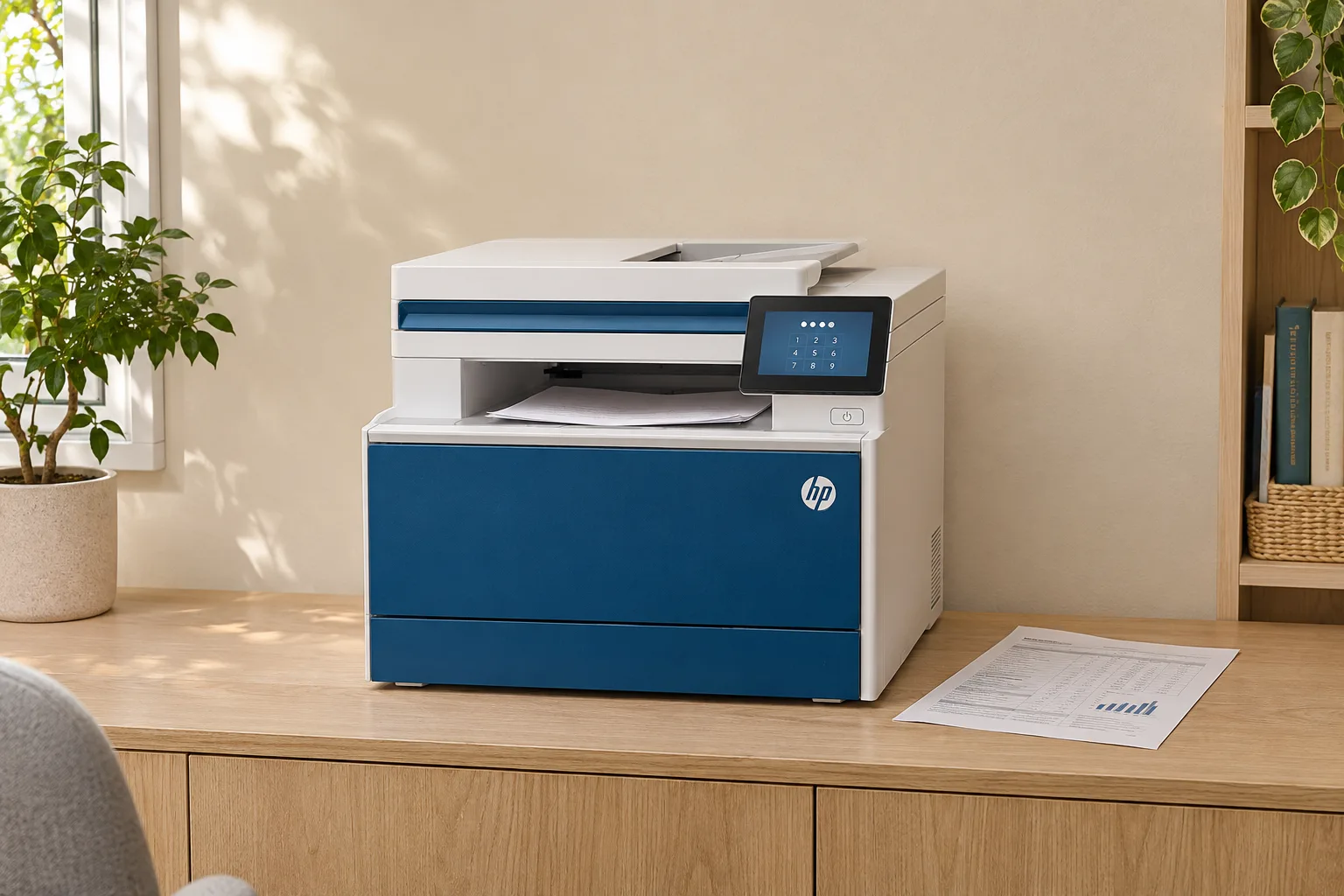
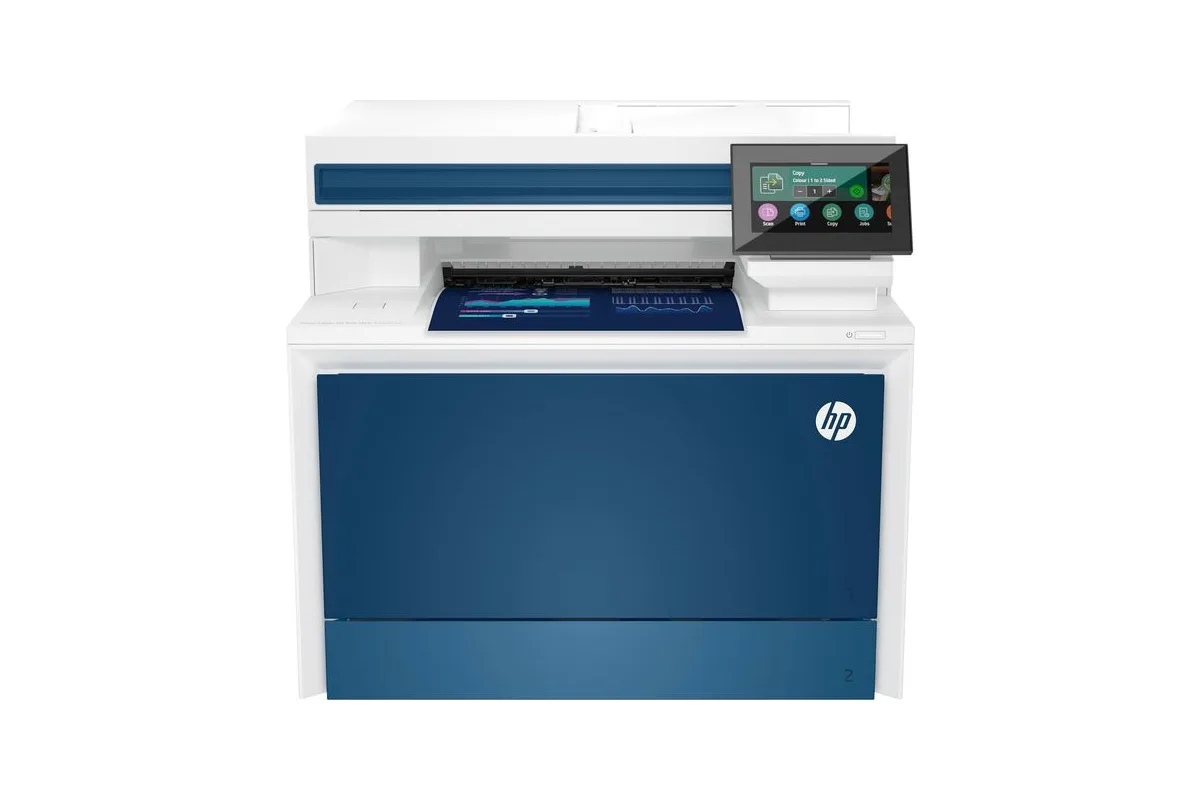
HP Color LaserJet Pro MFP 4301fdw
Best color laser for a busy small office
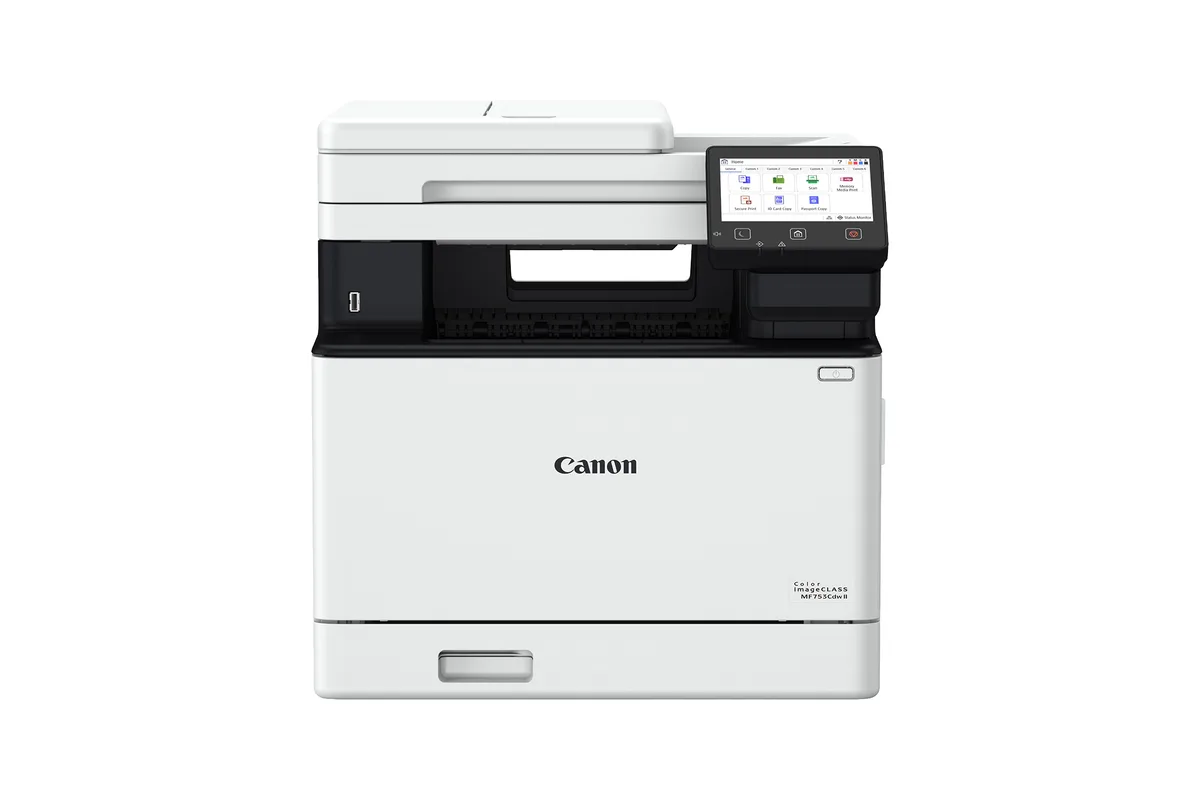
Canon Color imageCLASS MF753Cdw II
Are office printers a security risk?
Yes, but a manageable one, and most of it comes from settings left at the factory default. An office all-in-one is a small networked computer with an admin web page, stored jobs, an address book and often saved email or folder passwords. Brother’s 2025 security advisory lists 10 vulnerabilities across its printers, including one (CVE-2024-51978) that let an attacker work out the default administrator password from the serial number.
Brother’s fix shows where the protection comes from: install the firmware update, then change the default administrator password. Brother has since changed production so new initial passwords are hard to derive from serial numbers. The same two steps, plus a few settings below, cover most of what a 1–10 person office needs. No subscription or extra software is required on any printer here.
What should a small business change on day one?
Change the default admin password and make sure firmware updates are on. Where each maker puts it, from their manuals:
| Step | Brother | HP | Canon | Epson |
|---|---|---|---|---|
| Default admin login | Printed on a label marked “Pwd” | Unique printer PIN | None set: you create the admin ID and PIN | The printer’s serial number |
| Change it in | Web Based Management | Embedded Web Server | Control panel > Management Settings > User Management | Web Config or control panel (8+ characters) |
| Firmware updates | Panel: Machine Info. > Firmware Update; auto install on some models | Automatic by default (HP Wolf Pro) | Panel: Update Firmware, over the internet | Epson support site or panel |
Two cautions. Epson’s admin password goes back to the serial number after a full reset, so set it again. Canon won’t accept 7654321 as the PIN.
On HP printers, automatic firmware updates also deliver HP’s Dynamic Security changes, which can block cartridges without an HP chip, including ones that worked before. HP says most of its printers can notify you before installing instead. Don’t turn updates off; switch to notify if you rely on non-HP cartridges.
What is secure print?
Secure print holds a job in the printer until the person who sent it types a PIN at the panel, so a payroll report doesn’t sit in the tray. The FTC suggests this kind of pull printing for shared office machines. Every business laser here has it built in, with no server or license:
| Printer | Secure print | Badge release | Price (Nov 2026) |
|---|---|---|---|
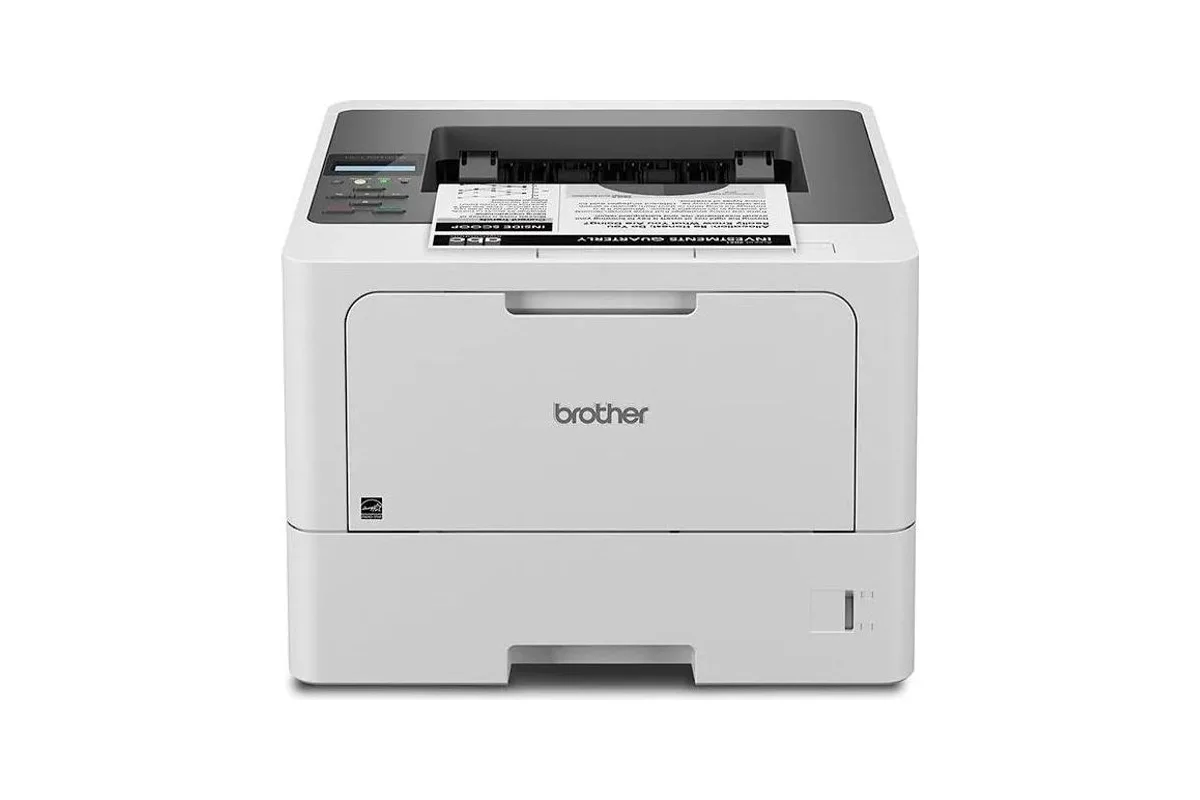
| Brother HL-L5210DW | 4-digit PIN from the Windows driver; job deleted after printing or at power-off | No | $329.99 at Amazon |
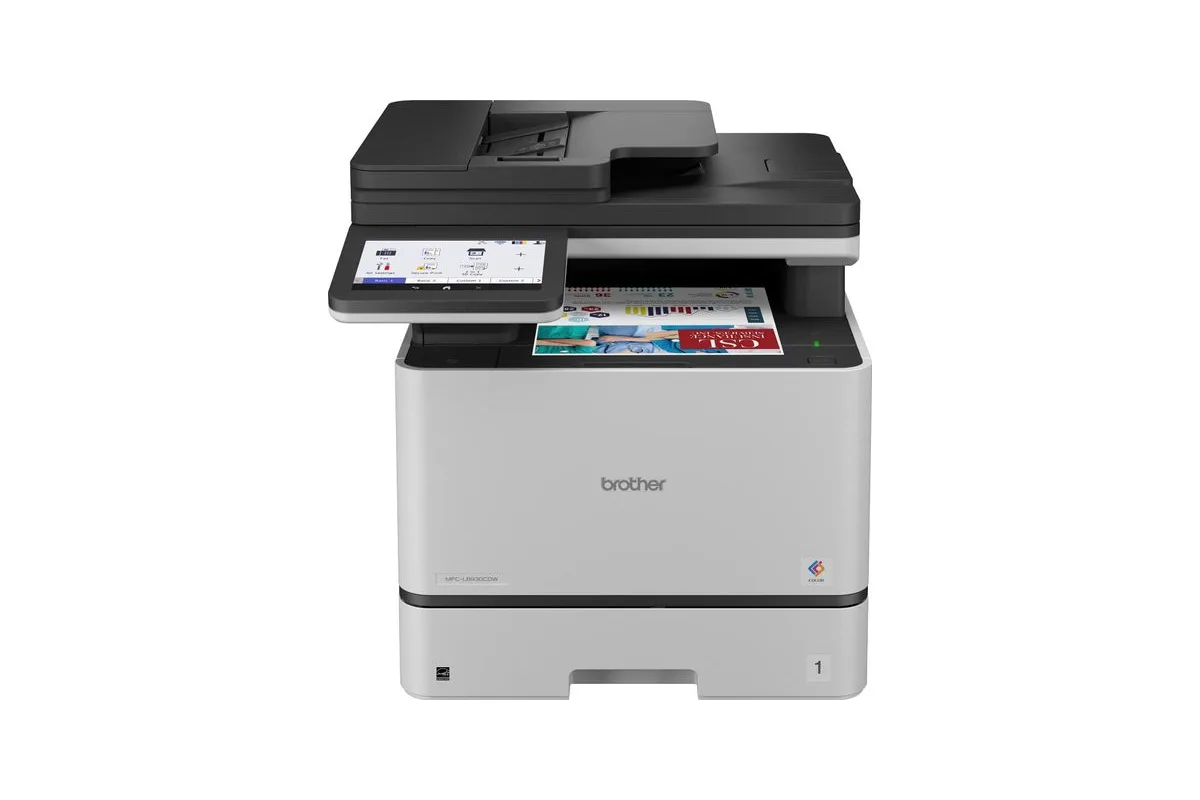
| Brother MFC-L8930CDW | Same, plus Brother’s optional paid Secure Print+ | Built-in NFC card reader | $699.99 at Brother and Amazon |
| HP Color LaserJet Pro 4301fdw | PIN (pull) printing | Not listed | $659 at HP and Amazon (list $859) |
| Canon MF753Cdw II | PIN from Windows or Mac; encrypted version on Windows; admin can force it for all jobs | Not listed | $436.99 at Canon, $436 at Amazon |
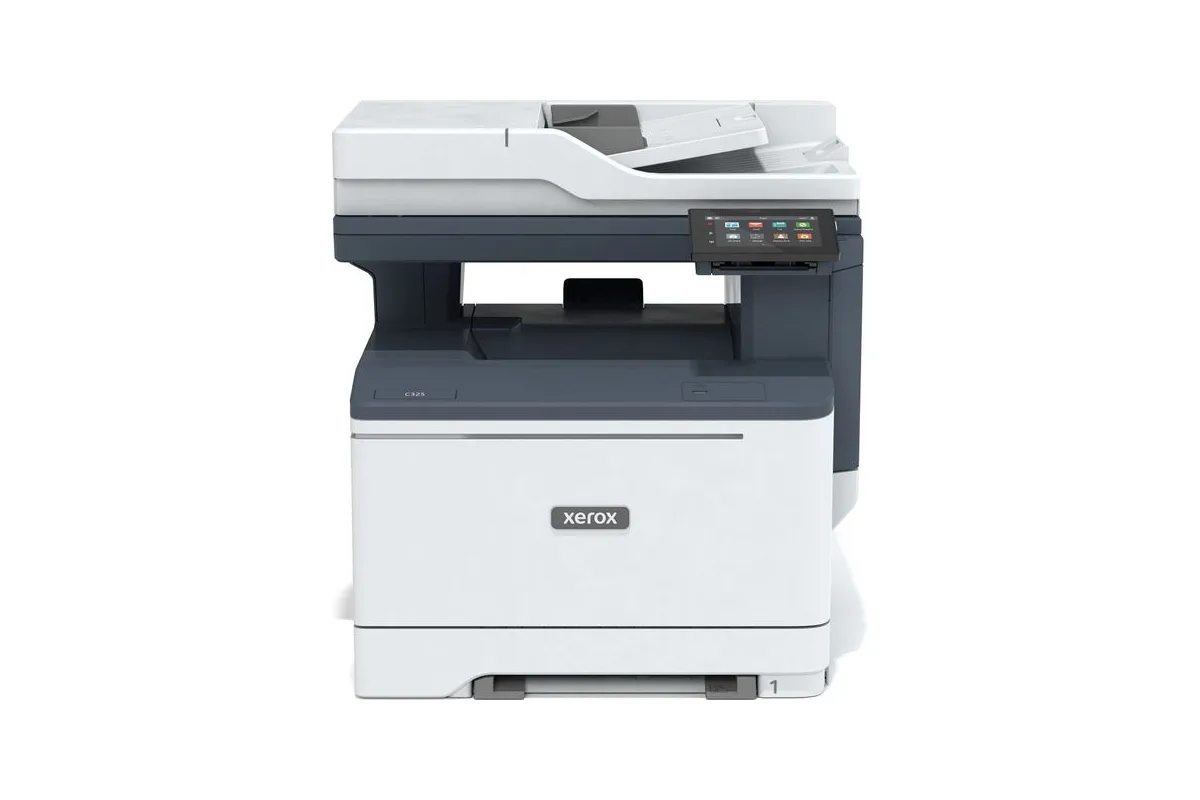
| Xerox C325 | Confidential print | Not listed | $749 at Xerox after rebate, $699 at Amazon |
For a small office, Canon’s option to make secure print mandatory is the strongest default: nobody can forget to turn it on. Brother’s Secure Function Lock and Canon’s Department ID go further, giving each person a PIN and page limits for copy, scan and fax.
What should you turn off on an office printer?
Turn off anything the office doesn’t use, starting with FTP and TFTP, which Brother itself calls not secure. On a Brother, untick protocols under Network > Network > Protocol in Web Based Management and restart. The same idea applies on every brand:
- FTP and TFTP. Brother recommends disabling both, and disabling TFTP is its workaround for one of the 2025 flaws.
- WSD, if no one scans with Windows’ built-in scanning. It’s Brother’s workaround for four of the 2025 flaws until firmware is installed.
- Plain HTTP admin access and old SNMP. Use HTTPS for the admin page, and SNMPv3 where the printer offers it.
- Wi-Fi Direct and cloud services you don’t use, such as Brother Web Connect, Canon’s cloud integration service or Epson Connect.
- Access from the internet. Give the printer a private address (Canon’s manual names the 10.x, 172.16–31.x and 192.168.x ranges) and never forward a router port to it. Brother’s Global Detect > Reject Access blocks jobs from public IP addresses.
- Walk-up USB, if nobody prints from a flash drive. Canon can restrict memory media; Xerox lists protected USB ports.
Do office printers store your documents?
Some do, and the bigger the machine, the more it keeps. The FTC warns that leased digital copiers have hard drives holding data on every document they copy, print, scan, fax or email. It recommends encryption, overwriting, and arranging for the drive to be overwritten or removed by a technician when a lease ends.
None of the small-office models here lists a hard drive. They keep jobs, address books and saved passwords in memory and flash storage (512 MB of flash on the HP 4301fdw, 8 GB on the Xerox C325). Wipe them before you sell, return or recycle the printer:
- Brother: Factory Reset, which Brother “strongly” recommends before disposal.
- Epson: Restore Default Settings > Clear All Data and Settings, which also clears contacts.
- Xerox C325: its non-volatile memory wipe.
For storage you remove and destroy, NIST SP 800-88 (Revision 2, September 2025) sets the federal guidelines. If you lease, put the wipe in the contract; see lease vs buy an office printer.
What do HP Wolf, Brother and Canon security add?
HP, Xerox and Brother’s newest models verify their own firmware; Canon’s imageCLASS doesn’t list that.
- HP Wolf Pro Security (LaserJet Pro and OfficeJet Pro): secure boot that validates firmware and recovers if it finds tampering, automatic firmware updates, a unique preset password and write-protected memory. HP Security Manager is sold separately.
- Brother: the MFC-L8930CDW adds secure boot and firmware encryption to the Secure Print, 802.1x, IPsec and TLS that the HL-L5210DW and MFC-L5915DW already have.
- Canon MF753Cdw II: TLS 1.3, IPsec, 802.1X, IP and MAC filtering, and syslog export. Canon lists no firmware self-check.
- Xerox C325: signed firmware, a TPM 2.0 chip, TLS 1.3, FIPS 140-2 and an audit log.
For a 1–10 person office, these matter less than changing the password and keeping updates on. Our best business laser printers ranks them on everything else.
Should an office printer be on guest Wi-Fi?
No. Keep the printer on the business network and visitors on a separate guest network. The FTC tells small businesses to keep guest and customer Wi-Fi separate from, and not connected to, the business network, to limit the main network to business-owned devices, and to use WPA2 or WPA3. A printer on guest Wi-Fi can be reached by anyone with the guest password. If a visitor needs a printout, have them email the file to a staff member. Network setup is in how to set up an office printer, and scan-to-email passwords are covered in scan to email and cloud.
Questions people ask
What is the default password on my office printer?
Brother prints it on a label marked “Pwd,” HP uses a unique printer PIN, and Epson uses the serial number. Canon’s MF753Cdw II has no administrator account until you create one. CISA has urged makers since December 2023 to eliminate default passwords; change yours either way.
Can a printer get hacked or run malware?
Firmware flaws can let code run: two of Brother’s 2025 vulnerabilities carry that risk. Firmware updates fix them. Secure boot on HP Wolf printers and the Brother MFC-L8930CDW, and signed firmware on the Xerox C325, guard against tampered firmware.
Do I need secure print in a small office?
If anyone prints payroll, HR, patient or legal documents on a shared printer, yes. It’s free on the Brother, Canon, HP and Xerox business lasers here and takes a 4-digit PIN on a Brother.
Should I turn off automatic firmware updates?
No. Updates carry the security fixes. On HP, switch to notify-first if you’re worried about cartridge blocking.
What should I do before returning a leased copier?
Ask the dealer to overwrite or remove the hard drive and get it in writing. The FTC advises against pulling the drive yourself, because it may hold firmware the copier needs to run.
Sources
- FTC: Digital Copier Data Security: A Guide for Businesses, FTC
- FTC: Cybersecurity for Small Business, FTC
- CISA: Secure by Design Alert: How Manufacturers Can Protect Customers by Eliminating Default Passwords (Dec 15, 2023), cisa.gov
- NIST SP 800-88 Rev. 2, Guidelines for Media Sanitization (Sept 2025), csrc.nist.gov
- Brother: Addressing Security Vulnerabilities (CVE-2024-51977 to CVE-2024-51984), support.brother.com
- JVN: JVNVU#93294882 (Brother, Konica Minolta, Toshiba Tec), jvn.jp
- Brother Security Support, support.brother.com
- Brother Security Features Guide: Before You Use Security Features, support.brother.com
- Brother Security Features Guide: Disable Unnecessary Protocols, support.brother.com
- Brother Online User's Guide: Check Your Machine's Password, support.brother.com
- Brother Online User's Guide: Update Your Machine's Firmware, support.brother.com
- Brother Online User's Guide: Reset Functions Overview, support.brother.com
- Brother Online User's Guide: Secure Print (Windows), support.brother.com
- Brother Online User's Guide: Block Communications from the Global Network, support.brother.com
- Brother HL-L5210DW product page, Brother
- Brother MFC-L8930CDW product page, Brother
- HP Wolf Pro Security for printers (HP Canada), HP
- HP Color LaserJet Pro MFP 4301fdw product page, HP
- HP Color LaserJet Pro MFP 4301, 4302, 4303: Set up and Scan to Email (printer PIN sign-in), support.hp.com
- HP Printers: Dynamic Security enabled printers, support.hp.com
- Canon MF753Cdw II User's Guide: Setting the ID and PIN for the Administrator, oip.manual.canon
- Canon MF753Cdw II User's Guide: Measures to Prevent Unauthorized Access, oip.manual.canon
- Canon MF753Cdw II User's Guide: Secure Print, oip.manual.canon
- Canon MF753Cdw II User's Guide: Security specifications, oip.manual.canon
- Canon MF753Cdw II User's Guide: Updating the Firmware, oip.manual.canon
- Canon Color imageCLASS MF753Cdw II store page, Canon
- Epson: Administrator Password Instructions, Epson
- Epson WF-4820/WF-4830 User's Guide (firmware updates, Restore Default Settings), Epson
- Epson EcoTank Pro ET-5850 product page (security features), Epson
- Xerox C325 specifications, xerox.com
- Xerox C325 system specification (C32SS-02UA), office.xerox.com
Keep exploring

Buying guide
The best barcode label printers
The Zebra ZD421 is the best barcode label printer for most businesses: 4-inch labels at 6 inches a second, any brand of label roll and a 24-month warranty, for about $480 to $526 in November 2026. Get the Brother QL-820NWBc ($229.99) for an office or shop counter, and a thermal transfer model for inventory labels that have to last.
Read story
Buying guide
The best check printers for a small business
The TROY 3001dw ($509.15 at TROY, $530 at Amazon in November 2026) is the best check printer for a small business: a 35 ppm Wi-Fi laser with MICR toner, rated for 350 to 2,500 checks a month, at about 5¢ to 7¢ per check three to a page by our estimate. Get the TROY 4001dn for a locking tray, or the VersaCheck M15 MXD ($399.99) for software in the box.
Read story