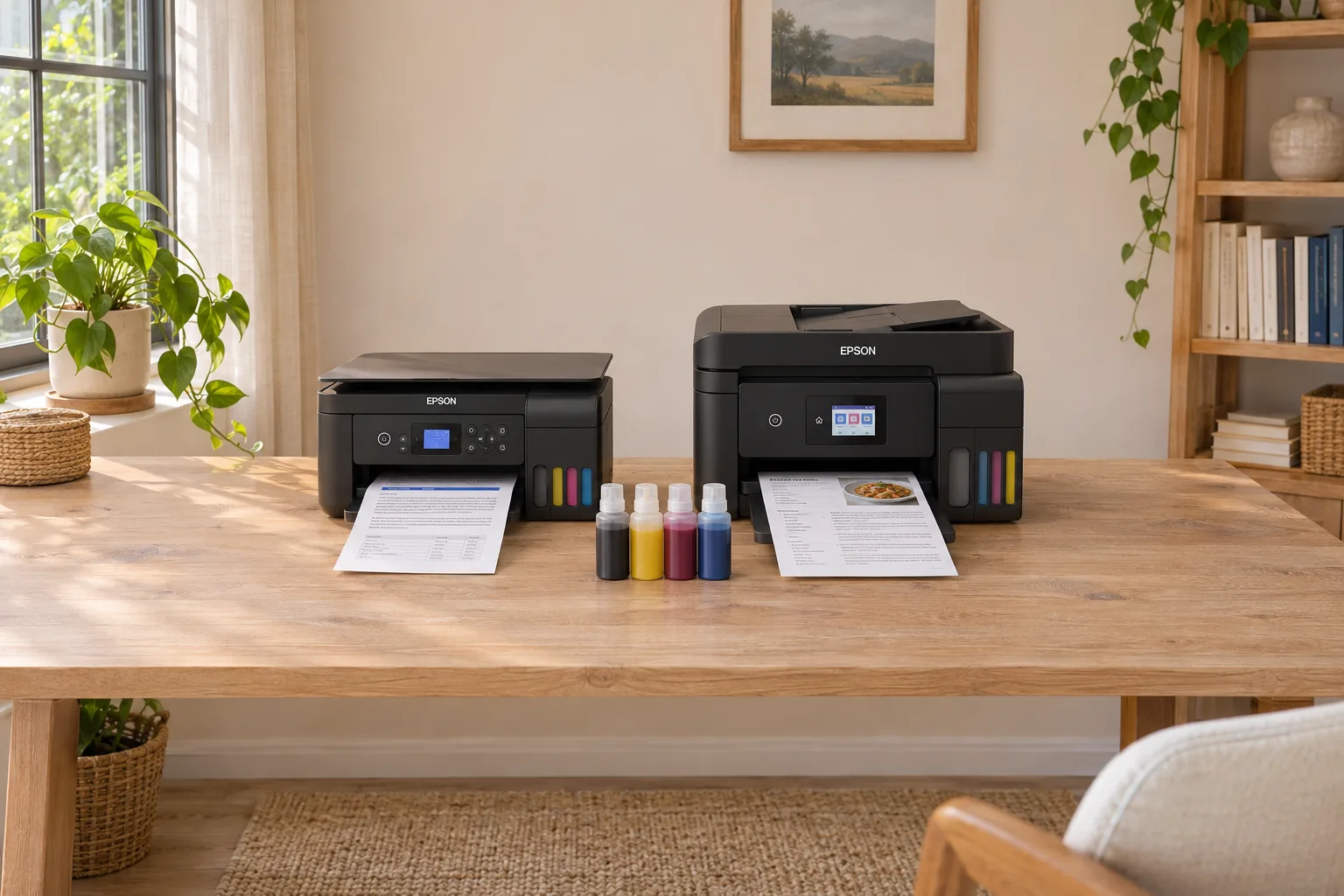
Printers in this guide
Which Epson EcoTank should I buy?
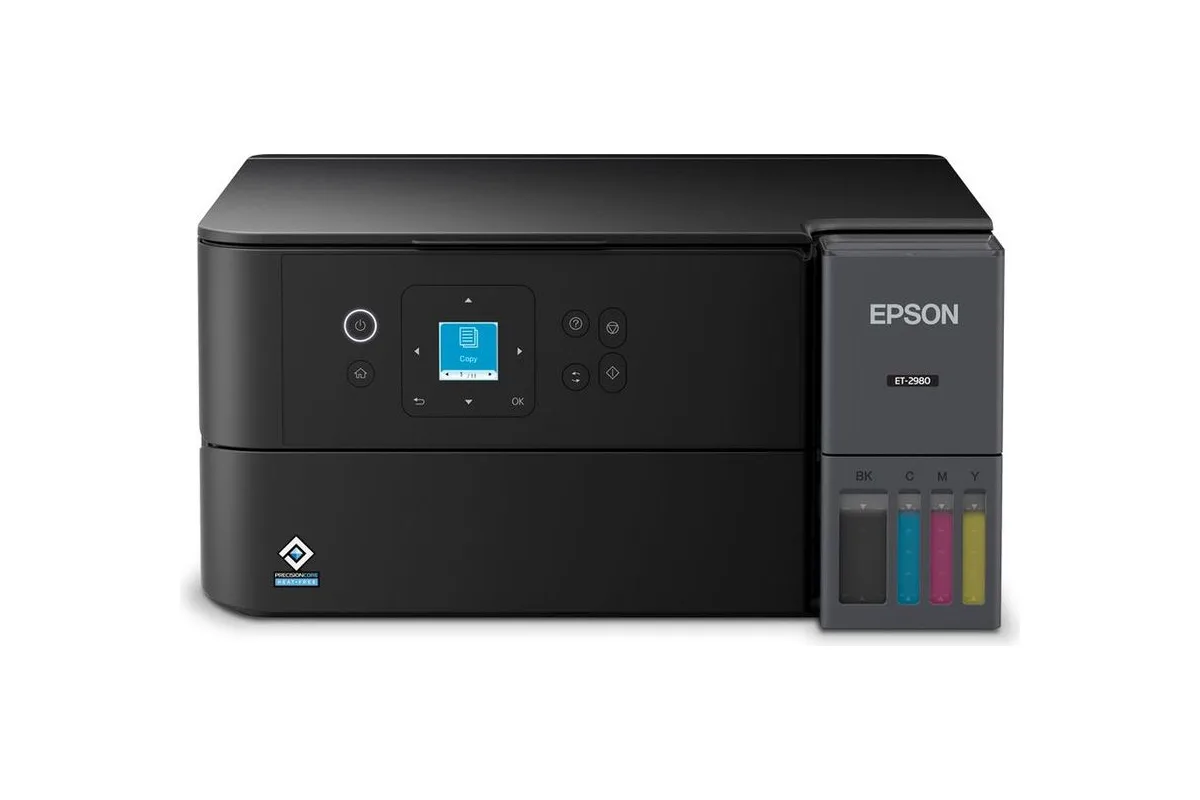
Buy the EcoTank ET-2980 unless you have a reason not to: it costs $329.99 at Epson in November 2026, prints on both sides automatically, and its pages cost about 0.3¢ in black and 1.1¢ in color. Every EcoTank is cheap to run, so the real choice is about paper handling, scanning and photos, not ink.
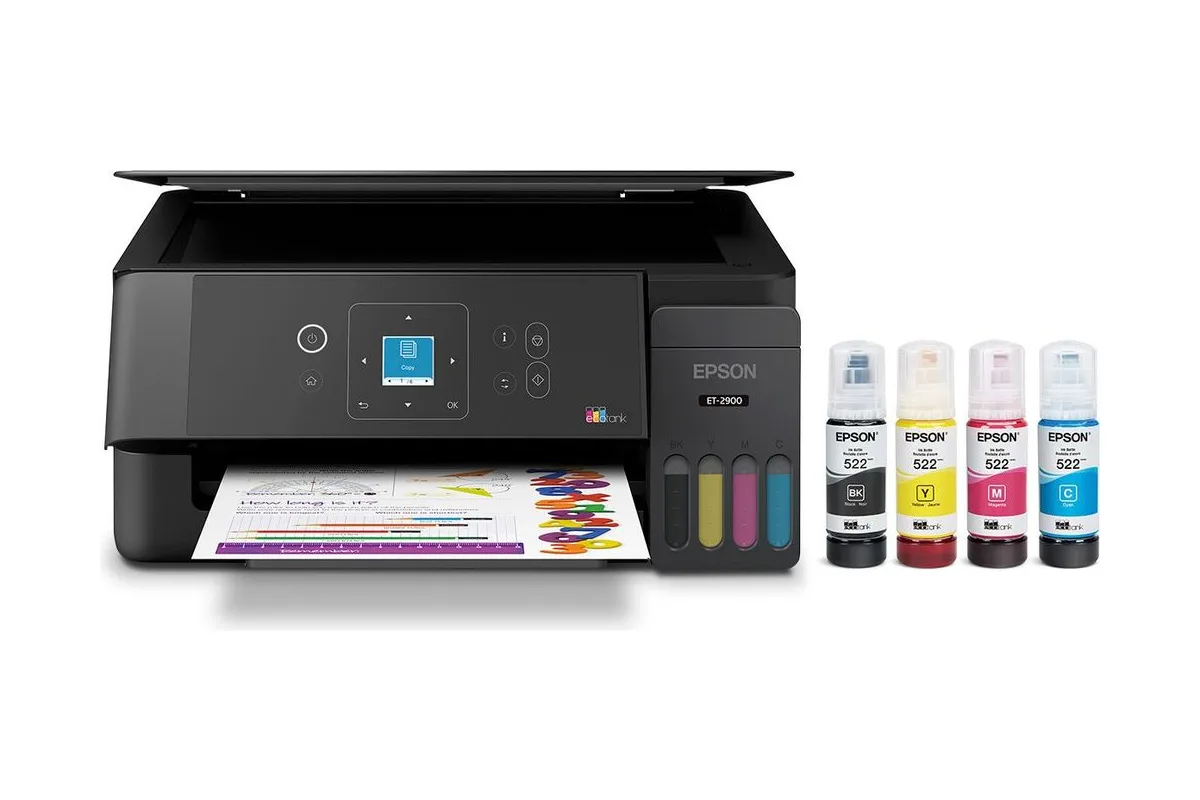
- Spend less: the ET-2900 ($199.99 on sale) has the same functions minus automatic two-sided printing, at 0.4¢ a black page.
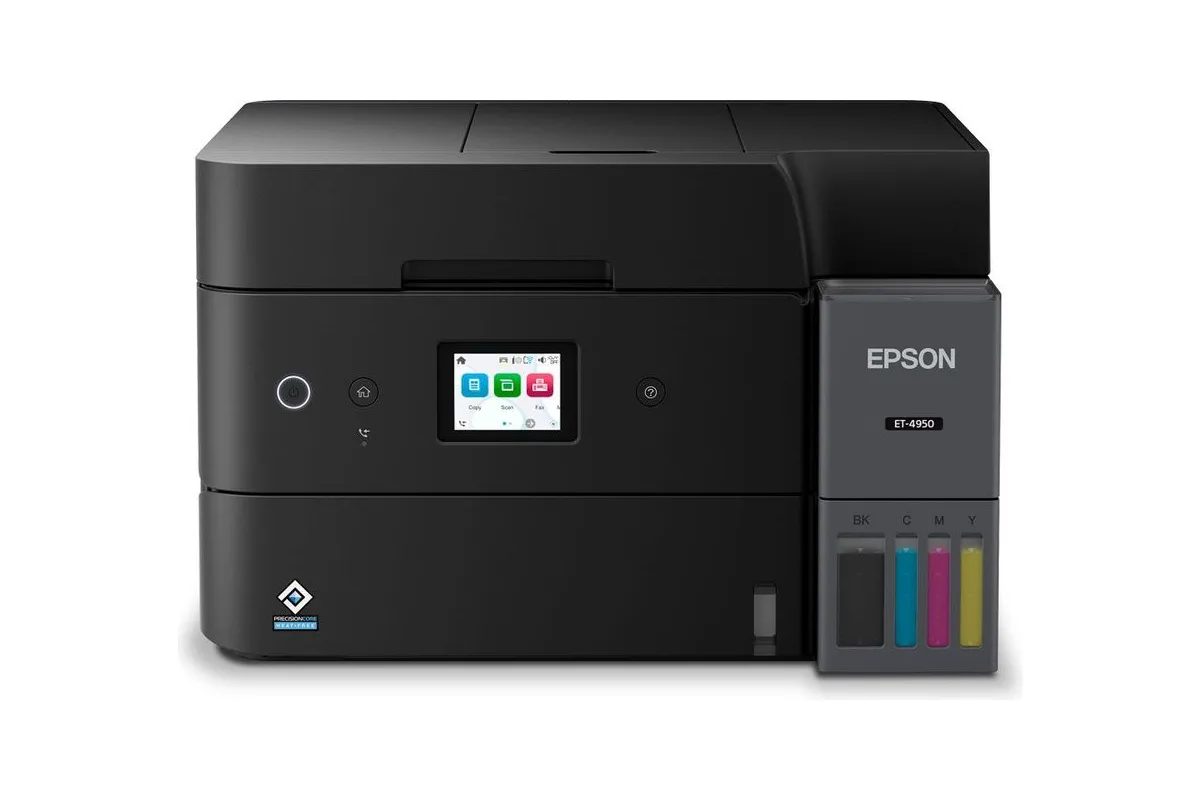
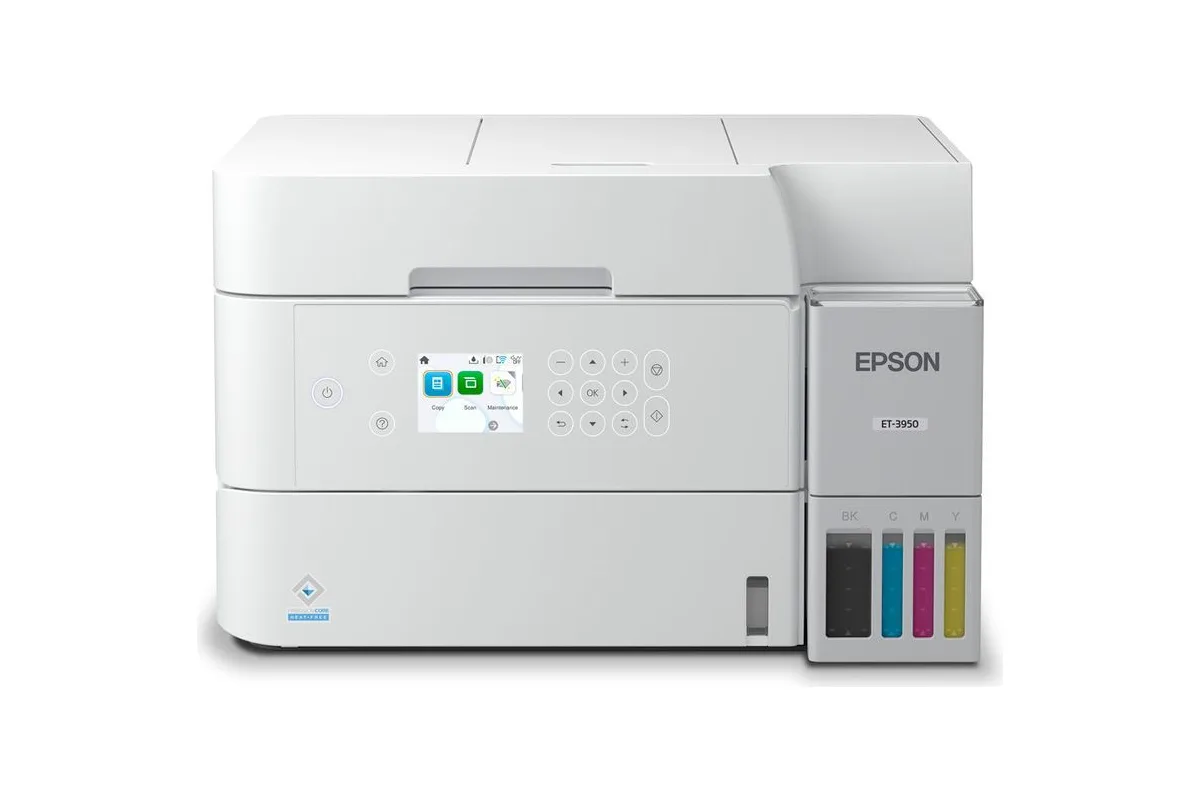
- Scan or copy stacks of paper: the ET-3950 ($399.99) or the ET-4950 ($359.99 on sale), which add a 30-sheet feeder that scans both sides and a 250-sheet tray. The ET-4950 adds fax.
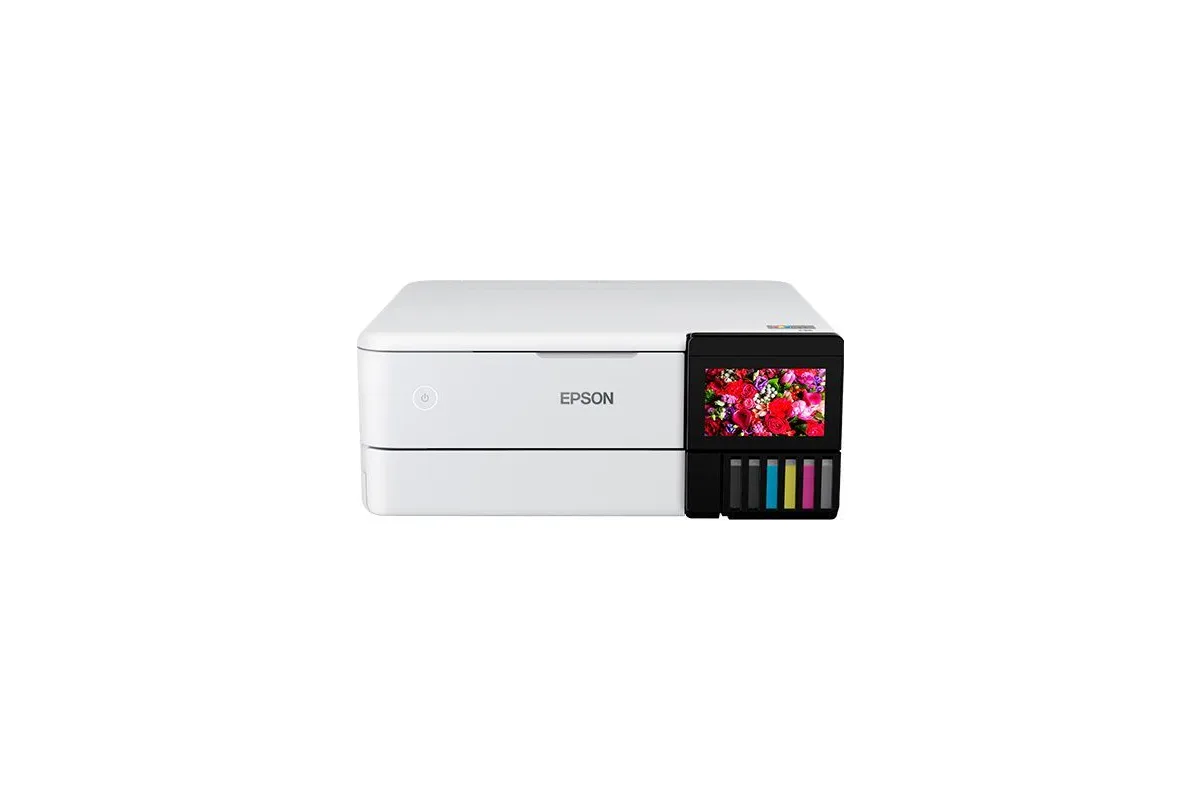
- Print photos: the six-ink ET-8500 ($699.99), or the ET-8550 for 13x19 ($499.99 on sale, list $749.99, out of stock at Epson).
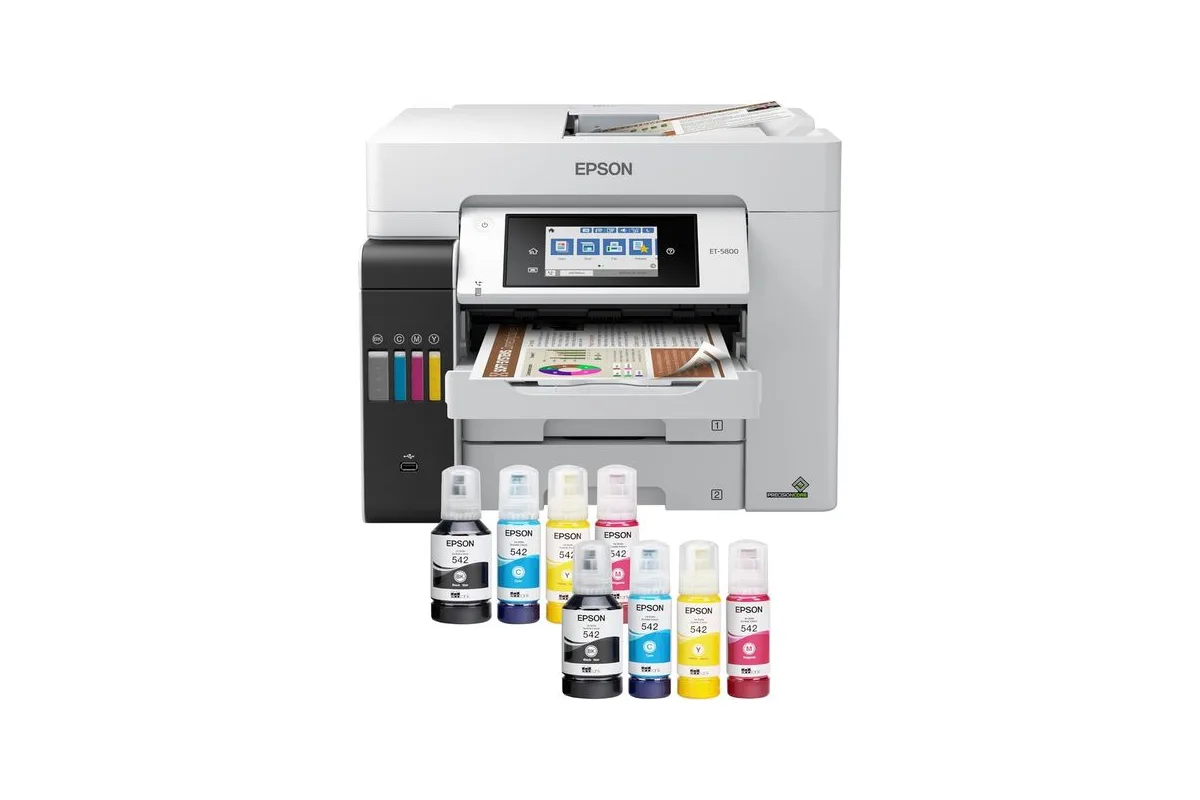
- Run a busy office: an EcoTank Pro, such as the ET-5800 ($549.99 on sale), with two paper trays, a 50-sheet feeder and a two-year warranty.
Our best Epson printers guide ranks the picks; this page maps the whole lineup.
What is the difference between the Epson EcoTank models?
They share the idea (refillable tanks instead of cartridges) and differ in four things: whether they scan, how they handle paper, whether they have a document feeder, and how many inks they use. Here’s the current US lineup at Epson’s store prices on November 25–26, 2026, cheapest first within each group:
| Model | Epson price (Nov 2026) | Functions | Document feeder | Auto two-sided | Screen | Photo inks | Black / color page |
|---|---|---|---|---|---|---|---|
| ET-1910 | $159.99 | Print only | — | No | None listed | No | 0.4¢ / 1.1¢ |
| ET-2410 | $179.99 | Print, scan, copy | No | No | None | No | 0.4¢ / 1.1¢ |
| ET-2900 | $199.99 sale ($239.99) | Print, scan, copy | No | No | 1.44-in color | No | 0.4¢ / 1.1¢ |
| ET-2800 (older) | $239.99 | Print, scan, copy | No | No | 1.44-in color | No | 0.4¢ / 1.1¢ |
| ET-2980 | $329.99 | Print, scan, copy | No | Yes | 1.44-in color | No | 0.3¢ / 1.1¢ |
| ET-4950 | $359.99 sale ($499.99) | Print, scan, copy, fax | 30-sheet, scans both sides | Yes | 2.4-in touch | No | 0.3¢ / 1.1¢ |
| ET-3930 | $389.99 | Print, scan, copy | No | Yes | 2.4-in color | No | 502 bottles* |
| ET-3950 | $399.99 | Print, scan, copy | 30-sheet, scans both sides | Yes | 2.4-in color | No | 0.3¢ / 1.1¢ |
| ET-15000 (13x19) | $449.99 sale ($699.99) | Print, scan, copy, fax | 35-sheet | Yes | 2.7-in touch | No | 0.33¢ / 1.18¢ |
| ET-8500 (photo) | $699.99 | Print, scan, copy | No | Yes | 4.3-in touch | Yes, 6 inks | 0.36¢ / about 1.4¢ |
| ET-8550 (photo, 13x19) | $499.99 sale ($749.99), out of stock | Print, scan, copy | No | Yes | 4.3-in touch | Yes, 6 inks | about 4–6¢ per 4x6 |
| ET-5800 (Pro) | $549.99 sale ($799.99) | Print, scan, copy, fax | 50-sheet, scans both sides | Yes | 4.3-in touch | No | 0.5¢ / 1.9¢ |
| ET-5850 (Pro) | $649.99 sale ($849.99) | Print, scan, copy, fax | 50-sheet, scans both sides | Yes | 4.3-in touch | No | 0.5¢ / 1.9¢ |
| ET-16650 (Pro, 13x19) | $1,159.99 | Print, scan, copy, fax | 50-sheet, up to 11x17 | Yes | 4.3-in touch | No | 0.5¢ / 1.9¢ |
*The ET-3930 uses the same 502 bottles as the ET-3950; its page didn’t show a replacement yield when we checked, so we haven’t priced it.
How the page costs are worked out, at Epson’s prices and rated ISO yields (the color page includes black):
- 502 bottles (ET-2980, ET-3950, ET-4950): $24.99 black ÷ 8,500 pages = 0.29¢; three $16.99 colors ($50.97) ÷ 6,500 = 0.78¢, so 1.08¢ a color page. The ET-15000 rates the same bottles at 7,500 / 6,000 pages, so 0.33¢ and 1.18¢.
- 522 bottles (ET-1910, ET-2410, ET-2900, ET-2800): $17.99 each. $17.99 ÷ 4,700 = 0.38¢ black; $53.97 ÷ 7,500 + 0.38¢ = 1.10¢ color. The older ET-2800 rates the black at 4,500 pages, 0.40¢.
- 542 bottles (EcoTank Pro): $35.99 ÷ 7,500 = 0.48¢ black; $83.95 for three colors ÷ 6,000 + 0.48¢ = 1.88¢ color.
Most of these prices were Black Friday sales ending November 28 or 29. Note that the ET-4950 on sale cost less than the ET-3930 and ET-3950, which lack its fax and touchscreen.
What do the numbers in Epson EcoTank model names mean?
Epson doesn’t publish a key, but its US lineup follows a pattern. ET means EcoTank, and ET-M means a black-only EcoTank (ET-M1170, ET-M2170, ET-M3170).
- The first digit is the tier. 1 is print-only (ET-1910). 2 is a basic all-in-one with a 100-sheet rear tray and a flatbed scanner (ET-2410, ET-2900, ET-2980). 3 adds a 250-sheet front tray and, on the x50 models, a document feeder (ET-3930, ET-3950). 4 adds fax and a touchscreen (ET-4950). 5 is EcoTank Pro for offices (ET-5150 to ET-5880). 8 is the six-ink photo line (ET-8500, ET-8550). 15 and 16 are the 13x19 wide-format models (ET-15000, ET-16600, ET-16650).
- The second digit usually moves with the generation. The ET-2900 replaced the ET-2800, and Epson calls the ET-4950 the successor to the ET-4850. It’s not strict: the seventh-generation ET-2980 followed the ET-2850, and Epson says it’s 50% faster.
- Within a tier, a higher ending means more features. The ET-2980 adds automatic two-sided printing and speed over the ET-2900. The ET-3950 adds a feeder over the ET-3930. The ET-5850 prints color twice as fast as the ET-5800 (25 ppm against 12), and the ET-5880 adds PCL and PostScript. The ET-8550 prints 13x19 where the ET-8500 stops at letter.
- Odd endings are store variants. The ET-2985 and ET-2988, for example, are variants of the ET-2980 that take the same maintenance box. Check that the ink and features match the main model.
- A “U” suffix means ReadyPrint. Models such as the ET-2850U, ET-3850U and ET-5850U are sold for Epson’s ReadyPrint ink plan, which Epson advertises from $14.99 a month with a two-year commitment. Buy the model without the U if you don’t want a subscription; see printers without a subscription.
What is the difference between the Epson ET-2800, ET-2900 and ET-2980?
The ET-2900 is the ET-2800’s replacement, and the ET-2980 is the step up with automatic two-sided printing, faster printing and higher-yield ink. All three print, scan and copy from a 100-sheet rear tray and a flatbed, with no document feeder or Ethernet.
| ET-2800 | ET-2900 | ET-2980 | |
|---|---|---|---|
| Epson price (Nov 2026) | $239.99 | $199.99 sale ($239.99) | $329.99 |
| Ink | 522 bottles | 522 bottles | 502 bottles |
| Rated yield, black / color | 4,500 / 7,500 | 4,700 / 7,500 | 8,500 / 6,500 |
| Black / color page | 0.4¢ / 1.1¢ | 0.4¢ / 1.1¢ | 0.3¢ / 1.1¢ |
| Ink in the box (Epson) | Up to 2 years | Up to 3,600 black / 6,500 color pages | Up to 6,600 black / 5,500 color pages |
| Rated speed, black / color | 10 / 5 ppm | 11 / 6 ppm | 15 / 8 ppm |
| Auto two-sided printing | No | No | Yes |
| Screen | 1.44-in color | 1.44-in color | 1.44-in color |
| Waste-ink maintenance box | None (internal pads) | Yes, C9398 ($18.99) | Yes, T04D1 ($10.99) |
Skip the ET-2800: it costs more than the ET-2900 on sale and lacks the replaceable maintenance box. Buy the ET-2900 if you print one side at a time and want to spend $200. Pay $130 more for the ET-2980 if you print reports or schoolwork on both sides; the ink costs about the same per page. Our ET-2800 vs ET-2900 comparison and ET-2980 review have the details.
What is the difference between Epson EcoTank and EcoTank Pro?
EcoTank Pro is Epson’s office line. It’s faster, holds more paper, uses all-pigment ink, and gets a longer warranty and an ink rebate, for about twice the price.
| EcoTank (ET-1910 to ET-4950) | EcoTank Pro (ET-5150 to ET-16650) | |
|---|---|---|
| Epson price (Nov 2026) | $159.99–$499.99 | $529.99–$1,159.99 |
| Ink | 502 or 522 bottles | 542 all-pigment bottles |
| Black / color page | 0.3–0.4¢ / 1.1¢ | 0.5¢ / 1.9¢ |
| Rated speed, black / color | 10–18 / 5–9 ppm | 17–25 / 9.5–25 ppm |
| Paper | 100 or 250 sheets | 250 sheets (ET-51x0), or two 250-sheet trays plus a 50-sheet rear feed (ET-58x0, ET-166x0) |
| Warranty | 1 year | 2 years with registration (12 months or 80,000 sheets, plus 12 months with registration and genuine ink) |
| Ink rebate | No | Epson refunds 542 bottles bought in the first two years, up to four bottles per claim, if you register within 30 days |
The Pro’s ink costs more per page, but the rebate can refund it for two years, and you mail in the empty bottles to claim it. For a home, a standard EcoTank is cheaper and plenty. For an office printing every day, see our ET-5850 review and ink tank printers for offices.
Which EcoTanks should you skip?
- Older models still on sale, such as the ET-2400 and ET-2800, which send waste ink to internal pads that need service when full. Their replacements (ET-2410, ET-2900) have a maintenance box you swap yourself. See Epson ink pads and the maintenance box.
- “U” models, unless you want ReadyPrint.
- The ET-1910, unless you never scan or copy: the ET-2410 adds a scanner for $20 more.
How does EcoTank compare with other ink tanks?
Canon’s MegaTank costs about the same to run, and its G3270 is cheaper to buy. See EcoTank vs MegaTank vs INKvestment, HP Smart Tank vs EcoTank vs MegaTank and the Canon lineup explained.
Questions people ask
What is the cheapest Epson EcoTank?
The print-only ET-1910, at $159.99 at Epson in November 2026. The cheapest that scans and copies is the ET-2410, at $179.99, and the ET-2900 was $199.99 on sale.
Which EcoTank has a document feeder?
The ET-3950 and ET-4950 have 30-sheet feeders that scan both sides, and the ET-5800, ET-5850 and ET-16650 have 50-sheet ones. The ET-15000 has a 35-sheet one. The ET-1910, the ET-2000 models and the ET-3930 don’t.
Which EcoTank prints on both sides automatically?
The ET-2980, ET-3930, ET-3950, ET-4950, ET-15000, ET-8500 and ET-8550, and the EcoTank Pro models we checked (ET-5800, ET-5850, ET-16650). The ET-1910, ET-2410, ET-2800 and ET-2900 print one side only.
Is the ET-2980 worth $130 more than the ET-2900?
Yes, if you print on both sides or print long documents: it’s 4 ppm faster in black and duplexes on its own. If you print single pages, the ET-2900 does the job for the same ink cost.
How long does EcoTank ink last?
Epson rates the ET-2980’s in-box ink at up to 6,600 black and 5,500 color pages, about three years at 125 pages a month. The ET-2900’s is rated at up to 3,600 black and 6,500 color pages.
Which EcoTank is best for photos?
The ET-8500 for prints up to letter size, and the ET-8550 for 13x19. Both use six inks, including gray and photo black. See the best photo printers.
Sources
- Epson EcoTank home and office printers, Epson
- Epson EcoTank Pro printers, Epson
- Epson EcoTank Photo printers, Epson
- Epson EcoTank ET-1910 product page, Epson
- Epson EcoTank ET-2410 product page, Epson
- Epson EcoTank ET-2800 product page, Epson
- Epson EcoTank ET-2900 product page, Epson
- Epson EcoTank ET-2980 product page, Epson
- Epson EcoTank ET-2980 spec sheet, cdn.bfldr.com
- Epson celebrates seven generations of cartridge-free printing with EcoTank ET-2980, Epson
- Epson EcoTank ET-3930 product page, Epson
- Epson EcoTank ET-3950 product page, Epson
- Epson EcoTank ET-4950 product page, Epson
- Epson EcoTank ET-15000 product page, Epson
- Epson EcoTank Pro ET-5800 product page, Epson
- Epson EcoTank Pro ET-5850 product page, Epson
- Epson EcoTank Pro ET-16650 product page, Epson
- Epson 502 black ink bottle, Epson
- Epson 522 black ink bottle, Epson
- Epson T04D1 ink maintenance box, Epson
- Epson Unlimited Ink for Two Years rebate, Epson
- Epson US home page (ReadyPrint EcoTank models), Epson
Keep exploring

Buying guide
The best barcode label printers
The Zebra ZD421 is the best barcode label printer for most businesses: 4-inch labels at 6 inches a second, any brand of label roll and a 24-month warranty, for about $480 to $526 in November 2026. Get the Brother QL-820NWBc ($229.99) for an office or shop counter, and a thermal transfer model for inventory labels that have to last.
Read story
Buying guide
The best check printers for a small business
The TROY 3001dw ($509.15 at TROY, $530 at Amazon in November 2026) is the best check printer for a small business: a 35 ppm Wi-Fi laser with MICR toner, rated for 350 to 2,500 checks a month, at about 5¢ to 7¢ per check three to a page by our estimate. Get the TROY 4001dn for a locking tray, or the VersaCheck M15 MXD ($399.99) for software in the box.
Read story