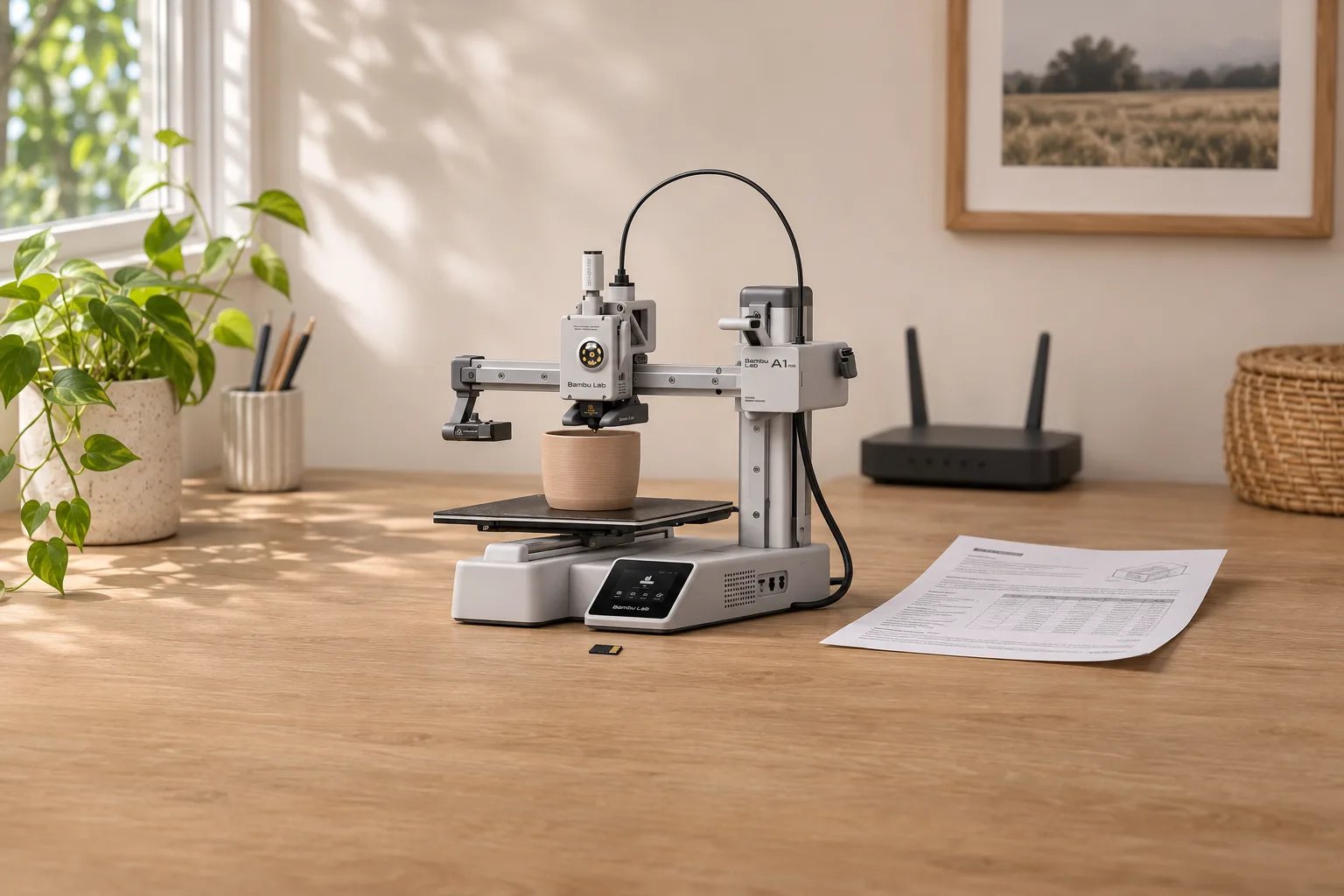
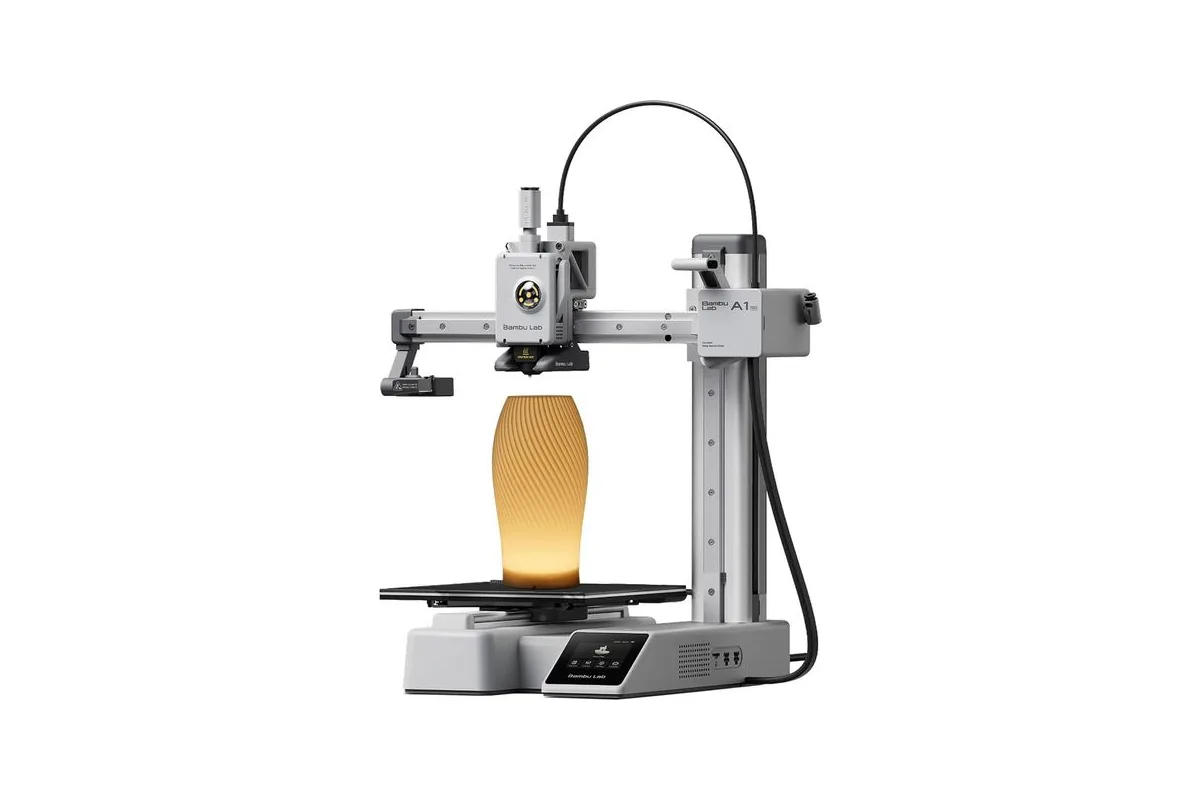
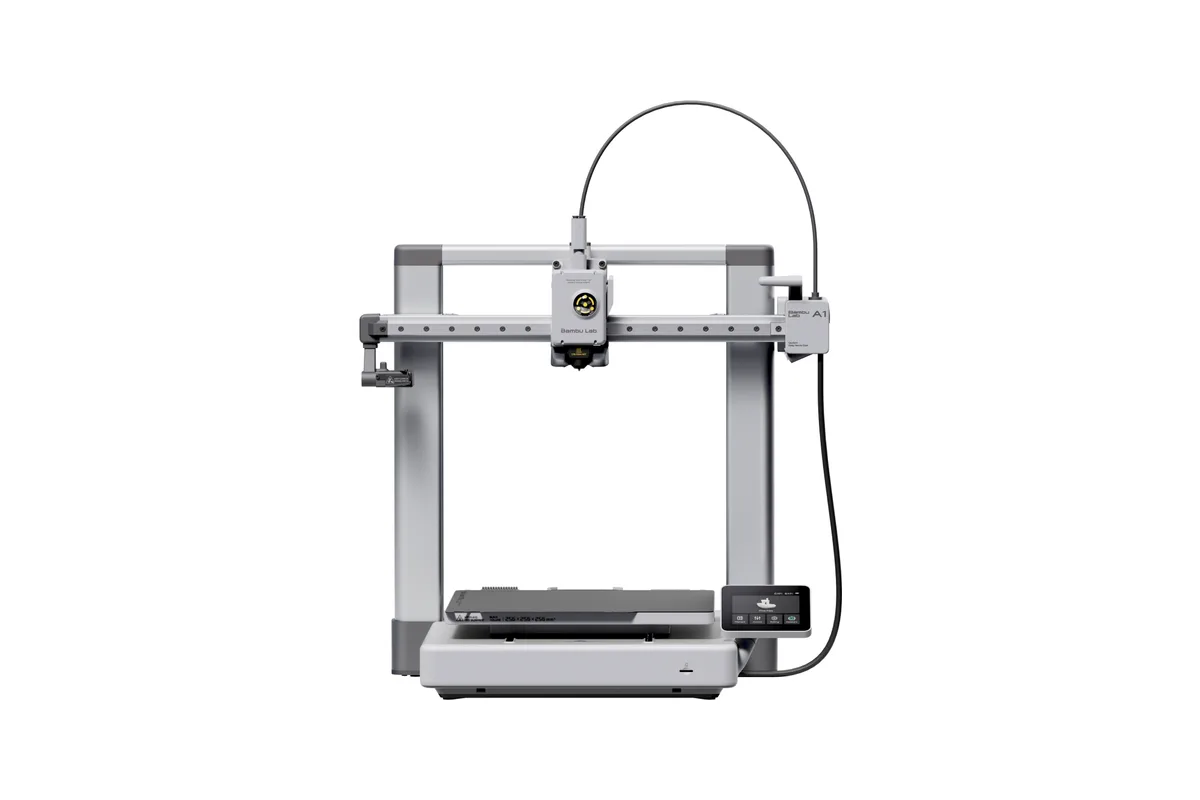
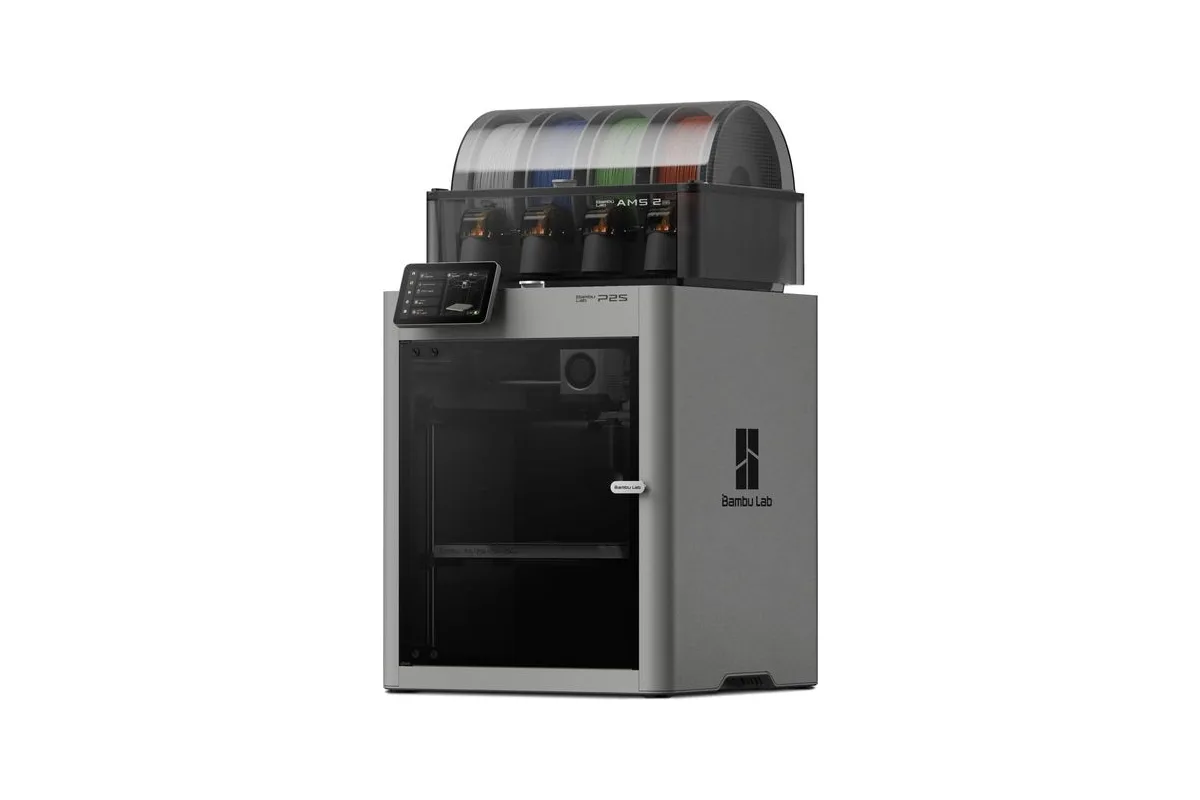
Printers in this guide
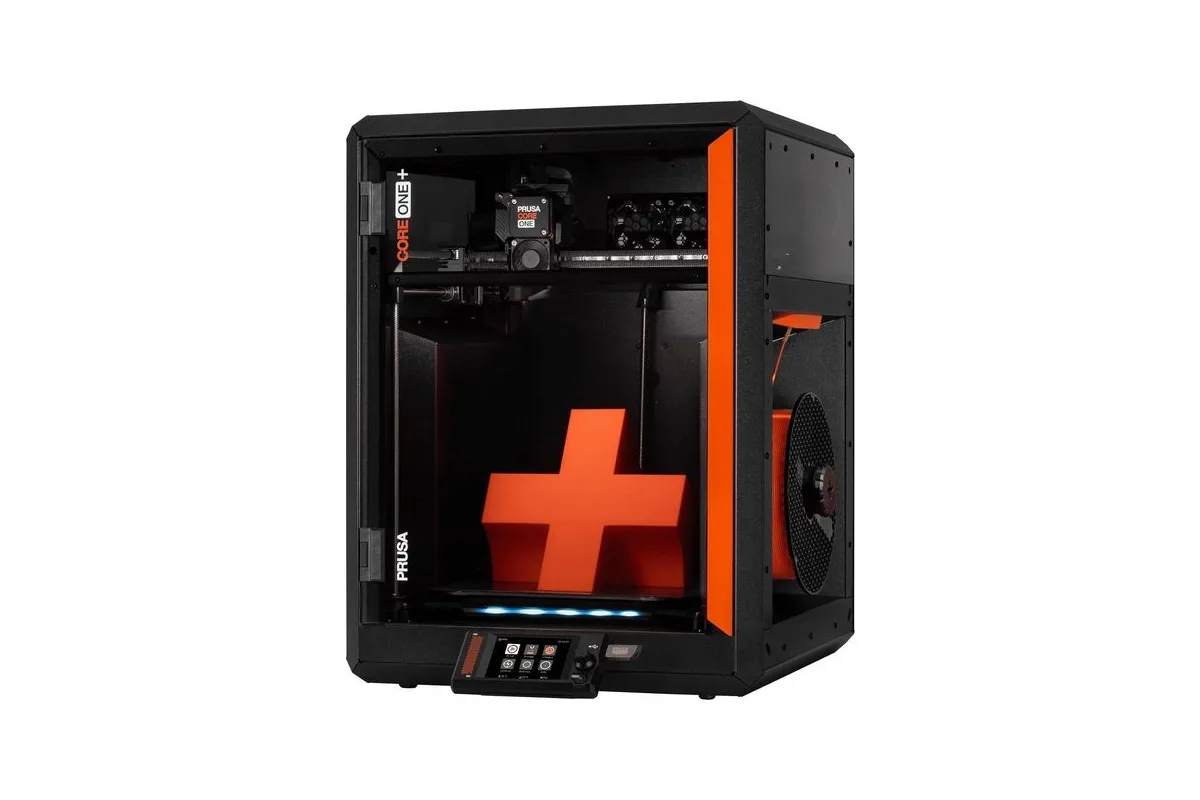
Can you use a Bambu Lab printer offline?
Yes. Every Bambu printer can print from its microSD card or USB storage with no network at all, and LAN mode lets you send prints from Bambu Studio over your home network with no internet connection and no Bambu account. Bambu says LAN mode needs “neither internet access nor a user account” and that this won’t change. Its LAN-Only mode keeps the printer off the internet entirely, and firmware updates can be installed offline from a card or USB stick.
What you give up offline are the cloud conveniences: starting and watching prints from the Bambu Handy app when you’re away from home, cloud print history, and printing MakerWorld models straight from the app.
Does a Bambu Lab printer need the cloud?
No, but it’s built around it. Out of the box, Bambu’s app, cloud and MakerWorld model library make printing very easy: you tap a model on your phone and it prints. That convenience is a big part of why Bambu printers are popular with beginners. If you’d rather keep the printer off the internet, switch it to LAN-Only mode and print from Bambu Studio on a computer, or from the card.
What changed in January 2025?
In January 2025, Bambu added an “authorization control” system to its firmware, starting with the X1 series, and said the P and A series and all future models would follow. After updating, the printer checks that commands come from Bambu’s own software, over both the cloud and LAN. That changed things for third-party tools:
- Third-party slicers such as OrcaSlicer now send prints through Bambu Connect, a separate Bambu app, rather than directly.
- Home-automation tools such as Home Assistant can still read the printer’s status but can no longer control it.
- Printing from the microSD card isn’t affected.
- Updating is optional; Bambu said owners who rely on third-party control could stay on older firmware.
Bambu also offers Developer Mode on the X1, P1, A1 and A1 mini, which reopens local access for third-party tools; Bambu doesn’t support it and says you’re responsible for your network’s security. Bambu’s stated reason for the change was security, citing peaks of up to 30 million unauthorized requests a day to its cloud.
Is Bambu Lab safe to use?
For most people, yes. The hardware is safe and well supported; the questions are about the cloud. Two things worth knowing:
- Outages have happened. During an August 2023 cloud outage, some printers restarted finished jobs on their own when service returned; Bambu added a check before prints start. LAN and microSD printing kept working.
- Data: Bambu says camera video streams peer-to-peer and isn’t stored on its servers, that print files stay out of the cloud unless you choose otherwise, and that cloud data is hosted on AWS, Google Cloud and, in China, Alibaba Cloud.
If you want a printer with no cloud dependency at all and open-source software, look at Prusa; see Bambu Lab vs Prusa.
How do you use a Bambu printer without the cloud?
- On the printer, turn on LAN-Only mode in the network settings.
- In Bambu Studio, connect to the printer over your local network using its access code shown on the printer.
- Slice and send prints from Bambu Studio, or copy the sliced file to the microSD card.
- Update firmware offline by downloading it on a computer and installing it from the card.
Bambu Farm Manager, a free Windows app, also manages several printers locally with no cloud.
Questions people ask
Does Bambu Lab require an account?
No. You need an account for cloud features, remote printing and MakerWorld app printing, but not to print from the microSD card or over LAN.
Can I use OrcaSlicer with a Bambu printer?
Yes. Since 2025, OrcaSlicer sends jobs through the Bambu Connect app, or you can export files to the microSD card.
Does Bambu Lab work without Wi-Fi?
Yes. Print from the microSD card, or connect the printer to a local network without internet access in LAN-Only mode.
Can Bambu disable my printer remotely?
Bambu’s authorization system controls which software can command the printer; it doesn’t lock printing from the card, and Bambu says the printer isn’t locked to a specific account.
Which 3D printers don’t need the cloud?
Prusa printers work fully offline with open-source firmware and slicer; Prusa Connect is optional. Creality, Elegoo and Anycubic printers can print over the local network or from storage, with their cloud apps optional.
Sources
- Bambu Lab: firmware update introducing new authorization control system, blog.bambulab.com
- Bambu Lab: updates and third-party integration with Bambu Connect, blog.bambulab.com
- Bambu Lab: the Trust Center for security and privacy transparency, blog.bambulab.com
- Bambu Lab: cloud temporary outage investigation, blog.bambulab.com
- Bambu Lab: setting the record straight on cloud access and community, blog.bambulab.com
- Bambu Lab: local fleet control with Bambu Farm Manager, blog.bambulab.com
- Prusa Connect, prusa3d.com
Keep exploring
How to
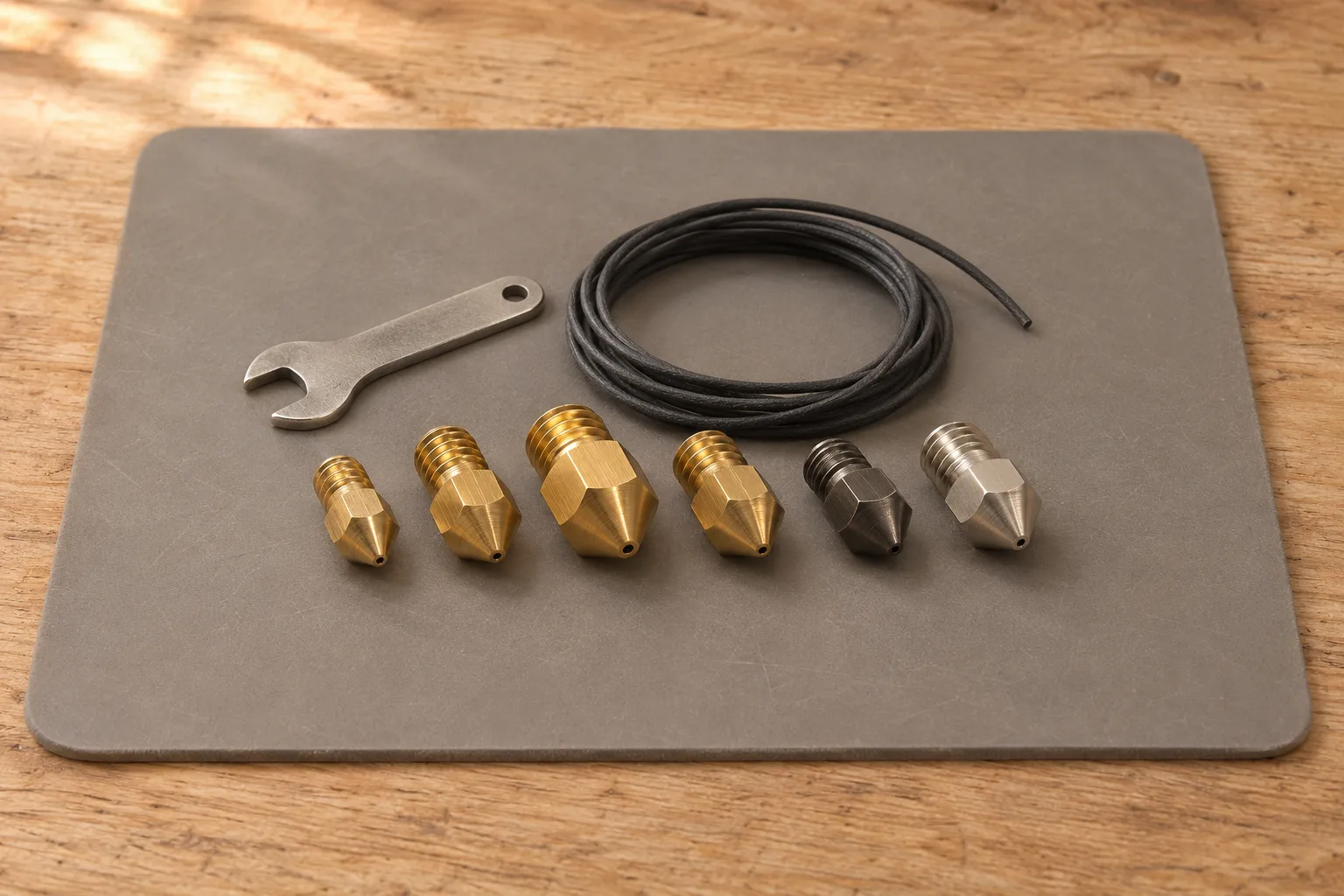
Hardened steel vs brass nozzles, and what nozzle size to use
Brass, or the stainless steel Bambu ships on the A1, is fine for PLA, PETG, ABS, ASA and TPU. Carbon fiber, glass fiber, glow-in-the-dark and sparkle filaments need hardened steel. Use a 0.4 mm nozzle for most prints, 0.6 mm for carbon fiber and big parts, and 0.2 mm for miniatures.
Read story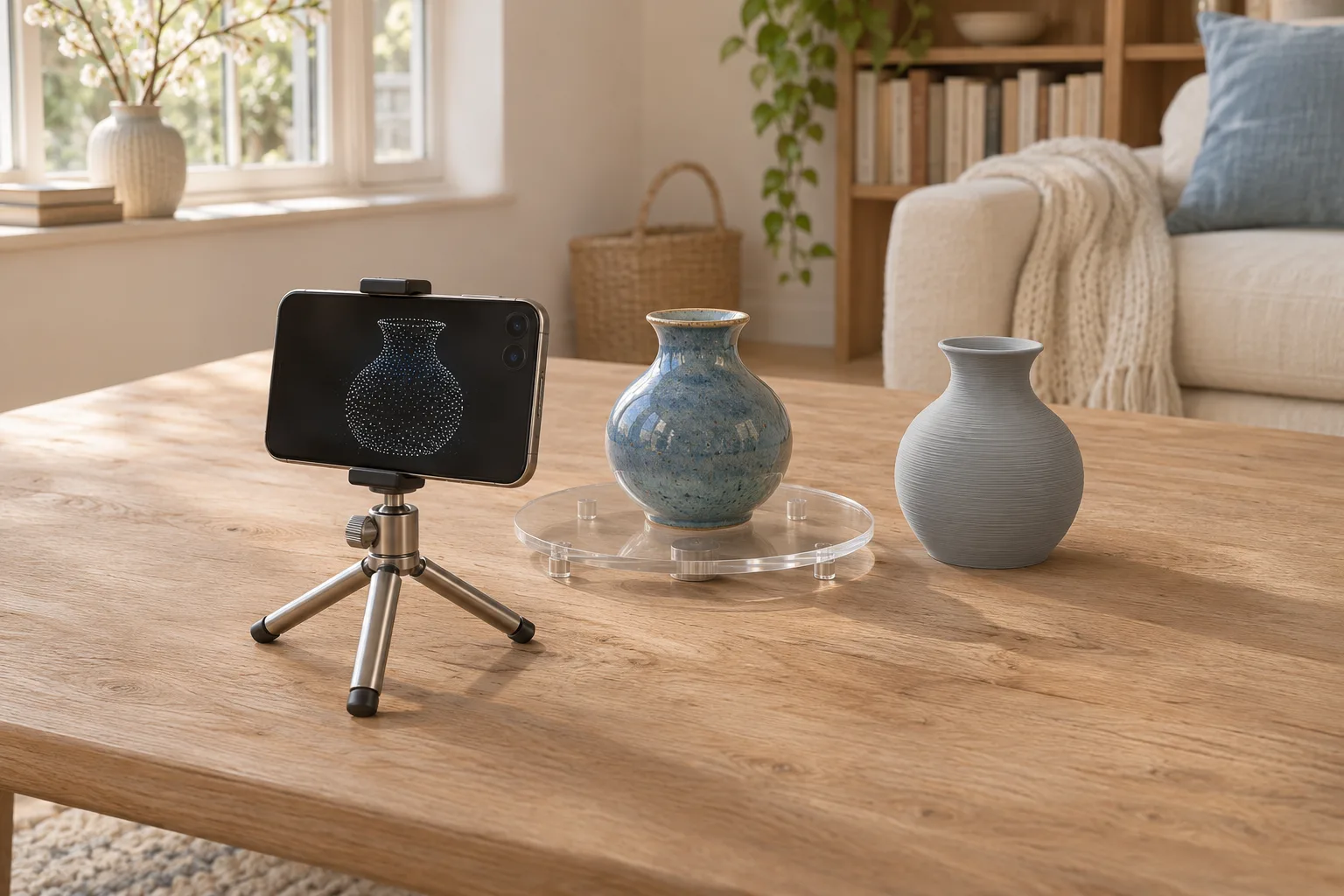
How to
Can you 3D scan with an iPhone? Yes, but not to tight tolerances
Yes. Any current iPhone can 3D scan objects from photos (photogrammetry), and KIRI Engine's free tier exports STL for printing. Only the iPhone 18 Pro and 18 Pro Max have LiDAR in Apple's current lineup. For parts that must fit, a $359 scanner is about ten times tighter.
Read story