How it scores
- Output quality25%7.5
Print quality is down to your inkjet and paper; the Joy Xtra's sensor reads Cricut's registration marks, including on colored paper and cardstock.
- Supply costs20%8.5
Takes any inkjet sticker paper or printable vinyl; Cricut's 50-sheet printable vinyl is 42¢ a sheet on sale, about 4¢ per 2-inch sticker plus ink.
- Ease of use and software20%7.5
Small and simple, but Print Then Cut means printing, loading a mat and cutting in Design Space, which needs an internet connection.
- Features and media15%6.0
Letter and A4 Print Then Cut up to about 7.4 x 9.9 inches on an 8.2 x 11.7-inch mat; no tabloid sheets or 12-inch materials.
- Reliability and lock-ins20%7.5
Design Space is free and Cricut Access ($9.99 a month) is optional; open supplies from any brand.
Overall 7.5/10, the weighted average.How we score →
Is the Cricut Joy Xtra worth it for stickers?
Yes, if letter-size sticker sheets are all you need. At $129 at Cricut in November 2026 (list $179), the Joy Xtra is the cheapest Cricut that does Print Then Cut on a full letter sheet: you print stickers on your own inkjet, and the Joy Xtra reads the registration marks and cuts around each one. Cricut’s limit on letter paper is about 7.4 x 9.9 inches, room for twelve 2-inch stickers.
For $70 more, the Cricut Explore 5 ($199) cuts 12-inch materials and tabloid sticker sheets. If there’s any chance you’ll want bigger sheets or larger vinyl projects, buy the Explore 5 instead.
| Spec | Cricut Joy Xtra |
|---|---|
| Price (Cricut, Nov 2026) | $129 (list $179); Sticker Making Bundle $169 (list $219) |
| Mat | 8.2 x 11.7 in |
| Without a mat | Smart Materials up to 8.5 in x 4 ft |
| Print Then Cut | Letter and A4; about 7.4 x 9.9 in on letter |
| Colored paper | Print Then Cut works on colored paper and cardstock (Cricut) |
| Software | Cricut Design Space, free; internet needed |
| Connection | Bluetooth |
Source: Cricut’s product pages and help center, read November 25, 2026.
How does Print Then Cut work on the Joy Xtra?
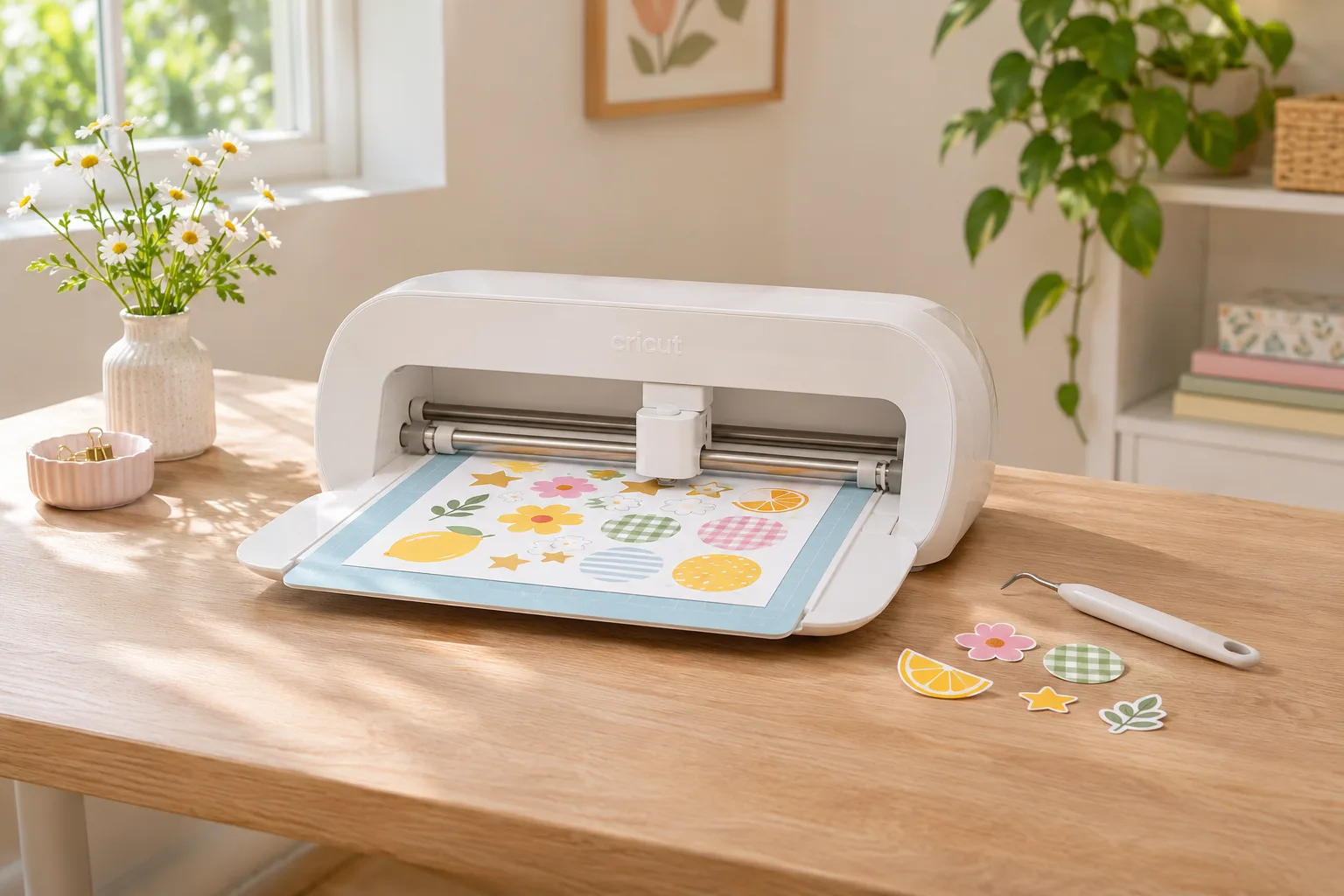
You lay out stickers in Design Space, which adds registration marks and sends the sheet to your printer. Put the printed sheet on the mat, load it, and the Joy Xtra’s sensor reads the marks and cuts around each design. With sticker paper or printable vinyl, it cuts through the sticker layer and leaves the backing, so you get a sheet of kiss-cut stickers.
It needs a color inkjet. Cricut says its standard printable materials are inkjet only, because a laser’s heat can damage them. Cricut lists its laser-printer vinyl for the Explore and Maker machines, not the Joy Xtra. See the best printers for Cricut.
How big can the Joy Xtra Print Then Cut?
About 7.4 x 9.9 inches on letter paper, and a little more on A4, by Cricut’s limits. Cricut notes a design that uses the full height may not be able to use the full width, so check the size Design Space shows. There’s no tabloid option: the mat is 8.2 x 11.7 inches.
How much does a sticker cost?
Less than with any all-in-one sticker printer, because you choose the paper. Cricut’s printable vinyl costs $20.99 for 50 sheets on sale (list $34.99), 42¢ to 70¢ a sheet. At twelve 2-inch stickers a sheet, that’s about 4¢ to 6¢ a sticker plus ink. Cheaper third-party vinyl and sticker paper work too.
Add a self-adhesive laminate sheet if the stickers will get wet, which adds about 4¢ to 9¢ a sticker. See how to make stickers at home.
Joy Xtra, Explore 5 or Joy 2?
| Joy Xtra | Explore 5 | Joy 2 | |
|---|---|---|---|
| Price (Cricut, Nov 2026) | $129 (list $179) | $199 | $99 |
| Mat | 8.2 x 11.7 in | 12 x 12 or 12 x 24 in | 4.2 x 6.2 or 4.2 x 11.7 in |
| Print Then Cut | Full letter sheet | Letter and tabloid | Half a letter sheet per cut |
| Laser printable vinyl | Not listed by Cricut | Yes | Not listed by Cricut |
The Joy 2 is $30 less, but Cricut says it can’t feed a full printable sheet: you trim each letter sheet in half and cut it on two mats. The Explore 5 is the better long-term buy if you might make larger sticker sheets, decals or anything 12 inches wide.
Joy Xtra or an all-in-one sticker printer?
The Liene PixCut S1 ($237.99) prints, laminates and cuts in one machine with no mats or registration marks. It’s easier, but it only makes 4x7-inch sheets on Liene’s own paper, at about 60¢ a sheet. The Joy Xtra needs a printer and more steps, but cuts bigger sheets on any inkjet paper for less per sticker. If you already own a color inkjet, the Joy Xtra is the cheaper way in.
Should you buy the Cricut Joy Xtra?
Buy it if you already have a color inkjet, want letter-size sticker sheets, cards and labels, and have limited desk space. Buy the Explore 5 if you want tabloid sheets or 12-inch vinyl. See the best sticker printers.
Questions people ask
Is the Cricut Joy Xtra worth it for stickers?
Yes, at $129, if letter-size sheets are enough. It does Print Then Cut up to about 7.4 x 9.9 inches. For tabloid sheets, the $199 Explore 5 is worth the extra.
Can the Cricut Joy Xtra do Print Then Cut?
Yes, on letter and A4 sheets, including colored paper and cardstock. The Joy 2 can only cut half a sheet at a time.
What printer do I need for the Cricut Joy Xtra?
Any color inkjet. Cricut’s standard printable materials are inkjet only, and an ink-tank model keeps sticker sheets cheap. See the best printers for Cricut.
Joy Xtra or Explore 5 for stickers?
The Explore 5 if you can spend $199: it adds 12-inch mats and tabloid Print Then Cut. The Joy Xtra is fine at $129 for letter-size sheets only.
Do I need Cricut Access for the Joy Xtra?
No. Design Space and Print Then Cut are free. Access ($9.99 a month) adds images, fonts and AI tools.
Can the Joy Xtra cut vinyl stickers?
Yes. It cuts inkjet printable vinyl and sticker paper on its mat, and Smart Materials up to 8.5 inches wide and 4 feet long without one.
Key specifications
| Feature | Cricut Joy Xtra | Cricut Explore 5 |
|---|---|---|
| Type | Cutting machine | Cutting machine |
| Media | Printable vinyl, sticker paper, cardstock | Printable vinyl, sticker paper, cardstock, HTV |
| Max size | 8.2 x 11.7 in mat | 12 x 24 in mat |
| Connection | Bluetooth | Bluetooth, USB |
| Where to buy | Check price at Amazon | Check price at Amazon |
Cricut Joy Xtra
- Type
- Cutting machine
- Media
- Printable vinyl, sticker paper, cardstock
- Max size
- 8.2 x 11.7 in mat
- Connection
- Bluetooth
Cricut Explore 5
- Type
- Cutting machine
- Media
- Printable vinyl, sticker paper, cardstock, HTV
- Max size
- 12 x 24 in mat
- Connection
- Bluetooth, USB
Sources
- Cricut Joy Xtra product page, cricut.com
- Cricut Explore 5 product page, cricut.com
- Cricut Joy 2 product page, cricut.com
- Cricut Printable Vinyl, 50 sheets, cricut.com
- Cricut Access free trial, cricut.com
- Cricut Print Then Cut sizes, thecountrychiccottage.net
Keep exploring

Buying guide
The best color label printers for product labels
The Epson ColorWorks CW-C4000 is the best color label printer for product labels: pigment CMYK ink at up to 1200 dpi, rolls up to 4.25 inches wide, 4 inches a second and BS 5609 certification on Kimdura poly, for $2,499 at CDW in November 2026. Get the Primera LX610 ($2,695) to print and cut custom shapes, or the Primera LX500 ($1,549) on a budget.
Read story
Buying guide
The best edible printers for cakes and cookies
The best edible printer for cakes is a new Canon PIXMA TS702a bought in an edible ink bundle: $295 to $299 in November 2026, for letter and legal-size frosting sheets at about $1 to $3 a cake topper. For printing straight onto cookies, the Primera Eddie is $2,995 and uses about 6¢ of ink per cookie.
Read story