The quick answer
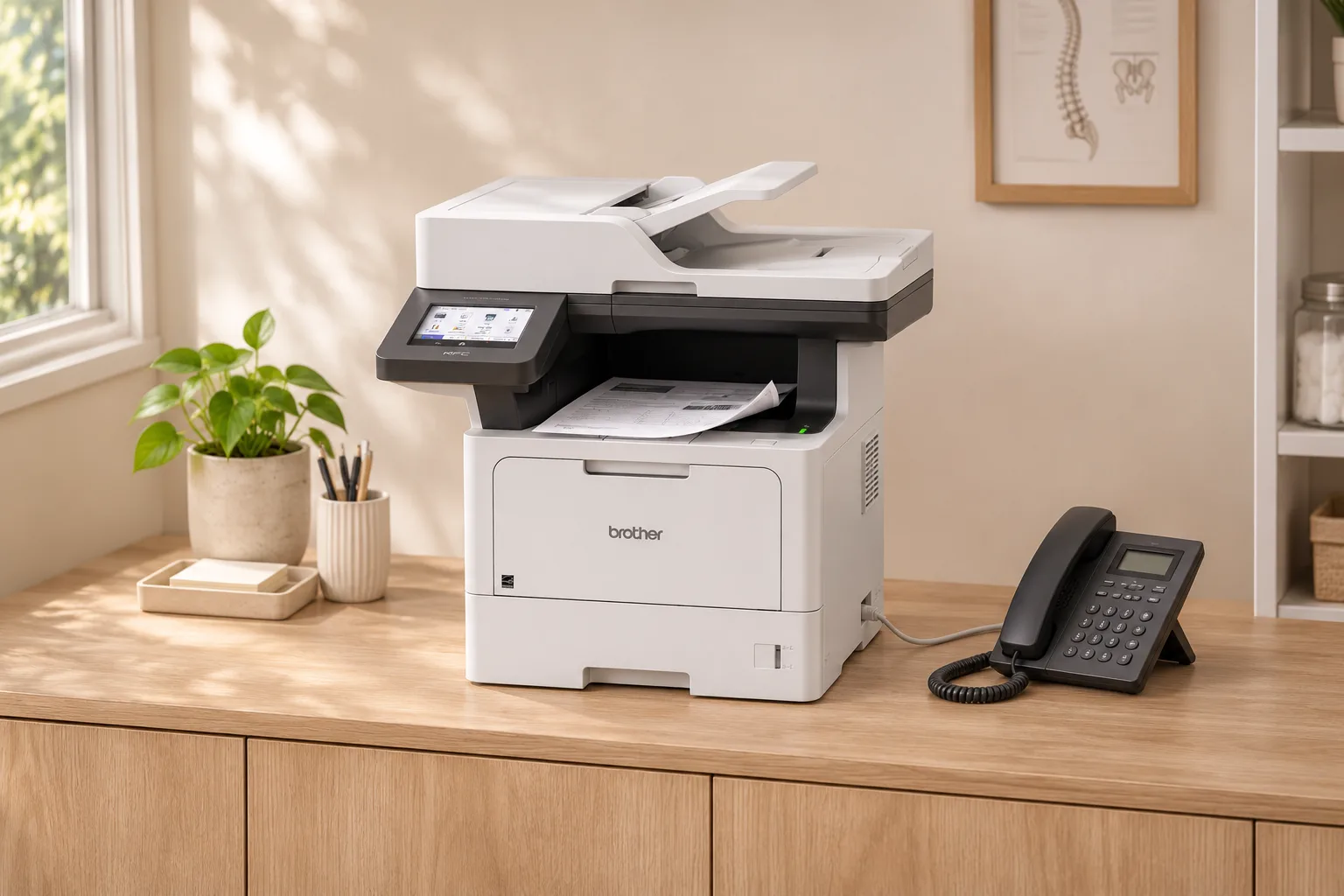
The best all-in-one printer with fax is the Brother MFC-L5915DW ($589.99): 500 pages of fax memory, two-sided faxing from a 70-sheet feeder, PC-Fax and forwarding of incoming faxes to email or a network folder. On a budget, the Brother MFC-L2820DW ($279.99) faxes with 400 pages of memory. For color, get the Brother MFC-L3780CDW laser or the Epson ET-4950 ink tank at about 1.1¢ a color page. Analog fax needs a phone line; Wi-Fi alone can't send one.
Our quick picks
Best ink tank with fax for a shared office
Canon MAXIFY MegaTank GX7120
Compare the picks
| Feature | Best printer with fax for an officeBrotherMFC-L5915DW | Best cheap laser with faxBrotherMFC-L2820DW | Best color laser with faxBrotherMFC-L3780CDW | Best for a Mac office that faxesCanonColor imageCLASS MF753Cdw II | Best ink tank with faxEpsonEcoTank ET-4950 | Best ink tank with fax for a shared officeCanonMAXIFY MegaTank GX7120 | Cheapest printer with faxEpsonWorkForce Pro WF-4930 |
|---|---|---|---|---|---|---|---|
| Type | Mono laser | Mono laser | Color LED laser | Color laser | Ink tank inkjet | Ink tank inkjet | Cartridge inkjet |
| Functions | Print, scan, copy, fax | Print, scan, copy, fax | Print, scan, copy, fax | Print, scan, copy, fax | Print, scan, copy, fax | Print, scan, copy, fax | Print, scan, copy, fax |
| Document feeder | 70-sheet single-pass duplex ADF | 50-sheet ADF (one side) | 50-sheet single-pass duplex ADF | 50-sheet single-pass duplex ADF | 30-sheet ADF (auto two-sided scanning) | 50-sheet single-pass duplex ADF | 50-sheet ADF (auto two-sided scanning) |
| Auto duplex printing | Yes | Yes | Yes | Yes | Yes | Yes | Yes |
| Color printing | No | No | Yes | Yes | Yes | Yes | Yes |
| Where to buy | Check price at Amazon | Check price at Amazon | Check price at Amazon | Check price at Amazon | Check price at Amazon | Check price at Amazon | Check price at Amazon |
Best printer with fax for an office
Brother MFC-L5915DW
- Type
- Mono laser
- Functions
- Print, scan, copy, fax
- Document feeder
- 70-sheet single-pass duplex ADF
- Auto duplex printing
- Yes
- Color printing
- No
Best cheap laser with fax
Brother MFC-L2820DW
- Type
- Mono laser
- Functions
- Print, scan, copy, fax
- Document feeder
- 50-sheet ADF (one side)
- Auto duplex printing
- Yes
- Color printing
- No
Best color laser with fax
Brother MFC-L3780CDW
- Type
- Color LED laser
- Functions
- Print, scan, copy, fax
- Document feeder
- 50-sheet single-pass duplex ADF
- Auto duplex printing
- Yes
- Color printing
- Yes
Best for a Mac office that faxes
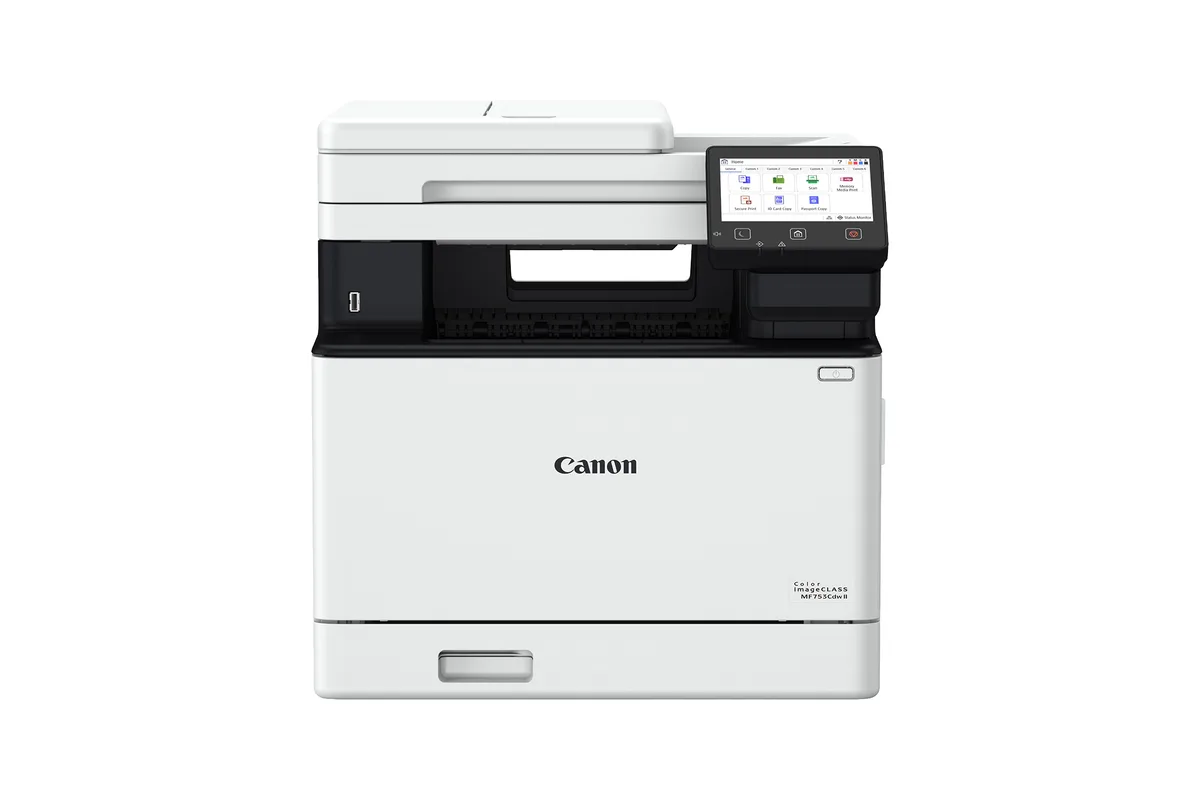
Canon Color imageCLASS MF753Cdw II
- Type
- Color laser
- Functions
- Print, scan, copy, fax
- Document feeder
- 50-sheet single-pass duplex ADF
- Auto duplex printing
- Yes
- Color printing
- Yes
Best ink tank with fax
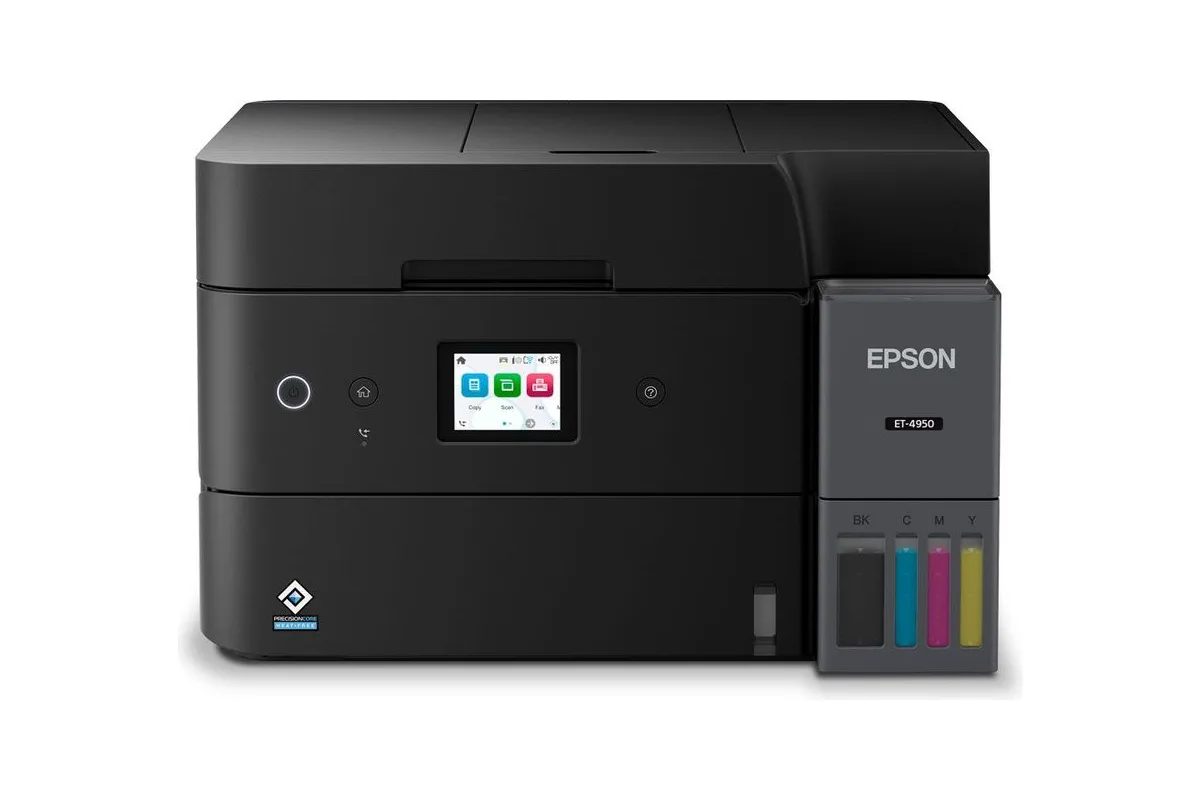
Epson EcoTank ET-4950
- Type
- Ink tank inkjet
- Functions
- Print, scan, copy, fax
- Document feeder
- 30-sheet ADF (auto two-sided scanning)
- Auto duplex printing
- Yes
- Color printing
- Yes
Best ink tank with fax for a shared office
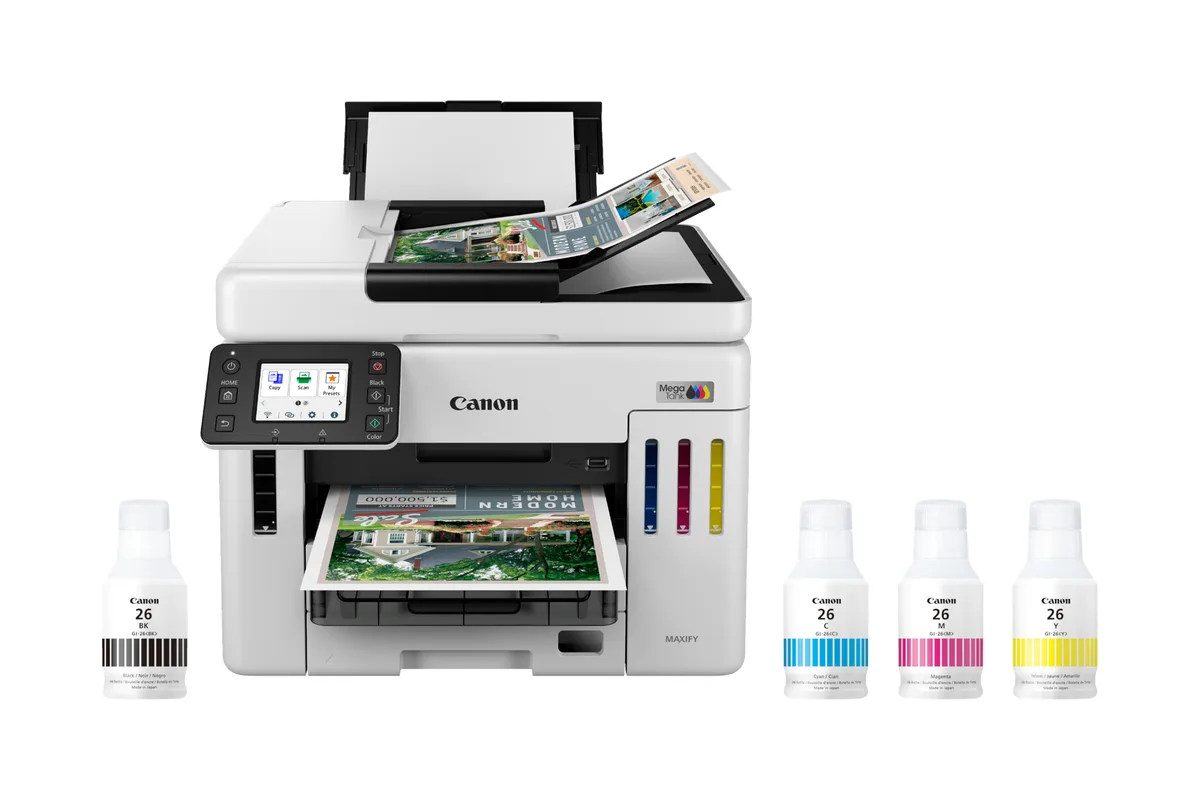
Canon MAXIFY MegaTank GX7120
- Type
- Ink tank inkjet
- Functions
- Print, scan, copy, fax
- Document feeder
- 50-sheet single-pass duplex ADF
- Auto duplex printing
- Yes
- Color printing
- Yes
Cheapest printer with fax
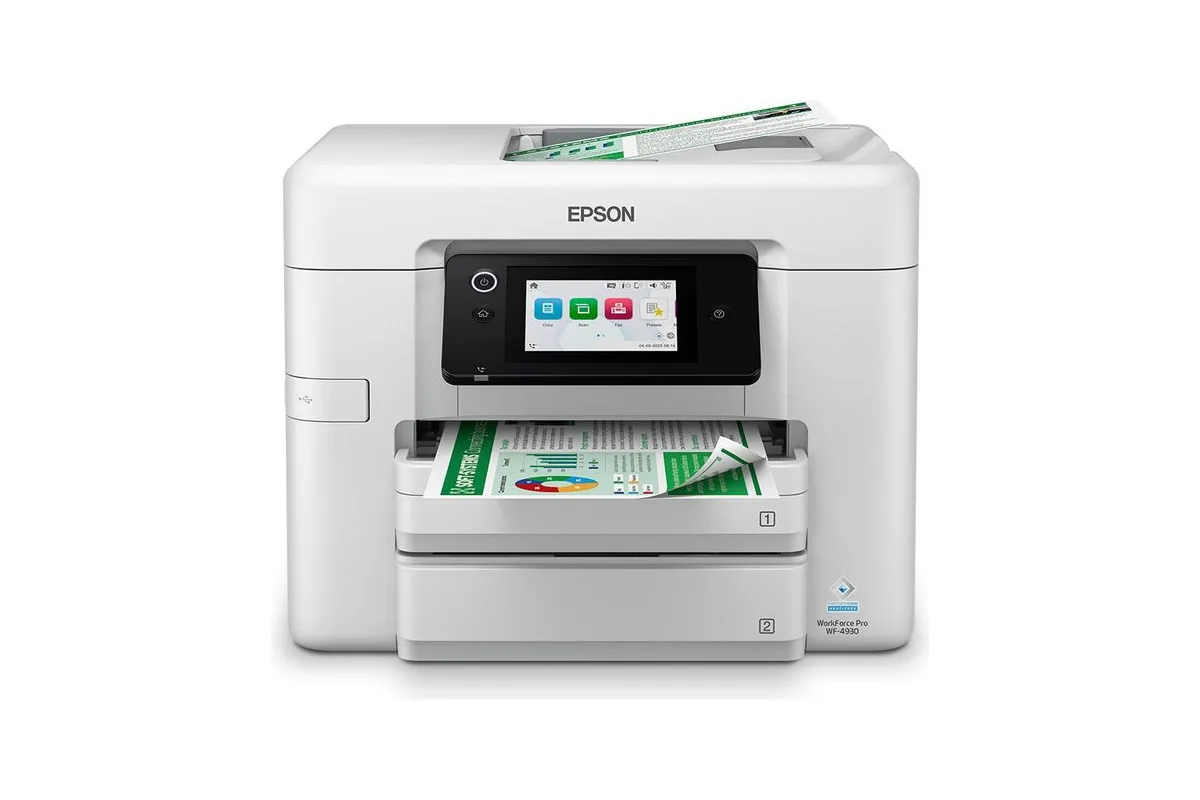
Epson WorkForce Pro WF-4930
- Type
- Cartridge inkjet
- Functions
- Print, scan, copy, fax
- Document feeder
- 50-sheet ADF (auto two-sided scanning)
- Auto duplex printing
- Yes
- Color printing
- Yes
01Best printer with fax for an office
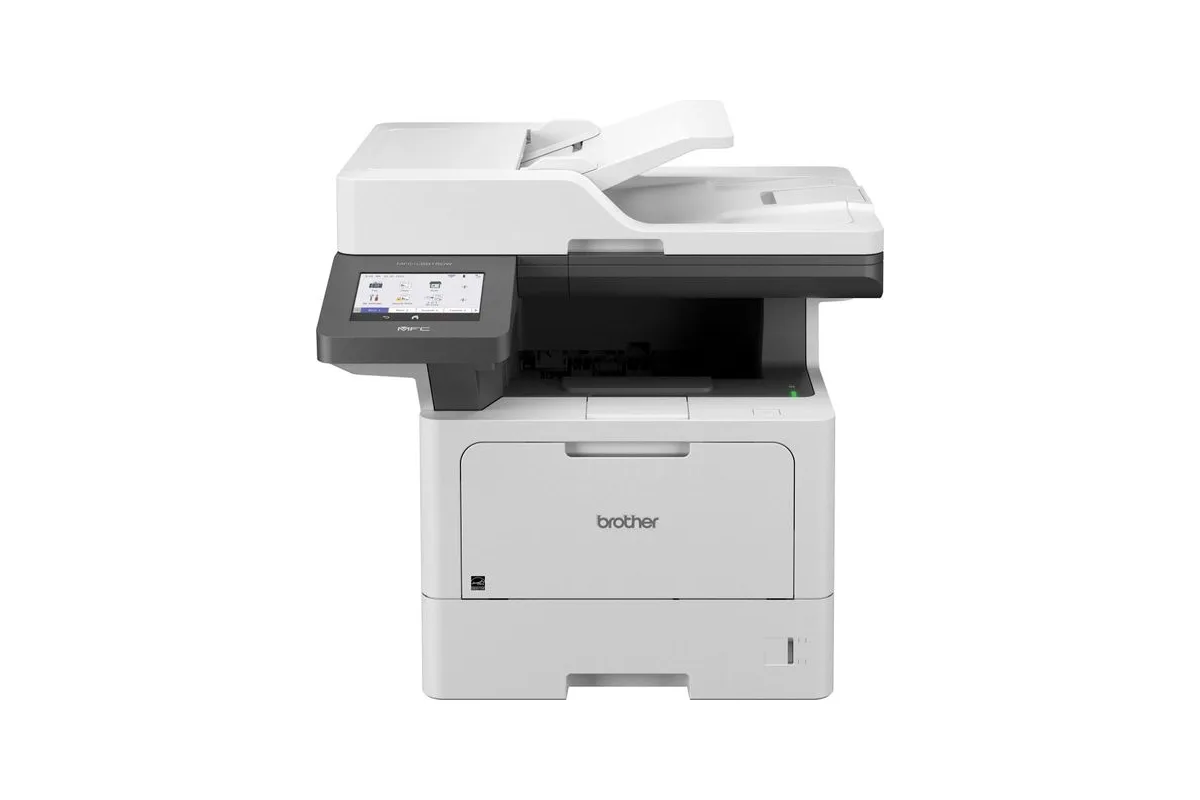
Brother MFC-L5915DW
A 50 ppm black-and-white laser all-in-one with a 70-sheet single-pass duplex feeder and fax that costs about 1.9¢ a page with Brother's 18,000-page TN920UXXL toner and the drum.
For an office that faxes every day, the MFC-L5915DW has every fax feature that matters. It holds 500 pages in fax memory, faxes both sides of a page from its 70-sheet single-pass feeder, sends from your PC with PC-Fax, and can forward incoming faxes to email, a network folder or cloud storage so they don't sit in the output tray. It also supports Internet Fax, which sends over email instead of a phone line.
It's a 50 ppm black-and-white laser at about 1.9¢ a page with TN920UXXL toner and the drum at Brother's November 2026 prices, with Secure Print and Secure Function Lock for shared offices. It's $589.99 at Brother and Amazon. Read our [MFC-L5915DW review](/reviews/brother-mfc-l5915dw-review).
Good for
- Prints and copies up to 50 ppm, and the 70-sheet document feeder scans both sides at once at up to 60 images per minute
- Takes the 18,000-page TN920UXXL toner: about 1.3¢ a page for toner, or 1.9¢ with the 45,000-page drum, at Brother's November 2026 prices
- Secure Print, Secure Function Lock and 802.1x, plus scan to email, network folder, SharePoint, FTP, SFTP and cloud services from a 5-inch touchscreen
Consider
- The standard tray holds only 250 sheets; a 520-sheet LT-6505 tray adds $247.79 at Brother's November 2026 prices
- One-year warranty, and Mac printing and scanning go through AirPrint because Brother provides no Mac drivers
02Best cheap laser with fax
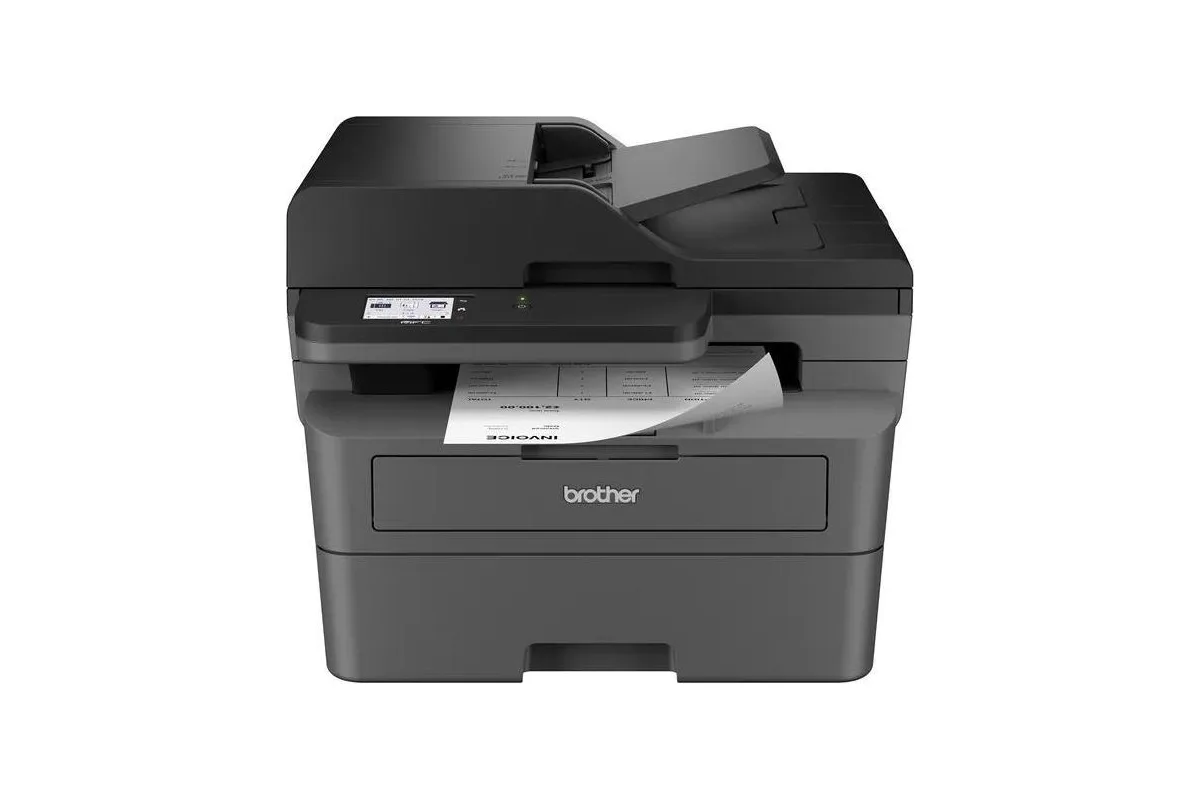
Brother MFC-L2820DW
A black-and-white laser all-in-one that adds a 50-sheet document feeder, flatbed, fax and touchscreen to the same cheap supplies as the HL-L2460DW.
If you fax a few times a month, the MFC-L2820DW does it for $279.99 at Brother in November 2026. It holds 400 pages in fax memory, sends from a PC in black and white with PC-Fax, and adds a 50-sheet feeder, flatbed and 2.7-inch touchscreen to a laser that costs about 4¢ a page.
Its feeder scans and faxes one side only, so two-sided forms mean feeding them twice or using the glass. Brother's MFC-L2900DW adds a single-pass duplex feeder for $329.99. Read our [MFC-L2820DW review](/reviews/brother-mfc-l2820dw-review).
Good for
- Among the best black-and-white printers and mid-range lasers
- 50-sheet document feeder, flatbed scanner, fax and a 2.7-inch color touchscreen
- Uses the same TN830 toner and DR830 drum as Brother's print-only HL-L2460DW
Consider
- The document feeder scans one side only, so two-sided originals mean flipping pages
- The MFC-L2900DW adds a single-pass duplex feeder for about $50 more
03Best color laser with fax
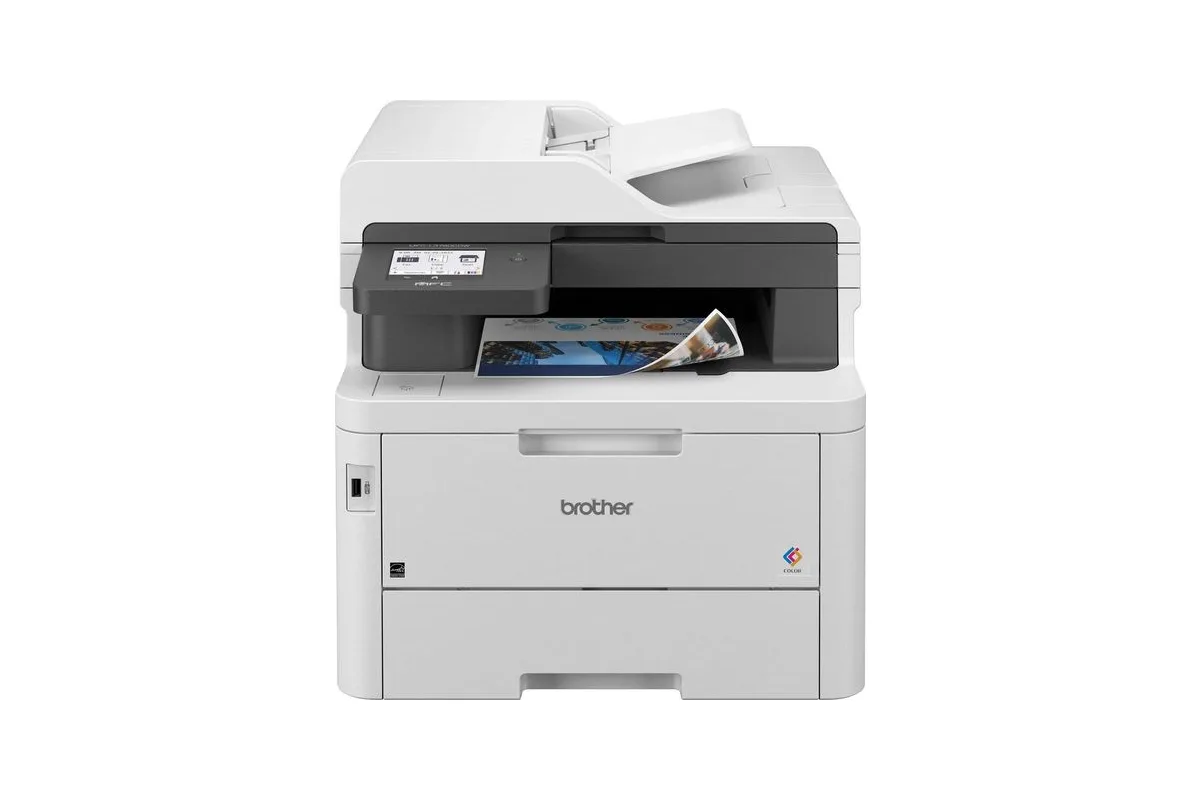
Brother MFC-L3780CDW
A color LED laser all-in-one with a single-pass duplex document feeder, near top-tier text, and the lowest color costs in its class with XXL toner.
For color printing and fax in one laser, the MFC-L3780CDW is the value pick. It has 500 pages of fax memory, a 50-sheet single-pass duplex feeder for two-sided faxing, and PC-Fax send and receive in black and white. Incoming faxes can be forwarded to email or the cloud through Brother's apps.
Pages cost about 4.2¢ black and 16.3¢ color with XXL toner and parts at Brother's November 2026 list prices. It's $569.99 at Brother in November 2026. Read our [MFC-L3780CDW review](/reviews/brother-mfc-l3780cdw-review).
Good for
- Among the best mainstream color lasers
- 50-sheet single-pass duplex document feeder that scans both sides at once
- XXL toner options keep color pages around 15¢ at Brother's October 2026 prices
Consider
- The 30-sheet multipurpose tray is small for batches of envelopes or labels
- Slow to warm up and slower over Wi-Fi, and Canon's MF665Cdw edges it out overall
04Best for a Mac office that faxes
Canon Color imageCLASS MF753Cdw II
A 35 ppm color laser all-in-one with a 50-sheet single-pass duplex feeder, a 50-sheet multipurpose tray, fax and a three-year warranty, at about 17.3¢ a color page with 069H toner.
The MF753Cdw II is the fax pick for an office of Macs. Canon says AirPrint sends faxes from a Mac as well as printing and scanning, and PCs can fax through Canon's fax driver. Memory Lock holds incoming faxes in memory until someone enters a PIN, which keeps a patient's records off the output tray, and faxes can be forwarded.
Canon doesn't state the fax memory. The 50-sheet feeder scans both sides in one pass, and color pages cost about 17.3¢ with 069H toner. It's $436.99 at Canon and $436.00 at Amazon in November 2026, with a three-year warranty. Read our [MF753Cdw II review](/reviews/canon-imageclass-mf753cdw-ii-review).
Good for
- 35 ppm in black and color, with a 50-sheet feeder that scans both sides in one pass at up to 100 images a minute
- A real 50-sheet multipurpose tray for envelopes, labels and paper up to 200 gsm, plus an optional 550-sheet drawer for 850 sheets
- Three-year exchange/carry-in warranty, PIN secure print, Department ID page limits, 802.1X and TLS 1.3
Consider
- Color pages cost about 17.3¢ with 069H toner and 28.2¢ with standard 069 at Canon's November 2026 prices; a full 069H set is $1,011.96
- Big at 48.5 lb, Wi-Fi is 802.11b/g/n only, and it can't print 11x17
05Best ink tank with fax
Epson EcoTank ET-4950
An EcoTank all-in-one with fax, Ethernet, a 250-sheet tray and a 30-sheet document feeder that scans both sides, at about 0.3¢ a black page with Epson 502 bottles.
For a home office or one-person business, the ET-4950 has the cheapest pages of any printer with fax: about 0.3¢ black and 1.1¢ color with Epson 502 bottles at Epson's November 2026 prices. It faxes in black and color with 100 pages of memory and 100 speed dials, and can send incoming faxes to email or a folder.
Its 30-sheet feeder scans both sides automatically by flipping each sheet. It's $359.99 on sale at Epson and Amazon in November 2026 (list $499.99), with a one-year warranty. Read our [ET-4950 review](/reviews/epson-et-4950-review).
Good for
- About 0.3¢ a black page and 1.1¢ a color page with 502 bottles at Epson's November 2026 prices
- Ink in the box rated for up to 6,600 black and 5,500 color pages, which Epson calls up to three years
- Fax with fax to email and folder, Ethernet, dual-band Wi-Fi, and AirPrint, Mopria and ChromeOS support
Consider
- Rated 18 ppm black and 9 ppm color, and just 7 ppm black when printing both sides
- A single 250-sheet tray and a 1-year warranty, half the EcoTank Pro models' two years
06Best ink tank with fax for a shared office
Canon MAXIFY MegaTank GX7120
A pigment-ink MegaTank all-in-one with fax, a 50-sheet single-pass duplex feeder and 600 sheets of paper capacity, at about 0.5¢ a black page with GI-26 ink.
For a shared office that prints color and faxes, the GX7120 holds about 250 pages of fax memory, stores 100 recipients, broadcasts to 101 destinations, faxes in color, saves incoming faxes to a folder, and keeps a rejected-number list for junk faxes. Macs can fax to it over AirPrint.
It costs about 0.5¢ black and 1.3¢ color with GI-26 ink, and its 50-sheet feeder scans both sides in one pass. It's $599.99 at Canon and $599.00 at Amazon in November 2026, with a 3-year or 80,000-page warranty. See [the best ink tank printers for an office](/buying-guides/best-ink-tank-printers-for-office).
Good for
- About 0.5¢ a black page and 1.3¢ a color page with GI-26 bottles at Canon's November 2026 prices, with a full set of ink in the box
- Two 250-sheet cassettes plus a 100-sheet rear tray, and a 50-sheet single-pass duplex feeder
- Three-year or 80,000-page warranty, Ethernet, dual-band Wi-Fi and a 45,000-page monthly duty cycle
Consider
- Slower than a laser: Canon rates it at 24 ipm black and 15.5 ipm color
- Envelopes go in the rear tray only, 10 at a time, and the touchscreen is a small 2.7 inches
07Cheapest printer with fax
Epson WorkForce Pro WF-4930
The WF-4830's replacement: a cartridge all-in-one rated at 25 ppm black with two 250-sheet trays, a 50-sheet document feeder that scans both sides, fax and Ethernet.
At $149.99 at Epson and Amazon in November 2026 (list $279.99), the WF-4930 is the cheapest office all-in-one with fax. It holds 180 pages in fax memory, has 100 speed dials and PC-Fax, and adds two 250-sheet trays and a 50-sheet feeder that scans both sides.
Its ink is expensive at about 4.8¢ black and 14.7¢ color with 842XL cartridges, and Epson says it takes only genuine cartridges. Buy it if you fax and scan more than you print. Read our [WF-4830 review](/reviews/epson-wf-4830-review), which covers the WF-4930.
Good for
- Two 250-sheet trays (500 sheets), a 4.3-inch touchscreen and a 1,600-page recommended monthly volume
- 50-sheet document feeder with two-sided scanning, fax, Ethernet, and scan to email or a network folder from the panel
- $149.99 on sale at Epson and Amazon in November 2026 (list $279.99)
Consider
- About 4.8¢ a black page and 14.7¢ a color page with 842XL cartridges at Epson's November 2026 prices
- Epson says it works only with genuine Epson cartridges, and the warranty is 1 year
How to choose
What you print
Mostly black text suits a mono laser. Color documents and the occasional photo suit an ink tank or inkjet.
Running costs
Compare cost per page rather than cartridge prices. Ink tanks and lasers cost more upfront and far less over time.
Ink and account terms
Check whether the printer blocks third-party ink or toner, or requires an account or subscription to work.
Do small businesses still need a fax machine?
Most don’t need a standalone fax machine, but many still need to fax now and then, and an office all-in-one handles it for no real extra cost. Every pick on this page prints, scans, copies and faxes, starting at $149.99.
You’ll want fax if the people you deal with ask for it:
- Healthcare. HHS says the HIPAA Privacy Rule lets a physician’s office fax patient information to another provider for treatment, with reasonable safeguards such as confirming the fax number and keeping the machine in a secure location.
- Legal, insurance, real estate and government forms, where a counterparty or agency lists a fax number for submissions.
- Signed documents sent to an office that hasn’t switched to e-signatures.
If none of that applies, scanning to email or a shared folder replaces fax, and you can skip the phone line. Our scan to email and cloud guide shows how.
Analog fax or an online fax service?
Analog fax if you send or receive several a week and have a phone line; an online service if you fax rarely or have no landline.
| Analog fax (built into the printer) | Online fax service | |
|---|---|---|
| How it sends | The printer’s fax modem (33.6 kbps on these models) over a phone line | You upload or email a PDF; the service dials out |
| How it receives | Prints, stores in memory, or forwards to email or a folder | Arrives as a PDF by email or in a web app |
| Needs | A phone line plugged into the printer | An internet connection and an account |
| Ongoing cost | The phone line | A monthly or per-page plan from the service |
| Works on Wi-Fi alone | No | Yes |
Phone lines. Plug a standard phone line into the printer’s line jack. Internet phone service is a gamble: Brother says its machines may not work with some VoIP systems and recommends switching the modem speed setting to “Basic (for VoIP).”
Online fax. Services charge a monthly fee for a fax number and a page allowance. Plans and prices vary, so compare them on each service’s own site; we haven’t listed them here. With one, your printer only has to scan to PDF, so any all-in-one works. If you fax health records, check that the service fits your HIPAA obligations.
“Fax” doesn’t always mean a phone line. Lexmark’s discontinued MC3426i offered cloud fax only and, in Lexmark’s words, “Analog faxing via phone line is not supported.” The CX431adw, built on the same chassis, adds analog fax. Brother’s and Canon’s “Internet Fax” or “I-Fax” sends over email, not a phone line. Check for a phone-line fax modem (33.6 kbps, Super G3) in the specs.
Which printers have fax, and how much memory?
Here are the office all-in-ones we checked, with each maker’s fax specs and price on November 25, 2026. Fax memory is the number of pages the printer can hold when it runs out of paper or toner, or while a fax waits for release; Brother counts pages on the ITU-T No. 1 test chart at standard resolution.
| Printer | Fax memory | Feeder scans both sides | PC-Fax | Forward to email or folder | Price |
|---|---|---|---|---|---|
| Epson EcoTank Pro ET-5800 | 550 pages | Yes | Send and receive | Not listed | $549.99 sale |
| Brother MFC-L5915DW | 500 pages | Yes (single pass) | Send and receive (receive not on Mac) | Email, folder, cloud | $589.99 |
| Brother MFC-L8930CDW | 500 pages | Yes (single pass) | Yes | Email, folder | $699.99 |
| Brother MFC-L5710DW | 500 pages | Yes (single pass) | Yes | Not listed | $499.99 |
| Brother MFC-L3780CDW | 500 pages | Yes (single pass) | Black and white | Email, cloud | $569.99 |
| HP Color LaserJet Pro 4301fdw | 500 pages | Yes (single pass) | Yes | Not listed | $659 sale |
| Brother MFC-L2820DW | 400 pages | No (one side only) | Black and white | Not listed | $279.99 |
| HP LaserJet Pro 4101fdw | 400 pages | Yes (single pass) | Yes | Email, folder | $459 sale, out of stock |
| Canon MAXIFY GX7120 | About 250 pages | Yes (single pass) | Mac via AirPrint | Folder | $599.99 |
| Canon MAXIFY GX4020 | About 250 pages | No (one side only) | Mac via AirPrint | Folder | $449.99, backordered |
| Epson WF-4930 | 180 pages | Yes | Send and receive | Not listed | $149.99 sale |
| Epson ET-4950 | 100 pages | Yes | Send and receive | Email, folder | $359.99 sale |
| HP OfficeJet Pro 9135 | 100 pages | Yes (single pass) | Not checked | Not checked | $429.99 |
| Xerox C325 | 18 MB (pages not stated) | Yes (single pass) | Not checked | Email, FTP, folder | $749 after rebate |
| Canon MF753Cdw II | Not stated | Yes (single pass) | Fax driver; AirPrint from a Mac | Yes | $436.99 |
| Canon MF465dw II | Not stated | Yes (single pass) | Yes | Yes | $302.99 |
No fax: the HP OfficeJet Pro 9730 Wide Format (HP lists print, copy and scan only; Amazon’s title is wrong), Brother’s print-only HL-L2460DW and HL-L5210DW, and Canon’s MF751Cdw II, which is the MF753Cdw II without fax and with a one-sided feeder.
Which fax features matter in an office?
Four do, in this order:
- Fax forwarding to email or a folder. Incoming faxes become PDFs in an inbox or shared folder, so nobody has to check the tray and confidential pages don’t sit in the open. The Brother MFC-L5915DW, MFC-L8930CDW and Epson ET-4950 do this from the printer.
- A feeder that scans both sides. Brother lists duplex fax on the MFC-L5915DW and MFC-L3780CDW. On a one-sided feeder, like the MFC-L2820DW’s or the GX4020’s, two-sided forms need flipping.
- Fax memory. It holds incoming faxes when the printer is out of paper or toner. Five hundred pages is plenty for a small office; 100 pages suits a home office.
- PC-Fax. Sends a document from your computer’s print dialog without printing it first. On Brother’s lasers, receiving to a PC isn’t supported on a Mac; Canon’s AirPrint fax covers Macs.
For medical and legal offices, add received-fax security: Canon’s Memory Lock holds faxes until someone enters a PIN, and blocked-number lists on the HP 4301fdw and Canon GX7120 cut junk faxes. Our office printer security guide covers the rest.
How we chose
We started with the fax all-in-ones small offices ask about, then compared the makers’ own fax specs, feeders, running costs and November 25, 2026 prices. We haven’t tested these printers ourselves; see how we score.
Also consider
- Canon imageCLASS MF465dw II ($302.99): a single-pass duplex feeder and fax for $23 more than the MFC-L2820DW, though Canon doesn’t state its fax memory.
- Brother MFC-L8930CDW ($699.99): the same fax features as the MFC-L5915DW in a color laser with a faster 80-sheet feeder. Read our MFC-L8930CDW review.
- Setting it up: our office printer setup guide covers network sharing alongside the phone line.
- Scanning first? See the best printers for scanning. Every office pick is in the best small office printers.
Questions people ask
Can a printer fax over Wi-Fi?
Not on its own. A printer’s built-in fax needs a phone line plugged into its line jack; Wi-Fi only carries print and scan jobs. To fax without a phone line, use an online fax service.
Can I fax without a landline?
Yes, with an online fax service, which sends and receives over the internet for a monthly fee. Brother says its fax machines may not work with some VoIP phone services.
Is faxing HIPAA compliant?
HHS says the Privacy Rule allows faxing patient information to another provider for treatment, as long as you use reasonable safeguards, such as confirming the number and keeping the fax machine in a secure place.
What is fax memory on a printer?
The number of pages it can store, for example incoming faxes while it’s out of paper. The Brother MFC-L5915DW holds 500 pages, the Epson ET-4950 100.
Does the HP OfficeJet Pro 9730 have fax?
No. HP lists it as print, copy and scan only. For an inkjet with fax, look at the HP OfficeJet Pro 9135 or the Epson ET-4950.
What is the cheapest printer with fax?
The Epson WF-4930 at $149.99 on sale in November 2026. For a laser, the Brother MFC-L2820DW at $279.99.
Sources
- Can a physician's office fax patient medical information to another physician's office? (HHS), hhs.gov
- Voice Over Internet Protocol (VoIP/Telephone Line Interference), Brother Online User's Guide, support.brother.com
- Brother MFC-L5915DW product page, Brother
- Brother MFC-L5915DW brochure, assets.brother.com
- Brother MFC-L2820DW product page, Brother
- Brother MFC-L2900DW product page, Brother
- Brother MFC-L3780CDW product page, Brother
- Brother MFC-L8930CDW product page, Brother
- Brother MFC-L5710DW product page, Brother
- Canon Color imageCLASS MF753Cdw II (Canon USA store), Canon
- MF753Cdw II User's Guide: fax specifications, oip.manual.canon
- MF753Cdw II User's Guide: restricting printing of received faxes (Memory Lock), oip.manual.canon
- Canon imageCLASS MF465dw II (Canon USA store), Canon
- Canon MegaTank GX7120 (Canon USA store), Canon
- GX7100 series online manual: specifications, ij.manual.canon
- Canon MAXIFY GX4020 (Canon USA store), Canon
- Epson EcoTank ET-4950 spec sheet, cdn.bfldr.com
- Epson EcoTank Pro ET-5800, Epson
- Epson WorkForce Pro WF-4930, Epson
- Epson WF-4930 spec sheet, cdn.bfldr.com
- HP Color LaserJet Pro MFP 4301-4303 series data sheet, smccd.edu
- HP LaserJet Pro MFP 4101 series data sheet, smccd.edu
- HP OfficeJet Pro 9135 (HP store), HP
- HP OfficeJet Pro 9730 Wide Format (HP store), HP
- Xerox C325 system specification, office.xerox.com
- Lexmark MC3426i, lexmark.com
- Lexmark CX431adw, lexmark.com
Keep exploring

Buying guide
The best barcode label printers
The Zebra ZD421 is the best barcode label printer for most businesses: 4-inch labels at 6 inches a second, any brand of label roll and a 24-month warranty, for about $480 to $526 in November 2026. Get the Brother QL-820NWBc ($229.99) for an office or shop counter, and a thermal transfer model for inventory labels that have to last.
Read story
Buying guide
The best check printers for a small business
The TROY 3001dw ($509.15 at TROY, $530 at Amazon in November 2026) is the best check printer for a small business: a 35 ppm Wi-Fi laser with MICR toner, rated for 350 to 2,500 checks a month, at about 5¢ to 7¢ per check three to a page by our estimate. Get the TROY 4001dn for a locking tray, or the VersaCheck M15 MXD ($399.99) for software in the box.
Read story