Printers in this guide
Cura or PrusaSlicer: which is better?
PrusaSlicer is the better pick for most people, and the only sensible one on a Prusa printer. Cura is the better pick on an UltiMaker printer, or if you want the most settings and a plugin marketplace. Both are free and open source, both run on Windows, macOS and Linux, and both slice well. What separates them is which printers they’re built around and how much they expose.
PrusaSlicer 2.9.7 (November 2, 2026) ships profiles for 35 printer makers, including Creality, Elegoo, Anycubic, Sovol, Snapmaker, Voron, Qidi and UltiMaker. It’s also the root of the family that Bambu Studio and OrcaSlicer grew from. UltiMaker Cura 5.14.0 (November 5, 2026) has “400+ customizable settings”, a Marketplace of plugins and third-party material profiles, and integrates with every UltiMaker product.
Cura vs PrusaSlicer at a glance
| UltiMaker Cura | PrusaSlicer | |
|---|---|---|
| Latest stable (Nov 28, 2026) | 5.14.0 (Nov 5) | 2.9.7 (Nov 2) |
| Next version | — | 3.0.0 in alpha (alpha 15, Nov 24; macOS and Linux builds only) |
| Price | Free | Free |
| License | LGPL-3.0 | AGPL-3.0 |
| Platforms | Windows (x64, ARM64), macOS (Intel, Apple Silicon), Linux AppImage | Windows, macOS, Linux |
| Lineage | UltiMaker’s own; outside the Slic3r family | Based on Slic3r; parent of Bambu Studio and OrcaSlicer |
| Bundled profiles | 706 printer and base definition files | 35 vendor bundles |
| Built for | UltiMaker printers and materials | Prusa printers (MK4S, CORE One, MINI+) |
| Extras | 400+ settings, plugin Marketplace, third-party material profiles | Prusa’s tuned profiles; same family as Bambu Studio and Orca |
| Default infill | 20% (base profile) | 15% (Prusa profiles) |
| Default pattern | Grid, switching to lines above 25% | Grid |
| Layer height limit | Warns above 0.8 × nozzle | Errors above the nozzle diameter; Prusa advises below 80% |
Versions from each project’s GitHub releases. Cura’s 706 definition files include base definitions, so they aren’t a count of printers. Defaults from Cura’s base printer definition and PrusaSlicer 2.9.7’s Prusa profiles; printer and quality profiles override them.
Why choose PrusaSlicer
- It’s built for Prusa printers. The MK4S, CORE One and MINI+ profiles in 2.9.7 come in named presets: 0.10 mm FAST DETAIL, and 0.15 mm and 0.20 mm in SPEED, STRUCTURAL and BALANCED versions. Prusa’s profiles always use a 0.20 mm first layer.
- Profiles for other makers. Its 35 vendor bundles cover most popular brands, including Anker, Anycubic, Creality, Elegoo, Sovol, Snapmaker, Voron and Qidi.
- It’s the family most slicers now come from. Bambu Studio is “based on PrusaSlicer”, and OrcaSlicer, Creality Print and ElegooSlicer descend from those. If you later get a Bambu, Creality or Elegoo printer, its slicer comes from the same family.
- It works offline. Prusa printers print over USB or through PrusaLink on your local network with no account; see Bambu Lab vs Prusa for how that compares.
Why choose Cura
- UltiMaker printers. Cura is UltiMaker’s own slicer, with “seamless integration with all UltiMaker products”.
- More knobs. UltiMaker counts “400+ customizable settings”, and its support pages document infill patterns from lines and grid to gyroid and lightning.
- Plugins. The Marketplace adds plugins and third-party material profiles.
- Wide printer list. Cura’s definitions folder has 706 printer and base definition files.
Do they print differently?
Their starting points differ more than their output. Prusa and UltiMaker give different advice on infill:
| Prusa | UltiMaker | |
|---|---|---|
| Default infill | 15% grid | 20% grid (base profile) |
| Maker advice | “Most models can be printed with 10-15% infill”; “rarely” above 30% | “Densities between 20% and 40% provide good strength-to-weight ratios” for many uses |
| What adds strength | “Mostly defined by the number of perimeters (not infill)” | “Two extra perimeters often add more strength than raising infill from 20% → 30%” |
| Layer height | Below 80% of the nozzle (about 0.32 mm on a 0.4 mm nozzle); not below 0.10 mm | Warning above 0.8 × nozzle; warning below 0.04 mm |
Both makers agree that walls do more for strength than infill, and both cap layer height at about 80% of the nozzle. One quirk: Cura’s base profile switches from grid to lines above 25% infill, a pattern UltiMaker’s own support page calls “weak”. UltiMaker says honeycomb is now the default in many UltiMaker printer profiles, especially for engineering intents. Our full settings guide: what infill and layer height to use.
Which should you use?
| Your printer | Use |
|---|---|
| Prusa MK4S, CORE One+, MINI+ | PrusaSlicer |
| UltiMaker | Cura |
| Creality, Elegoo, Anycubic, Sovol | Their own slicer first; otherwise PrusaSlicer or OrcaSlicer |
| Bambu Lab | Neither: Bambu Studio (see OrcaSlicer vs Bambu Studio) |
| You want plugins | Cura |
What about OrcaSlicer?
For many printers that aren’t Prusa or UltiMaker, OrcaSlicer 2.5.3 is worth trying before either. It’s free (AGPL-3.0), ships profiles for 69 brands (our count of its repository), draws from Bambu Studio and PrusaSlicer with “ideas inspired by CuraSlicer”, and has calibration tests built in. It also sends to PrusaLink printers. See the best 3D printing slicer for your printer.
Questions people ask
Is PrusaSlicer only for Prusa printers?
No. PrusaSlicer 2.9.7 ships profiles for 35 printer makers, including Creality, Elegoo, Anycubic, Voron and UltiMaker, and you can set up any filament printer by hand.
Is Cura still free?
Yes. UltiMaker says “UltiMaker Cura is free and open source software”, under LGPL-3.0. UltiMaker lists Digital Factory as a separate product.
Is Cura good for beginners?
Yes, if your printer has a Cura profile, because you start from settings made for your machine. The 400+ settings are there when you want to go further.
Is PrusaSlicer 3.0 out?
Not as a stable release. On November 28, 2026, the current version was 2.9.7, and 3.0.0 was at alpha 15 with macOS and Linux builds only.
Can I use Cura or PrusaSlicer with a Bambu Lab printer?
Use Bambu Studio or OrcaSlicer, which ship Bambu Lab profiles. Either way, on current Bambu firmware, starting a print from any software other than Bambu Studio goes through Bambu’s separate Bambu Connect app, Developer Mode or the microSD card. See can you use a Bambu Lab printer offline?
Sources
- UltiMaker Cura, ultimaker.com
- UltiMaker Cura releases (GitHub), api.github.com
- UltiMaker Cura base printer definition (fdmprinter.def.json), raw.githubusercontent.com
- UltiMaker support: infill settings, support.ultimaker.com
- UltiMaker: 3D printing infill density, ultimaker.com
- PrusaSlicer releases (GitHub), api.github.com
- PrusaSlicer 2.9.7 Prusa Research profiles, raw.githubusercontent.com
- Prusa Knowledge Base: layers and perimeters, help.prusa3d.com
- Prusa Knowledge Base: infill, help.prusa3d.com
- Prusa Research: open source at Prusa Research, prusa3d.com
- OrcaSlicer README, raw.githubusercontent.com
Keep exploring
How to
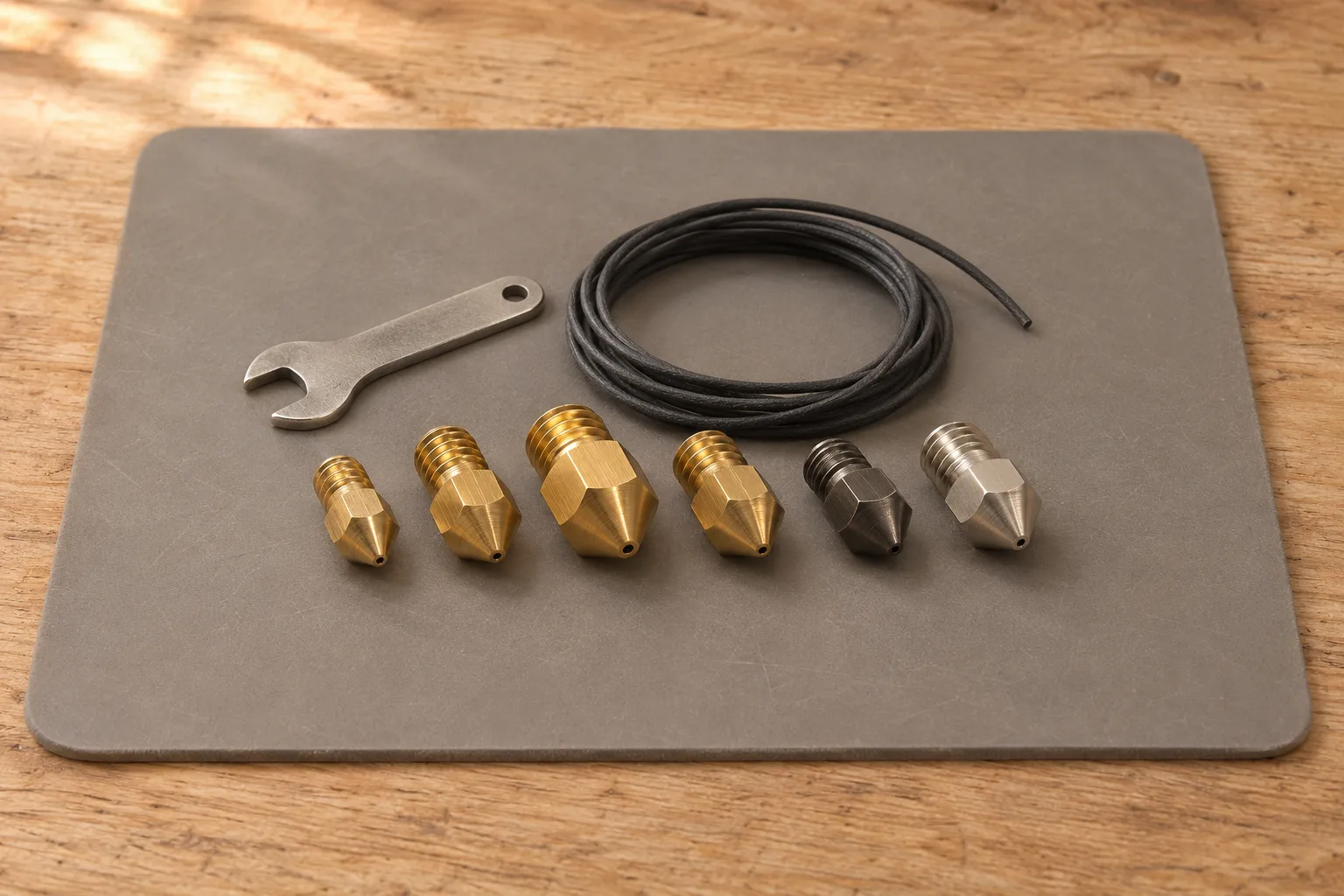
Hardened steel vs brass nozzles, and what nozzle size to use
Brass, or the stainless steel Bambu ships on the A1, is fine for PLA, PETG, ABS, ASA and TPU. Carbon fiber, glass fiber, glow-in-the-dark and sparkle filaments need hardened steel. Use a 0.4 mm nozzle for most prints, 0.6 mm for carbon fiber and big parts, and 0.2 mm for miniatures.
Read story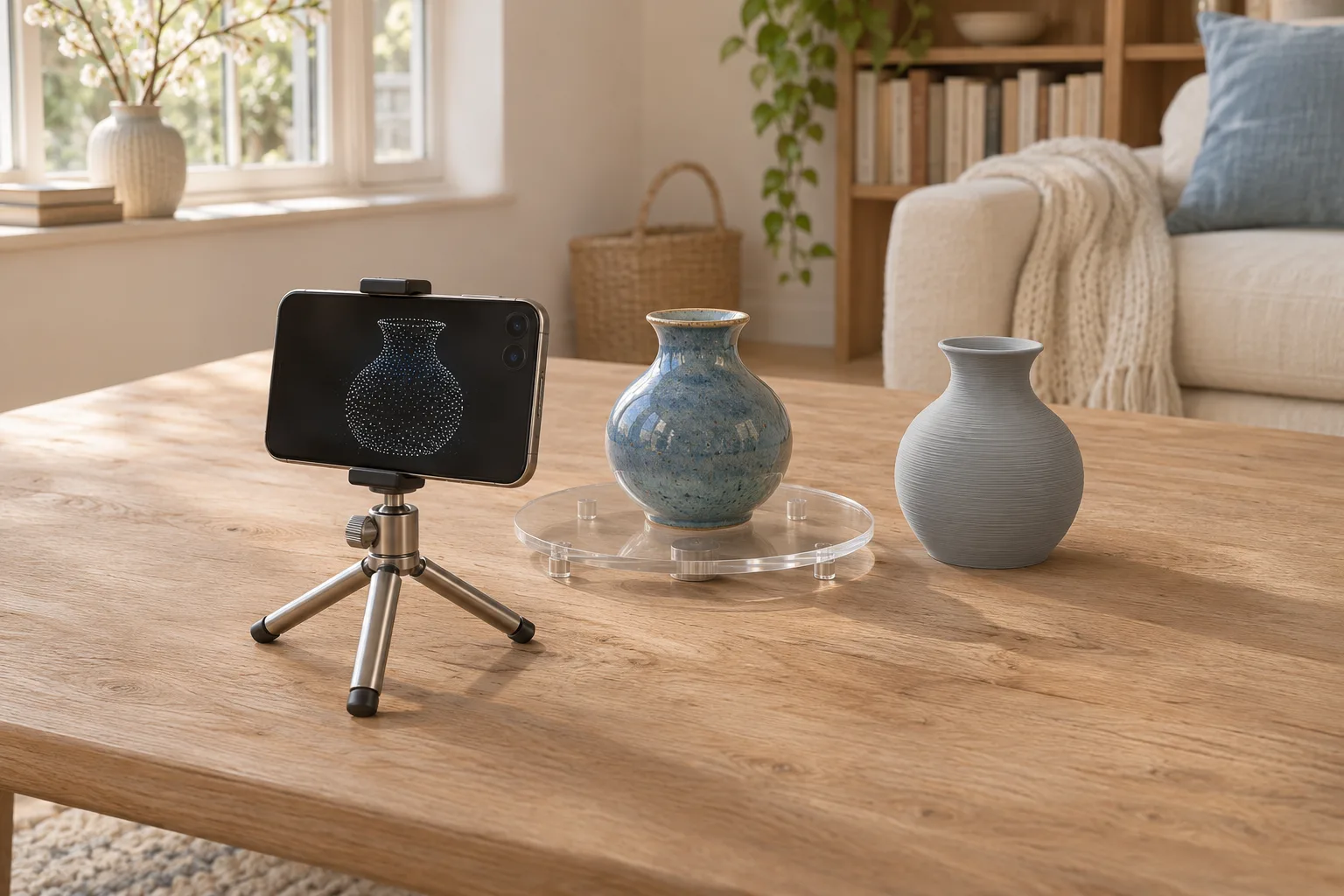
How to
Can you 3D scan with an iPhone? Yes, but not to tight tolerances
Yes. Any current iPhone can 3D scan objects from photos (photogrammetry), and KIRI Engine's free tier exports STL for printing. Only the iPhone 18 Pro and 18 Pro Max have LiDAR in Apple's current lineup. For parts that must fit, a $359 scanner is about ten times tighter.
Read story