Printers in this guide
OrcaSlicer or Bambu Studio: which is better?
If you only own Bambu Lab printers, use Bambu Studio. If you own other printers too, or want to tune every filament you buy, use OrcaSlicer. Both are free and open source, and they share the same base settings for Bambu printers. The real difference isn’t print quality; it’s how each one gets a print onto a Bambu printer.
Since Bambu’s January 2025 authorization firmware, Bambu Studio is the only slicer that can start a print on a Bambu printer directly over the network. OrcaSlicer has to hand the job to Bambu Connect, a separate Bambu app still in beta, or you put the printer in Developer Mode, which cuts it off from Bambu’s cloud. In return, Orca gives you a full calibration suite and profiles for 69 printer brands (our count of its repository) against Bambu Studio’s 12.
OrcaSlicer vs Bambu Studio at a glance
| OrcaSlicer | Bambu Studio | |
|---|---|---|
| Latest stable (Nov 28, 2026) | 2.5.3 (Nov 28) | 2.9.2 (Nov 24) |
| Price and license | Free, AGPL-3.0 | Free, AGPL-3.0 |
| Platforms | Windows (x64, ARM64), macOS, Linux (AppImage, Flatpak) | Windows, macOS, Linux |
| Printer brands with profiles | 69 (our count) | 12 |
| Starting a print on a Bambu printer | Through Bambu Connect (beta), Developer Mode or the microSD card | Directly, over LAN or cloud |
| Bambu cloud and remote printing | Only via Bambu Connect | Built in |
| Network printing | Bambu (via Bambu Connect), Klipper, PrusaLink, OctoPrint | Bambu printers, LAN and cloud |
| Headline features | Calibration suite, seams, multi-brand profiles | Multi-plate projects, AMS multicolor, remote control |
| Default for Bambu printers | 15% grid infill, 0.20 mm layers, 2 walls, 3 top and 3 bottom layers | Same |
| Release pace (Nov 2026) | Weekly: Nov 14, 21 and 28 | Nov 3 and Nov 24 |
Versions and dates from each project’s GitHub releases. Feature lists from each project’s README and Orca’s calibration guide. Defaults from each slicer’s shared Bambu process file; individual printer profiles may override them.
Is OrcaSlicer a fork of Bambu Studio?
Yes, in part. Bambu Studio is “based on PrusaSlicer”, which came from Slic3r. OrcaSlicer draws “from BambuStudio, PrusaSlicer, and ideas inspired by CuraSlicer and SuperSlicer”. That’s why the two look so alike and why Orca’s Bambu base profile has the same defaults as Bambu Studio’s. Bambu says it has “no issue” with forks of its AGPL code, and it counts OrcaSlicer and 734 other forks.
In May 2026, Bambu objected to one fork of OrcaSlicer that reached Bambu’s cloud by posing as the official Bambu Studio client. Bambu’s line is that its cloud is a private service under a user agreement, and that people who want to avoid it should use Bambu Connect, LAN mode or Developer Mode.
Why choose Bambu Studio
- It just prints. Slice, press print, and the job goes to your printer over your network or Bambu’s cloud, with no extra app.
- Remote control and monitoring are built in, along with management of multiple build plates.
- Multicolor tools: multi-material printing, painting tools, and flushing the old color into infill or another object during a filament change.
- Per-object and per-part settings, auto-arrange, auto-orient, tree and hybrid supports, arc moves (G2/G3) and STEP file import, from Bambu’s README.
- No firmware workarounds. You keep Bambu’s cloud, the Bambu Handy app and remote printing.
Why choose OrcaSlicer
- Calibration. Orca’s guide runs temperature, maximum volumetric speed, pressure advance, flow ratio and retraction tests in that order, then cornering, input shaping and adaptive pressure advance, with tolerance last. That’s the toolkit for dialing in third-party filament.
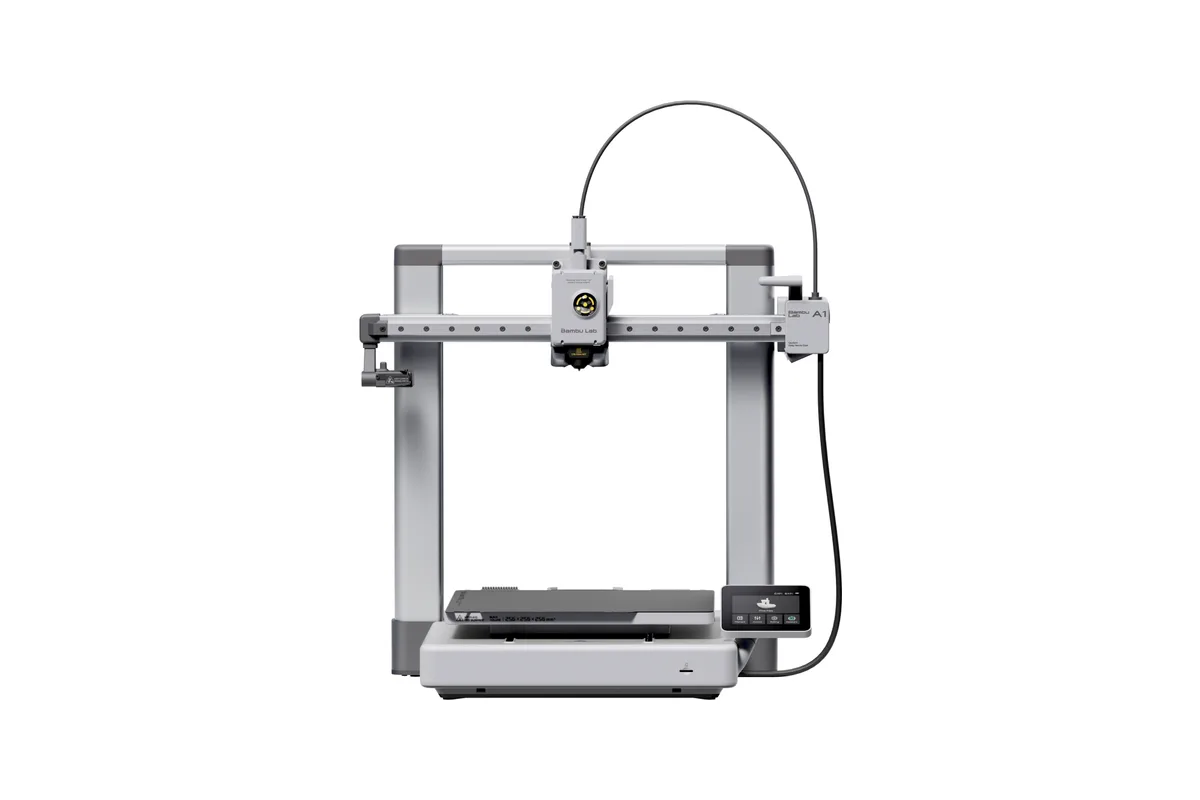
- Every printer in one program. A Bambu A1, a Prusa, a Creality and a Voron can all live in Orca, which has Klipper, PrusaLink and OctoPrint network sending.
- Finer control over surfaces. Its README lists precise wall and scarf seams, sandwich mode, polyholes, mouse-ear brims and adaptive bed mesh.
- Fast fixes. Version 2.5.3 fixed crashes on the Calibration tab and made Bambu print time estimates with arc fitting accurate again.
Download it only from www.orcaslicer.com or its GitHub page; the project warns that orca-slicer.com and orcaslicer.net are impostor sites.
How do you use OrcaSlicer with a Bambu printer?
Bambu’s wiki says starting a print, over LAN or cloud, “from other software besides Bambu Studio will require Bambu Connect”. You have three ways in:
| Method | How it works | What you give up |
|---|---|---|
| Bambu Connect | Slice in Orca, open the file in Bambu Connect, print | It’s beta (v2.6.0-beta.0); Windows and macOS only, Linux “under development”; no live camera view yet |
| Developer Mode | Printer stays on your local network with no authorization check; Orca sends prints directly | No Bambu Cloud, so no remote printing from the Bambu Handy app; Bambu doesn’t support the mode and says network security is on you |
| microSD card | Export the file from Orca and print from the card | No remote start or monitoring from Orca |
Bambu offered Developer Mode on the X1, P1, A1 and A1 mini when it launched in January 2025. Third-party slicers can also bundle Bambu’s network plugin, which handles firmware updates, live video and file downloads; Orca’s README says that plugin is built on non-free Bambu libraries and is optional. Bambu also said owners who need full third-party control could stay on older firmware, since updating is optional.
More on LAN mode, cloud and printing offline: can you use a Bambu Lab printer offline?
Does OrcaSlicer print better than Bambu Studio?
Not by default. On a Bambu printer, both start from the same base settings: 15% grid infill, 0.20 mm layers, two walls, three top and three bottom layers. Orca’s advantage is what you can do from there. If you run its flow and pressure advance tests for a new filament, you’re tuning that spool to your printer rather than relying on a generic profile. If you print Bambu filament with Bambu’s own profiles, there’s less to gain.
Which should you use?
| Your situation | Use |
|---|---|
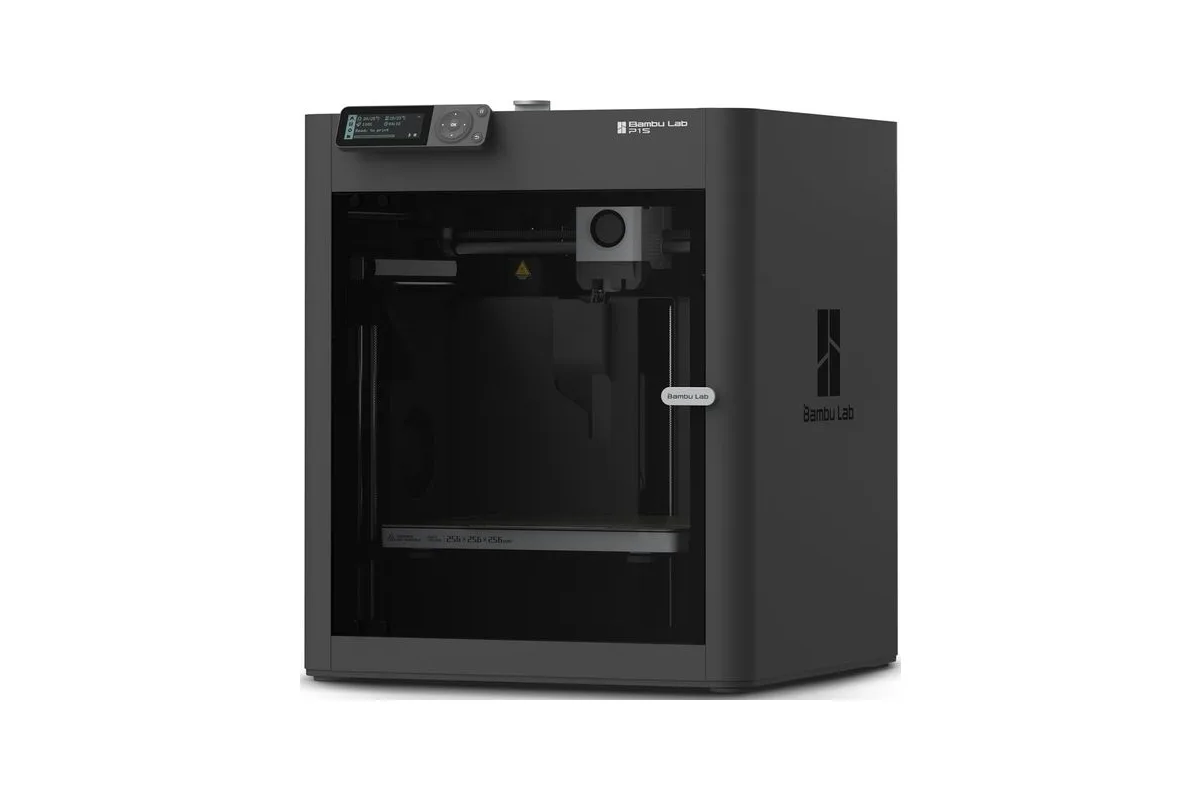
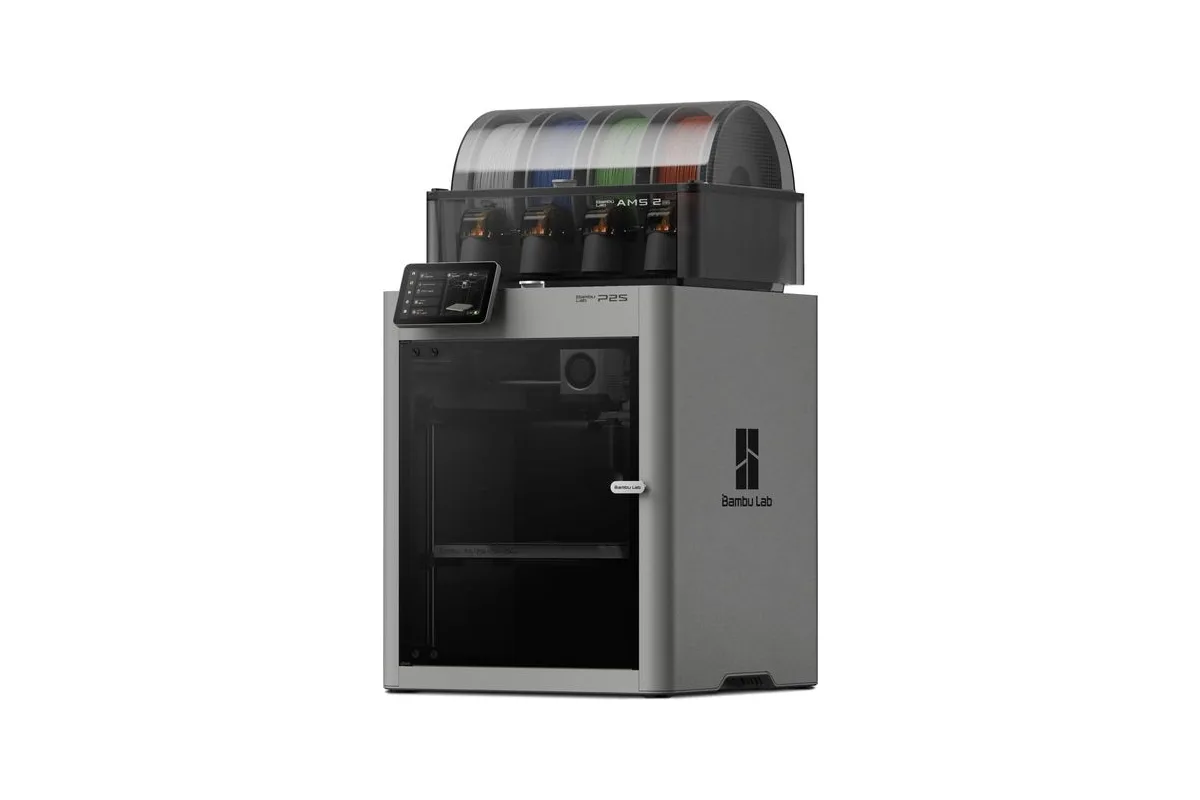
| New to 3D printing with a Bambu Lab A1, P1S or P2S | Bambu Studio |
| You print from your phone or away from home | Bambu Studio |
| Mostly Bambu filament with stock profiles | Bambu Studio |
| Third-party filament you want to calibrate | OrcaSlicer, or calibrate in Orca and keep printing from Bambu Studio |
| Bambu plus a Prusa, Creality, Voron or other printer | OrcaSlicer |
| You keep the printer local-only anyway | OrcaSlicer, sending directly in Developer Mode |
| You’re on Linux | Either; Bambu Connect has no Linux version yet, so Orca users print by card or Developer Mode |
You don’t have to pick one forever: both are free, so you can keep Bambu Studio for everyday printing and open Orca when you want to calibrate.
Questions people ask
Is OrcaSlicer free?
Yes. OrcaSlicer and Bambu Studio are both free and open source under AGPL-3.0.
Does OrcaSlicer work with the Bambu Lab A1?
Yes. Orca ships Bambu Lab printer profiles, and the A1 is one of the models Bambu offers Developer Mode on. To start prints from Orca you use Bambu Connect, Developer Mode or the microSD card.
Do I lose anything by using OrcaSlicer on a Bambu printer?
With Bambu Connect, you keep the cloud but add a step, and live view isn’t supported yet. In Developer Mode, you lose Bambu Cloud and remote printing from the app. Printing from the microSD card is never affected.
Is Bambu Studio only for Bambu printers?
No. It ships profiles for 12 brands, including Prusa, Creality, Elegoo, Anycubic, Qidi and Voron. But its network printing and AMS features are built for Bambu hardware. For most other printers, OrcaSlicer is the better choice; see the best 3D printing slicer for your printer.
Where should I download OrcaSlicer?
Only from www.orcaslicer.com or the OrcaSlicer/OrcaSlicer GitHub page. The project names orca-slicer.com and orcaslicer.net as impostor sites. If you’re tuning third-party filament for a Bambu AMS, see using third-party filament in the Bambu AMS.
Sources
- OrcaSlicer releases (GitHub), api.github.com
- OrcaSlicer README, raw.githubusercontent.com
- OrcaSlicer Bambu process defaults (fdm_process_common.json), raw.githubusercontent.com
- OrcaSlicer calibration guide, orcaslicer.com
- Bambu Studio releases (GitHub), api.github.com
- Bambu Studio README, raw.githubusercontent.com
- Bambu Studio Bambu process defaults (fdm_process_common.json), raw.githubusercontent.com
- Bambu Lab wiki: third-party integration, wiki.bambulab.com
- Bambu Lab wiki: Bambu Connect, wiki.bambulab.com
- Bambu Lab: firmware update introducing new authorization control system, blog.bambulab.com
- Bambu Lab: updates and third-party integration with Bambu Connect, blog.bambulab.com
- Bambu Lab: setting the record straight on cloud access and community, blog.bambulab.com
Keep exploring
How to
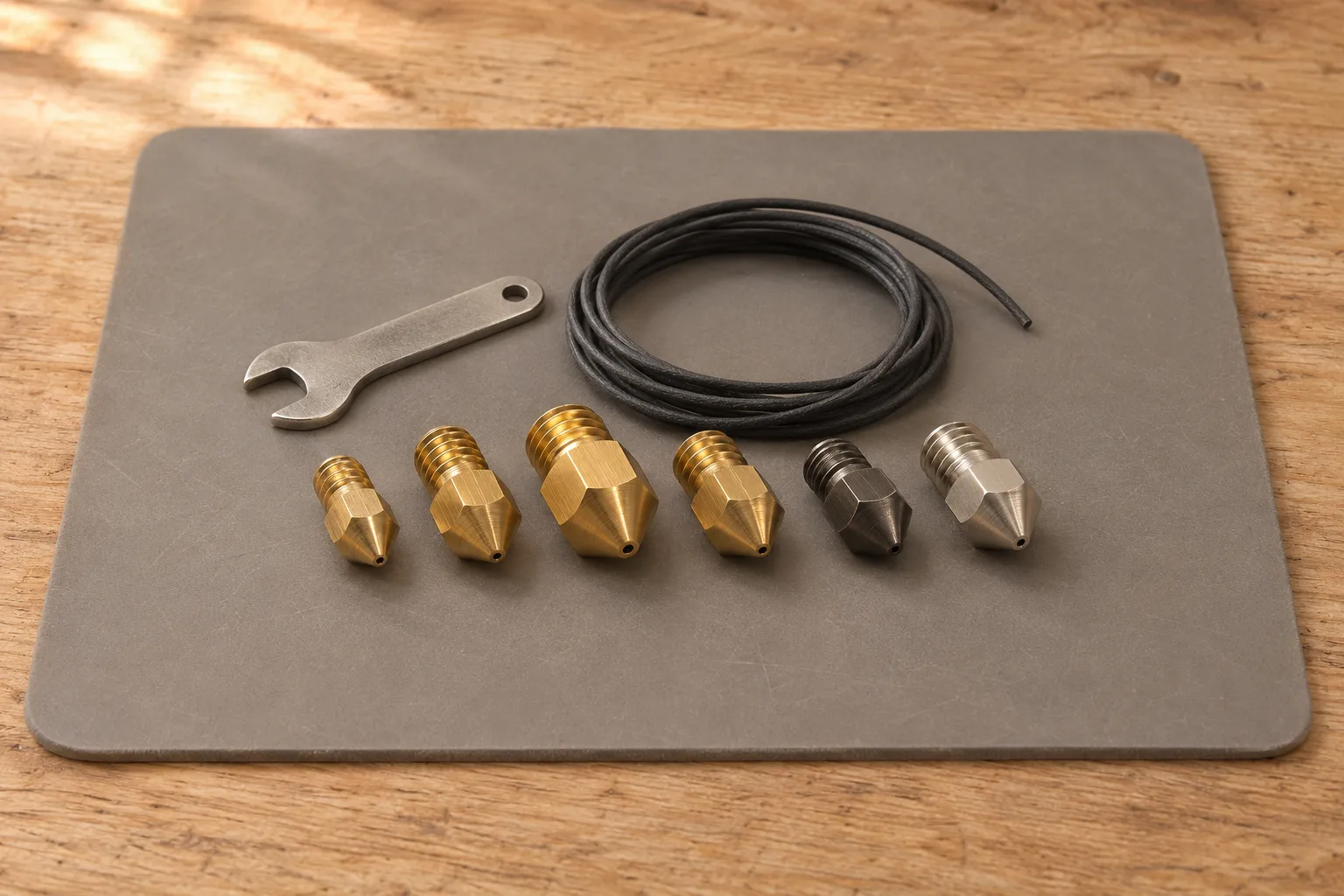
Hardened steel vs brass nozzles, and what nozzle size to use
Brass, or the stainless steel Bambu ships on the A1, is fine for PLA, PETG, ABS, ASA and TPU. Carbon fiber, glass fiber, glow-in-the-dark and sparkle filaments need hardened steel. Use a 0.4 mm nozzle for most prints, 0.6 mm for carbon fiber and big parts, and 0.2 mm for miniatures.
Read story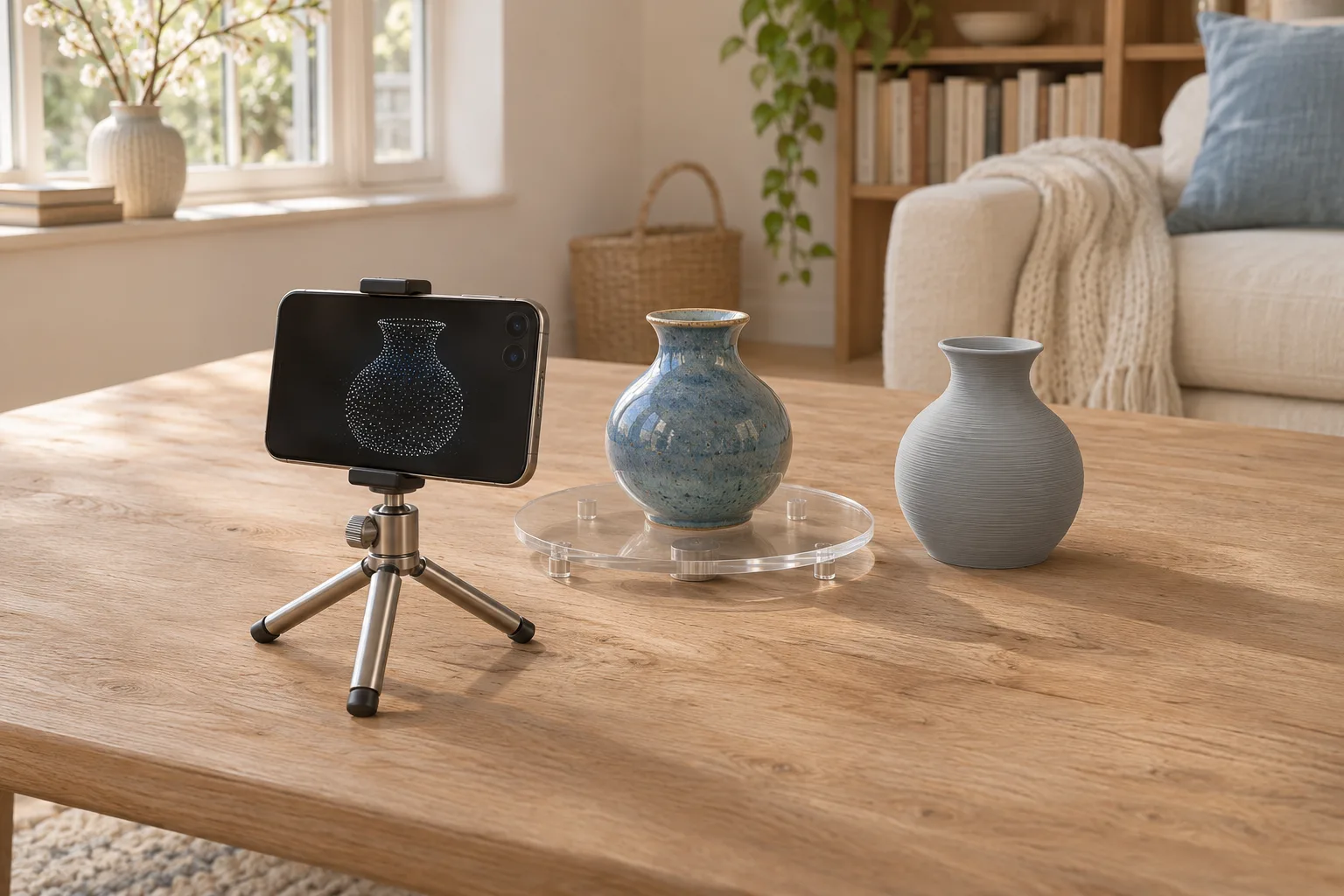
How to
Can you 3D scan with an iPhone? Yes, but not to tight tolerances
Yes. Any current iPhone can 3D scan objects from photos (photogrammetry), and KIRI Engine's free tier exports STL for printing. Only the iPhone 18 Pro and 18 Pro Max have LiDAR in Apple's current lineup. For parts that must fit, a $359 scanner is about ten times tighter.
Read story